

 DownloadControlling Mod
Get the files on 9Minecraft
Guides
Step-by-step, in-game.
Assign Keys to Mod FeaturesOpen Controls and Find Your Mod Go to Options > Controls and search for the mod feature you want to bind. Use the…Find and Resolve Keybind ConflictsOpen the Controls Menu Press Escape to open the main menu, then navigate to Options > Controls . The Controlling Mod…Organize and Search Keybinds Across Multiple ModsAccess the Enhanced Controls Screen Open Options > Controls to see the Controlling Mod's improved interface. Unlike…View Available Keys and Plan Your Keybind SetupCheck the Available Keys List In the Controls menu, the Controlling Mod displays which keys are currently unbound and…
Frequently asked questions
Where do I open the Controlling Mod menu?
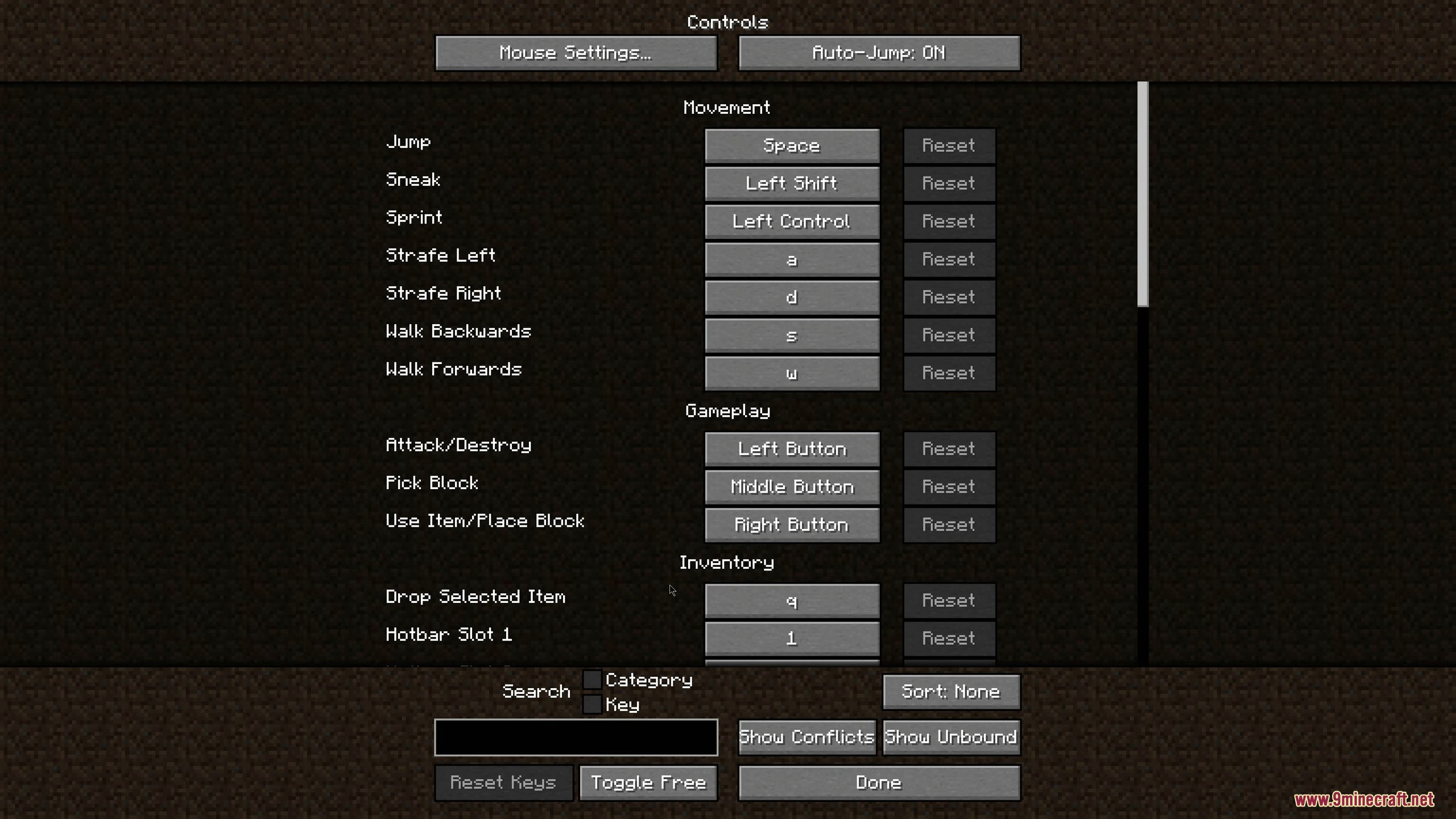
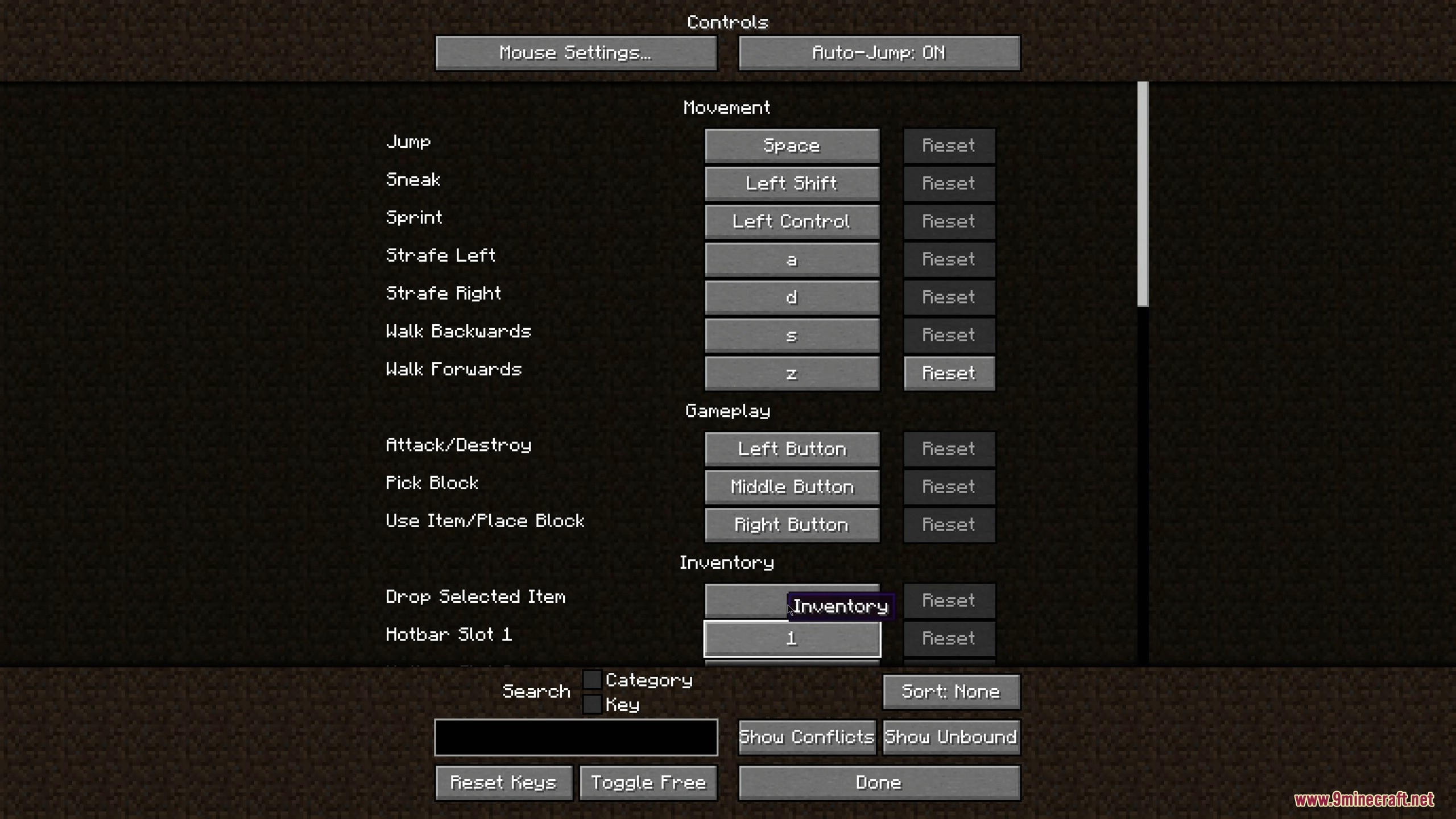
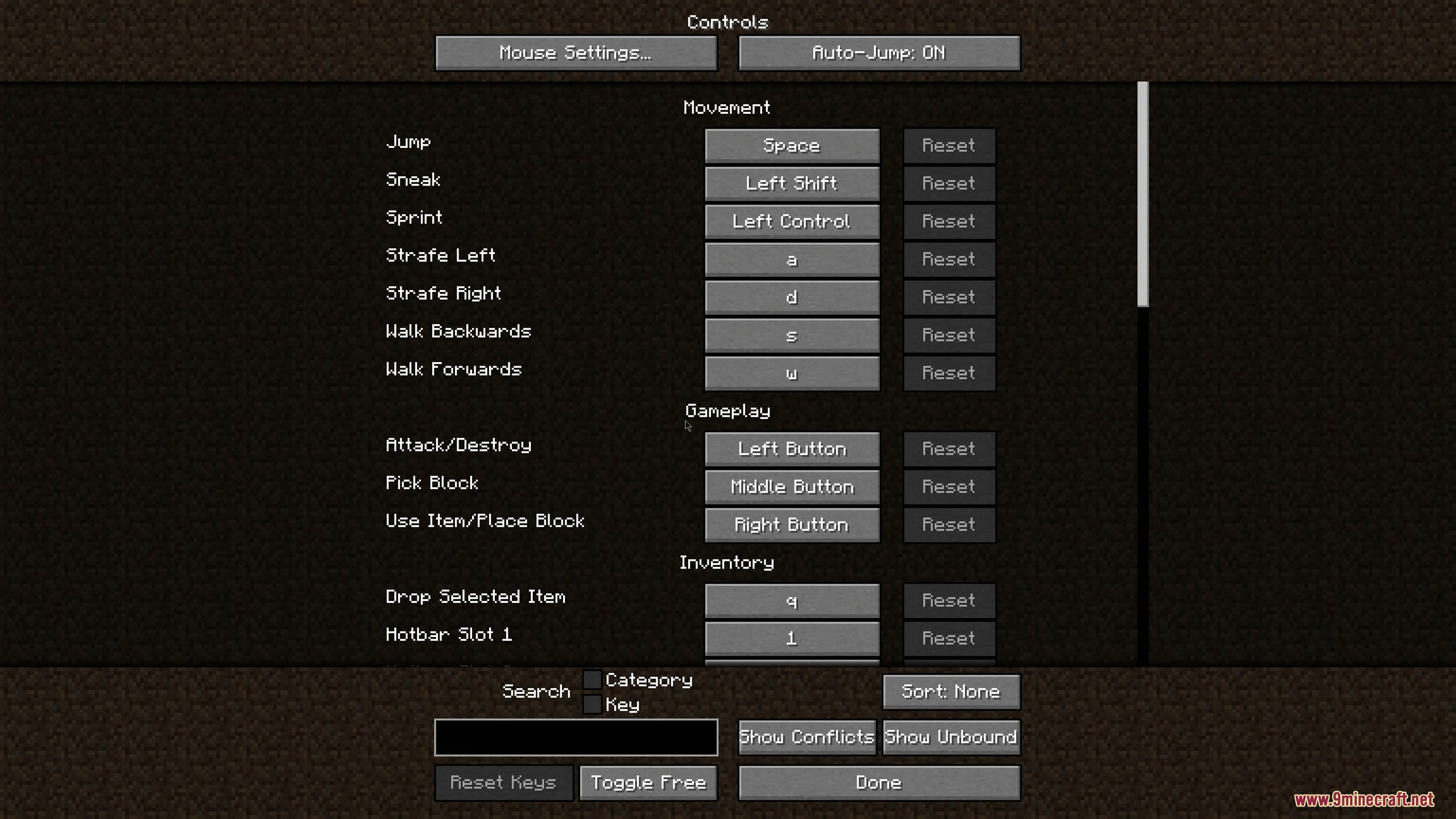
Press the key you've bound to open the controls screen (usually the same key as vanilla controls), then look for a button or tab labeled "Controlling" or similar. If you don't see it, the mod may not be loaded—check your mods folder.
How do I find keybind conflicts in Controlling Mod?
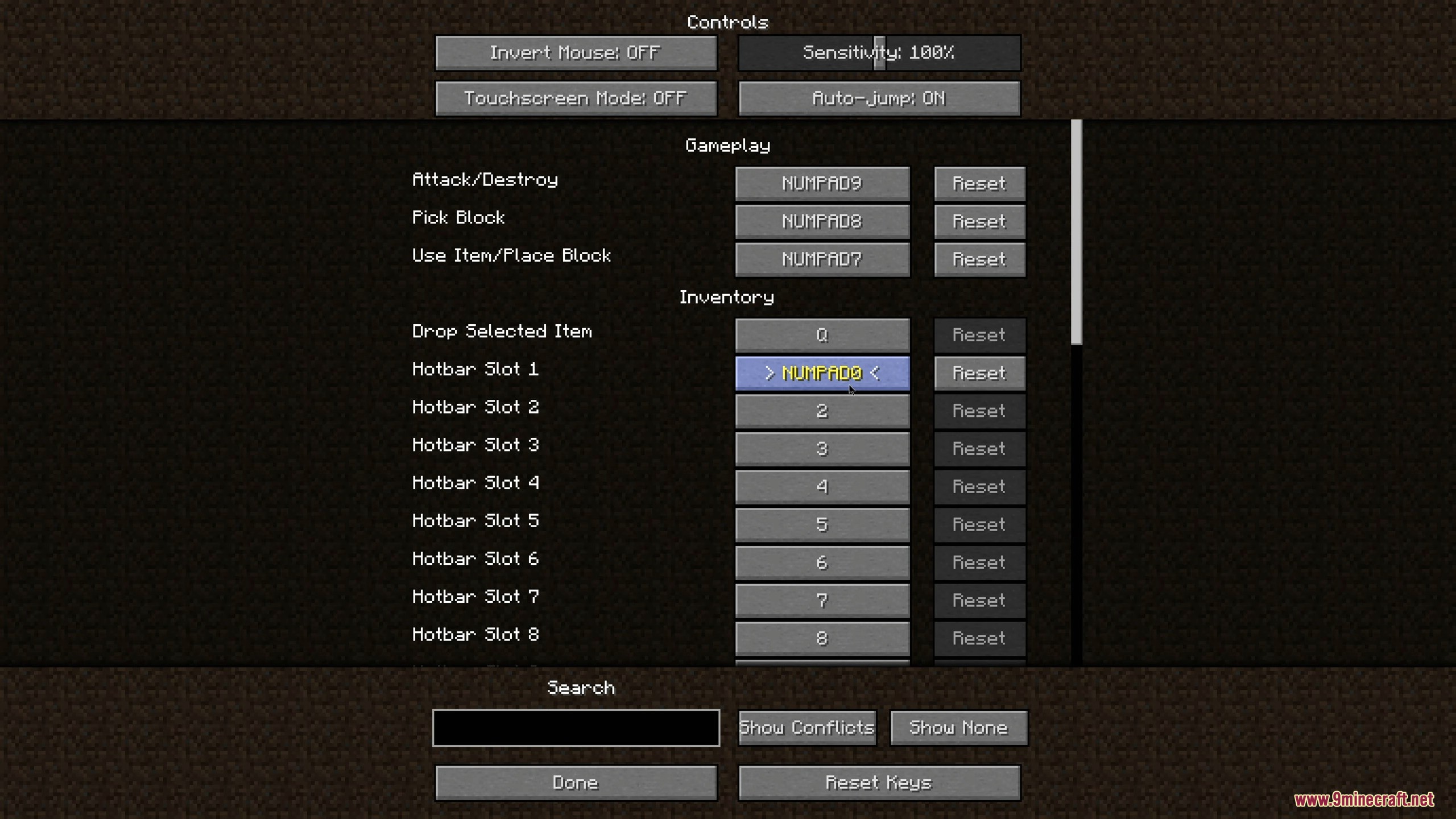
Open the Controlling menu and look for a conflicts view or filter option that highlights keys bound to multiple actions. Conflicting keybinds are usually shown in a different color or marked with a warning indicator.
Can I search for specific keybinds?
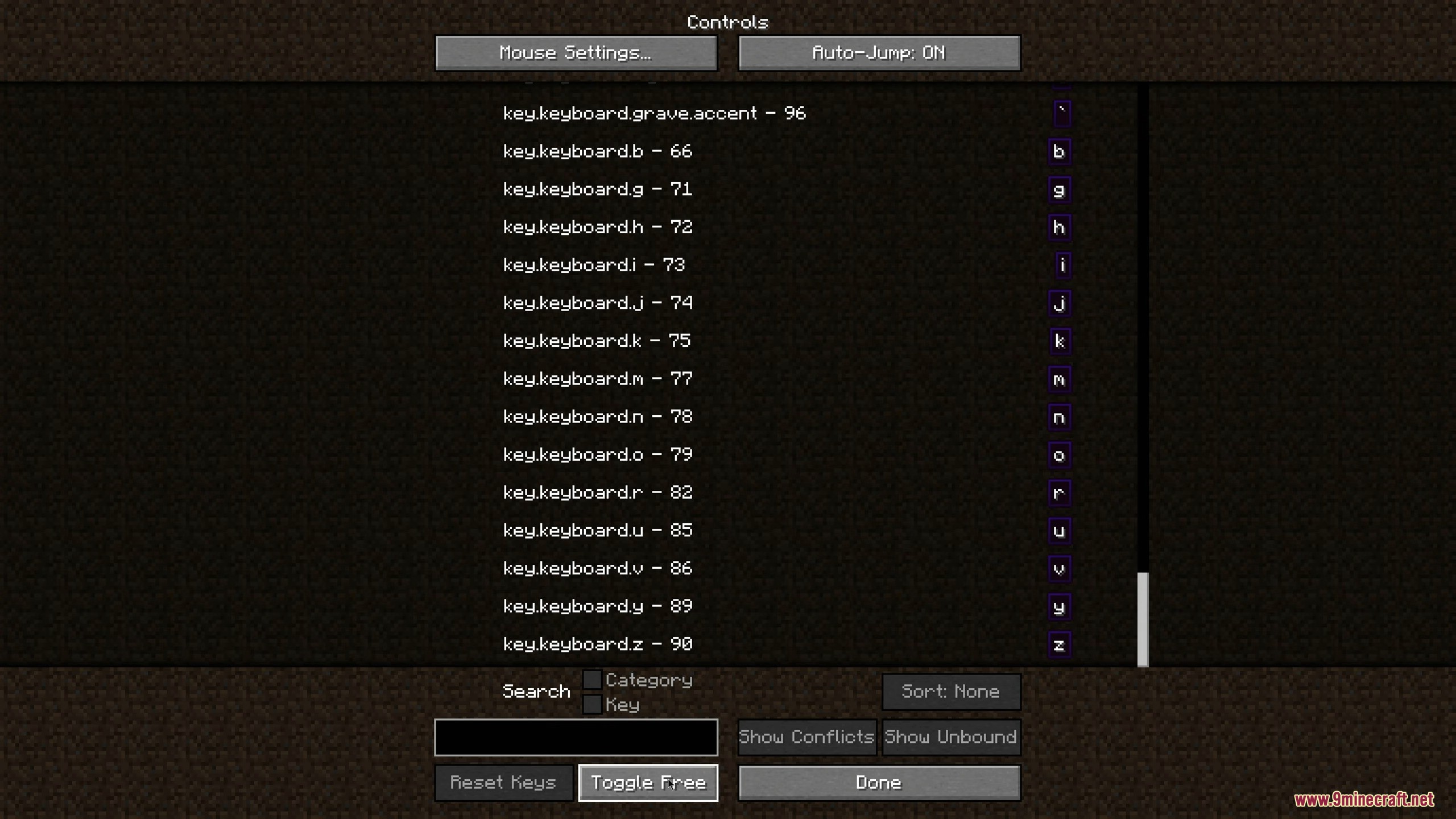
Yes, the mod includes a search function where you can type a mod name, feature name, or key to filter the keybind list and find what you're looking for quickly.
What does the available keys section show?
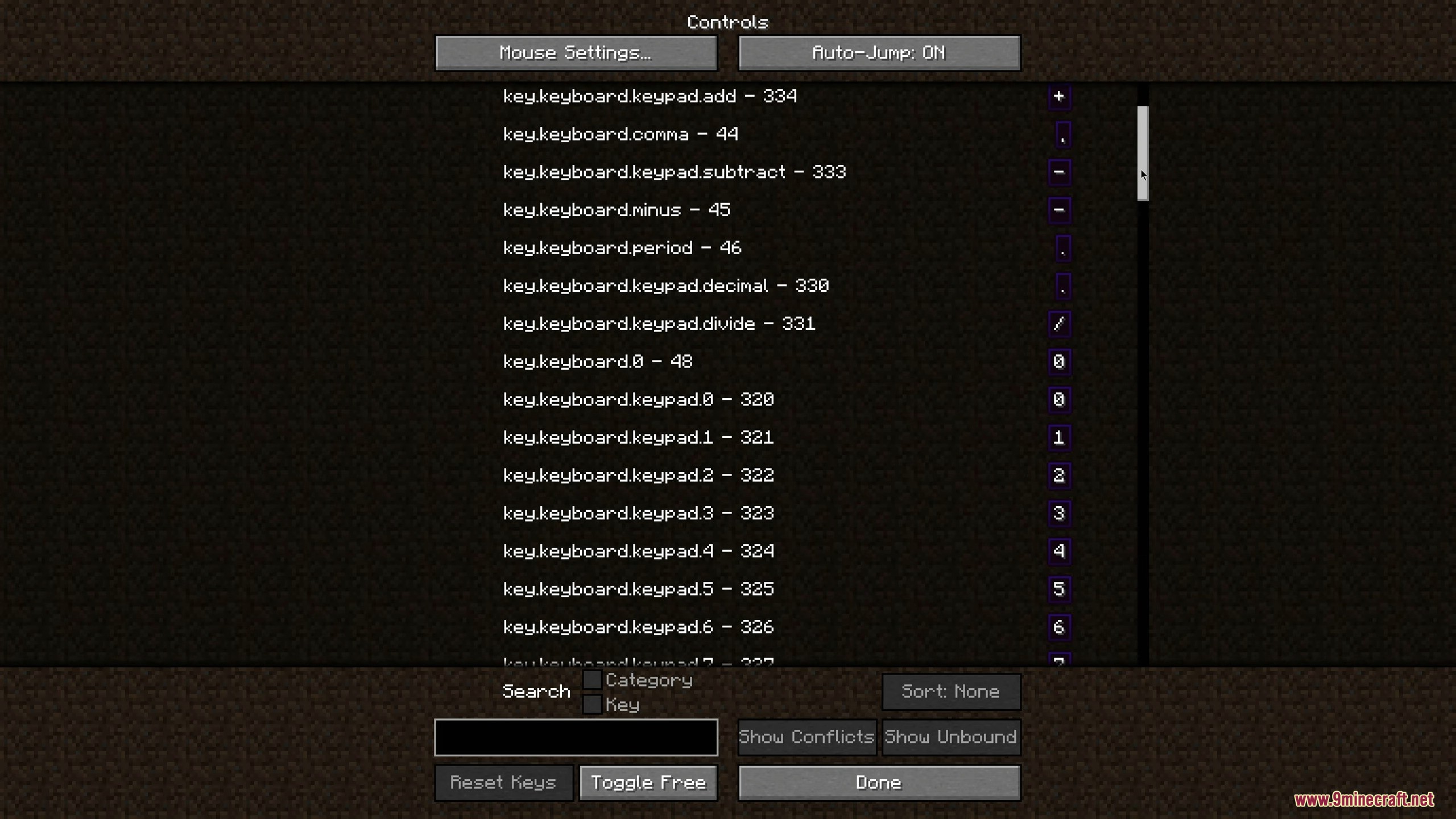
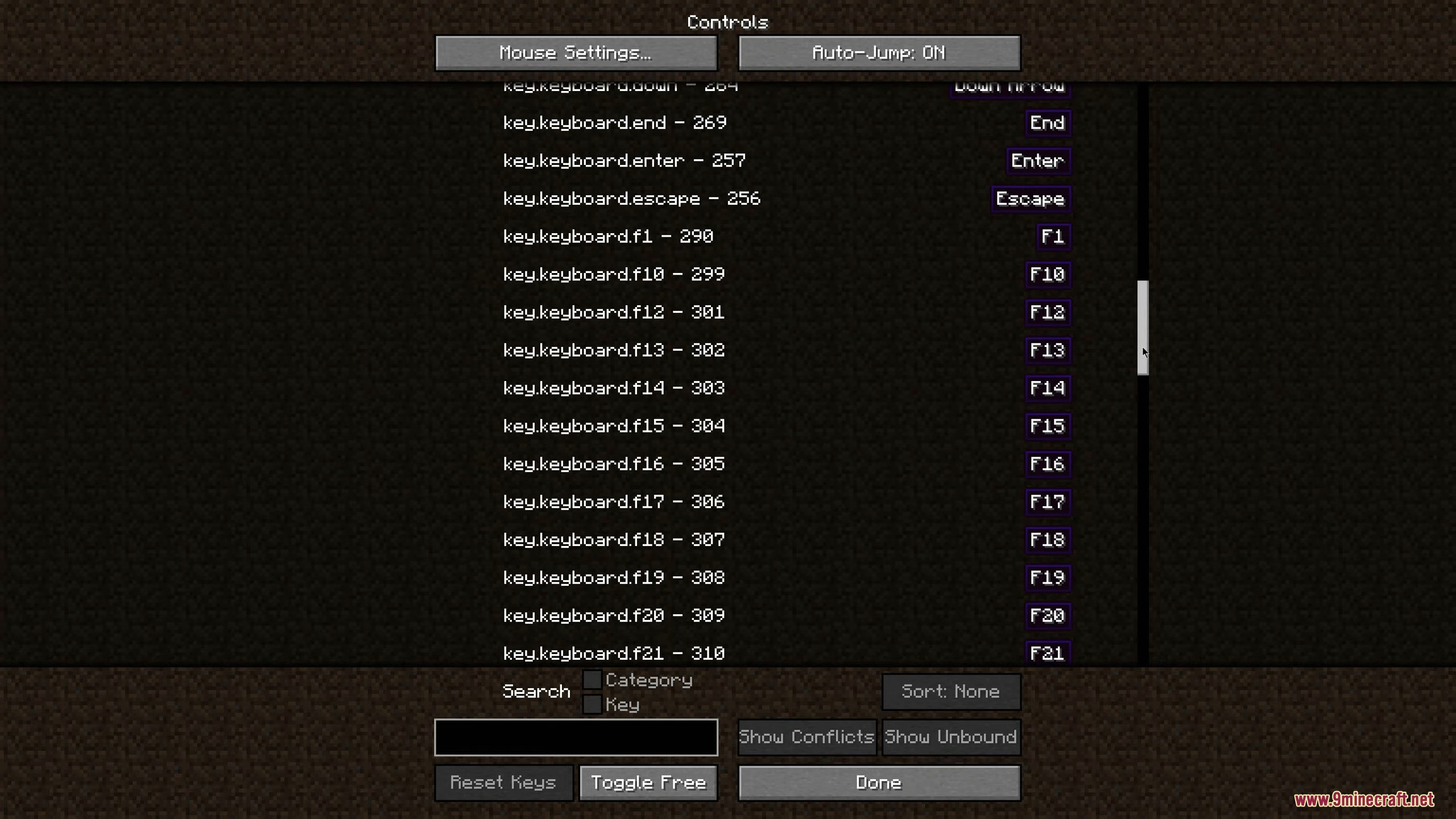
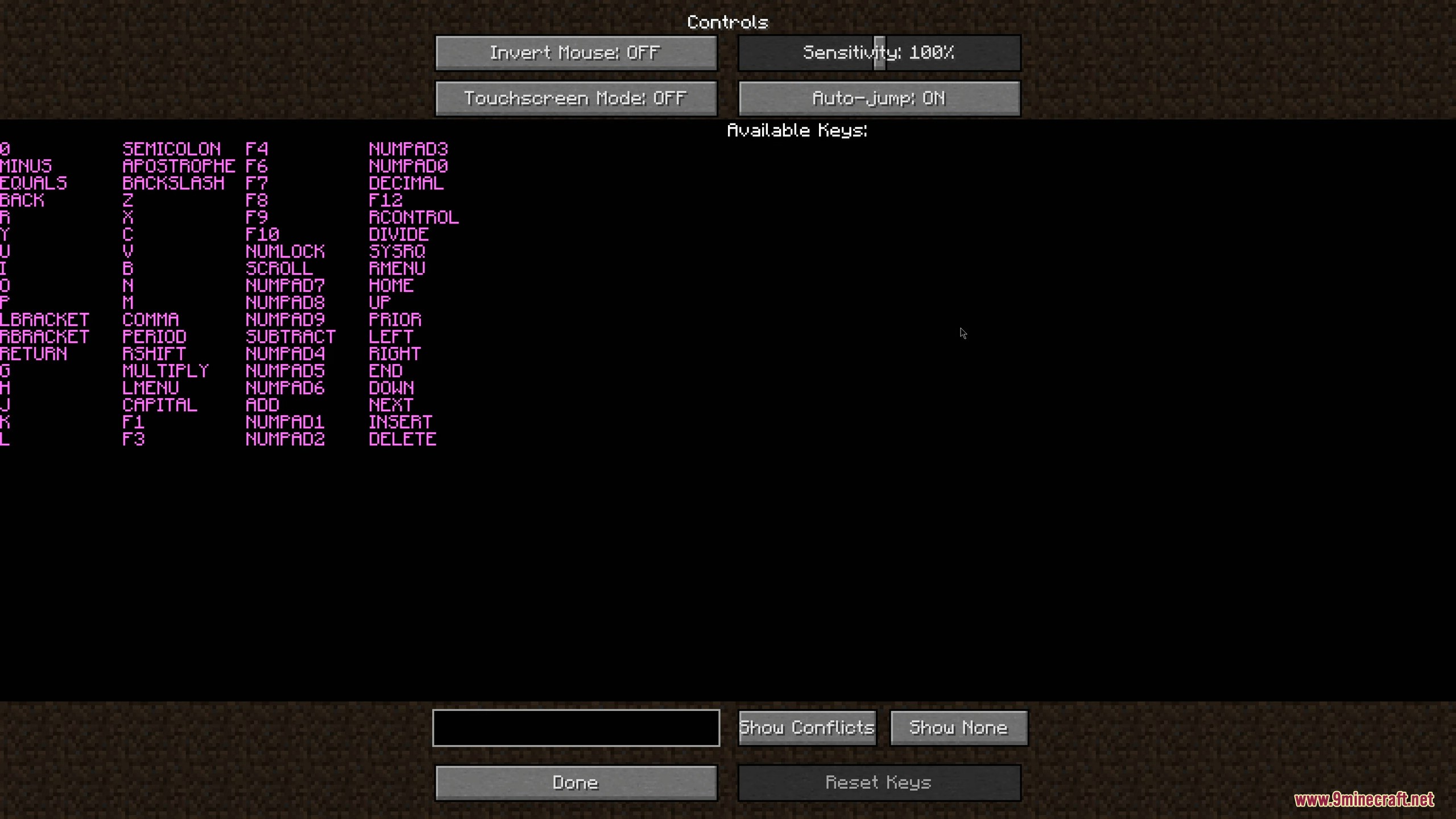
It displays all keyboard keys that are not currently bound to any action, making it easy to see which keys you can assign to new mod features without creating conflicts.
See all 10 Controlling questions ›
Gallery
9 images from the Controlling page.
You May Also Like
Wikis that share the most with this one
More mod wikis on the site
The most downloaded mods that have a wiki here
A few wikis from each of the other kinds