

 DownloadPholas Shaders
Get the files on 9Minecraft
Guides
Step-by-step, in-game.
Capture the Best Screenshots with Pholas Shaders' LightingTime Your Screenshots for Peak Lighting Pholas Shaders' godrays and shadows shift with the sun and moon cycle. For…Optimize Pholas Shaders Performance on Mid-Range HardwareAdjust Shader Settings Pholas Shaders is demanding, but you can reduce the load without losing the core visual…Reduce Eye Strain When Playing Long Sessions with Pholas ShadersAdjust Brightness and Contrast Pholas Shaders is designed to be visually bright with strong godrays and reflections.…Troubleshoot Water Reflections Not Appearing in Pholas ShadersVerify Shader Settings Are Enabled Open your shader options menu and confirm that water reflections or screen-space…
Frequently asked questions
How do I turn on Pholas Shaders after installing it?
Open your Video Settings in-game, go to Shaders, and select Pholas Shaders from the list. Apply the changes and the shader will load on your next world or when you rejoin.
Why are my frames so low with Pholas Shaders?
Pholas is a heavy shader that requires strong hardware. Check the performance optimization guide for your hardware tier, and consider lowering shadow distance or disabling godrays in the shader options to improve FPS.
Can I use Pholas Shaders with mods that add new blocks?
Yes, Pholas works with most block-adding mods, but custom blocks may not receive the same shadow and reflection detail as vanilla blocks. Compatibility depends on how the mod defines its block textures.
Water reflections look broken or aren't showing up—what do I do?
Check the shader options menu for water reflection settings and ensure they're enabled. If reflections are still missing, try disabling and re-enabling the shader, or check the water reflection troubleshooting guide for your specific issue.
See all 10 Pholas Shaders questions ›
Gallery
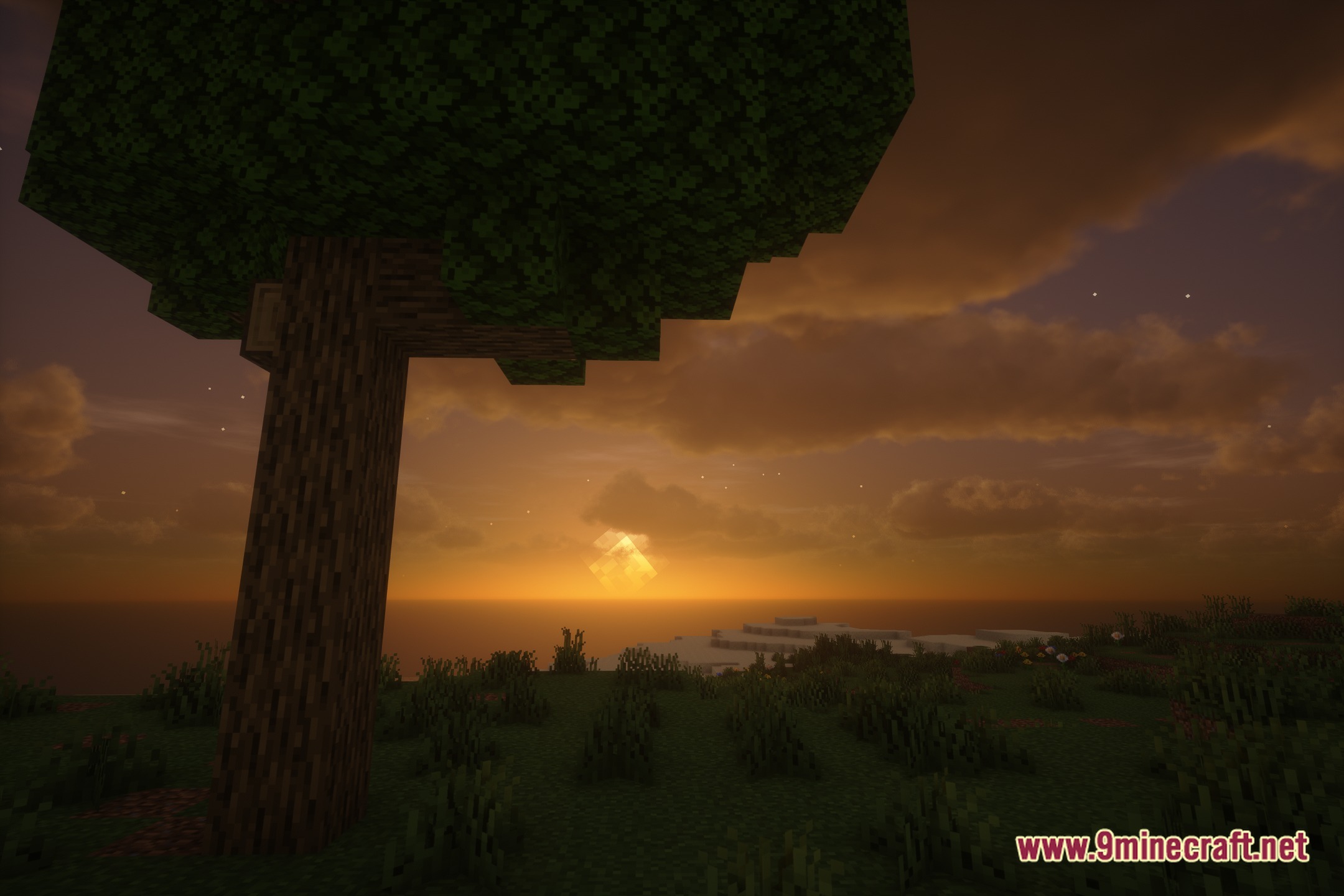
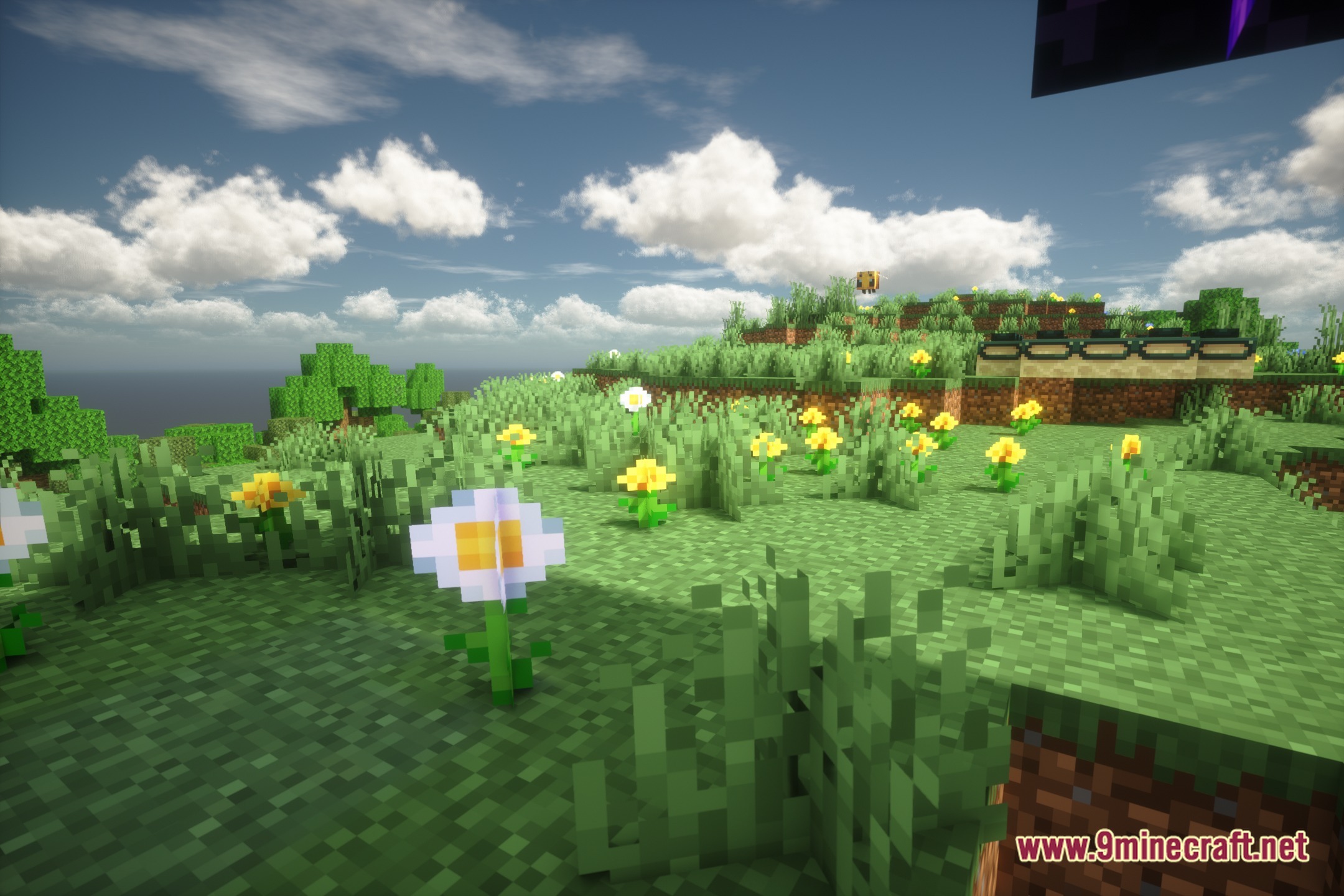
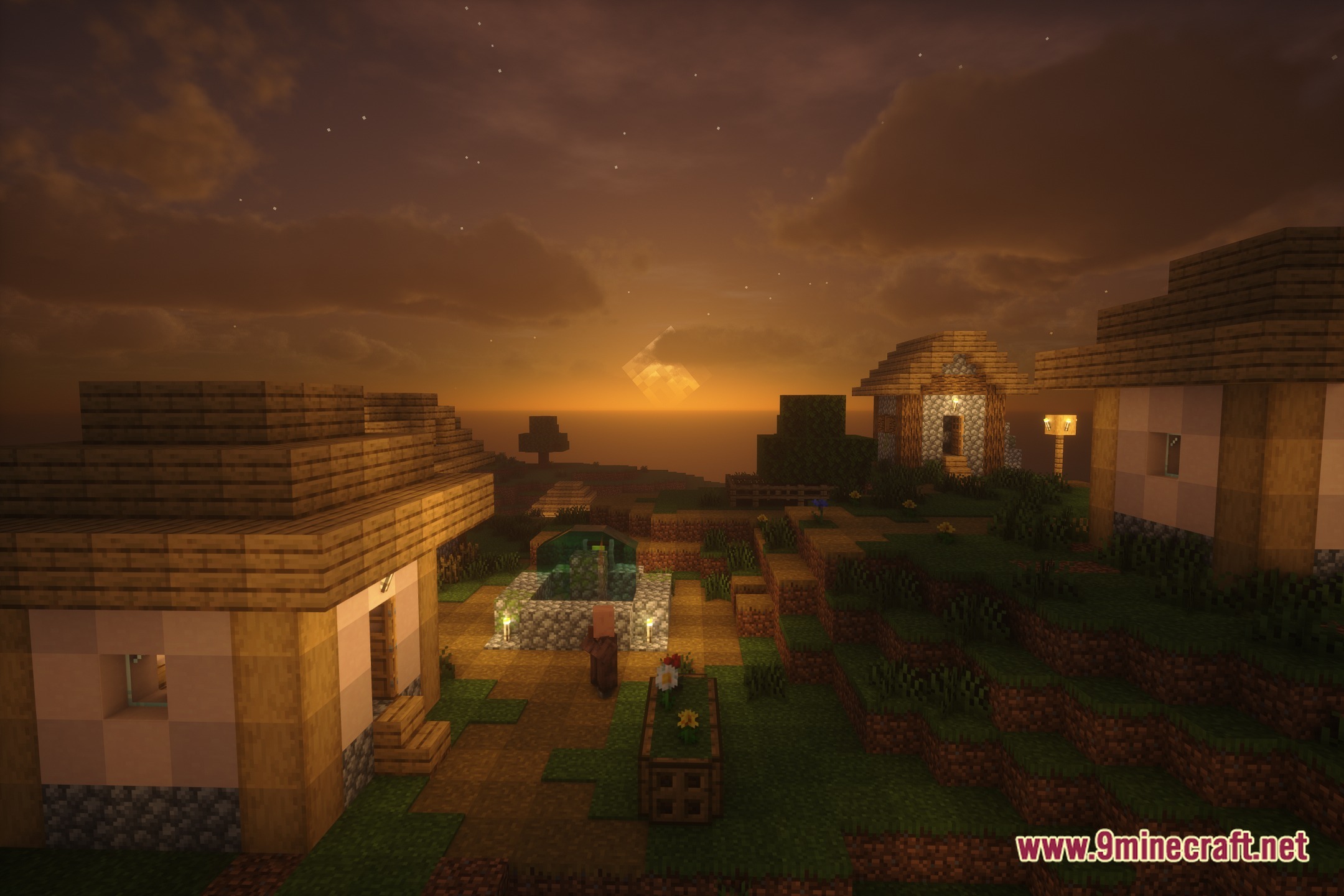
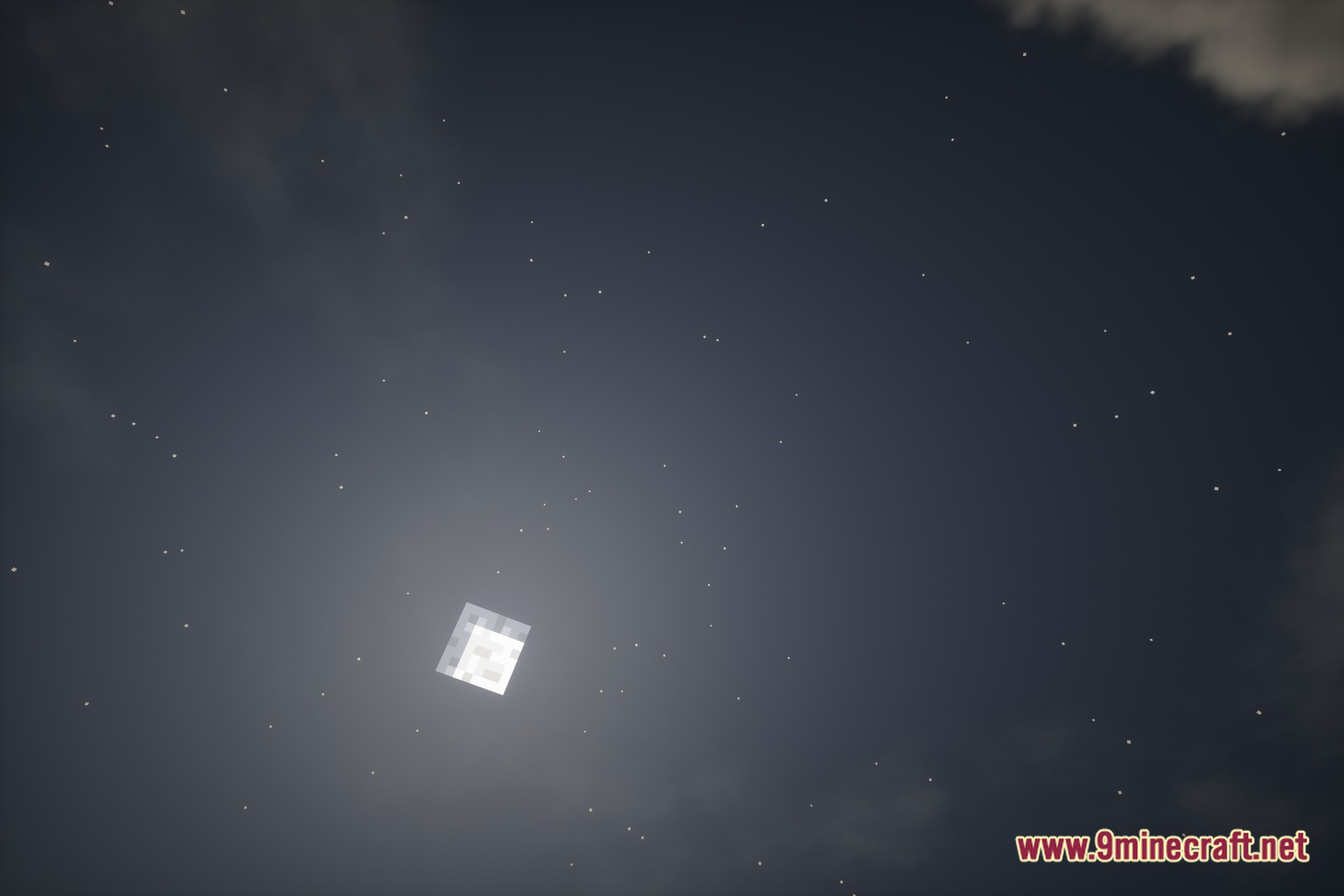
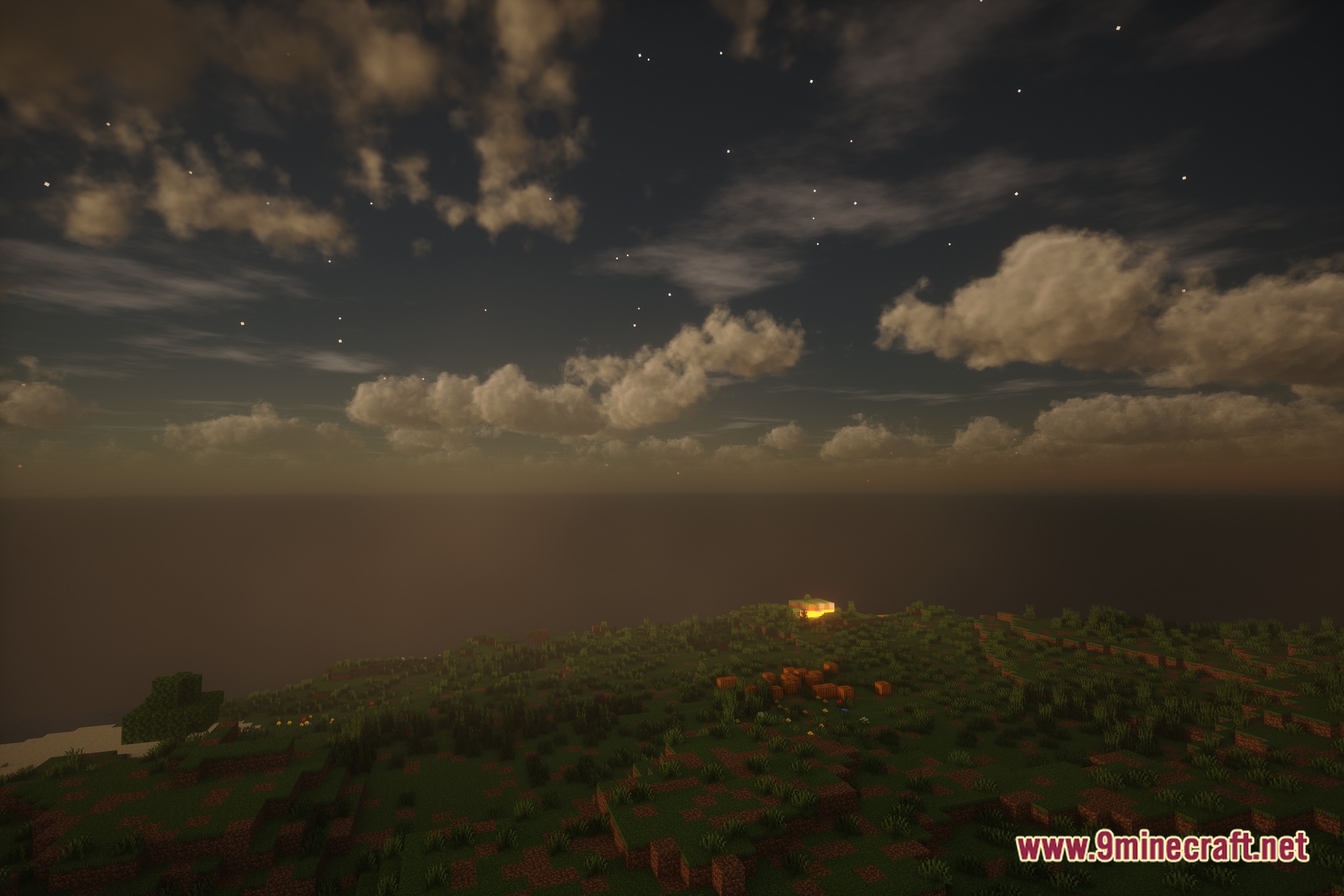
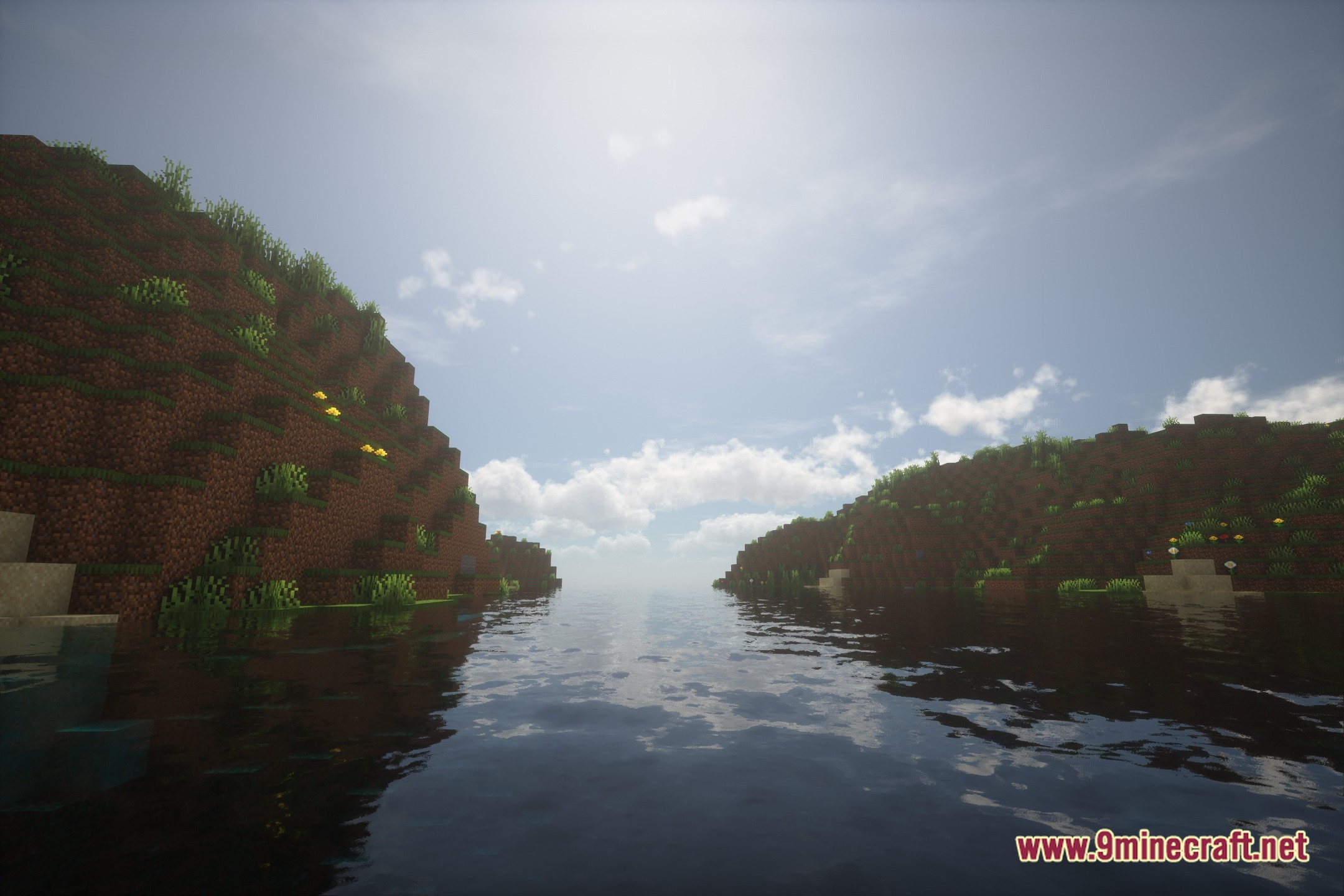
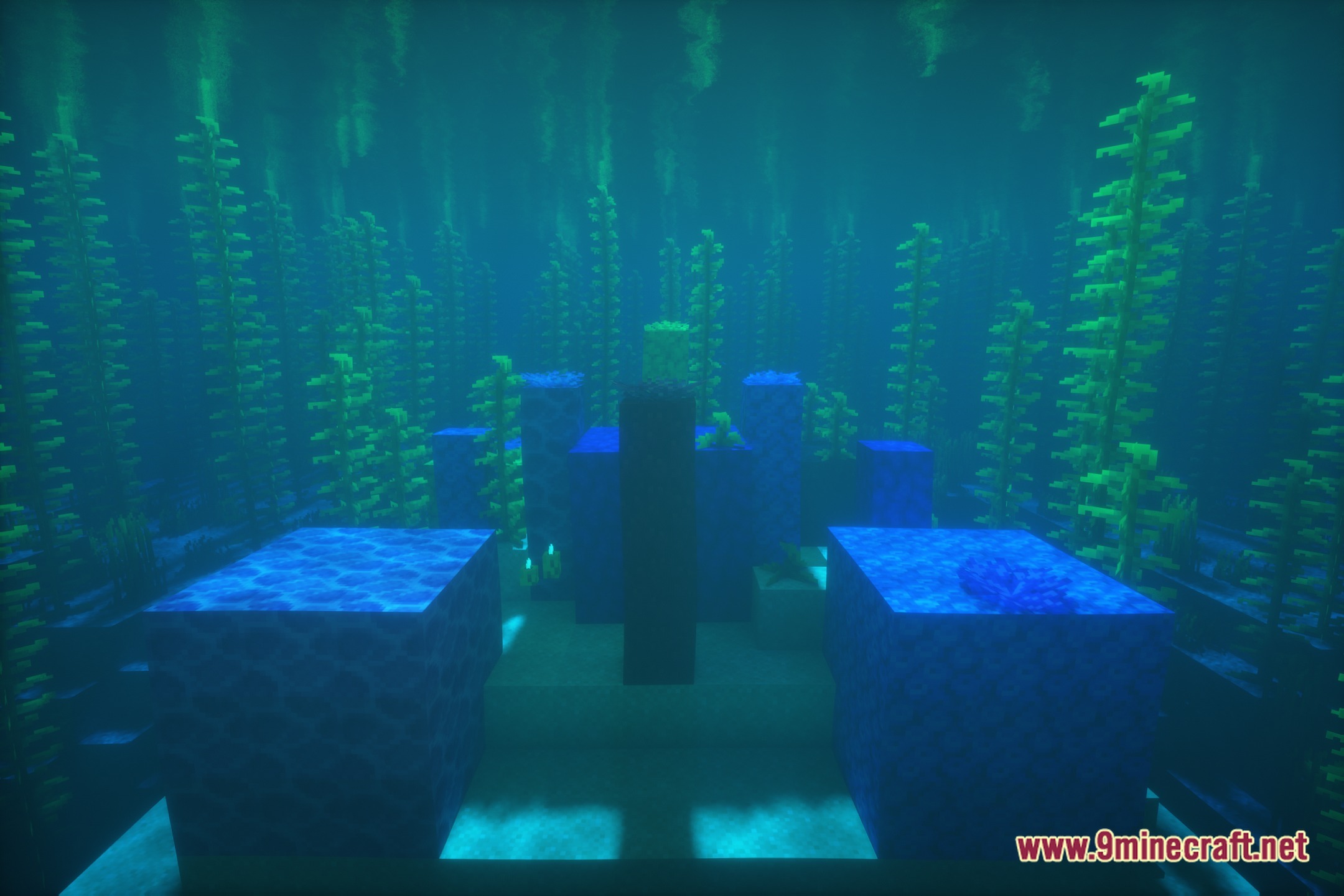
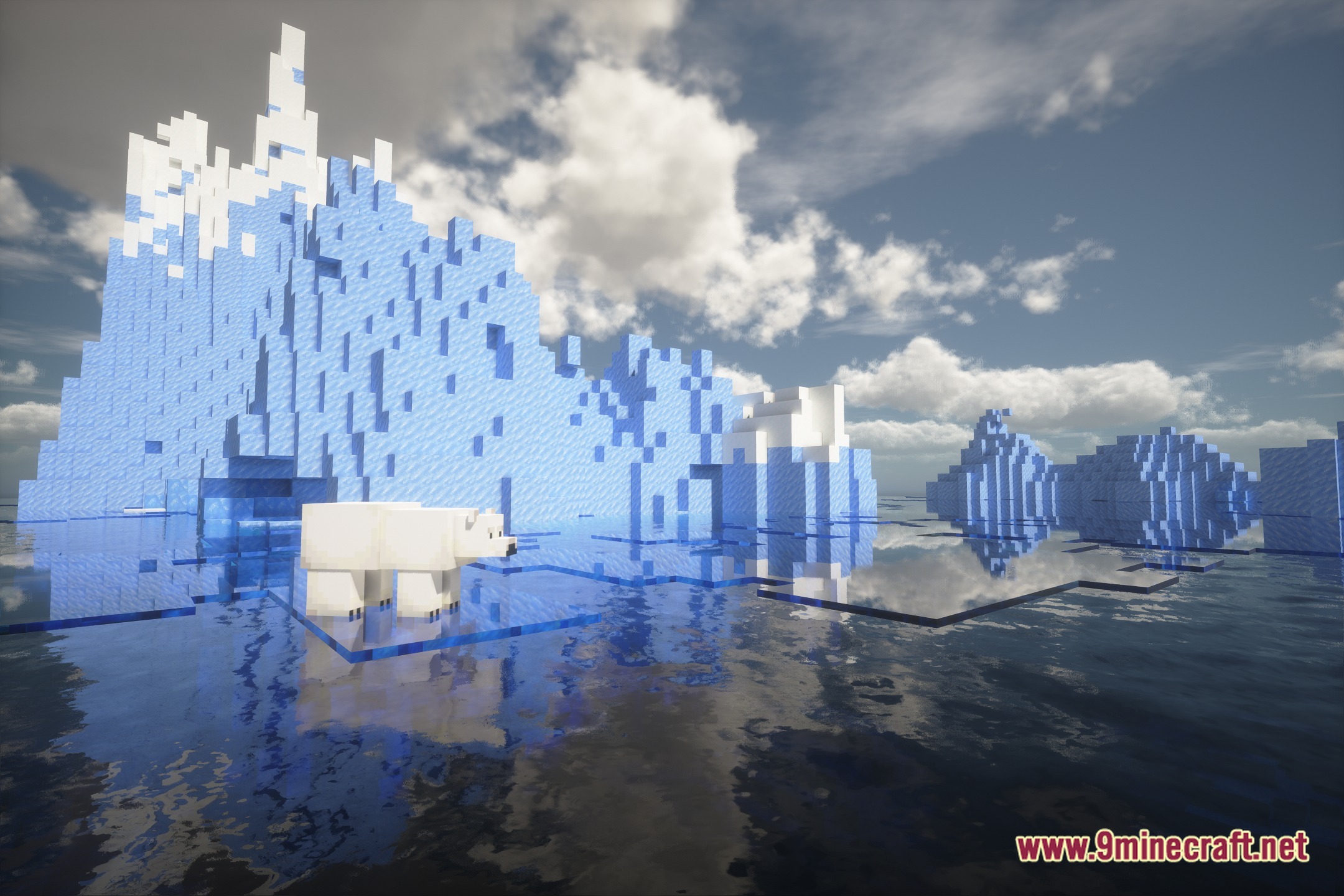
12 images from the Pholas Shaders page.
You May Also Like
Wikis that share the most with this one
Wikis on the same theme: iron
 Cealith Shaders
More shader wikis on the site
The most downloaded mods that have a wiki here