

 DownloadAmberVeil Shaders
Get the files on 9Minecraft
Guides
Step-by-step, in-game.
Adjust Shader Performance for Your SystemAccessing Performance Presets AmberVeil offers multiple quality tiers to balance visual fidelity with frame rate.…Create Dramatic Lighting with Soft ShadowsUsing Natural Shadow Casting AmberVeil renders soft, diffused shadows beneath trees, cliffs, and player-built…Enhance Water Visuals and ReflectionsViewing Custom Water Reflections AmberVeil includes hand-tuned water reflections designed for clarity and visual…Maximize Colored Light Effects Through GlassSetting Up Colored Light Blocks AmberVeil's signature feature is colored light bleeding through stained glass. To see…
Frequently asked questions
How do I enable AmberVeil Shaders after installing it?
Launch Minecraft with Iris installed, go to Options > Video Settings > Shaders, and select AmberVeil Shaders from the shader pack list. The shader will apply immediately to your world.
Why doesn't colored light show through my glass blocks?
Make sure you're using tinted glass or stained glass blocks—regular glass won't produce the colored light bleed effect. The light source must be on one side of the glass and the observer on the other for the effect to be visible.
My FPS dropped a lot after installing this shader. What can I do?
Open the shader options menu (usually by pressing a hotkey in-game or through Video Settings) and switch to a lower quality preset. You can also disable specific features like bloom or reduce shadow quality to improve performance.
Can I use AmberVeil Shaders with other mods?
Yes, AmberVeil works with most mods, but mods that heavily modify lighting or add custom blocks may have visual conflicts. Test your mod combination in a small world first to check for issues.
See all 10 AmberVeil Shaders questions ›
Gallery
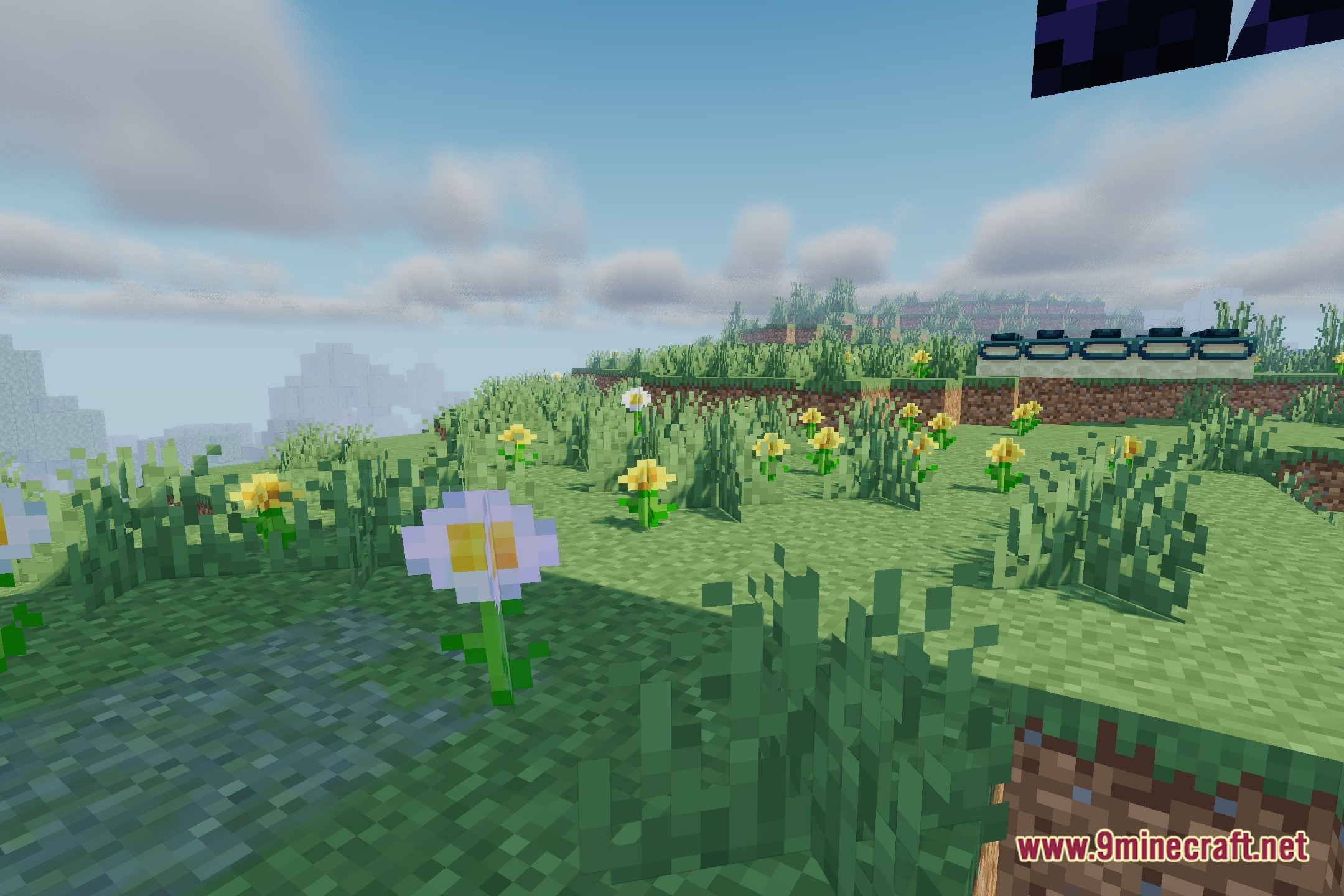
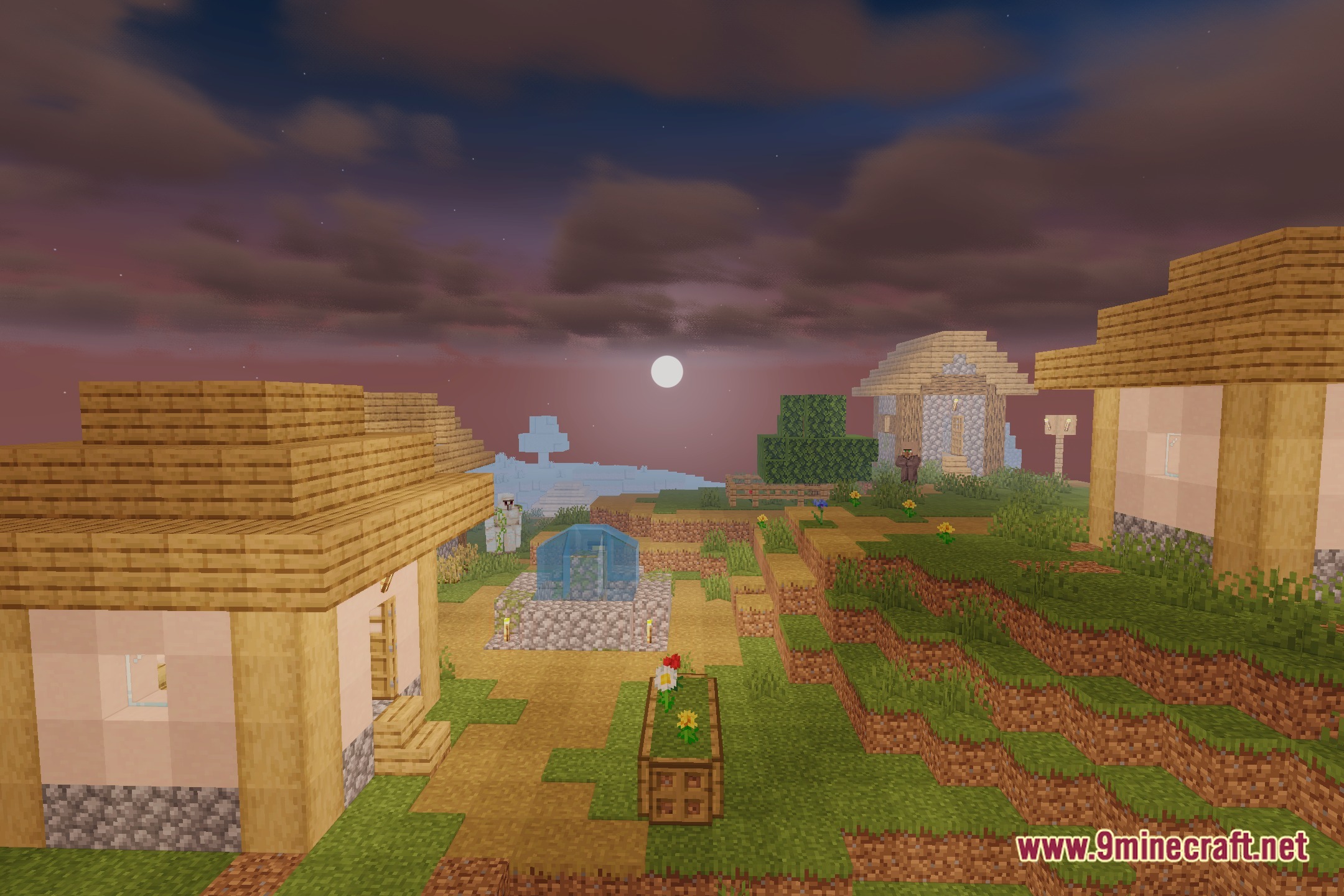
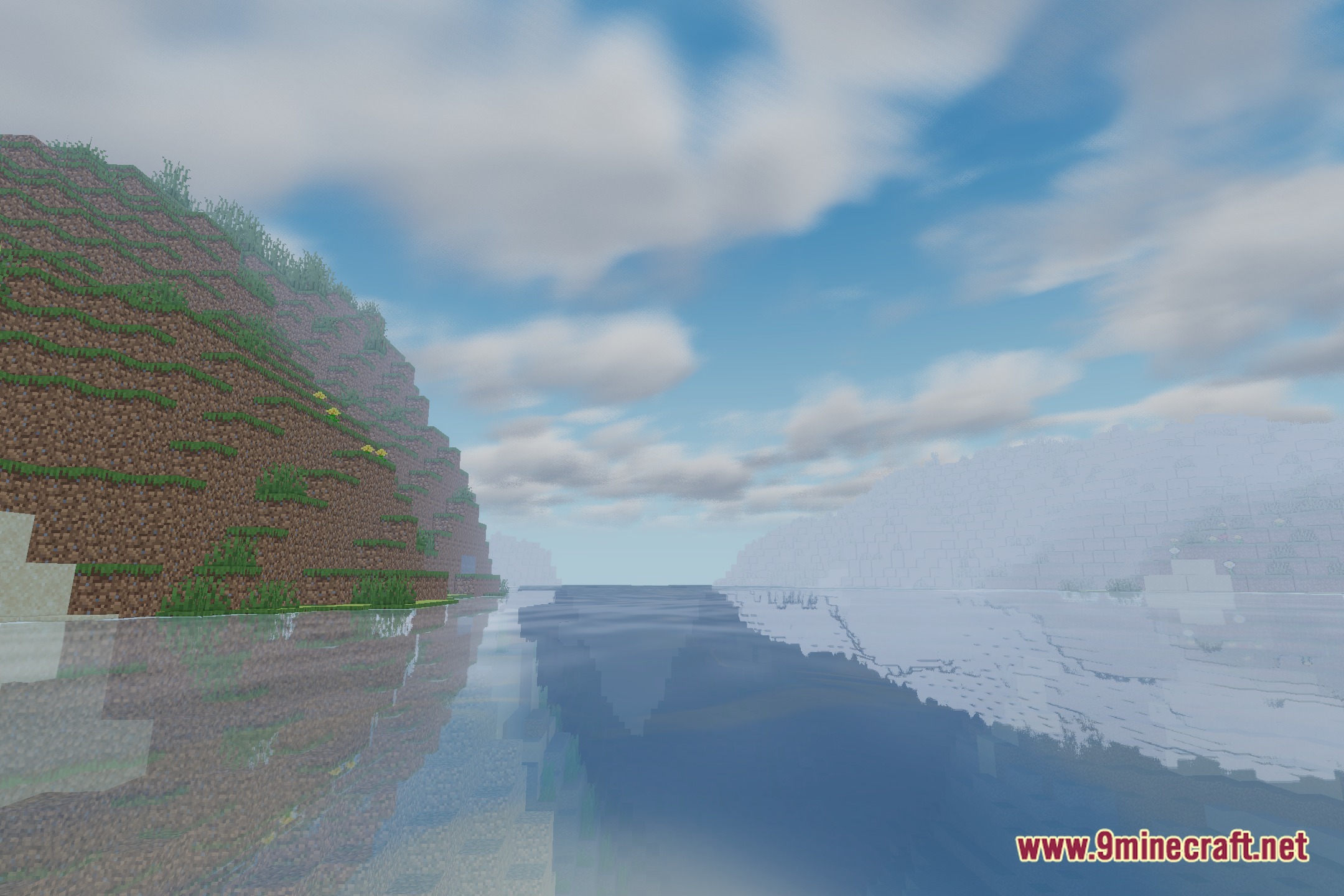
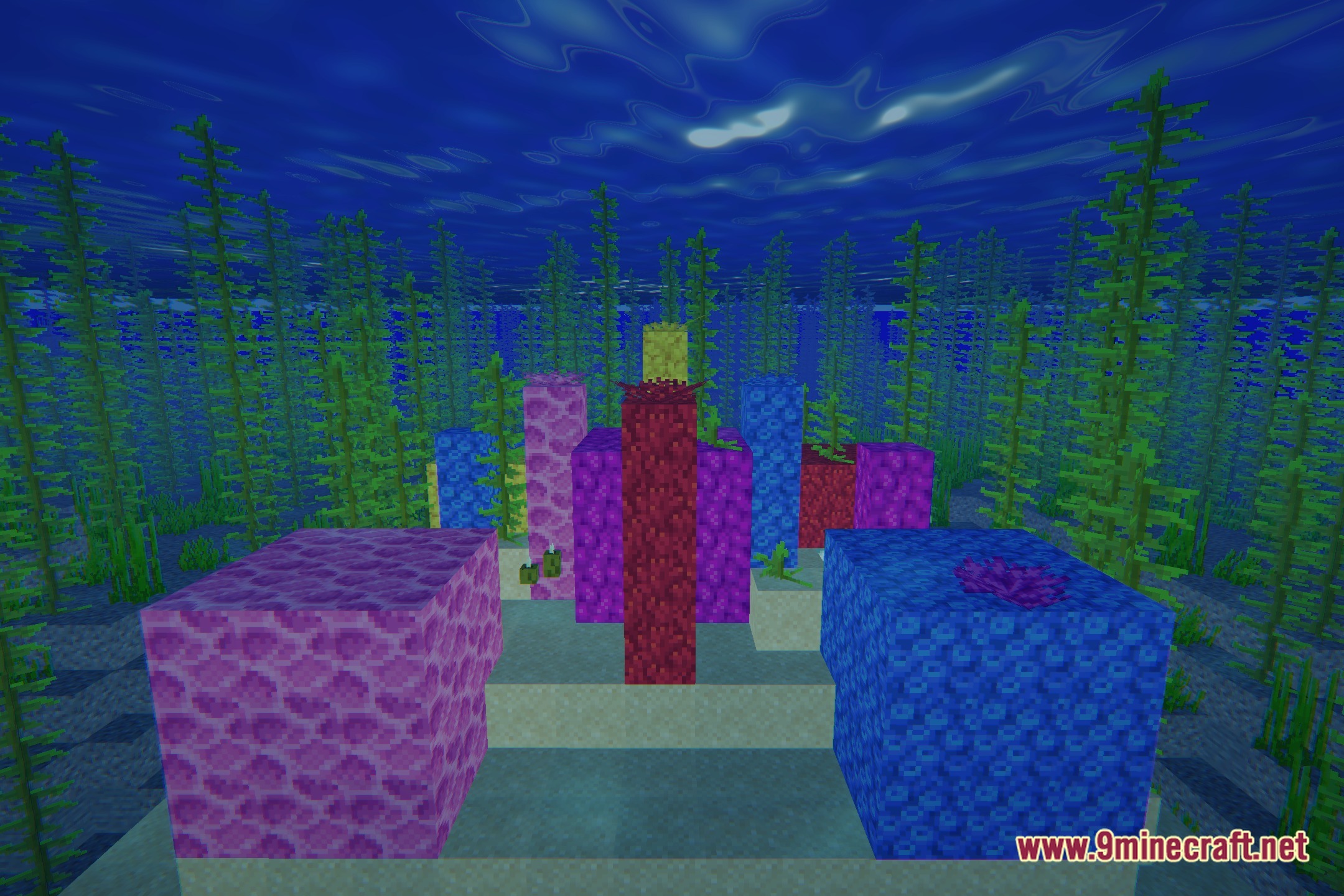
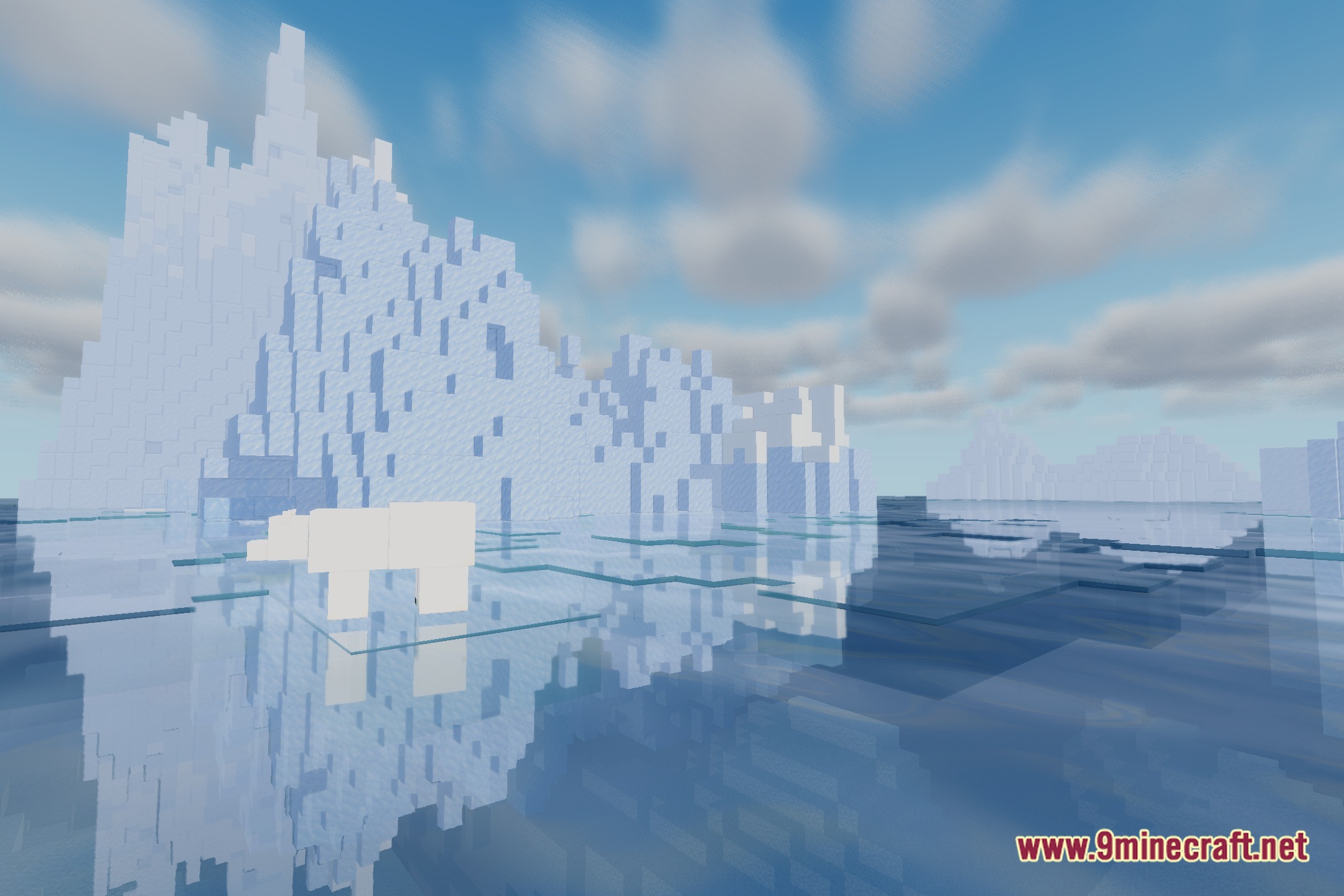
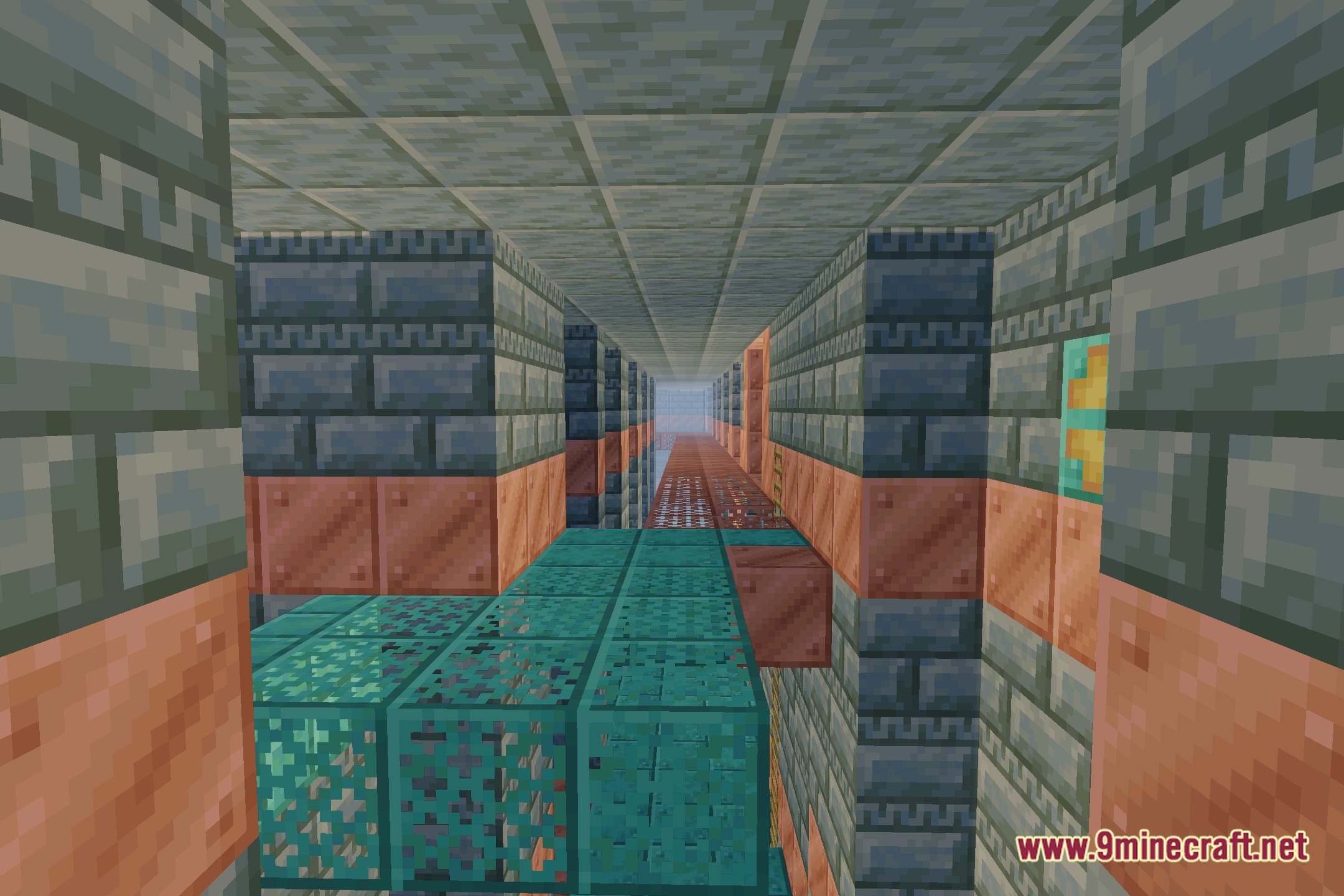
12 images from the Amberveil Shaders page.

You May Also Like
Wikis that share the most with this one
 AetherVisuals Shaders
More shader wikis on the site
The most downloaded mods that have a wiki here