

 DownloadAlphaLook Shaders
Get the files on 9Minecraft
Guides
Step-by-step, in-game.
Activate Hand Sway AnimationFinding the Hand Sway Option AlphaLook Shaders includes an optional hand sway feature that adds subtle movement to…Enable Light Rays in Your WorldAccessing Shader Settings Light rays are one of AlphaLook Shaders' signature features, creating atmospheric beams of…Enhance Glow Effects on Light SourcesEnabling Bright Glow Effects AlphaLook Shaders amplifies the visual impact of light-emitting blocks and sources. To…Switch to Alpha-Style GraphicsApplying the Alpha Visual Mode AlphaLook Shaders lets you transform your game's appearance to resemble early…
Frequently asked questions
How do I turn on light rays?
Open the shader settings menu (usually accessed through your video settings), find the Light Rays option, and toggle it on. Light rays will then appear streaming from bright light sources like the sun and torches.
Where do I find the hand sway setting?
Go to your shader configuration menu and look for the Hand Sway or Animation section. Enable it to see your hand bob and sway naturally when you move.
How do I switch to Alpha graphics mode?
In the shader settings, locate the Style or Graphics Mode option and select the Alpha version setting. This will change the overall look of blocks and lighting to match early Minecraft Alpha.
Can I make the glow effects brighter?
Yes, most shader packs include a Glow Intensity or Bloom slider in the settings menu where you can increase or decrease how bright light sources and glowing blocks appear.
See all 10 AlphaLook Shaders questions ›
Gallery
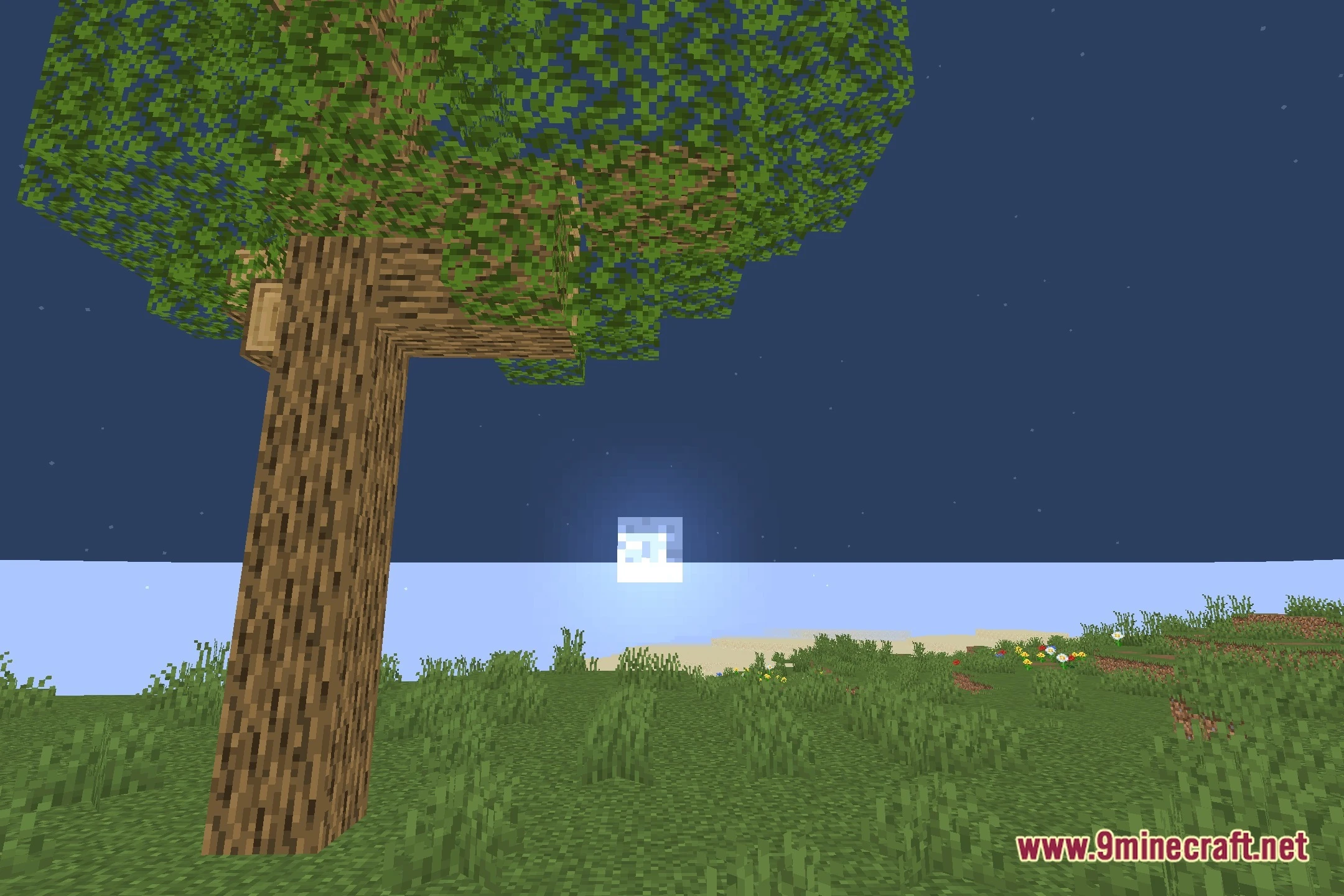
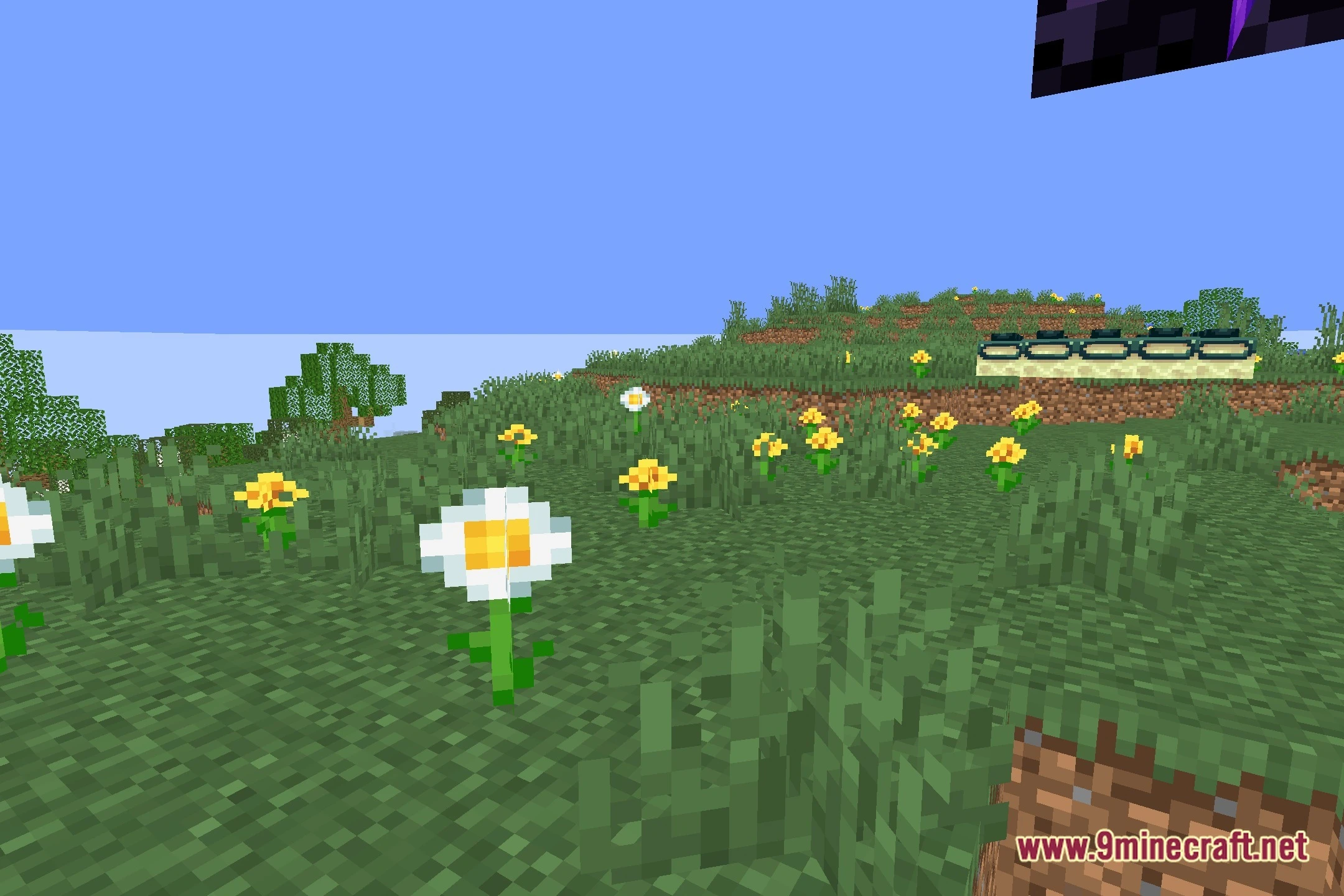
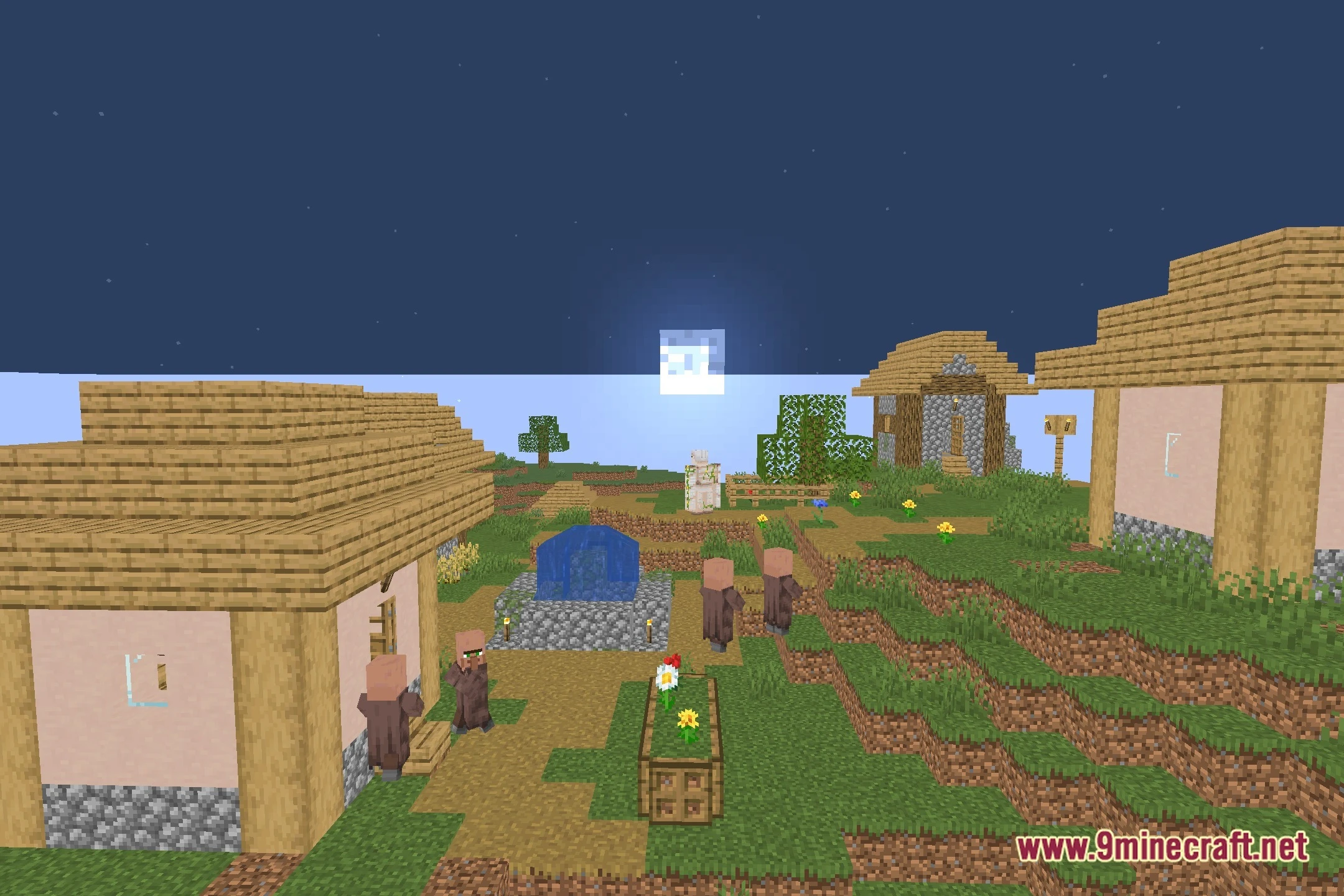
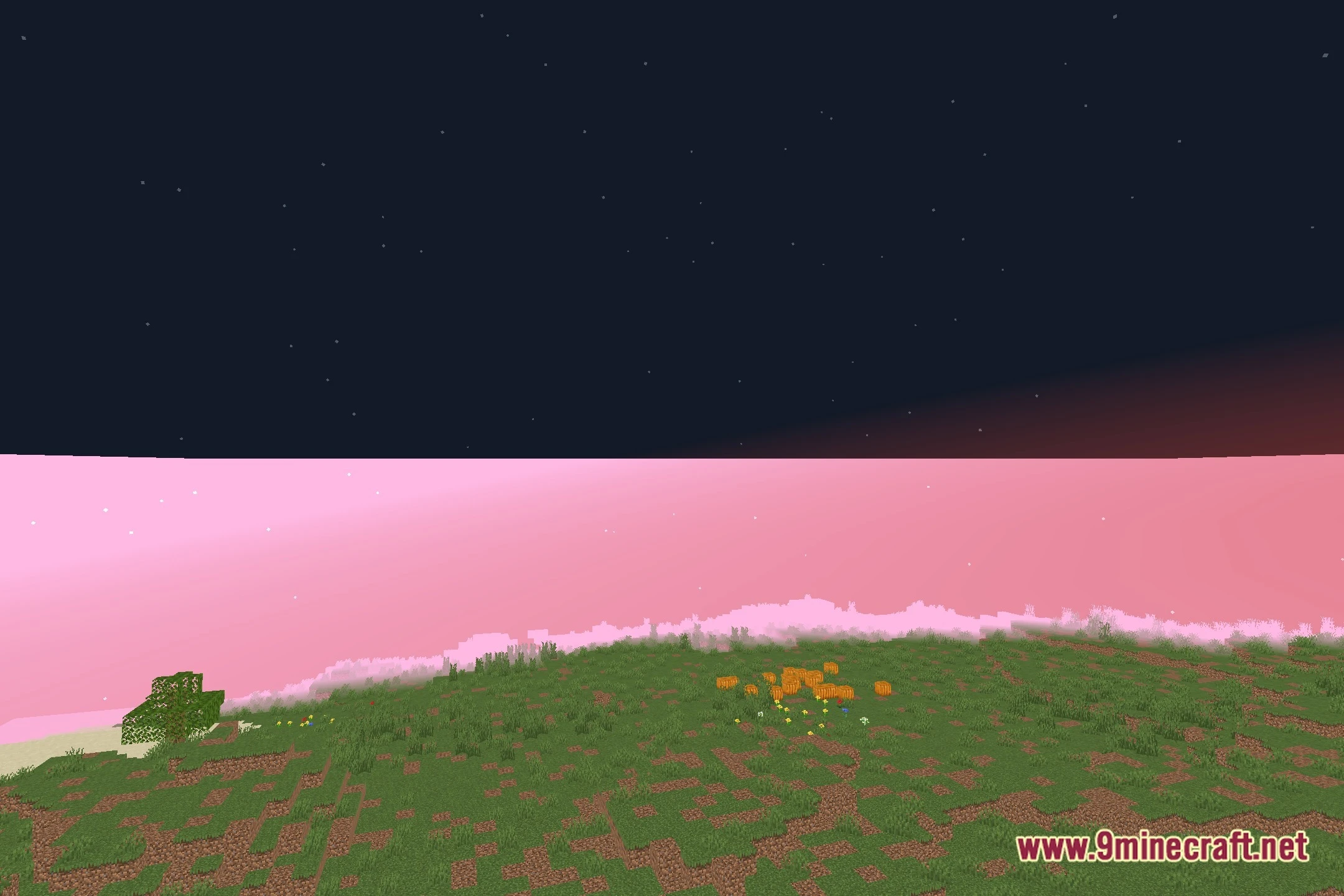
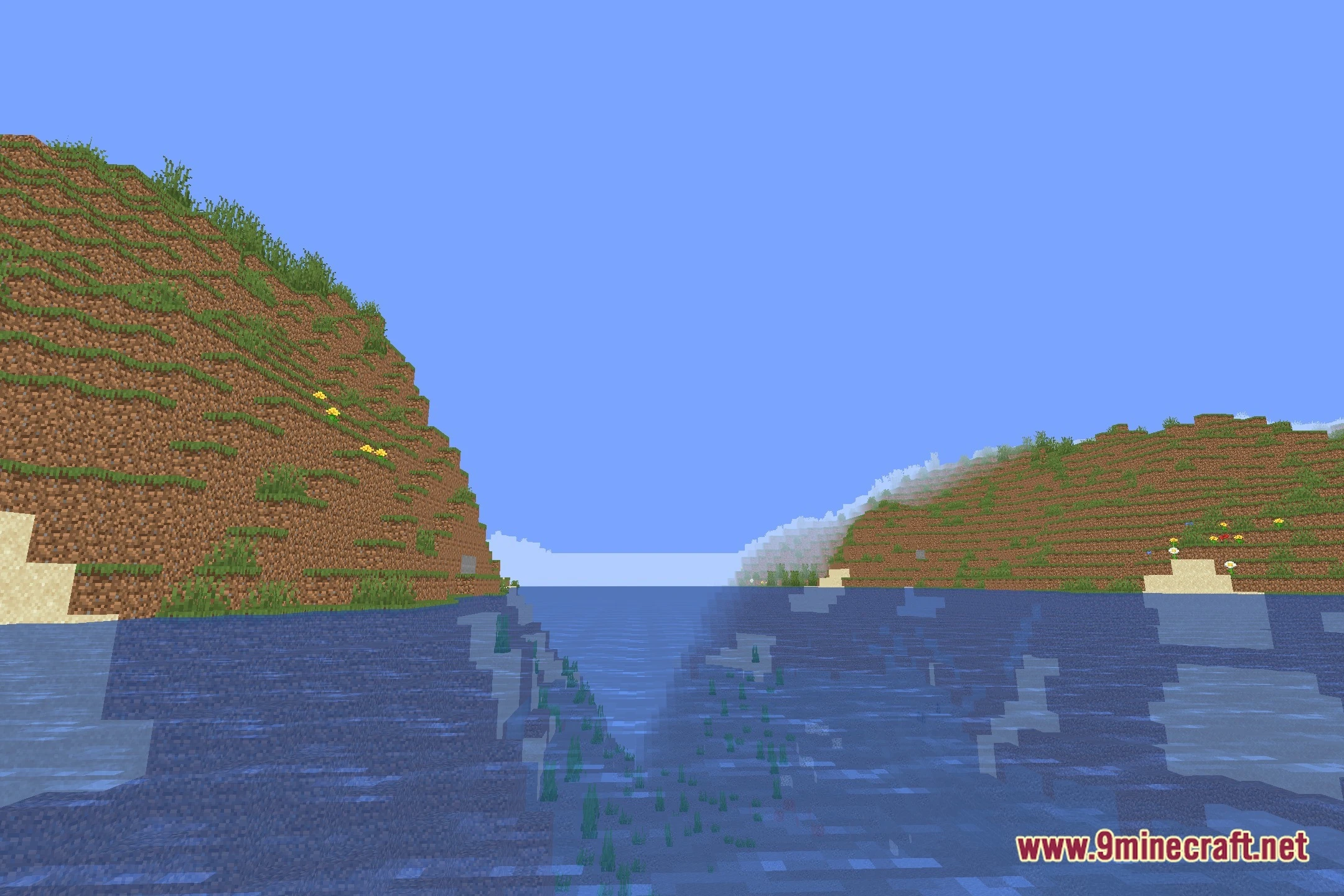
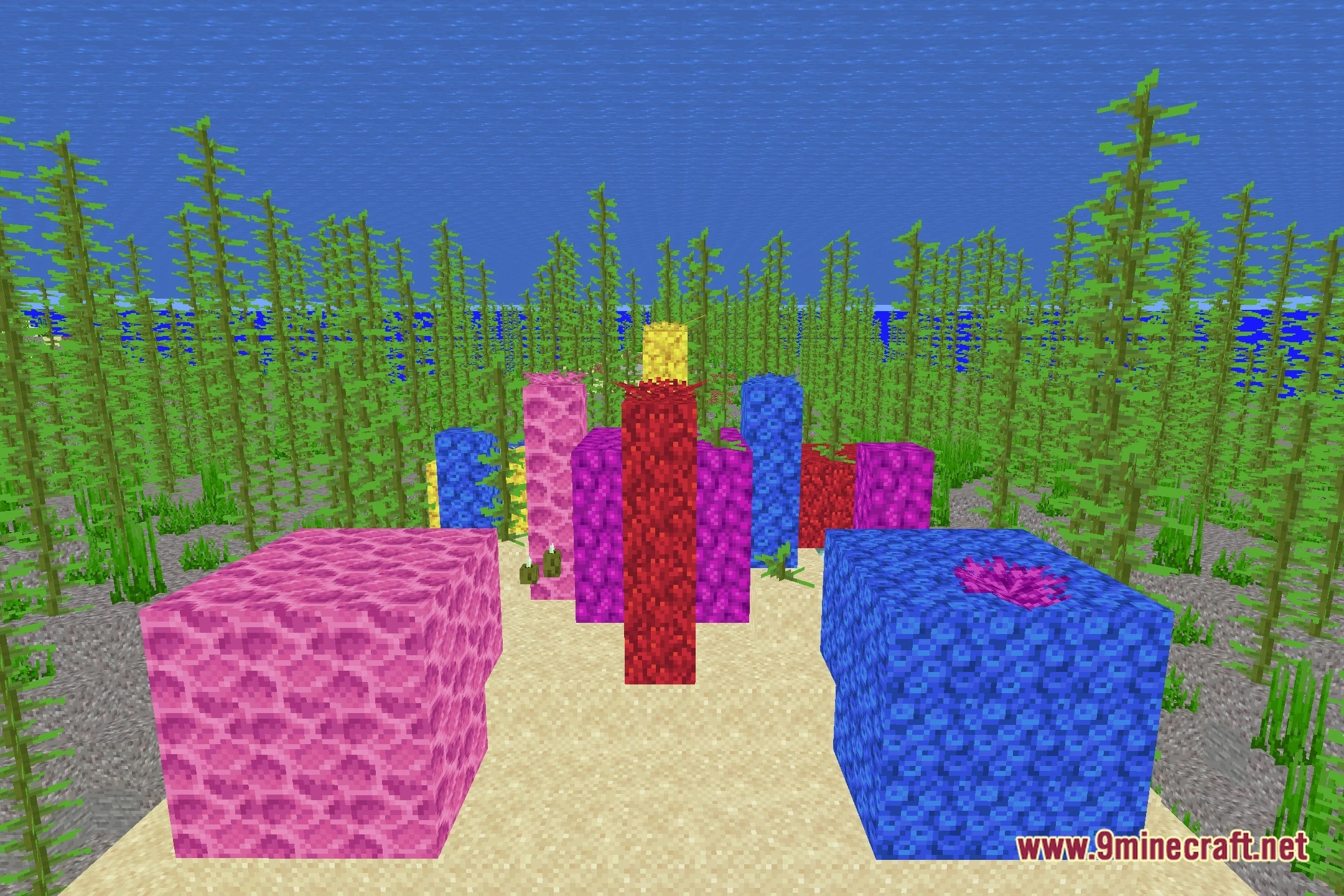
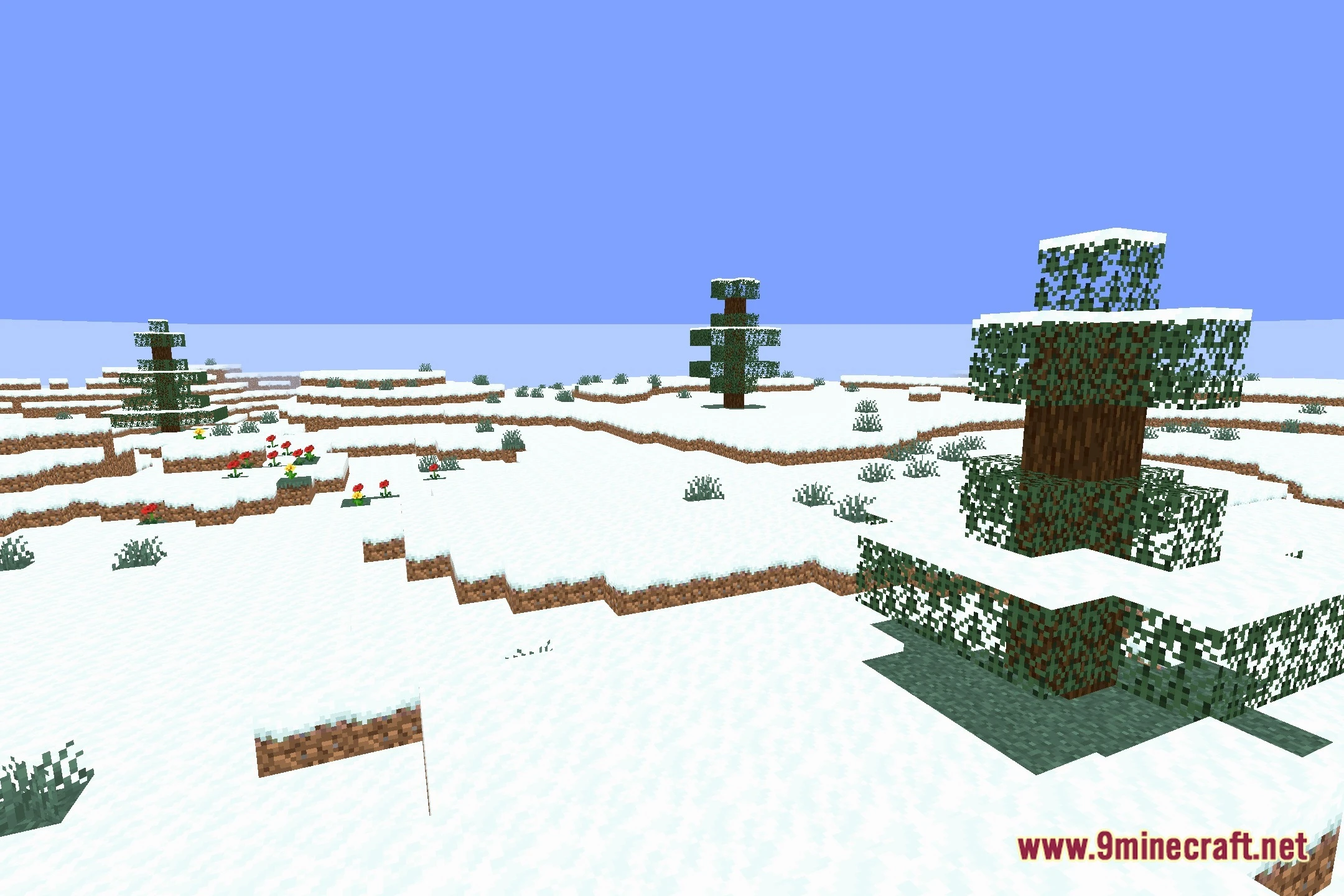
12 images from the Alphalook Shaders page.

You May Also Like
Wikis that share the most with this one
Wikis on the same theme: light
More shader wikis on the site
 AetherVisuals Shaders
The most downloaded mods that have a wiki here