

 DownloadAragorn’s Light Shaders
Get the files on 9Minecraft
Guides
Step-by-step, in-game.
Adjust Shadow Quality and DistanceAccess Shader Settings Open the shader options menu by pressing the designated key (usually accessed through your…Customize Water Appearance and ReflectionsLocate Water Settings Access the shader configuration menu and find the water or liquid effects section. This…Enhance Cloud and Sky VisualsAccess Sky and Cloud Options Open the shader settings menu and navigate to the sky or atmosphere section. This…Optimize Performance on Low-End HardwareIdentify Performance Bottlenecks Run the game and monitor your frame rate, especially in visually complex areas like…
Frequently asked questions
How do I turn on the shader after installing it?
Open your video settings in-game, find the Shaders option, and select Aragorn's Light Shaders from the list. The shader will activate immediately and you'll see shadows and enhanced visuals in your world.
Why do my shadows look weird or disappear at certain angles?
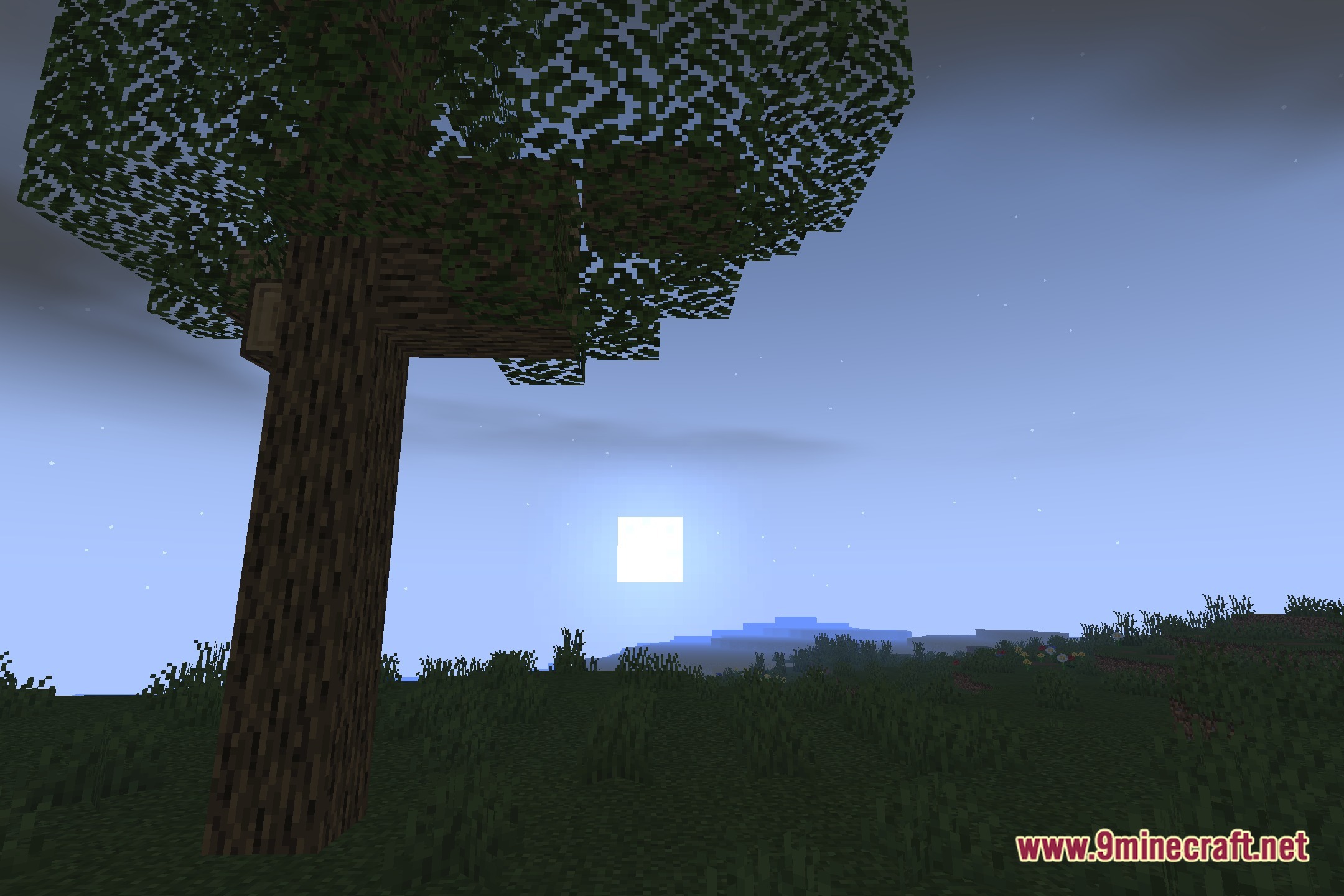
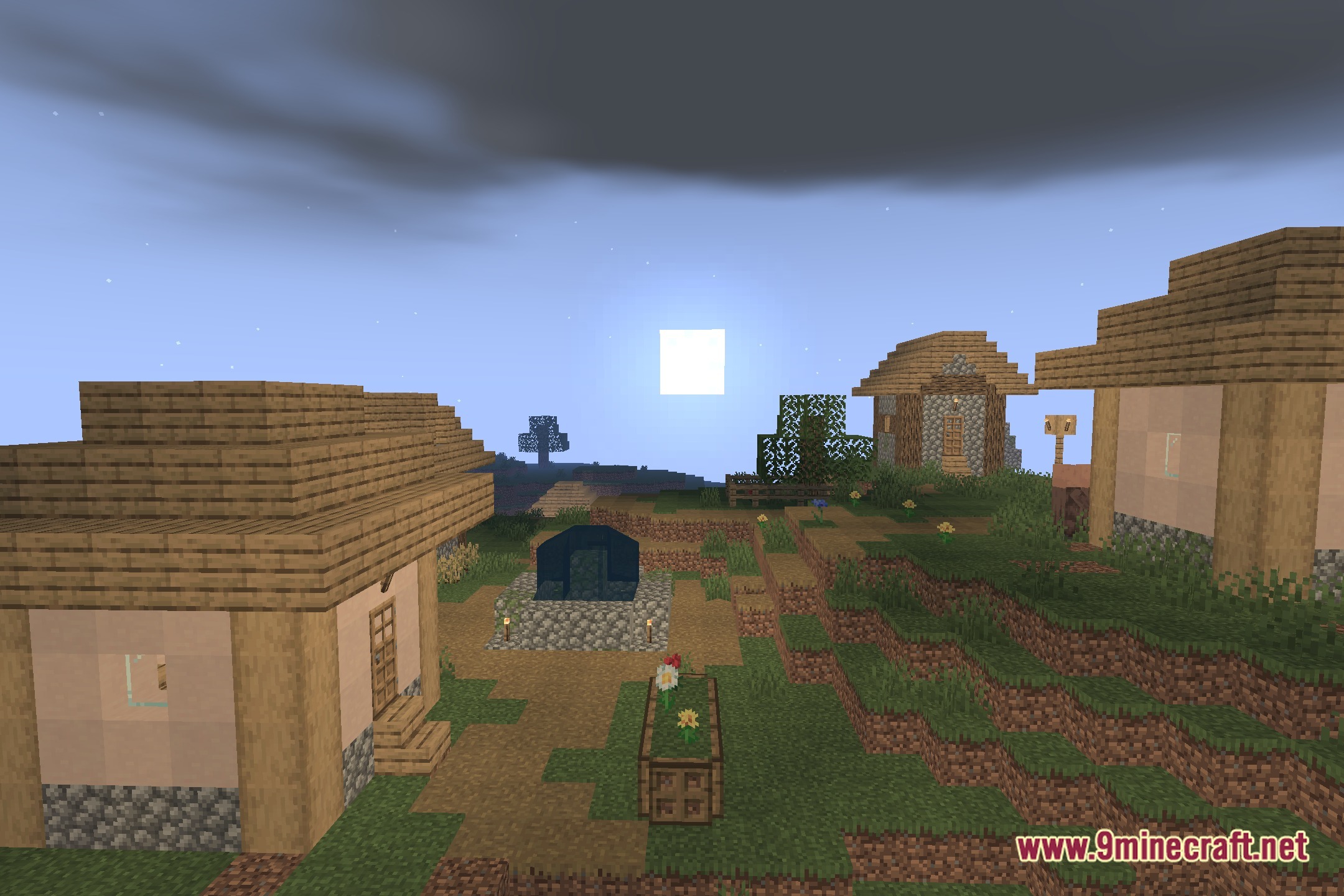
Shadow rendering depends on your camera angle and light direction. Shadows are most visible during morning and evening when the sun is lower; at noon they appear directly under objects. If shadows vanish entirely, check that your shader is still active in video settings.
Can I make the water look more or less reflective?
Yes, the shader includes customization options for water appearance. Access the shader settings through your video options menu to adjust reflection intensity and wave height to your preference.
My FPS dropped after installing this shader. How do I fix it?
Try reducing shadow distance and quality in the shader settings—these are the most performance-heavy features. You can also lower render distance or disable anti-aliasing if you need more frames on low-end hardware.
See all 10 Aragorn’s Light Shaders questions ›
Gallery
12 images from the Aragorn S Light Shaders page.
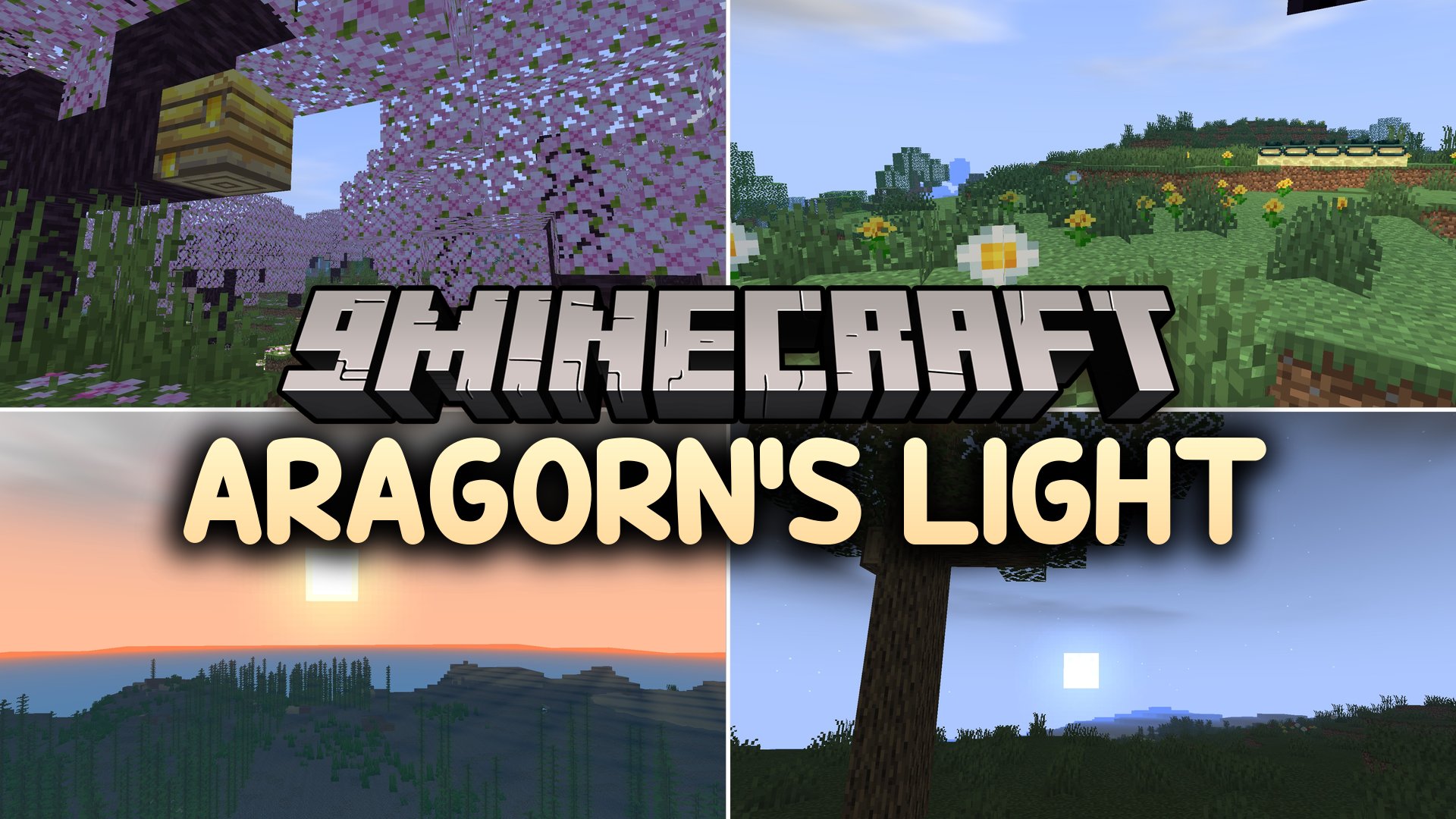
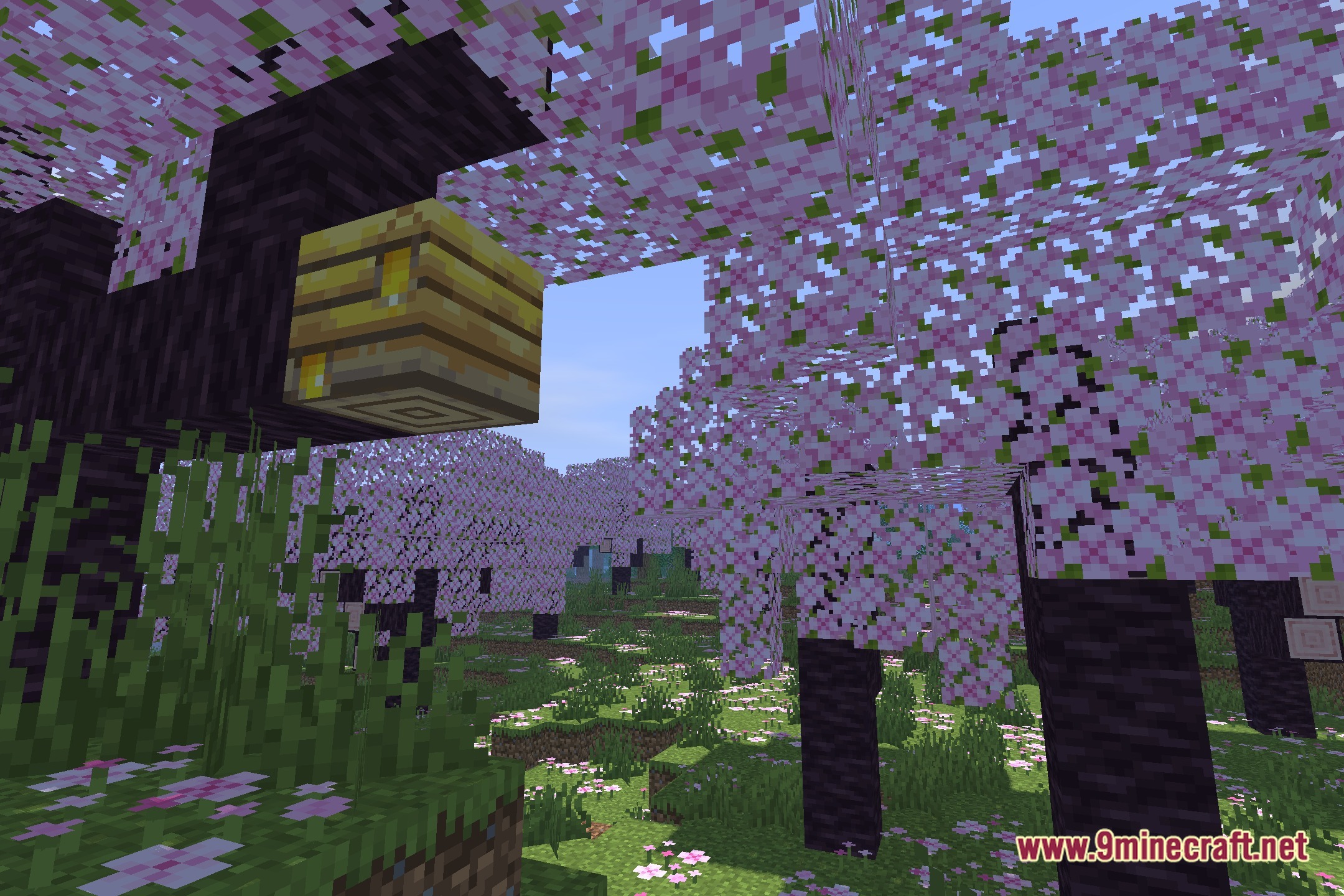
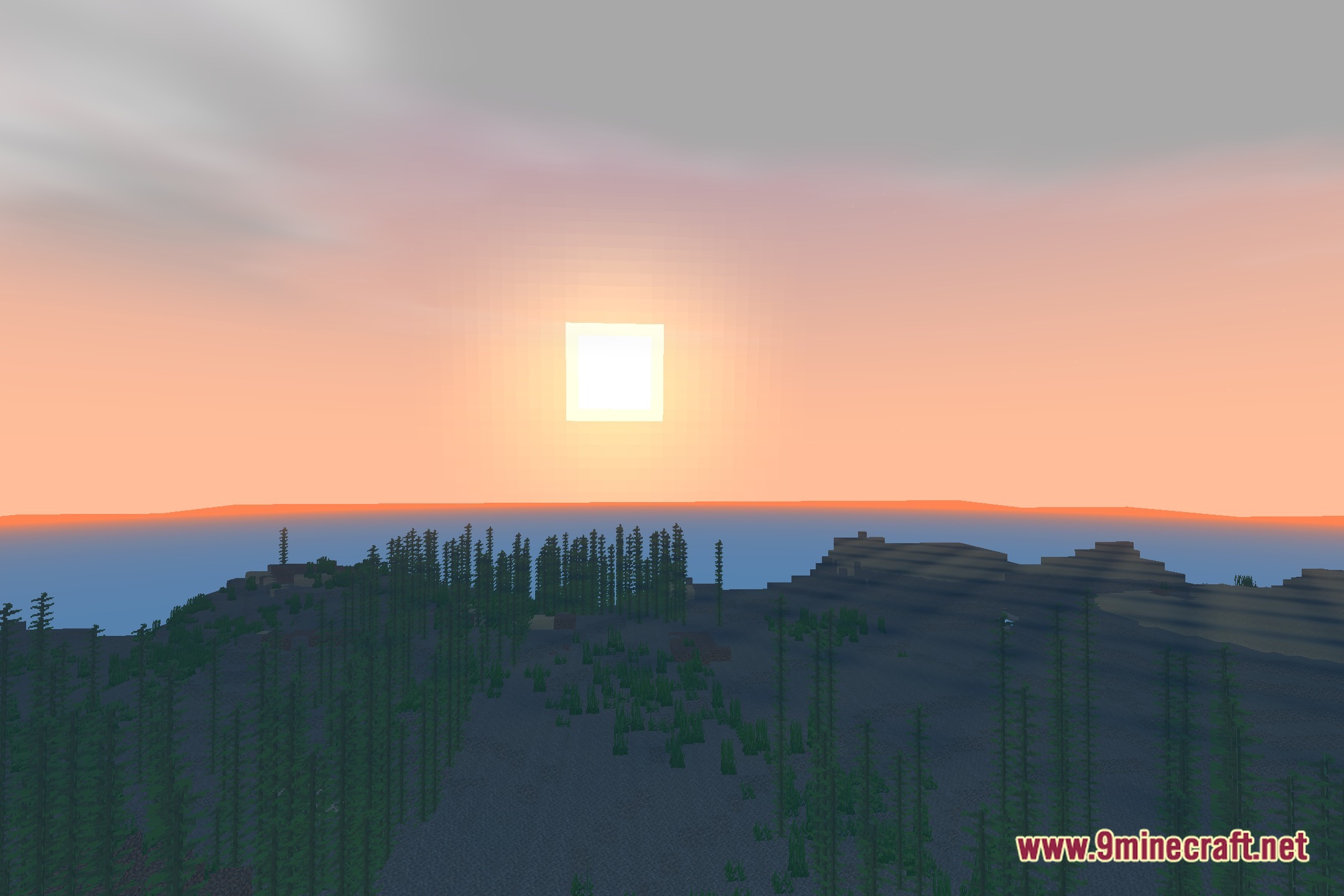
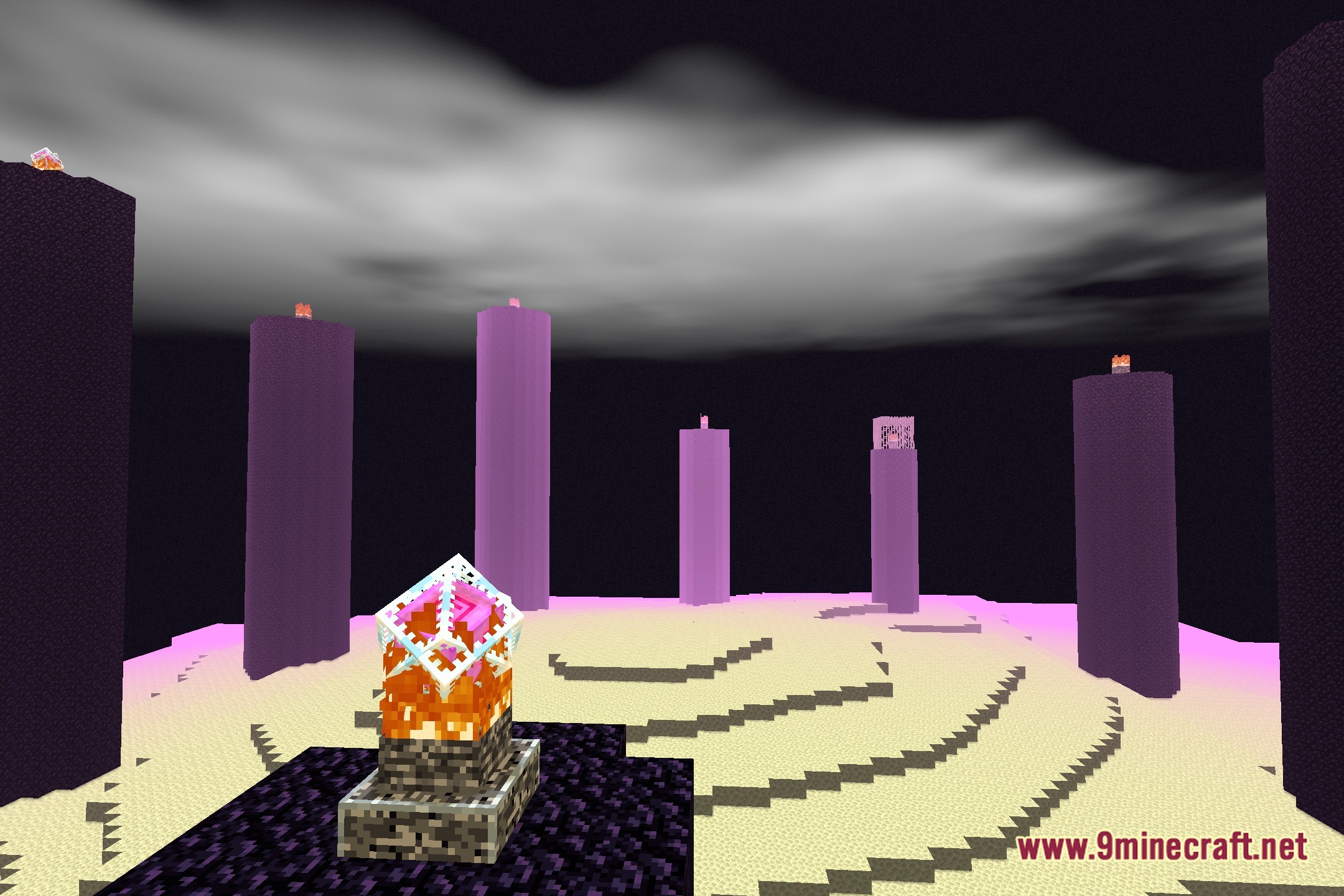
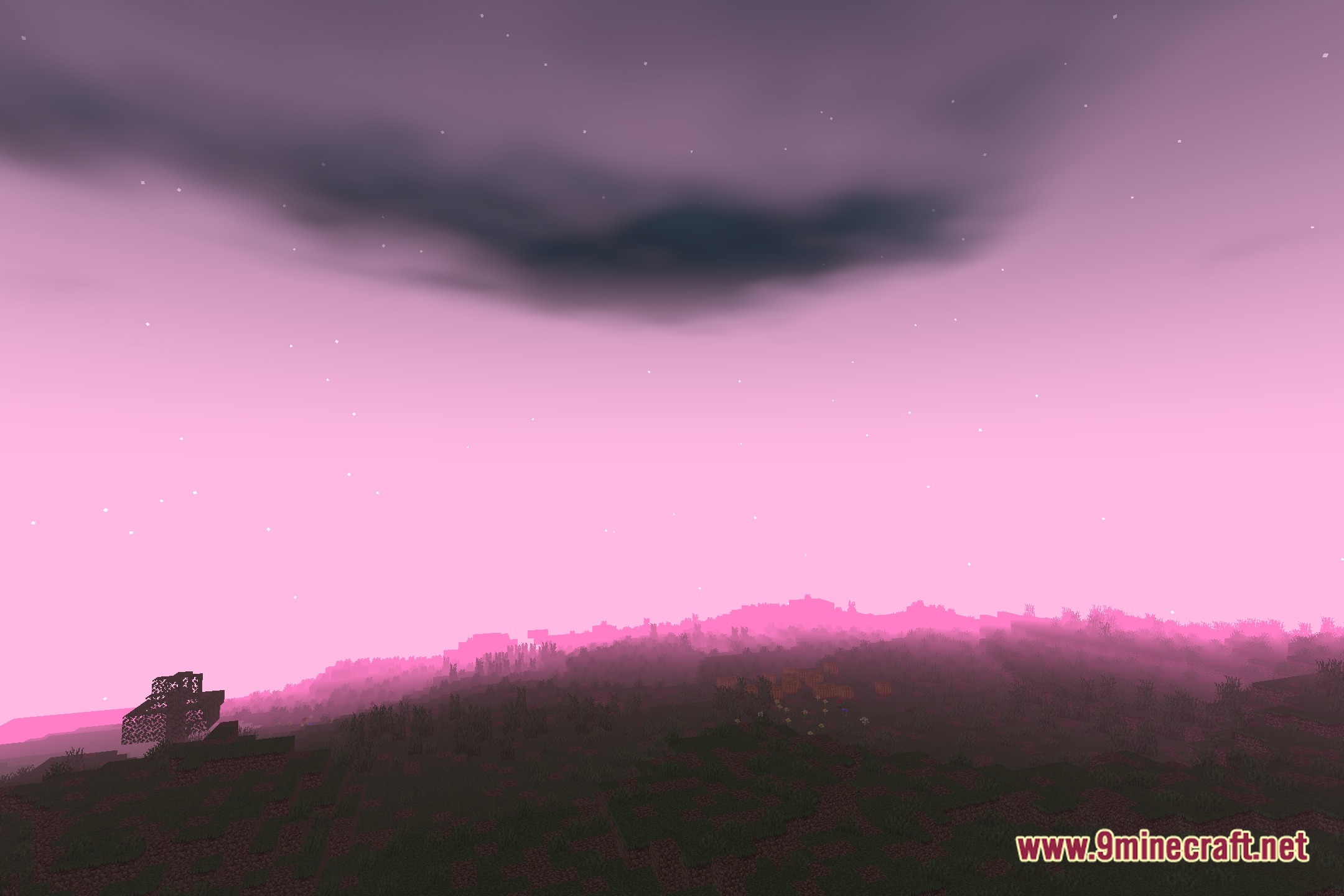
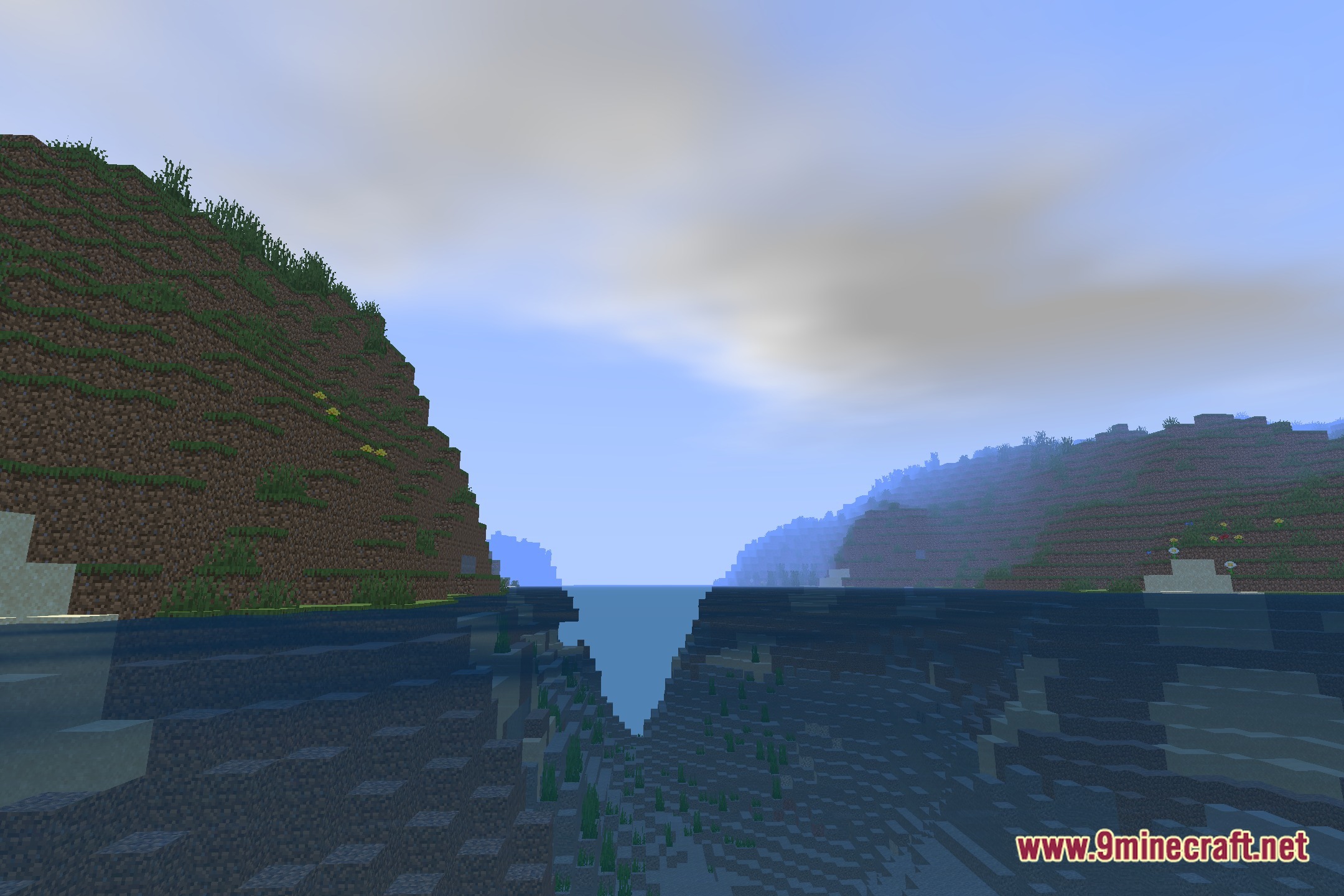
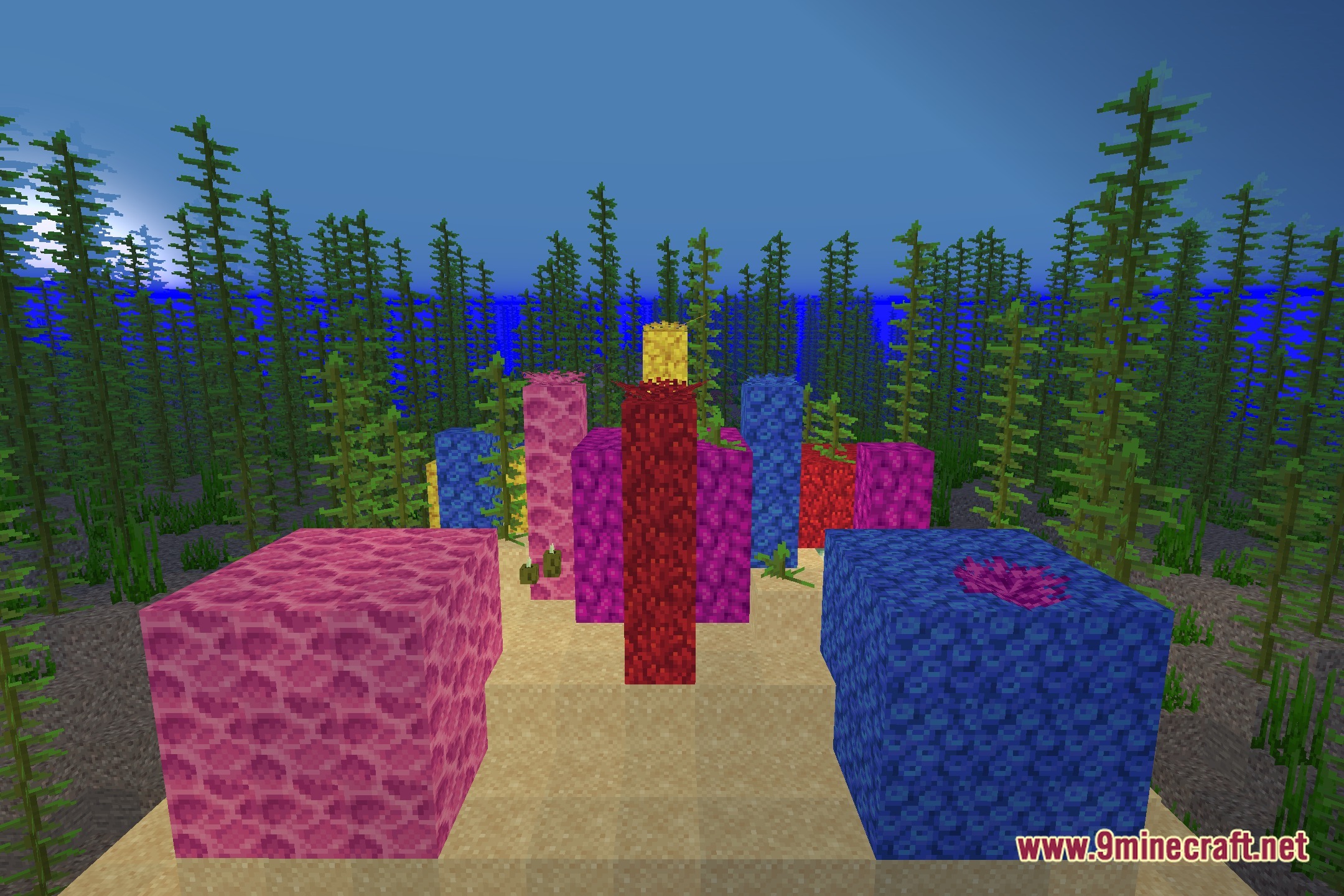
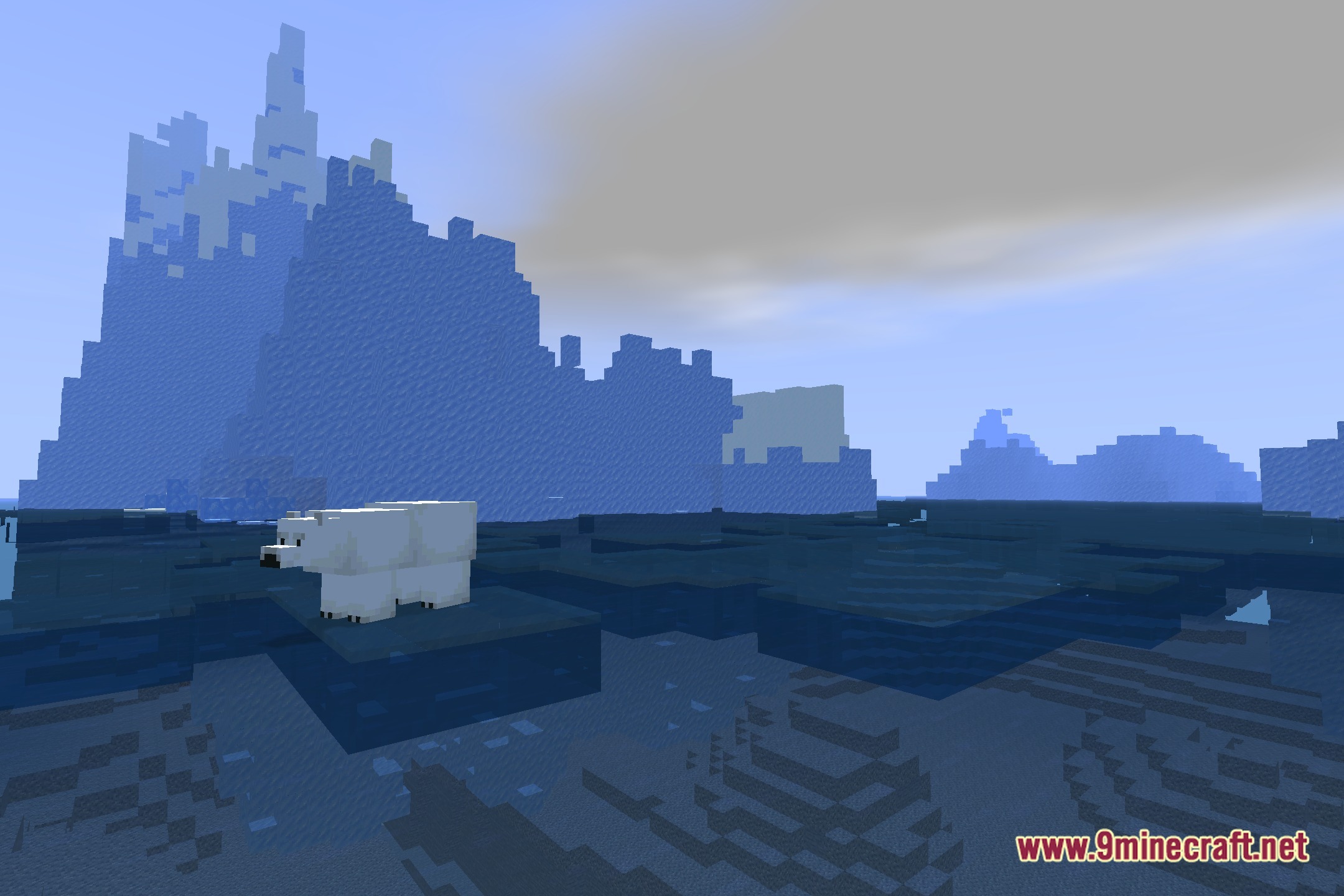
You May Also Like
Wikis that share the most with this one
Wikis on the same theme: end
More shader wikis on the site
The most downloaded mods that have a wiki here