

 DownloadPotato Lite Low Performance Shaders
Get the files on 9Minecraft
Guides
Step-by-step, in-game.
Adjusting Shader Brightness and Lighting IntensityAccess Shader Settings Open the shader options menu by pressing the designated key (usually found in your video…Getting the Best Fantasy Aesthetic with This ShaderLeverage the Warm Color Palette Potato Lite's warm lighting naturally complements fantasy-style builds. Use blocks…Reducing Lag While Keeping Visual EffectsIdentify Performance Bottlenecks Open your F3 debug screen and monitor frame rate while exploring. If you drop below…Troubleshooting Uneven Lighting or Visual GlitchesCheck Shader Compatibility Ensure your graphics driver is up to date. Potato Lite is designed for broad hardware…
Frequently asked questions
How do I enable the shader after installing it?
Open your video settings in-game, find the Shaders option, and select Potato Lite Low Performance Shaders from the list. Apply the changes and the shader will activate immediately.
Why is my lighting looking flat or washed out?
Check your brightness and lighting intensity settings in the shader options menu—you may need to increase the lighting intensity slider to bring out the warm colored lighting effect. Make sure your world also has adequate natural light sources like torches or sunlight.
Can I use this shader with other mods?
Yes, Potato Lite works with most mods, but mods that heavily modify lighting or add custom blocks may cause visual conflicts. Test your mod combination in a test world first to check for compatibility issues.
My leaves and grass aren't waving—what's wrong?
Make sure waving foliage is enabled in the shader settings menu. If it's already on, try disabling and re-enabling it, or check that your graphics driver is up to date.
See all 10 Potato Lite Low Performance Shaders questions ›
Gallery
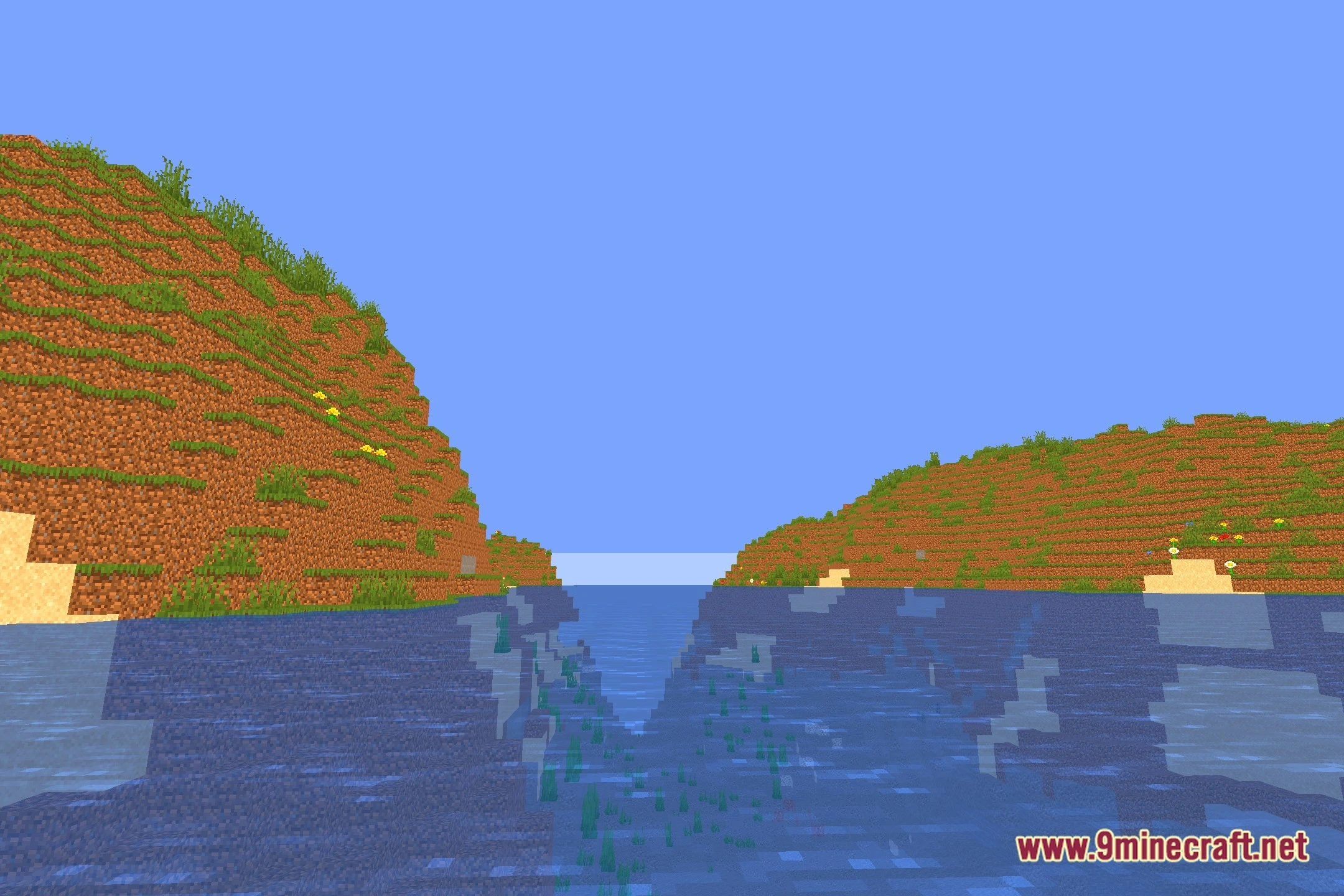
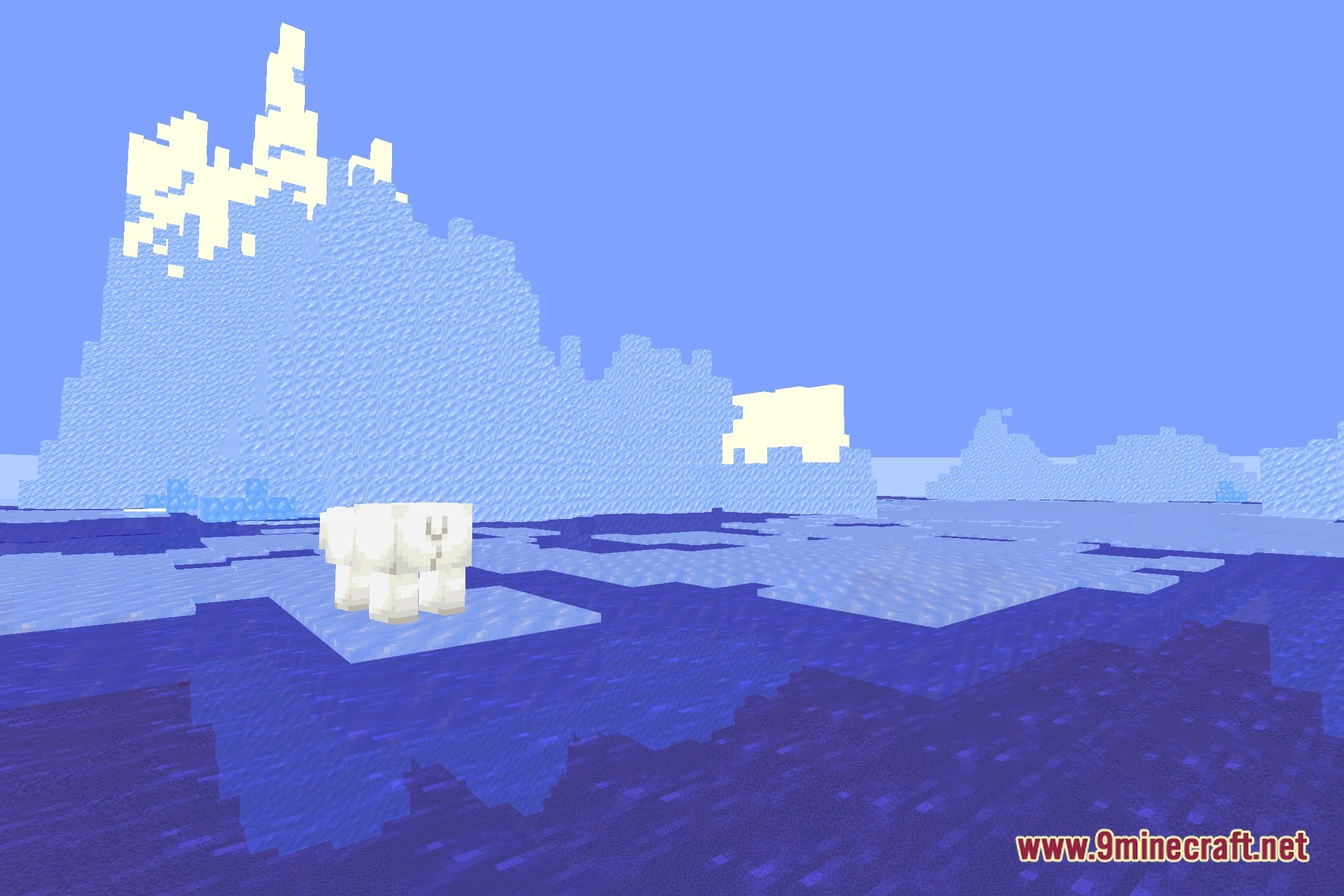
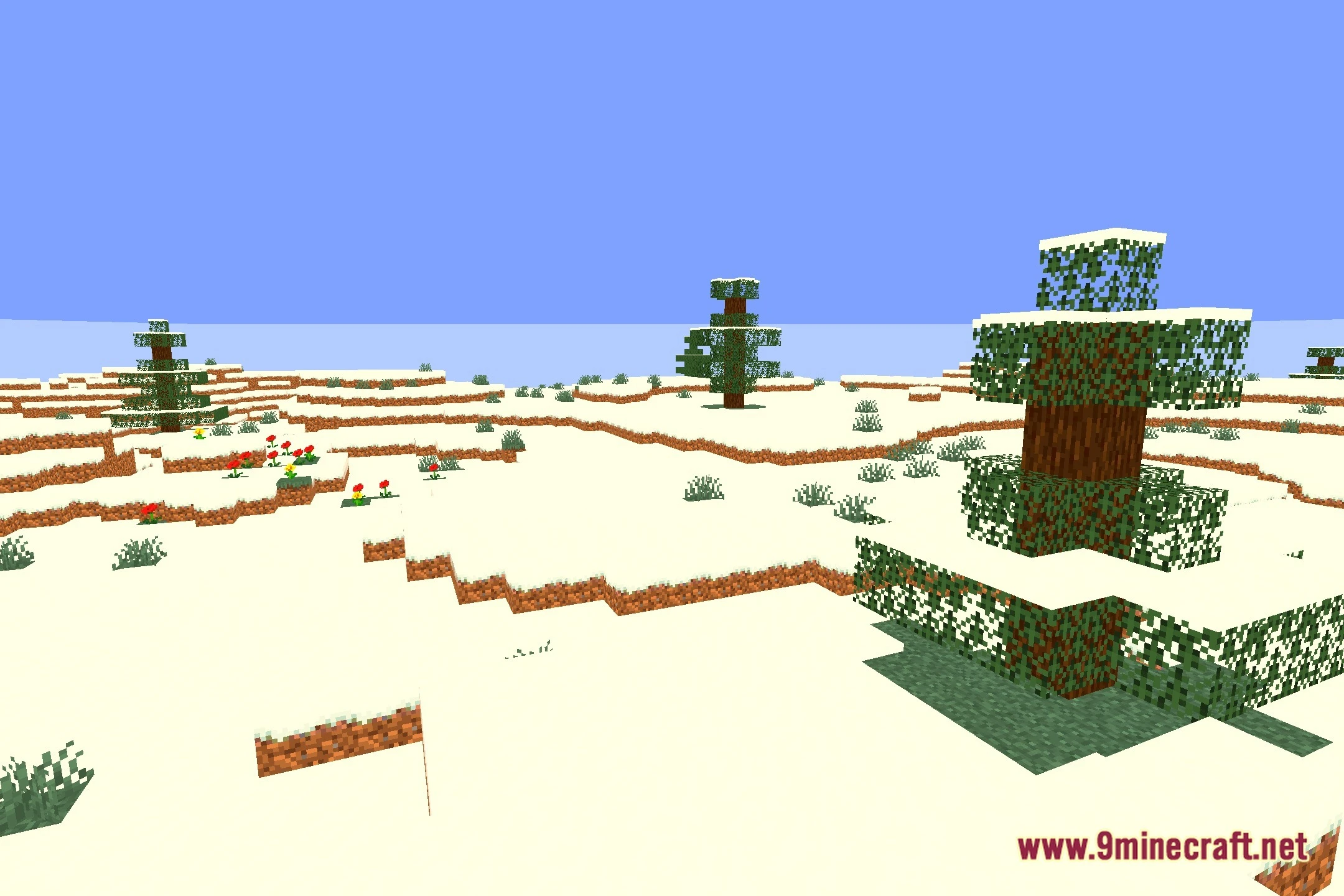
12 images from the Potato Lite Low Performance Shaders page.

You May Also Like
Wikis that share the most with this one
Wikis on the same theme: end
More shader wikis on the site
The most downloaded mods that have a wiki here