

 DownloadOdyssey Lite Mod
Get the files on 9Minecraft
Guides
Step-by-step, in-game.
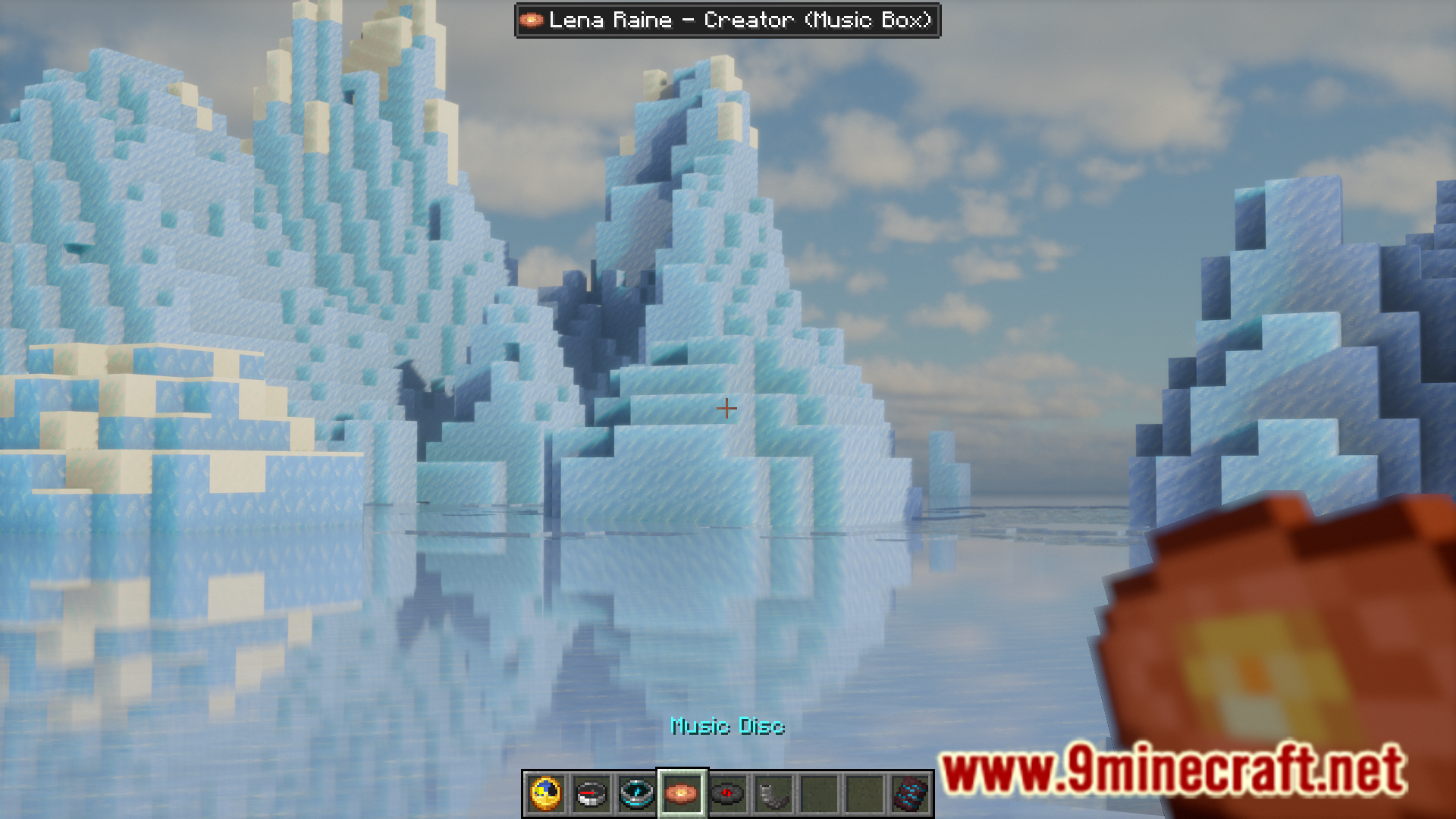
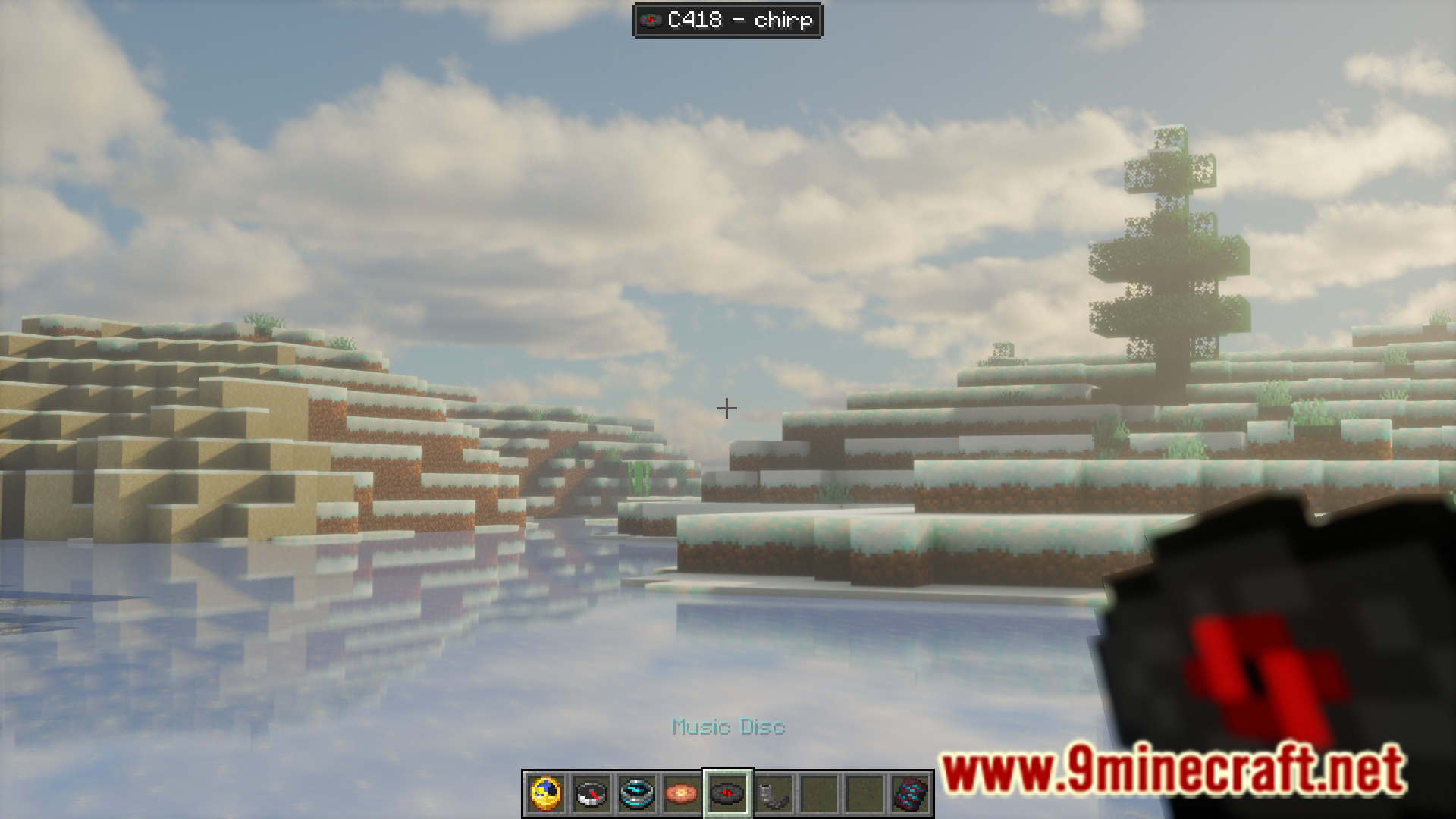
Check the Time Without Opening Your InventoryUsing the Clock HUD Hold a clock in your main hand or offhand to display the current world time as a HUD overlay at…Display Your Coordinates While ExploringUsing the Compass HUD The easiest way to track your location is to hold a compass in either your main hand or…Identify Music Discs and Goat Horns by NameViewing Music Disc Names When you hold a music disc in your main hand or offhand, the disc's name appears in a HUD…Track Your Last Death LocationUsing the Recovery Compass The recovery compass is specifically designed to help you retrieve your items after dying.…
Frequently asked questions
Why isn't the clock HUD showing up when I hold it?
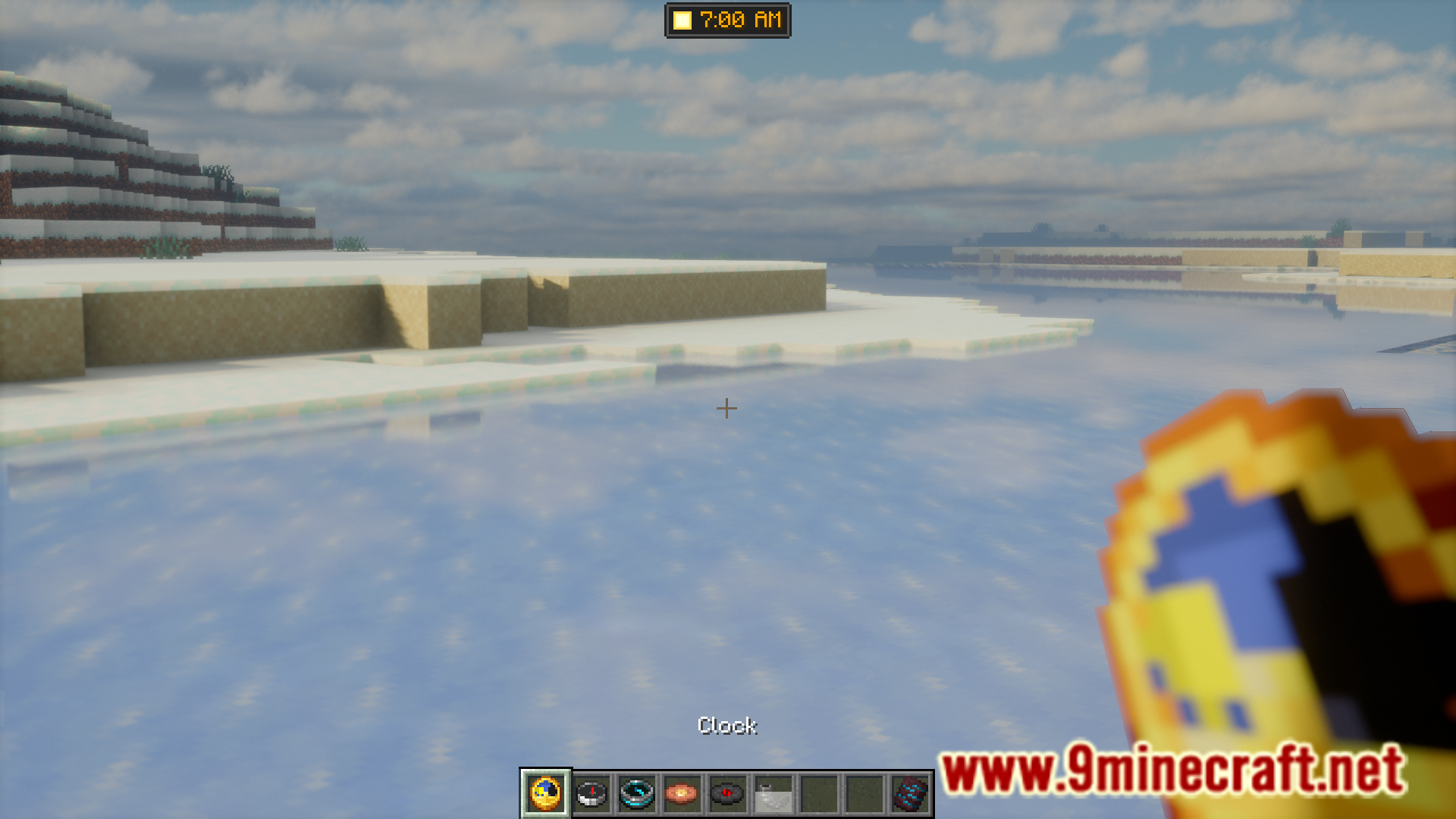
The clock HUD only works in the Overworld. If you're in The Nether or The End, the HUD won't display even if you're holding a clock in your hand.
How do I see my coordinates while exploring?
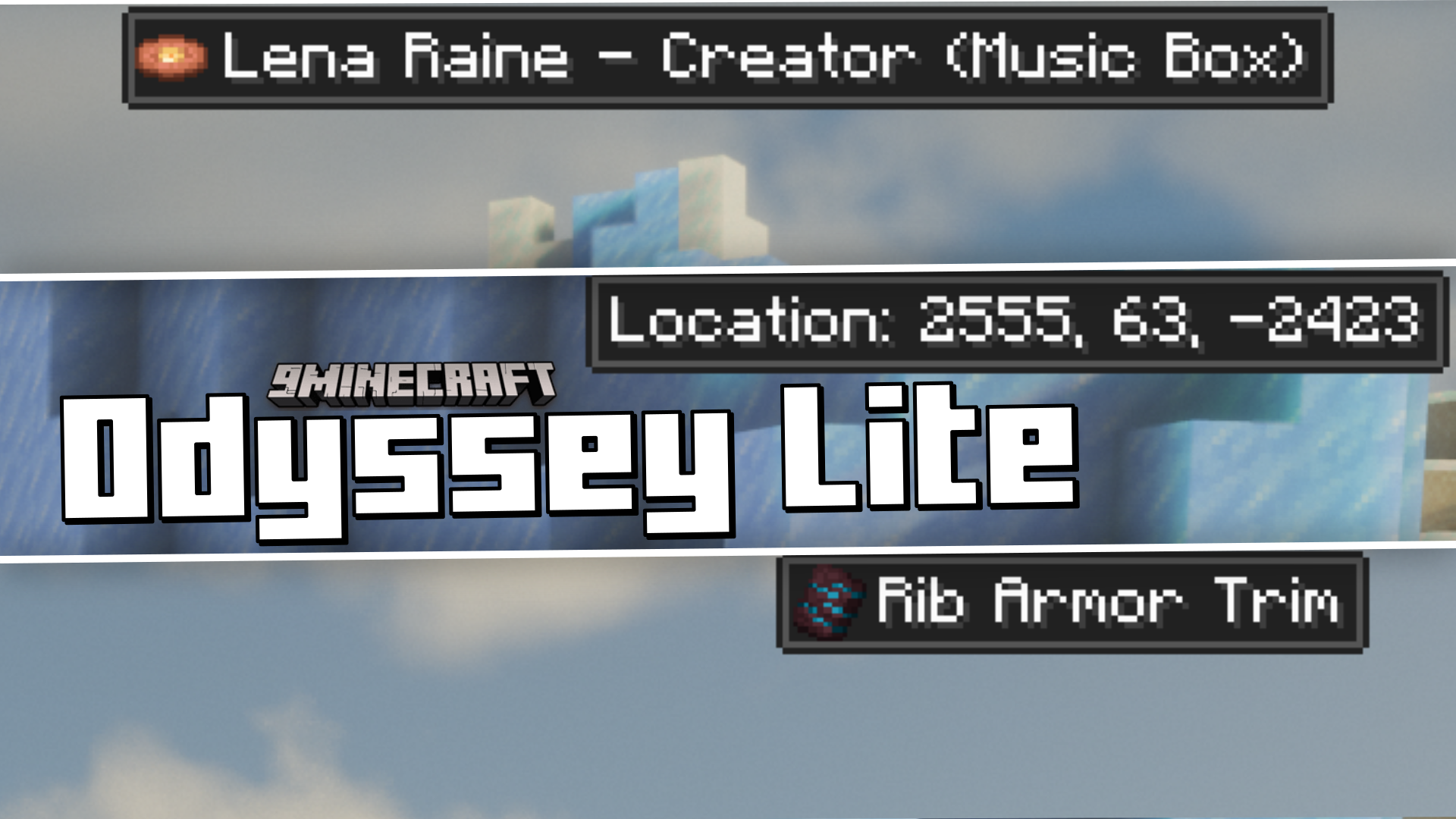
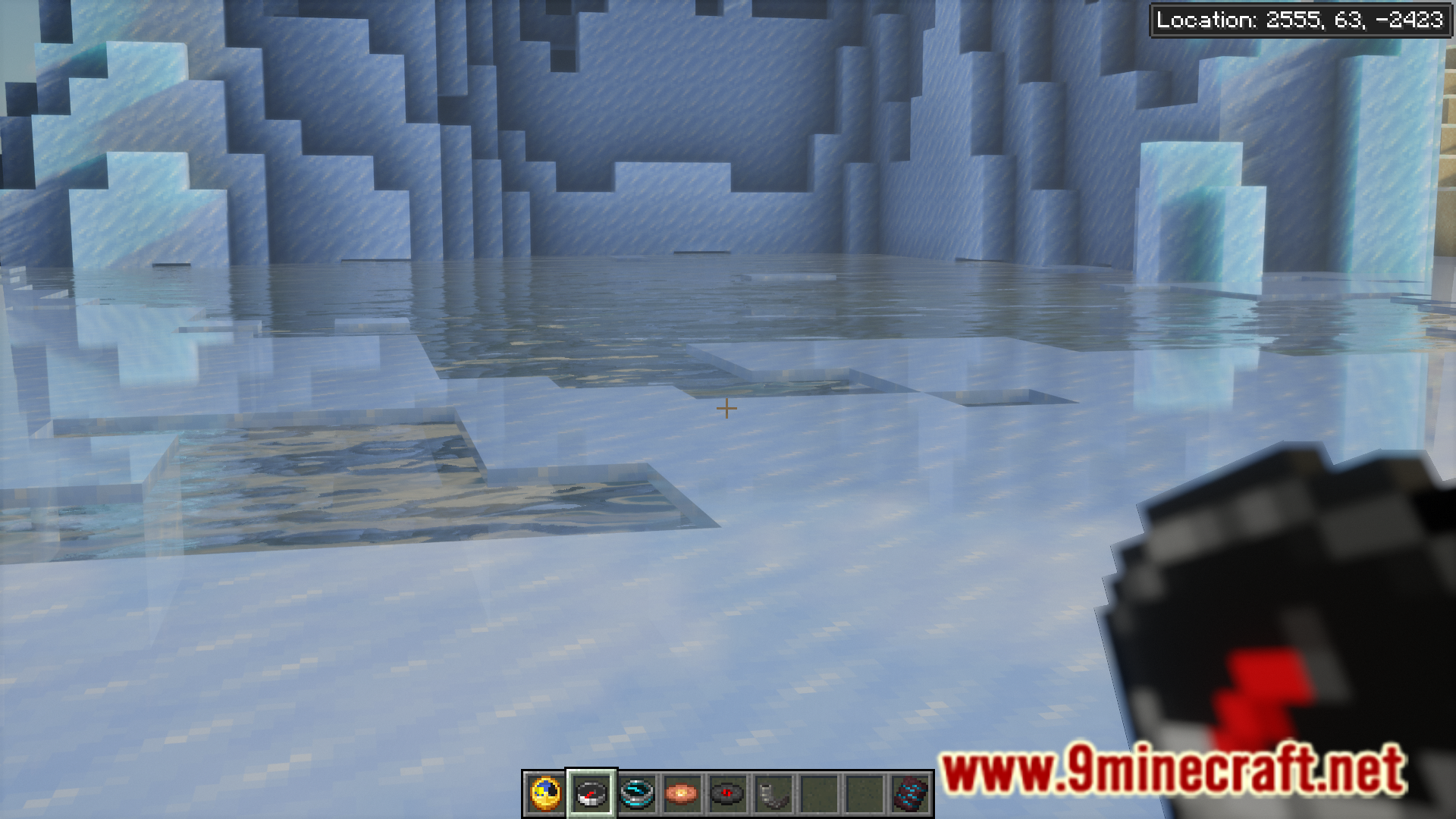
Hold a compass in your main hand or offhand, and your current coordinates will appear in the top right corner of your screen.
Can I see where my lodestone compass is pointing?
Yes. When you hold a compass linked to a lodestone, the HUD will show both your current location in the top right and the lodestone's location plus dimension in the top left.
What's the difference between a regular compass and a recovery compass in this mod?
A recovery compass shows your current location and your last death location with its dimension, while a regular compass shows your current location and lodestone location if linked.
See all 10 Odyssey Lite questions ›
Gallery
7 images from the Odyssey Lite Mod page.
You May Also Like
Wikis that share the most with this one
Wikis on the same theme: light
More mod wikis on the site
The most downloaded mods that have a wiki here
A few wikis from each of the other kinds