

Guides
Step-by-step, in-game.
Adjust Shadow Intensity and DirectionAccess Shader Settings Open the shader options menu while in-game by pressing the designated key (typically found in…Customize Sky and Sunrise/Sunset ColorsOpen Sky Configuration Access the shader options menu and navigate to the sky or atmosphere section. This is where…Enhance Water Clarity and ReflectionsLocate Water Settings Open the shader options menu and find the water-specific section. This contains all controls…Optimize Performance While Maintaining Visual QualityAccess Performance Options Open the shader settings menu and look for performance or optimization sections. These…
Frequently asked questions
How do I turn on the shader after installing it?
Open your Video Settings in-game, select Shaders, and find PlunderPixel's Reimagined in the list. Click it to activate, then close settings to apply the changes.
Why does my world look too dark or too bright?
Open Shader Options (usually accessible from Video Settings) and adjust the brightness or exposure slider to match your preference. You can also fine-tune shadow intensity separately if shadows feel too harsh.
Can I customize how shadows look?
Yes—open Shader Options and look for shadow-related settings like shadow intensity, shadow distance, or shadow softness. Adjusting these lets you control how dark and sharp shadows appear throughout your world.
The water looks weird or too reflective—how do I fix it?
Access Shader Options and find water-related settings. You can adjust water clarity, reflection strength, and wave intensity to make water look more natural for your preference.
See all 10 PlunderPixel’s Reimagined Shaders questions ›
Gallery
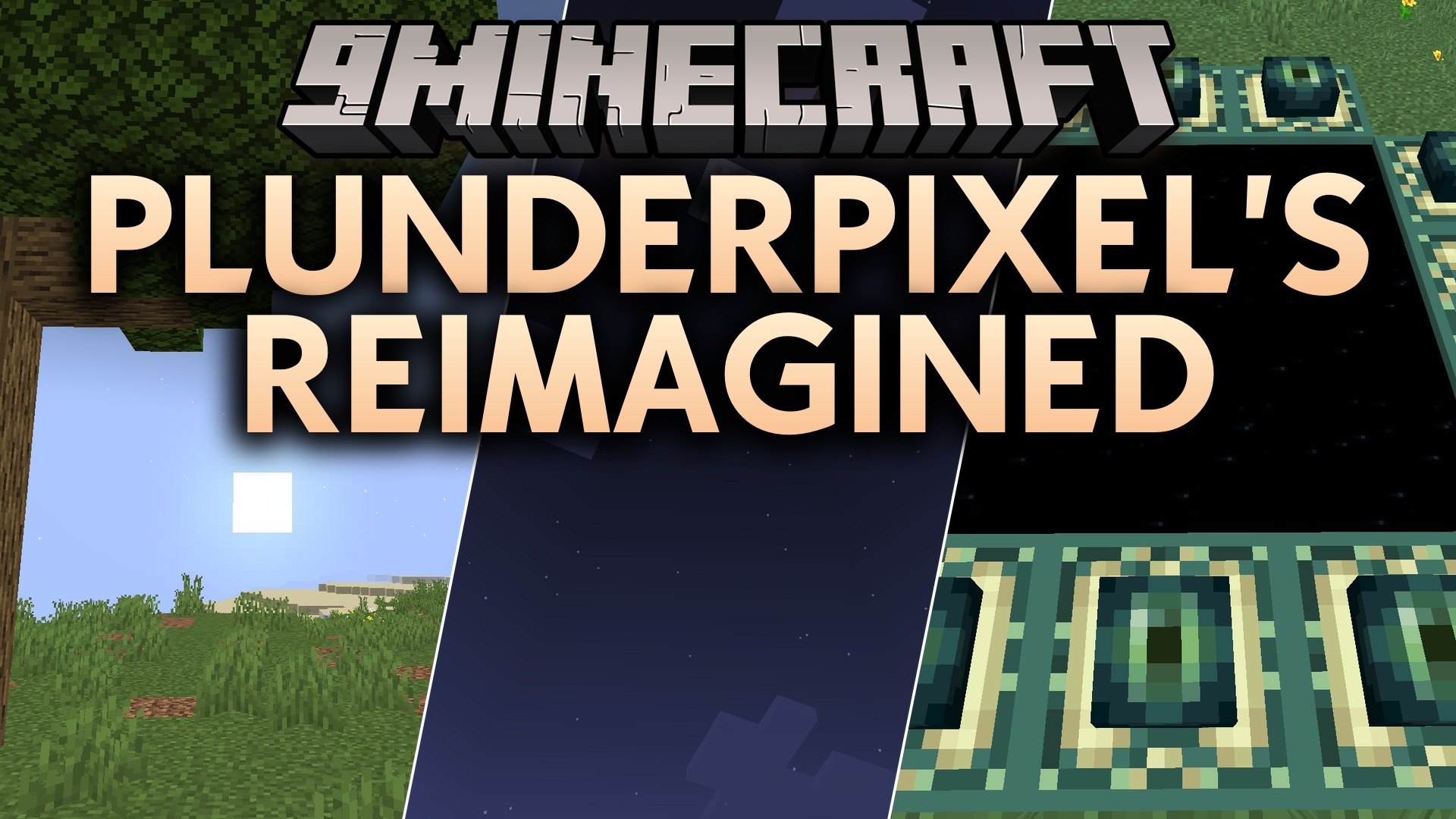
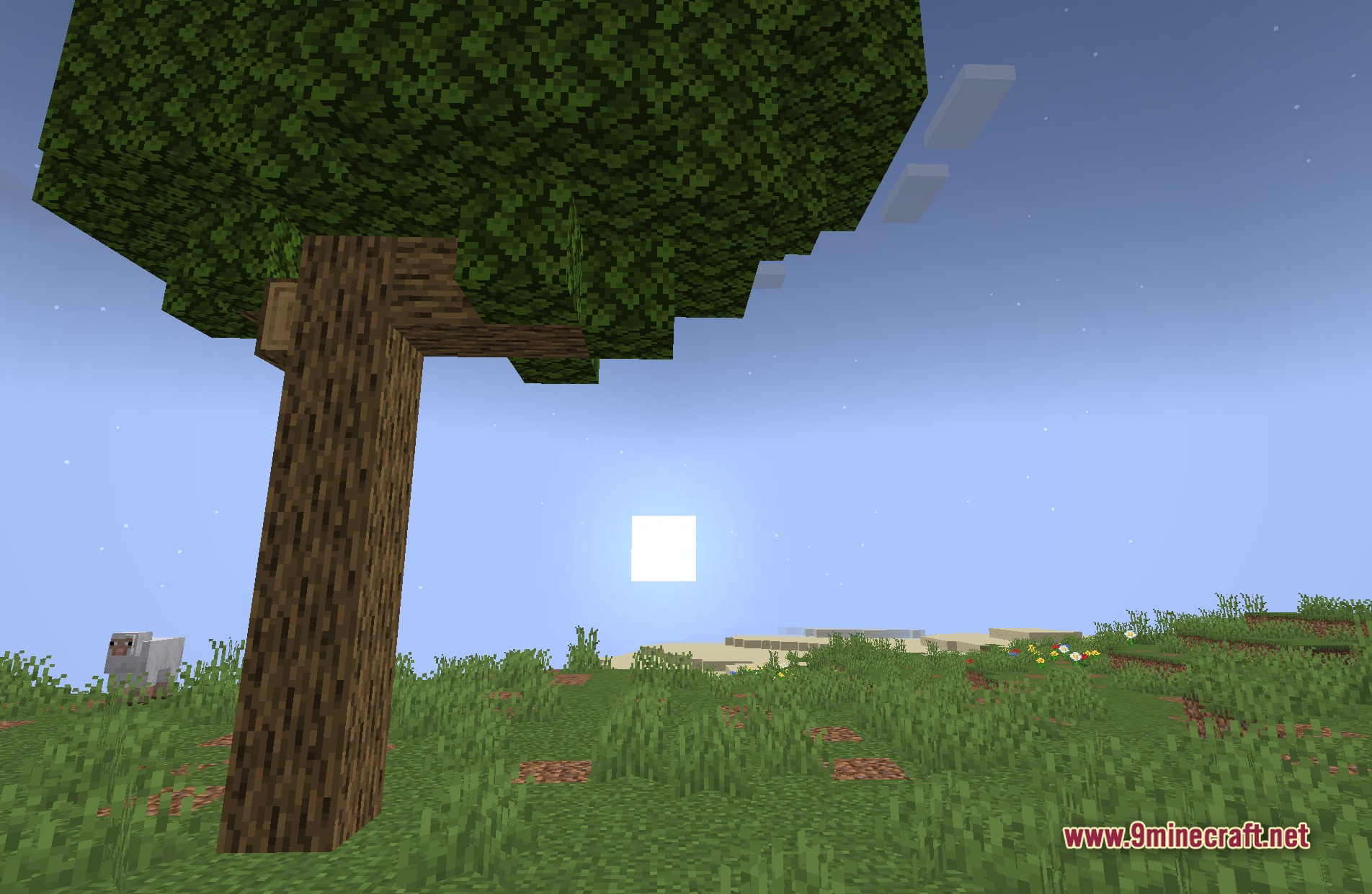
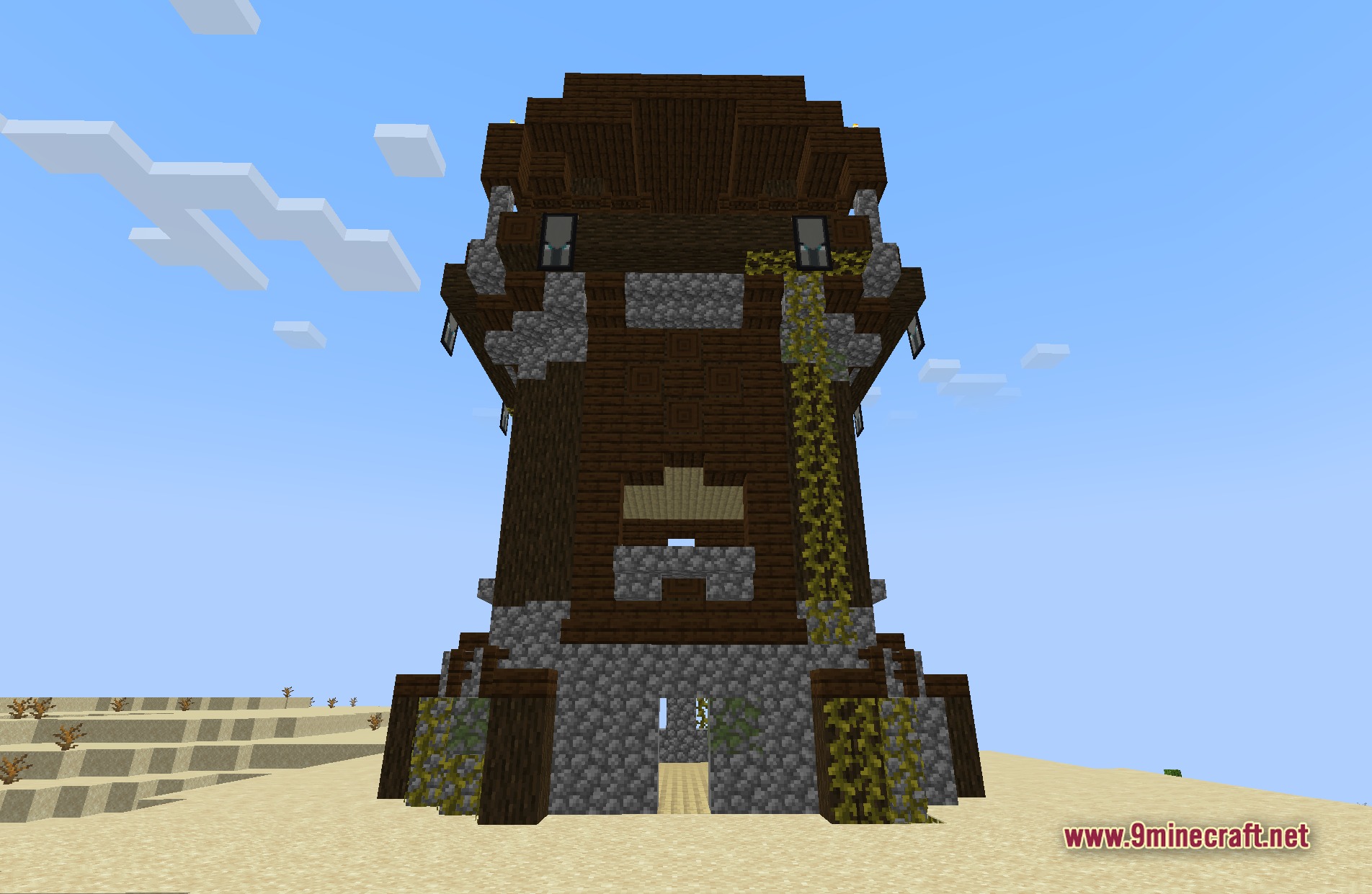
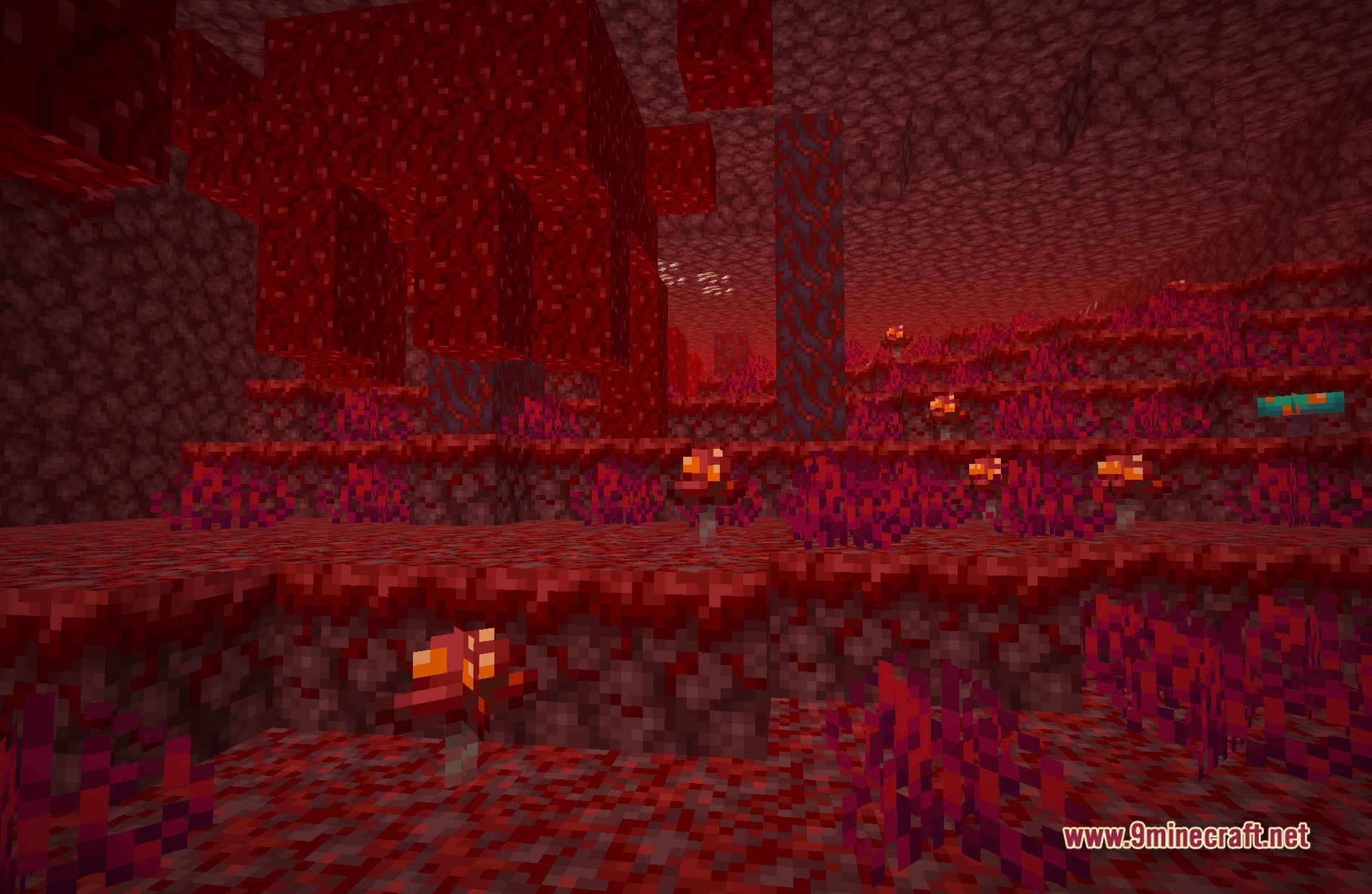
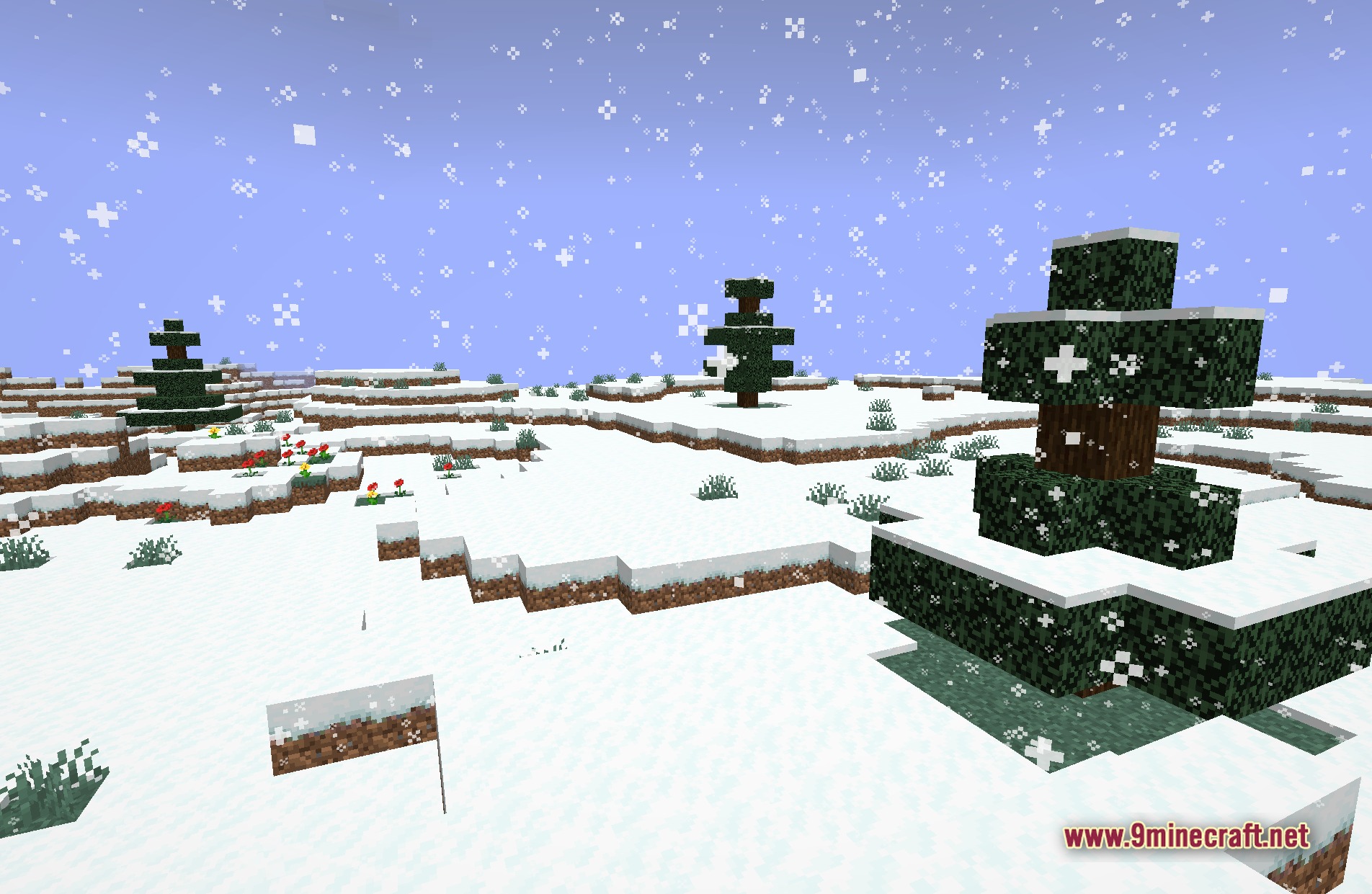
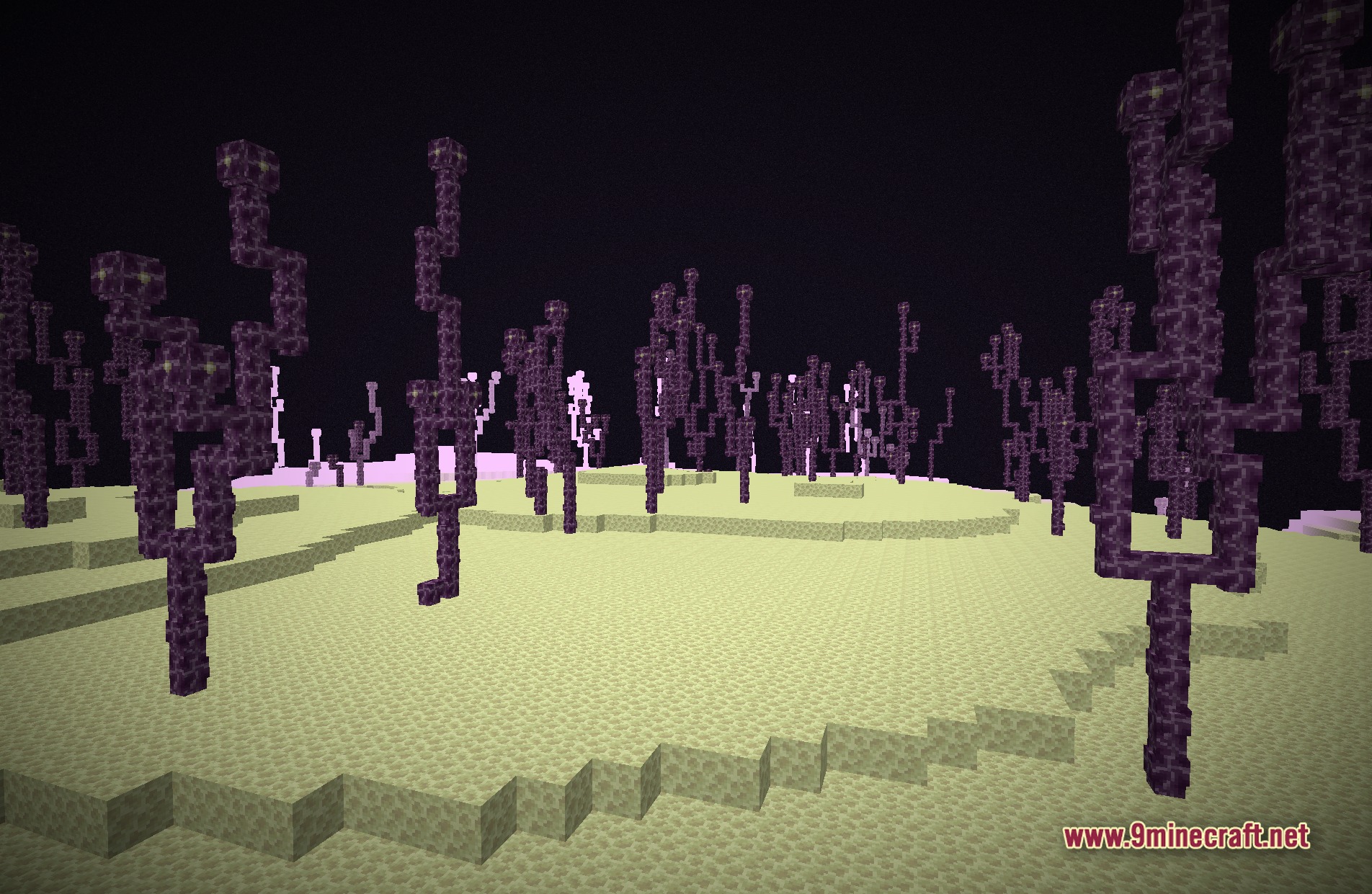
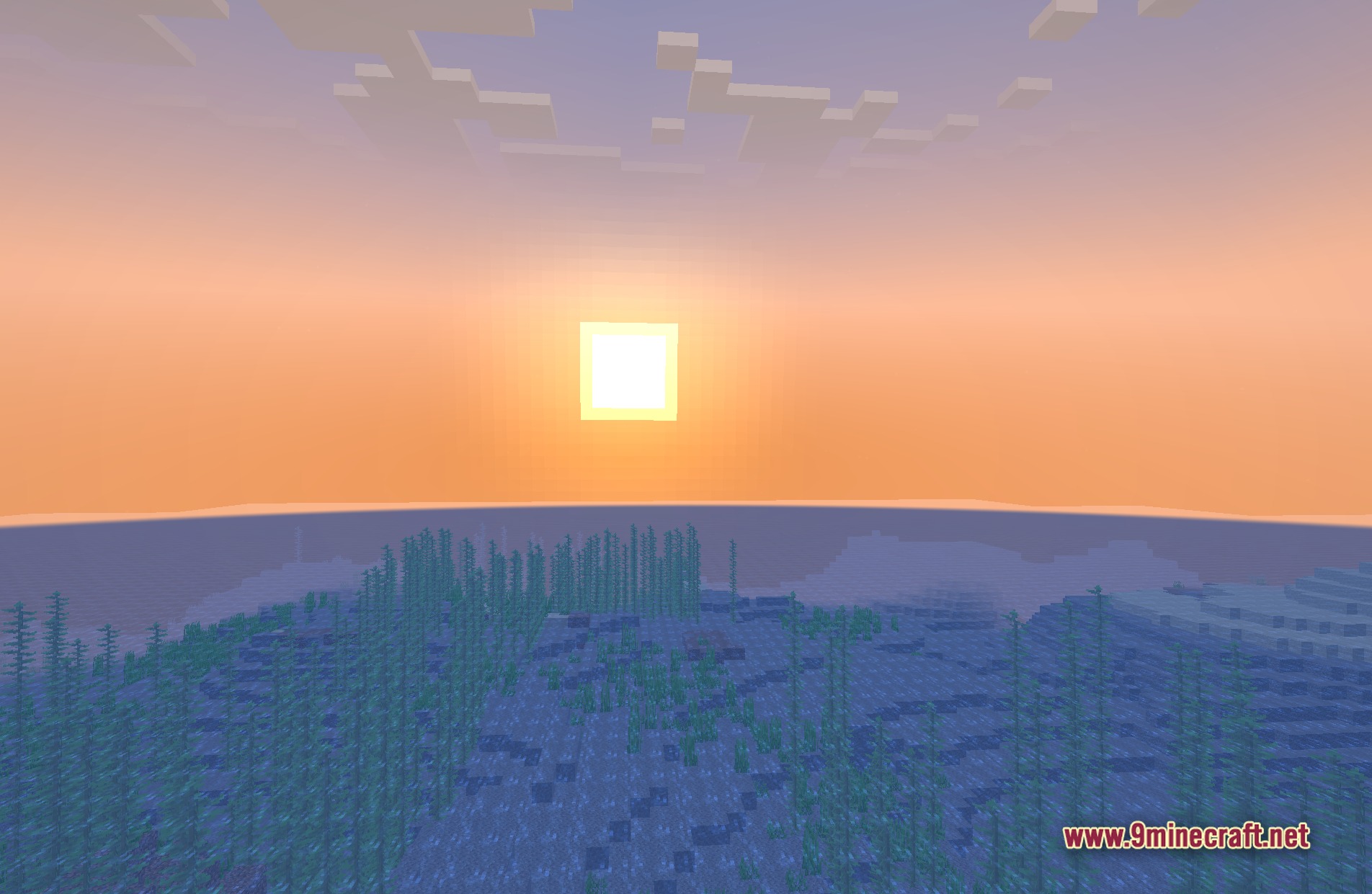
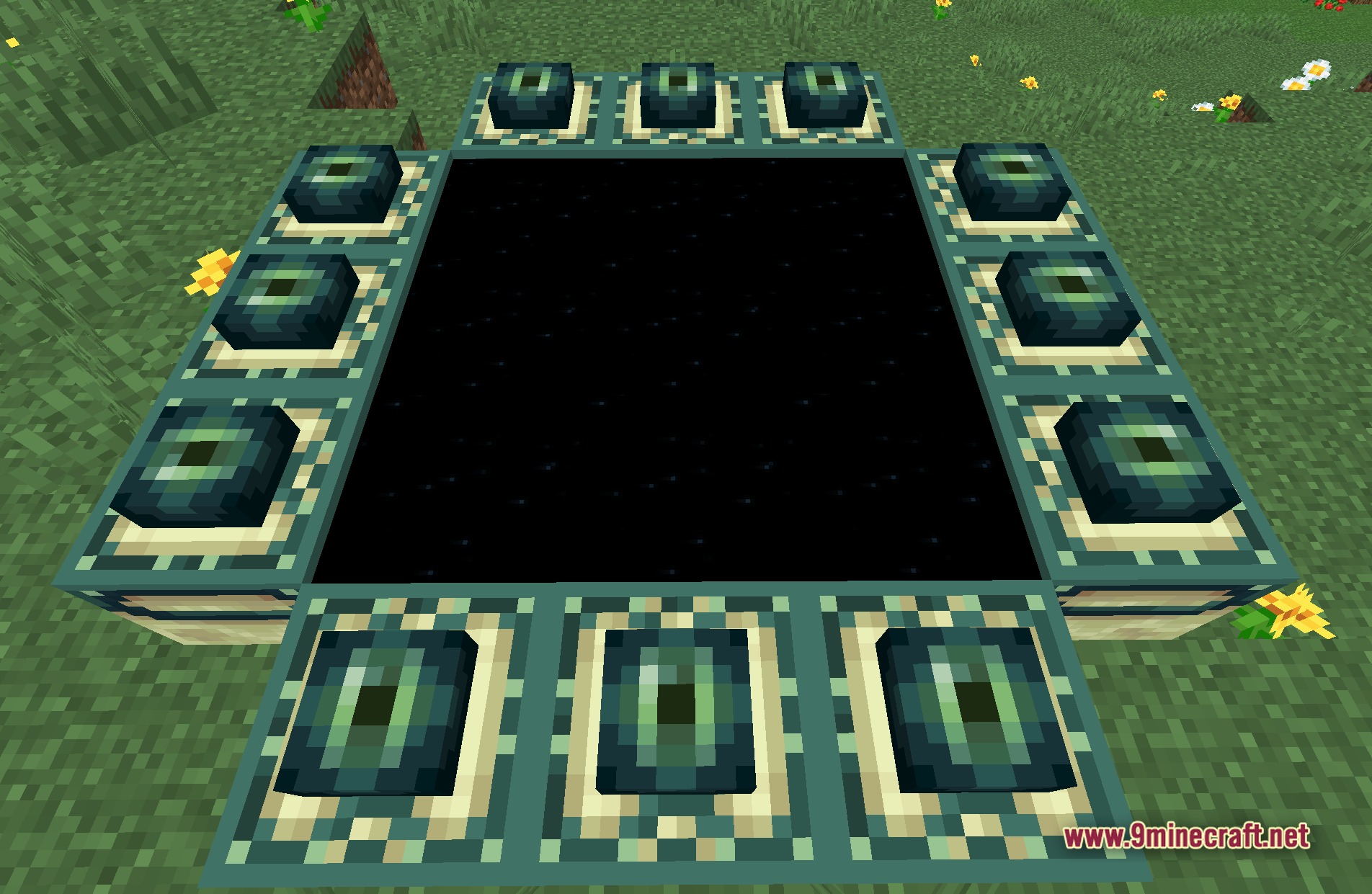
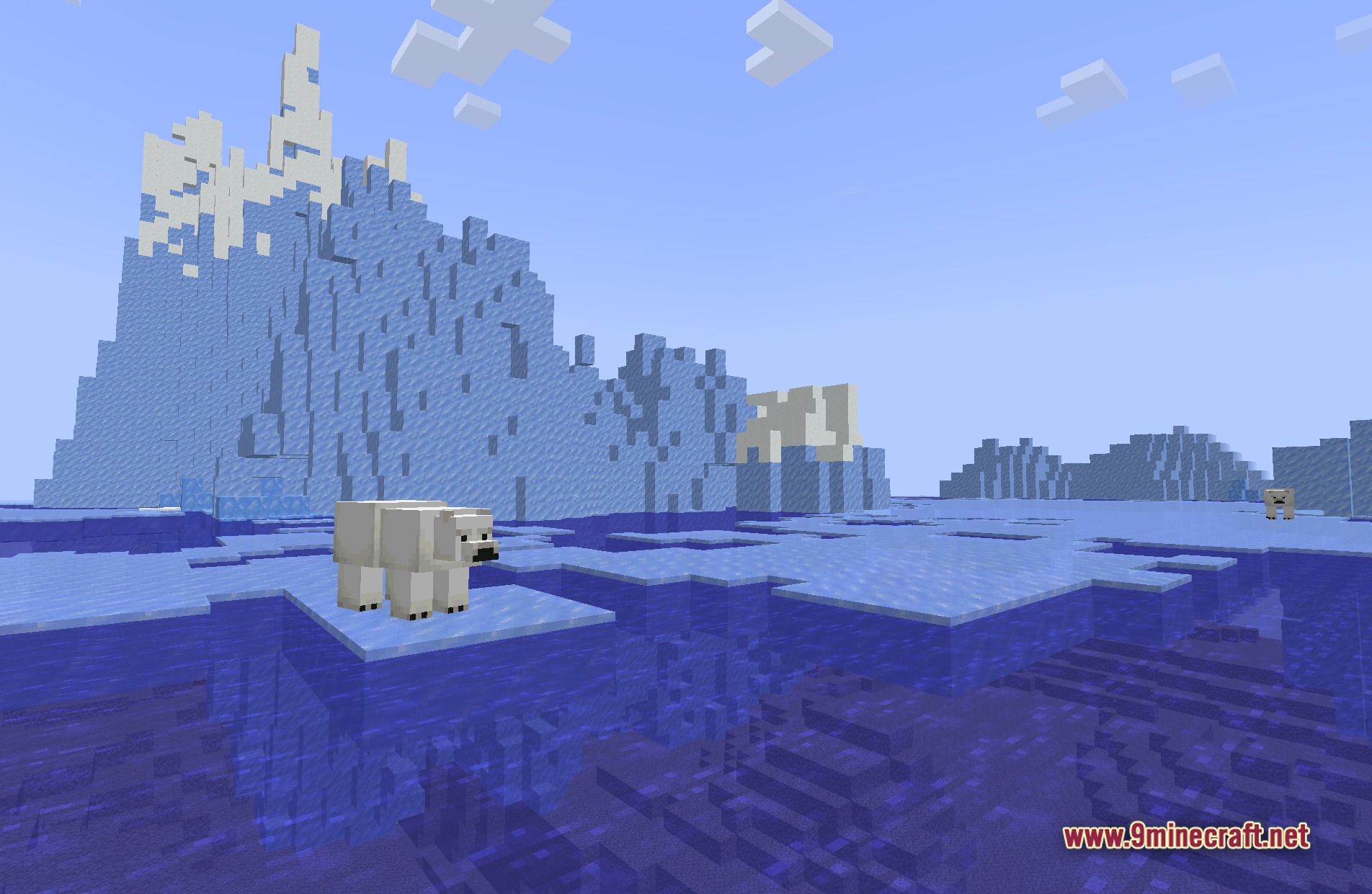
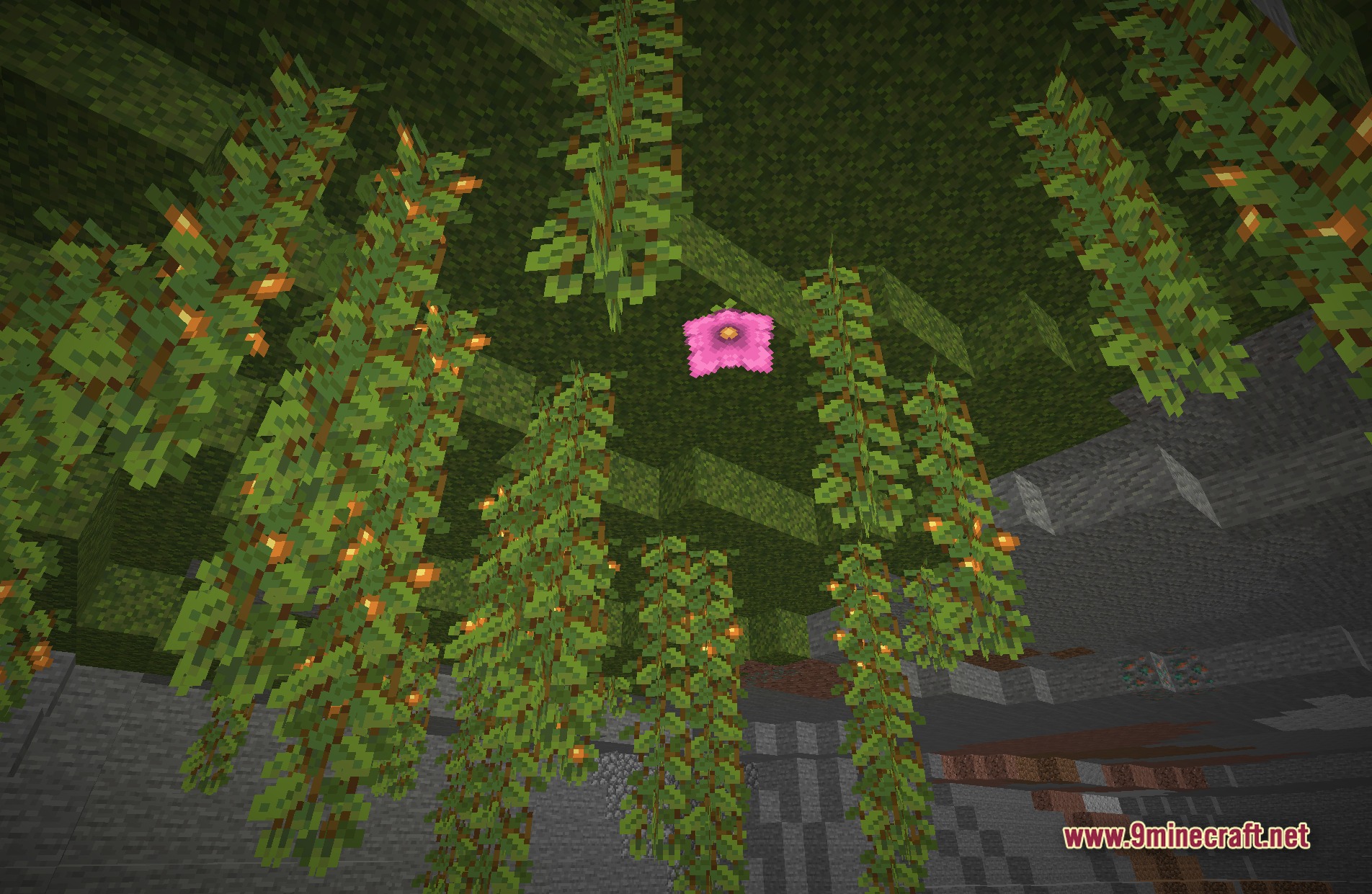
11 images from the Plunderpixels Shader Reimagined Shaders page.
You May Also Like
Wikis that share the most with this one
 Flow Reimagined Shaders
More shader wikis on the site
The most downloaded mods that have a wiki here