

 DownloadPHYCHO HORROR Shaders
Get the files on 9Minecraft
Guides
Step-by-step, in-game.
Adjusting Fog Density and Visibility DistanceAccess Shader Settings Open the shader options menu while in-game by pressing the designated shader menu key (usually…Managing the Pulsing Vignette EffectLocate Vignette Settings Open your shader options menu and look for vignette, edge darkening, or peripheral vision…Reducing or Disabling the VHS Static EffectOpen Shader Configuration Access your shader settings menu from the in-game graphics or shader options panel. Search…Surviving and Playing in Constant DarknessPrepare Your Light Sources Since daylight is completely removed, you must rely entirely on artificial light. Craft…
Frequently asked questions
How do I turn on the shader after installing it?
Open your Video Settings, go to Shaders, and select PHYCHO HORROR Shaders from your shader pack folder. The effect applies immediately when you confirm the selection.
Why is my world completely black and I can't see anything?
Can I turn off the VHS static effect?
Yes, open the shader options menu (usually accessible from Video Settings > Shaders > Shader Options) and look for the VHS static or screen overlay setting to reduce or disable it.
The pulsing vignette is making me dizzy. How do I fix it?
Access the shader options and find the vignette intensity or pulse speed setting, then lower it to a comfortable level or disable it entirely.
See all 10 PHYCHO HORROR Shaders questions ›
Gallery
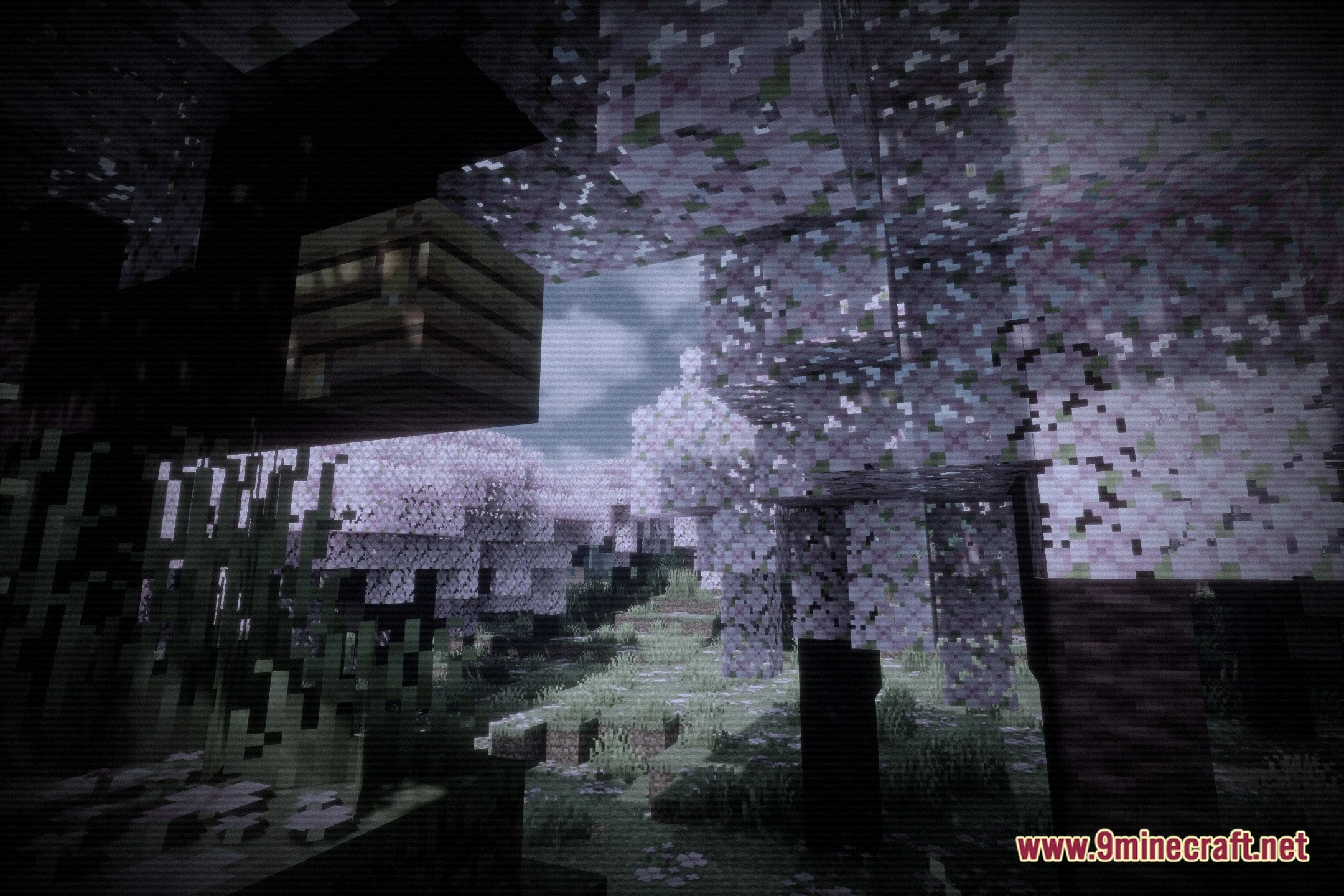
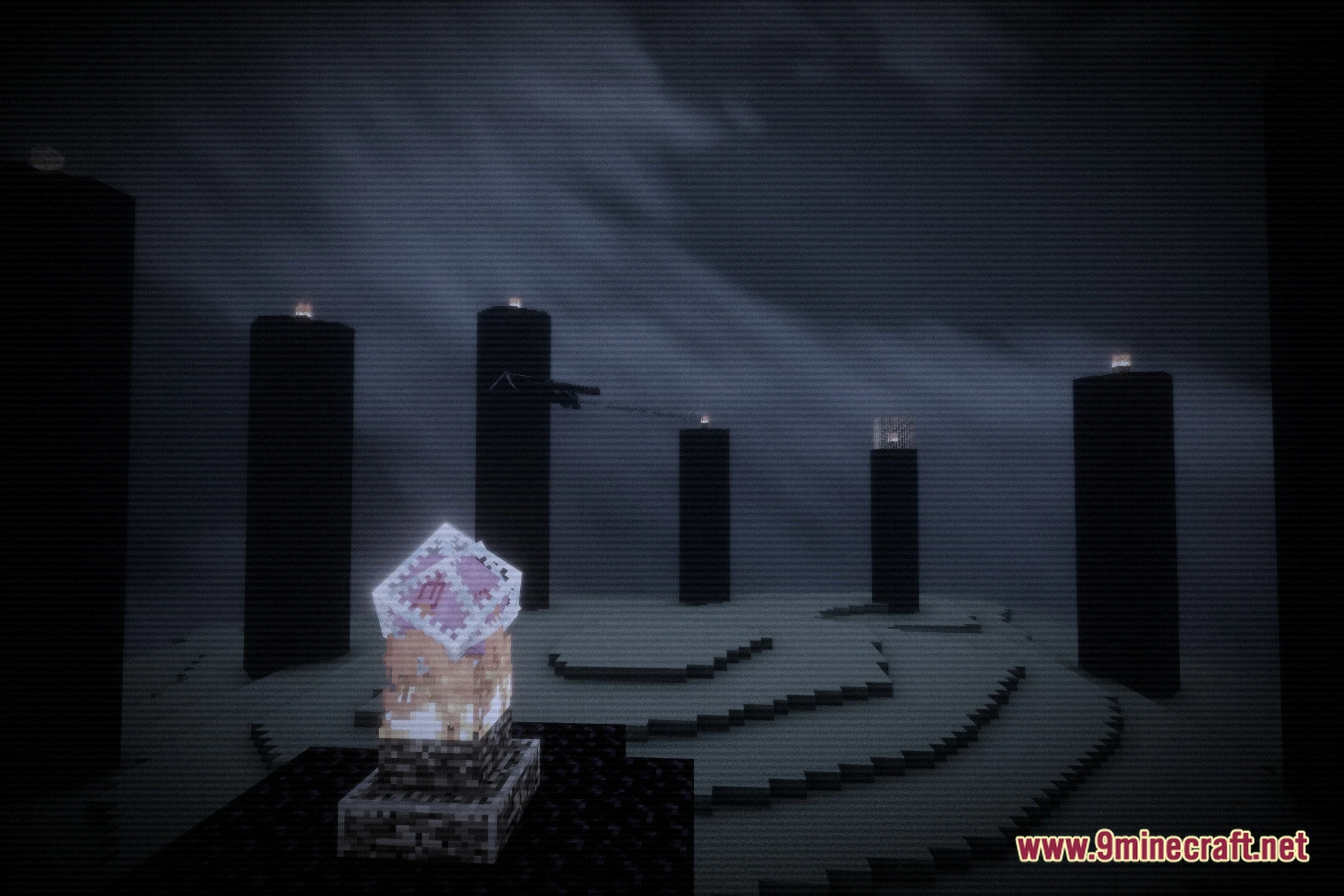
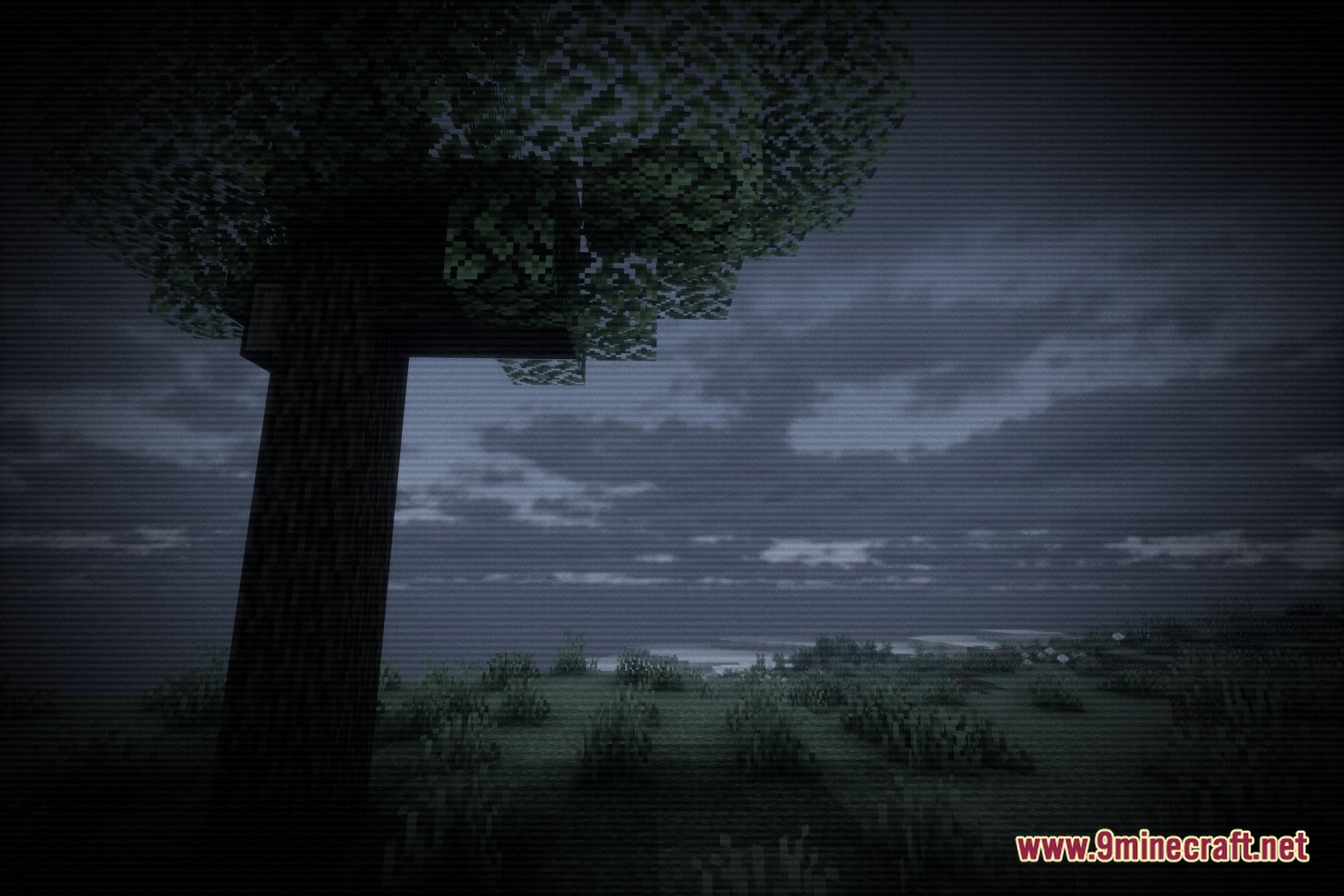
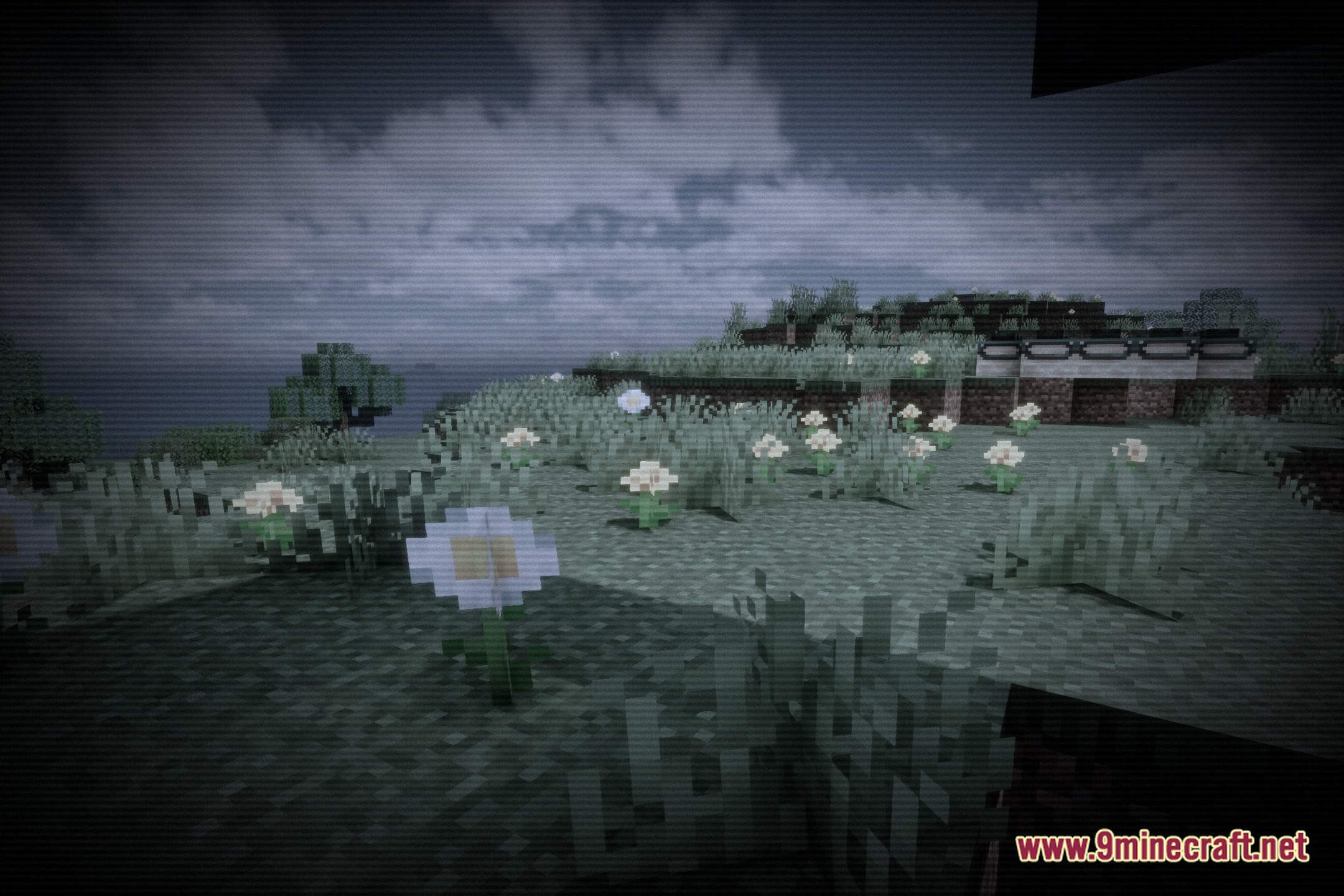
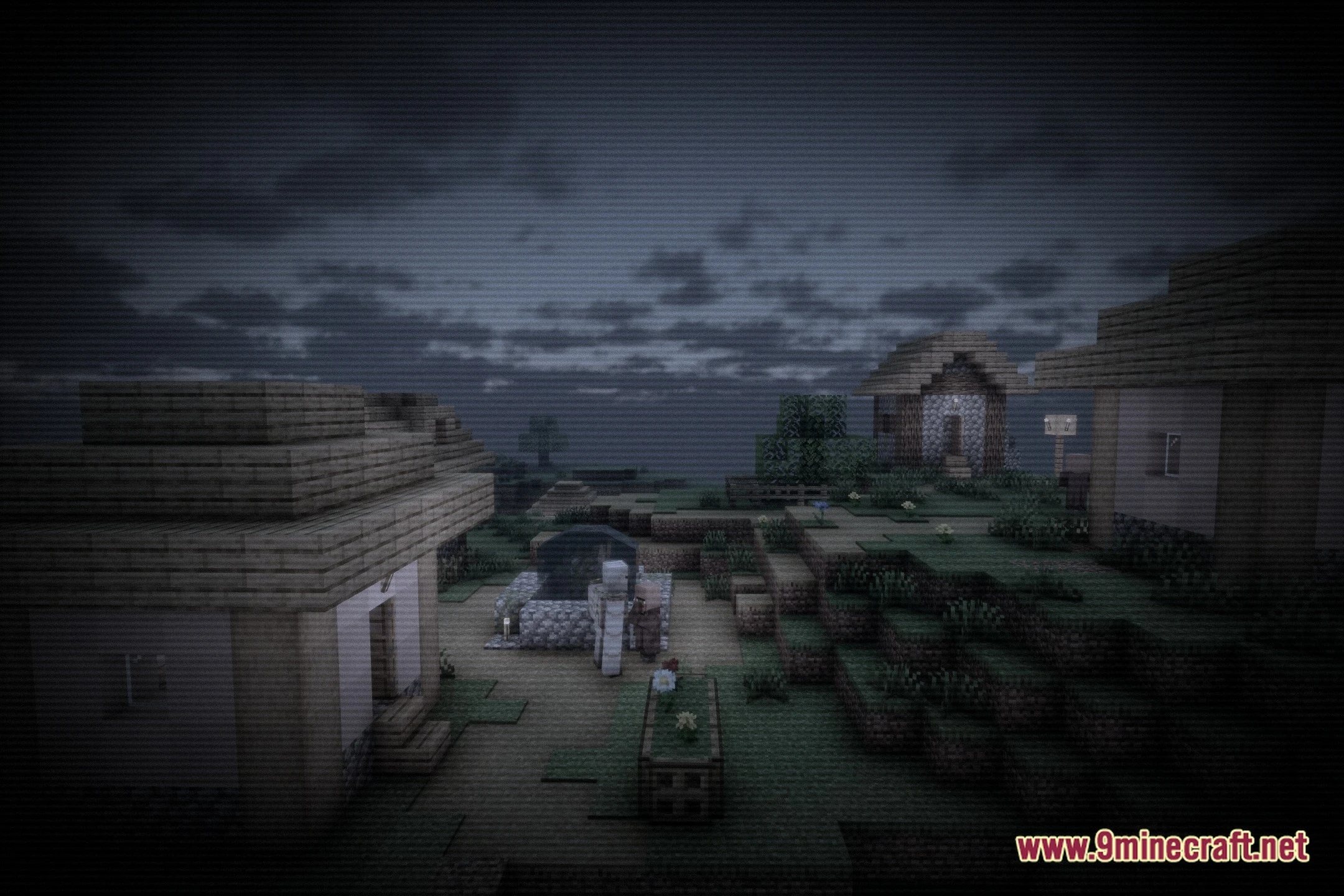
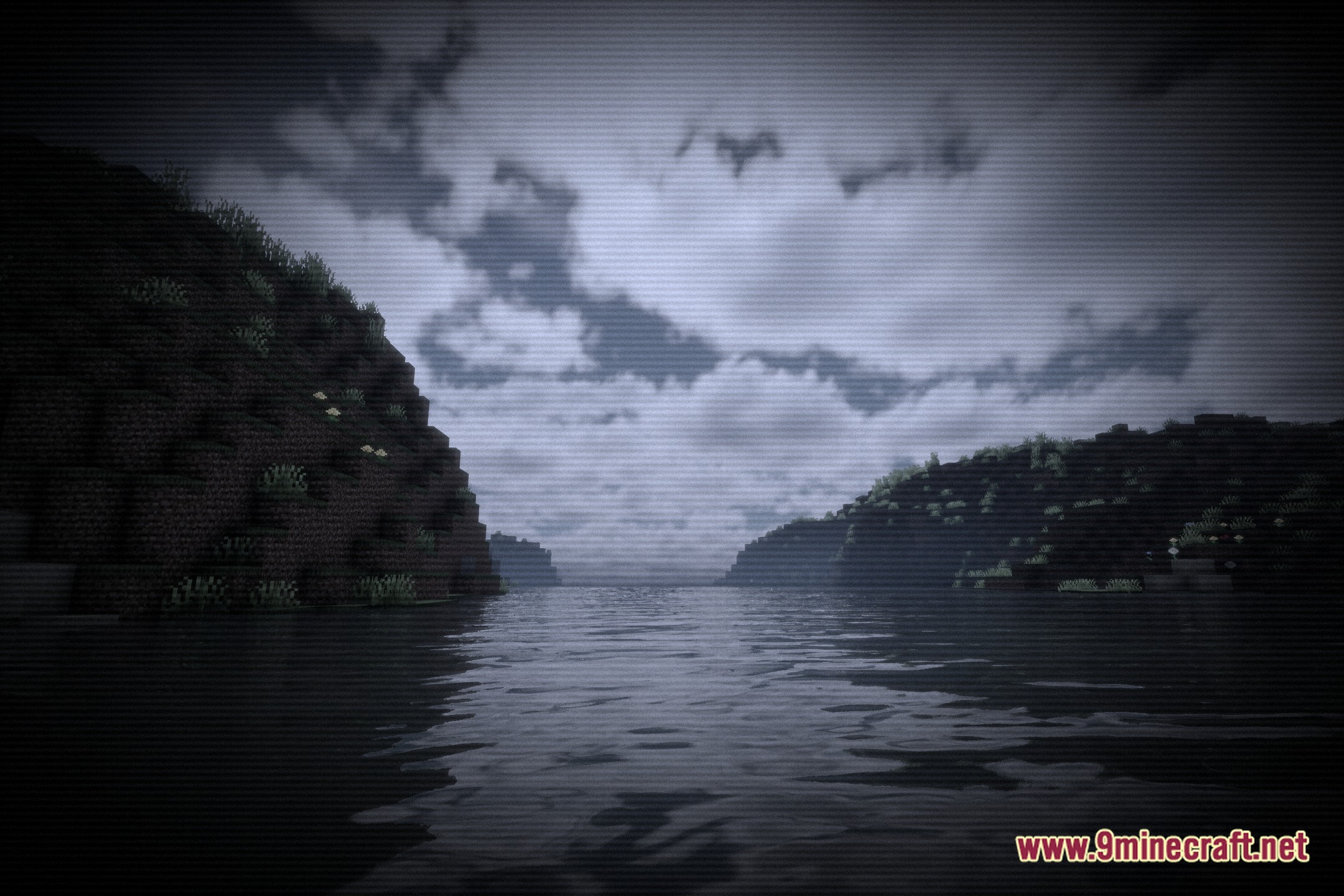
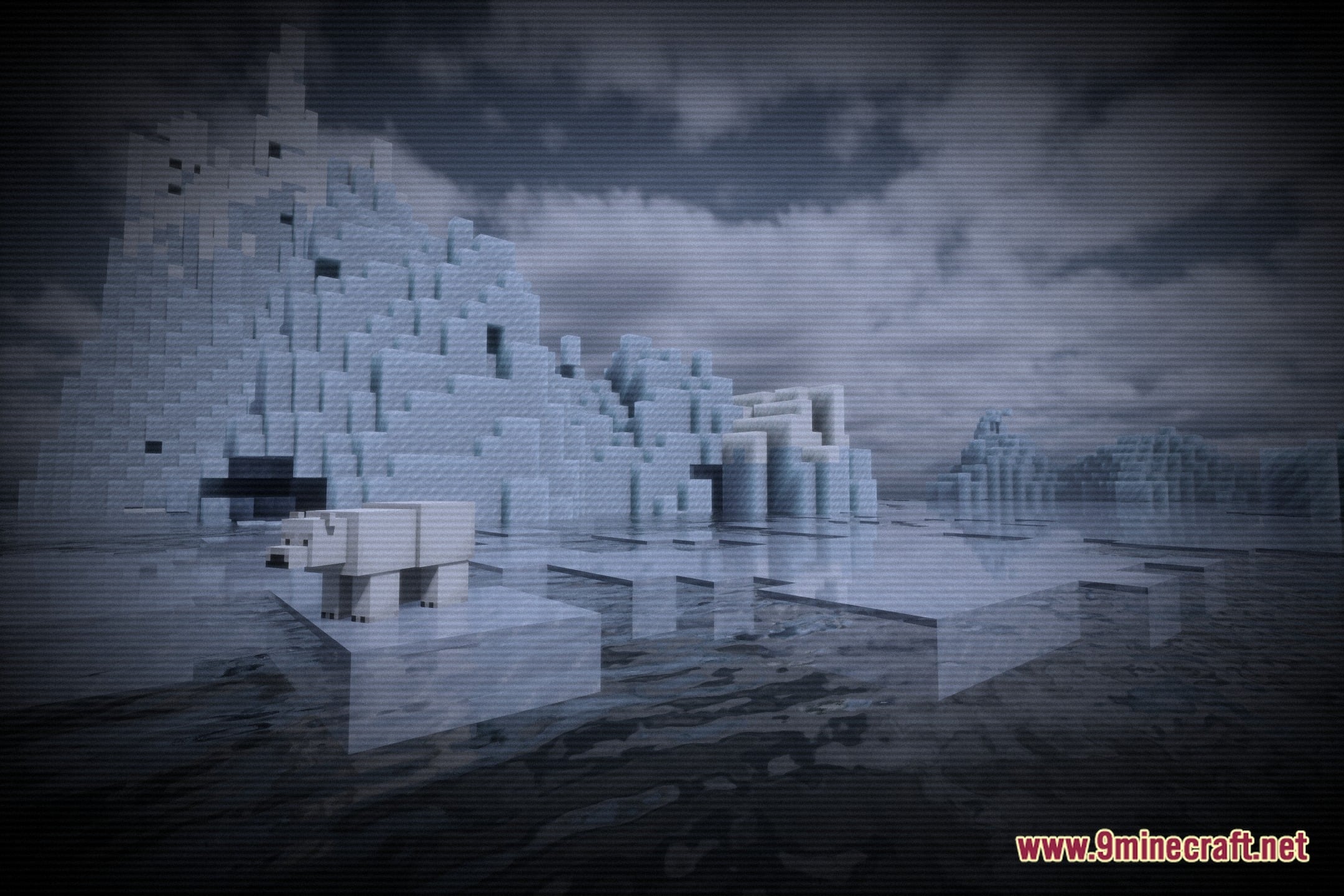
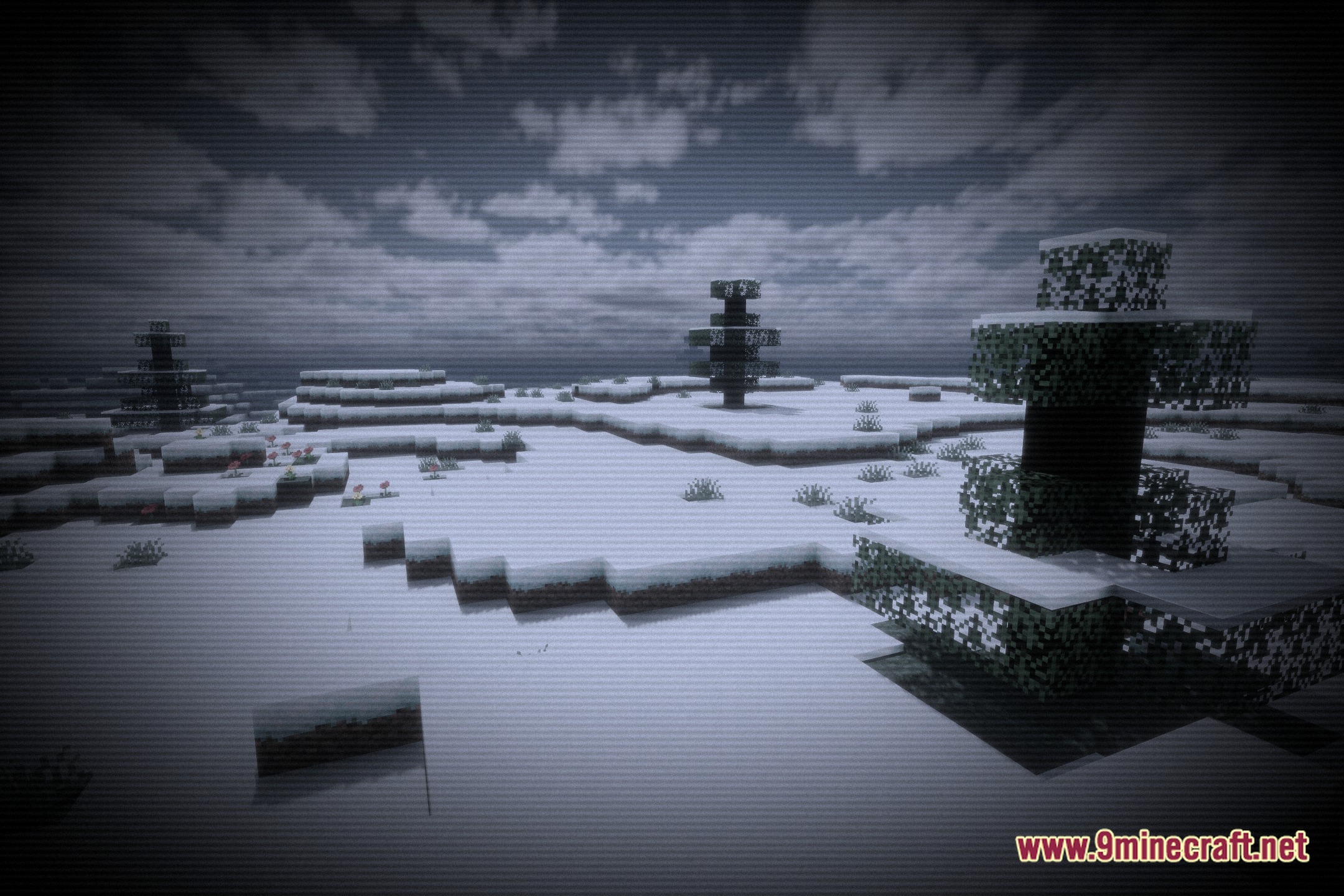
12 images from the Phycho Horror Shaders page.
You May Also Like
Wikis that share the most with this one
More shader wikis on the site
The most downloaded mods that have a wiki here