

 DownloadPosterization Shader
Get the files on 9Minecraft
Guides
Step-by-step, in-game.
Adjust Posterization Intensity for Your Preferred LookAccess Shader Settings Open your shader options menu while in-game. Most shader packs store settings in a dedicated…Create Consistent Lighting Across Day and Night CyclesUnderstand Posterization and Time of Day The shader applies color banding to both sunlight and moonlight. During day,…Make Textures Pop While Keeping the Cartoon StyleUnderstand the Texture-Shader Balance PosterizationShader preserves your texture pack's detail while applying flat…Optimize Frame Rate on Lower-End HardwareVerify Shader is Lightweight PosterizationShader is built with efficiency in mind and should run smoothly on most…
Frequently asked questions
How do I turn on the Posterization Shader after installing it?
Open your Shader Settings menu in-game, find PosterizationShader in the available shaders list, and select it. The effect applies immediately to your world.
Why do my textures look blurry or washed out with this shader?
Increase the Posterization Intensity setting to make color bands sharper and textures more defined. Lower intensity values create a softer, more blended look.
Can I use this shader with other visual mods like Optifine?
PosterizationShader works best as a standalone shader pack. Using it alongside other shader mods may cause conflicts or visual glitches.
My FPS dropped a lot after enabling this shader. How do I fix it?
Try lowering your render distance or disabling advanced lighting options in the shader settings. PosterizationShader is lightweight, so performance issues usually come from other mods or high world settings.
See all 10 Posterization Shader questions ›
Gallery
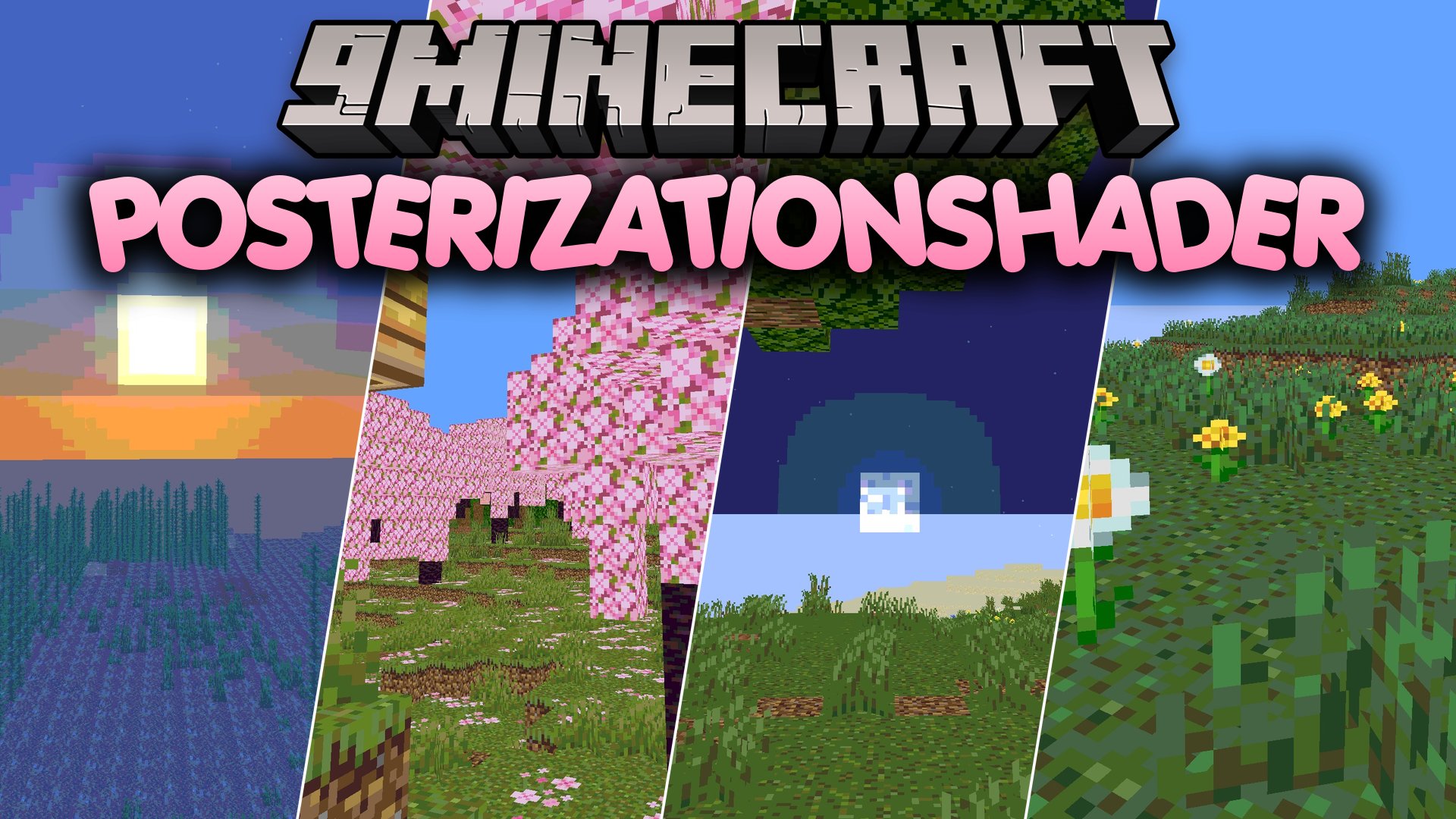
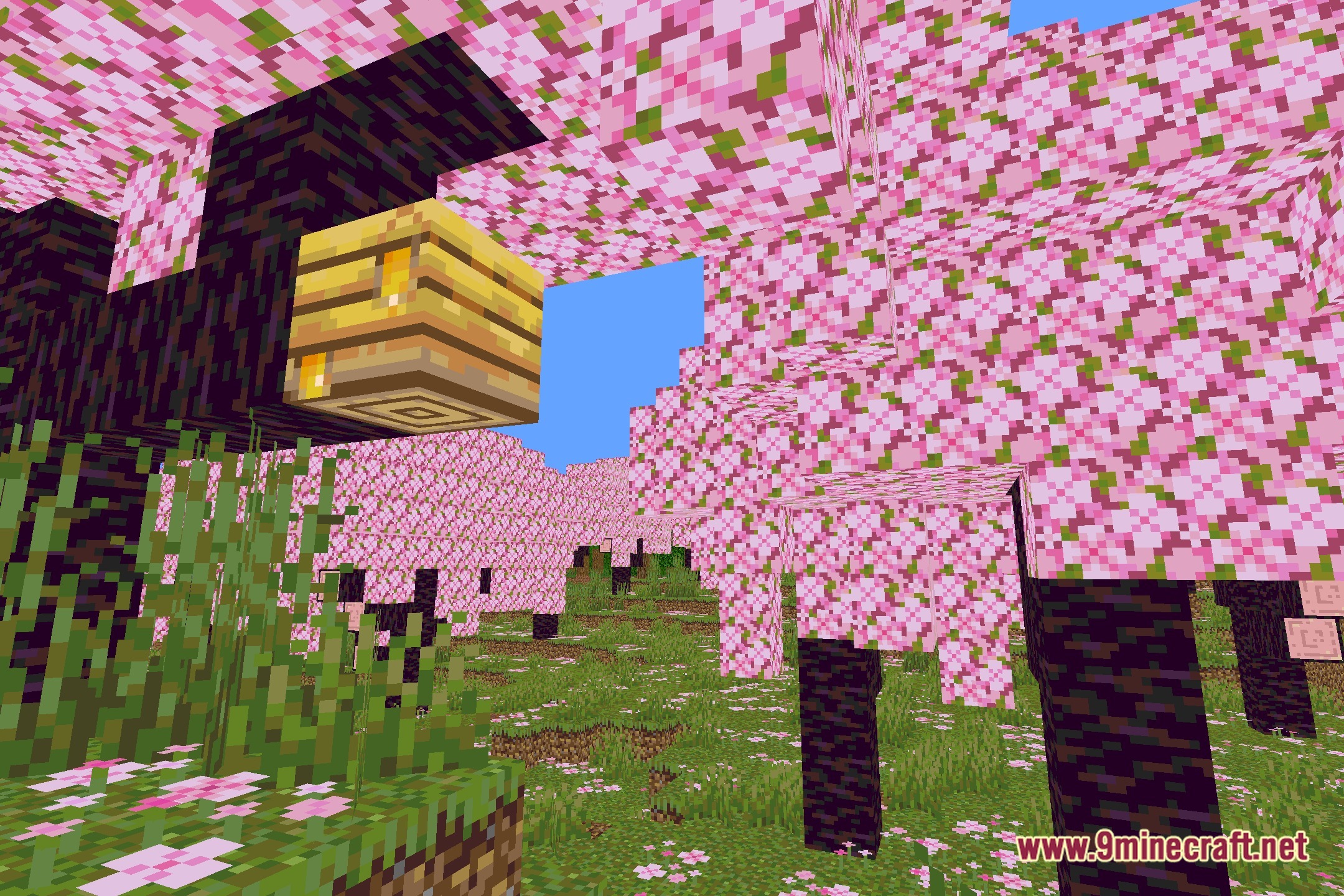
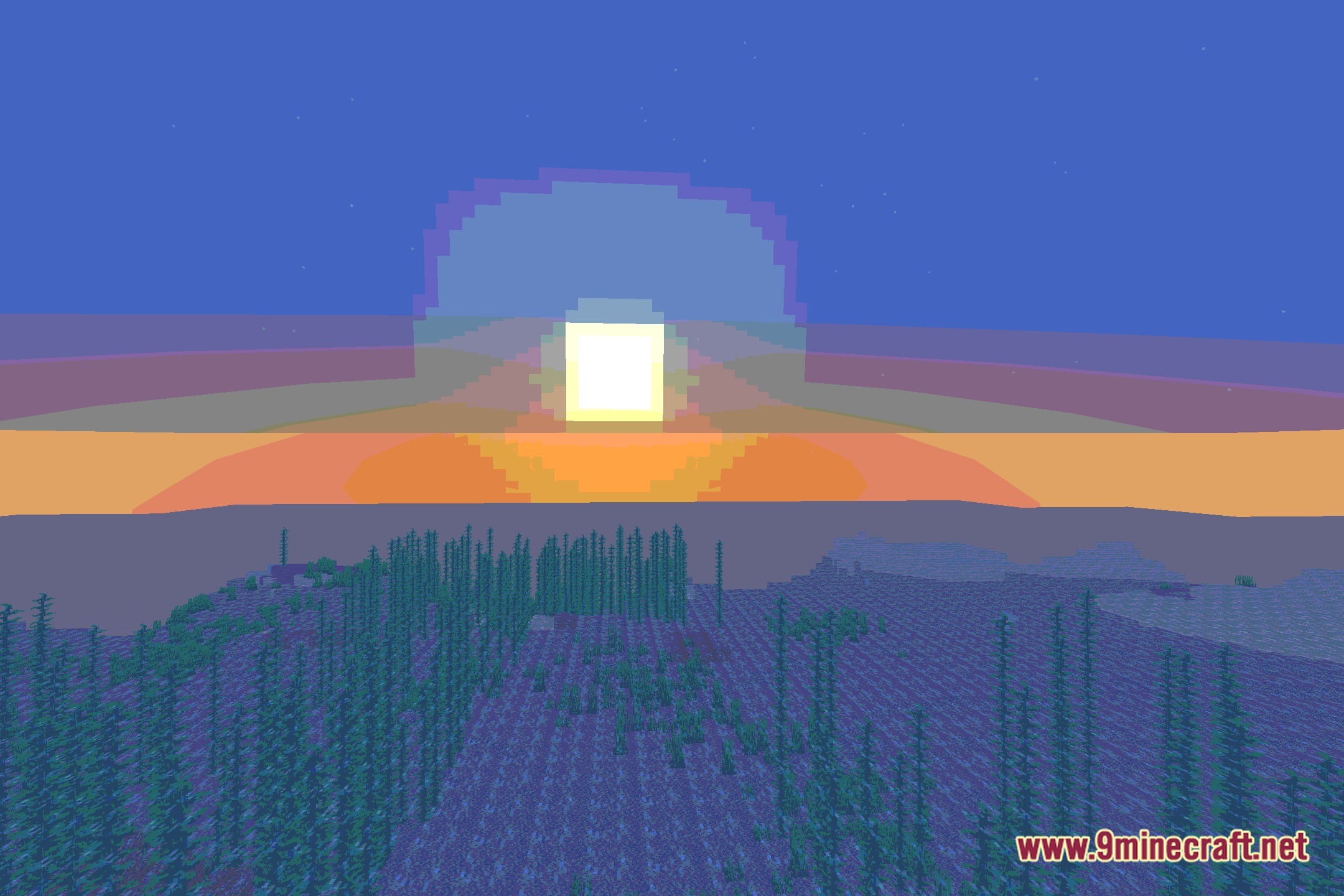
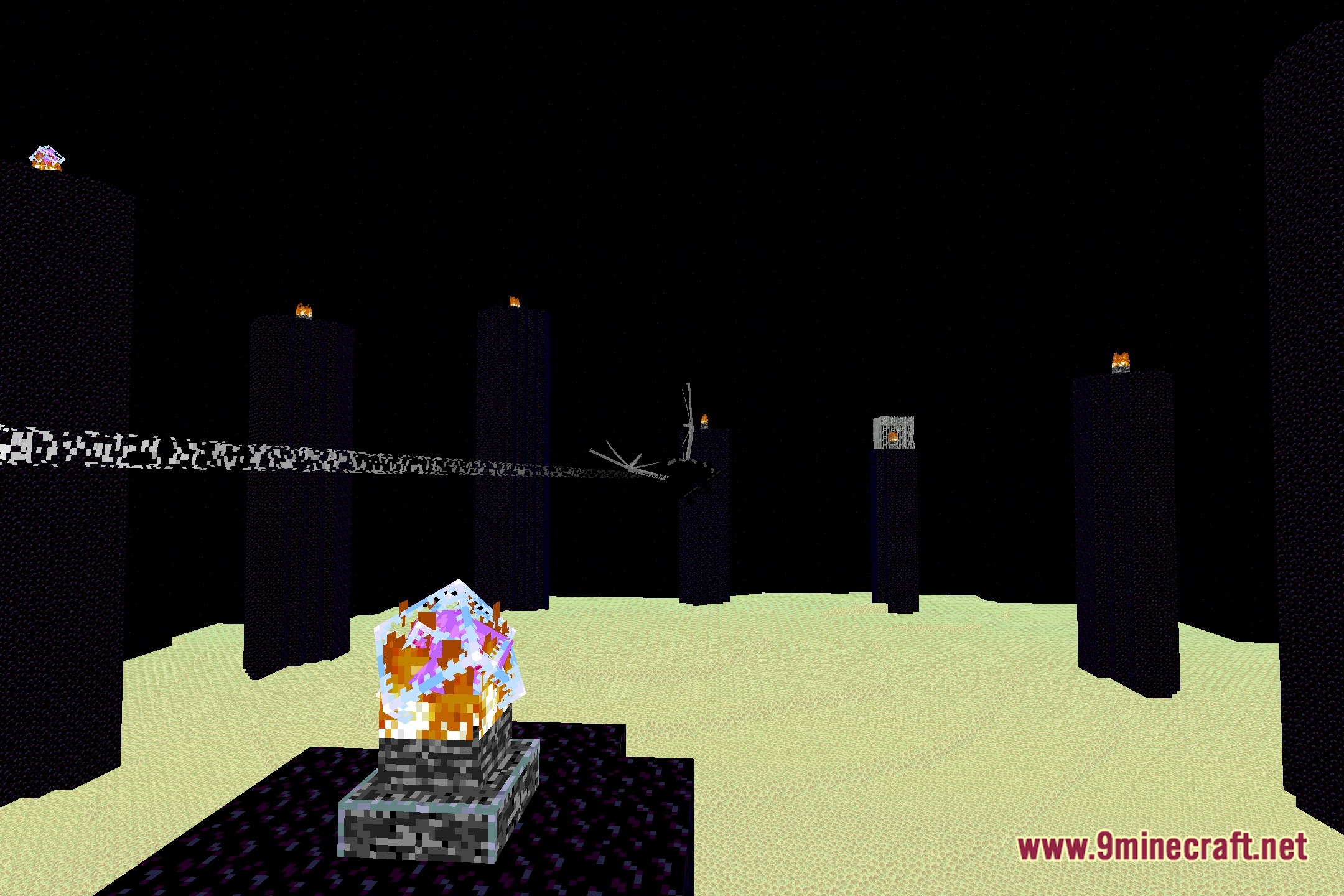
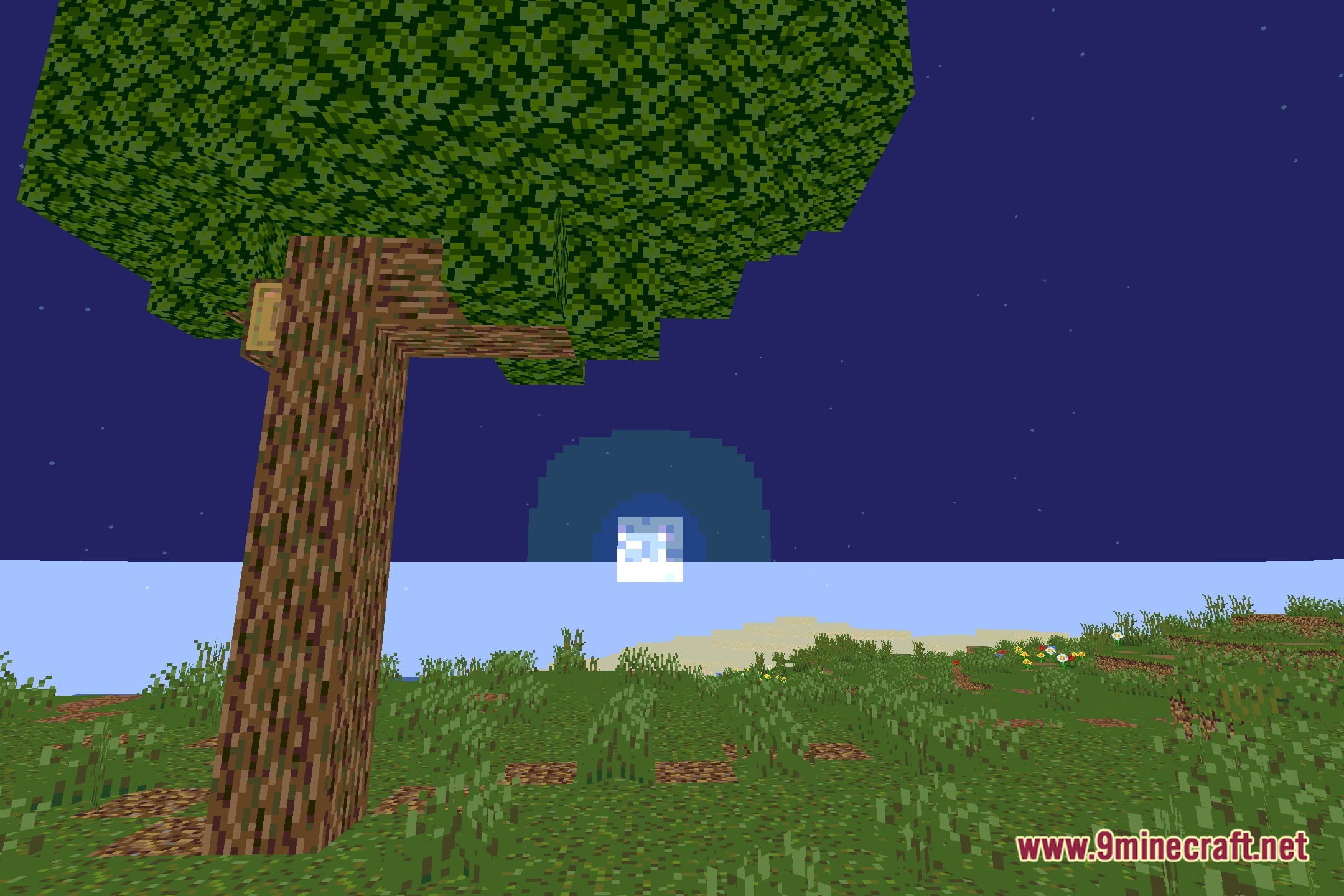
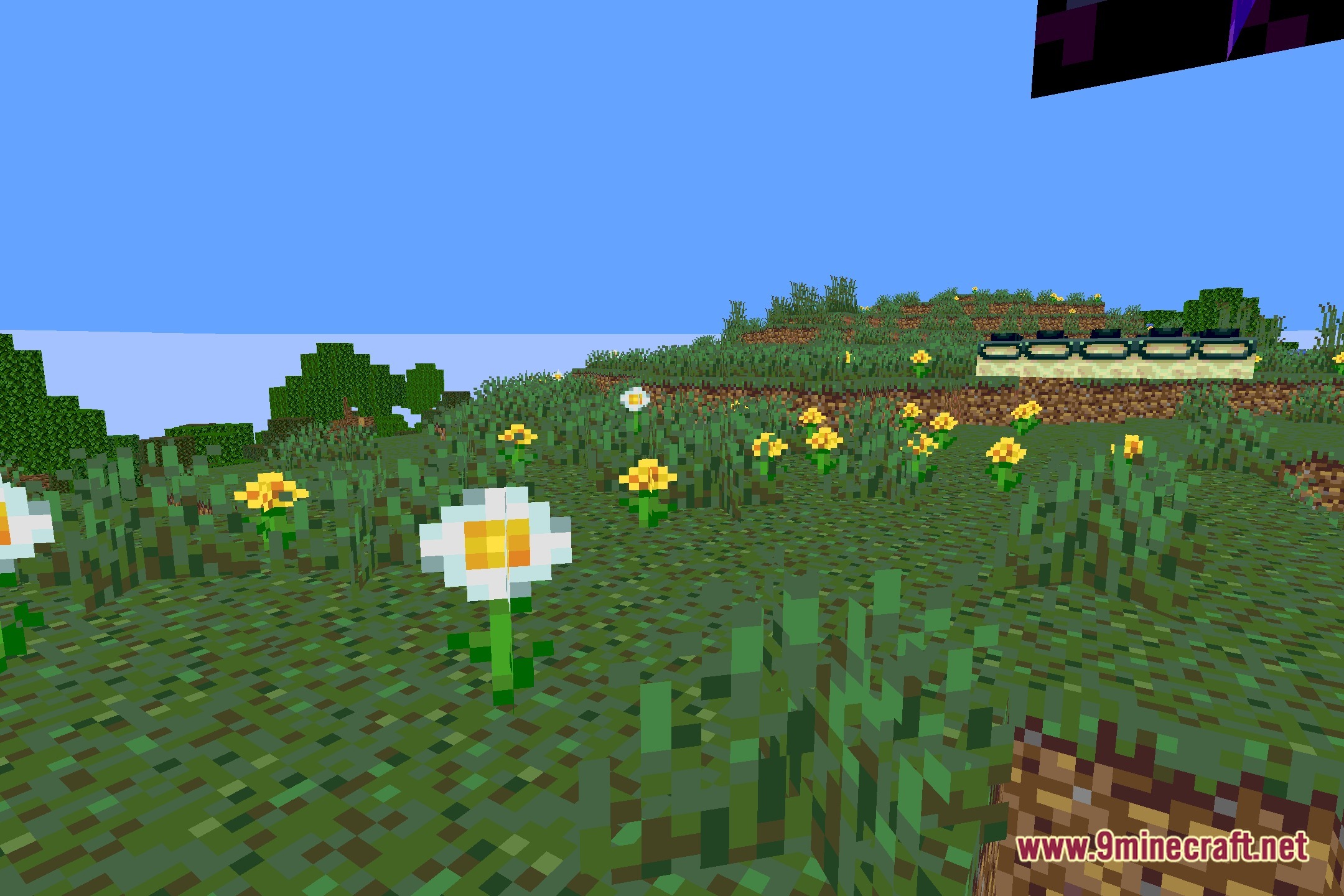
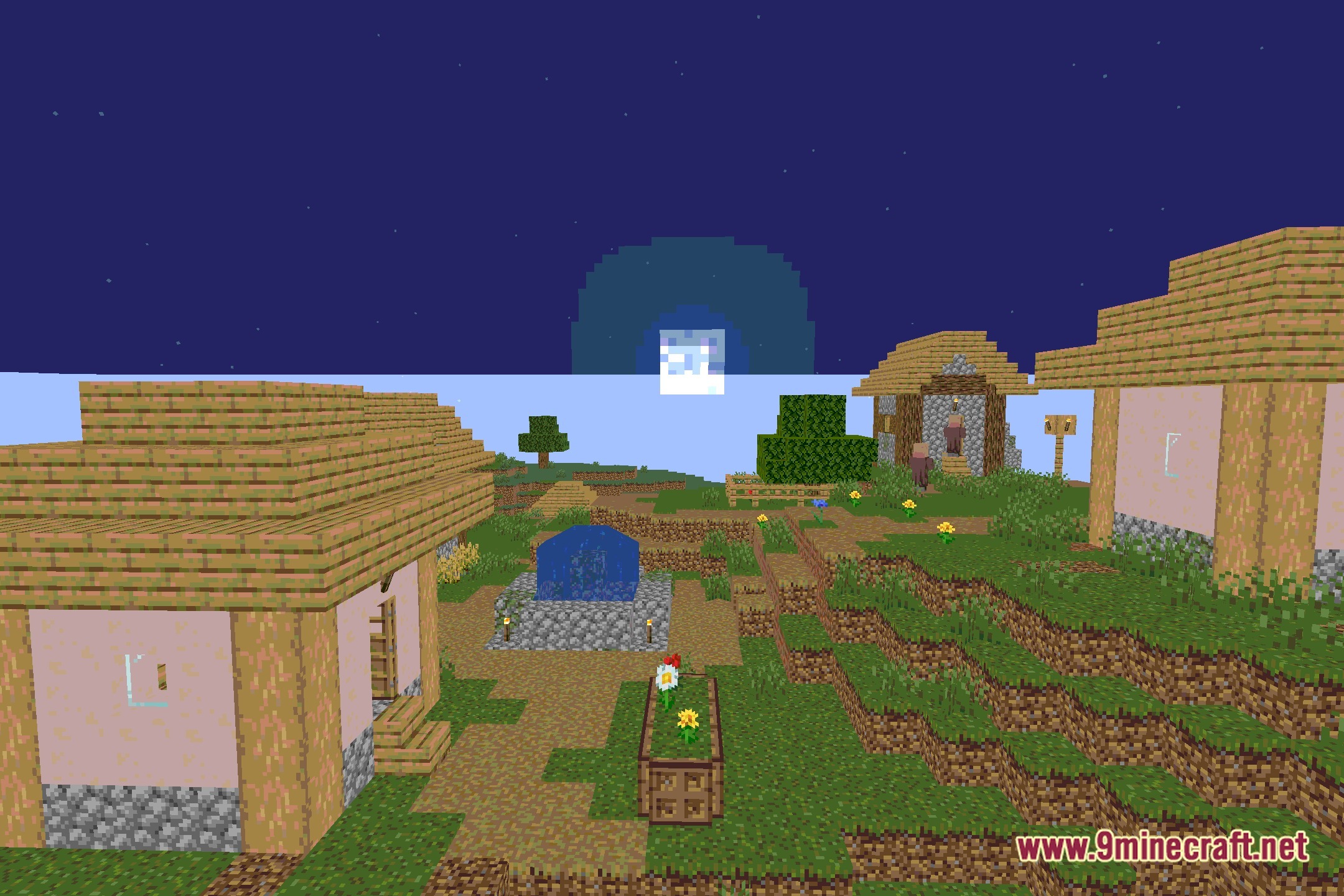
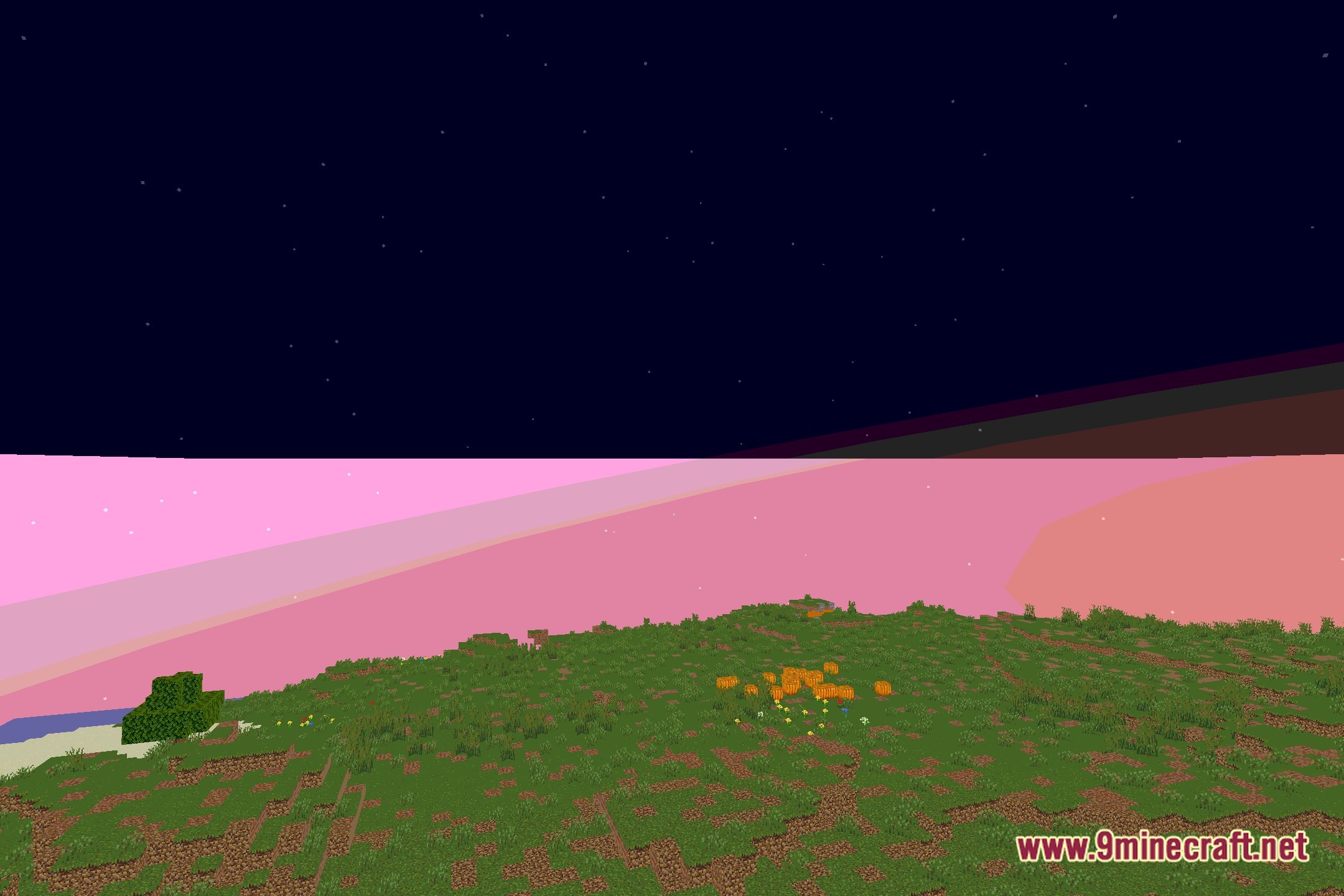
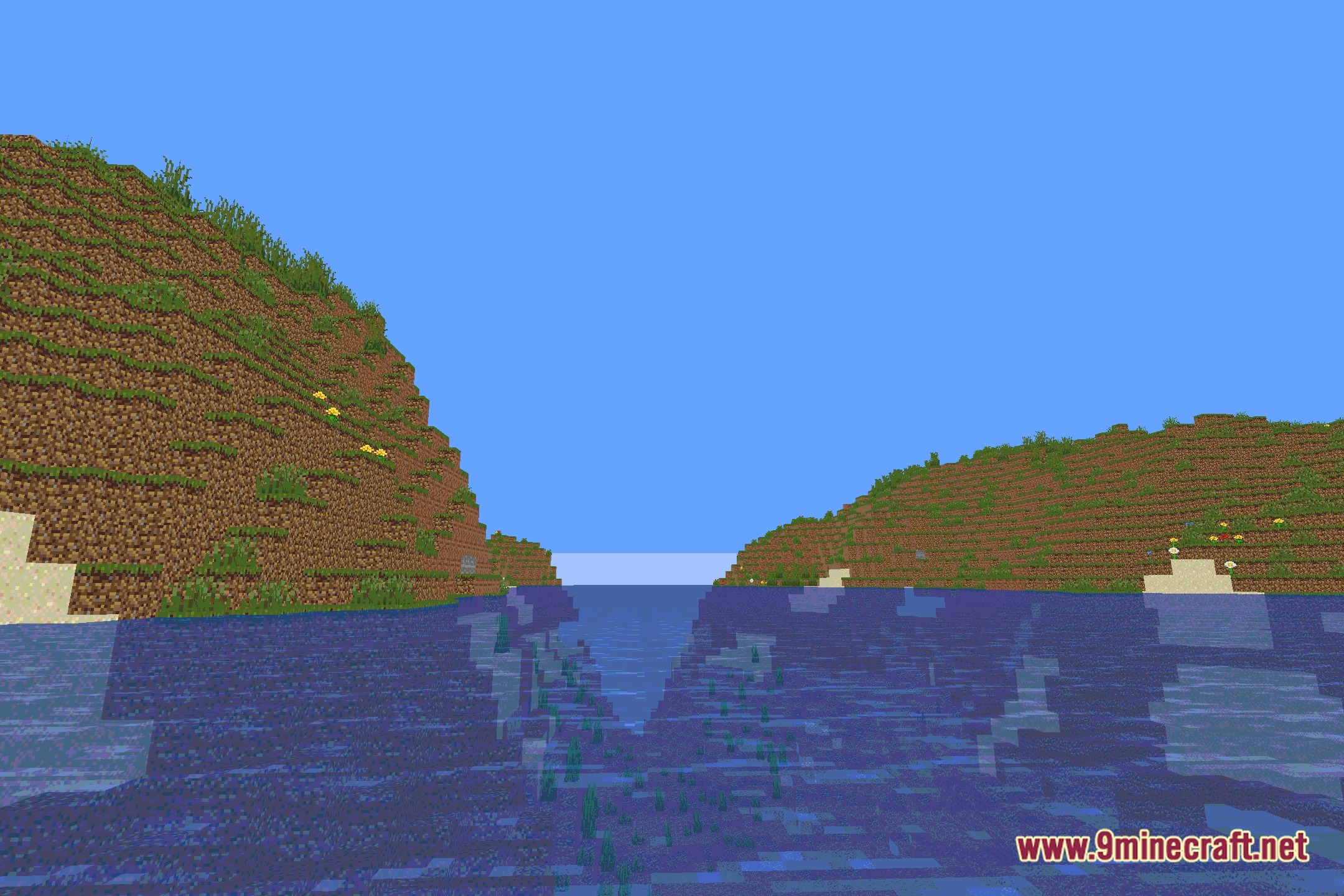
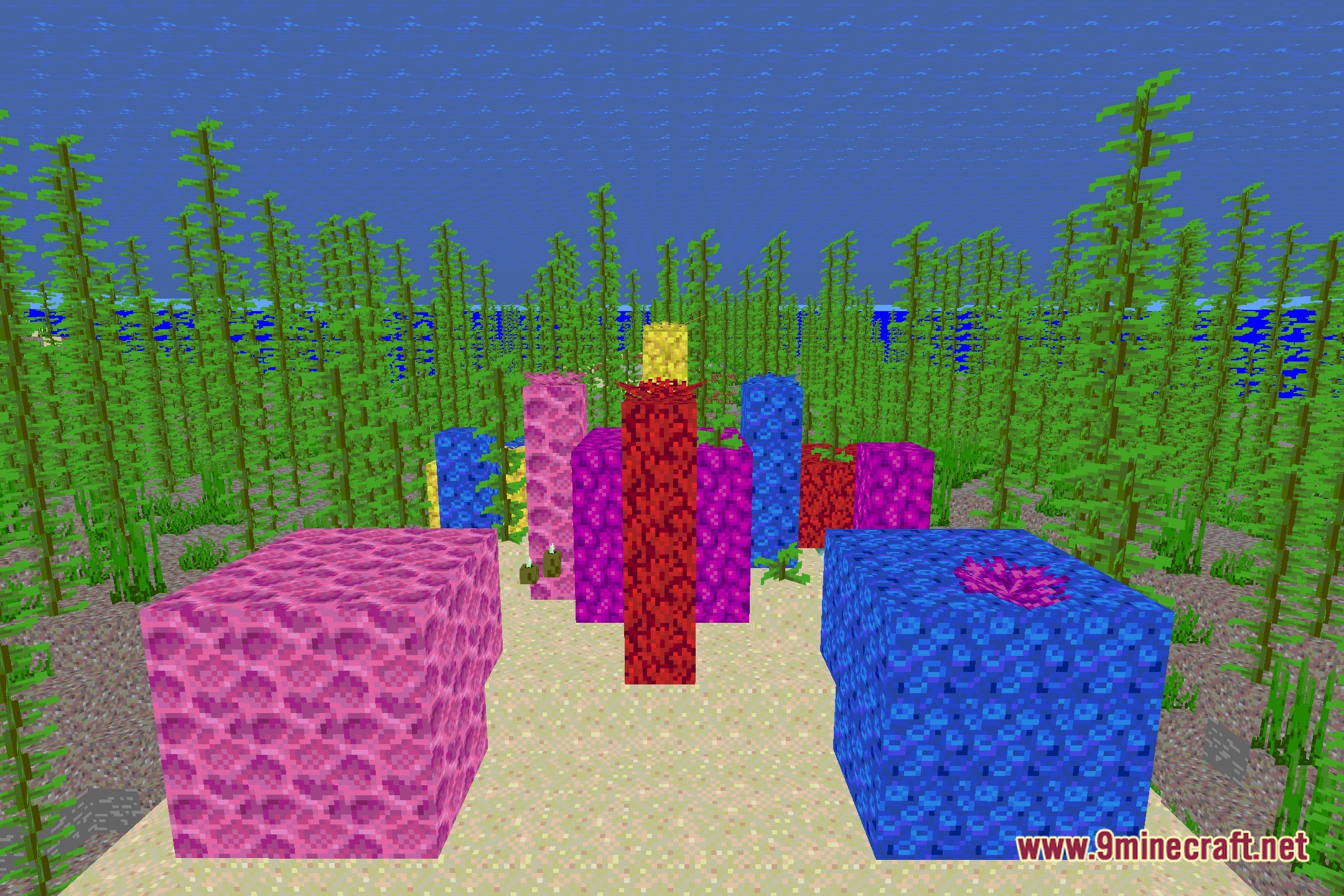
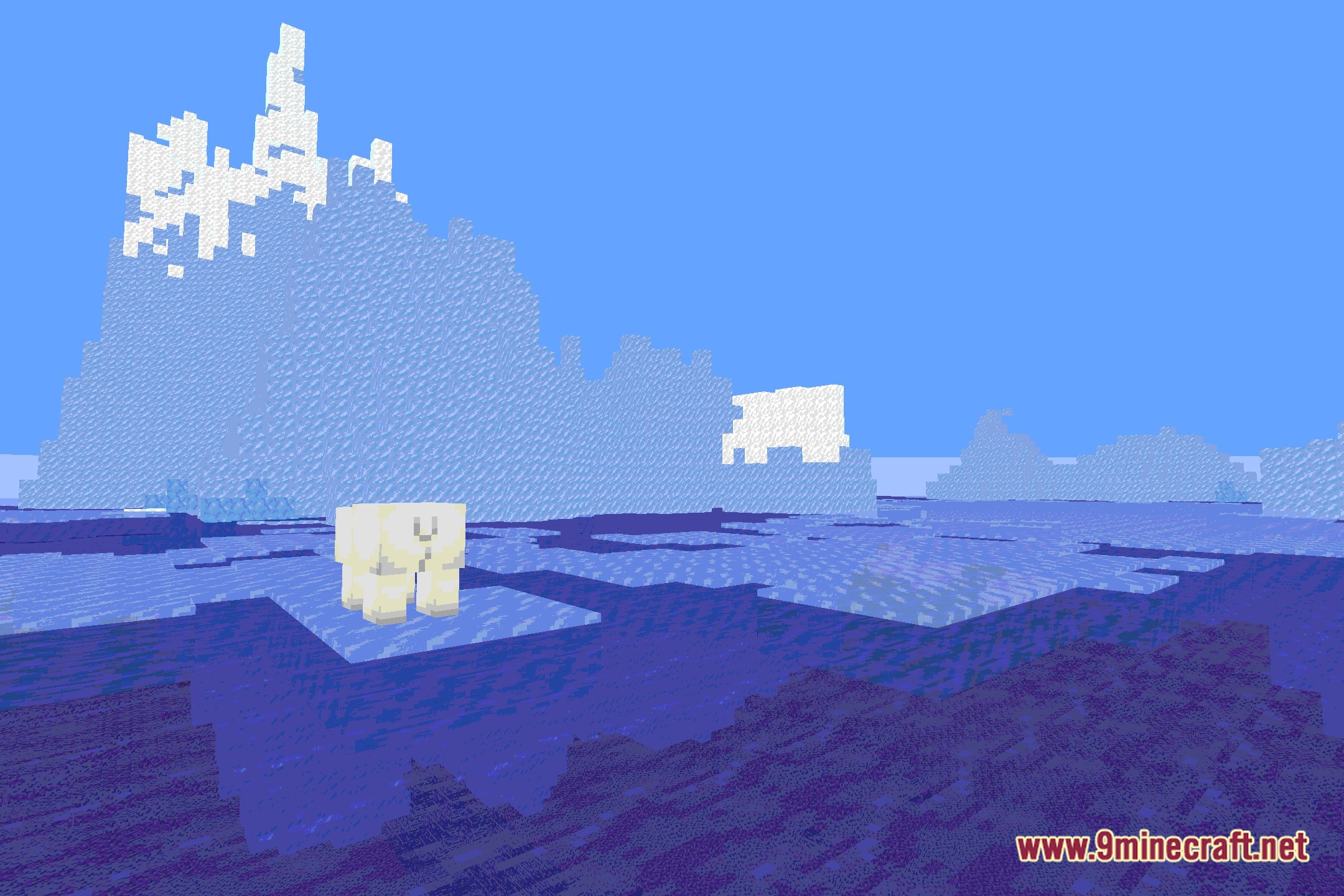
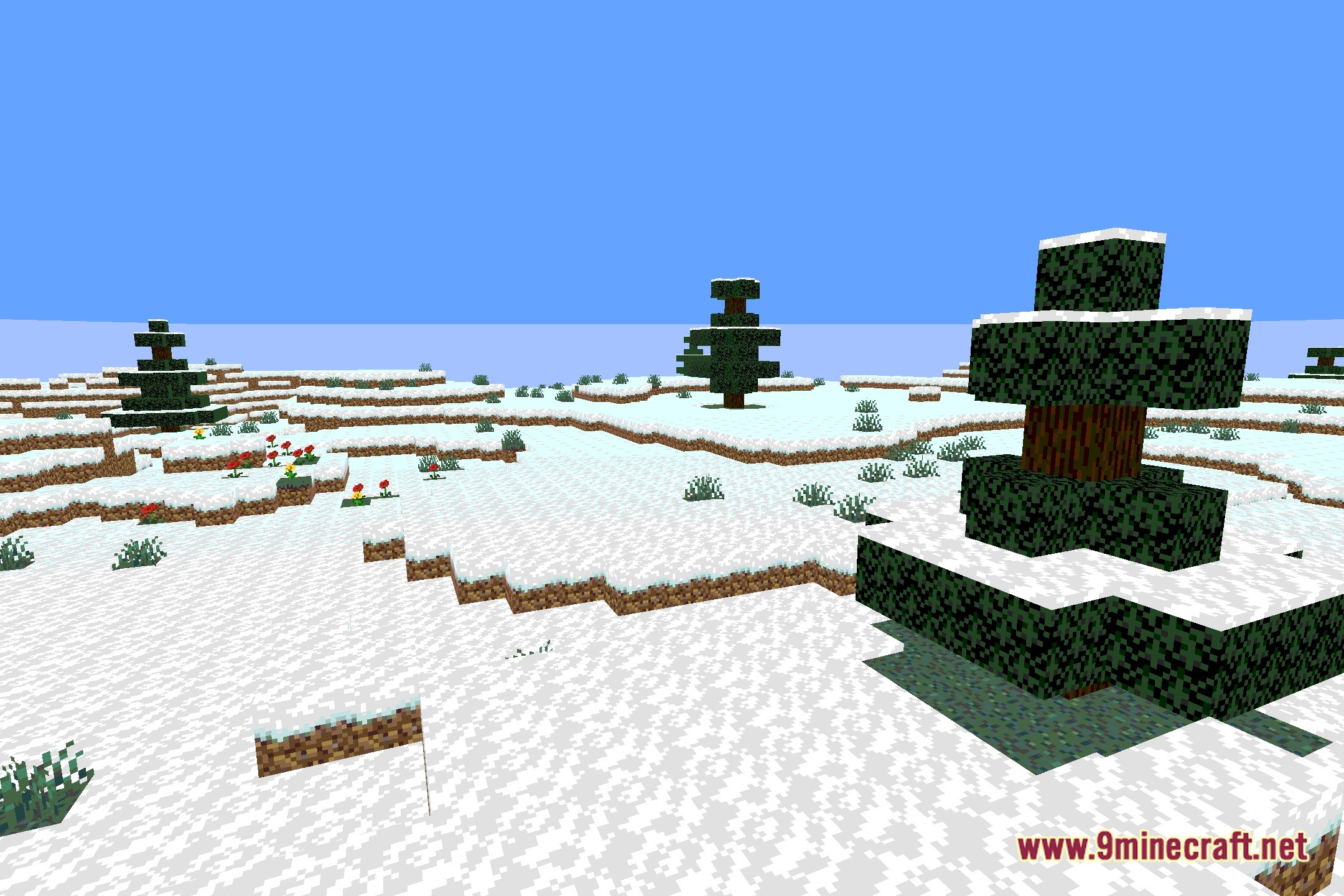
12 images from the Posterizationshader Shaders page.
You May Also Like
Wikis that share the most with this one
More shader wikis on the site
The most downloaded mods that have a wiki here