

 DownloadCG E LITE Shaders
Get the files on 9Minecraft
Guides
Step-by-step, in-game.
Adjust Lighting Intensity and Shadow DepthAccess Shader Settings Open the shader options menu by pressing the designated key (usually found in your video…Customize Sky and Atmospheric EffectsAccess Sky Settings Open shader options and navigate to the sky or atmosphere section. This controls how the sky…Enhance Water and Reflection AppearanceLocate Water Settings In the shader configuration menu, find the water or reflection section. This controls how water…Optimize Shader Performance on Lower-End HardwareReduce Visual Quality Settings Open shader options and look for quality presets or individual toggles. Disable or…
Frequently asked questions
How do I enable CG E LITE Shaders after installing it?
Launch Minecraft, go to Options > Video Settings > Shaders, then locate and select CG E LITE Shaders from your shader list. Click Apply and the shader will activate immediately.
Why does my game look too dark or too bright with this shader?
Open the shader settings menu (usually by pressing a key in-game or through Video Settings) and adjust the Lighting Intensity slider to match your preference. You may also need to tweak your monitor's brightness for optimal results.
Can I use CG E LITE Shaders on a low-end computer?
Yes, this shader is designed for lower-end hardware. If you still experience lag, reduce your render distance, lower your resolution, or disable advanced features like shadow depth in the shader settings.
How do I adjust shadow quality and darkness?
Access the shader options menu and look for Shadow Depth or Shadow Distance settings. Lowering these values reduces shadow quality but improves performance; increasing them makes shadows more detailed and realistic.
See all 10 CG E LITE Shaders questions ›
Gallery
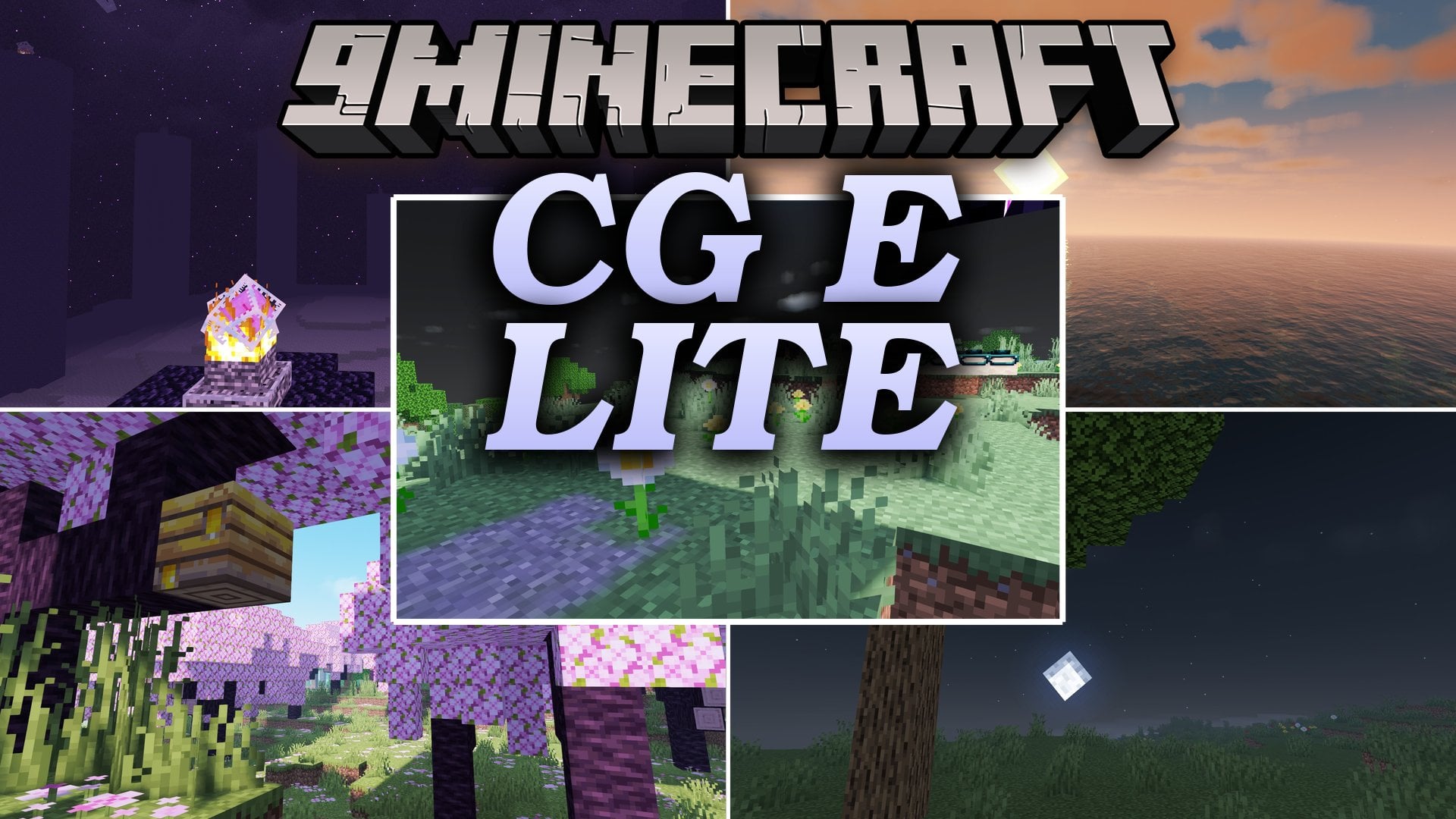
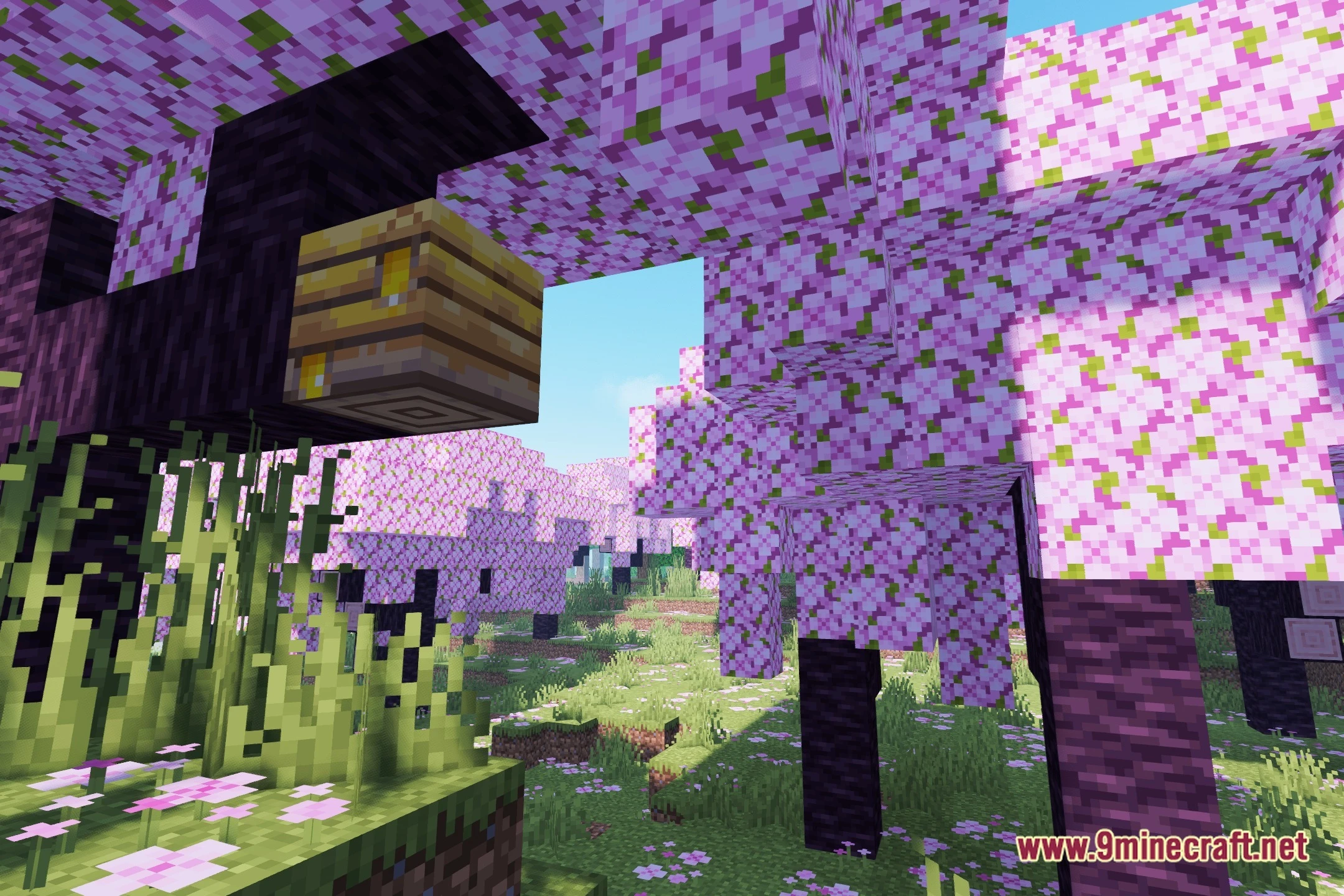
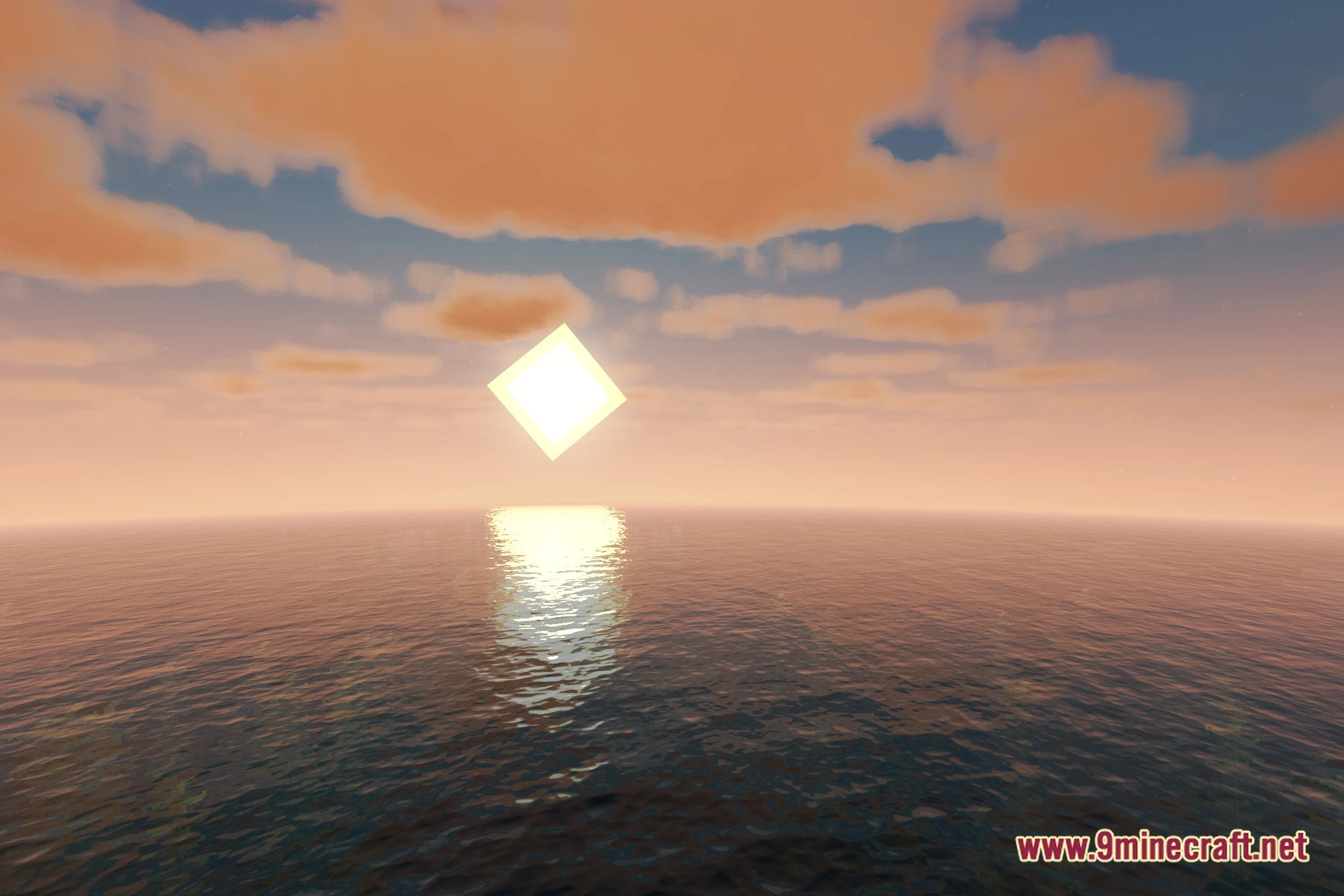
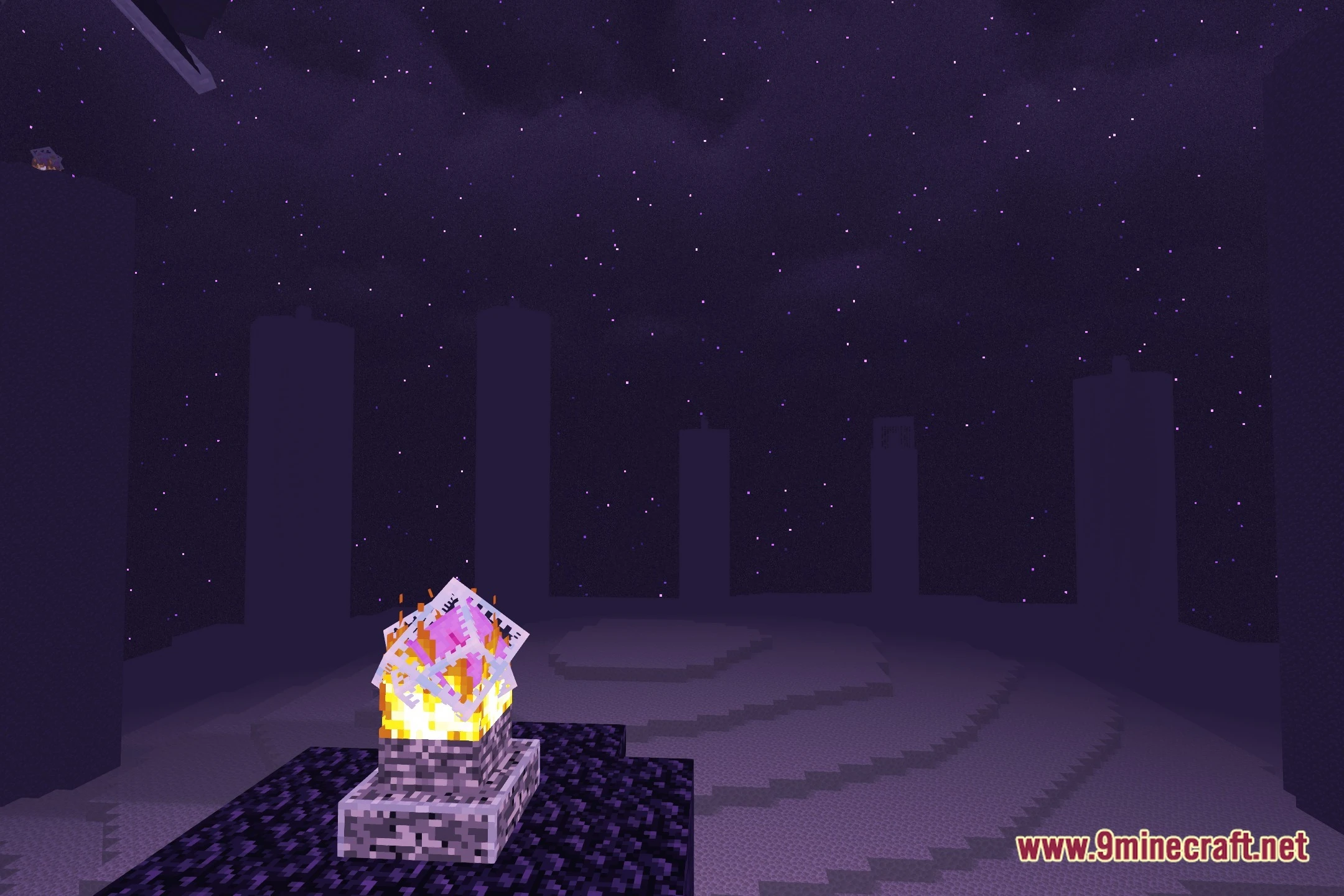
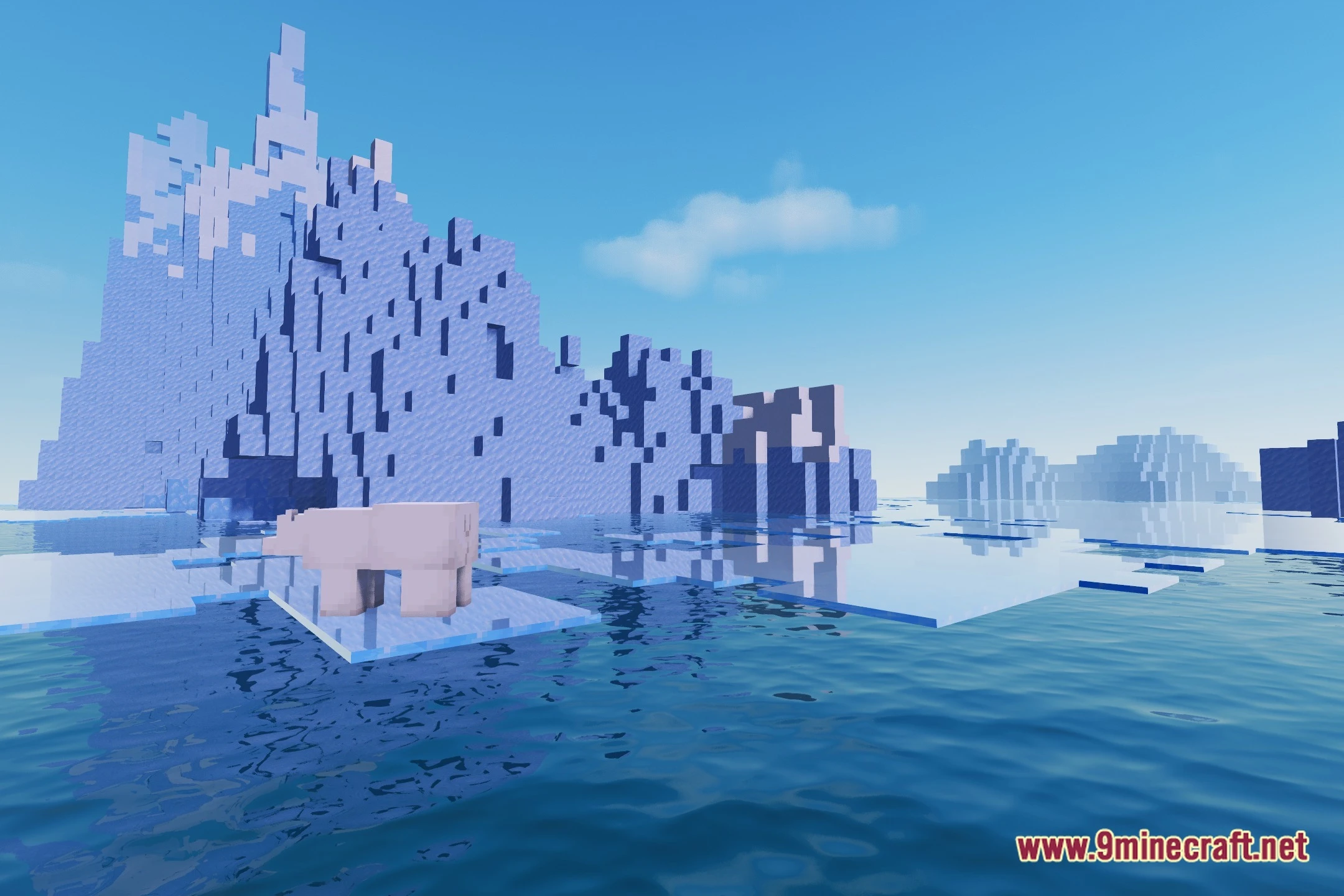
12 images from the Cg E Lite Shaders page.



You May Also Like
Wikis that share the most with this one
Wikis on the same theme: light
More shader wikis on the site
 Celestial Order Fix Shaders
 Cealith Shaders
The most downloaded mods that have a wiki here