

 DownloadNPC Shaders
Get the files on 9Minecraft
Guides
Step-by-step, in-game.
Adjust Shader Settings for Your PC PerformanceAccess the Shader Menu Press Shift + O while in-game to open the shader options screen. This menu contains all…Customize Bloom and Glow Effects on Light SourcesOpen Shader Configuration Press Shift + O during gameplay to access the NPC Shaders settings panel. Locate Bloom…Enable and Configure Water ReflectionsVerify Shader is Active Confirm NPC Shaders is selected in your shader loader (Iris, Oculus, or OptiFine). Open the…Optimize Shadows for Better Performance or QualityOpen Shadow Settings Press Shift + O to access shader options. Navigate to the shadow configuration section.…
Frequently asked questions
How do I turn on NPC Shaders after installing it?
Open your Options menu in-game, go to Video Settings, then Shaders, and select NPC Shaders from the list. The shader will activate immediately.
Why do my shadows look weird or disappear?
Check your shadow distance setting in the shader options—if it's set too low, shadows won't render far from your character. Increasing this value will make shadows visible across a wider area, though it may impact performance.
Can I use NPC Shaders with mods that add custom blocks?
Yes, NPC Shaders works with most block mods, though custom blocks may not always receive the same lighting and glow effects as vanilla blocks. If a block looks wrong, check if there's a shader settings option to adjust how it's lit.
My water looks flat and doesn't reflect anything—how do I fix this?
Water reflections are disabled by default in some performance profiles. Go to your shader settings, find the water reflection option, and enable it; you may need to adjust the reflection quality based on your PC's power.
See all 10 NPC Shaders questions ›
Gallery
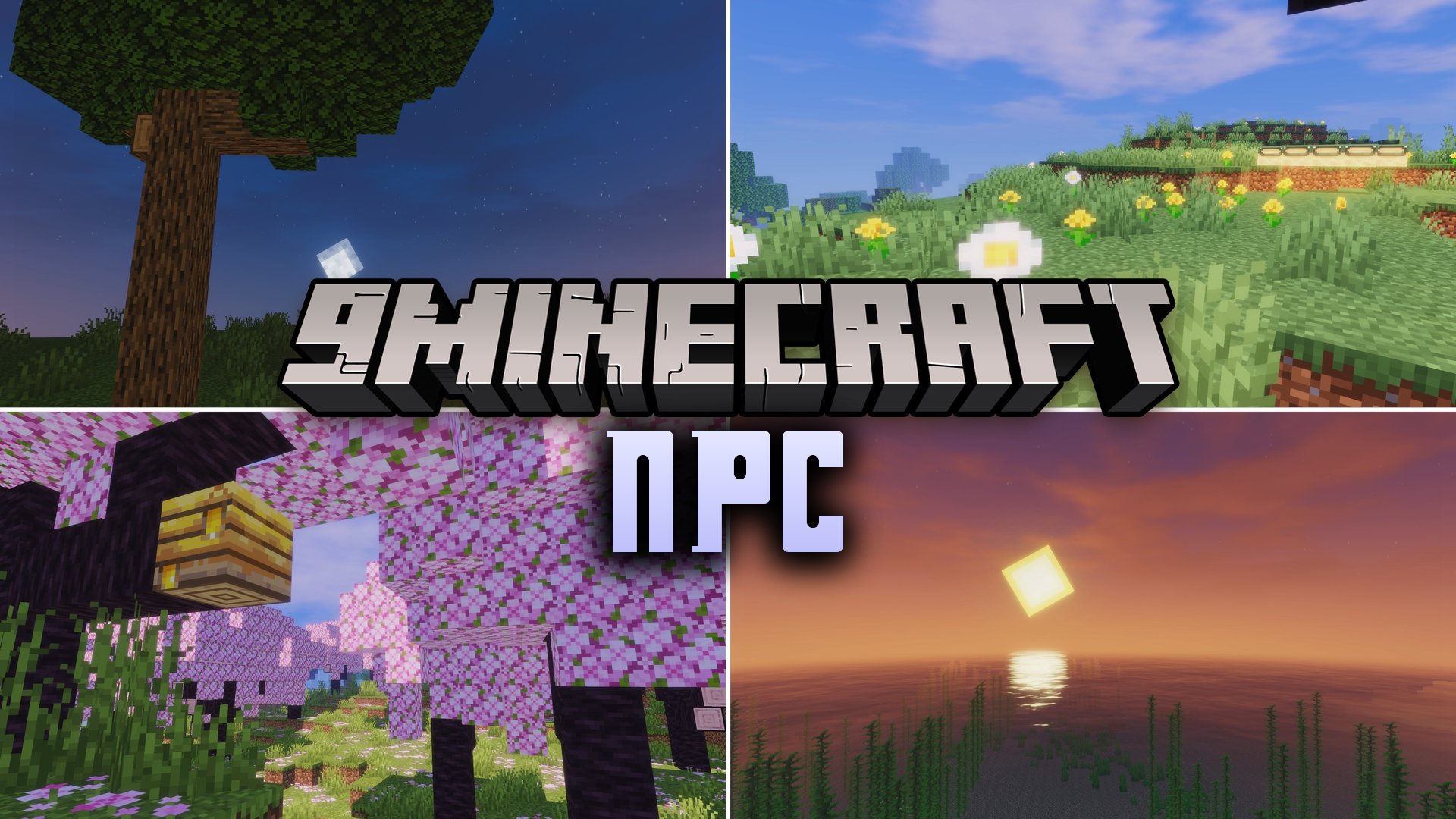
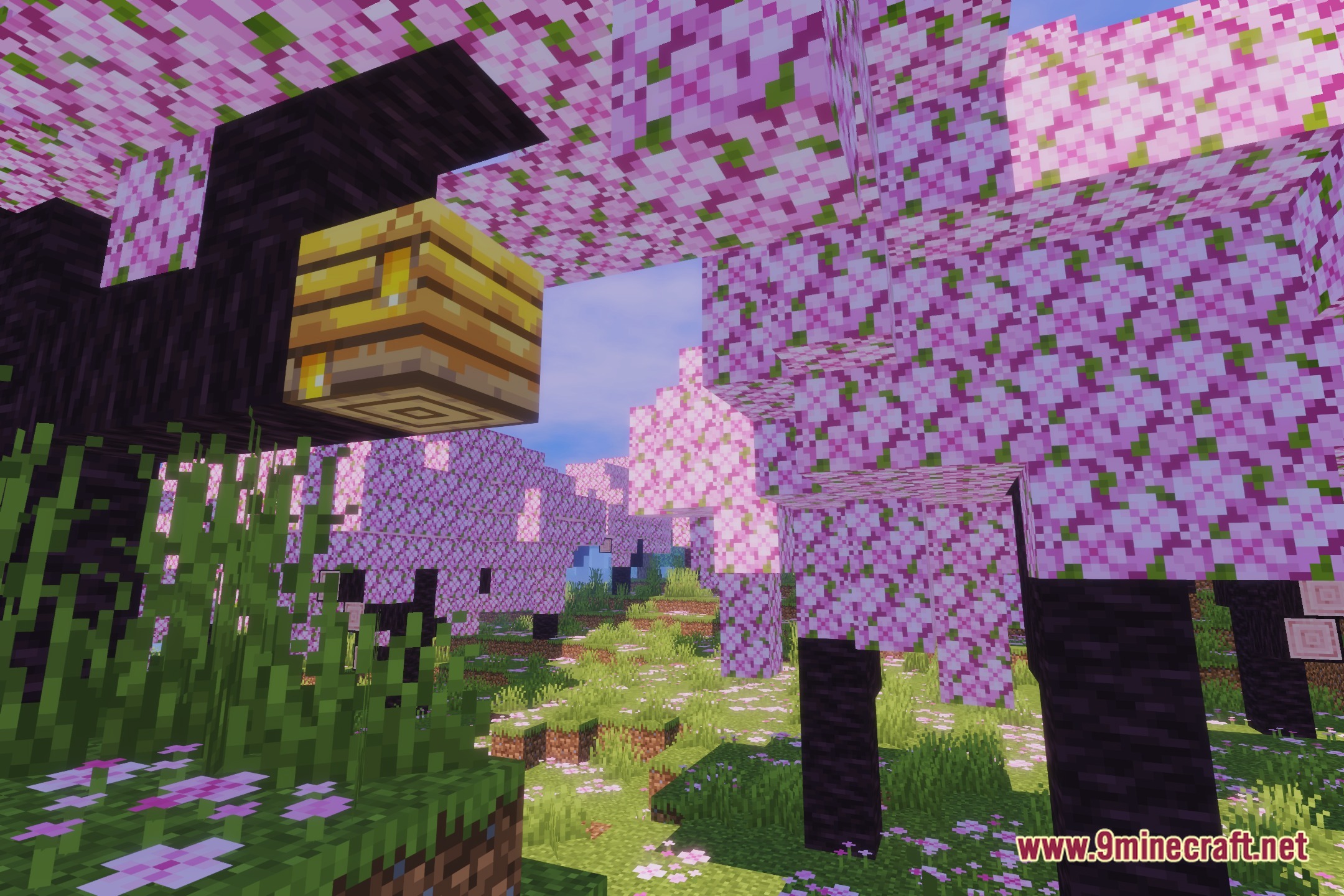
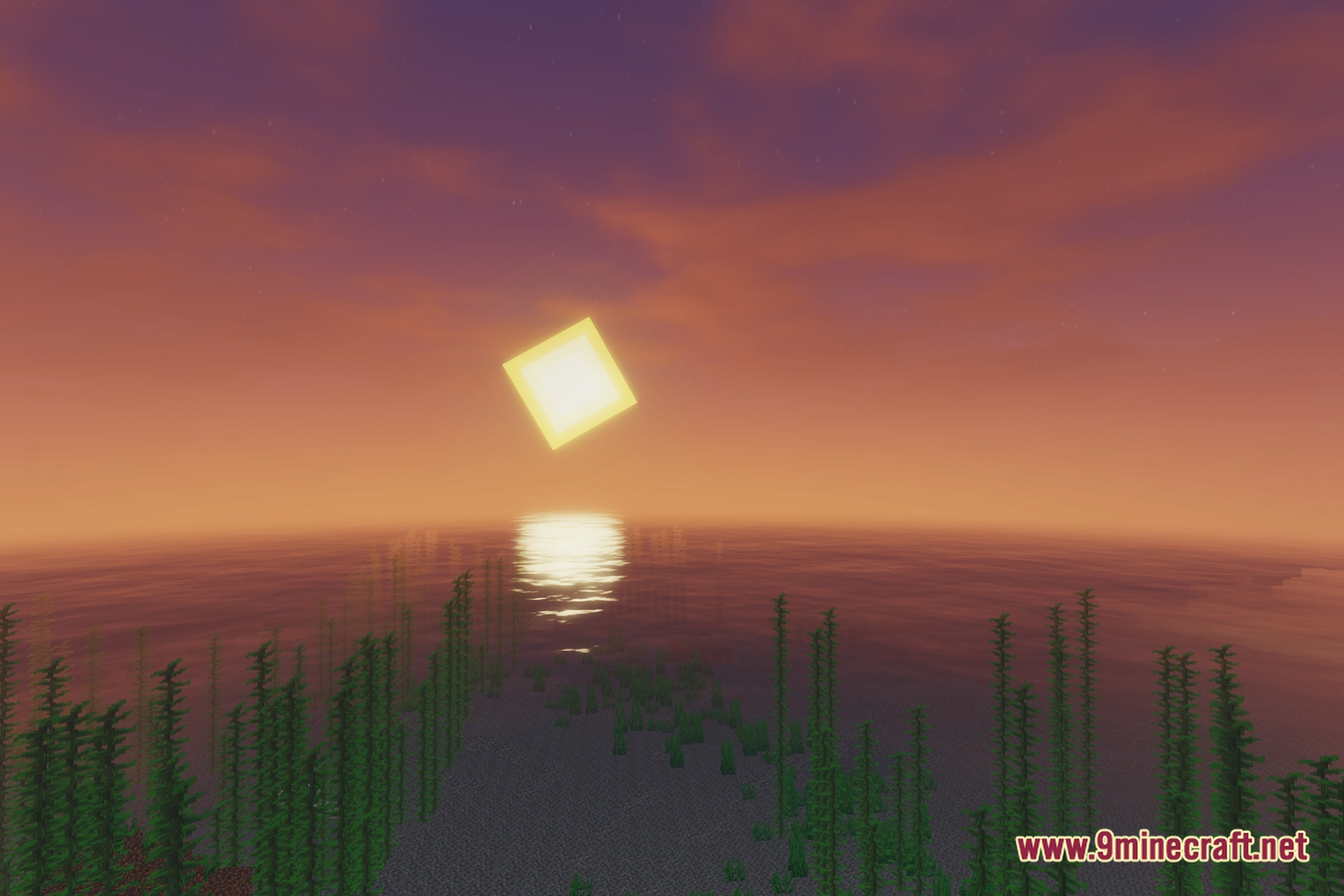
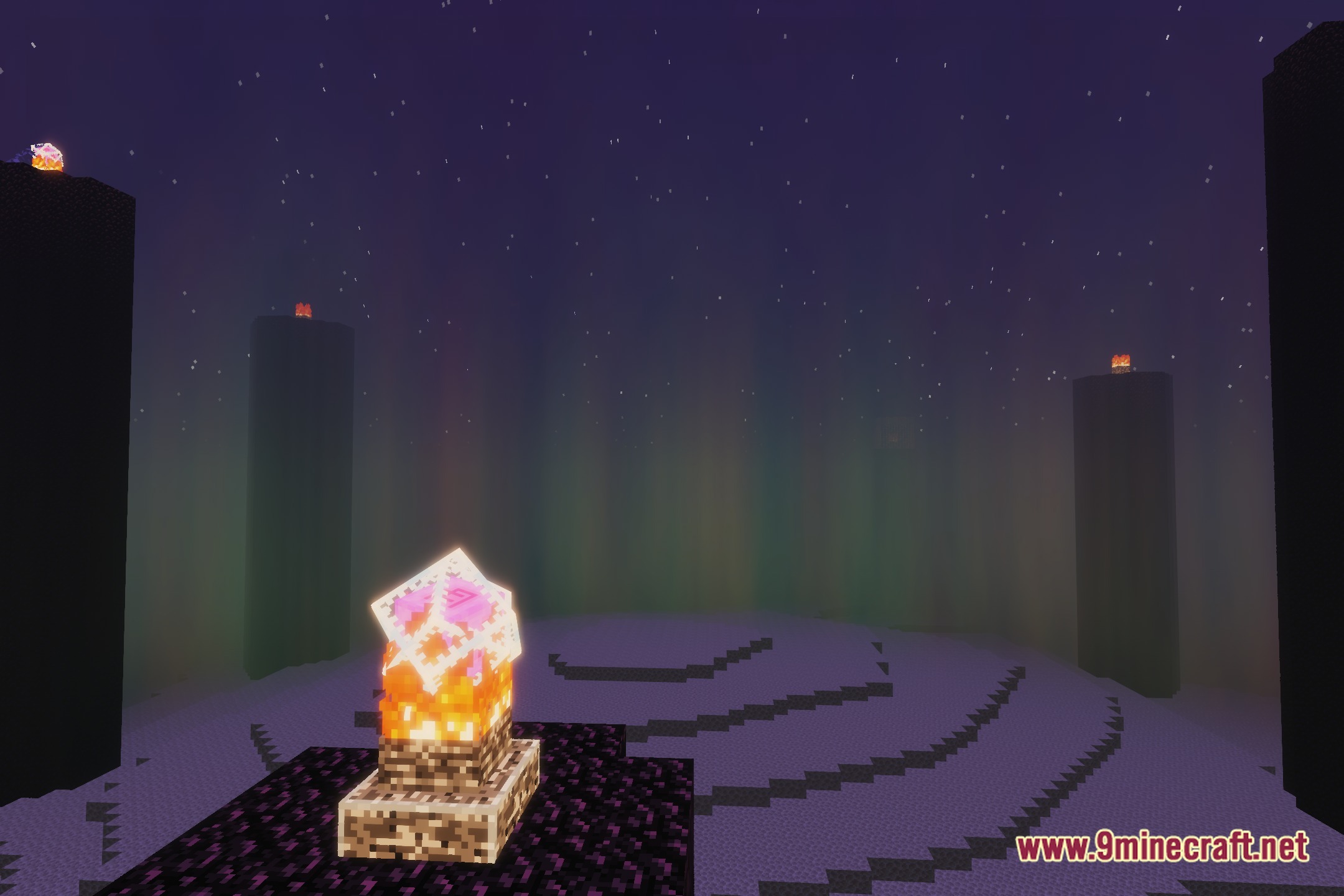
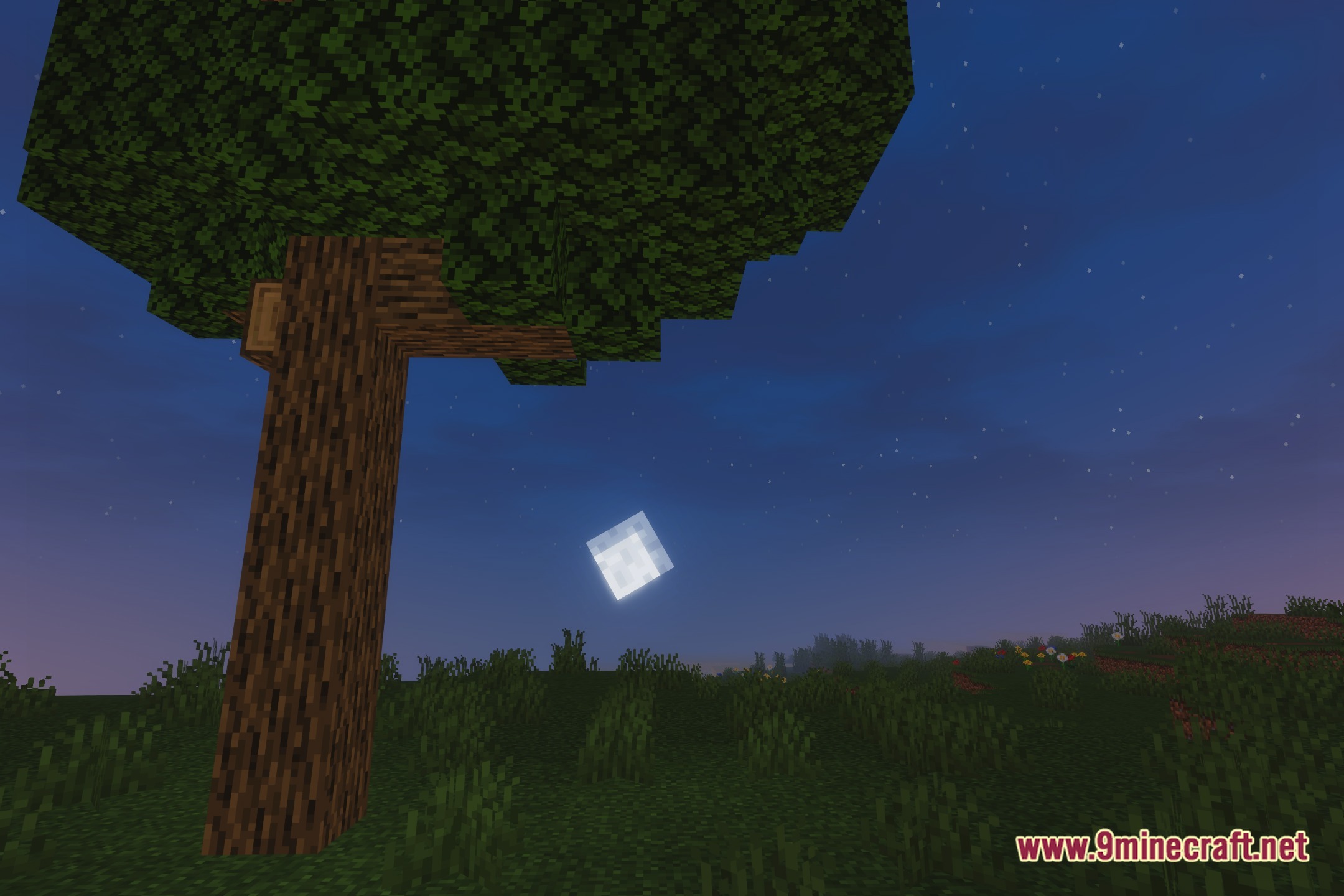
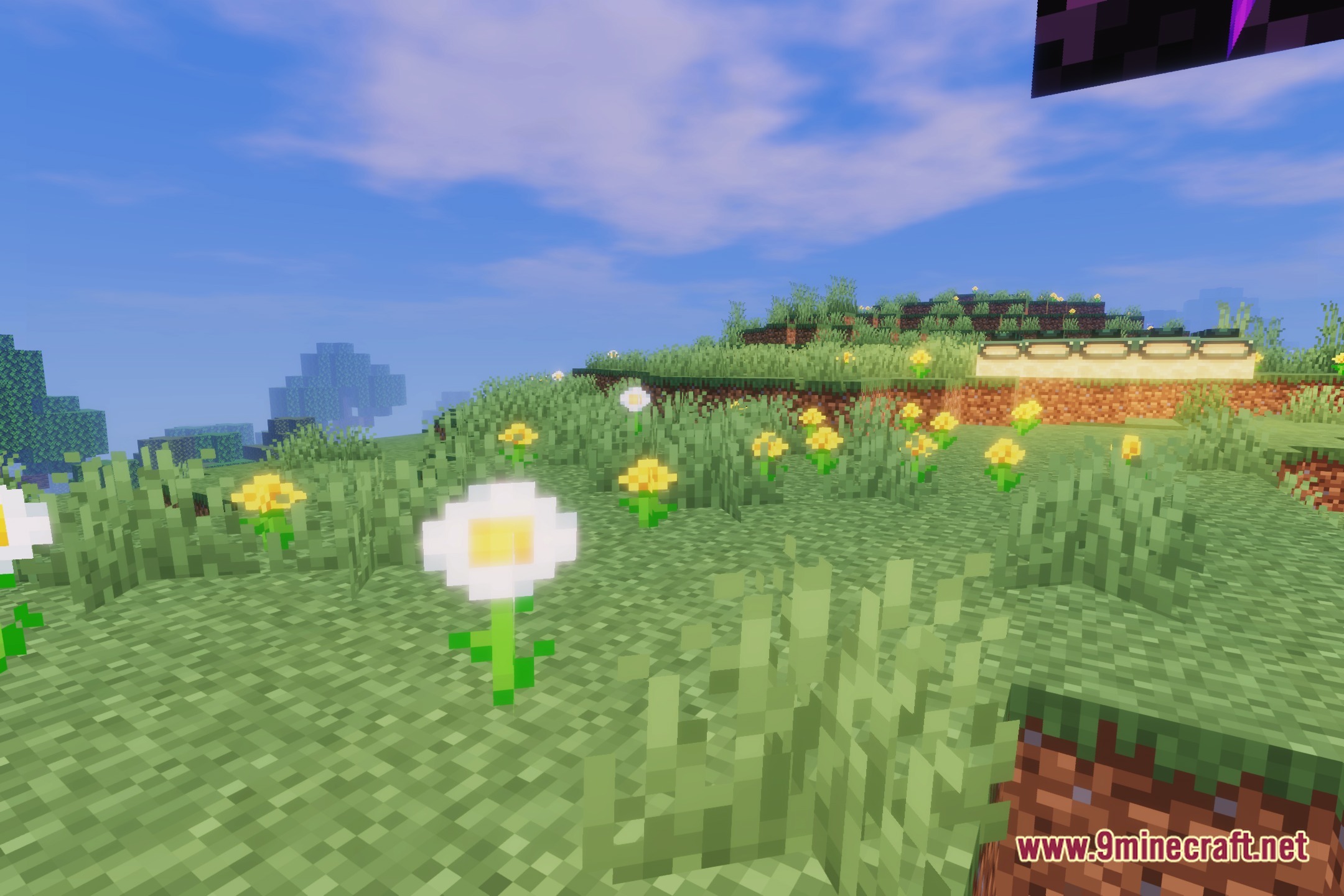
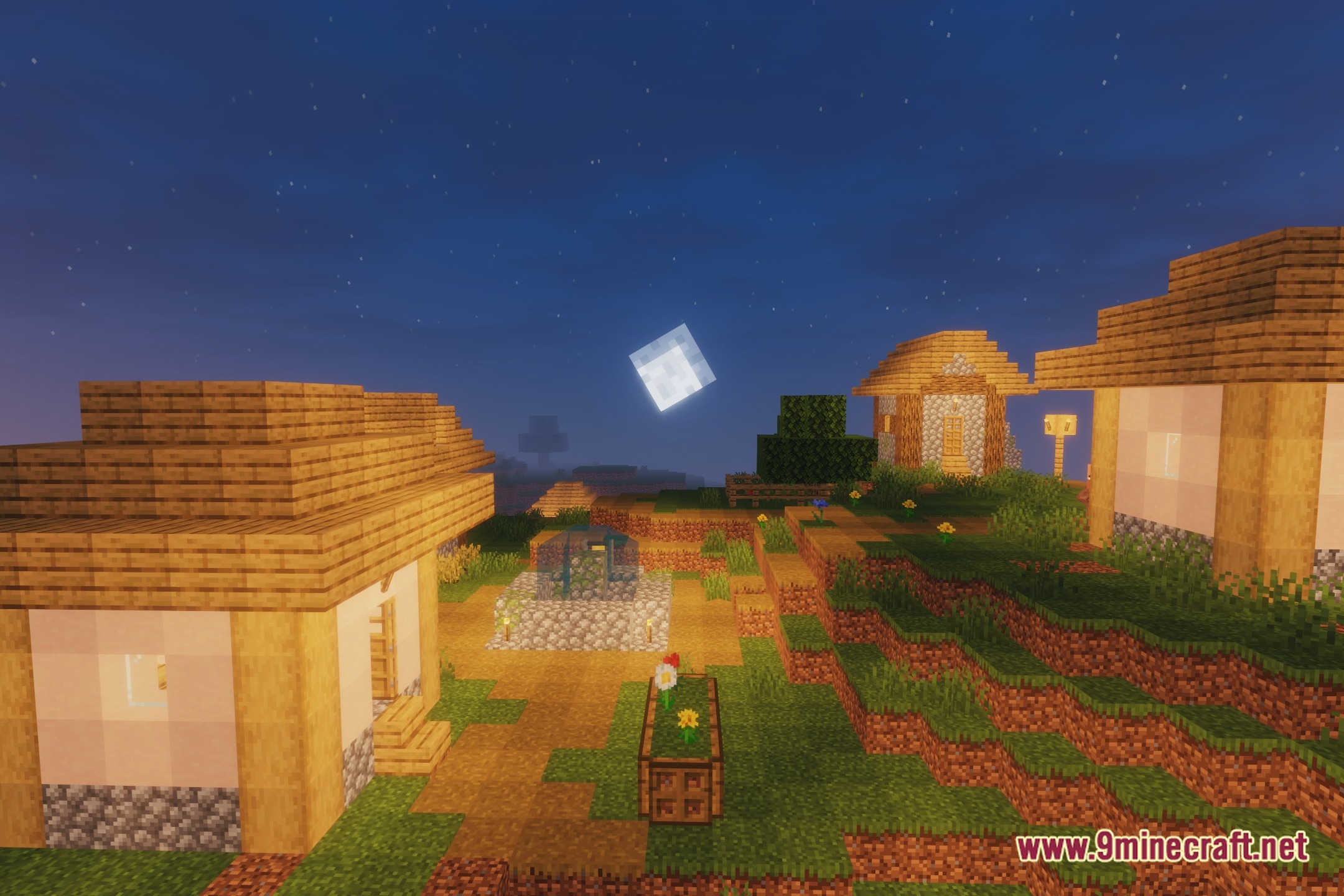
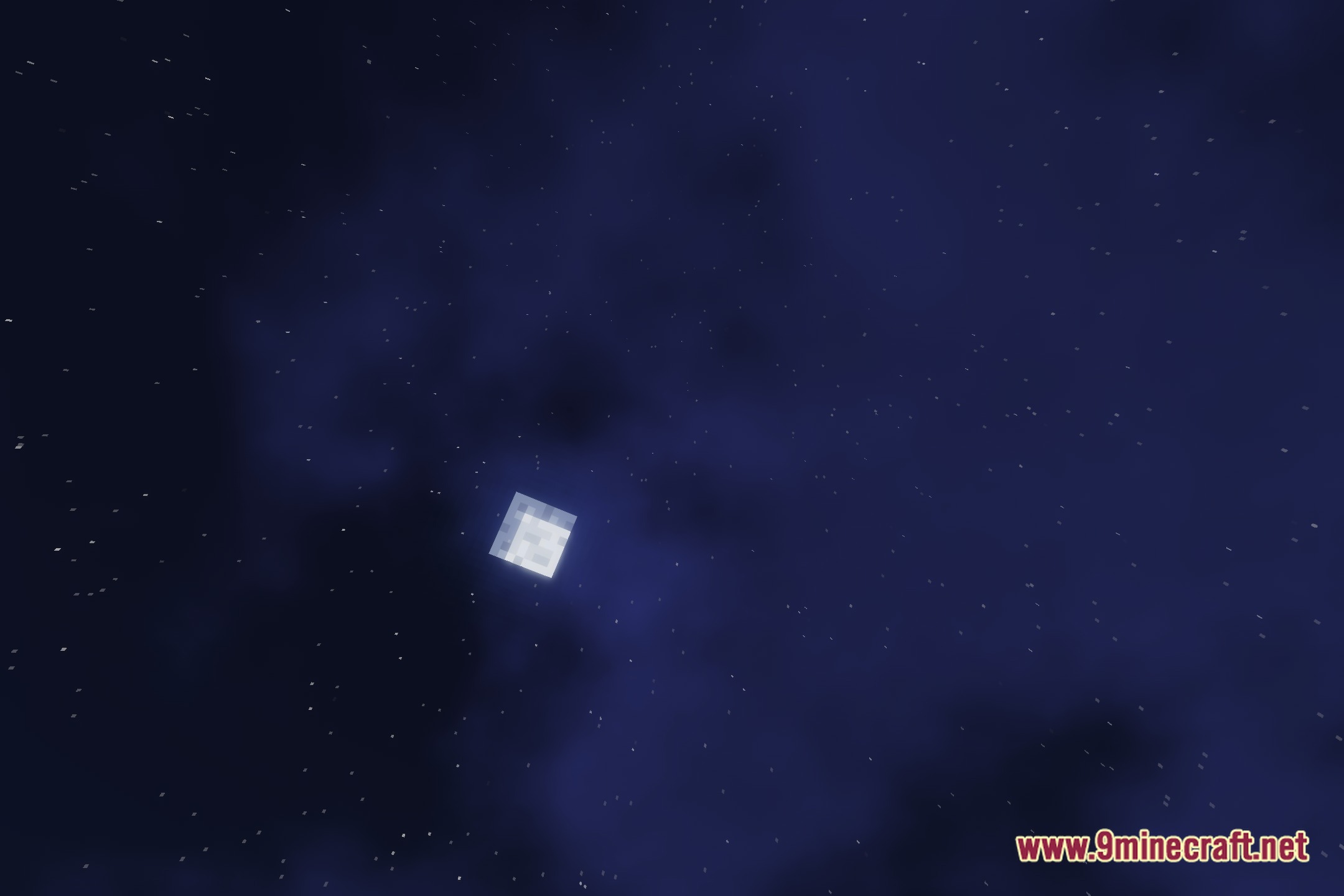
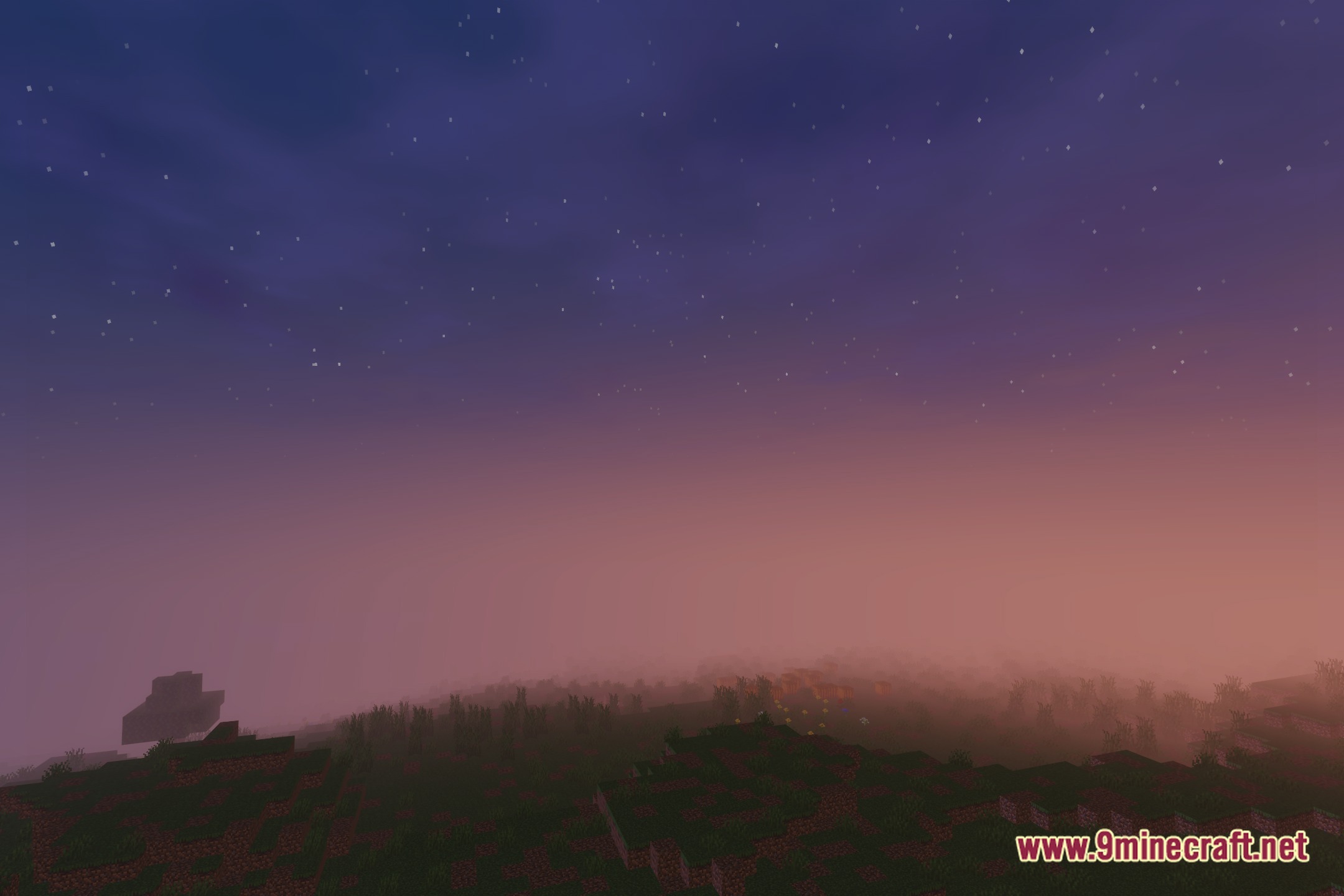
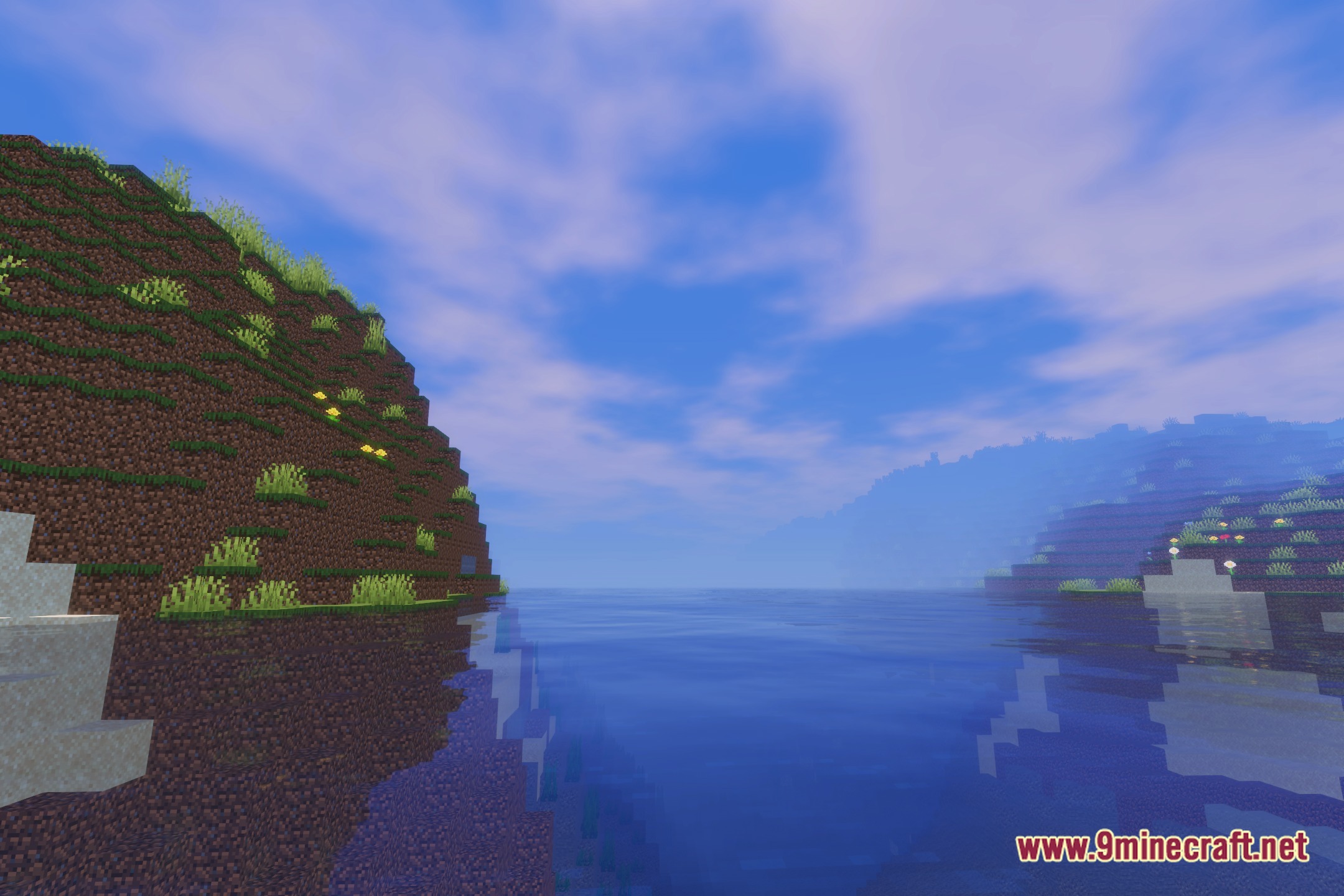
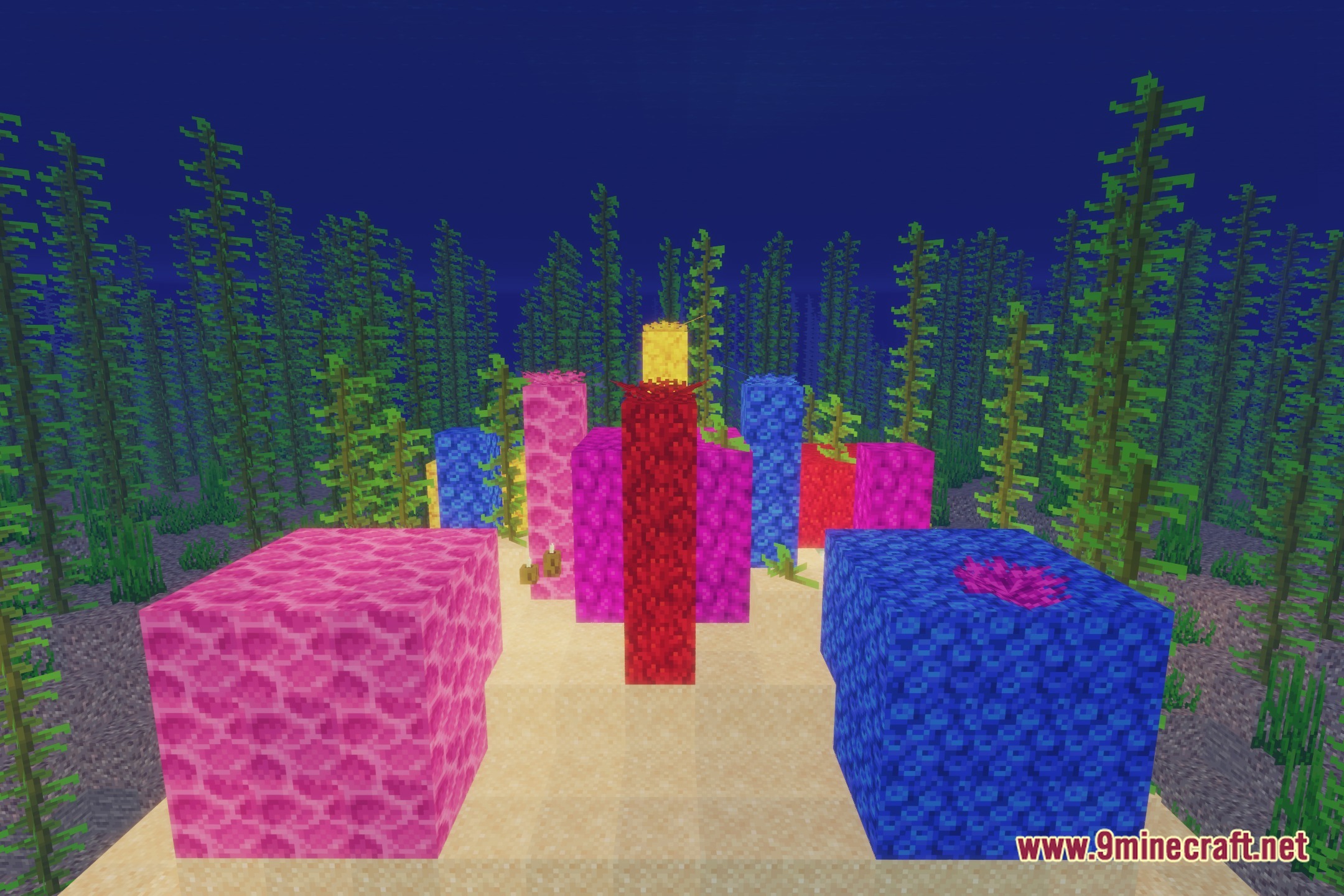
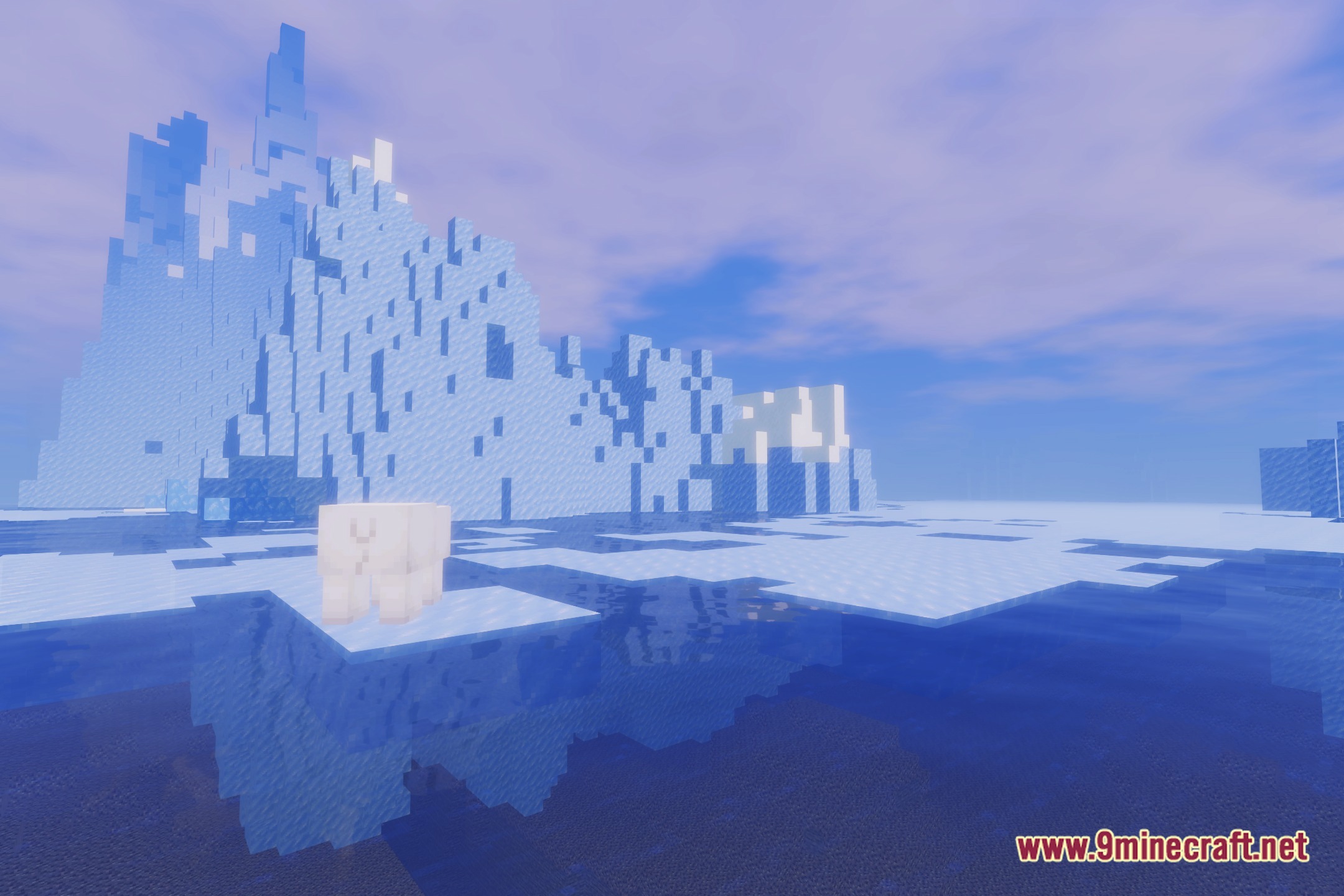
12 images from the Npc Shaders page.
You May Also Like
Wikis that share the most with this one
Wikis on the same theme: end
More shader wikis on the site
 NoShadow Shaders
The most downloaded mods that have a wiki here