

 DownloadNimbus Lite Shaders
Get the files on 9Minecraft
Guides
Step-by-step, in-game.
Adjust Water Reflection Quality and ClarityAccess Shader Settings Open the Shader Options menu by pressing the designated key (usually found in Video Settings >…Balance Daytime Brightness and Warm TonesAccess Lighting Controls Open Shader Options and navigate to the lighting or color grading section. This is where you…Customize Plant and Leaf Animation SpeedOpen Animation Settings Access Shader Options from the Video Settings menu. Find the section dedicated to plant or…Reduce Nighttime Darkness While Maintaining AtmosphereFind Night Lighting Settings In Shader Options, locate the nighttime or ambient lighting section. This controls how…
Frequently asked questions
How do I enable the shader after installing it?
Open Options > Video Settings > Shaders, then locate Nimbus Lite Shaders in the list and click it to activate. You'll see the visual changes take effect immediately in your world.
Why does my water look flat or not reflective?
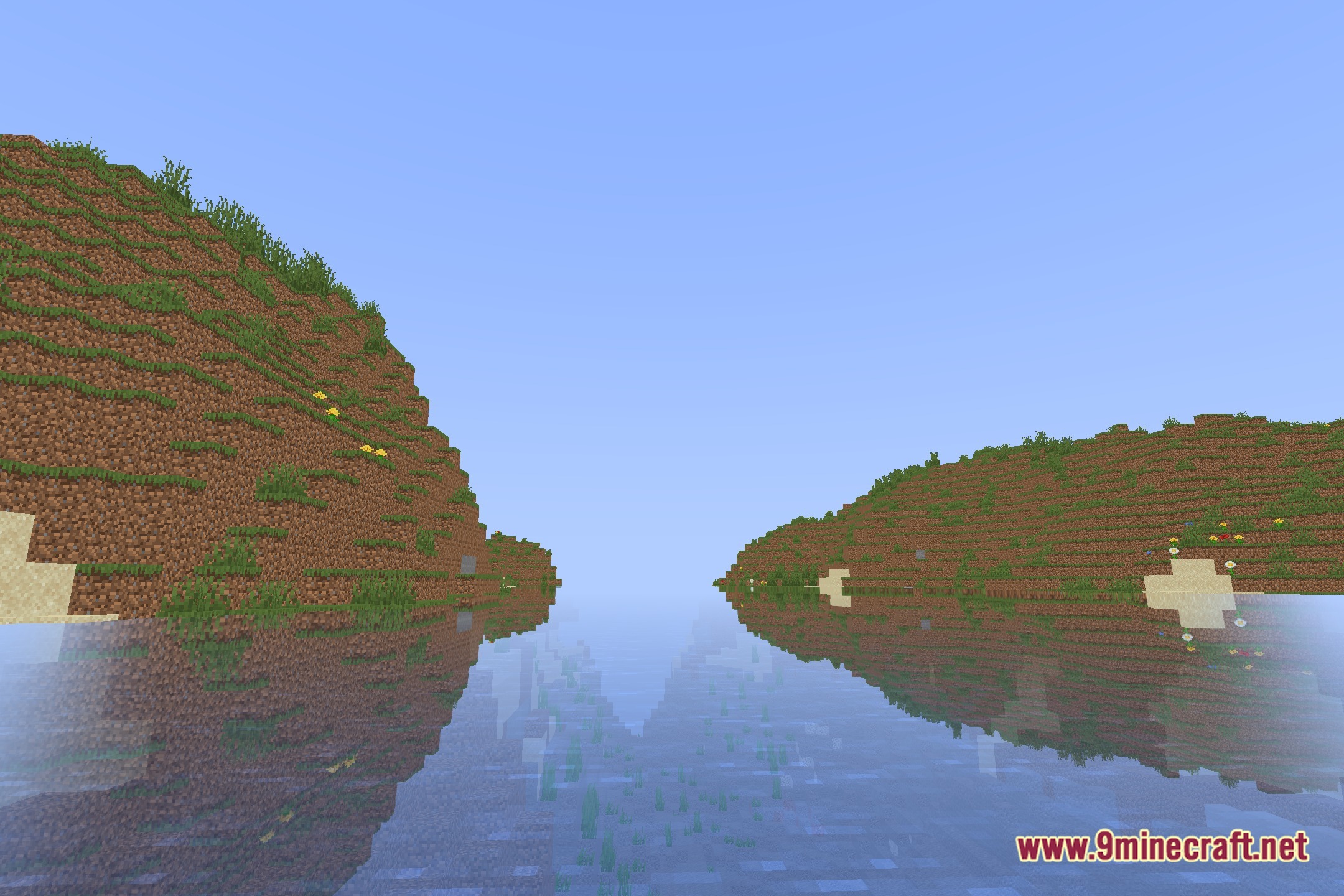
Check your shader settings for water reflection quality—it may be set to low or disabled. Increase the reflection quality slider in the shader options menu to see clearer sky and block reflections on water surfaces.
Can I make the plants stop moving or move slower?
Yes, open the shader settings and find the plant or leaf animation speed option, then adjust the slider down to reduce movement or disable it entirely.
The daytime is too bright or too yellow—how do I fix it?
Go to shader settings and look for daytime brightness or warm tone controls, then lower the brightness slider or reduce the warm color intensity to your preference.
See all 10 Nimbus Lite Shaders questions ›
Gallery
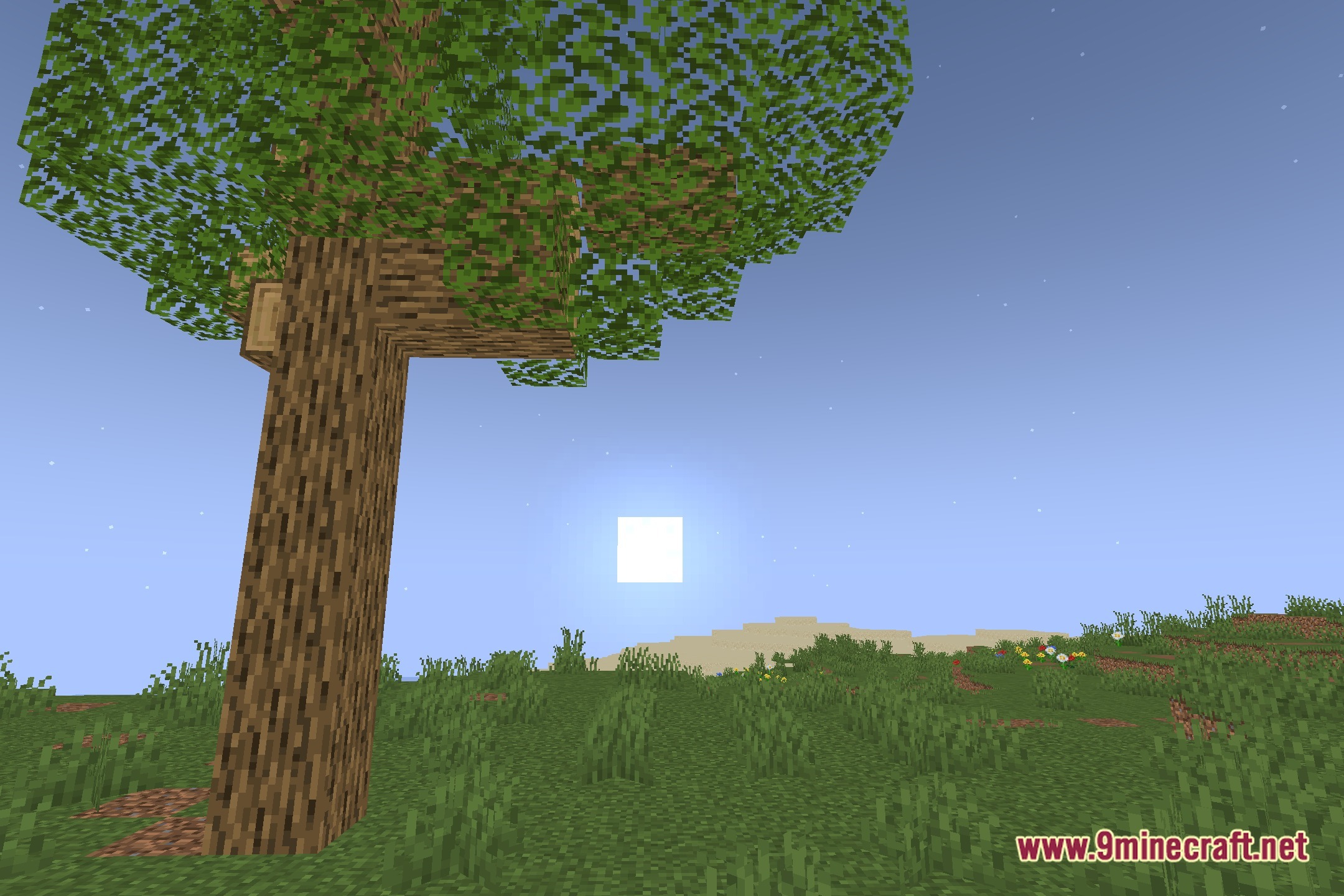
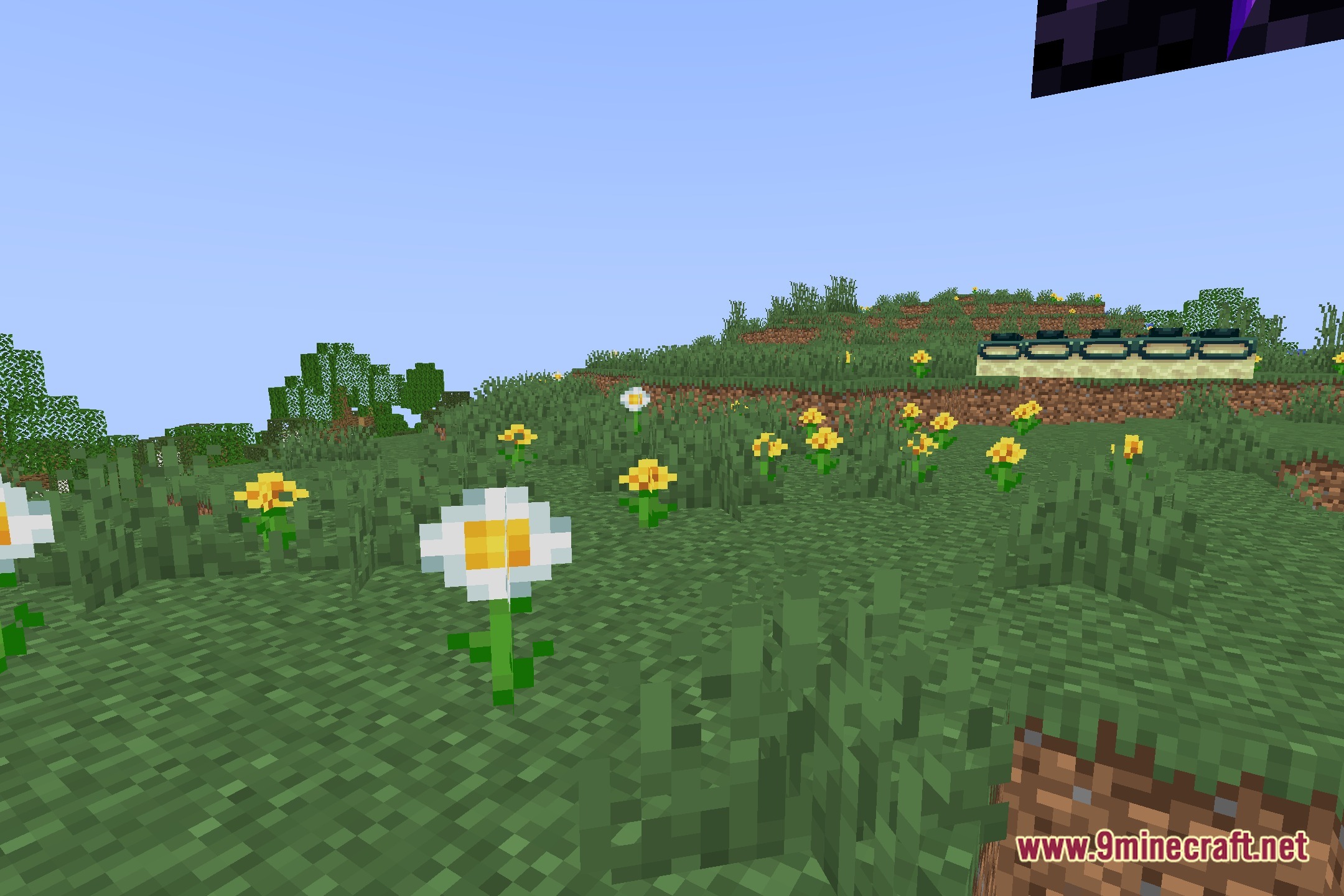
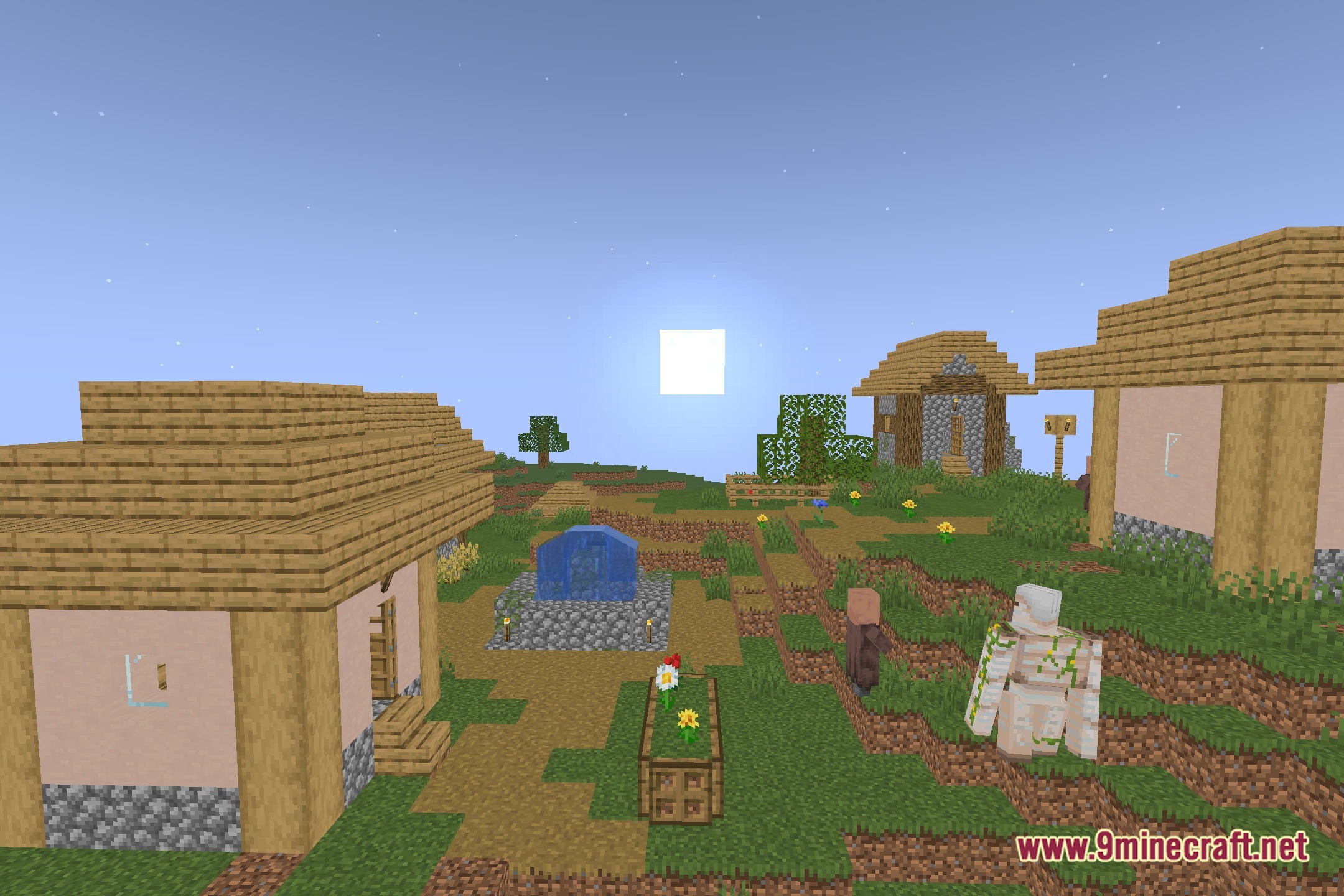
12 images from the Nimbus Lite Shaders page.
You May Also Like
Wikis that share the most with this one
Wikis on the same theme: end
More shader wikis on the site
The most downloaded mods that have a wiki here