

 DownloadAurora_Lite Shaders
Get the files on 9Minecraft
Guides
Step-by-step, in-game.
Adjust Water Clarity and ReflectionsAccess Shader Settings Open the Shader Options menu by pressing the designated key (usually found in your Video…Customize Skybox and Cloud AppearanceAccess Sky Settings Open the Aurora_Lite shader options and search for settings labeled "Sky Color," "Cloud Density,"…Enhance Sunbeams and Shadow RealismLocate Lighting Controls Open the Aurora_Lite shader configuration menu and find settings related to "Sunbeams," "God…Optimize Frame Rate on Low-End HardwareIdentify Performance Bottlenecks Before adjusting settings, check your current frame rate using the debug screen (F3…
Frequently asked questions
How do I enable Aurora_Lite Shaders after installing it?
Open your video settings in-game, go to Shaders, and select Aurora_Lite from the list. Apply the changes and the shader will activate immediately on your world.
Will this shader make my game lag?
Aurora_Lite is designed for low-end hardware and should maintain smooth frame rates even on budget graphics cards; if you experience lag, try lowering your render distance or disabling other resource-heavy mods.
Can I use Aurora_Lite with other shader packs at the same time?
No, only one shader pack can be active at a time; you'll need to switch between them in your video settings if you want to compare or change shaders.
Why does the water look different now?
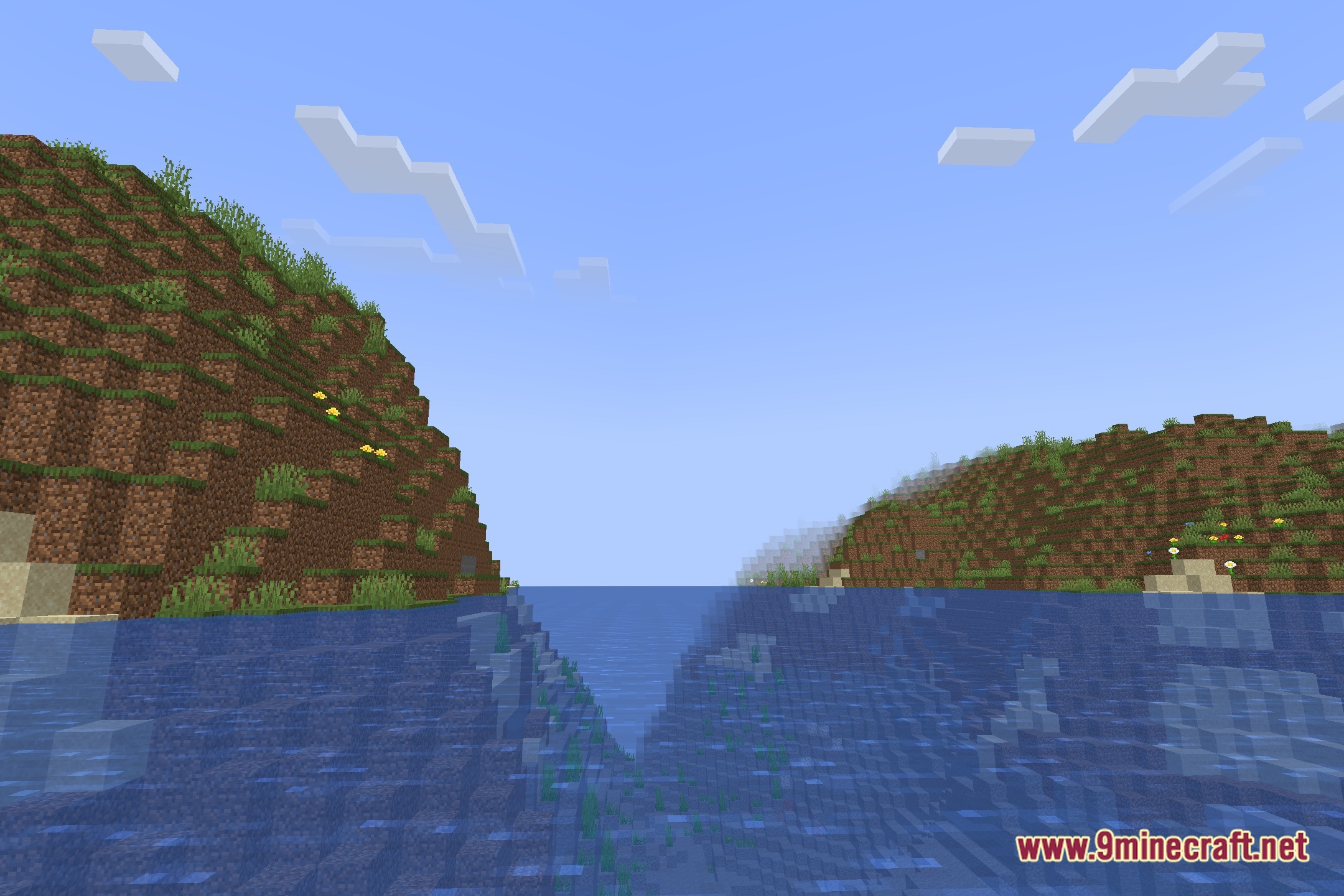
Aurora_Lite adjusts water transparency and surface reflections to make water clearer and more realistic; this is intentional and can be customized through the shader settings menu.
See all 10 Aurora_Lite Shaders questions ›
Gallery
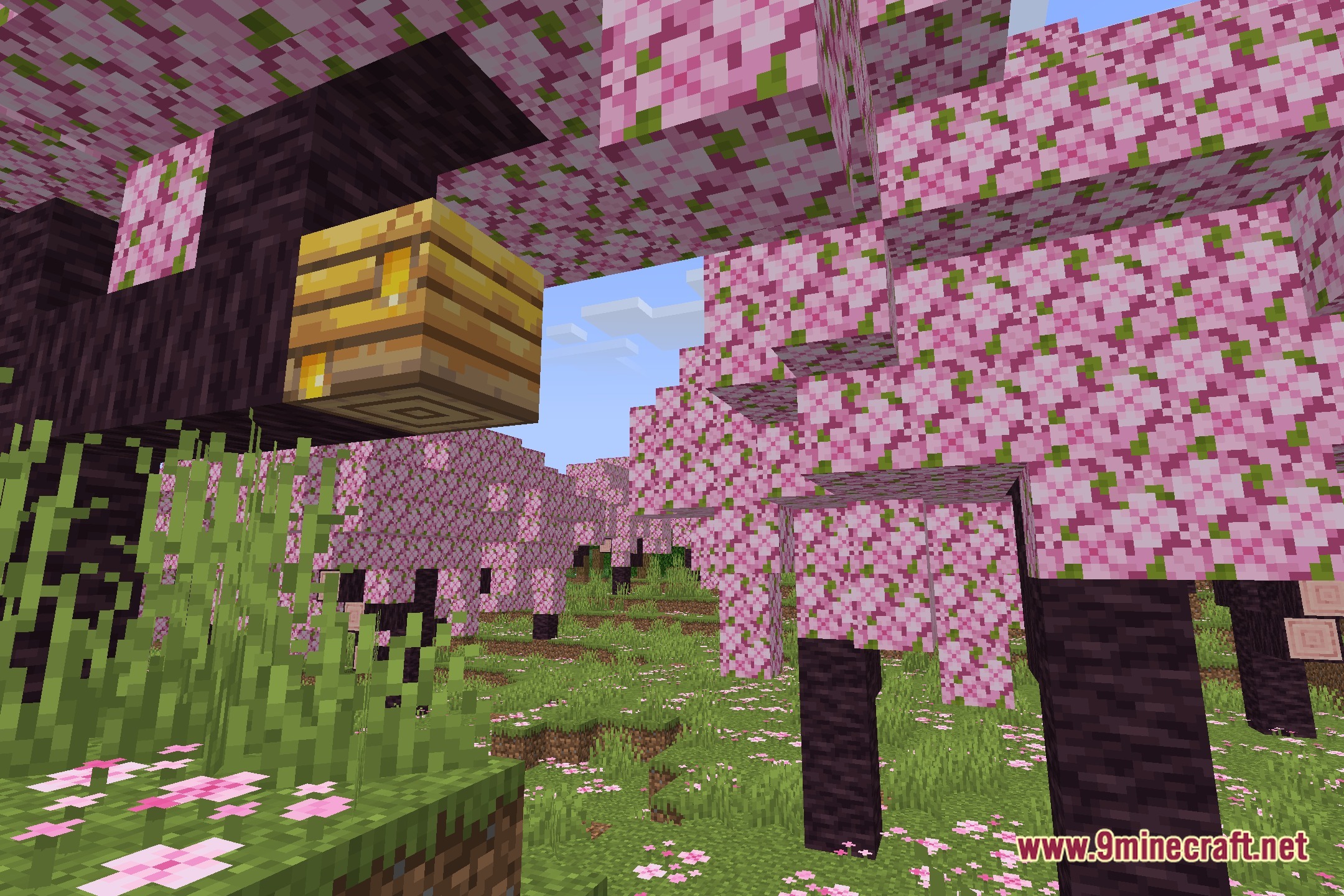
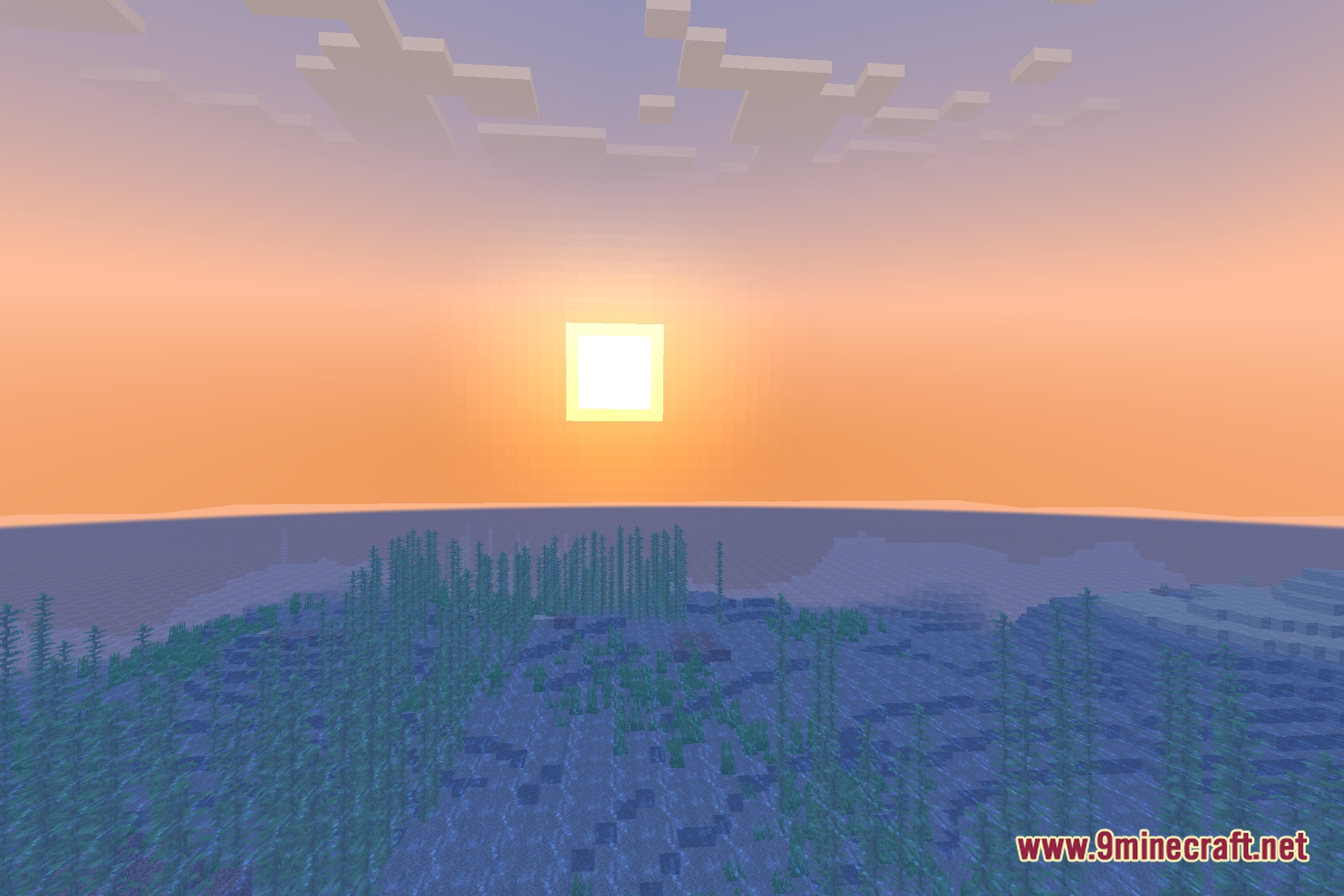
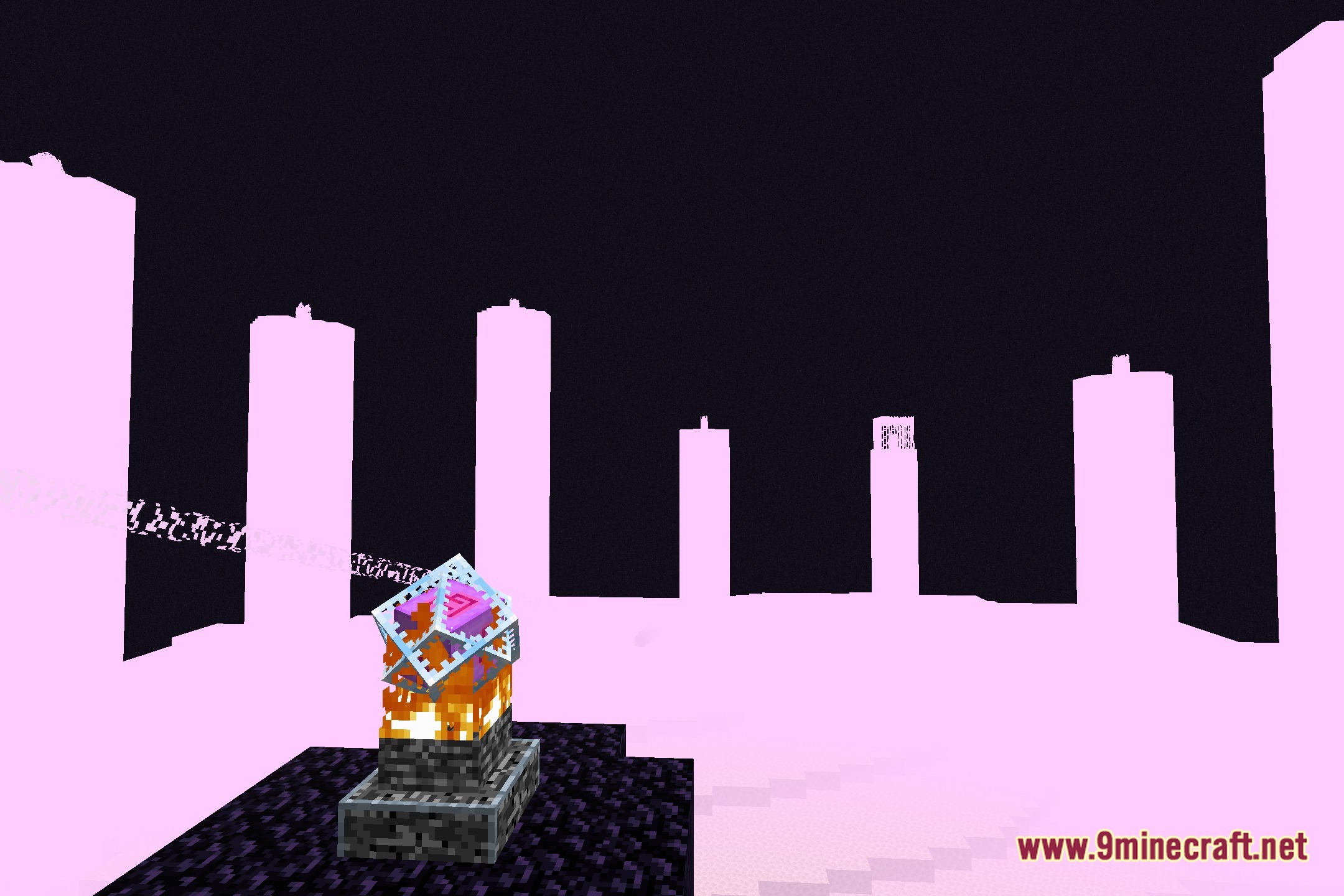
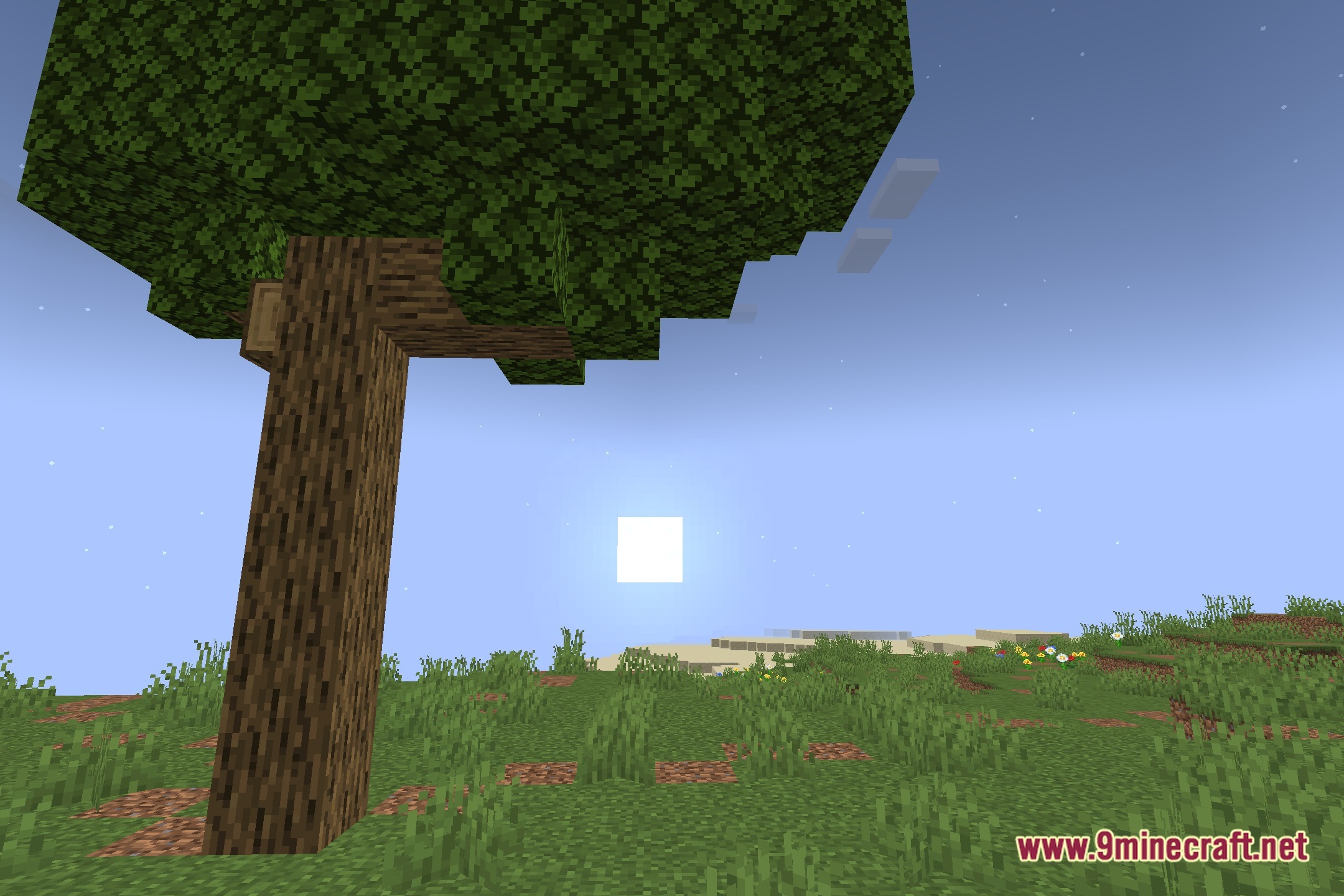
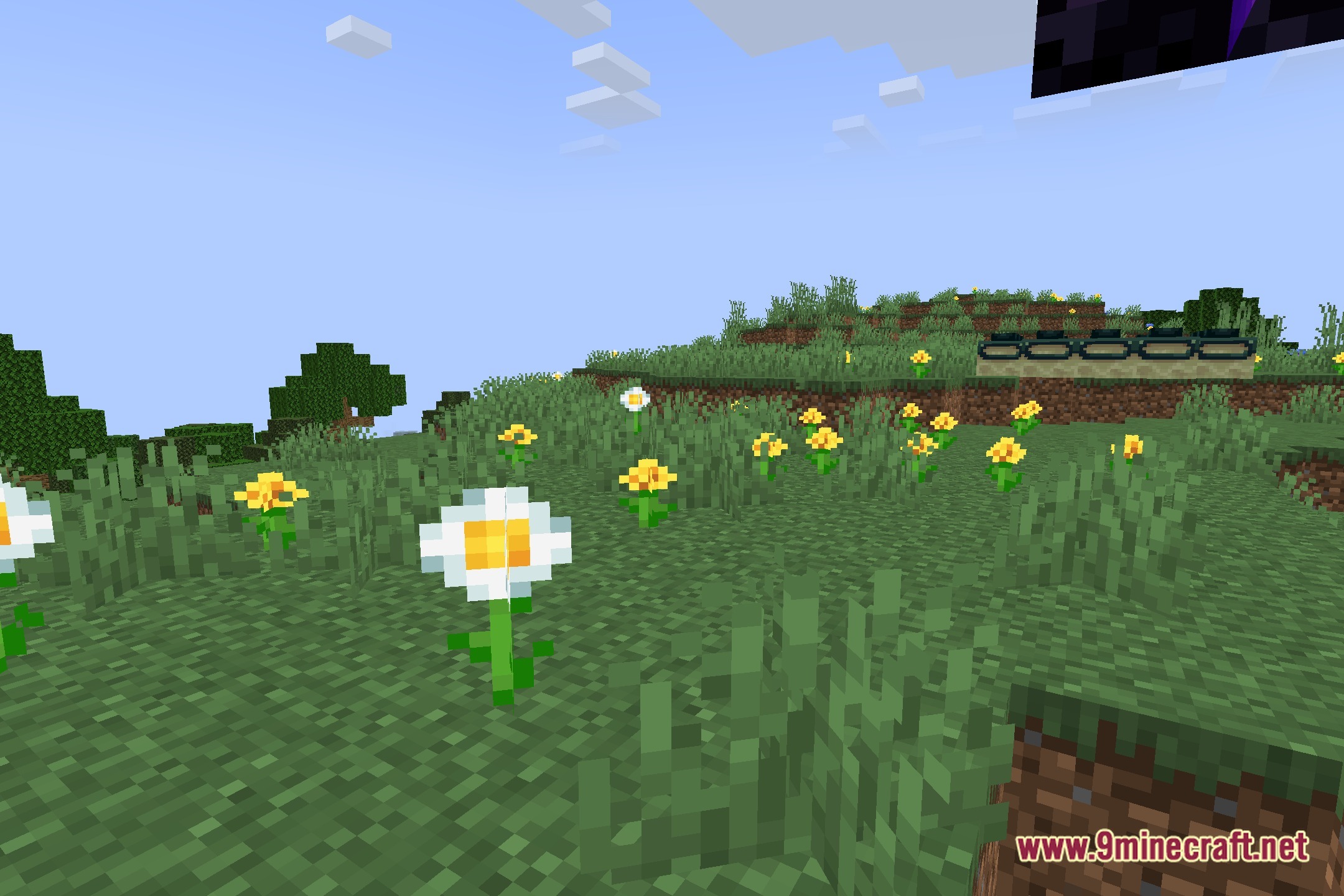
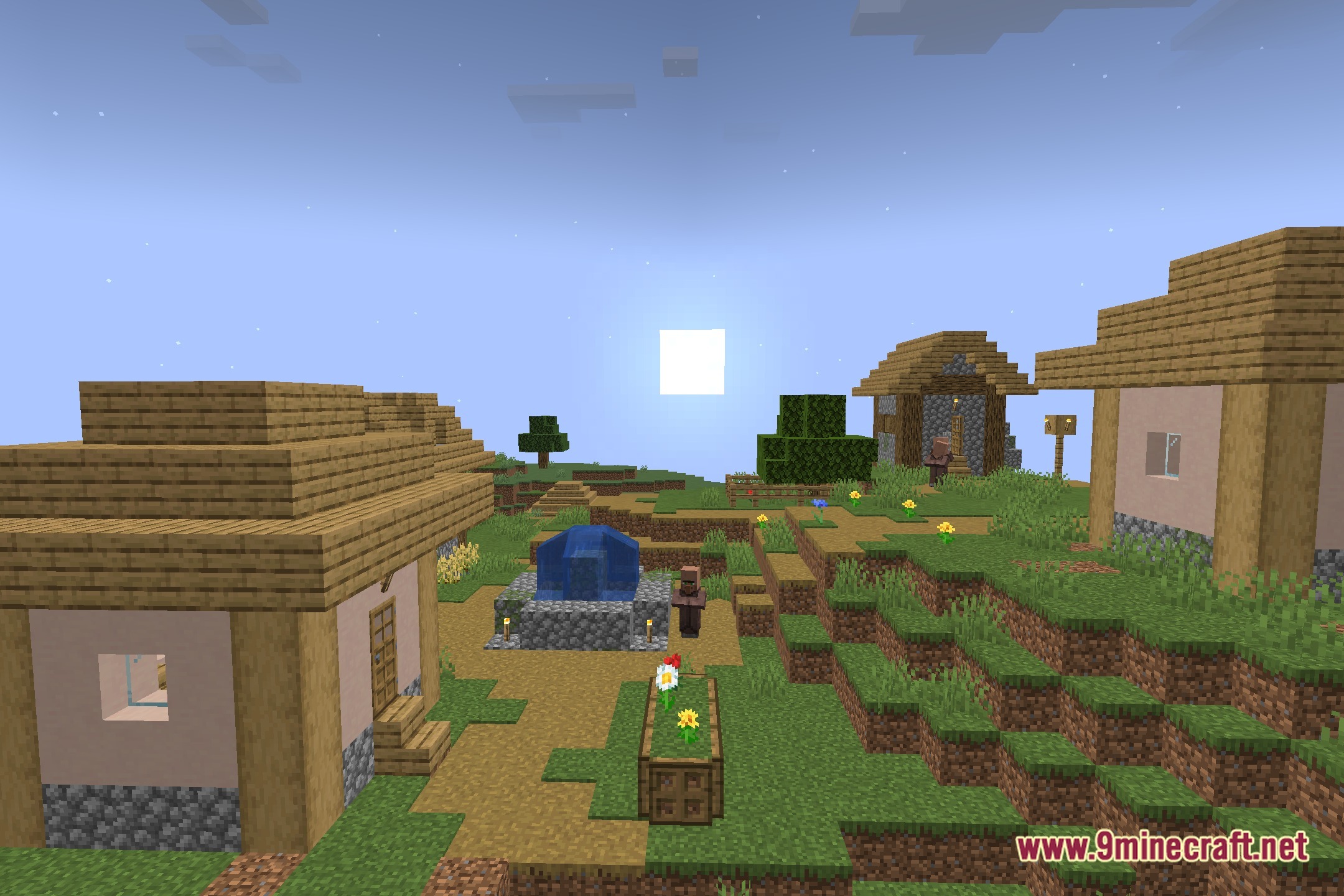
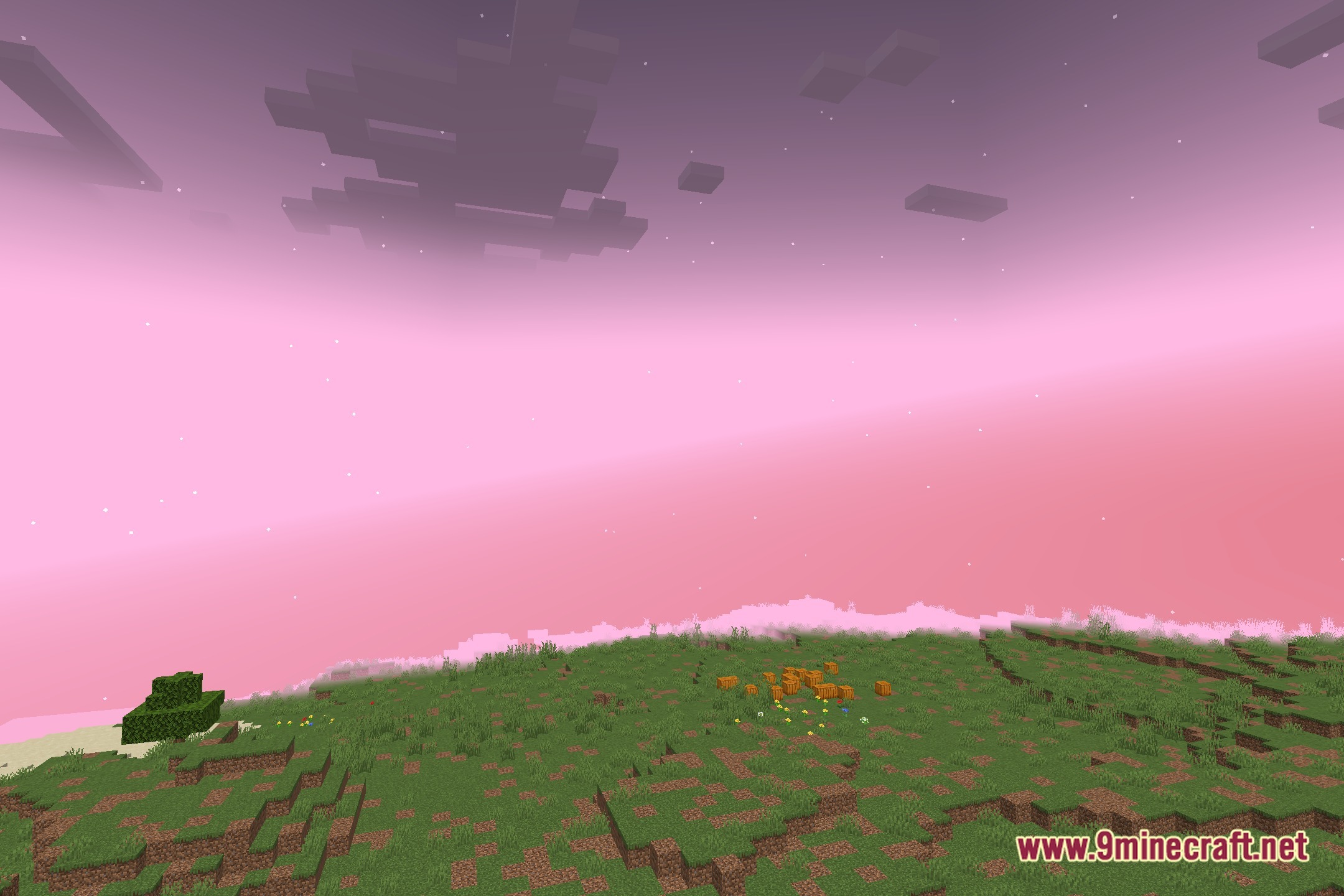
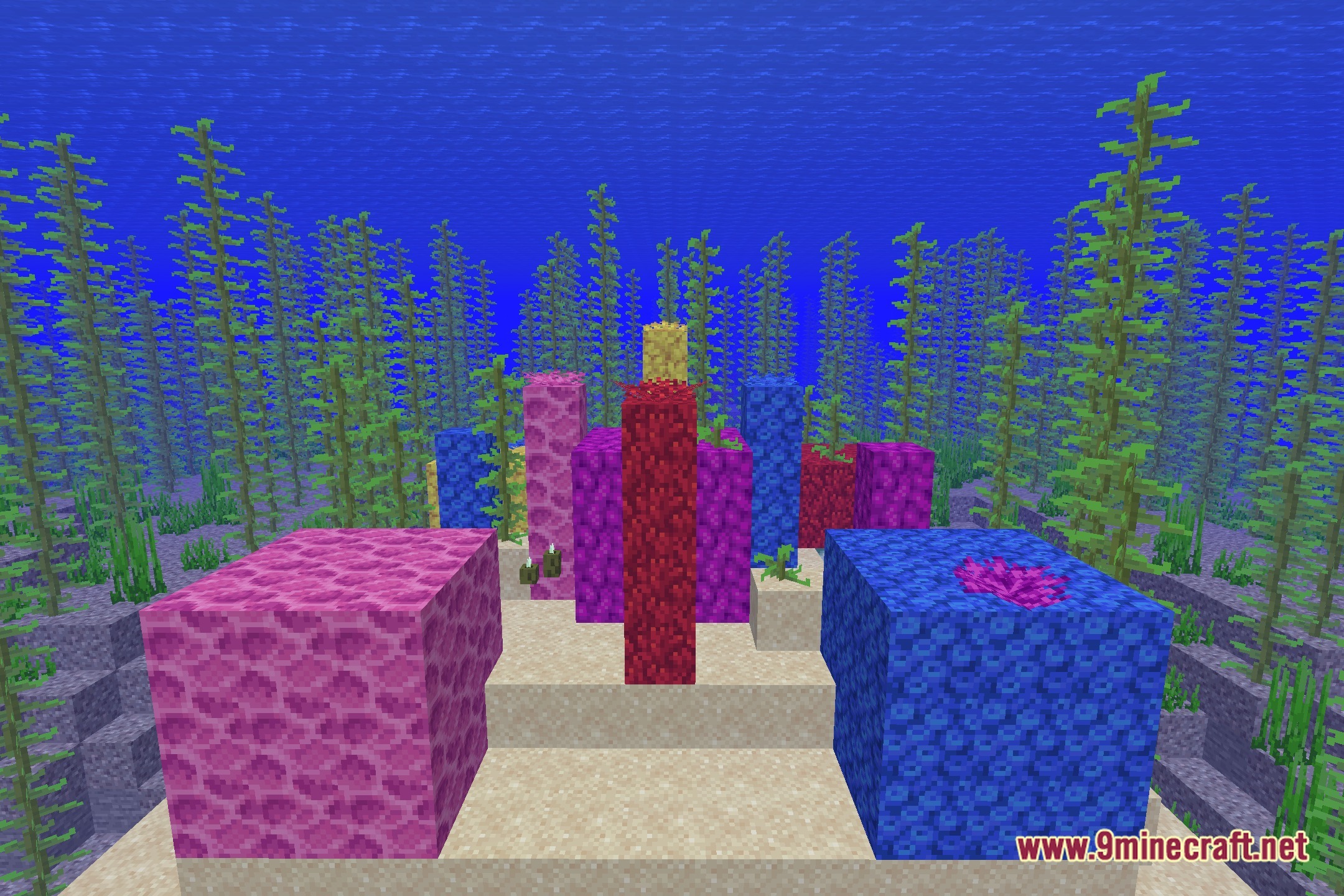
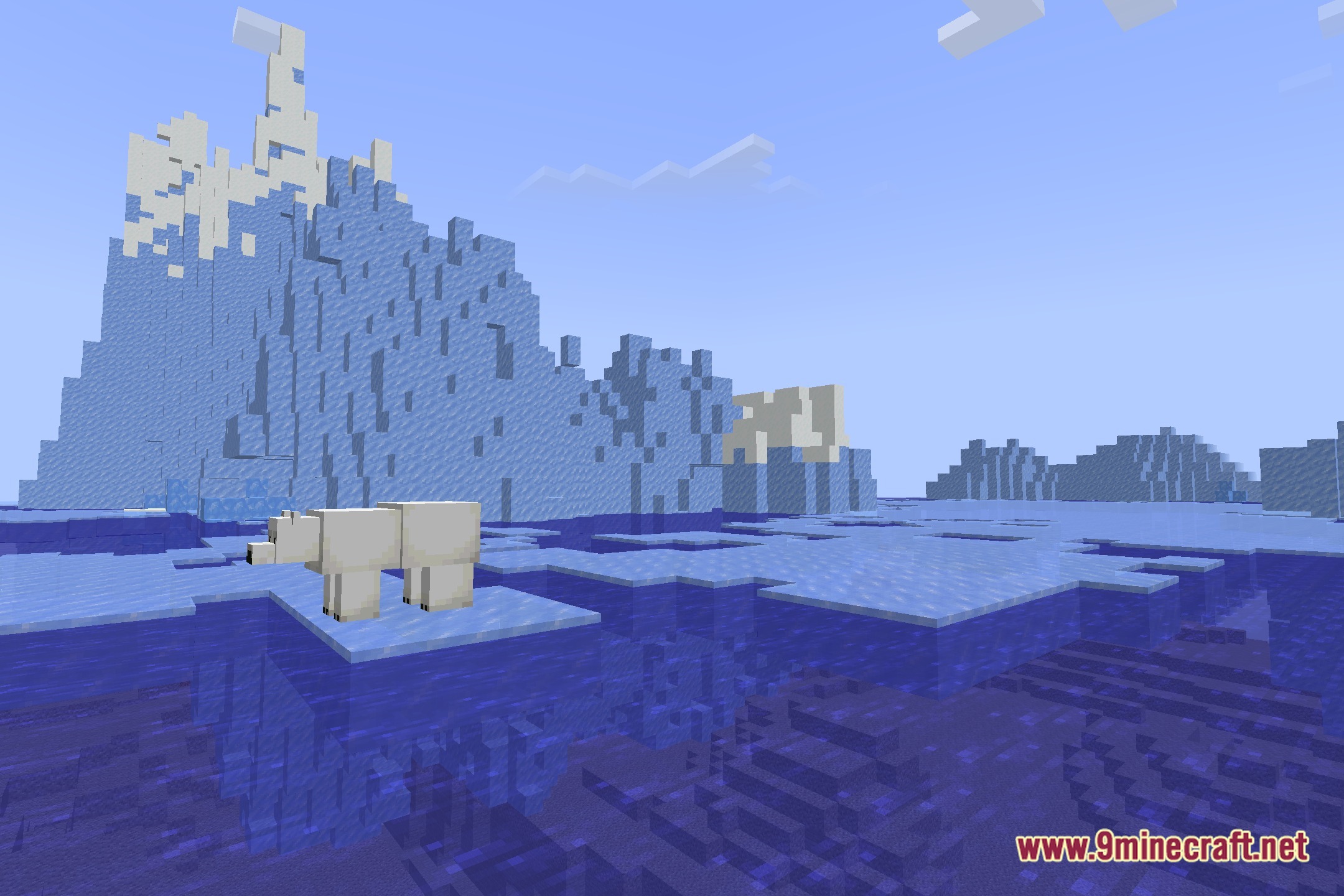
12 images from the Aurora Lite Shaders page.
You May Also Like
Wikis that share the most with this one
Wikis on the same theme: light
More shader wikis on the site
The most downloaded mods that have a wiki here