

 DownloadEternal Prism Shaders
Get the files on 9Minecraft
Guides
Step-by-step, in-game.
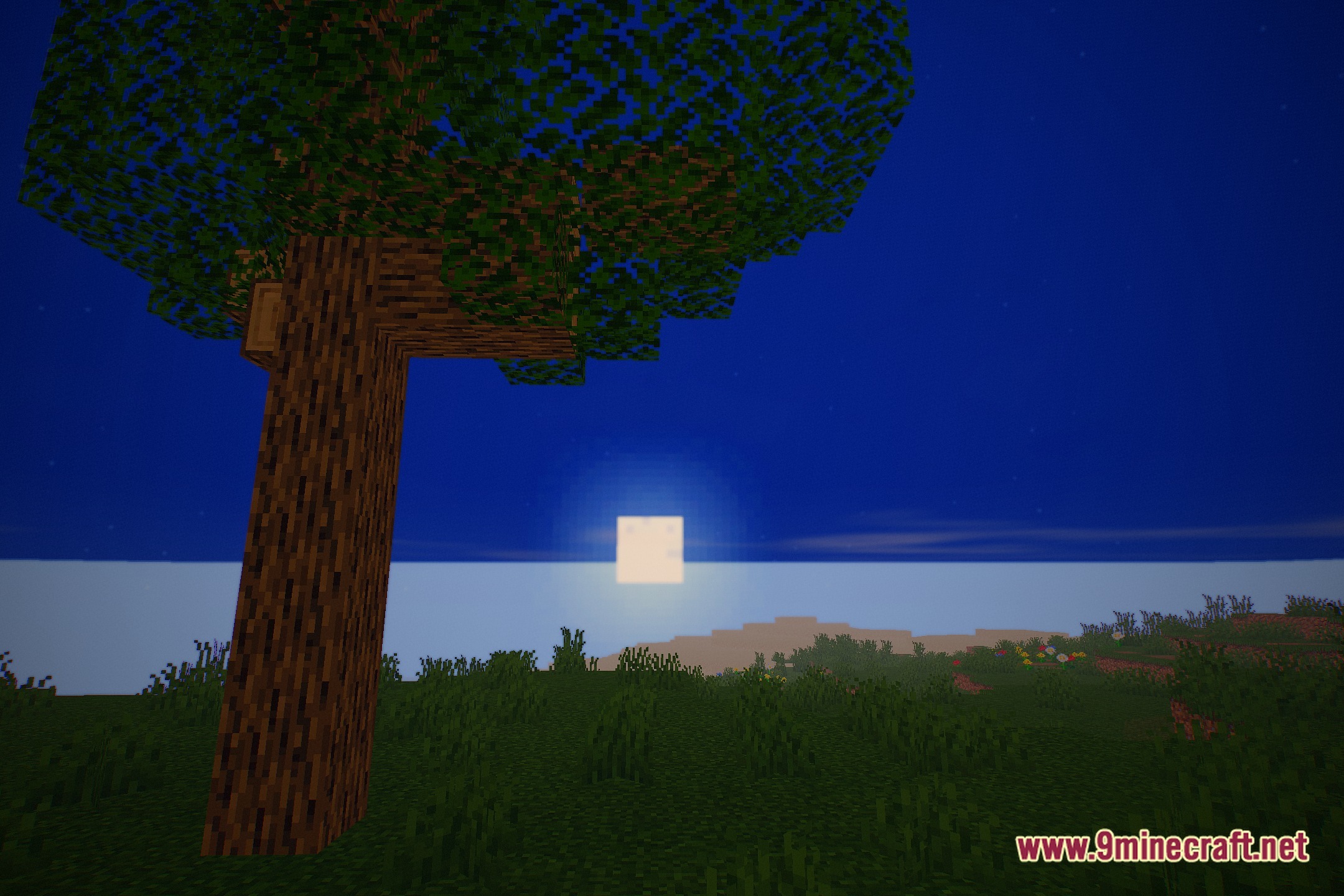
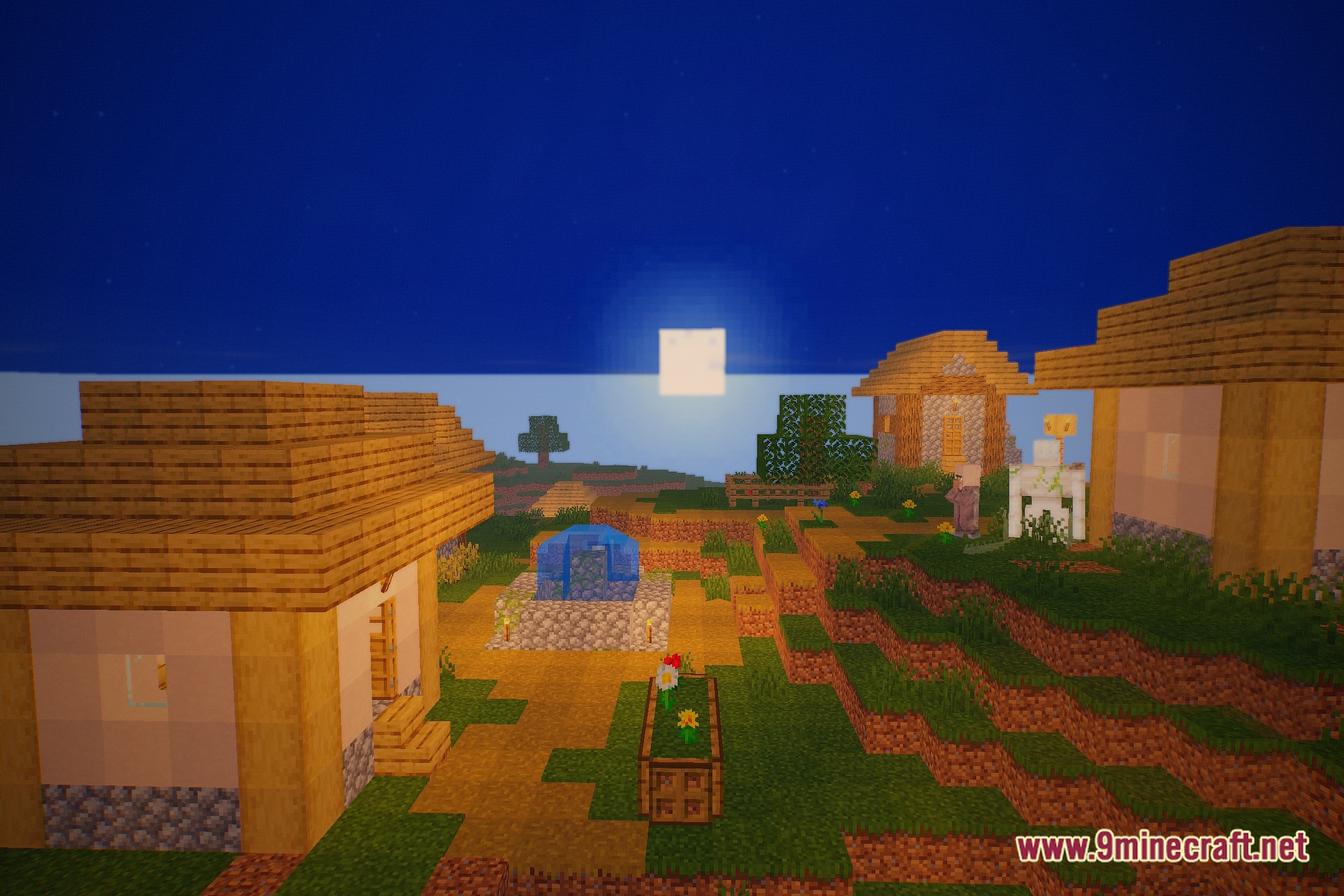
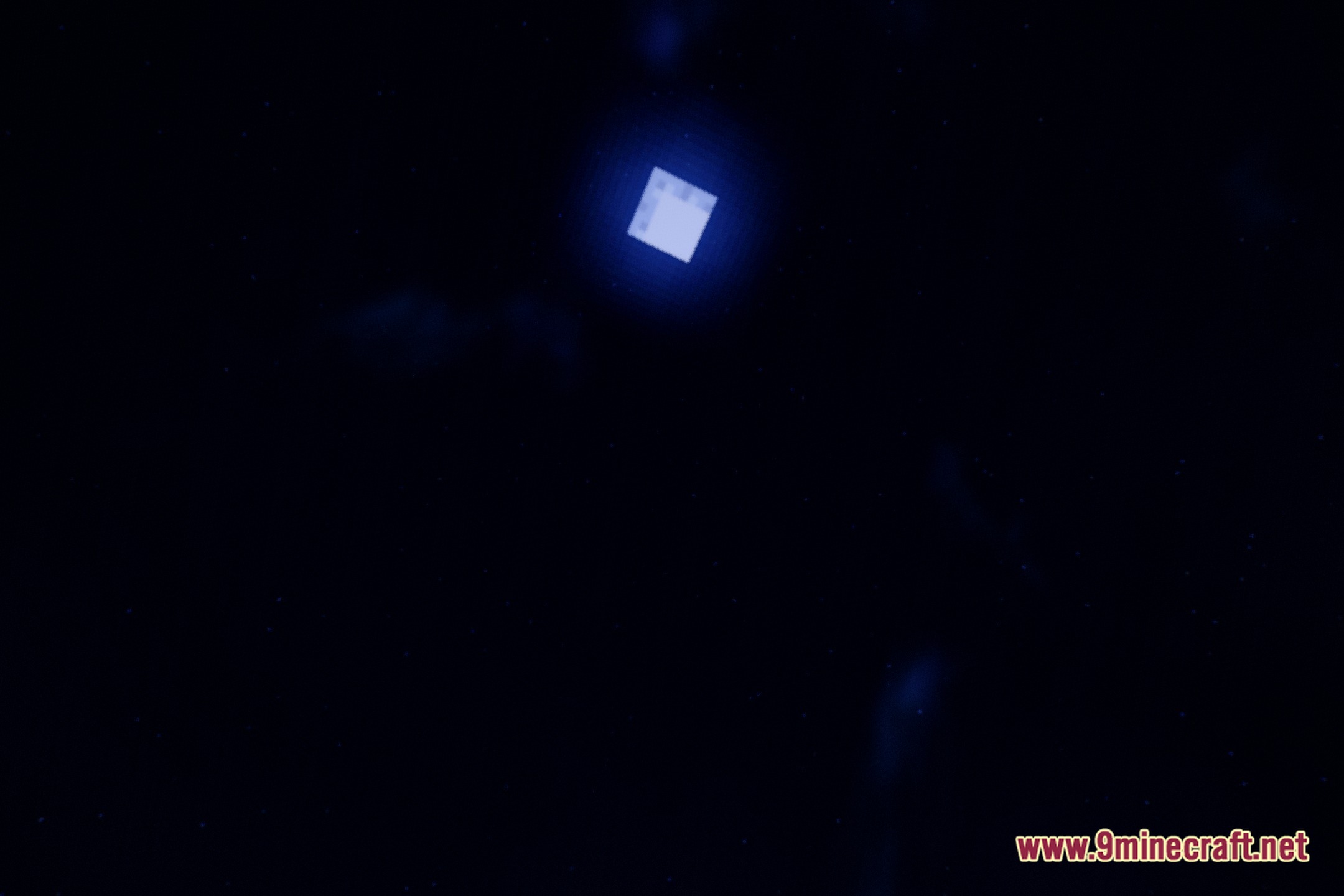
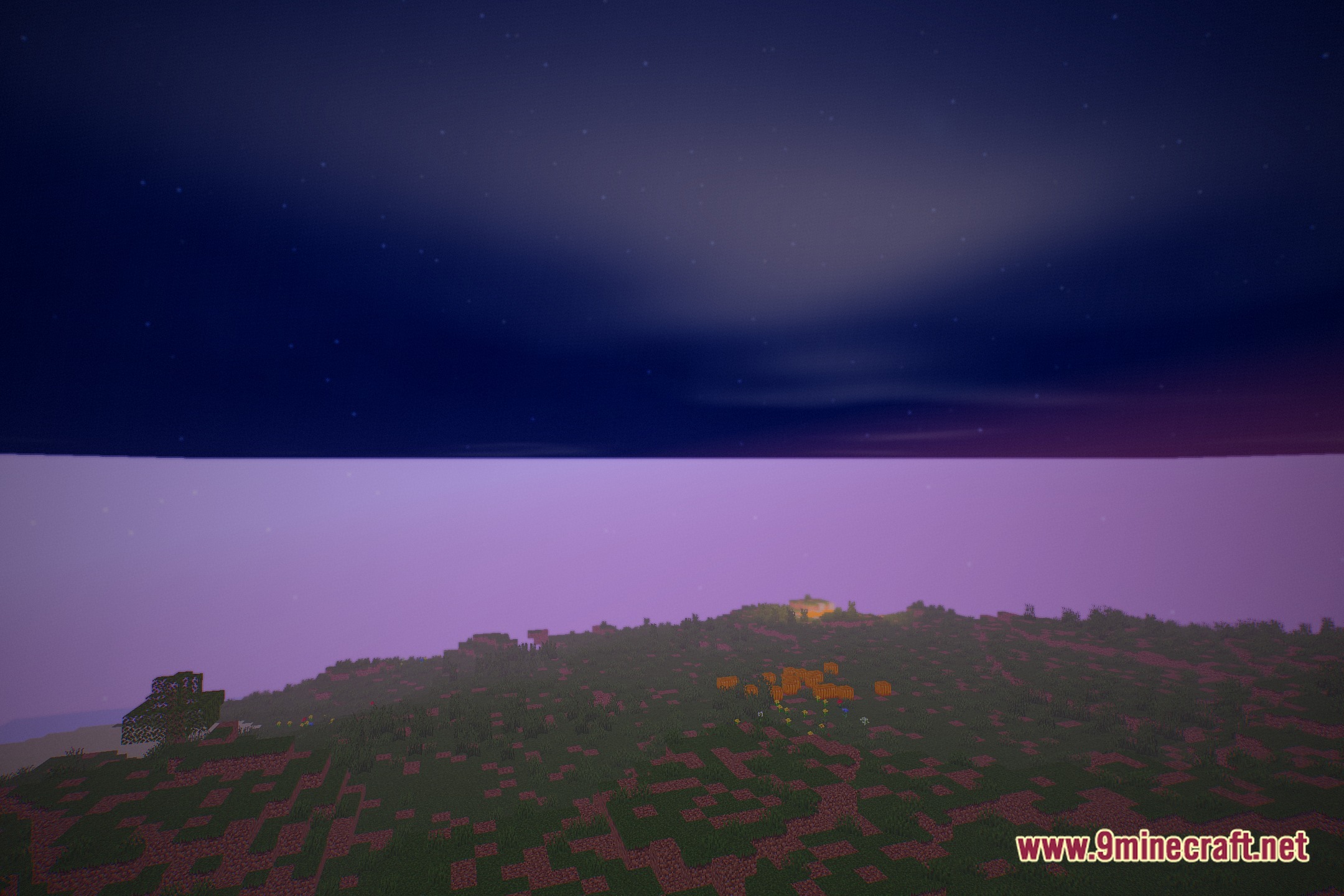
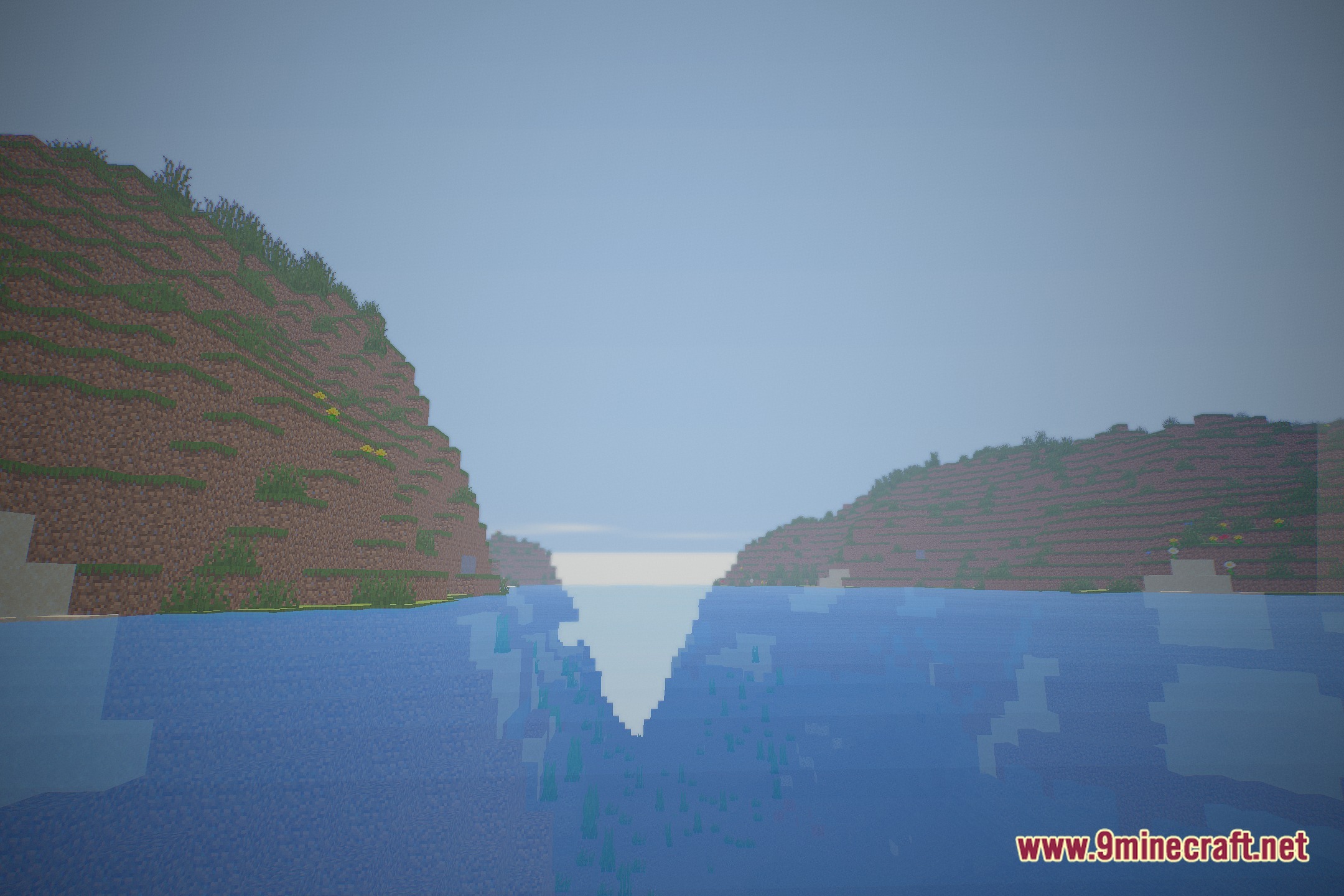
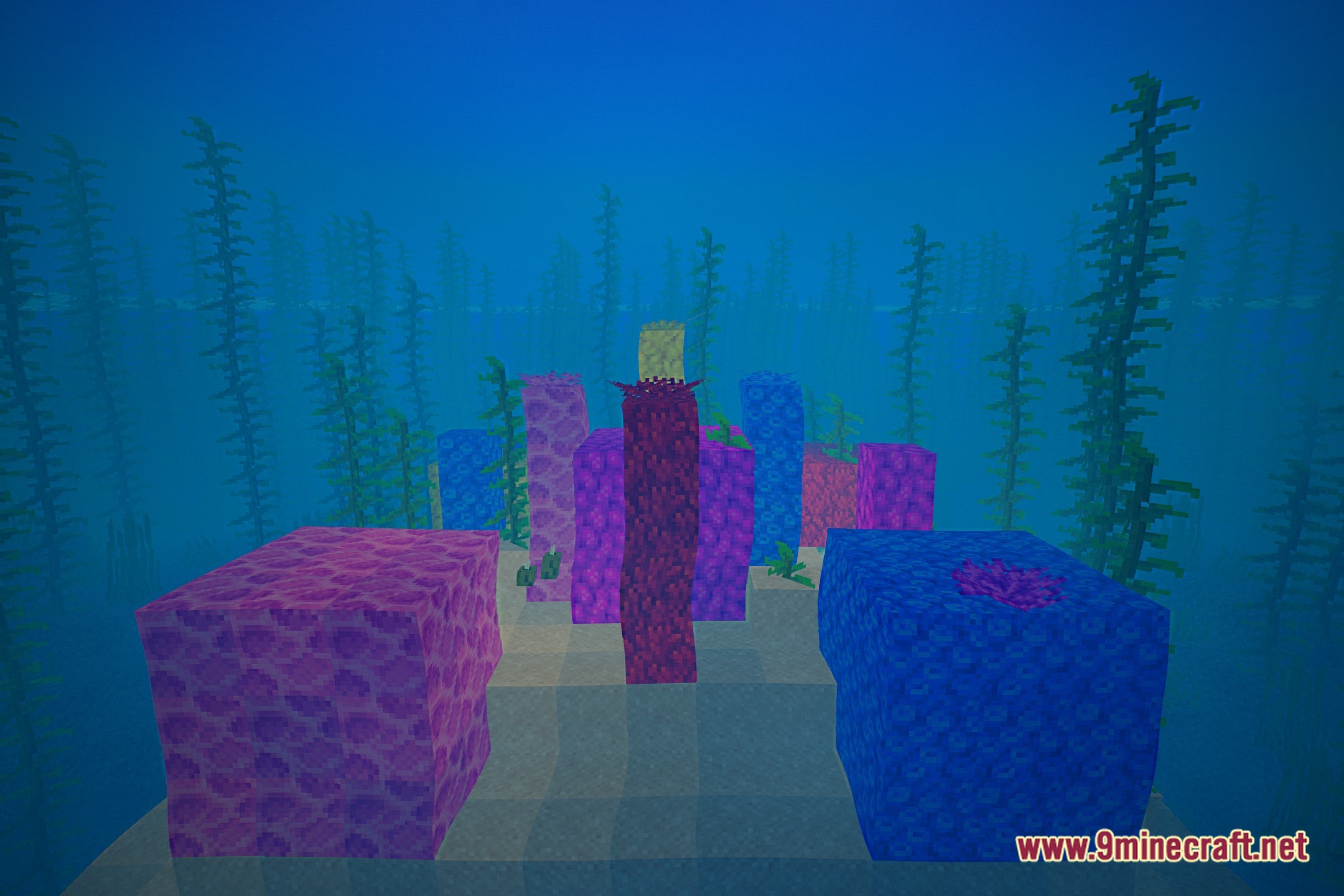
Adjust Shader Quality to Match Your HardwareAccess Quality Settings Eternal Prism Shaders includes multiple quality presets designed to balance visual fidelity…Enjoy Night Sky and Star DetailsNight Sky Rendering Eternal Prism Shaders enhances the night sky with bright, twinkling stars and improved…Experience Enhanced Water and ReflectionsWater Surface Features Eternal Prism Shaders adds gentle wave animations to water surfaces and real-time reflections…Maximize Volumetric Light Ray EffectsUnderstand Volumetric Rays Volumetric light shafts are the god rays that stream through trees, buildings, and clouds.…
Frequently asked questions
How do I turn on the shader after installing it?
Open Options > Video Settings > Shaders, then locate Eternal Prism Shaders in your shader folder and select it. The shader will activate immediately; you may see a brief loading screen as it compiles.
Why is my FPS so low with this shader?
Start by switching to the Low quality preset in the shader options menu. If performance is still poor, reduce your render distance or lower your resolution; volumetric effects and cloud rendering are the most demanding features.
How do I adjust the shader settings?
Press F2 to open the shader configuration screen while in-game, or access it through Options > Video Settings > Shaders > Shader Options. You can tweak volumetric light intensity, cloud detail, water wave height, and star brightness from there.
Can I use this shader with other mods?
Yes, Eternal Prism Shaders works with most mods, but mods that heavily modify lighting, sky rendering, or water may conflict. Test your mod combination in a creative world first to check for visual glitches.
See all 10 Eternal Prism Shaders questions ›
Gallery
12 images from the Eternal Prism Shaders page.
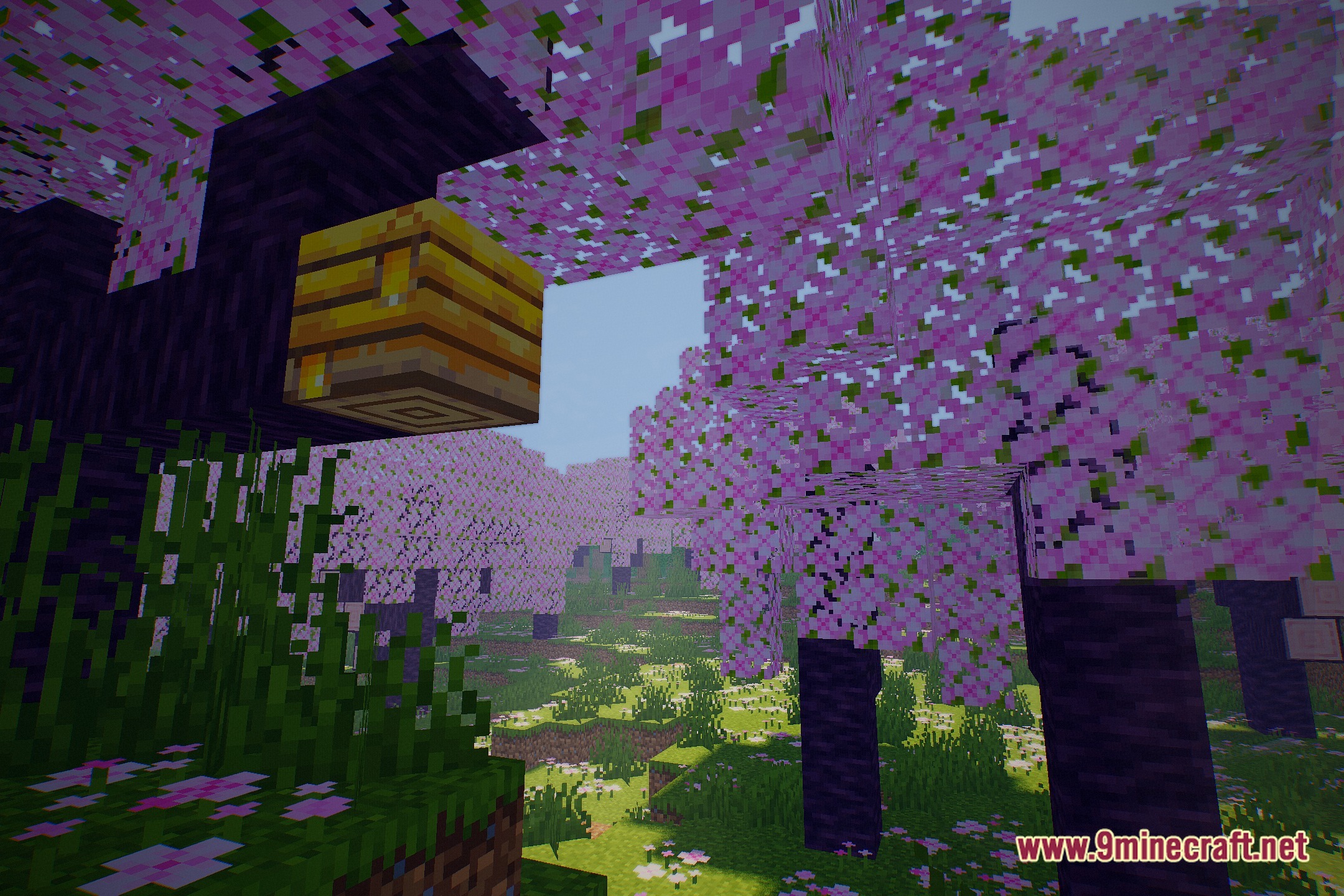
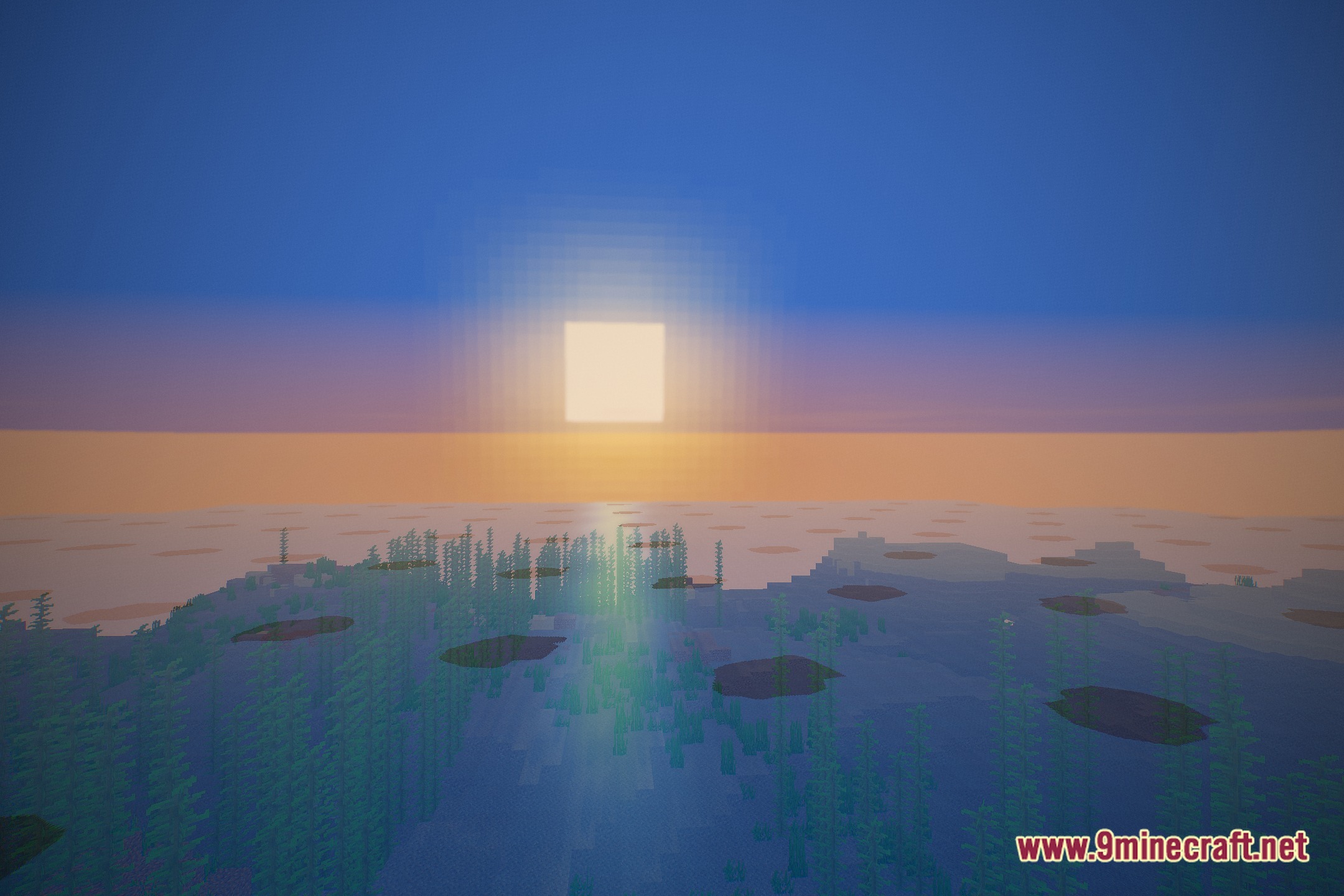
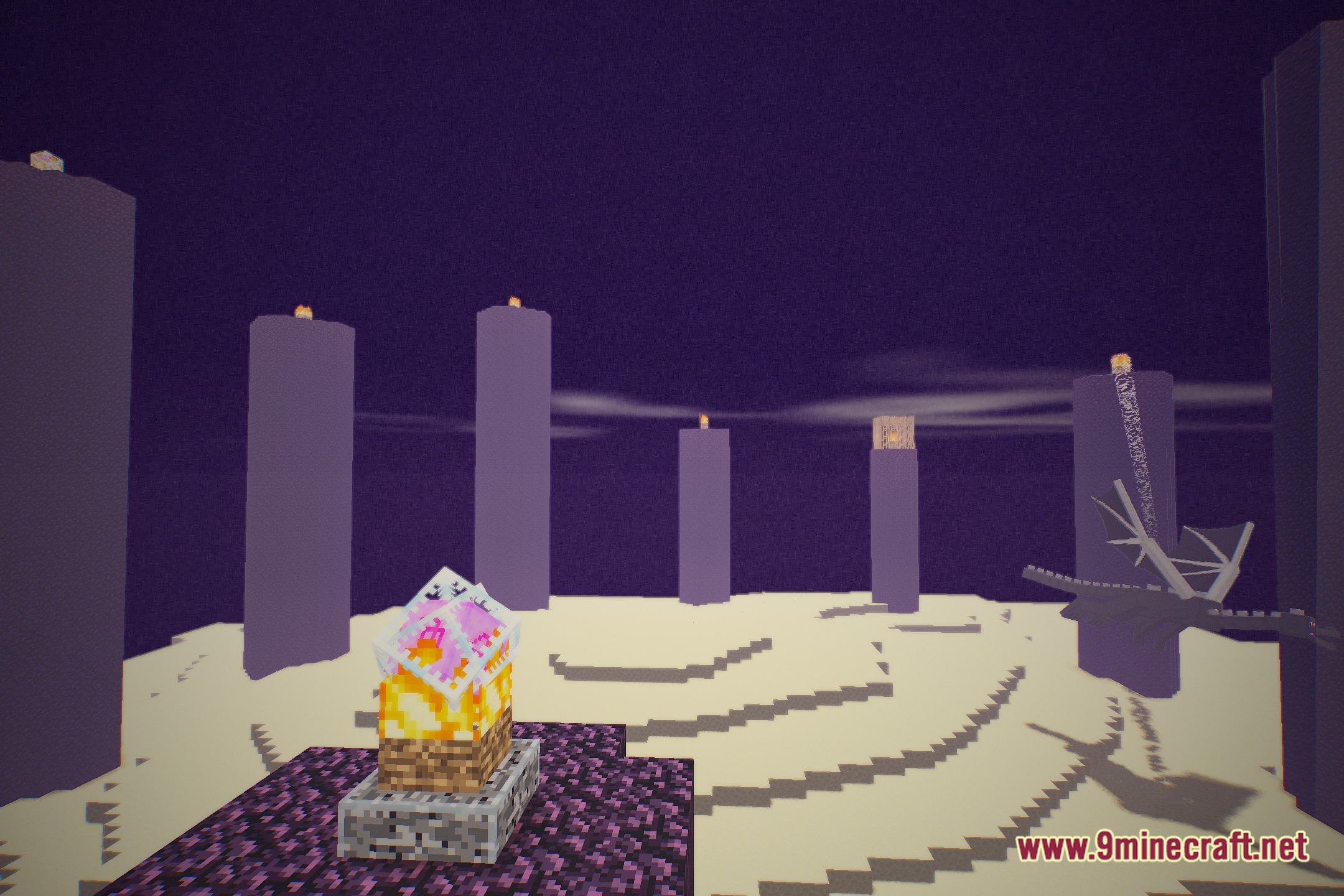
You May Also Like
Wikis that share the most with this one
 Prism Skies Shaders
More shader wikis on the site
 Epic Shaders All The Shaders Modpack
The most downloaded mods that have a wiki here