

 DownloadEpic Shaders Modpack
Get the files on 9Minecraft
Guides
Step-by-step, in-game.
Connect to Hypixel ServerLocate Server Information The modpack comes pre-configured with Hypixel server details. Open your multiplayer menu…Improve FPS and Reduce LagCheck Your Current Performance Look at the FPS counter in the top-left corner of your screen. This shows your…Switch Between Different ShadersOpening the Shader Menu Press O (or your configured key) while in-game to open the Iris Shaders configuration screen.…Use Custom Fonts and Resource PacksAccess Resource Pack Settings From the main menu, go to Options → Resource Packs . The modpack includes several…
Frequently asked questions
How do I switch between different shaders?
Press Shift + O to open the Iris Shaders screen, where you can browse and select from the included shader collection. Once you select a shader, it applies immediately to your world.
Why is my FPS low even with this modpack?
Try disabling or switching to a lighter shader, as shaders are the most demanding component. You can also adjust video settings like render distance and particle effects in your graphics options to improve performance.
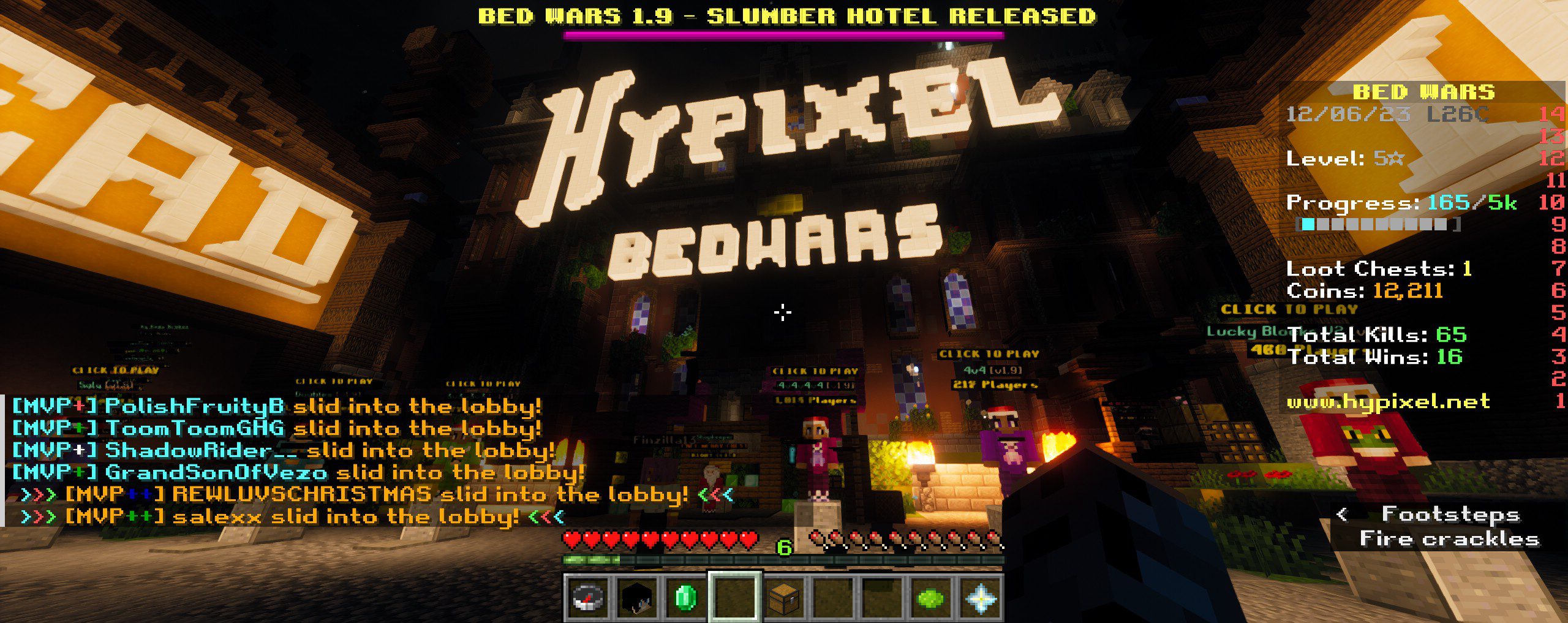
Can I use this modpack on the Hypixel server?
Yes, the modpack is Hypixel-ready and comes with the server pre-loaded. Simply launch the modpack and you can connect directly without additional setup.
How do I add my own resource pack or fonts?
Place your resource pack files in the resourcepacks folder within your modpack directory, then enable them in the Resource Packs menu in-game. Custom fonts can be added through compatible resource packs.
See all 10 Epic Shaders Modpack questions ›
Gallery
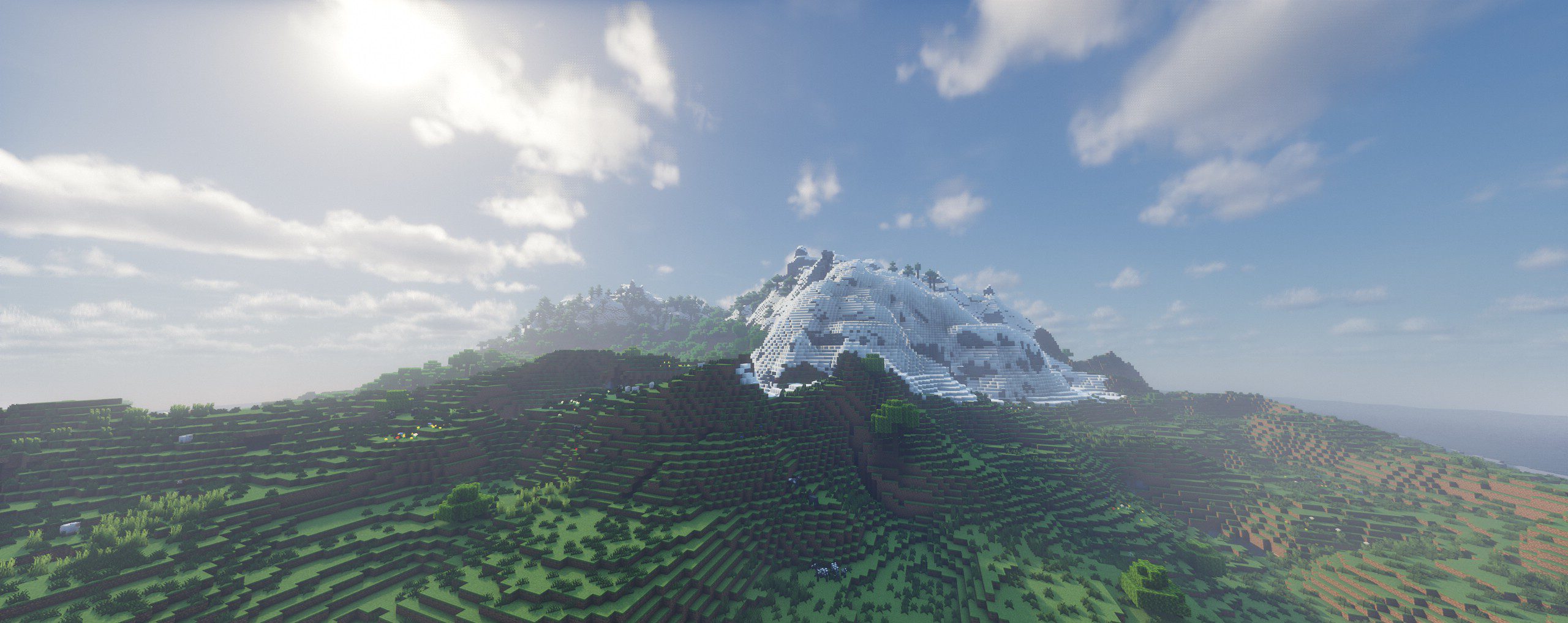
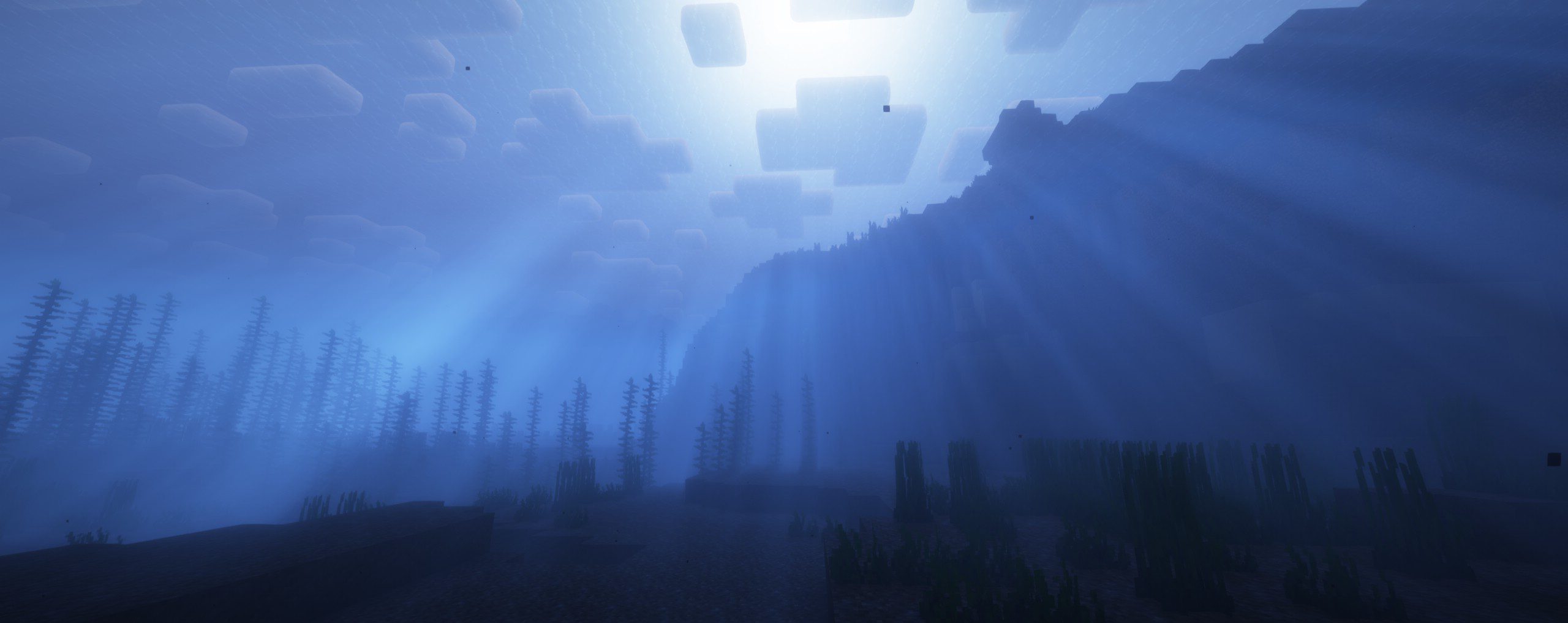
9 images from the Epic Shaders Modpack page.


You May Also Like
Wikis that share the most with this one
 Epic Shaders All The Shaders Modpack
Wikis on the same theme: light
More shader wikis on the site
The most downloaded mods that have a wiki here