

 DownloadEV Enhanced Visuals Shaders
Get the files on 9Minecraft
Guides
Step-by-step, in-game.
Adjust Sunbeam Intensity and SpreadAccess Shader Settings Open the shader options menu while in-game by pressing the key bound to shader settings…Maintain Vanilla Block Colors While Using ShadersVerify Color Preservation Setting EV Enhanced Visuals is built to keep Minecraft's original block palette intact.…Optimize Shader Performance Without Losing QualityAccess Performance Settings Open the EV Enhanced Visuals Shaders options menu and look for performance or quality…Reduce Shadow Harshness on TerrainOpen Shader Configuration Access the EV Enhanced Visuals Shaders settings menu from your graphics options while…
Frequently asked questions
How do I enable the shader after installing it?
Open Options > Video Settings > Shaders, then locate EV Enhanced Visuals in your shader folder and select it. The shader will activate immediately, and you'll see enhanced lighting on your next world load.
Why do my shadows look too soft or too hard?
Open the shader options menu (usually accessible from Video Settings > Shaders > Shader Options) and adjust the shadow softness slider to find your preferred balance between realistic softness and visible definition.
Can I use this shader with other mods?
EV Enhanced Visuals works with most mods that don't heavily modify rendering, but mods that add custom lighting or change block textures may conflict; test in a small world first if you're unsure.
My sunbeams look too bright or too dim—how do I fix this?
Adjust the sunbeam intensity setting in the shader options menu to increase or decrease how prominent the light rays appear across your terrain.
See all 10 EV Enhanced Visuals Shaders questions ›
Gallery
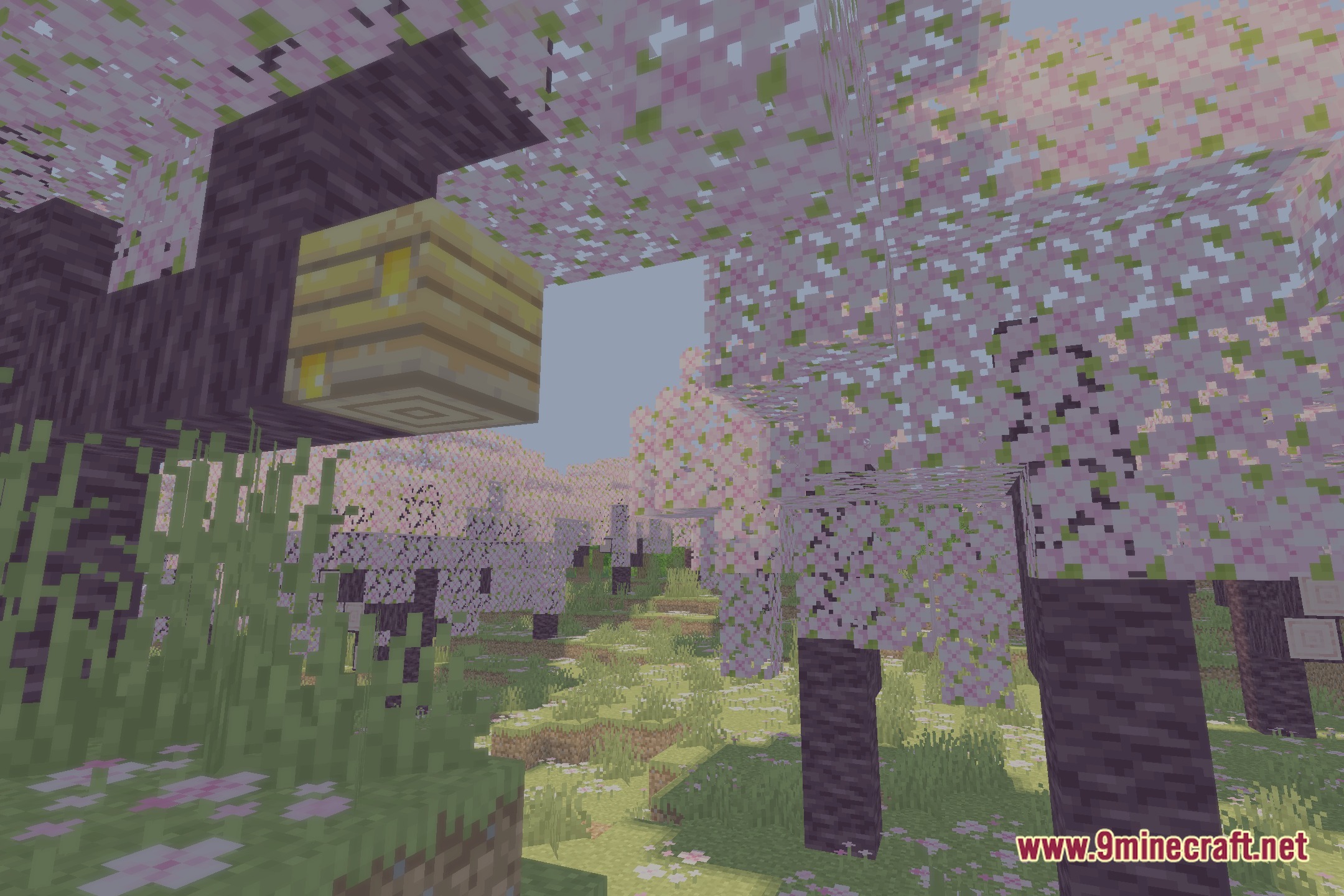
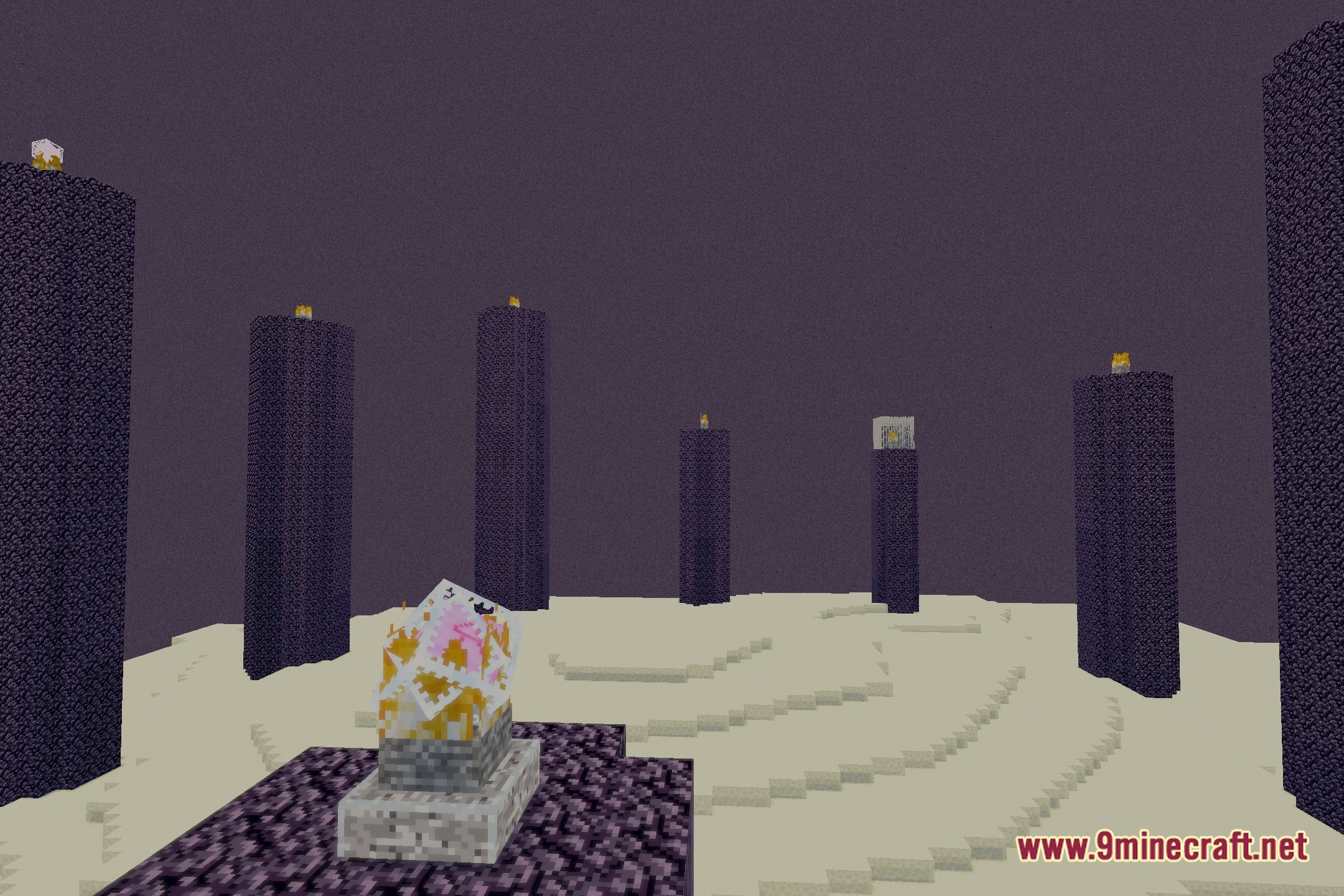
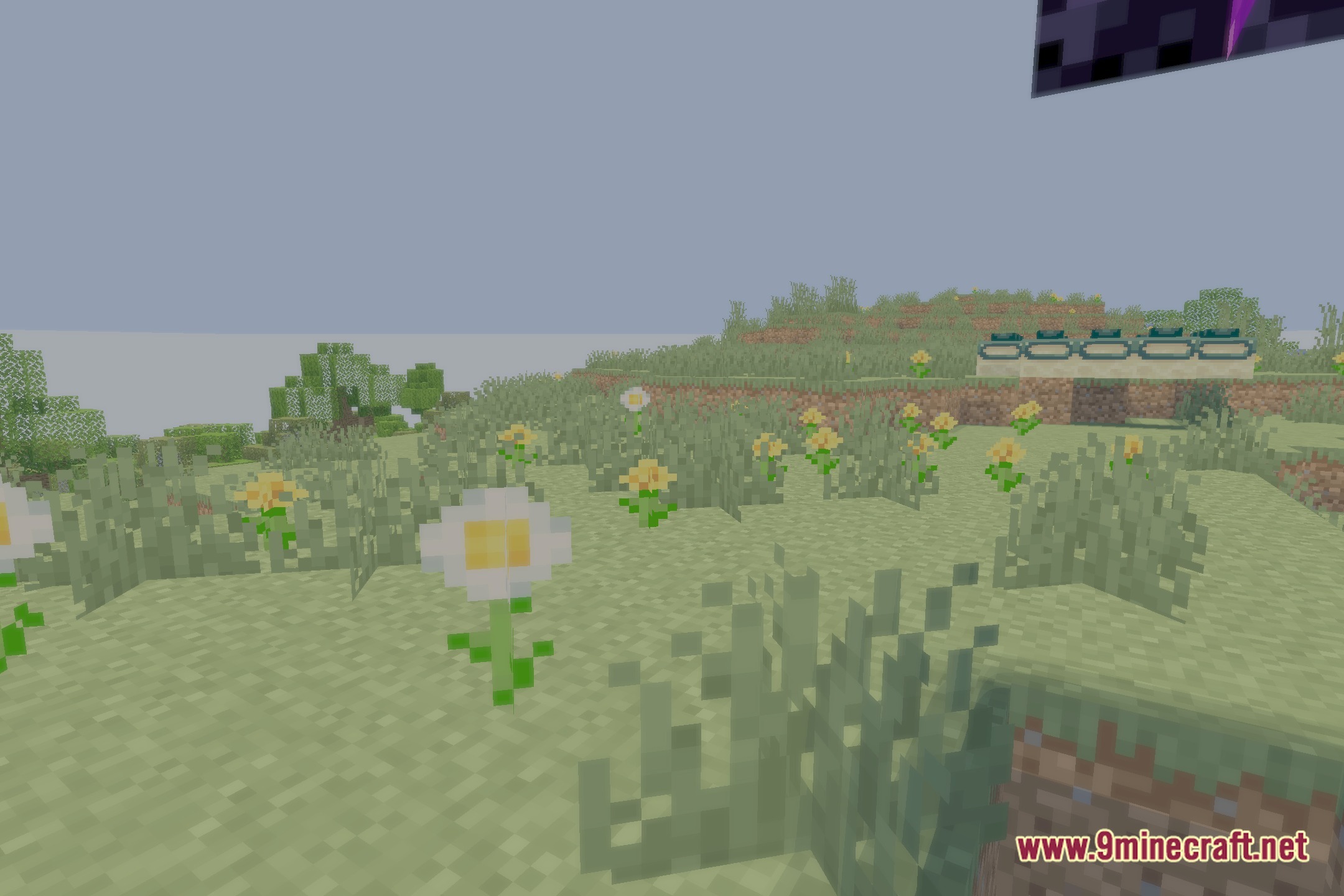
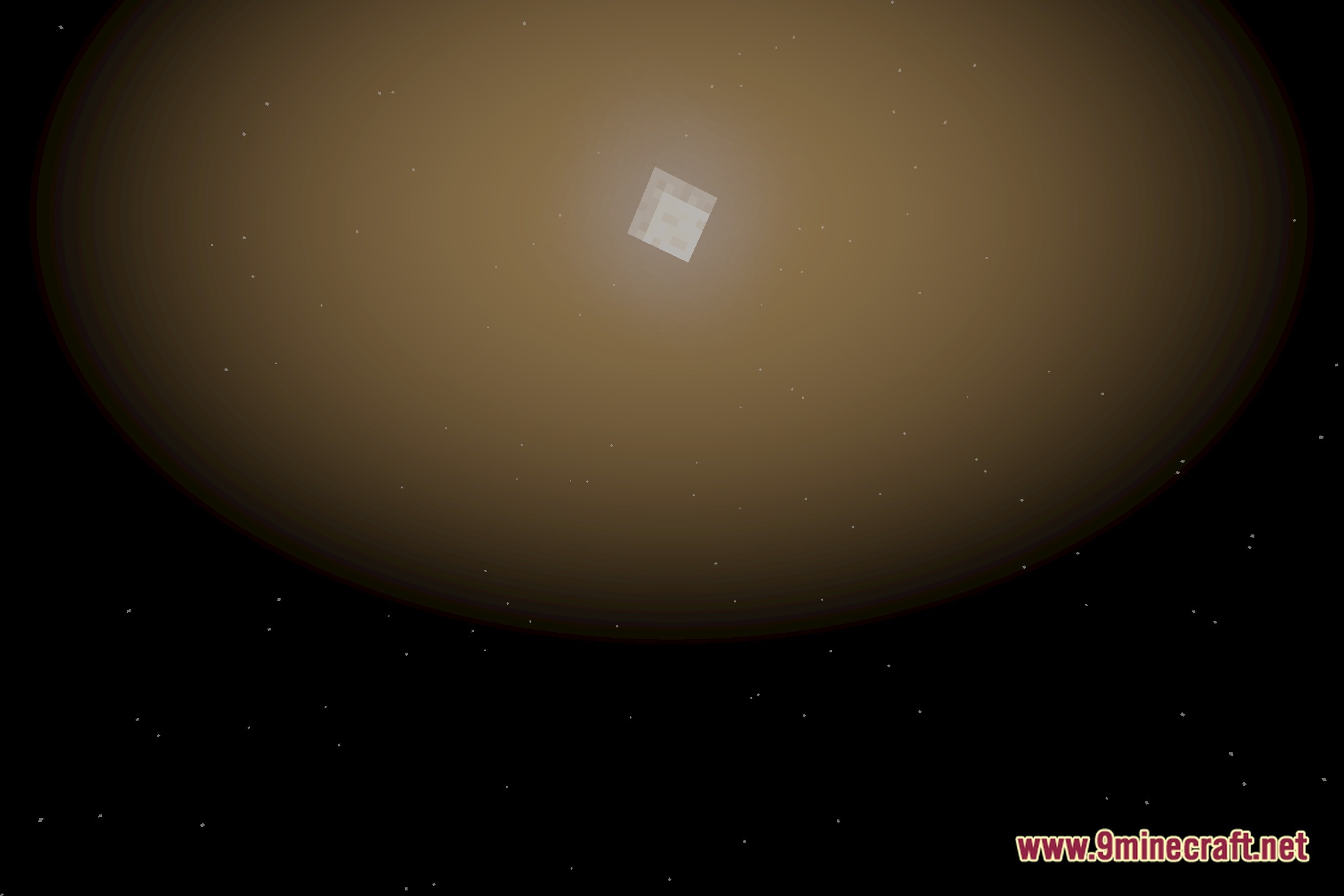
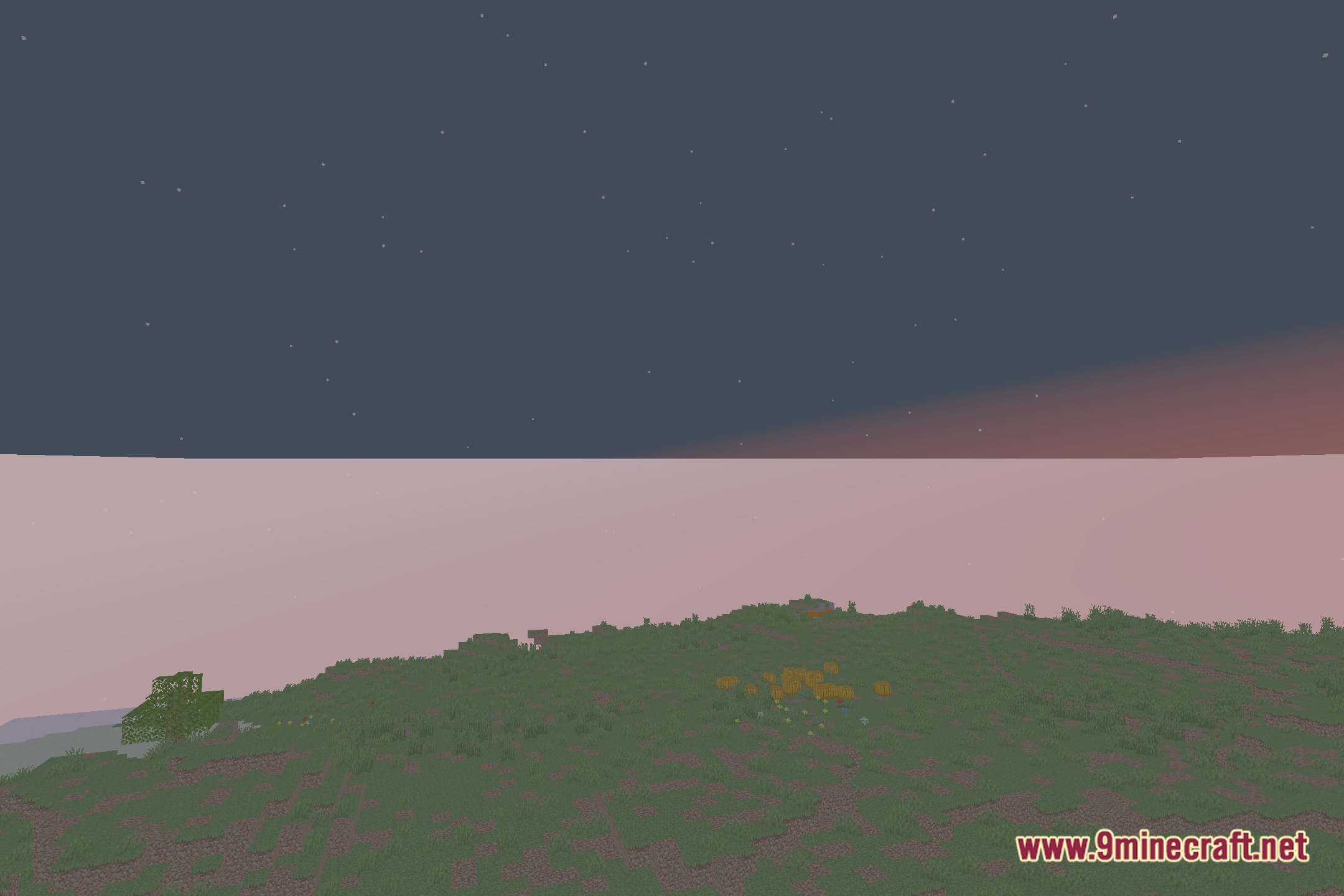
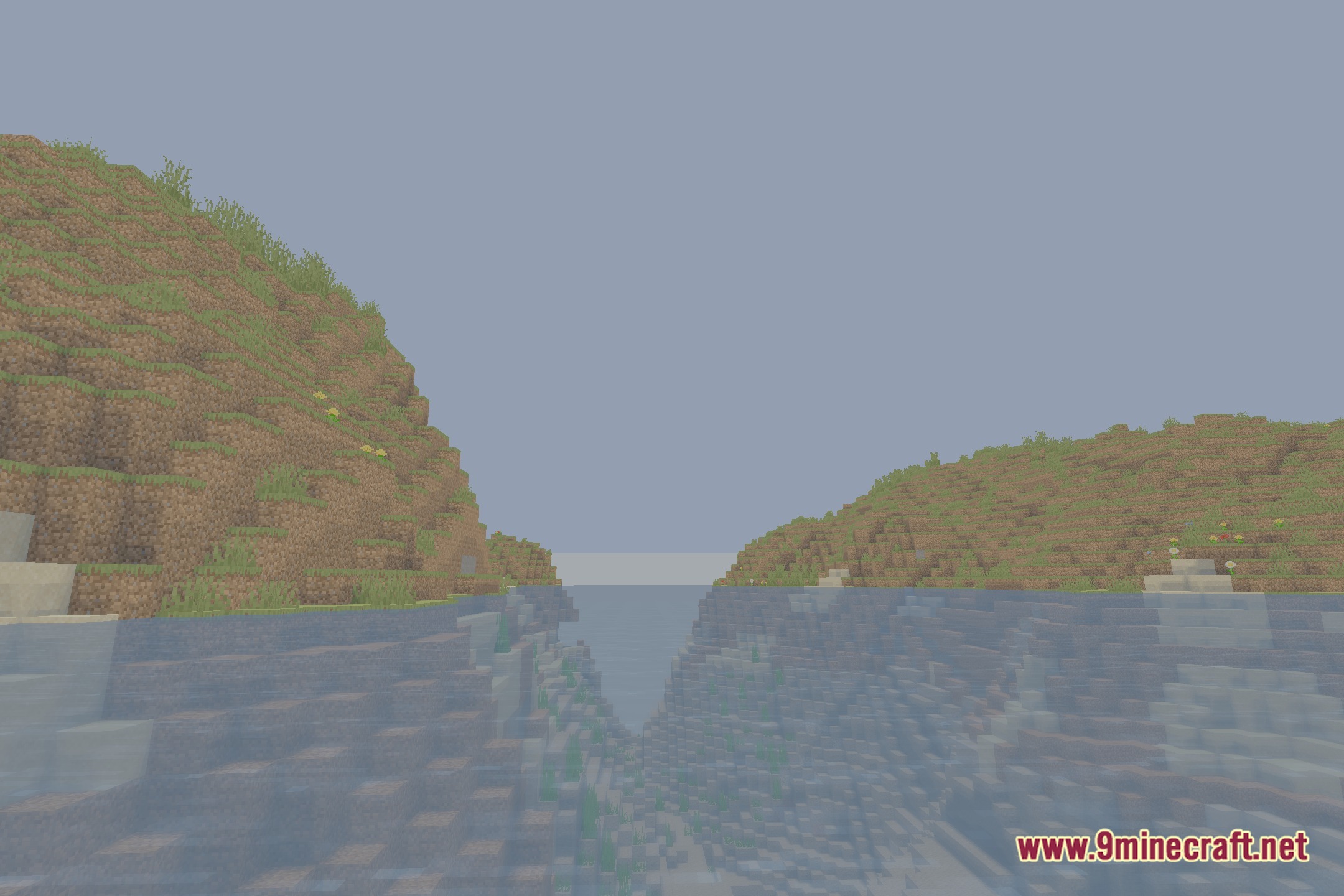
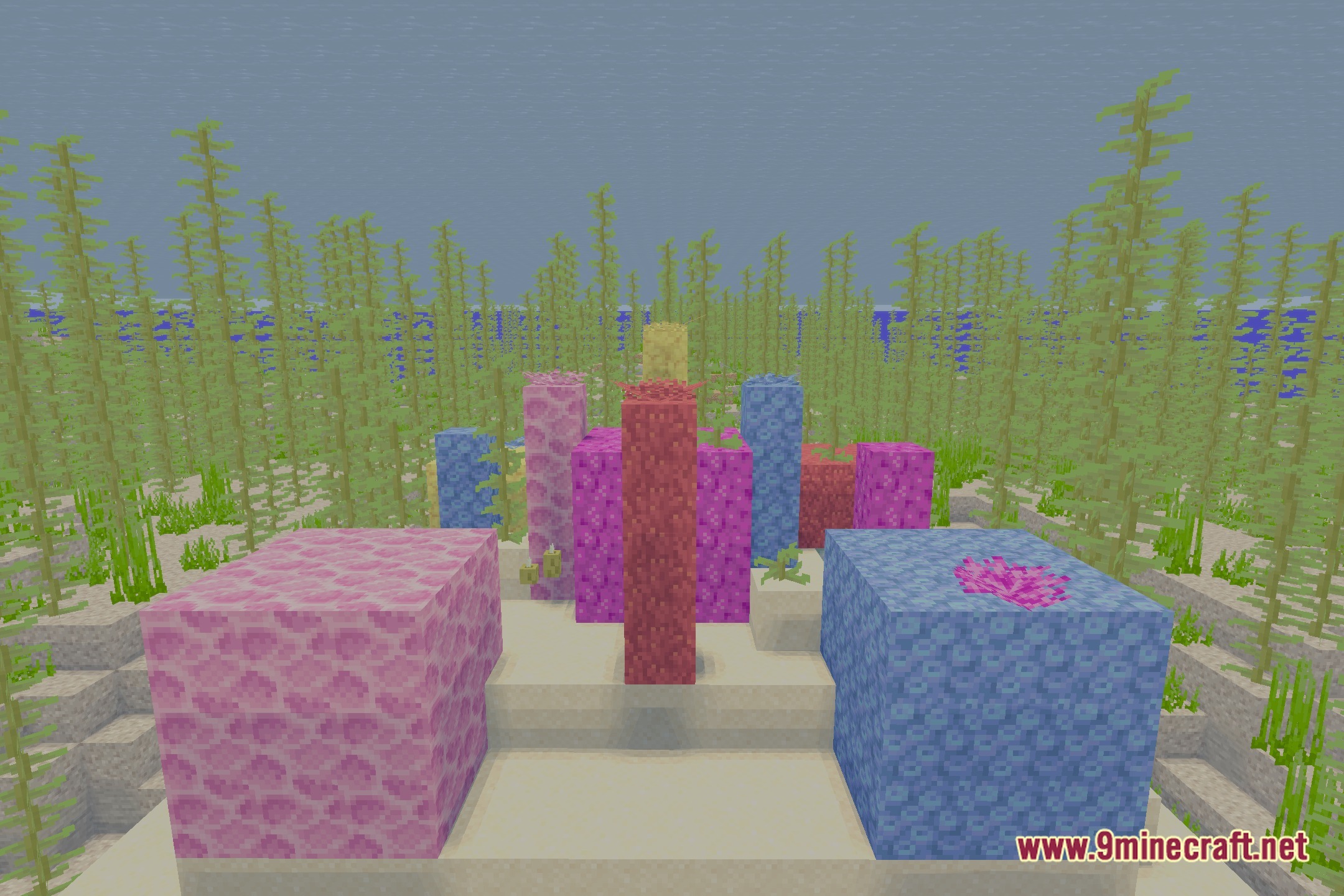
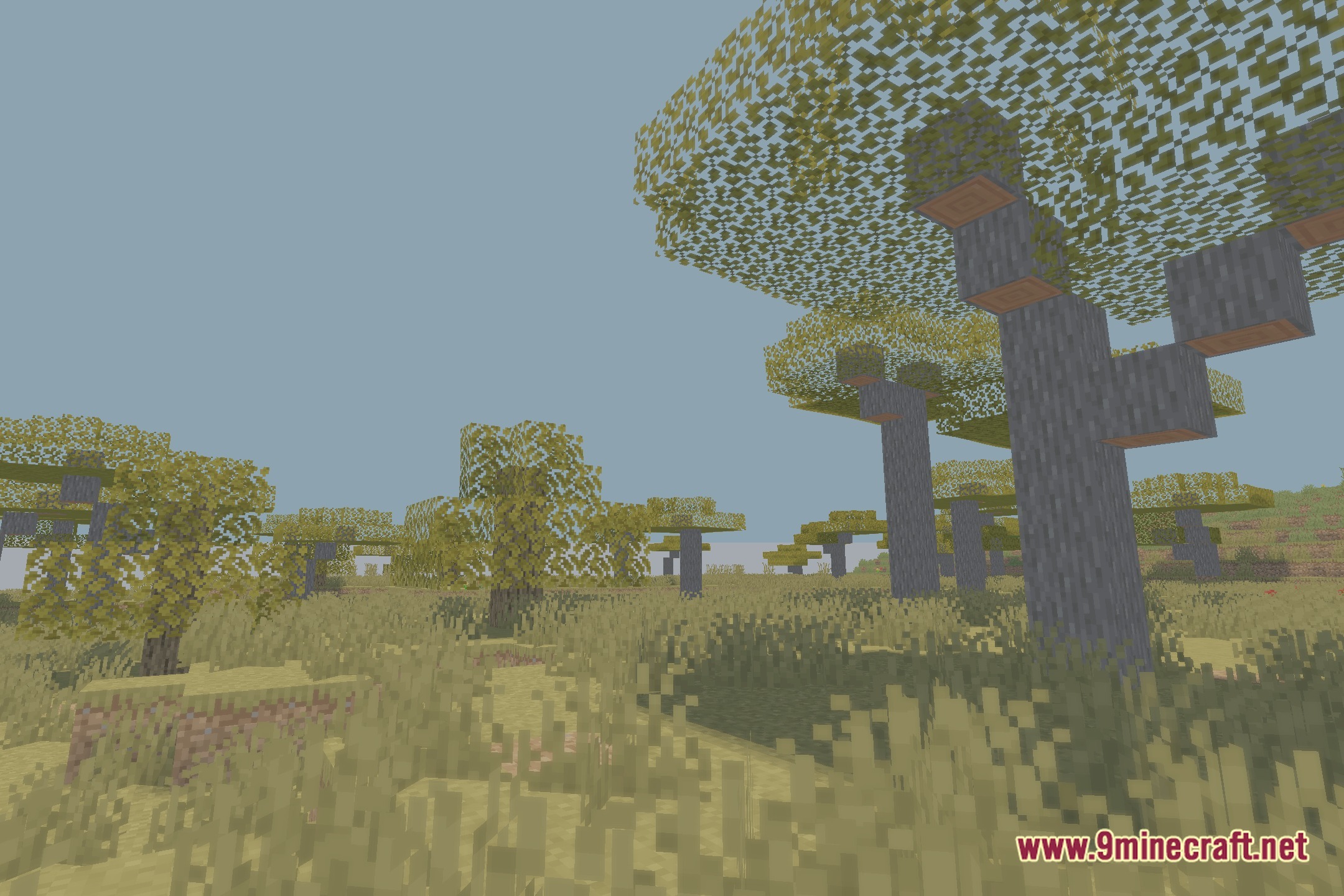
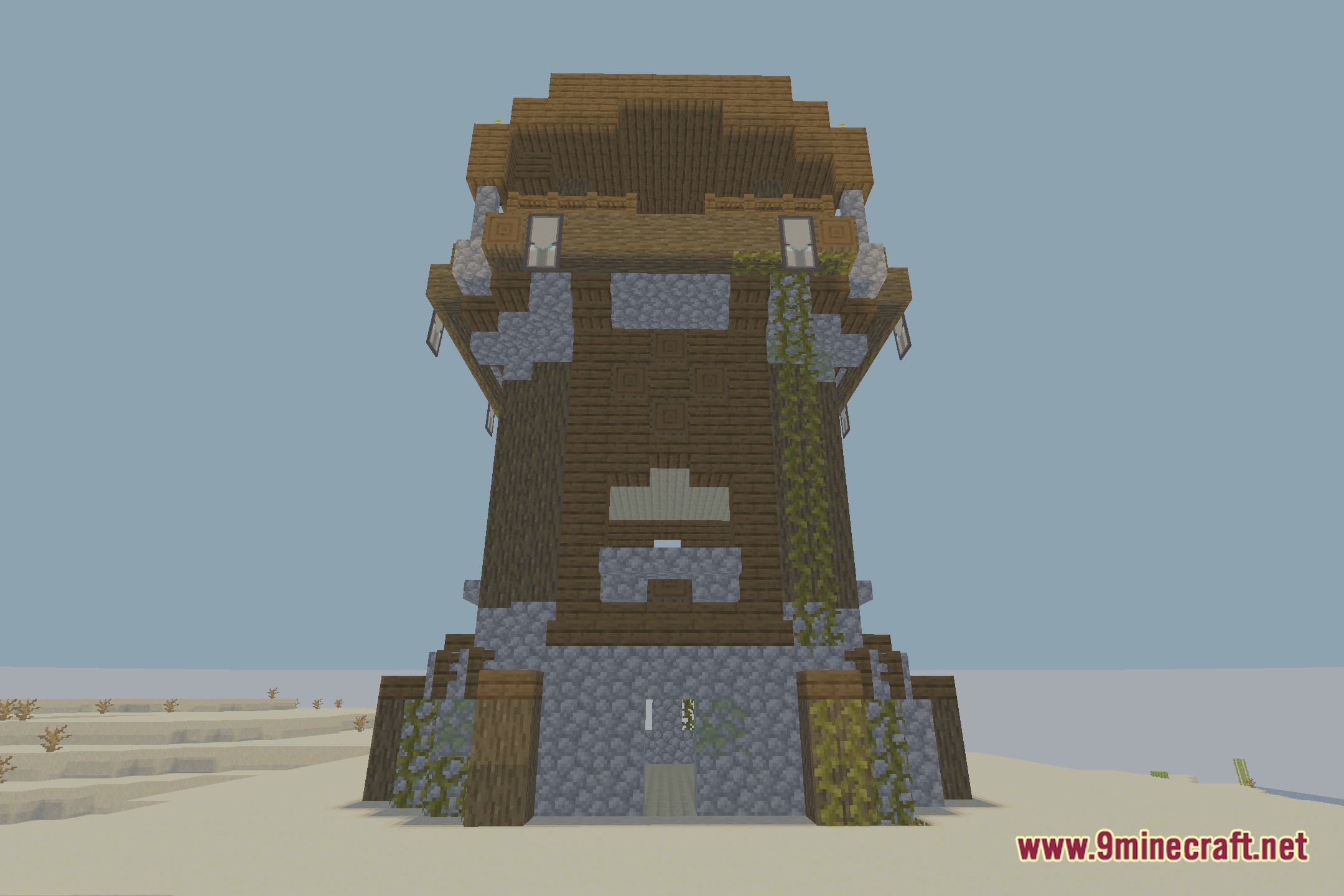
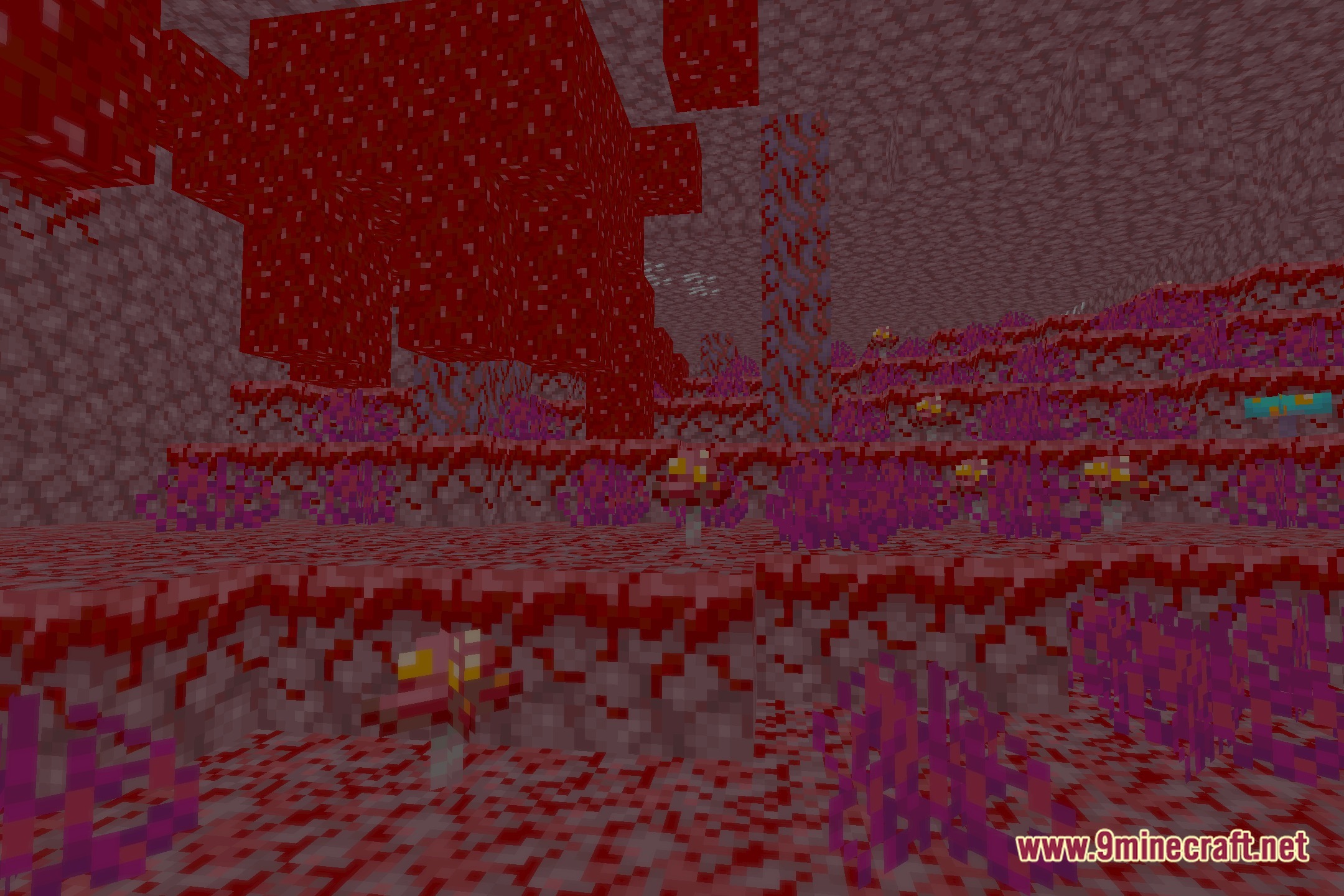
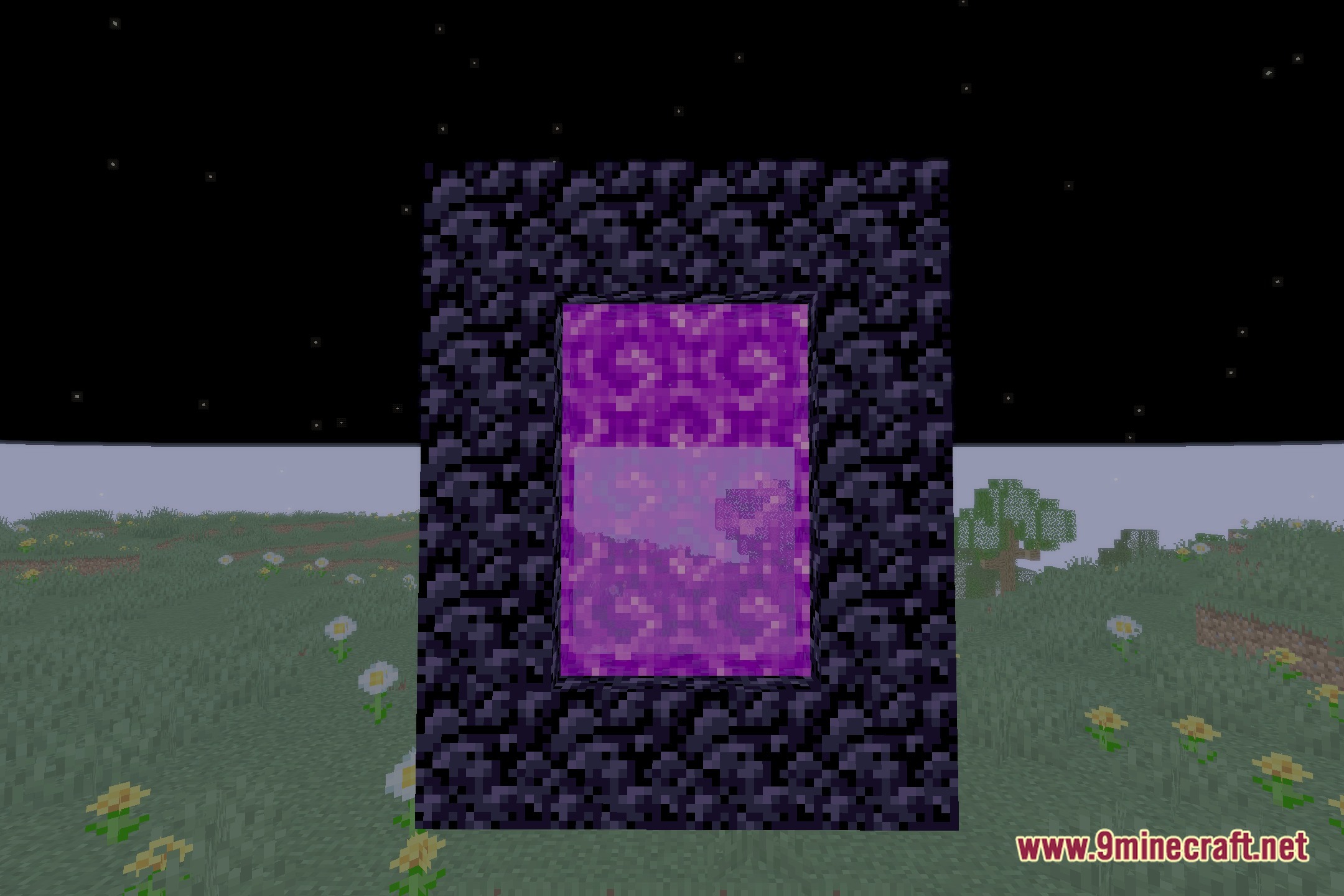
12 images from the Ev Enhanced Visuals Shaders page.
You May Also Like
Wikis that share the most with this one
Wikis on the same theme: light
More shader wikis on the site
 Epic Shaders All The Shaders Modpack
The most downloaded mods that have a wiki here