

 DownloadEvelite Smooth Shaders
Get the files on 9Minecraft
Guides
Step-by-step, in-game.
Adjust Shader Brightness and Contrast for Your SetupAccess Shader Settings Open the shader options menu by pressing the designated key (usually accessed through your…Configure Realistic Day-Night Lighting TransitionsAccess Time-Based Lighting Settings Open shader options and find settings related to sun/moon brightness, sky color,…Enhance Underwater and Cave LightingAdjust Water Fog and Lighting Open shader settings and locate water-related options. Increase water brightness or…Reduce Lag While Keeping Visual QualityLower Shadow and Lighting Detail Access shader settings and look for shadow distance or shadow quality options.…
Frequently asked questions
How do I enable the shader after installing it?
Open your video settings in-game, navigate to Shaders, and select Evelite Smooth Shaders from the list. The shader will activate immediately when you confirm the selection.
Why does my game look washed out or too dark?
Use the brightness and contrast adjustment options in the shader settings menu to match your monitor and preference. Start by increasing brightness slightly, then fine-tune contrast until the lighting feels balanced.
Can I use this shader with other mods?
Yes, Evelite Smooth Shaders is compatible with most mods, but mods that heavily alter lighting or add custom blocks may cause visual conflicts. Test your mod combination in a small world first to check for issues.
My FPS dropped significantly after installing—what should I do?
Reduce the shadow distance and disable advanced lighting features in the shader options, or lower your render distance in video settings. If performance is still poor, your system may need a lighter shader alternative.
See all 10 Evelite Smooth Shaders questions ›
Gallery
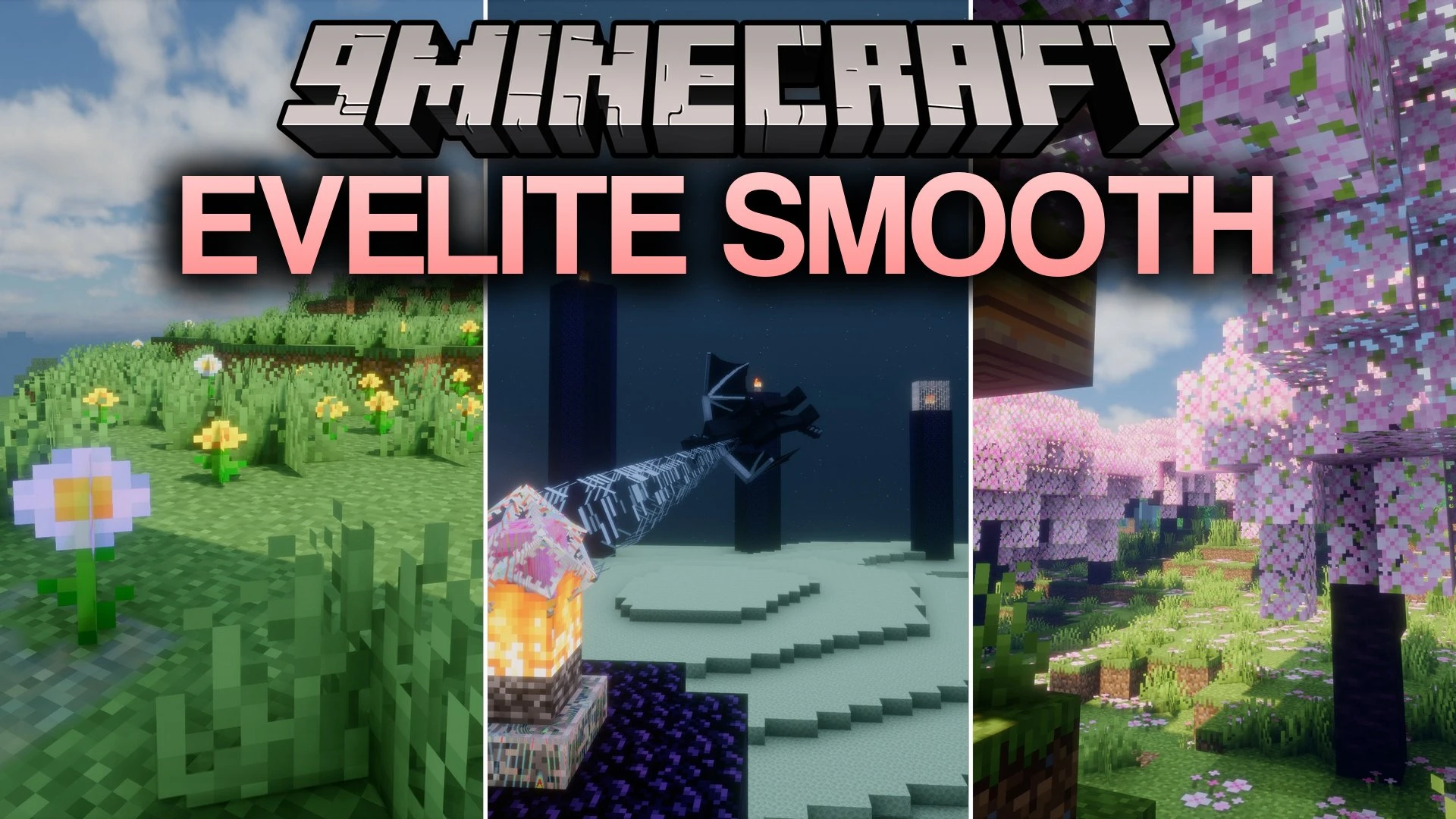
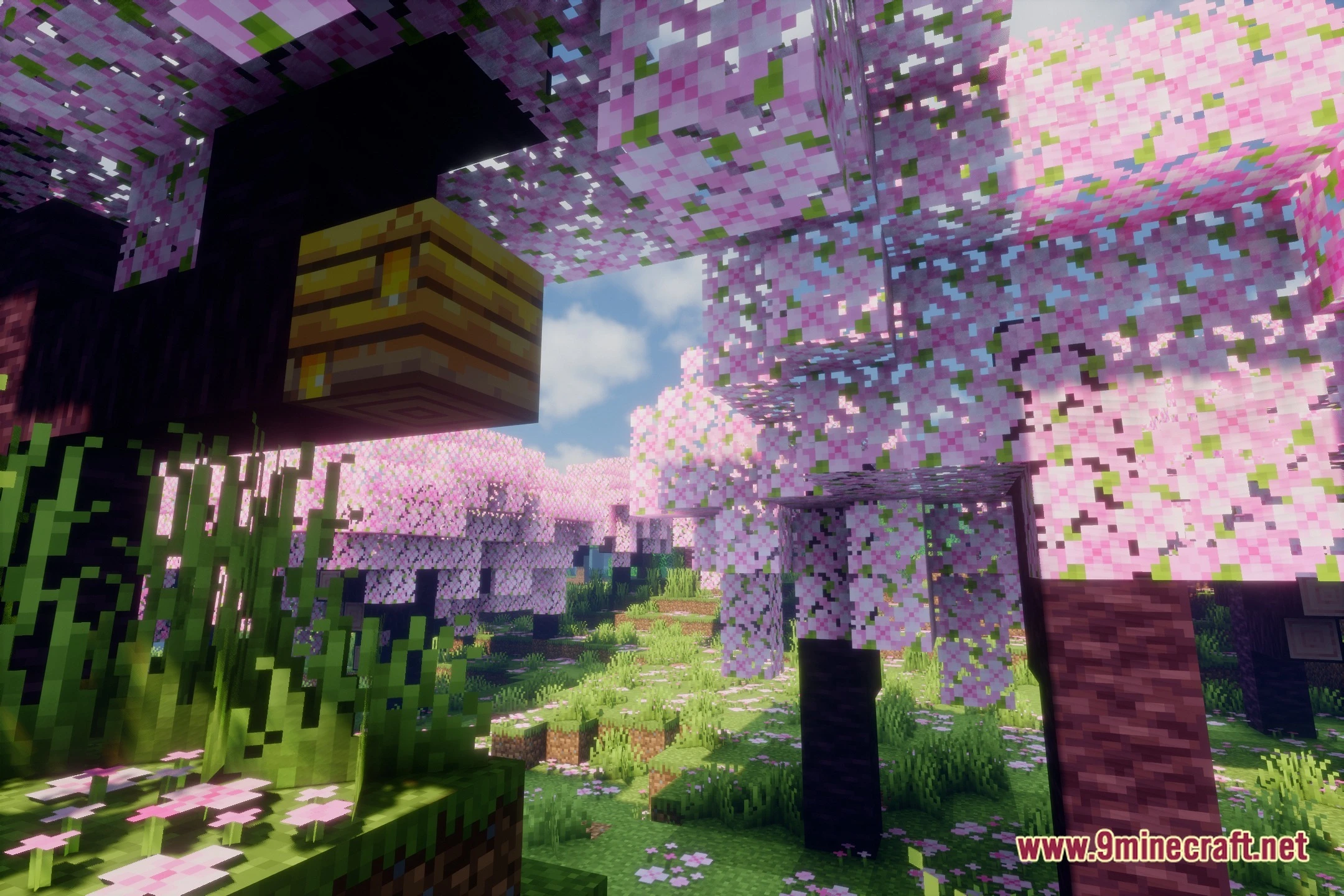
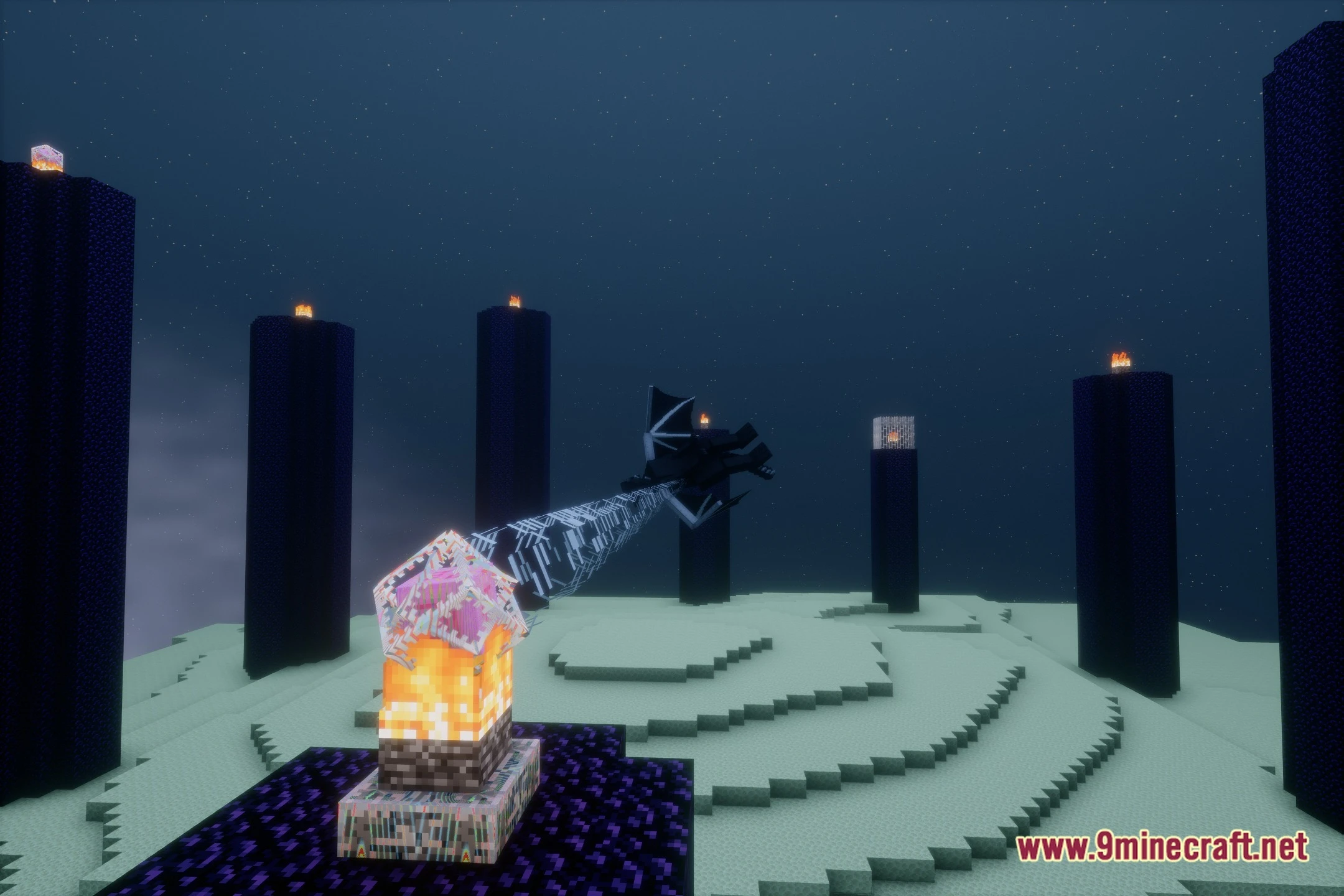
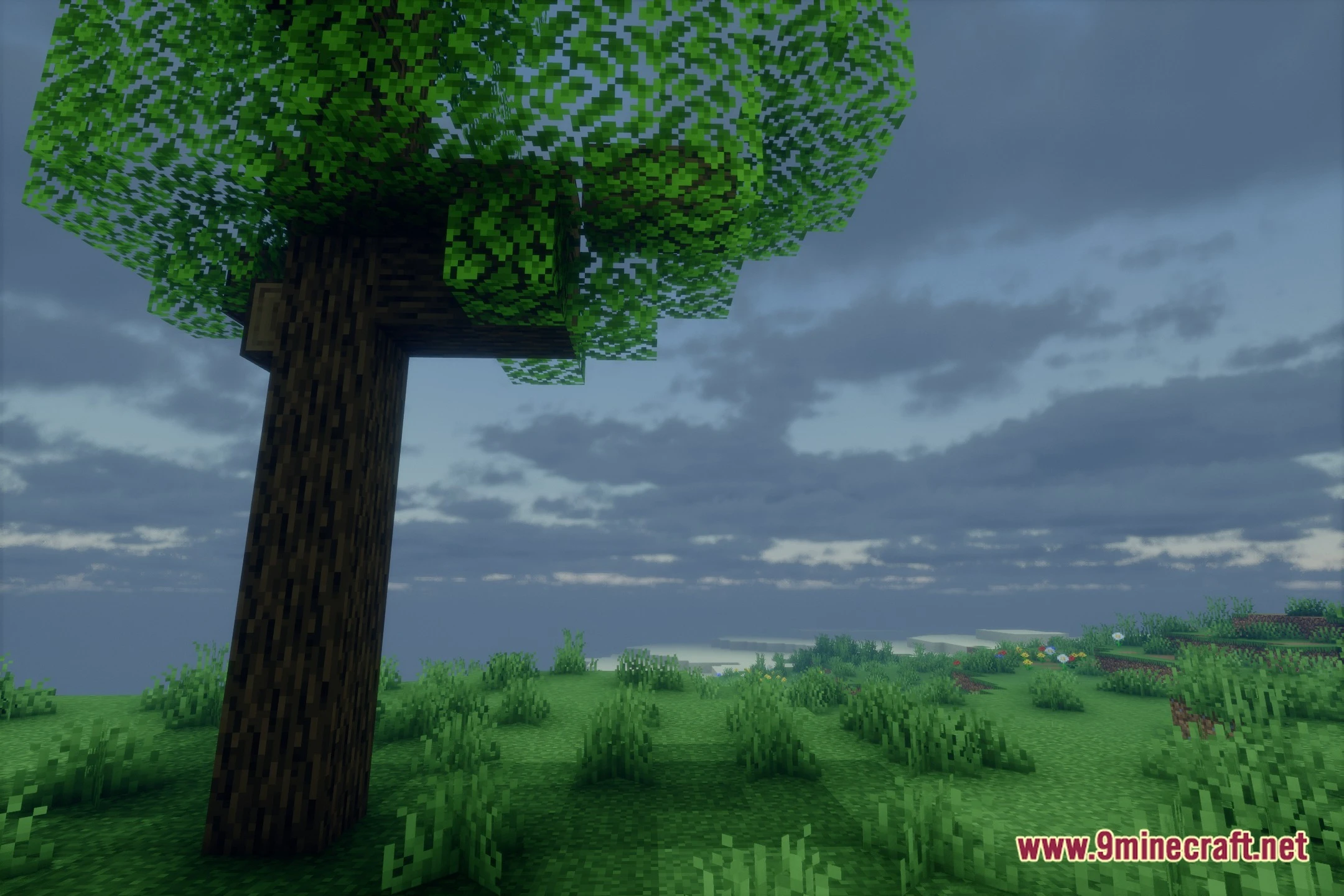
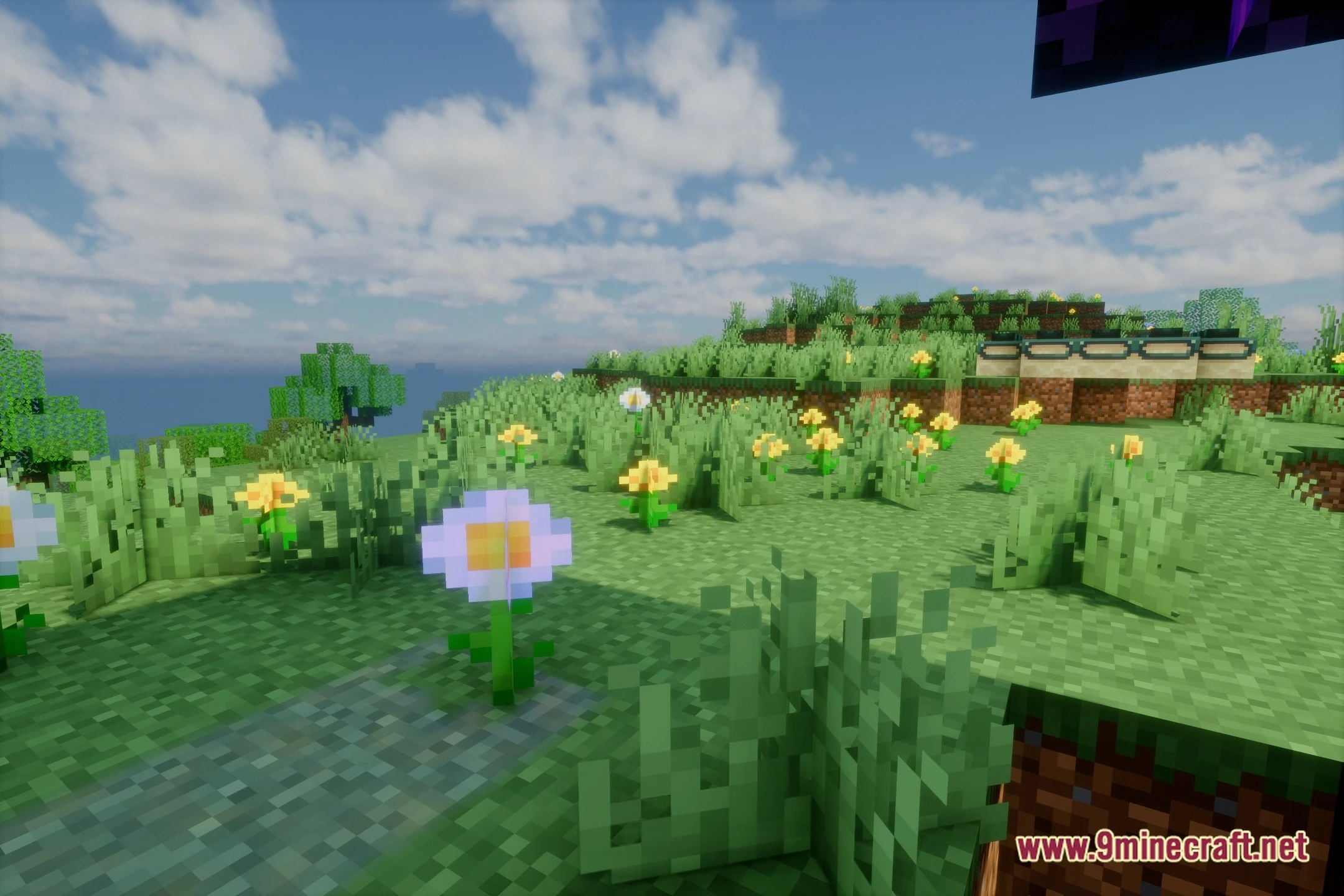
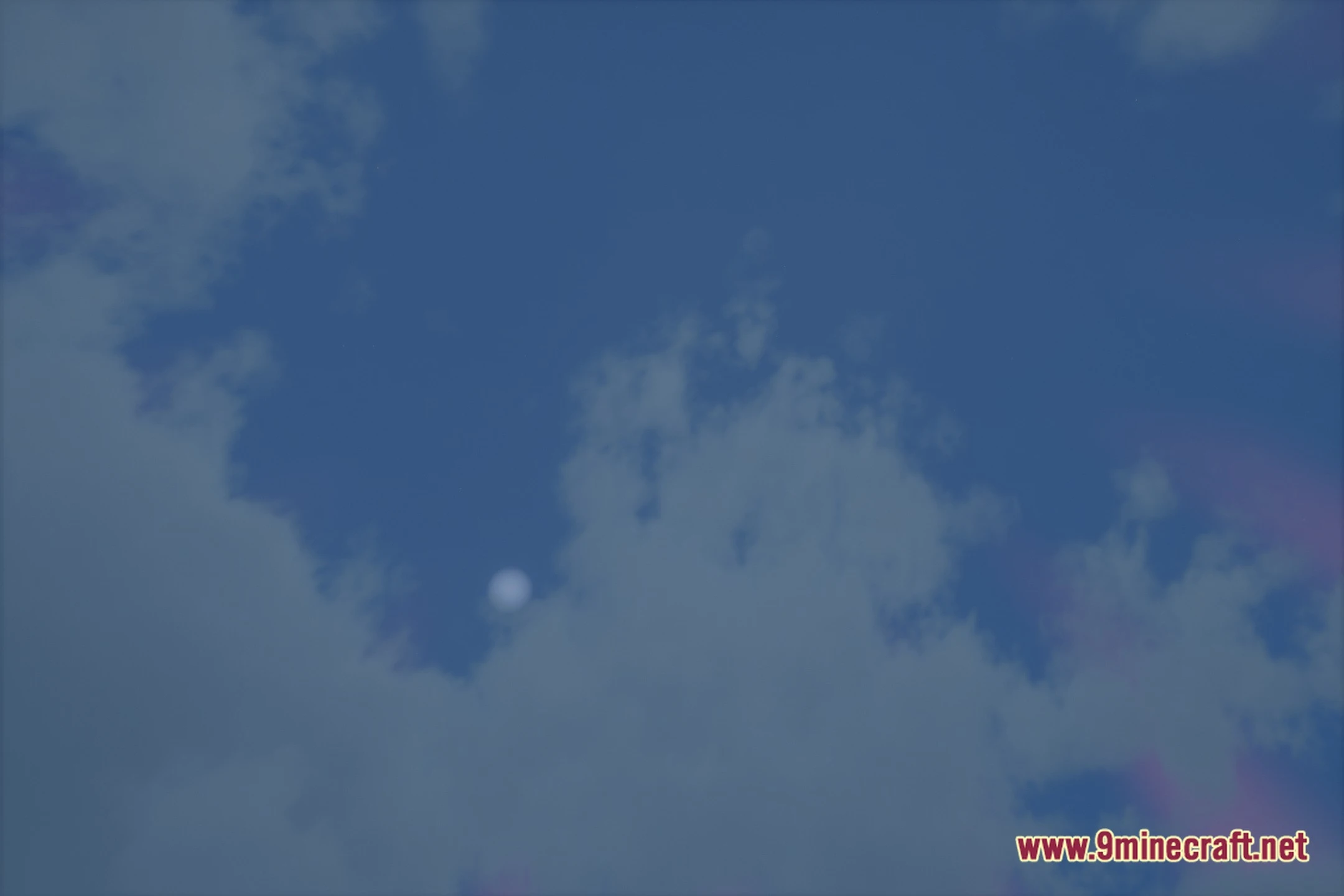
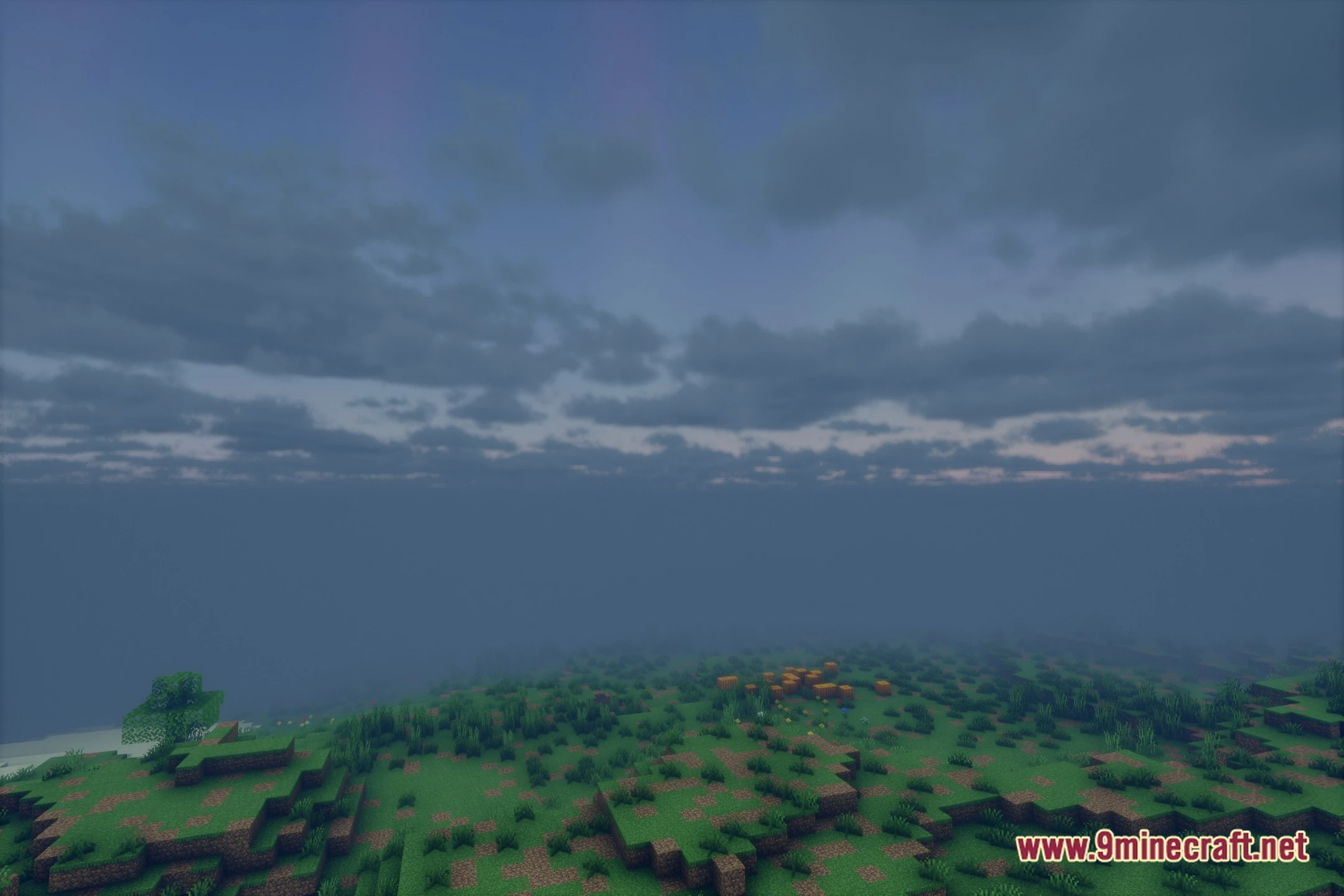
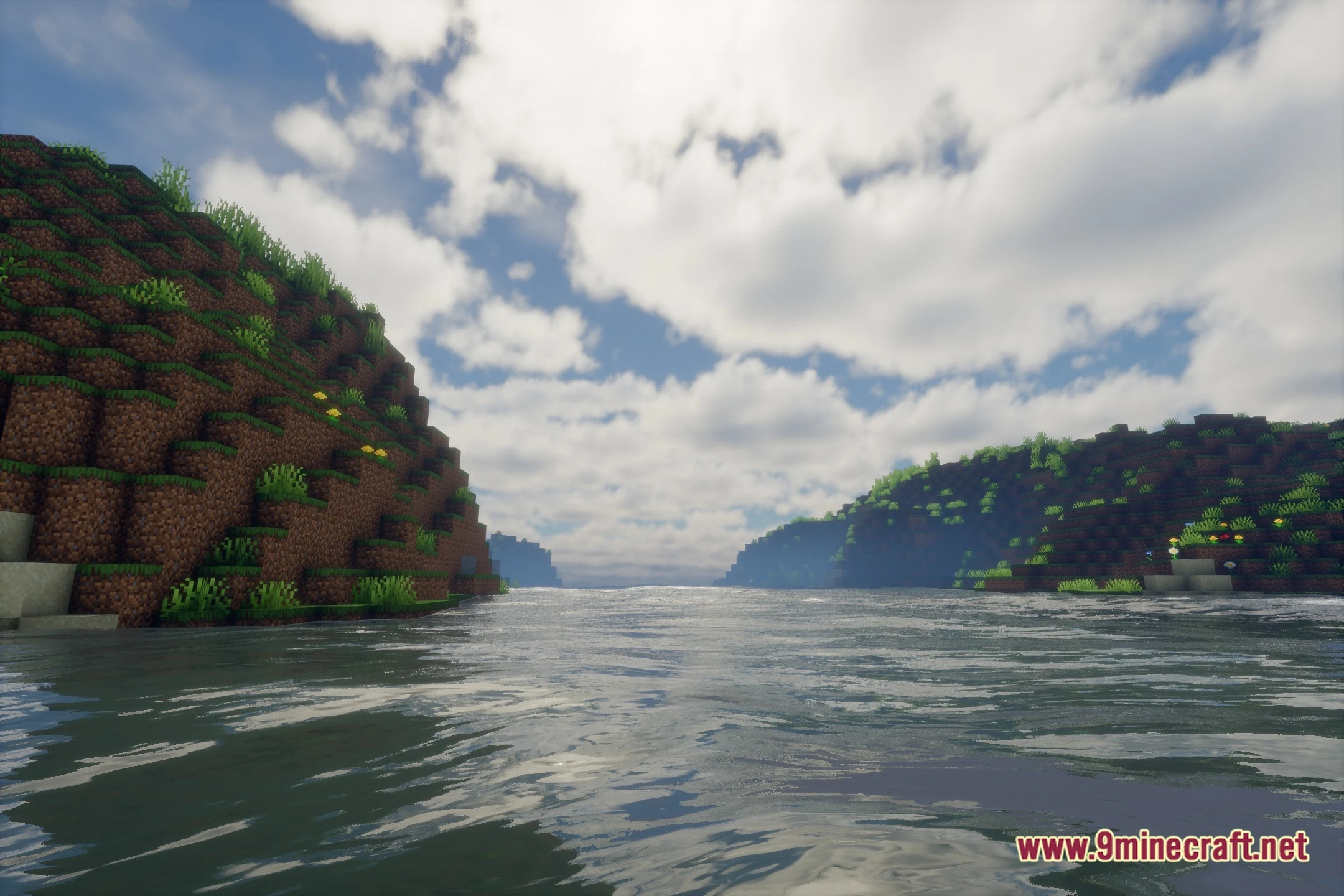
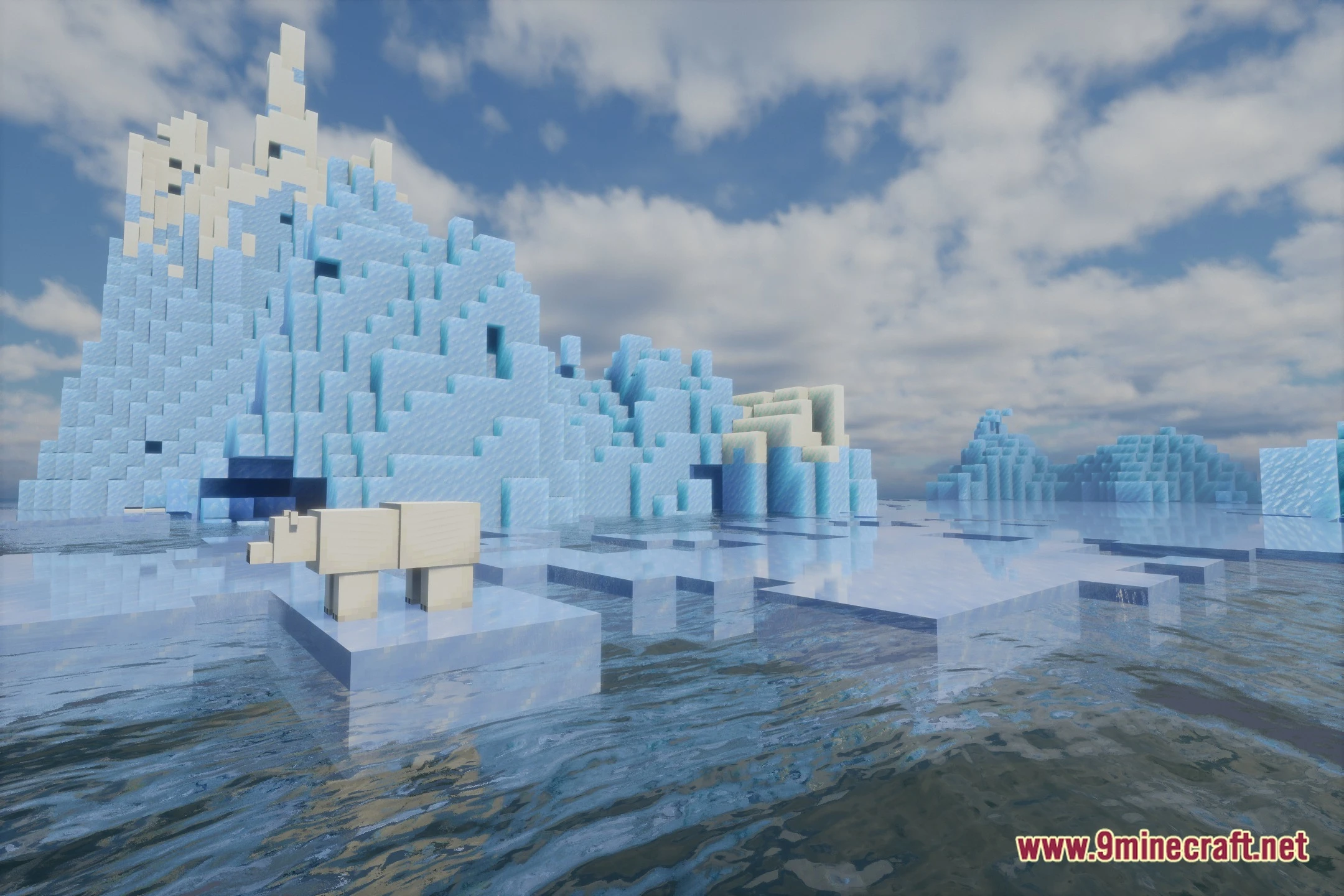
12 images from the Evelite Smooth Shaders page.



You May Also Like
Wikis that share the most with this one
 Smooth Font
Wikis on the same theme: end
More shader wikis on the site
EV Enhanced Visuals ShadersEtherLite Shaderpack ShadersEthereal Vibe Baseline ShadersEthereal ShadersEthereal Horizon Prism ShadersEthereal Filmic Glow ShadersEternal Prism ShadersEpic Shaders Modpack Epic Shaders All The Shaders ModpackEnS HAder ShadersEnhanced Vision ShadersEnhanced Vibrance Edition Shaders
The most downloaded mods that have a wiki here