

 DownloadEtherLite Shaderpack Shaders
Get the files on 9Minecraft
Guides
Step-by-step, in-game.
Adjust God Rays Intensity for Your HardwareAccess Shader Settings Open the shader options menu while in-game by pressing the designated shader menu key…Configure Foliage Animation SettingsFind Foliage Options Open the shader menu and search for Foliage , Vegetation , or Animation settings. This section…Enhance Water Reflections and Ripple EffectsLocate Water Settings Access the shader menu and navigate to the Water or Surface options tab. Here you'll find…Optimize Bloom and Glow Effects for Light SourcesAccess Bloom Settings In the shader menu, find the Bloom , Glow , or Post-Processing section. This controls how…
Frequently asked questions
How do I turn on the shader after installing it?
Open Options > Video Settings > Shaders, then locate and select EtherLite Shaderpack Shaders from the list. Click Done to apply it immediately.
Why are my god rays not showing up?
God rays only appear during daylight hours when the sun is visible in the sky. If you're playing at night or underground, travel to the surface during daytime to see them. You can also check the shader settings menu to confirm god rays are enabled.
Can I use this shader with other mods?
Yes, EtherLite works with most mods, but mods that heavily modify lighting, water rendering, or add custom blocks may cause visual conflicts. Test your mod combination in a test world first.
My water looks flat and doesn't reflect anything—how do I fix it?
Open the shader options menu (usually accessed via the Shaders button in Video Settings) and look for water reflection or ripple settings. Increase the reflection quality or ripple intensity values to make water effects more visible.
See all 10 EtherLite Shaderpack Shaders questions ›
Gallery
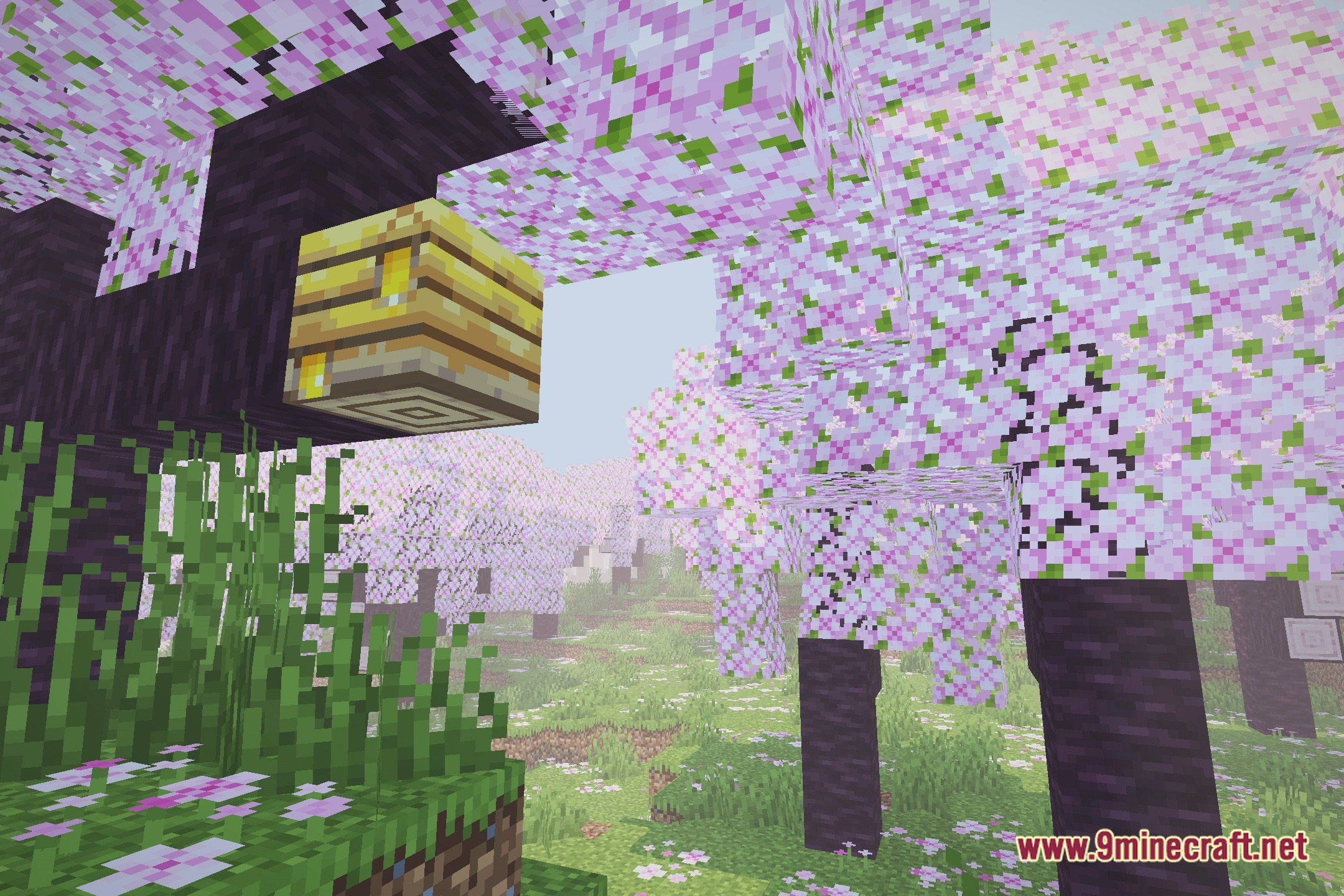
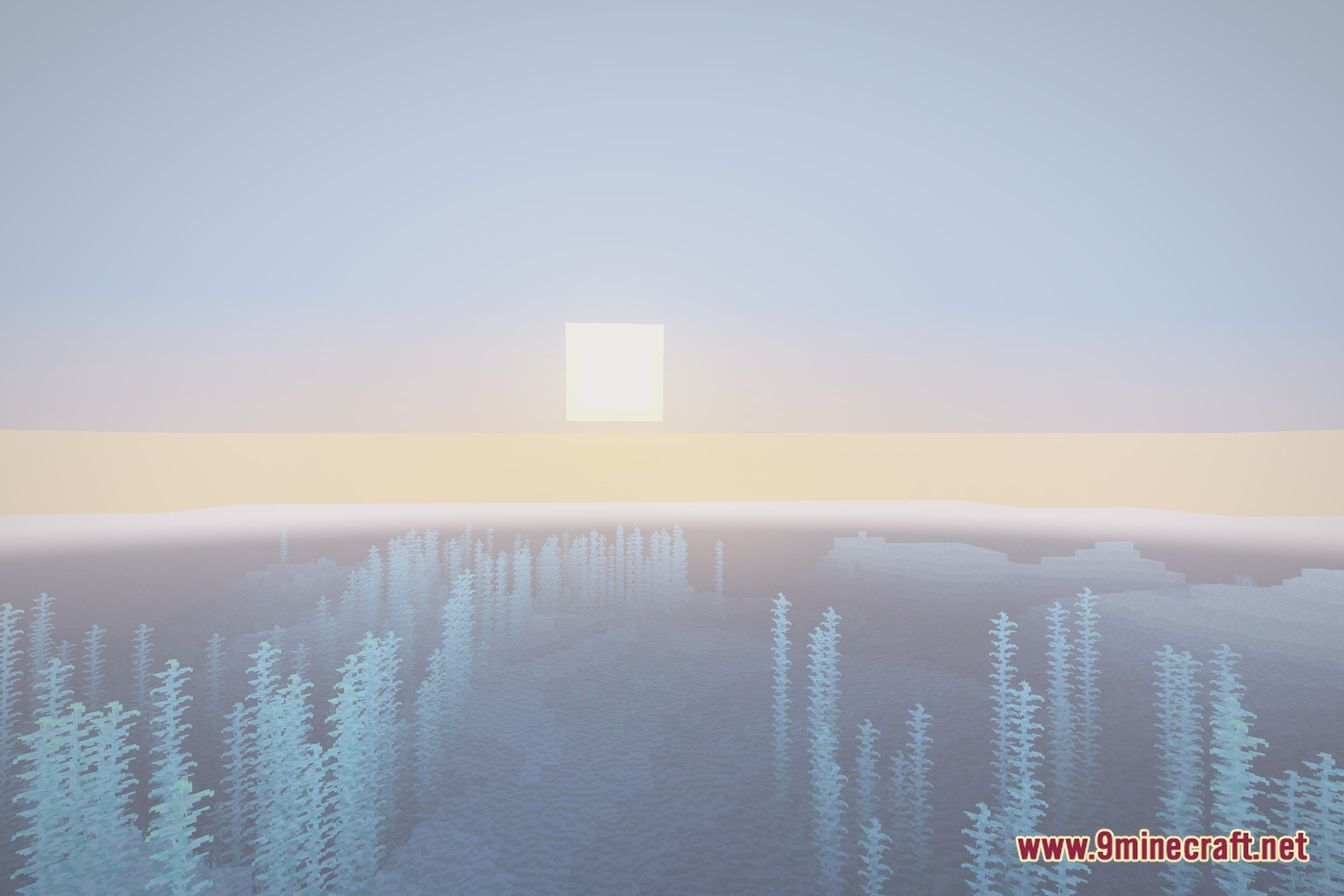
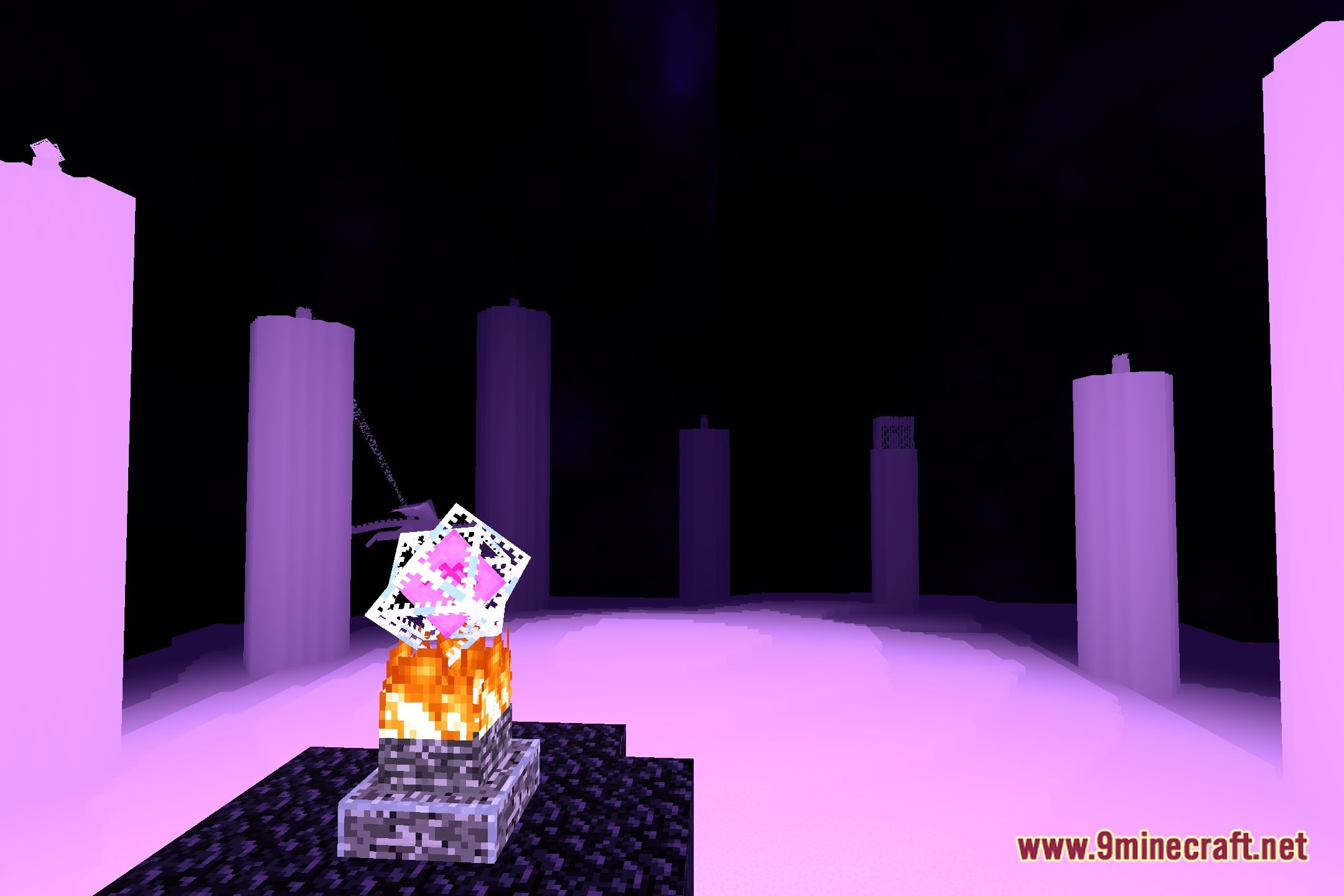
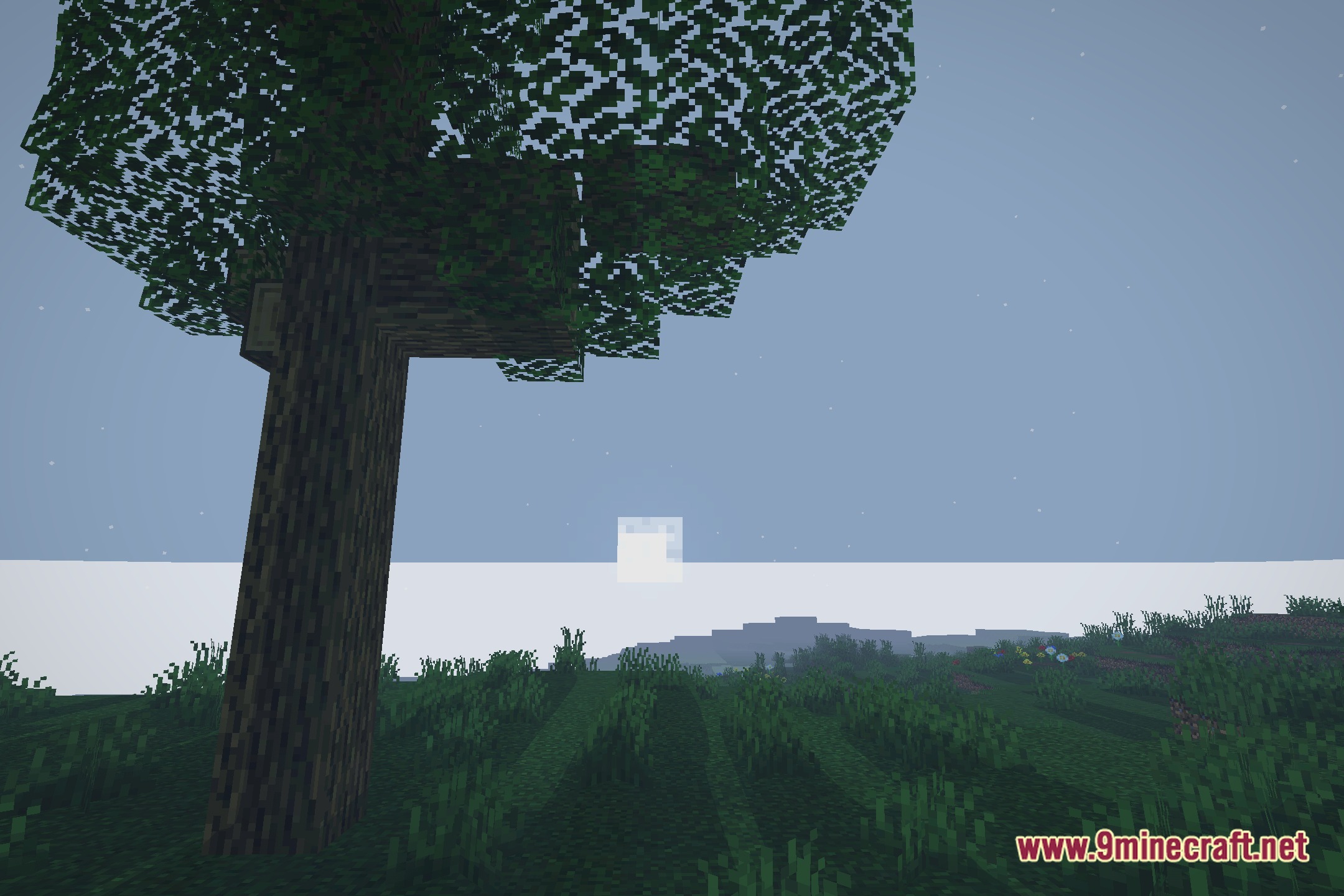
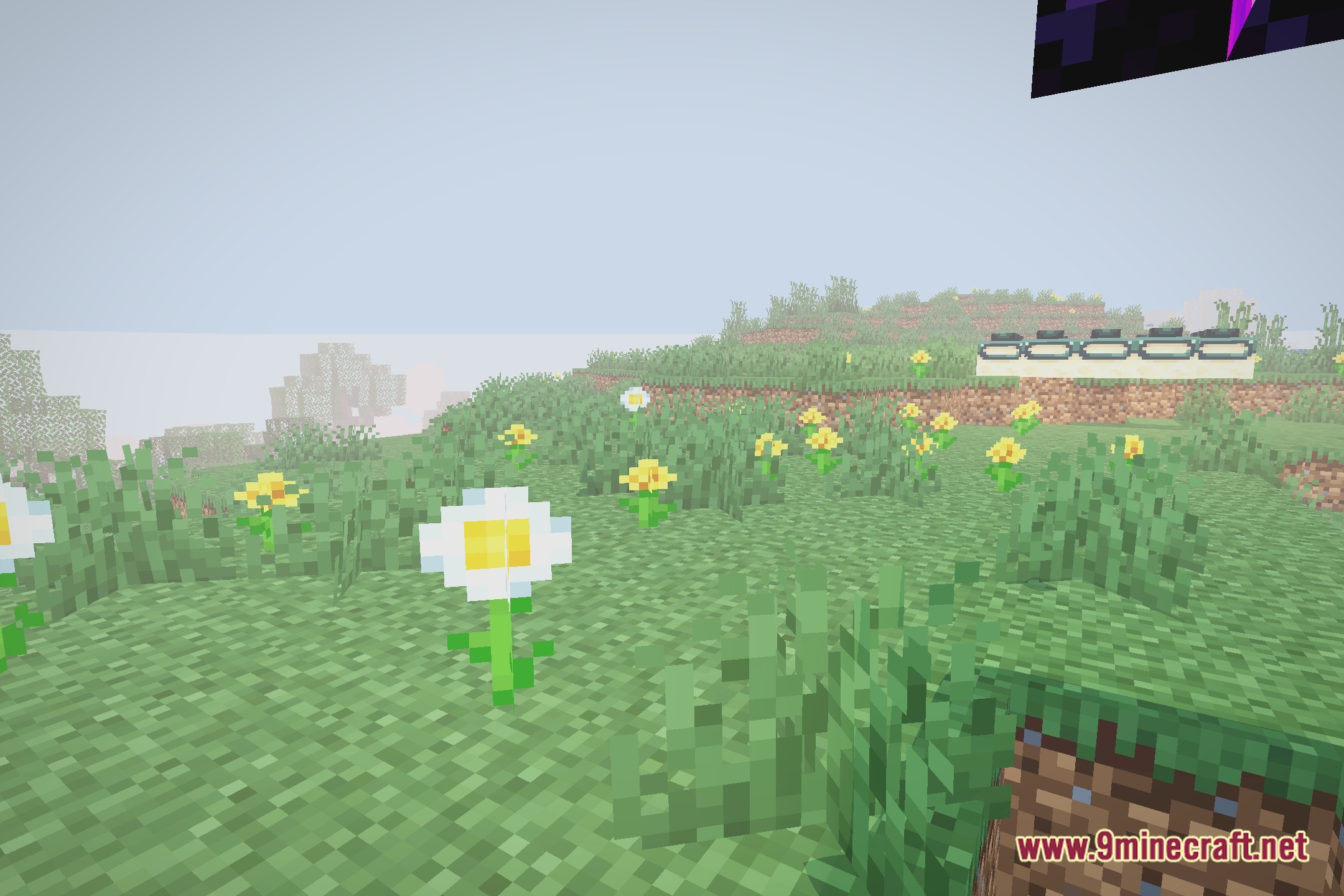
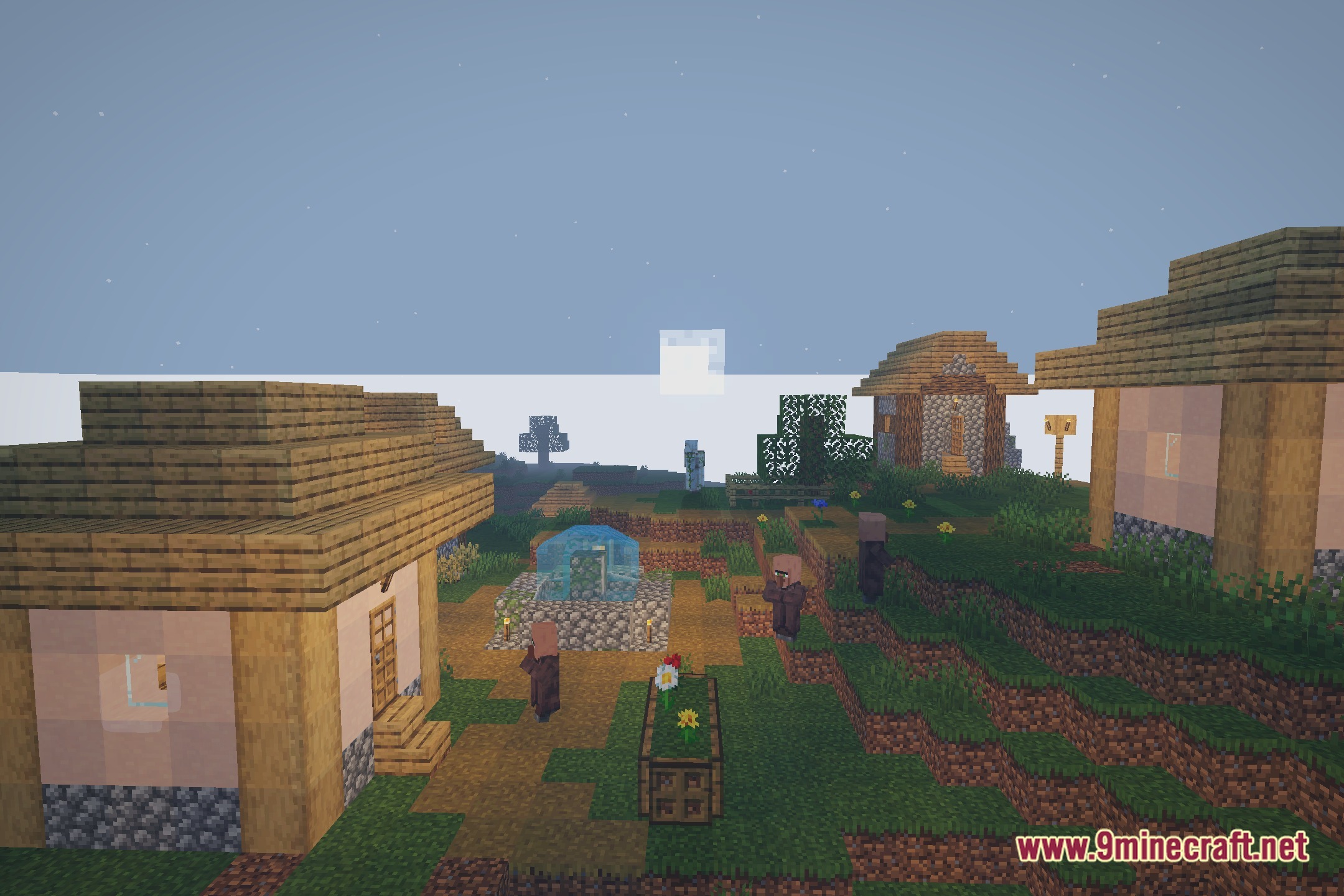
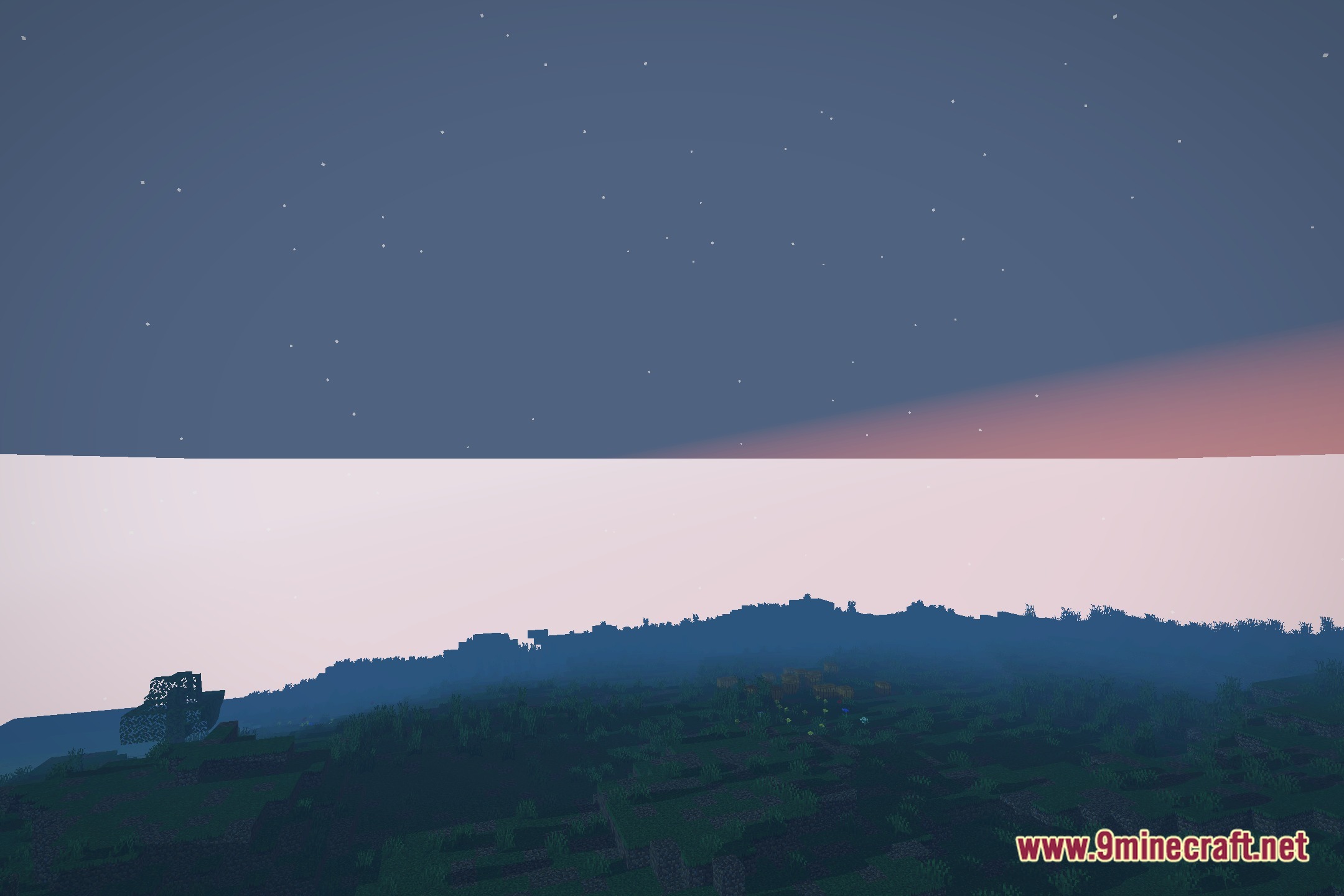
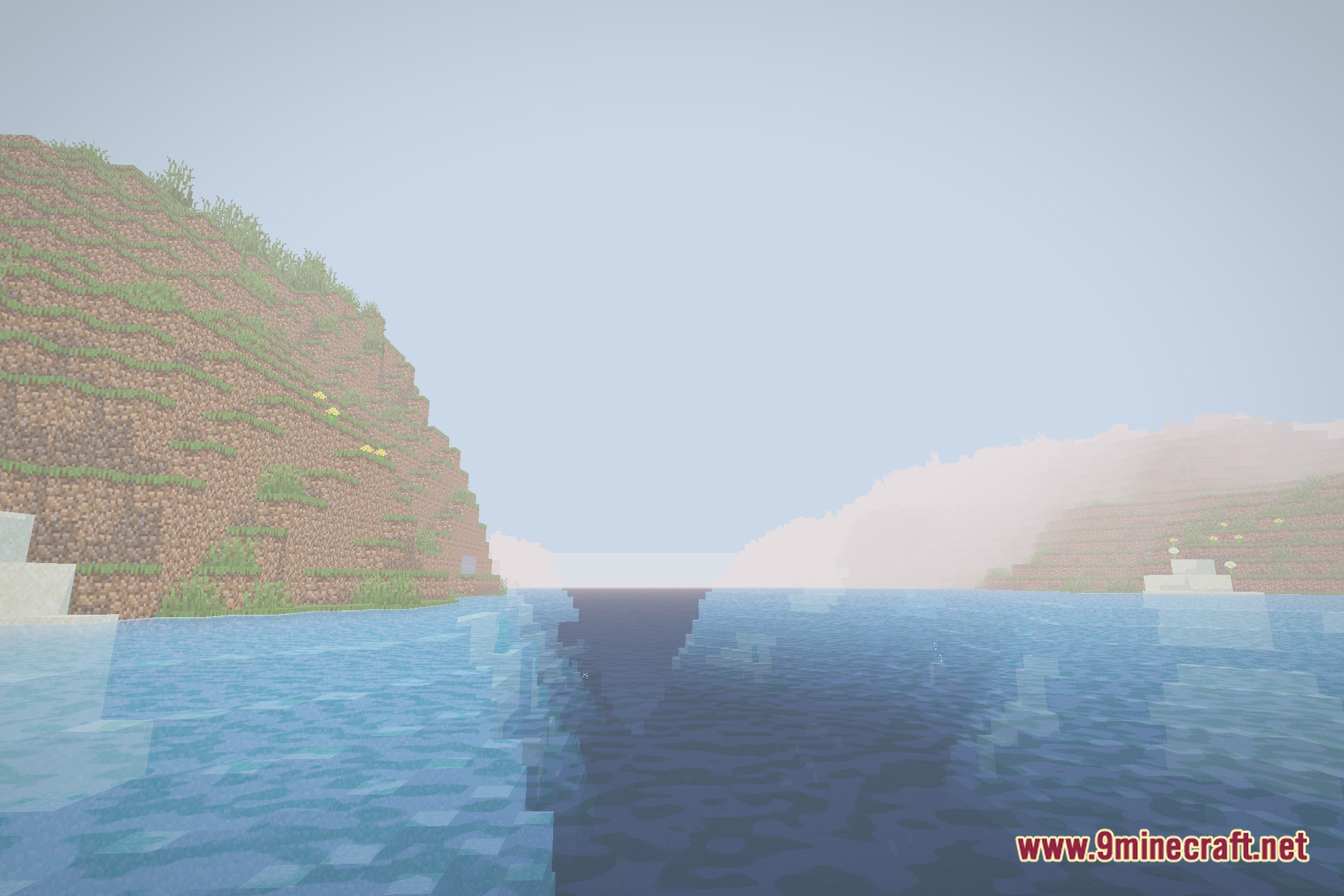
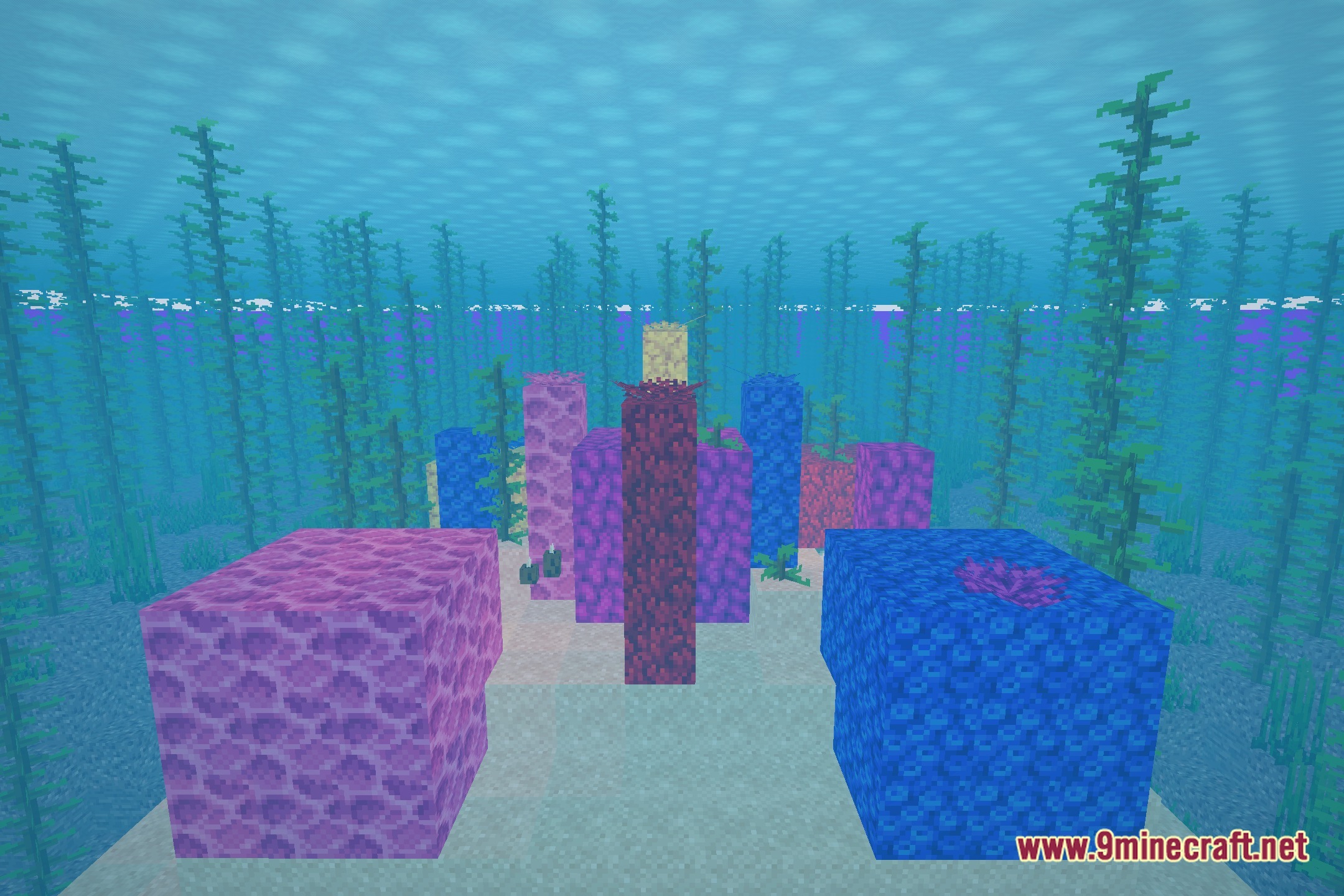
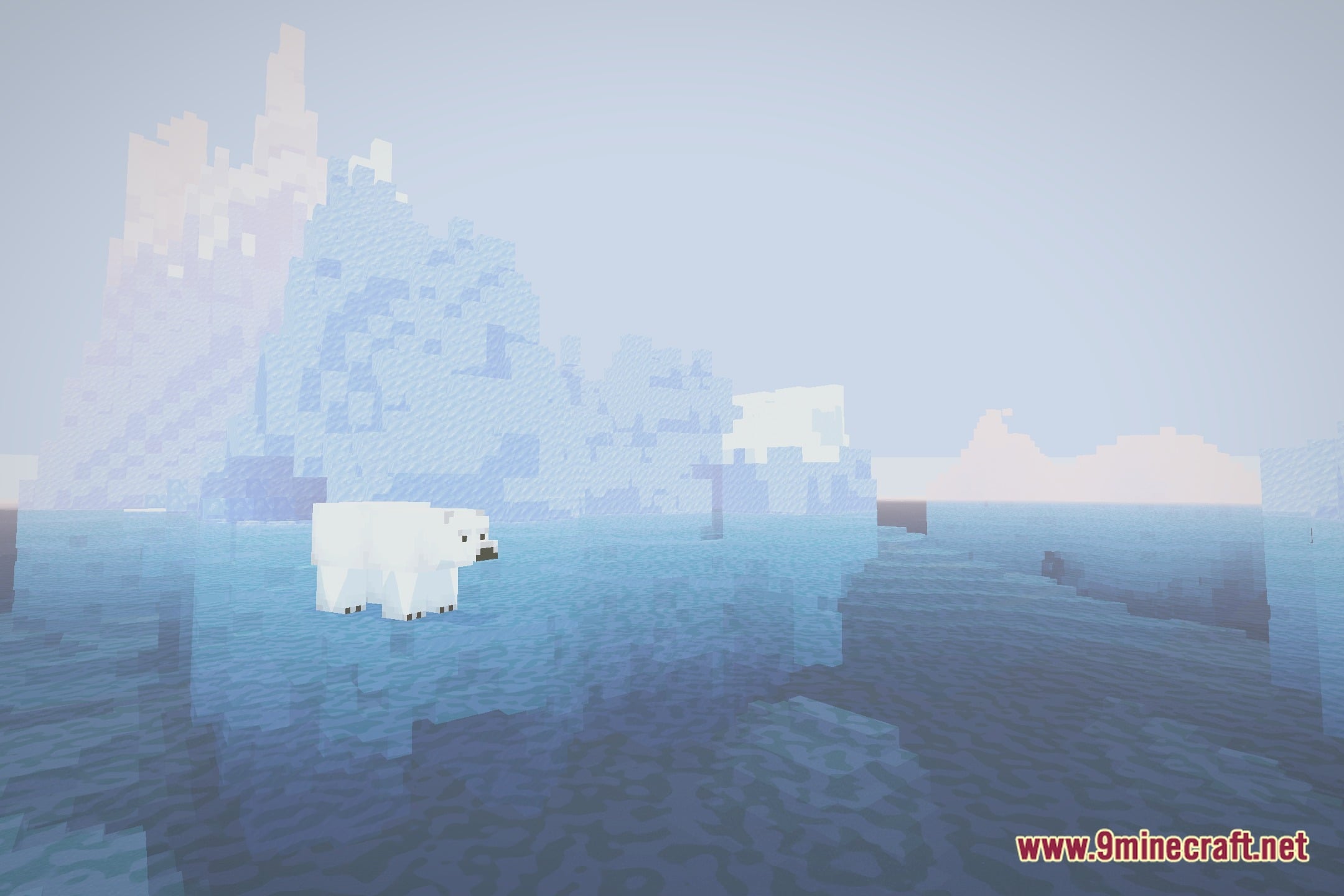
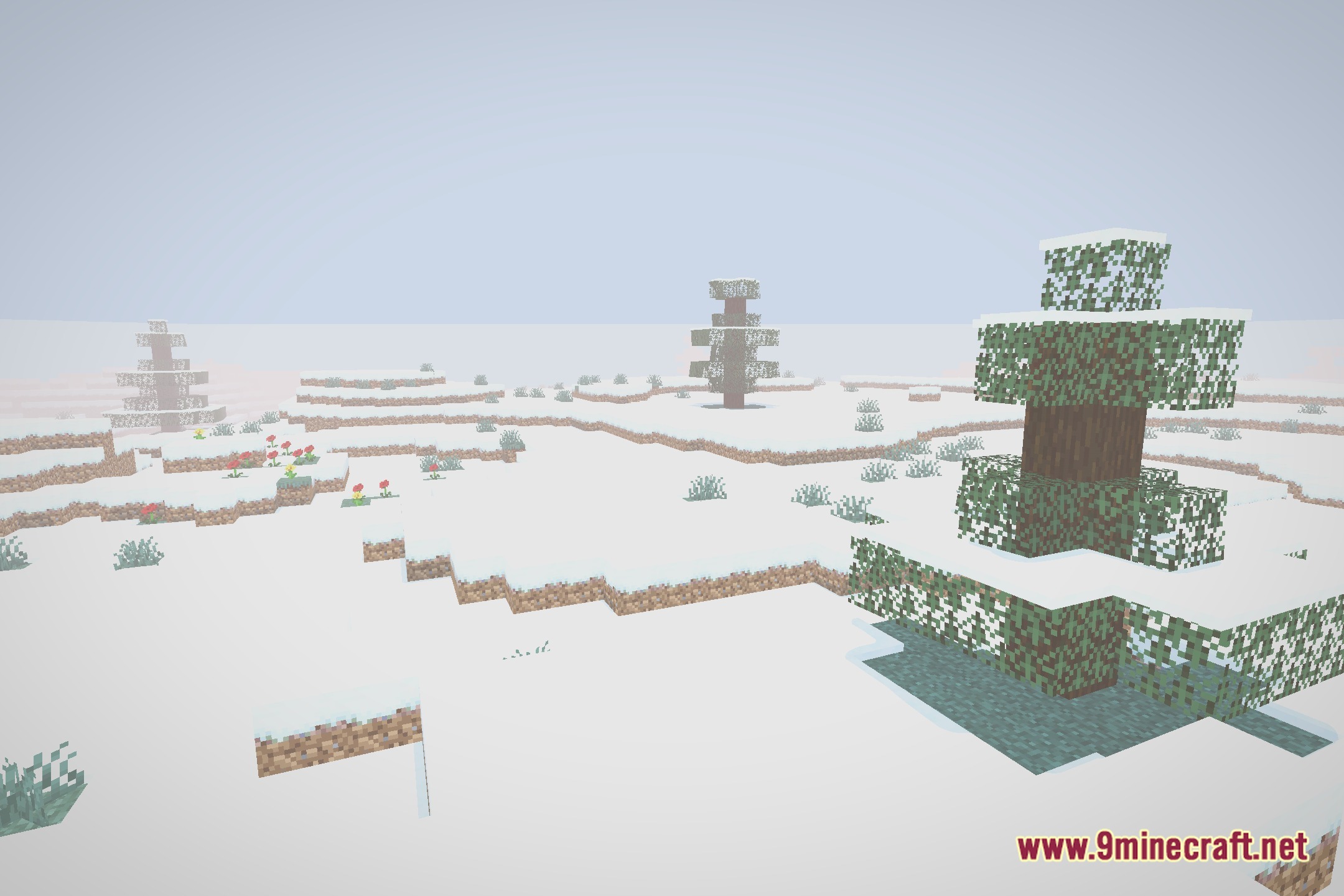
12 images from the Etherlite Shaderpack Shaders page.
You May Also Like
Wikis that share the most with this one
Wikis on the same theme: light
More shader wikis on the site
 Epic Shaders All The Shaders Modpack
The most downloaded mods that have a wiki here