

 DownloadEnS HAder Shaders
Get the files on 9Minecraft
Guides
Step-by-step, in-game.
Adjust Shader Brightness and ContrastAccess Shader Settings Open the shader options menu by pressing the designated key (usually Shift + O in OptiFine or…Customize Colored Lighting for Specific BlocksAccess Lighting Configuration Open the shader settings menu and locate the colored lighting or light color section.…Enhance Shadows Without Breaking Vanilla AestheticsLocate Shadow Settings Open shader options and find shadow distance, shadow quality, or shadow softness controls. EnS…Reduce Lag and Improve Performance on Low-End HardwareDisable Heavy Effects Enter the shader settings menu and look for shadow quality, bloom quality, or ambient occlusion…
Frequently asked questions
How do I turn on the shader after installing it?
Open your video settings in-game, find the Shaders option, and select EnS HAder Shaders from the list. The shader will apply immediately; you may see a brief loading screen as it compiles.
Why do my shadows look too dark or too light?
Open the shader settings menu (usually accessible from Video Settings > Shaders > Shader Options) and adjust the shadow intensity slider to match your preference. You can also tweak overall brightness and contrast from the same menu.
Can I use this shader with mods that add new blocks?
Yes, EnS HAder Shaders works with most block-adding mods since it applies effects based on vanilla lighting and material properties. Some heavily customized blocks may not receive colored lighting effects, but they'll still render correctly.
My game is lagging even though this is supposed to be lightweight—what do I do?
Try disabling bloom effects or reducing shadow quality in the shader settings, lowering your render distance, or ensuring your graphics driver is up to date. If you're on very old hardware, consider lowering your resolution or using fewer resource packs alongside the shader.
See all 10 EnS HAder Shaders questions ›
Gallery
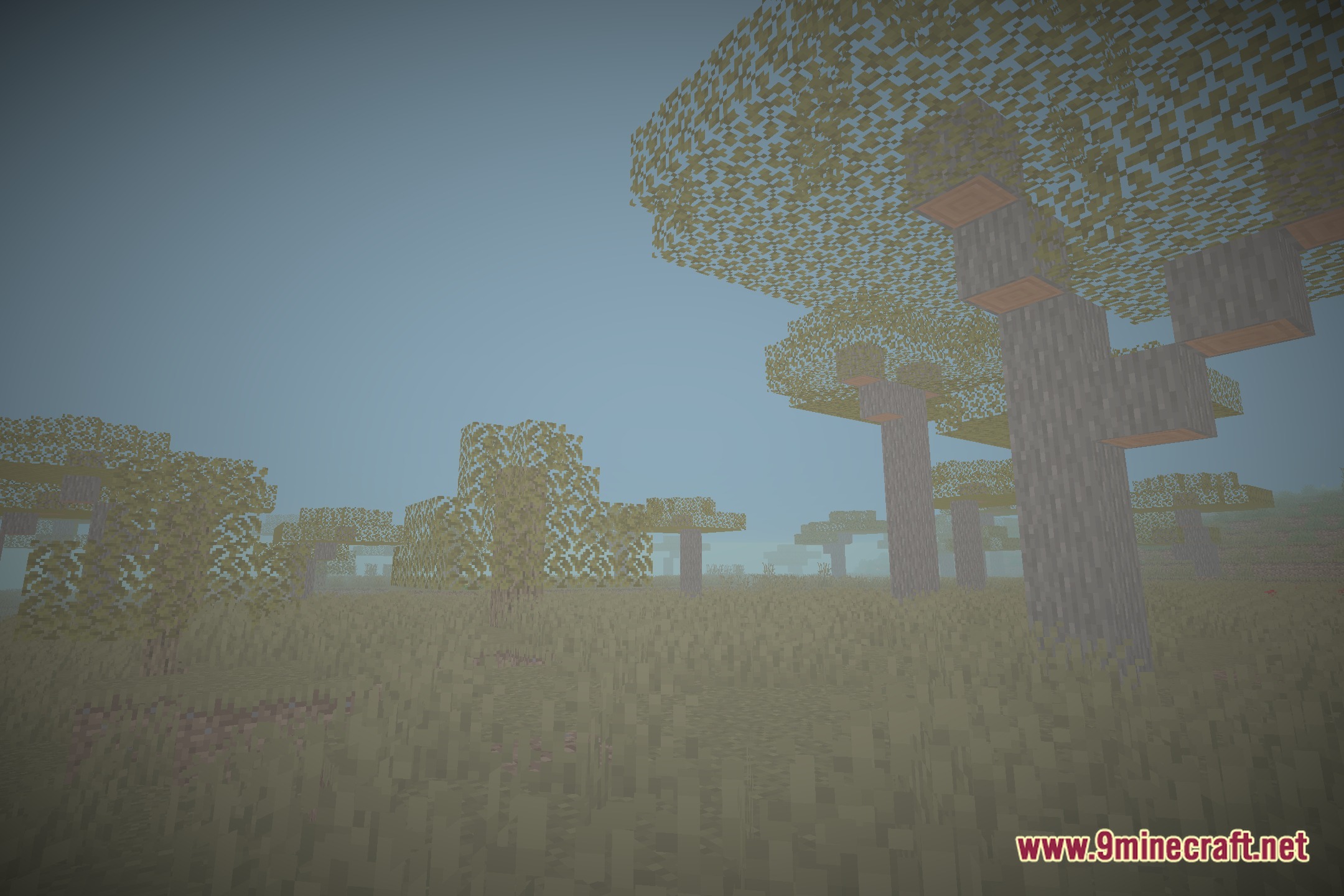
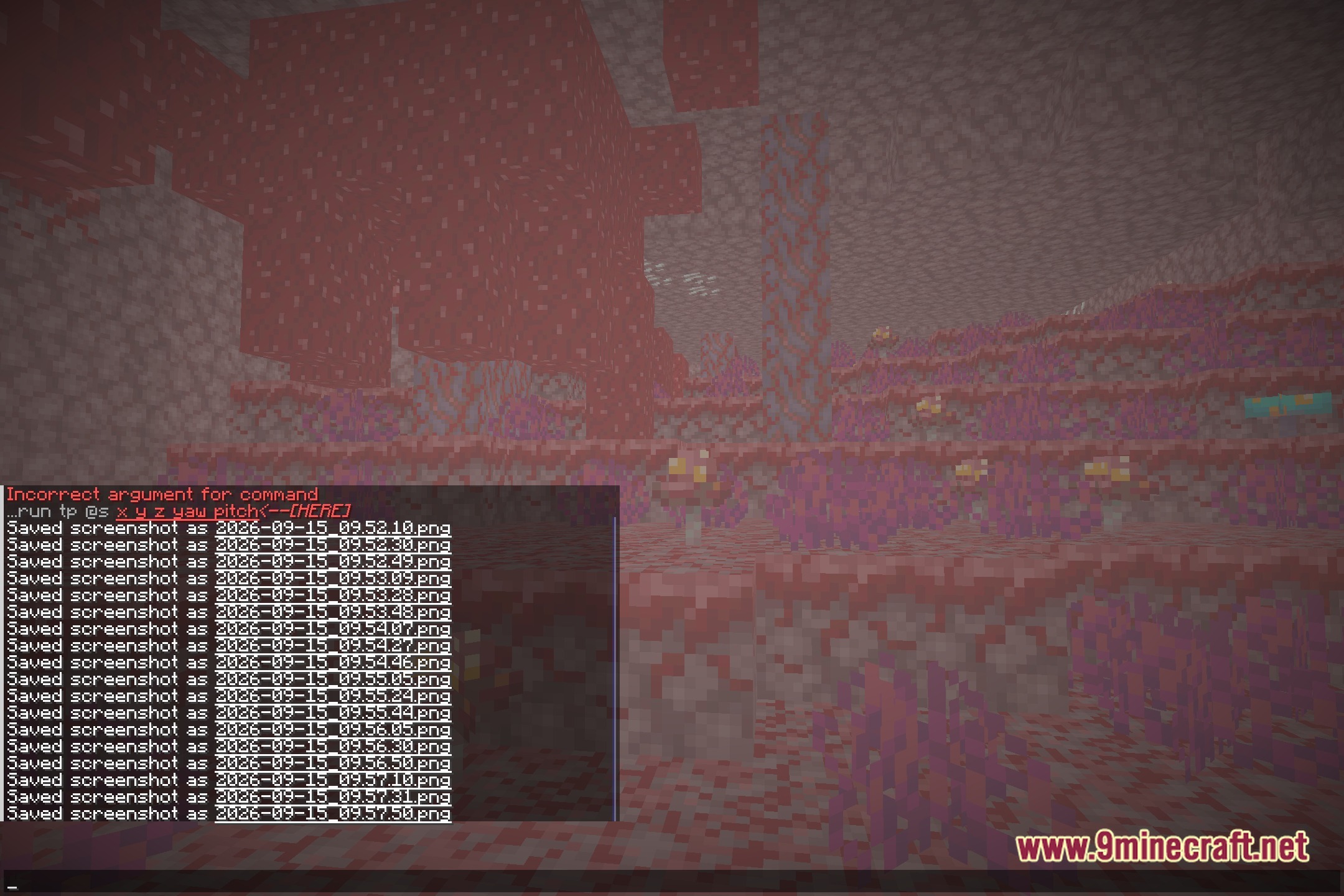
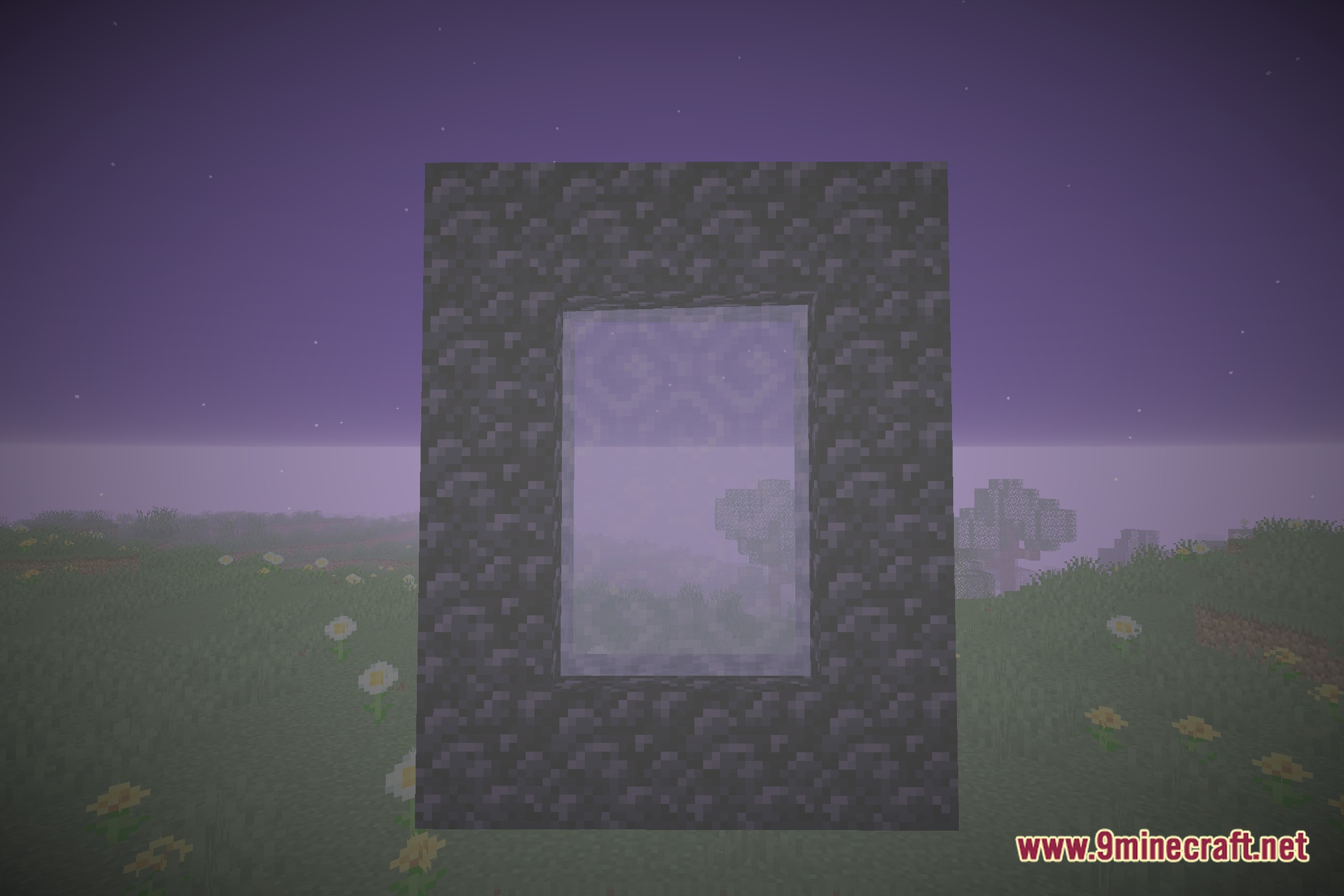
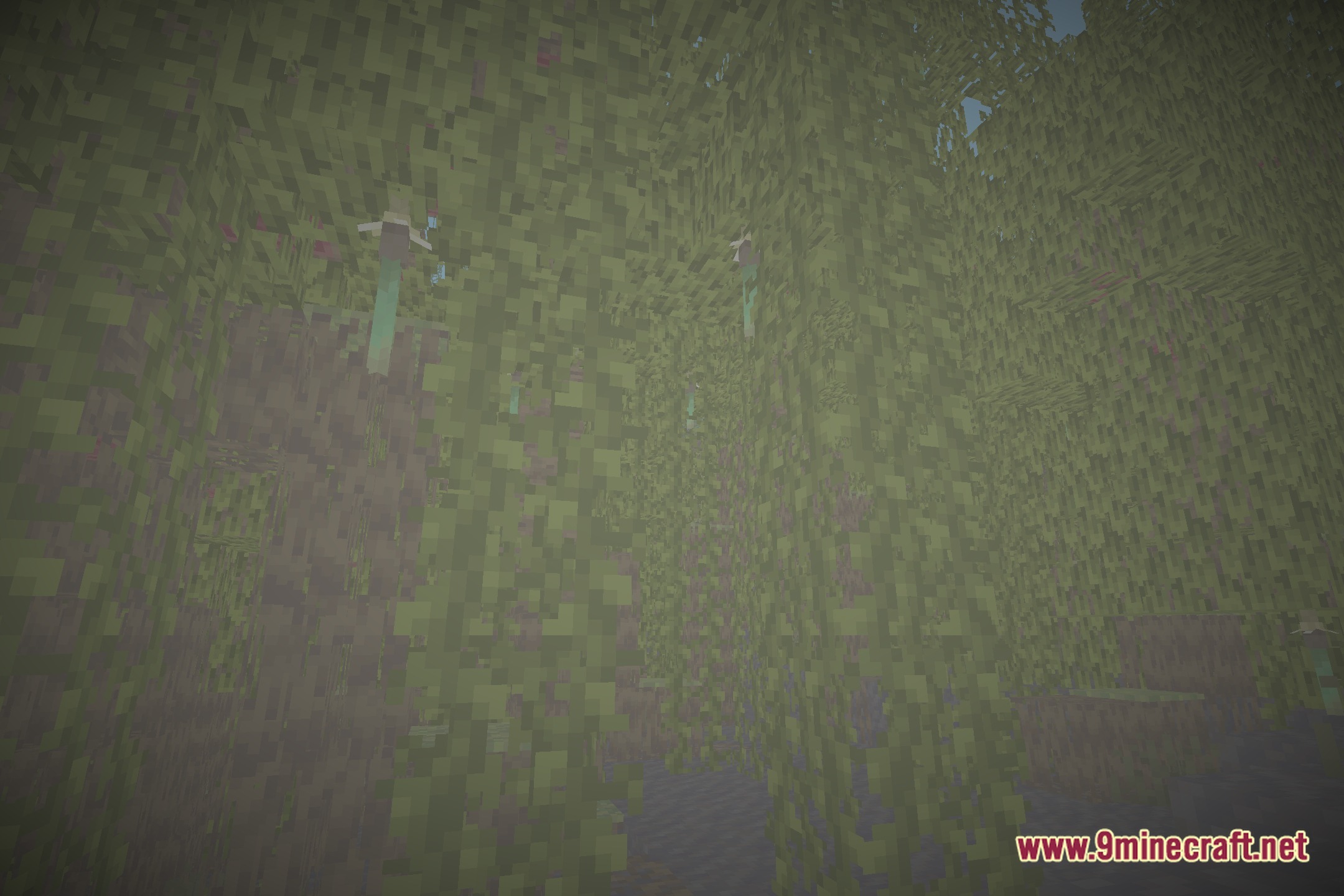
12 images from the Ens Hader Shaders page.
You May Also Like
Wikis that share the most with this one
Wikis on the same theme: end
More shader wikis on the site
The most downloaded mods that have a wiki here