

 DownloadEthereal Vibe Baseline Shaders
Get the files on 9Minecraft
Guides
Step-by-step, in-game.
Adjust Lighting Intensity for Your PlaystyleAccess Shader Settings Open the shader options menu while in-game by pressing the designated key (usually Right Shift…Maintain Vanilla Block Clarity While Using ShadersUnderstand the Shader's Design Philosophy Ethereal Vibe Baseline is built to preserve the classic vanilla block…Optimize Frame Rate on Mid-Range HardwareCheck Current Performance Launch Minecraft with Ethereal Vibe Baseline active and open the debug screen ( F3 ). Note…Troubleshoot Compatibility Issues with IrisVerify Iris Installation Confirm that Iris is installed and active in your Minecraft launcher. Ethereal Vibe Baseline…
Frequently asked questions
How do I enable Ethereal Vibe Baseline after installing it?
Launch Minecraft with Iris installed, open the Shader menu (usually Shift+O), navigate to your shader folder, and select Ethereal Vibe Baseline from the list. The shader will apply immediately to your world.
Why do my frames drop when I turn on this shader?
Start by lowering shadow distance and disabling advanced lighting options in the shader settings menu. If performance is still poor, check that your GPU drivers are up to date and that no other demanding mods or resource packs are running simultaneously.
Can I use this shader with other shader packs at the same time?
No—only one shader can be active at a time in Minecraft. You must disable Ethereal Vibe Baseline before switching to another shader pack.
The lighting looks too bright or too dark for me. How do I adjust it?
Open the shader options menu (Shift+O by default) and look for brightness, exposure, or lighting intensity sliders. Adjust these values to match your preferred visual style, then close the menu to save.
See all 10 Ethereal Vibe Baseline Shaders questions ›
Gallery
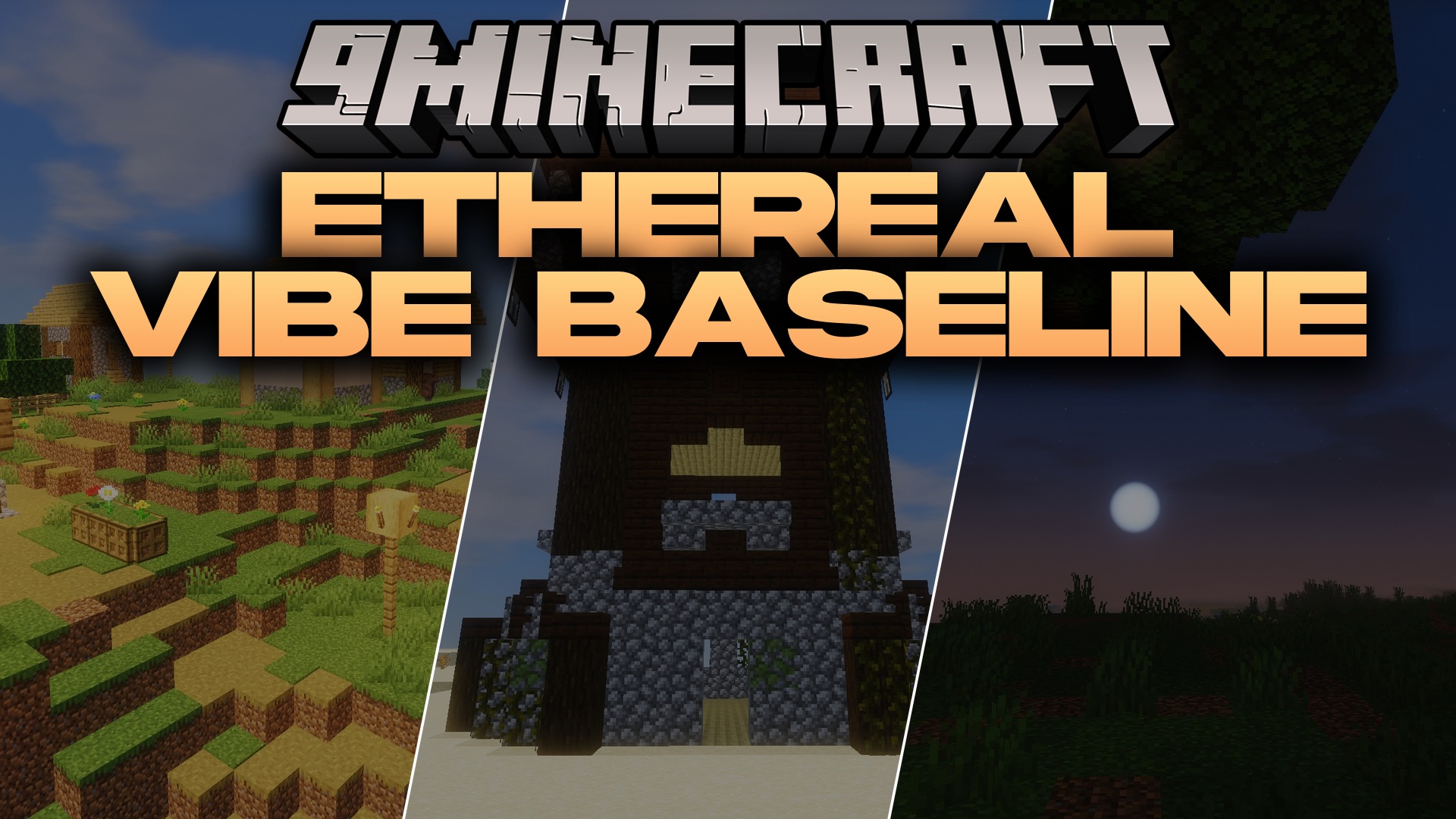
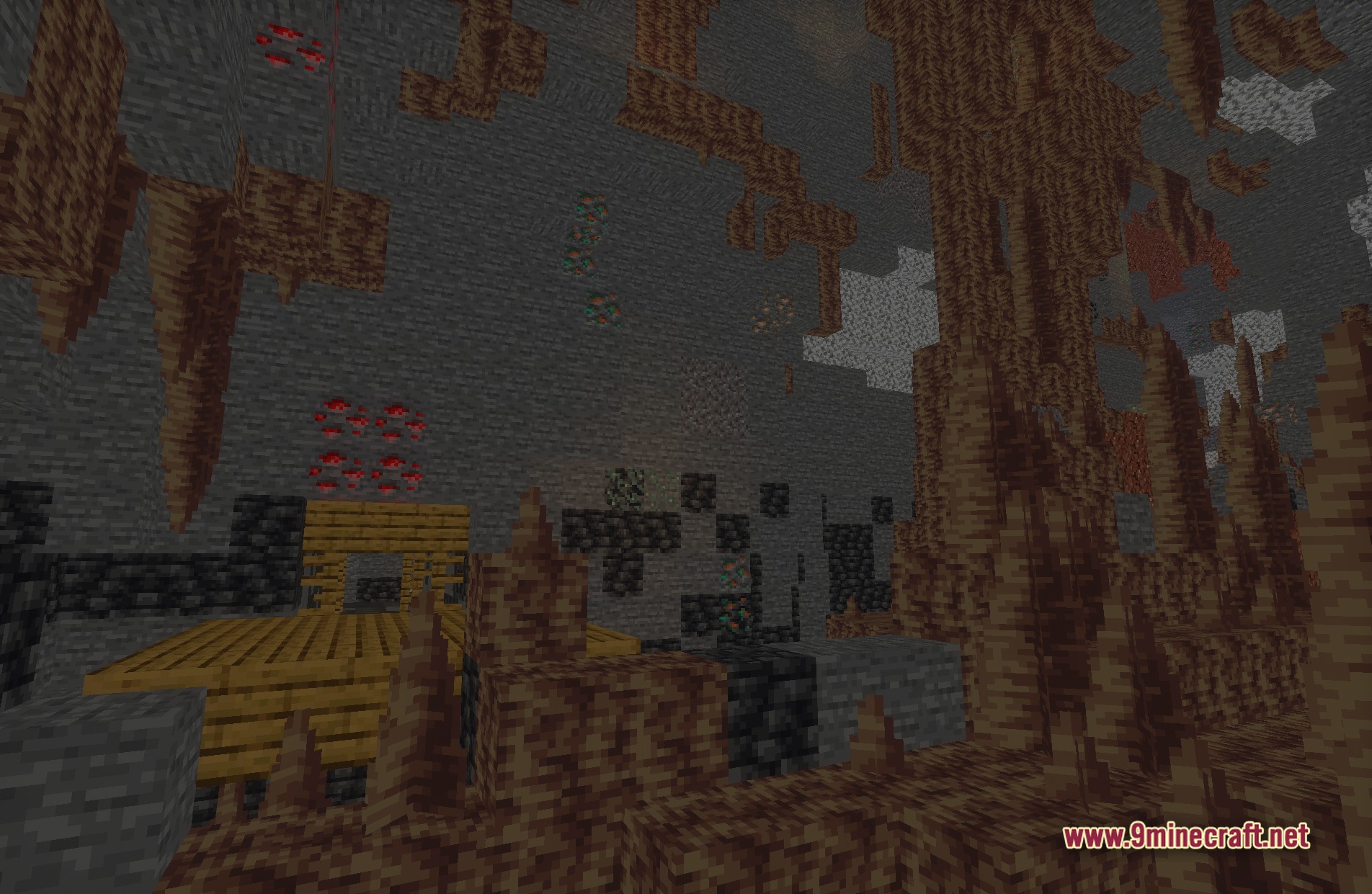
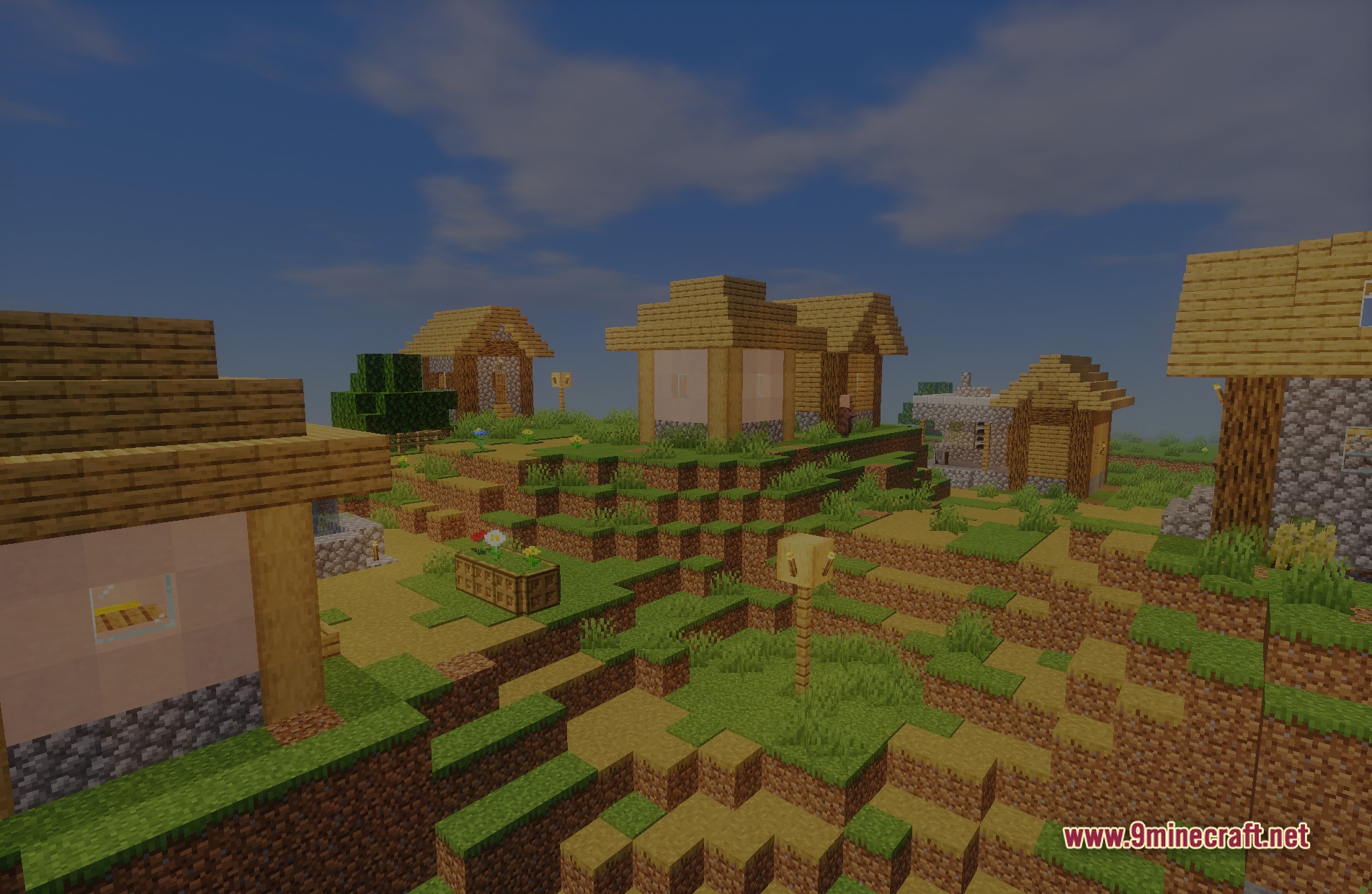
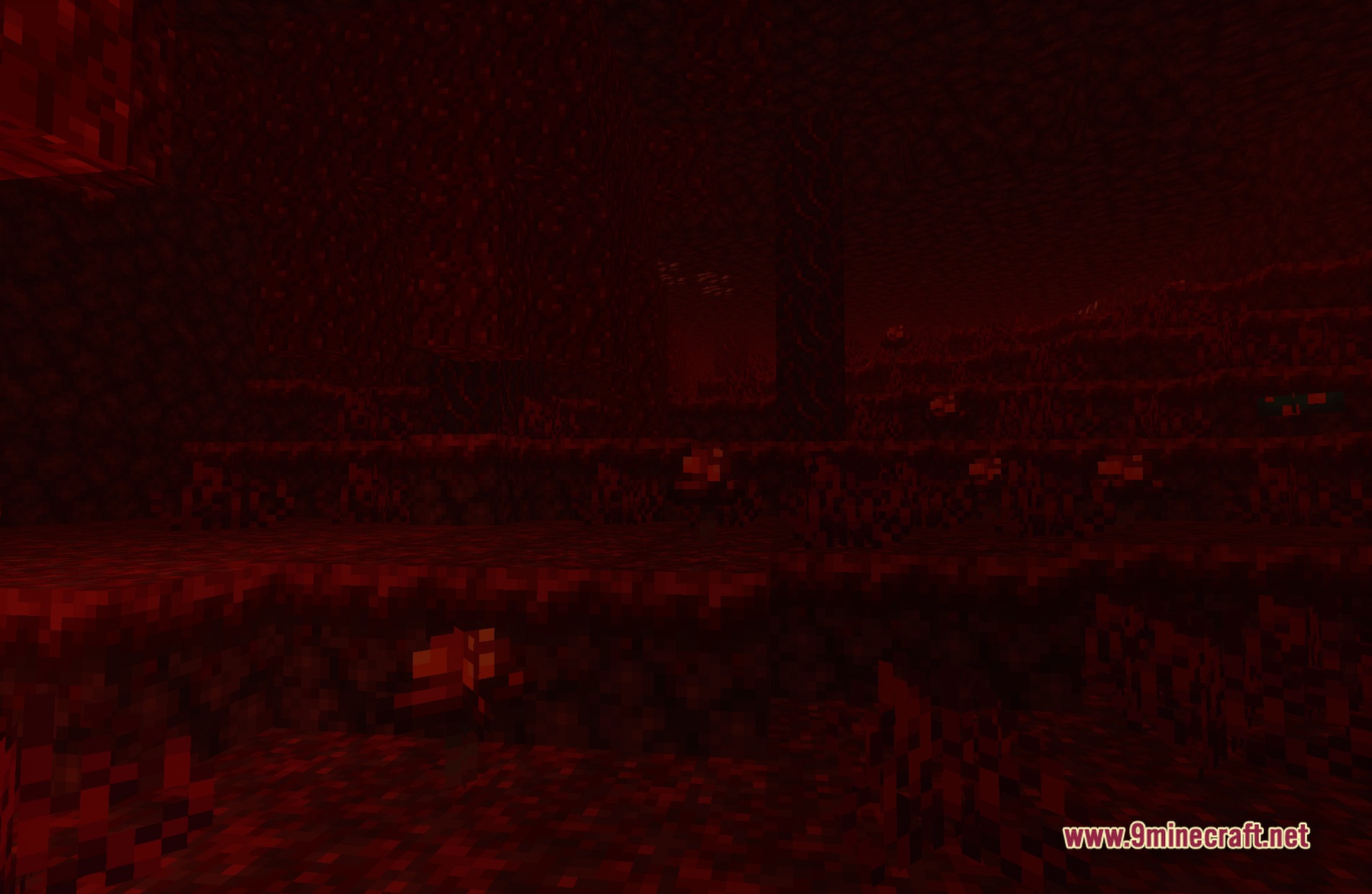
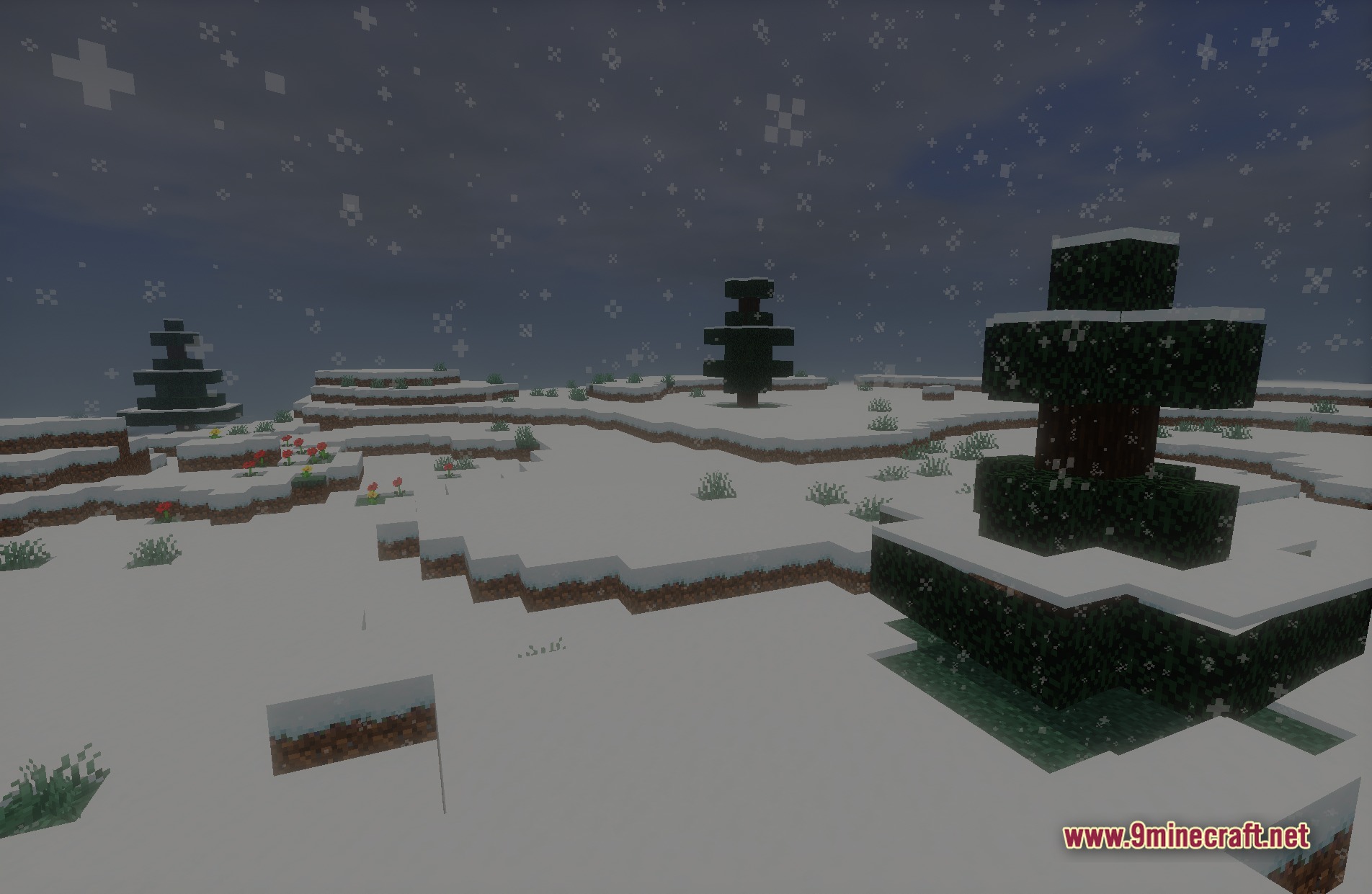
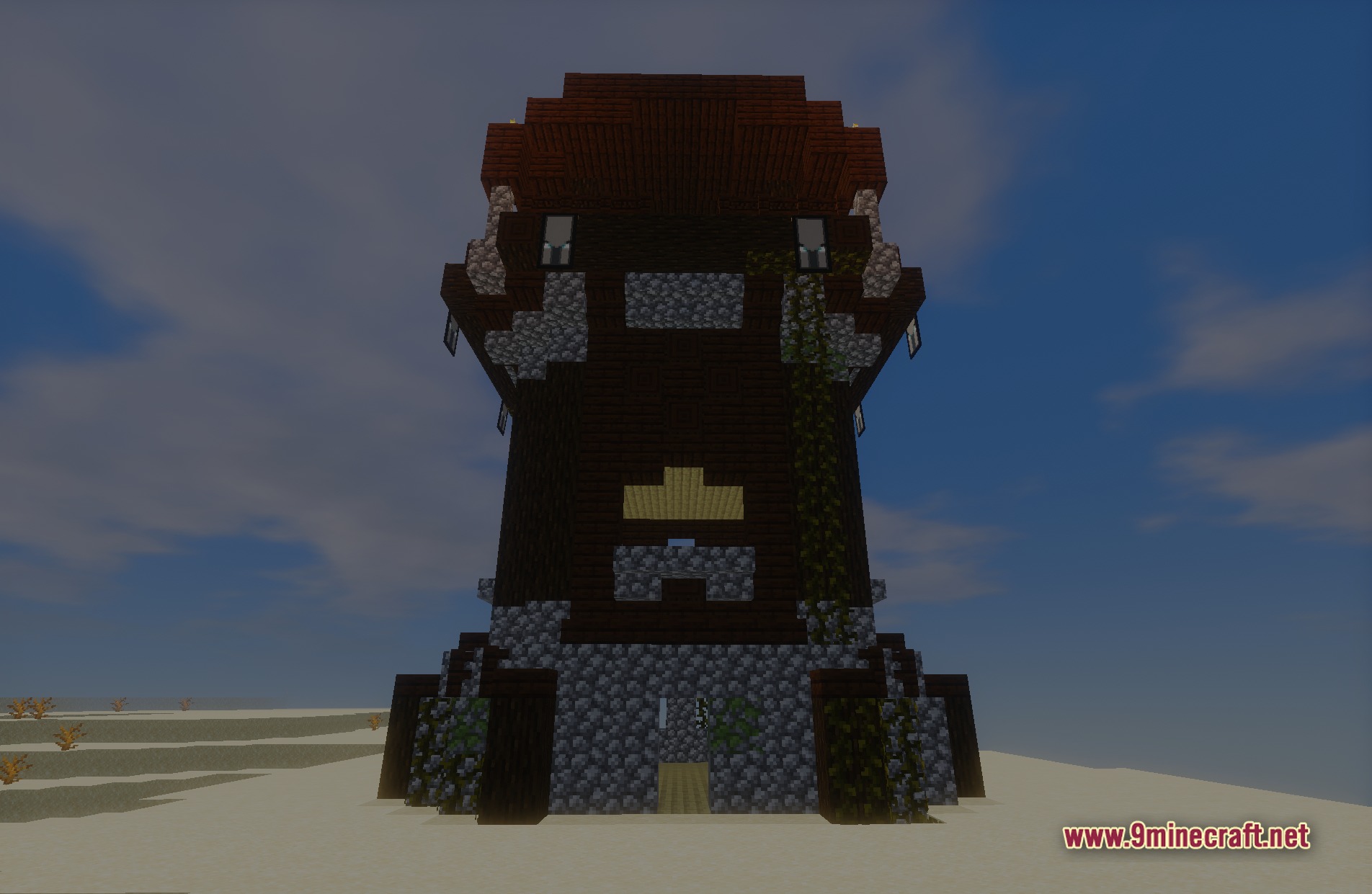
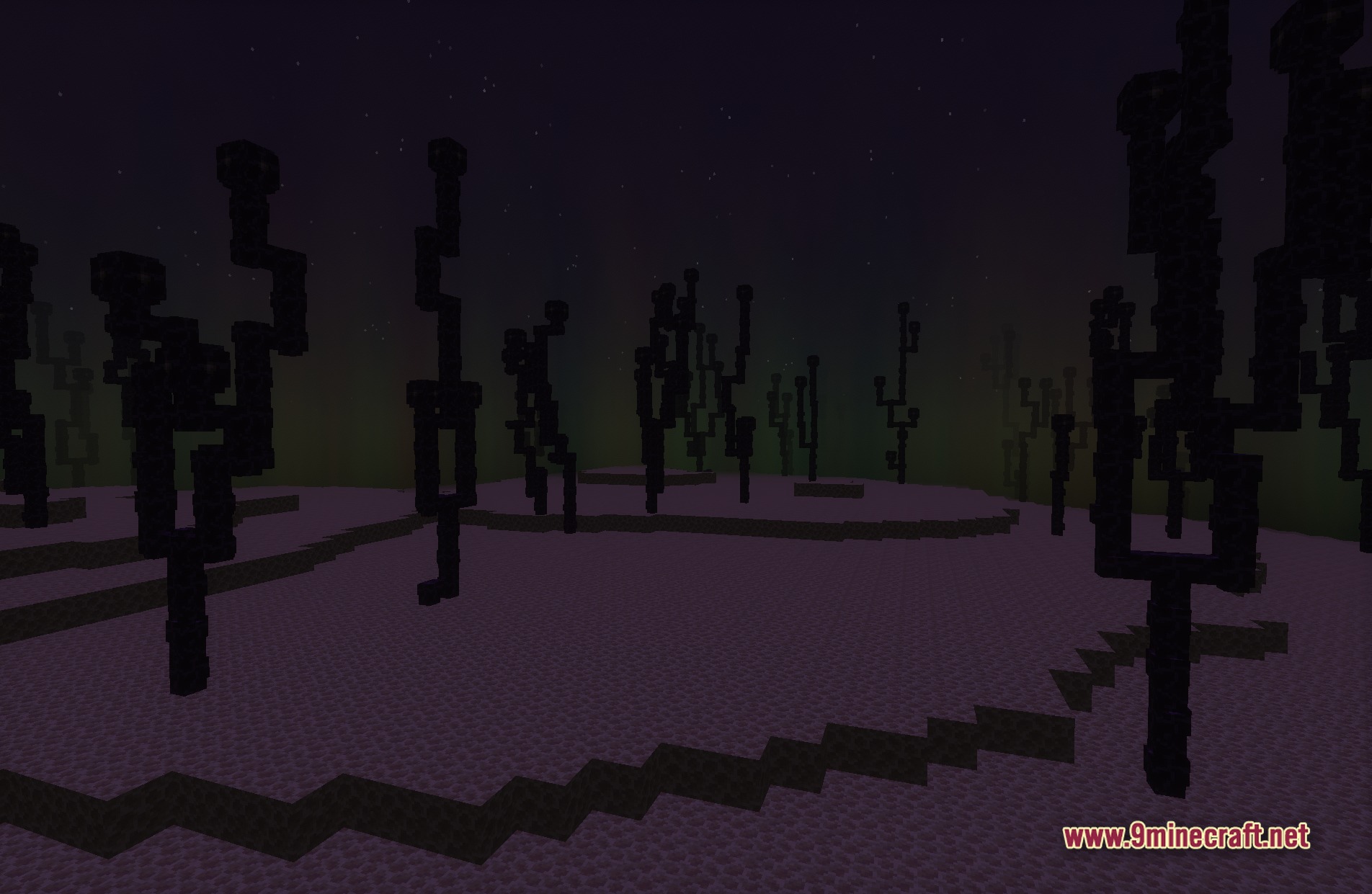
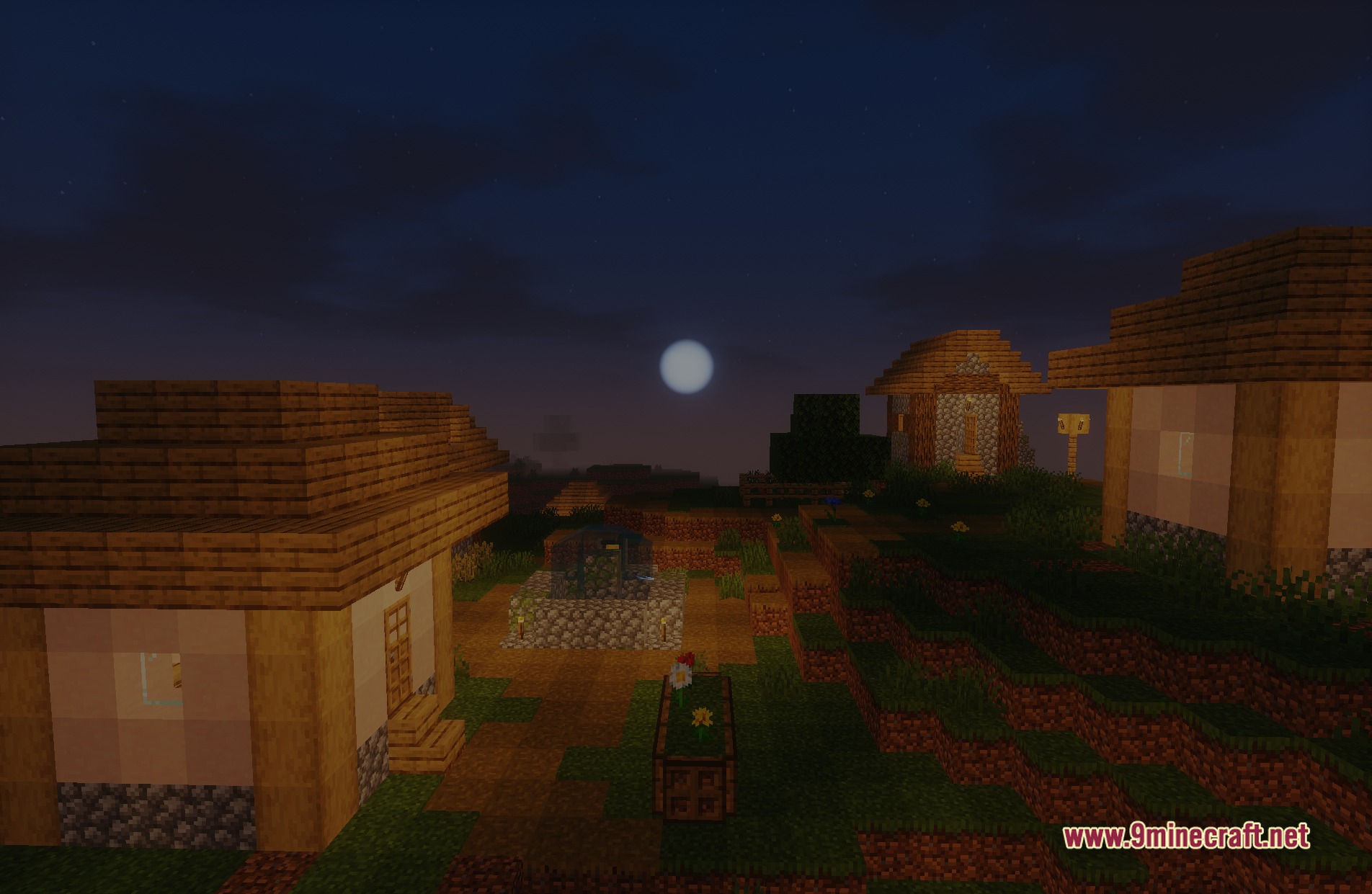
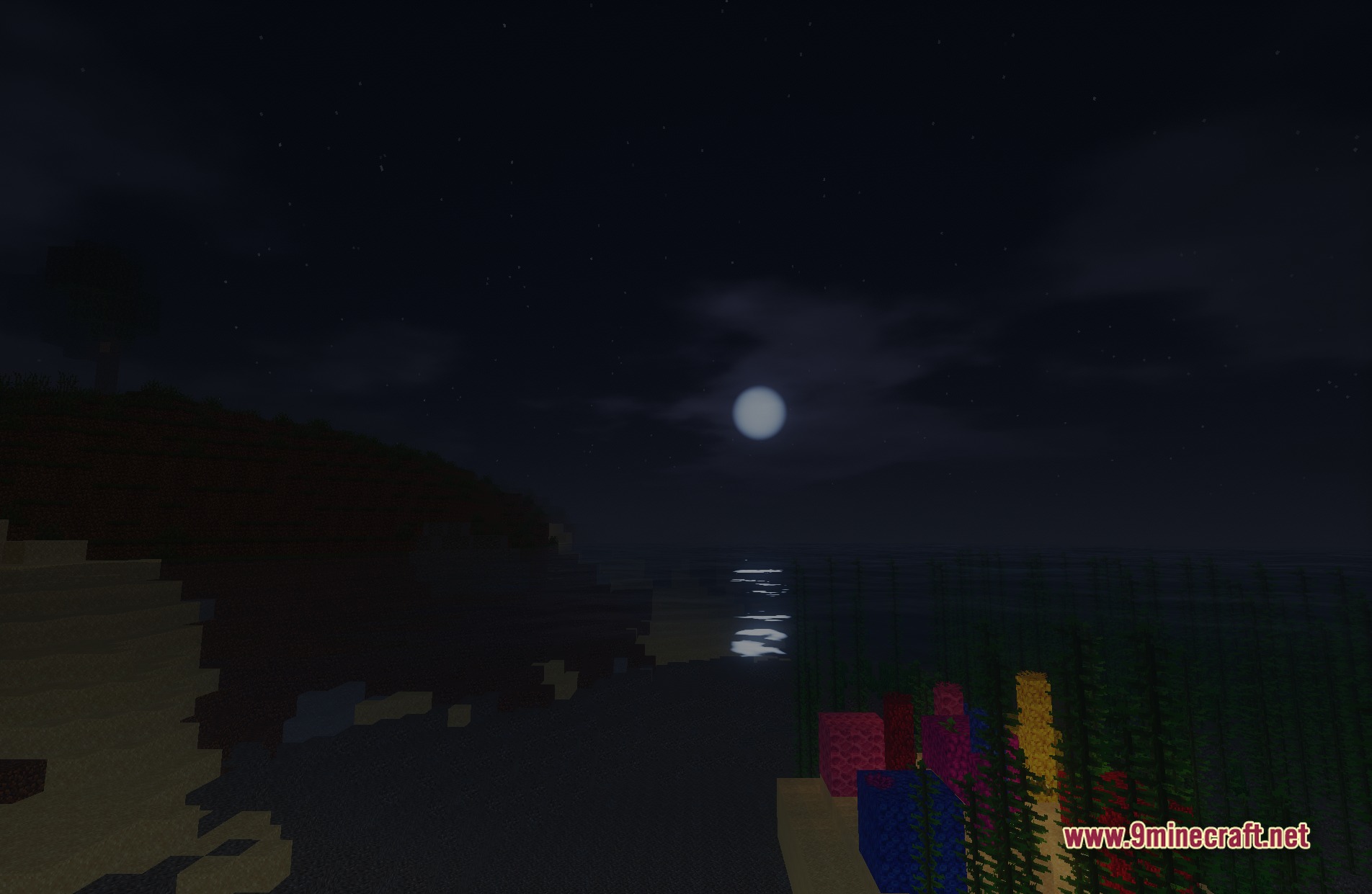
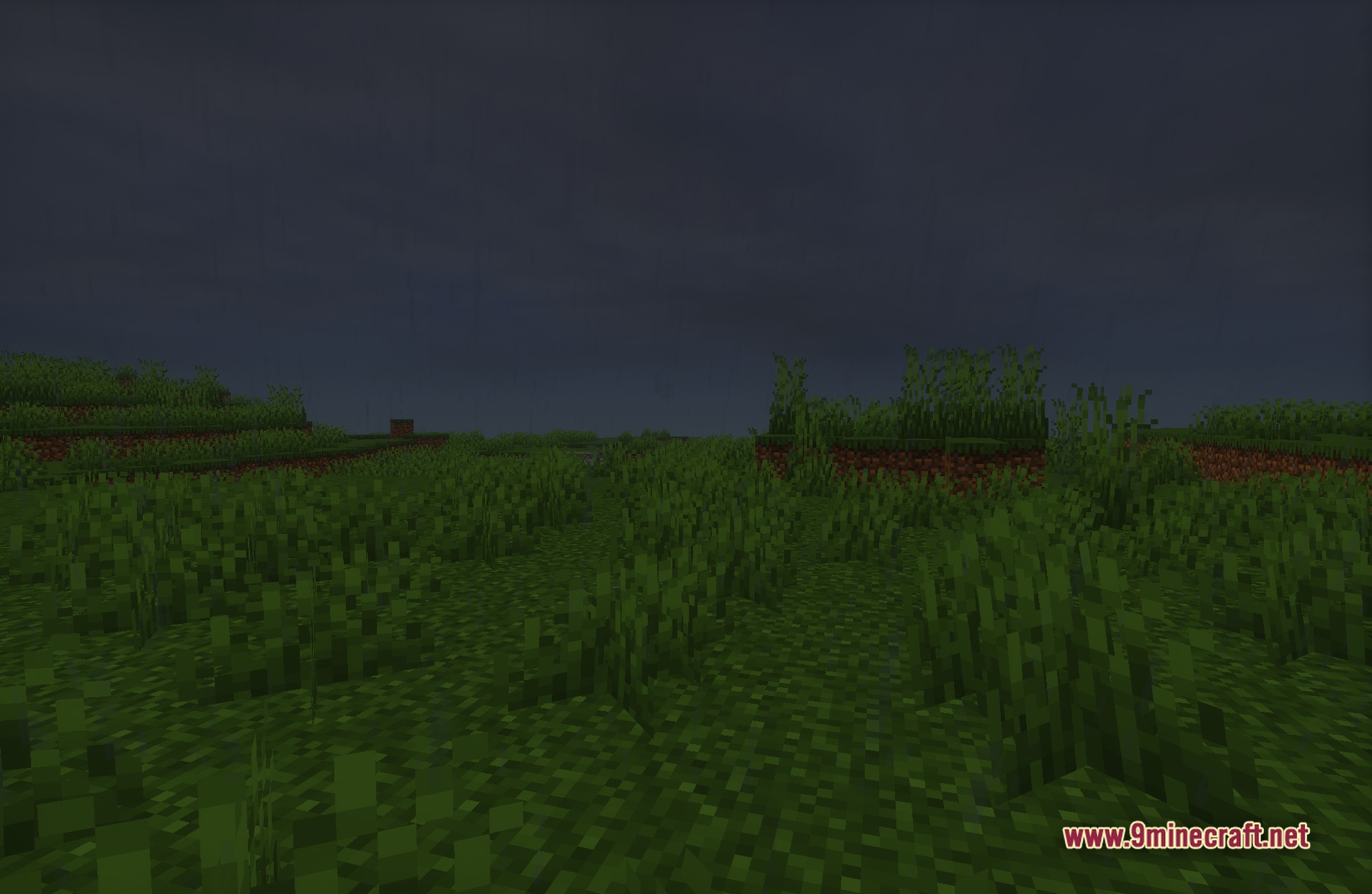
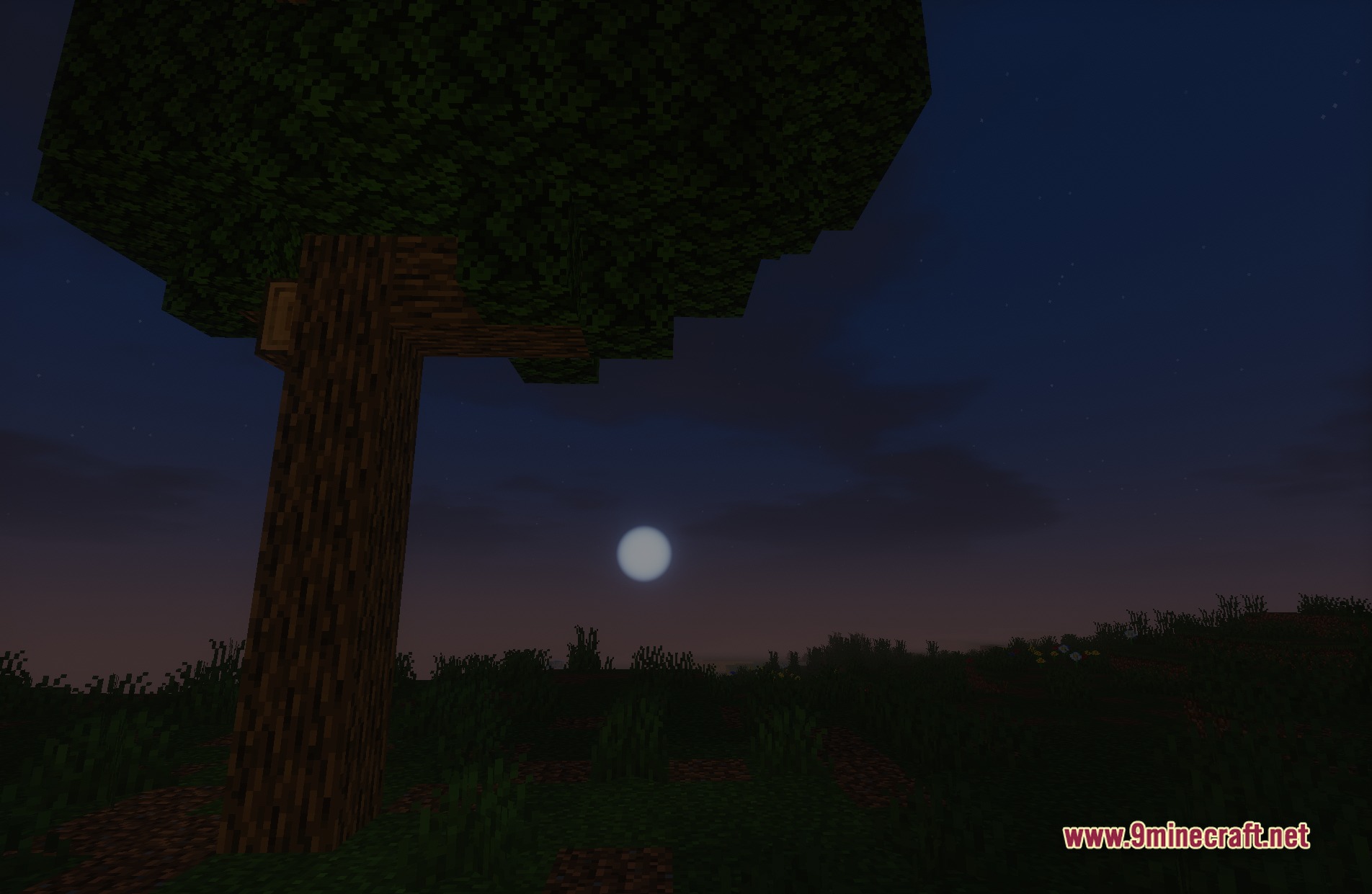
11 images from the Ethereal Vibe Baseline Shaders page.
You May Also Like
Wikis that share the most with this one
 PS Vibe Shaders
More shader wikis on the site
 Epic Shaders All The Shaders Modpack
The most downloaded mods that have a wiki here