

 DownloadBybyshader Shaders
Get the files on 9Minecraft
Guides
Step-by-step, in-game.
Adjust Bloom Intensity Around Light SourcesAccess Shader Settings Open the shader options menu while in-game. This is typically found in your video settings…Enhance Color Vibrancy in Specific BiomesExplore Bybyshader's Color Settings Bybyshader's vibrant colors feature is a core part of its design, making blocks…Maximize Performance on Lower-End ComputersUnderstand Bybyshader's Efficiency Bybyshader is built to run fast on most systems because it prioritizes…Reduce Film Grain for Clearer VisualsLocate Grain Settings Open your shader configuration menu from the video settings. Find the film grain or noise…
Frequently asked questions
How do I turn on Bybyshader after installing it?
Open your shader settings menu in-game (usually accessed through Video Settings), find the shader selection dropdown, and choose Bybyshader from the list. The effects will apply immediately to your world.
Why does my screen look grainy?
That's the film grain effect, which gives the shader its movie-like appearance. If you find it too strong, you can reduce or disable it in the shader options menu under visual settings.
Can I adjust how bright the bloom effect is?
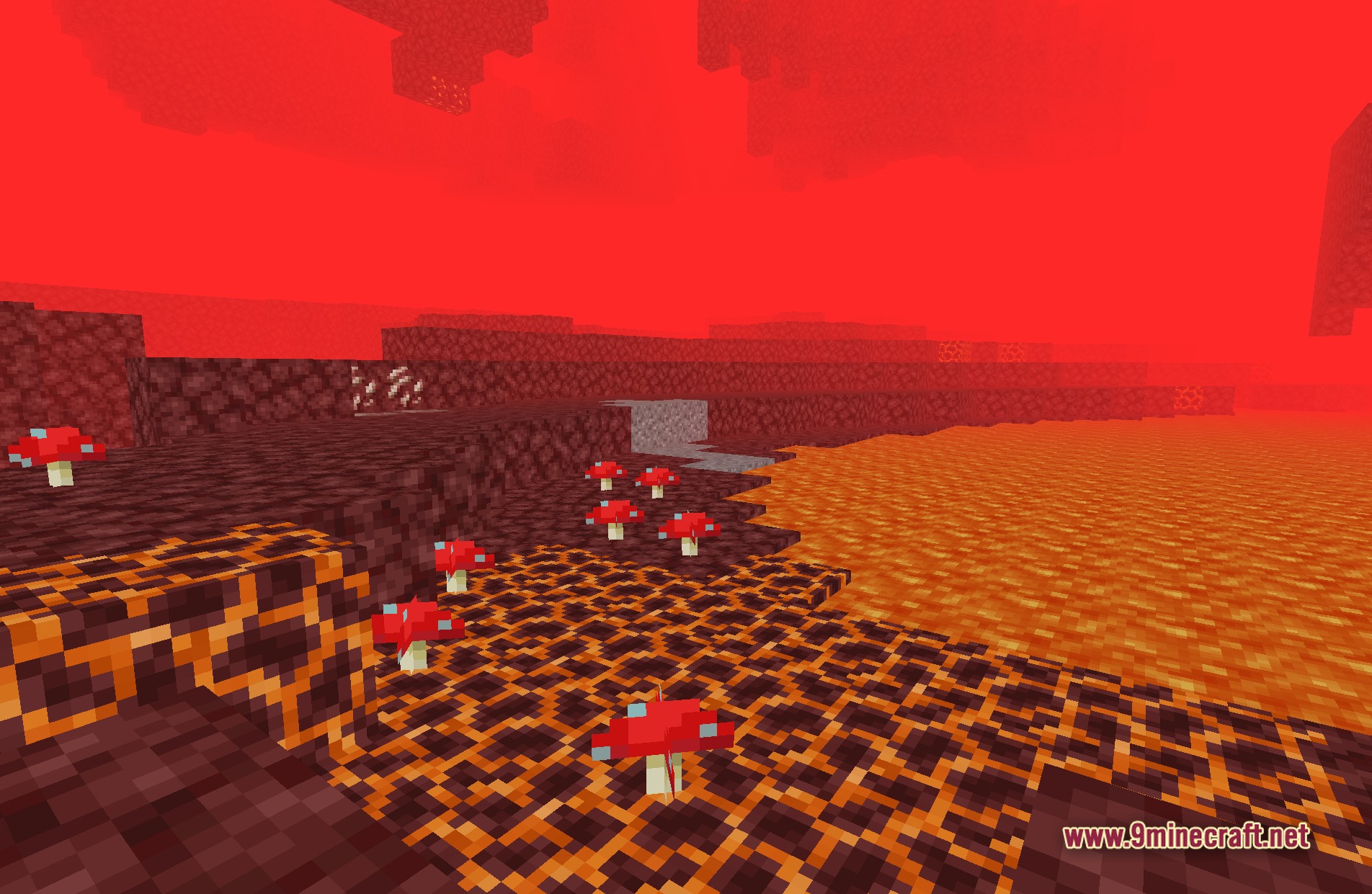
Yes, open the shader settings and look for bloom or glow intensity options. You can dial it down if bright light sources like torches or lava feel too overwhelming.
Does Bybyshader work with other mods?
Bybyshader is compatible with most mods since it only affects rendering and lighting. However, mods that heavily modify lighting or add custom light sources may interact unpredictably—test in your world to be sure.
See all 10 Bybyshader Shaders questions ›
Gallery
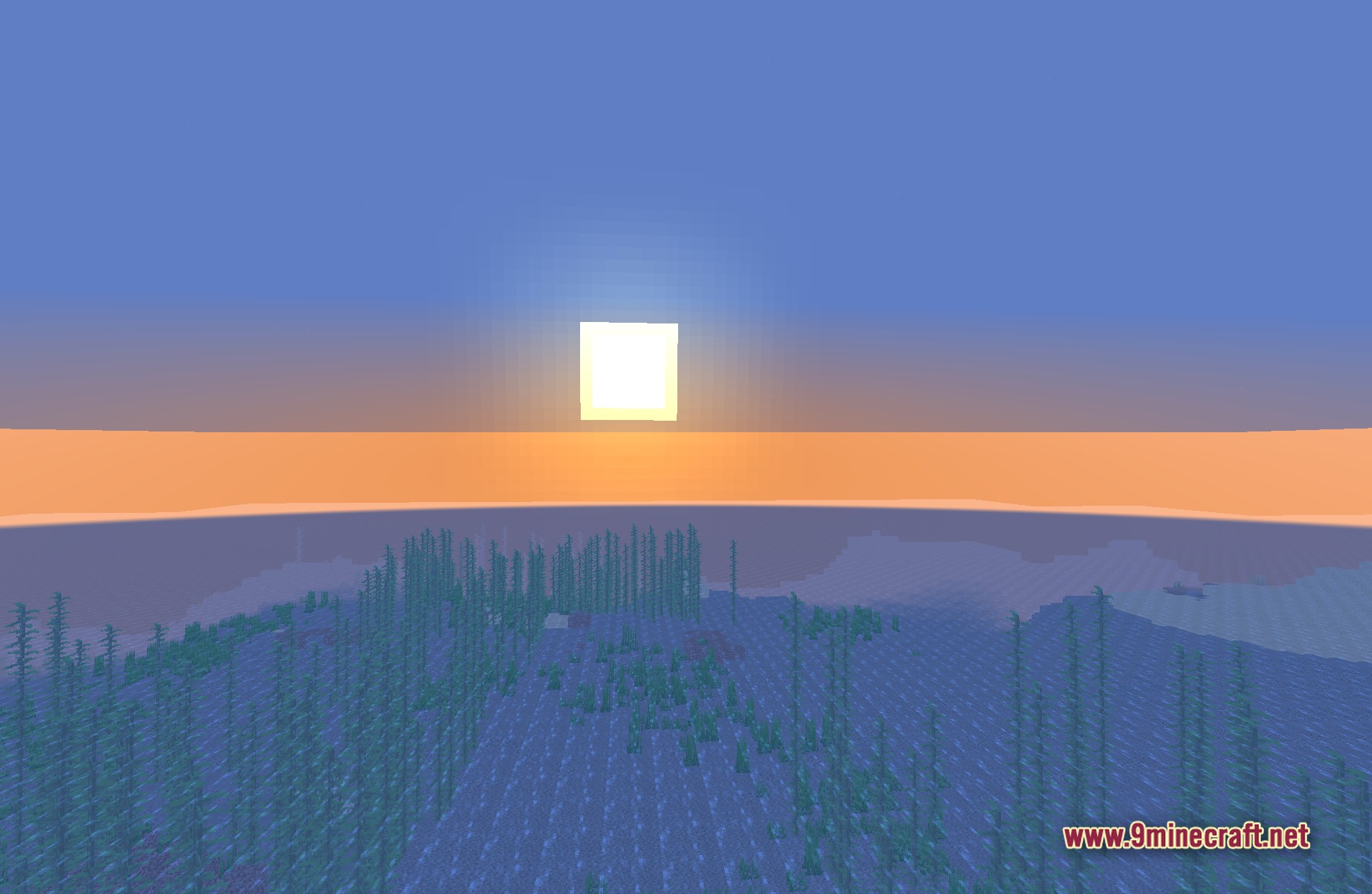
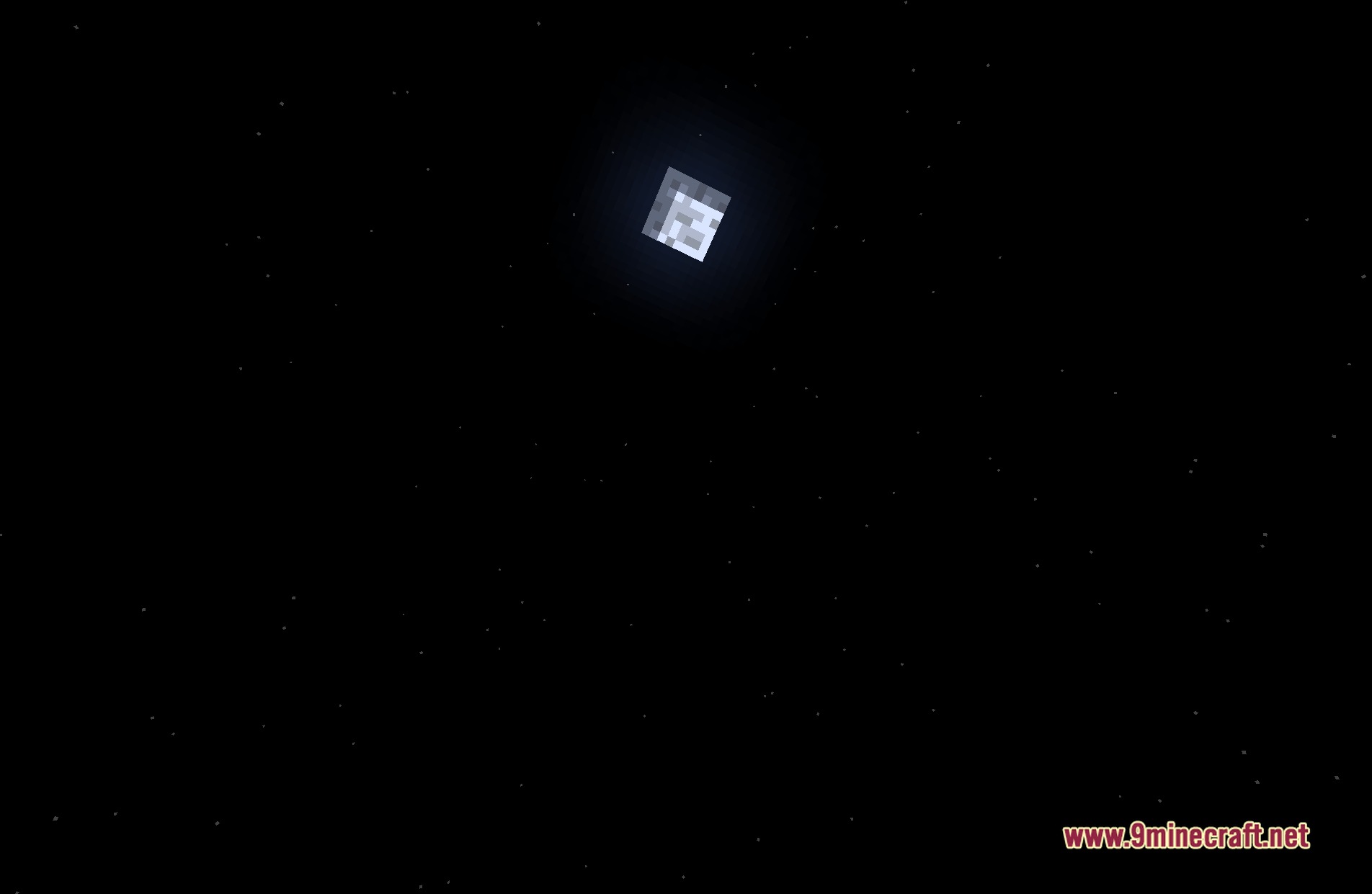
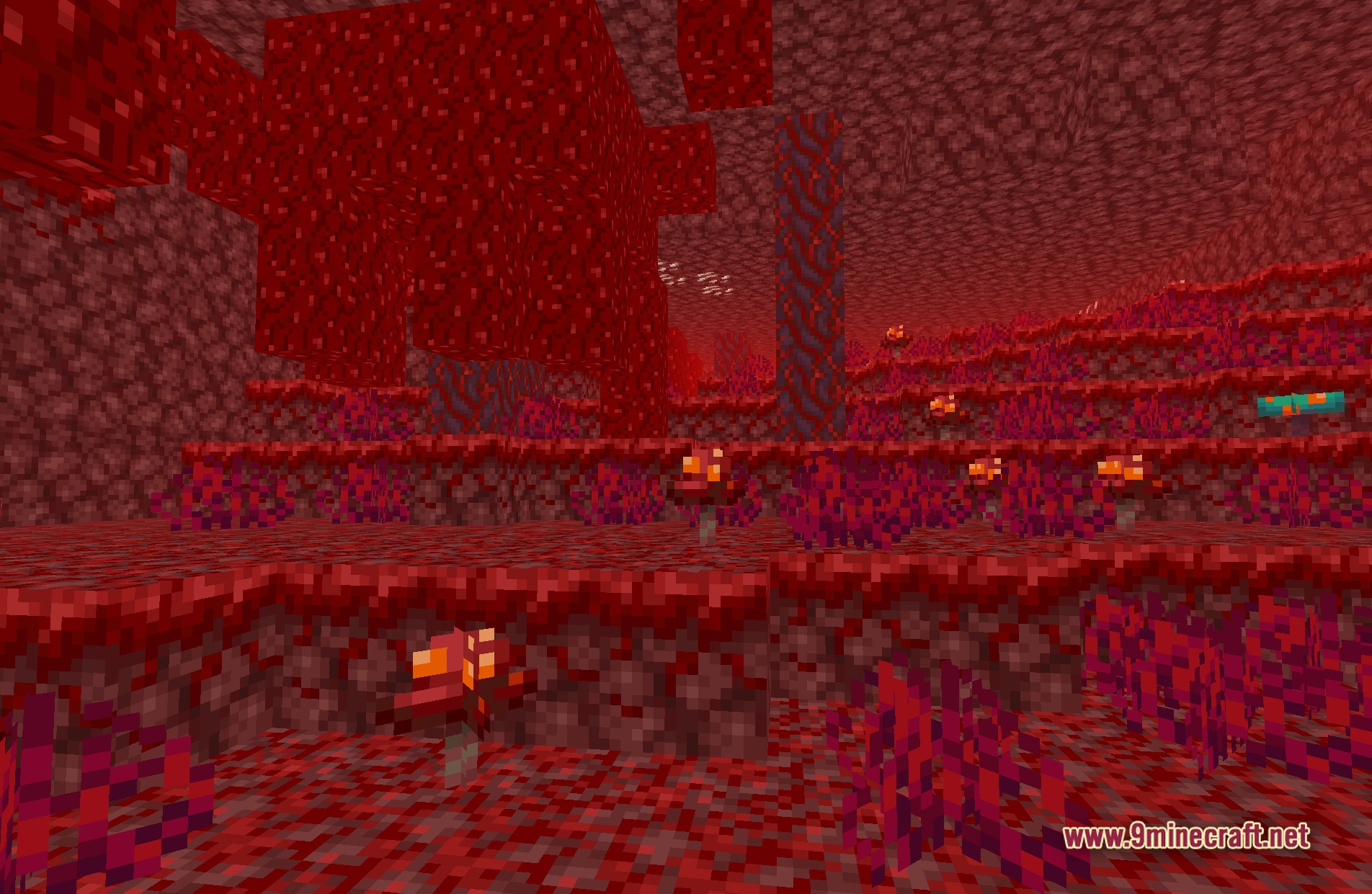
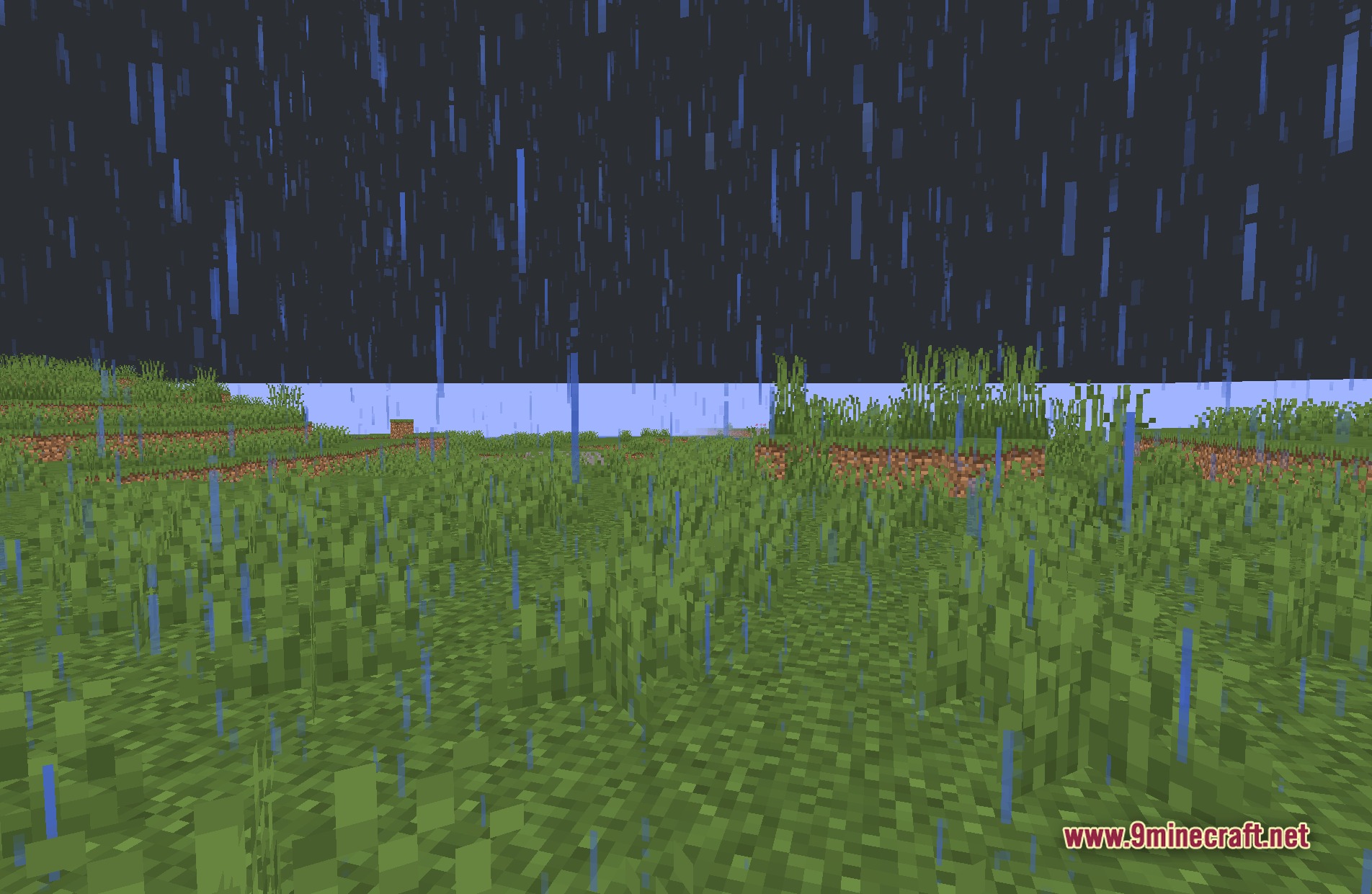
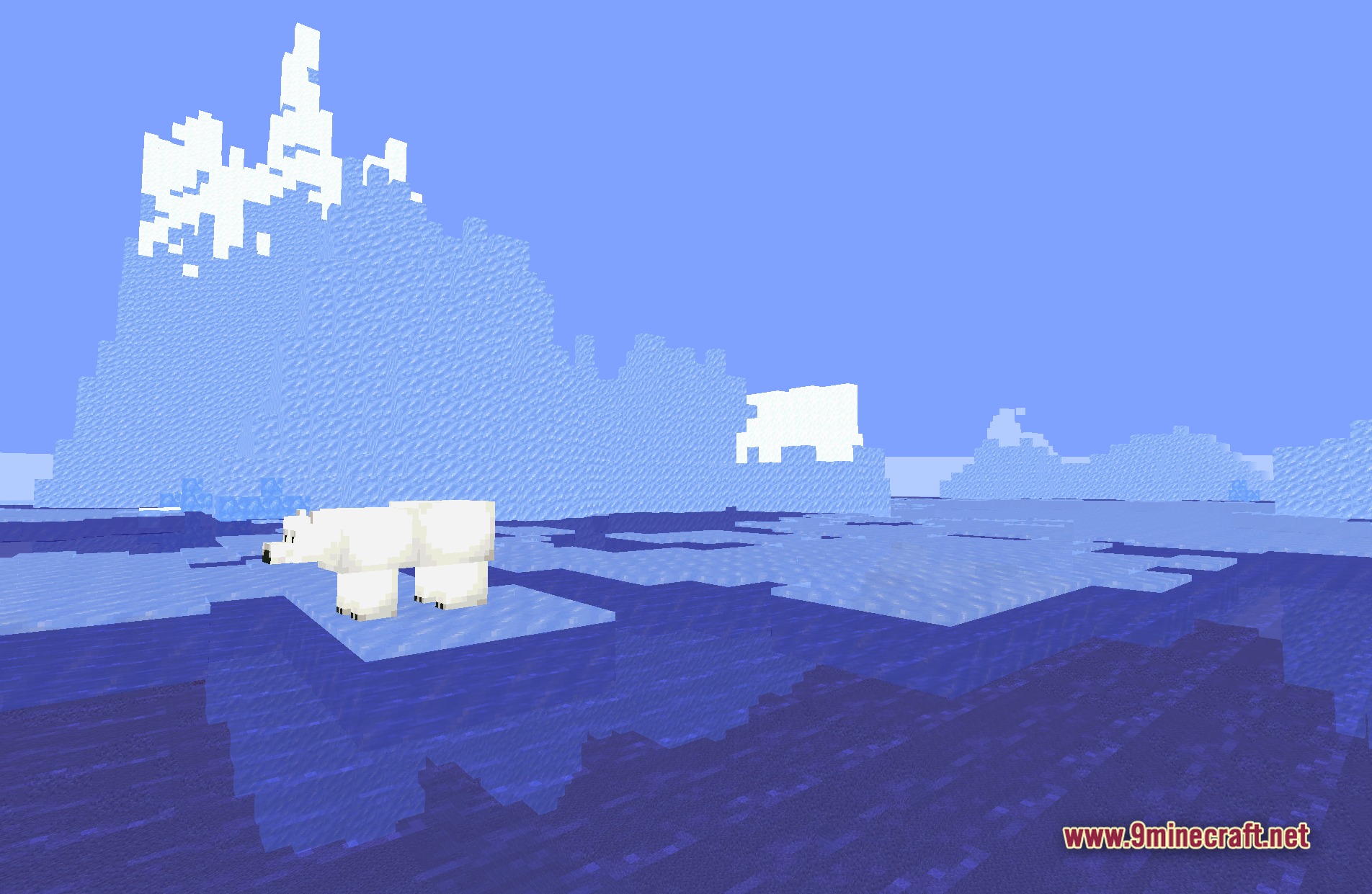
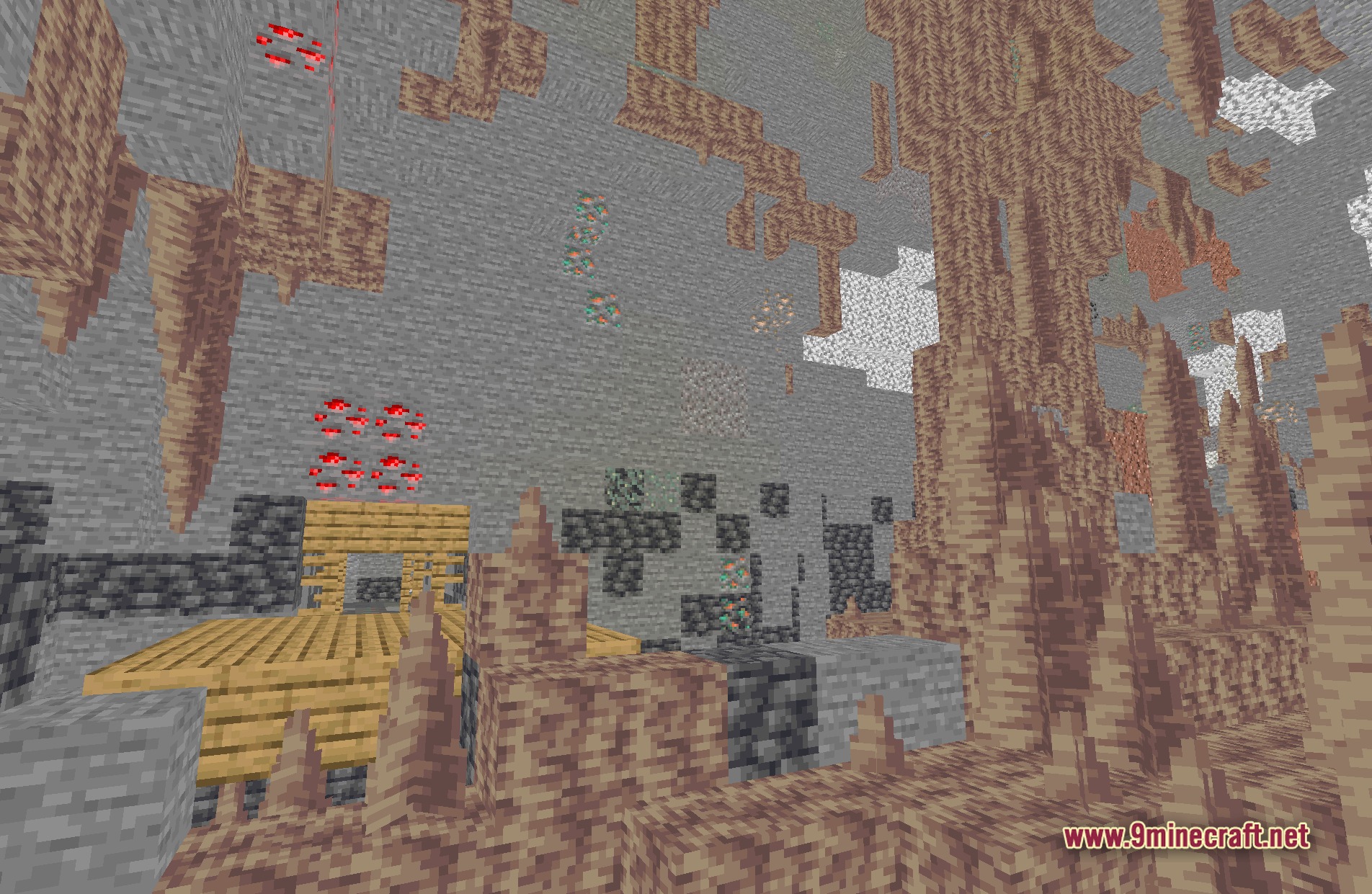
11 images from the Bybyshader Shaders page.

You May Also Like
Wikis that share the most with this one
Wikis on the same theme: light
More shader wikis on the site
 Boxeh Shaders
The most downloaded mods that have a wiki here