

 DownloadBright Pixels Shaders
Get the files on 9Minecraft
Guides
Step-by-step, in-game.
Adjust Shadow Intensity and LightingFinding Lighting Controls Bright Pixels Shaders includes soft shadows that blend naturally with Minecraft's blocky…Enable Greyscale ModeAccessing Shader Settings Greyscale mode transforms your entire view into black and white tones, useful for taking…Optimize Shader Performance on Low-End HardwareChecking Your Frame Rate Bright Pixels Shaders is designed for budget computers, but you can further optimize…Take Screenshots with Optimal Shader AppearancePreparing Your Scene Bright Pixels Shaders' clean vanilla-style lighting and soft shadows create visually appealing…
Frequently asked questions
How do I turn on the greyscale mode?
Open your shader settings menu (usually accessed through the Shader Options button in Video Settings), find the Greyscale toggle, and enable it. Your world will immediately convert to black and white tones while keeping all other shader effects active.
Will this shader make my game lag?
Bright Pixels Shaders is designed to run smoothly on budget computers, but performance depends on your hardware and render distance. If you experience frame drops, try lowering your render distance or disabling shadow effects in the shader settings.
How do I make shadows darker or lighter?
Go to Shader Options and look for shadow intensity or shadow strength settings. Adjust the slider to increase shadow darkness or reduce it for softer, lighter shadows that blend more with the vanilla look.
Can I use this shader with other mods?
Bright Pixels Shaders works with most mods, but mods that heavily modify lighting or add custom blocks may cause visual conflicts. Test your mod combination and report any issues if blocks appear incorrectly lit.
See all 10 Bright Pixels Shaders questions ›
Gallery
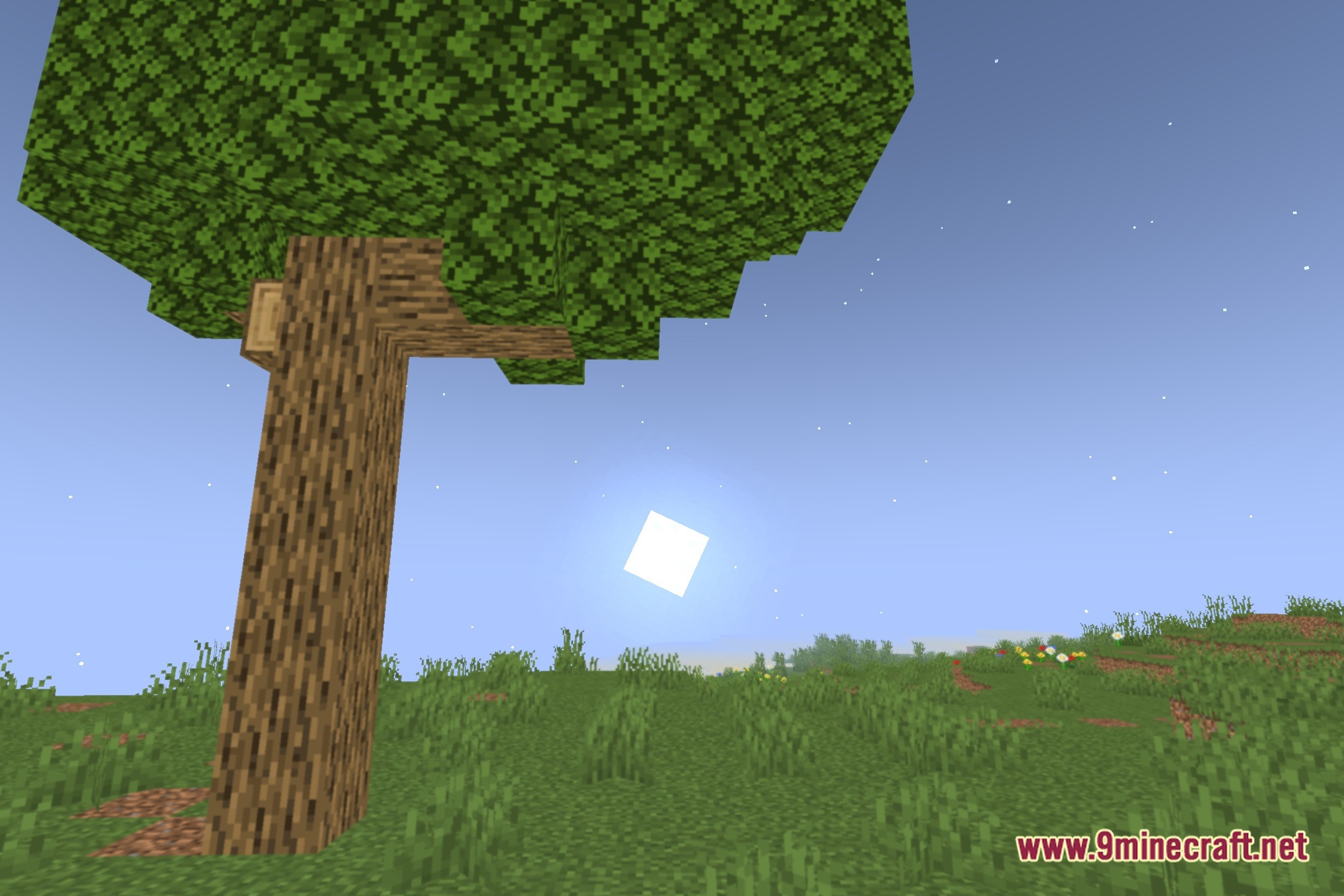
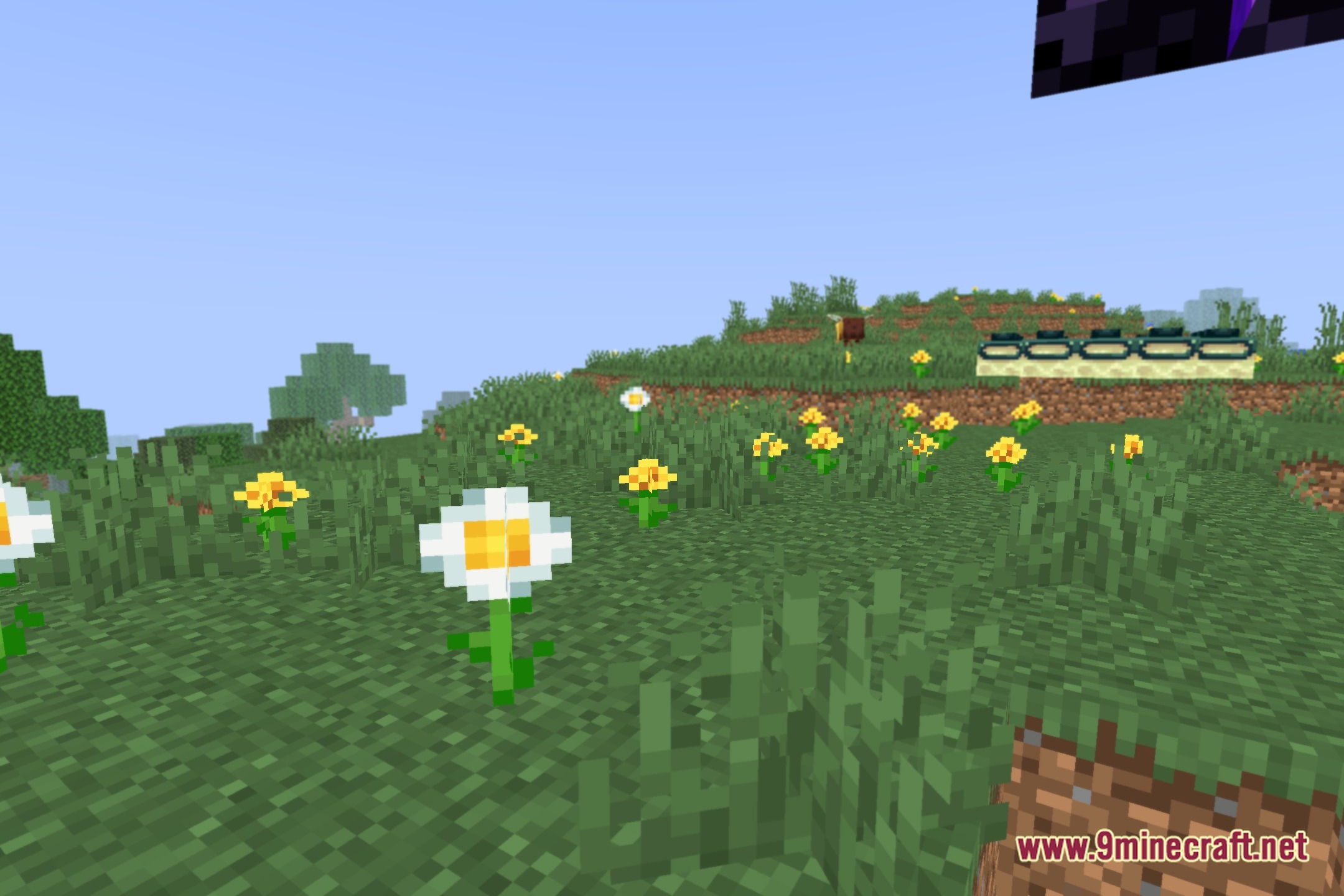
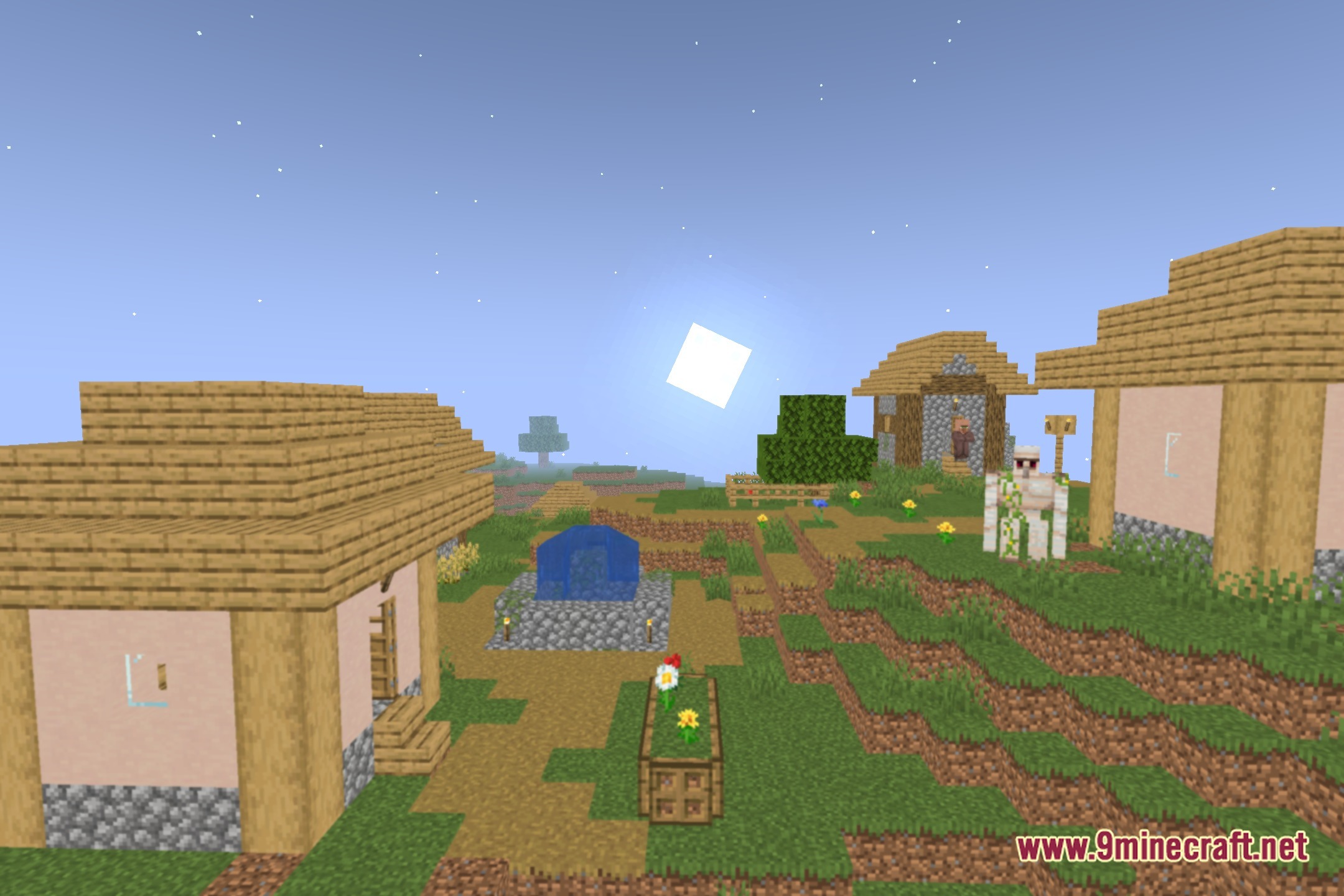
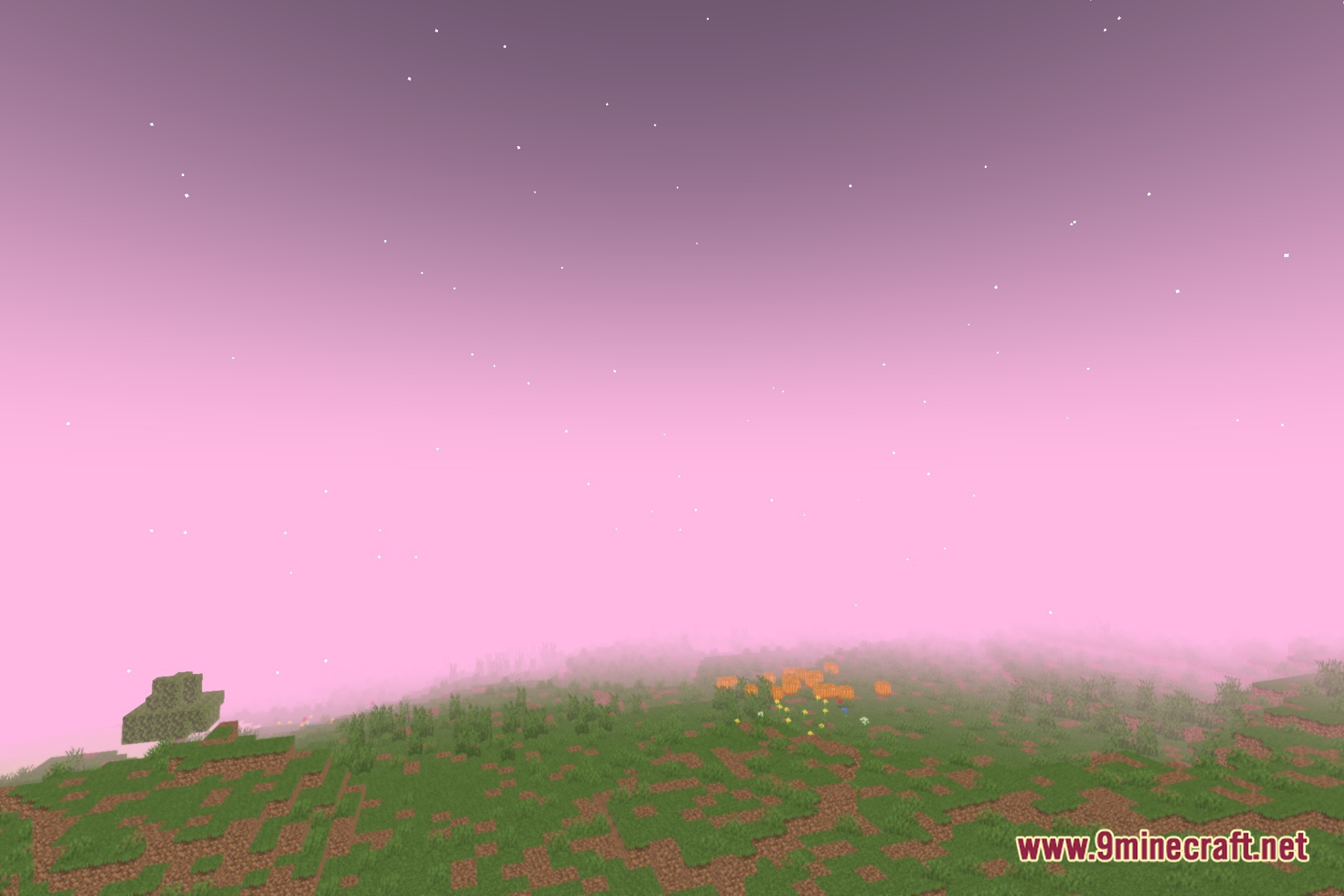
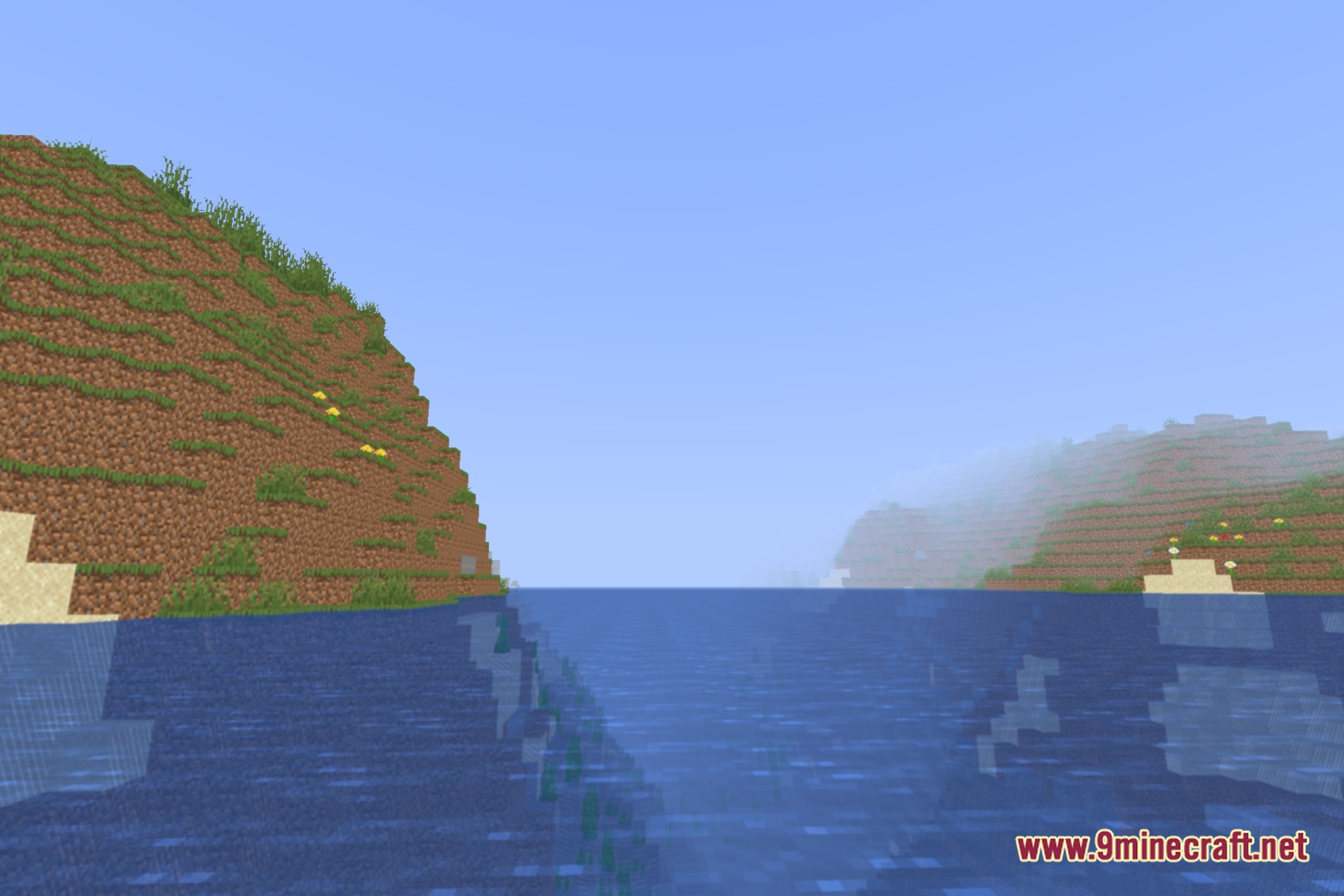
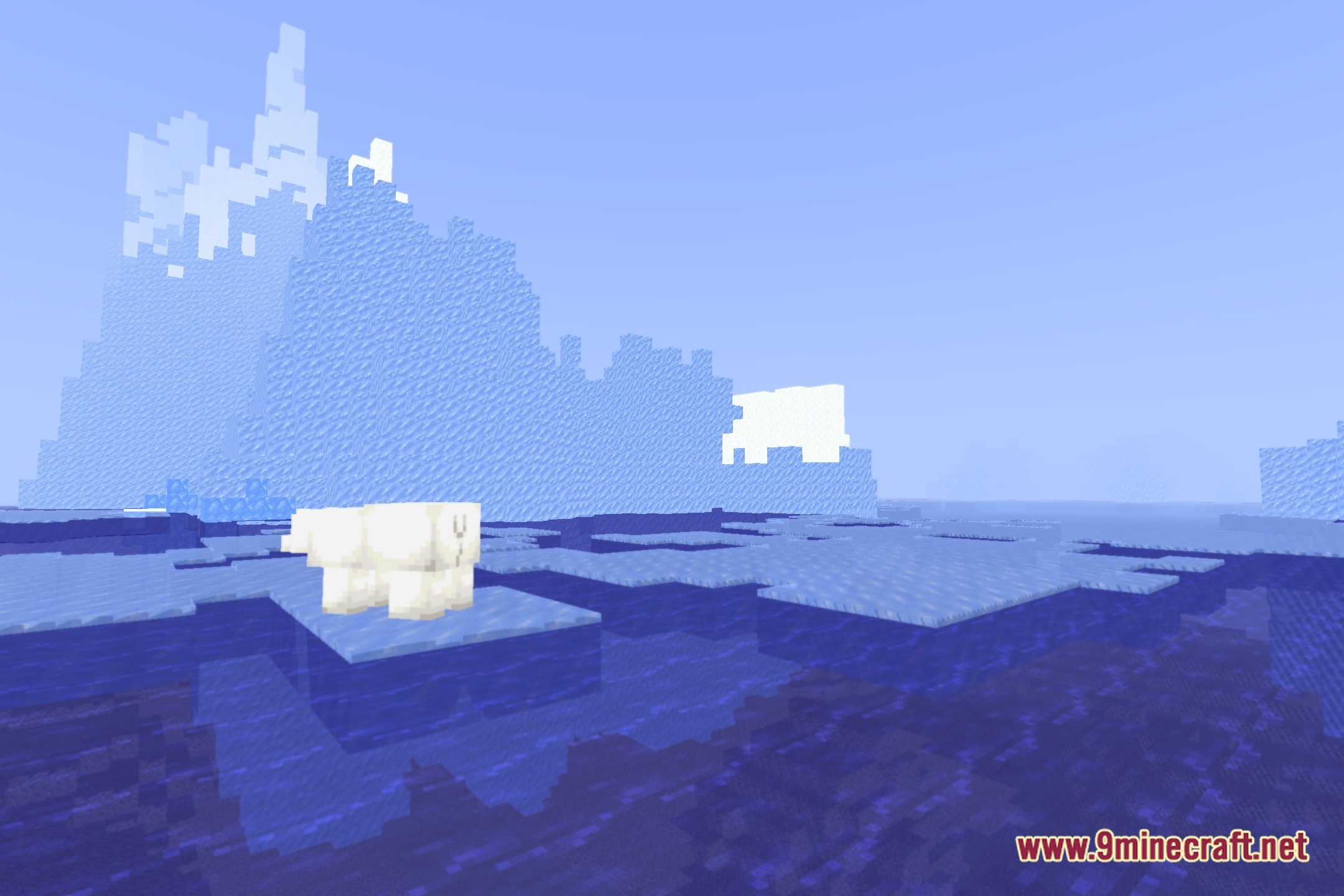
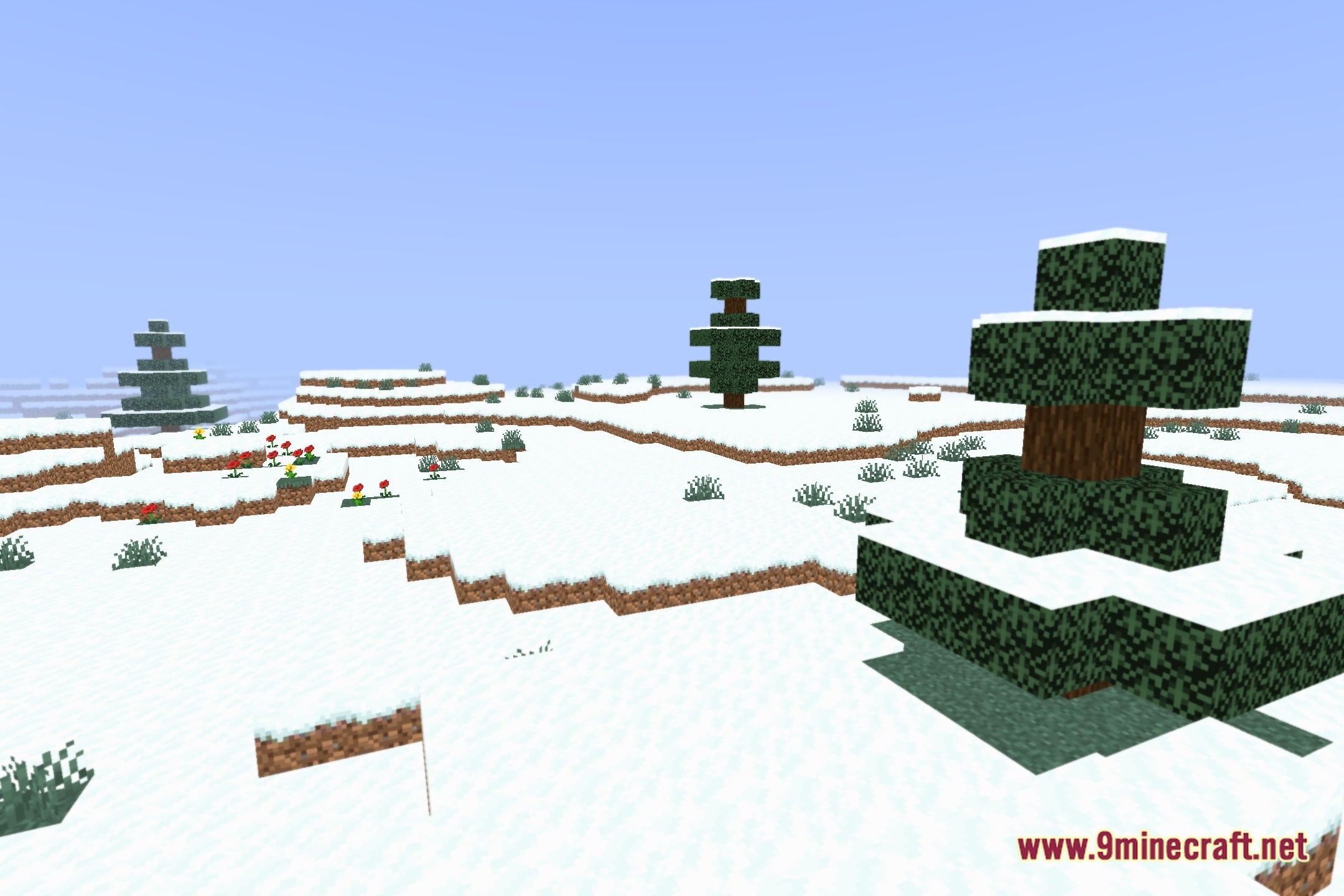
12 images from the Bright Pixels Shaders page.
You May Also Like
Wikis that share the most with this one
Wikis on the same theme: light
More shader wikis on the site
 Boxeh Shaders
 BloxShade Shaders
The most downloaded mods that have a wiki here