

 DownloadULS Shaders
Get the files on 9Minecraft
Guides
Step-by-step, in-game.
Adjust Lighting Intensity and Color SaturationAccess Shader Settings Open the Shader Options menu while in-game by pressing the designated key (usually found in…Customize Sky and Cloud AppearanceAccess Sky and Atmosphere Settings Open Shader Options and locate controls for sky color, cloud density, and…Enhance Underwater and Cave LightingLocate Underwater Shader Options Open Shader Options and search for settings related to water, underwater, or…Optimize Frame Rate on Low-End HardwareReduce Visual Quality Settings ULS Shaders is designed for modest hardware, but you can push performance further.…
Frequently asked questions
How do I load ULS Shaders after installing it?
Open your Minecraft video settings, navigate to the Shaders option, and select ULS Shaders from your shader pack list. The mod will apply immediately on your next world load.
Will ULS Shaders work with my Intel integrated graphics?
Yes, ULS Shaders is specifically optimized for integrated setups like Intel UHD Graphics and should run smoothly without heavy performance drops.
My frame rate dropped after enabling ULS Shaders. How do I fix it?
Check the shader settings menu for lighting intensity and shadow distance options, and reduce them to lower values. You can also lower your render distance or disable advanced lighting features to improve performance.
Can I use ULS Shaders without Iris?
No, ULS Shaders requires Iris to function. Make sure Iris is installed and up to date before loading the shader pack.
See all 10 ULS Shaders questions ›
Gallery
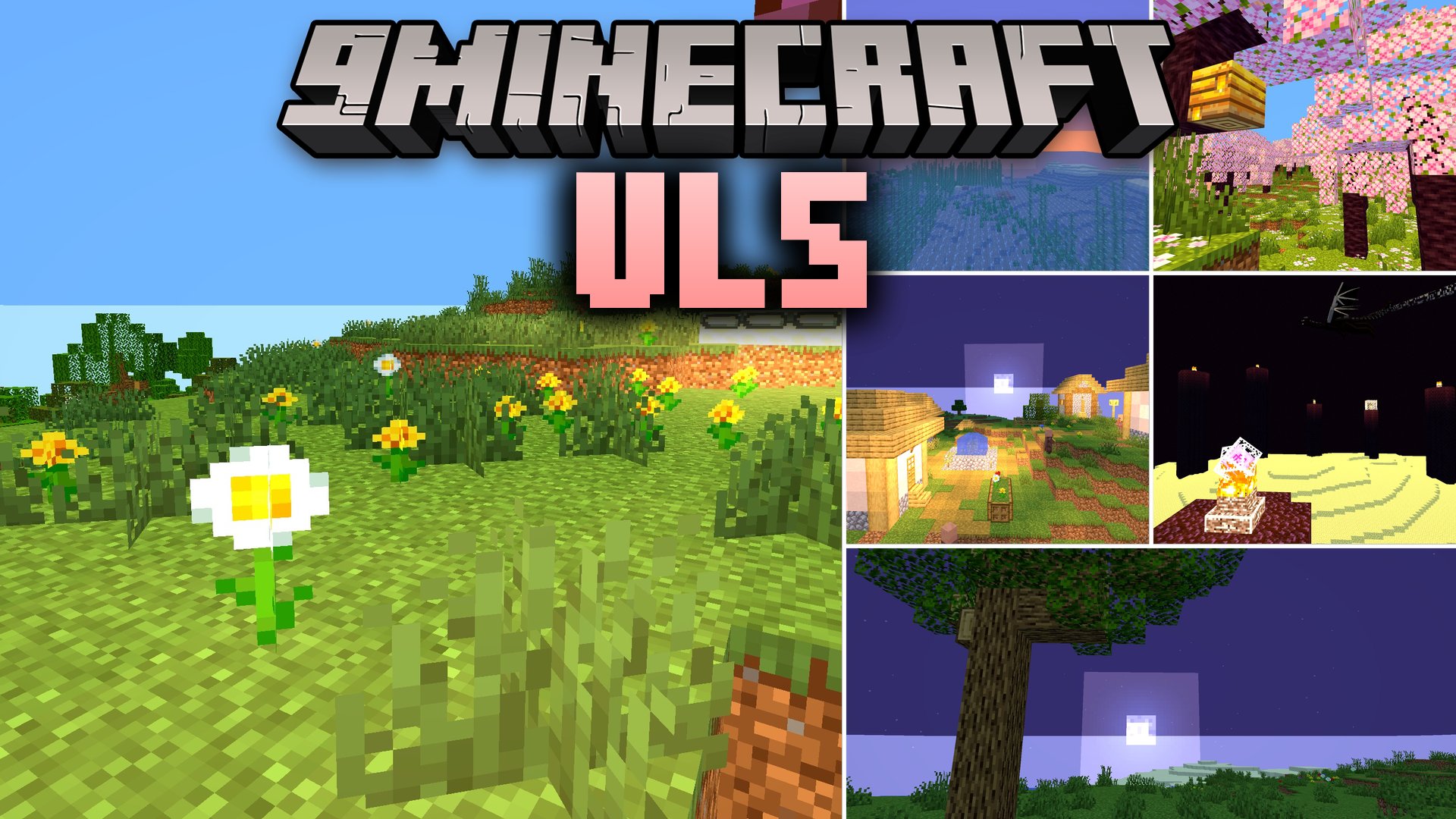
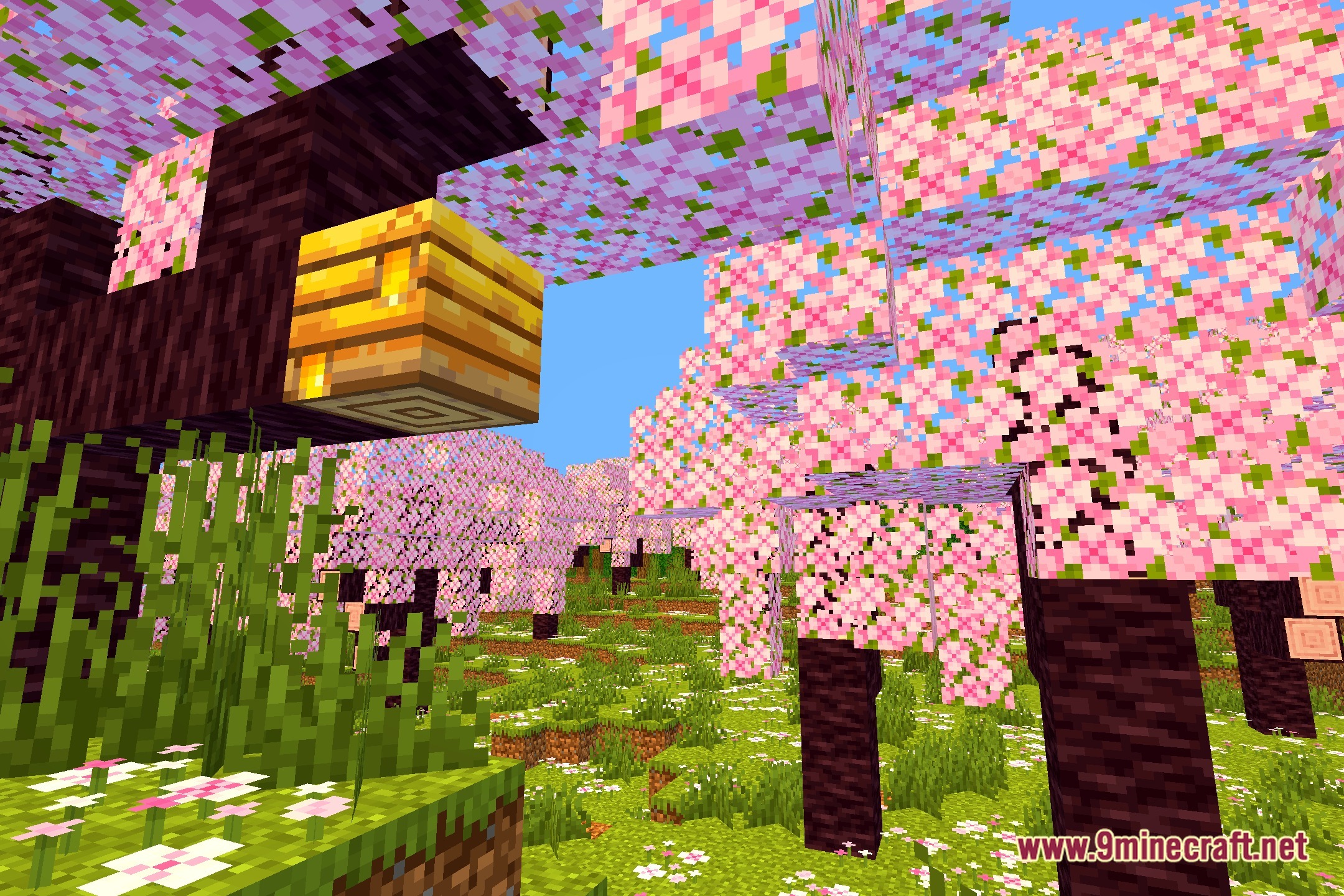
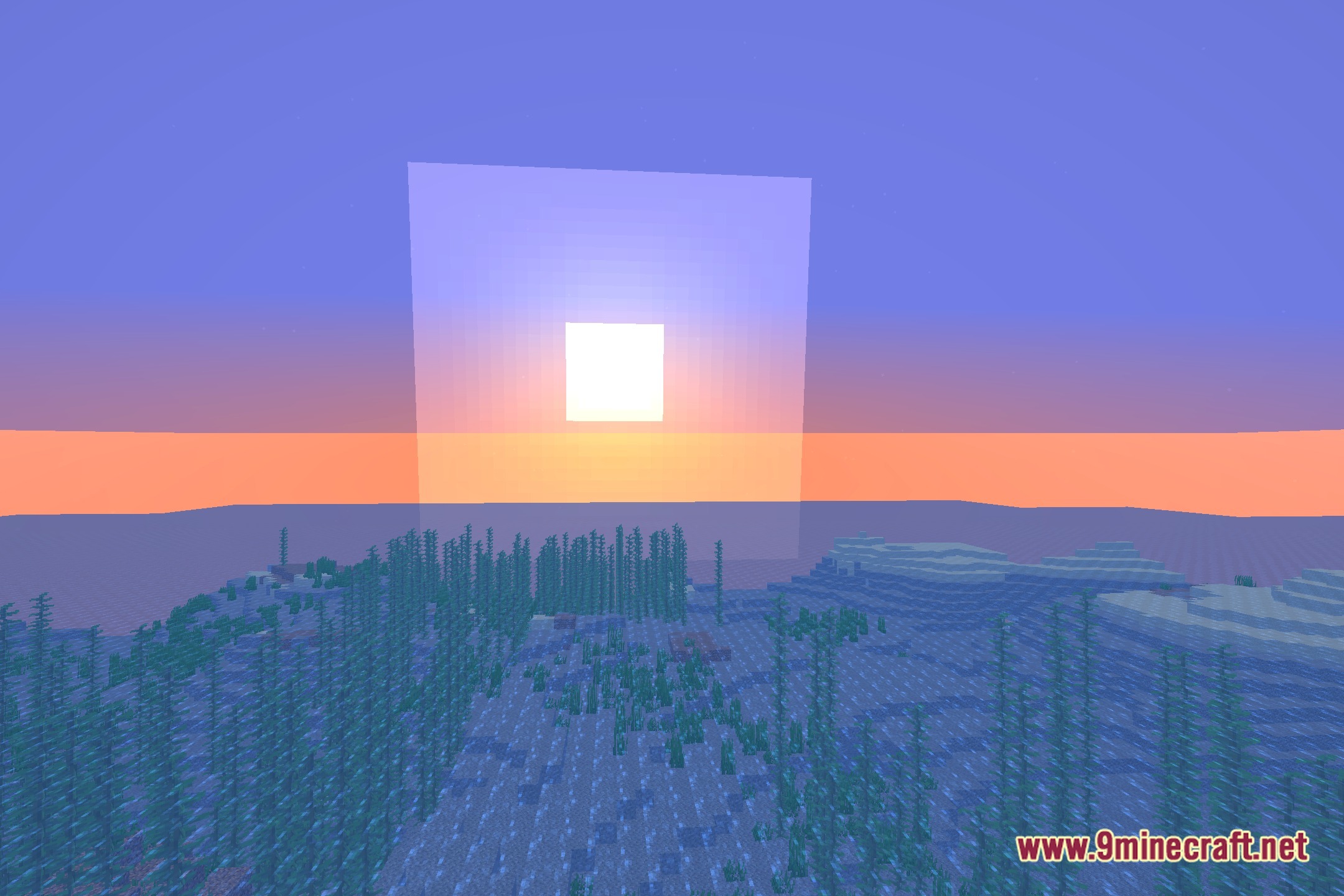
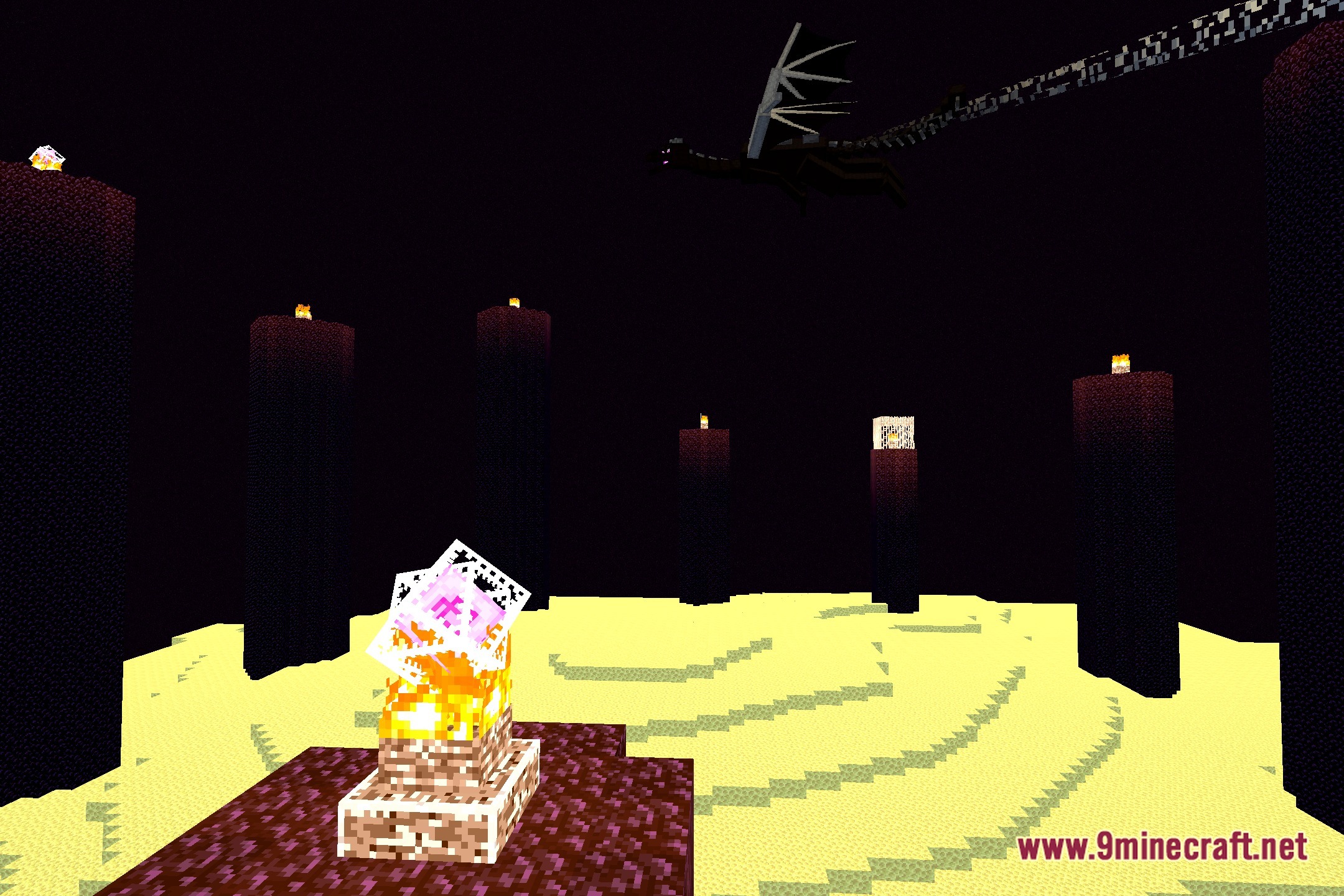
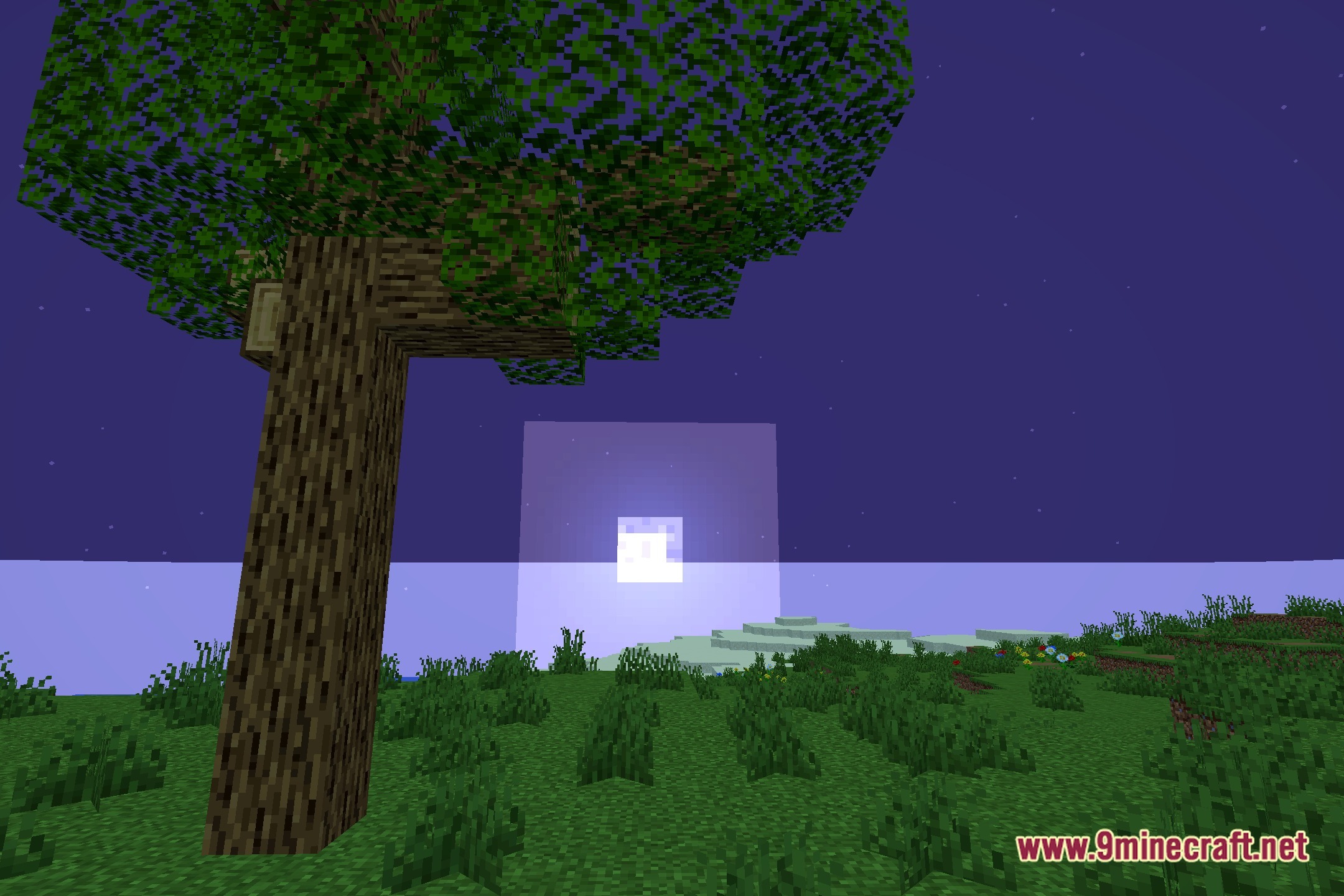
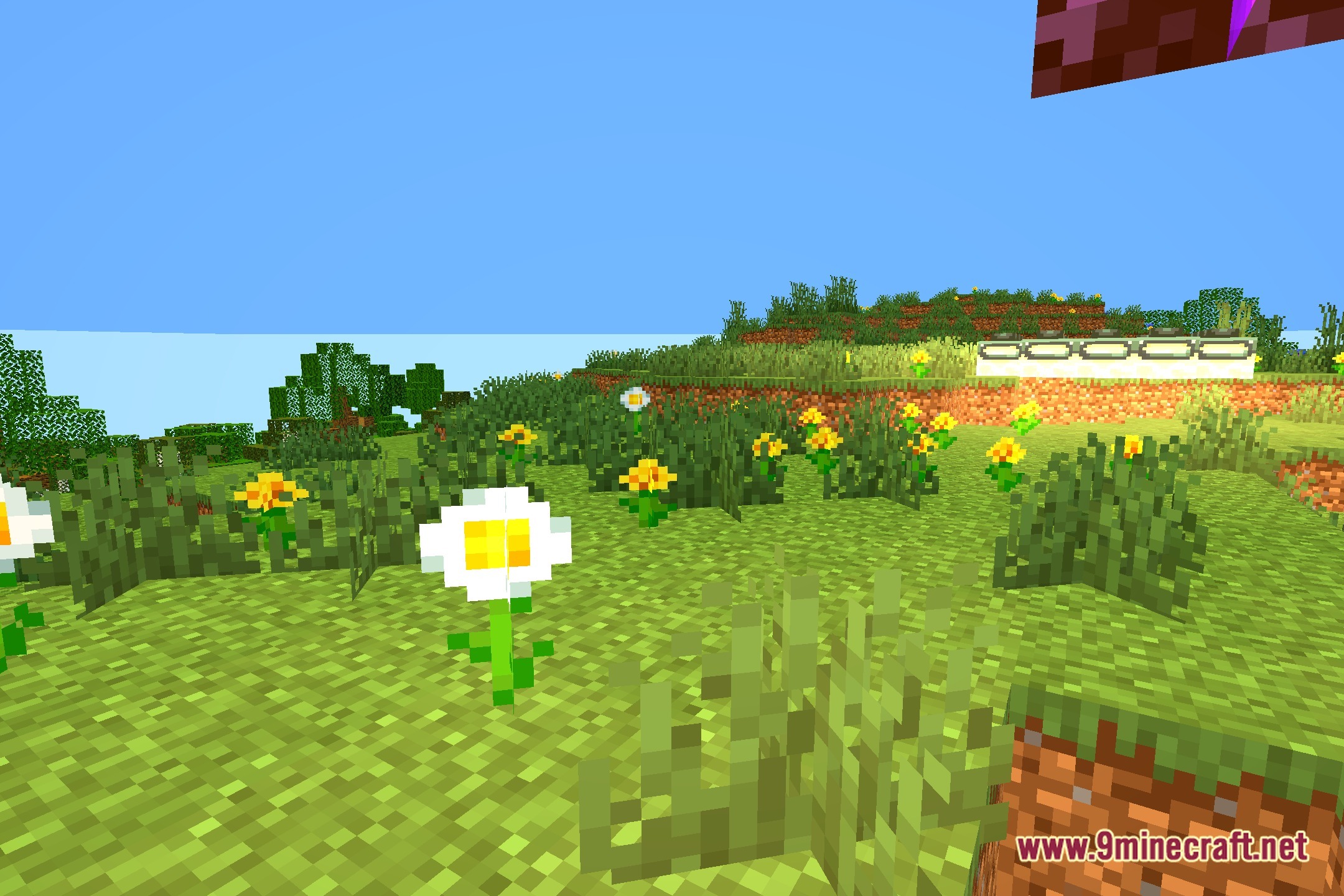
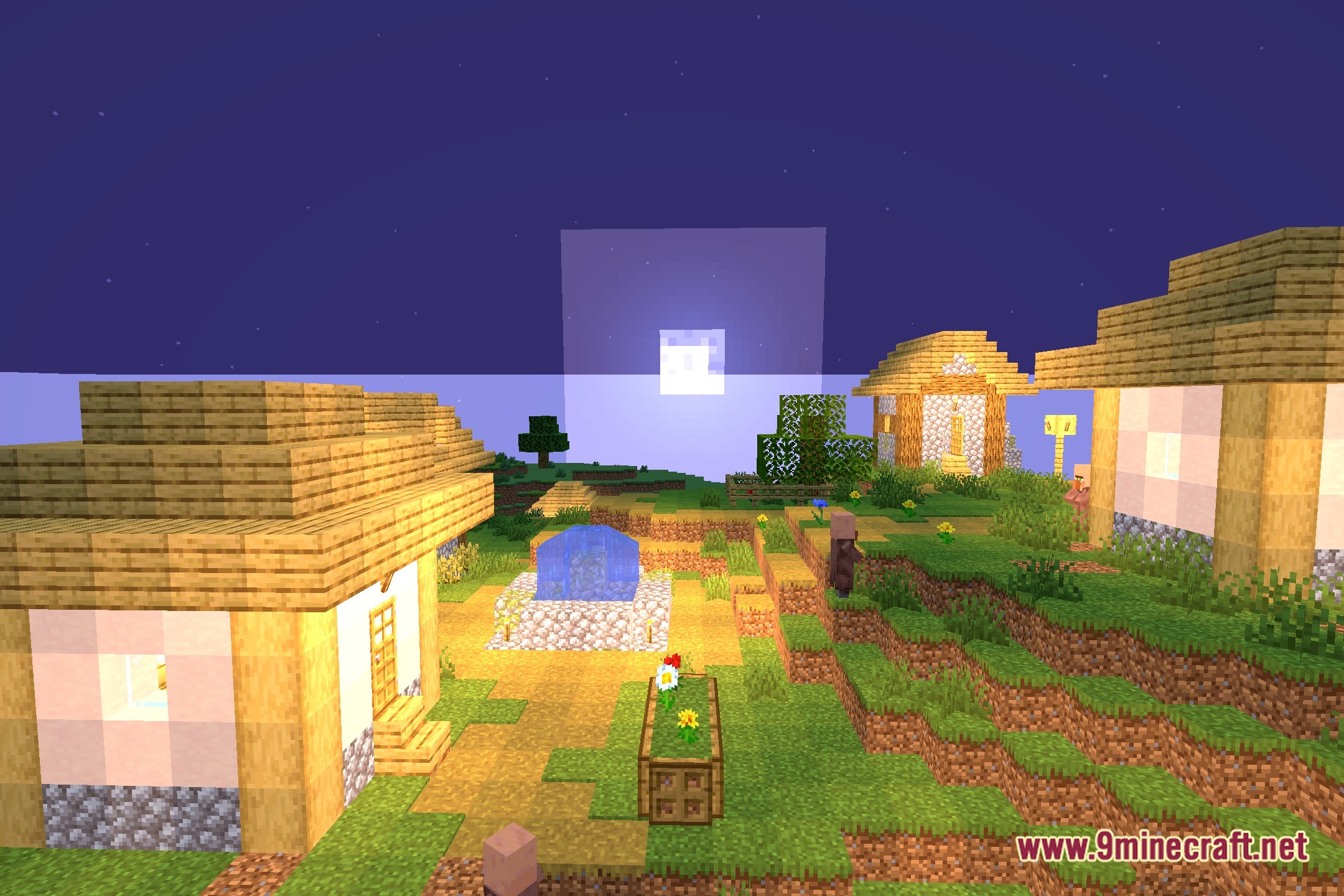
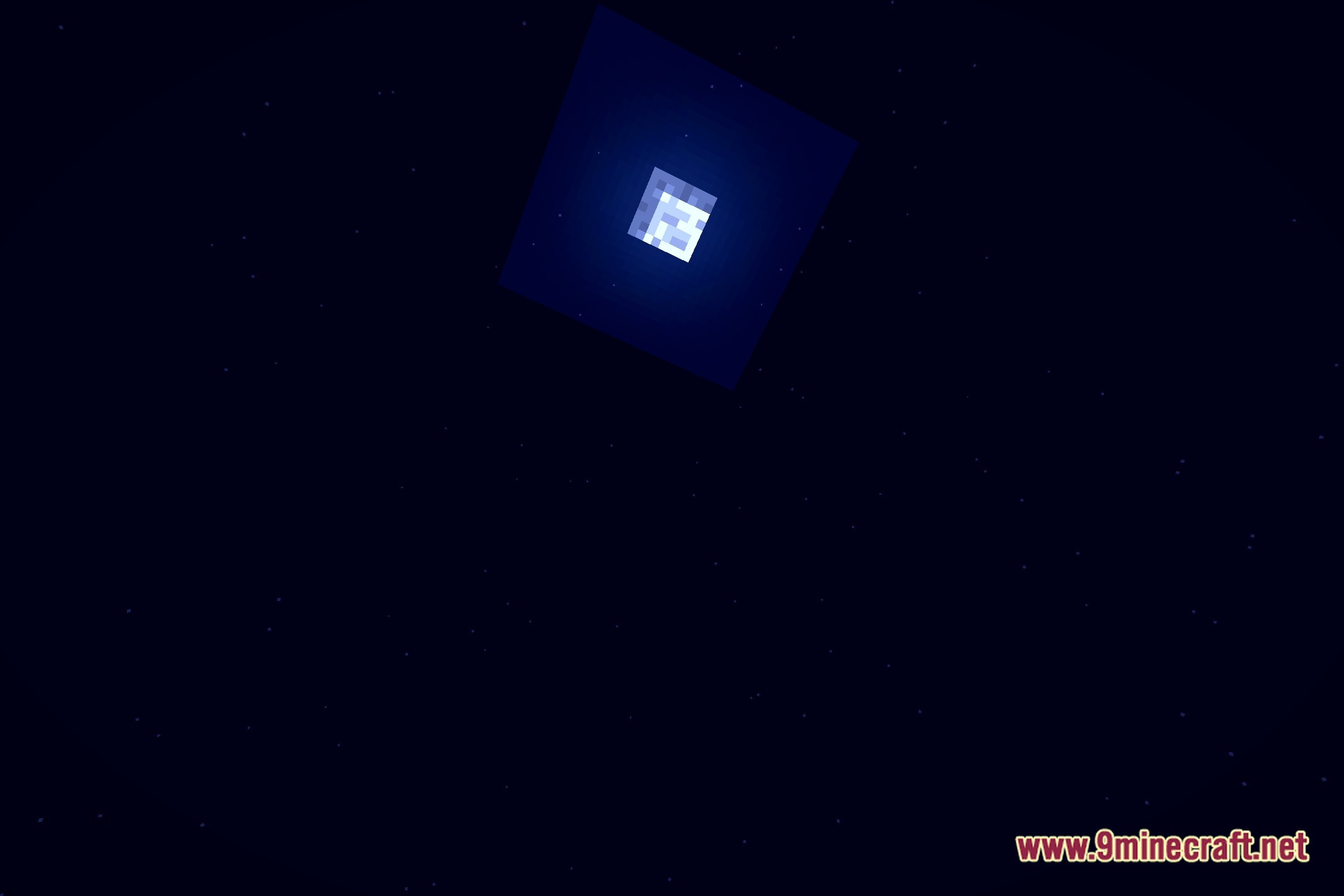
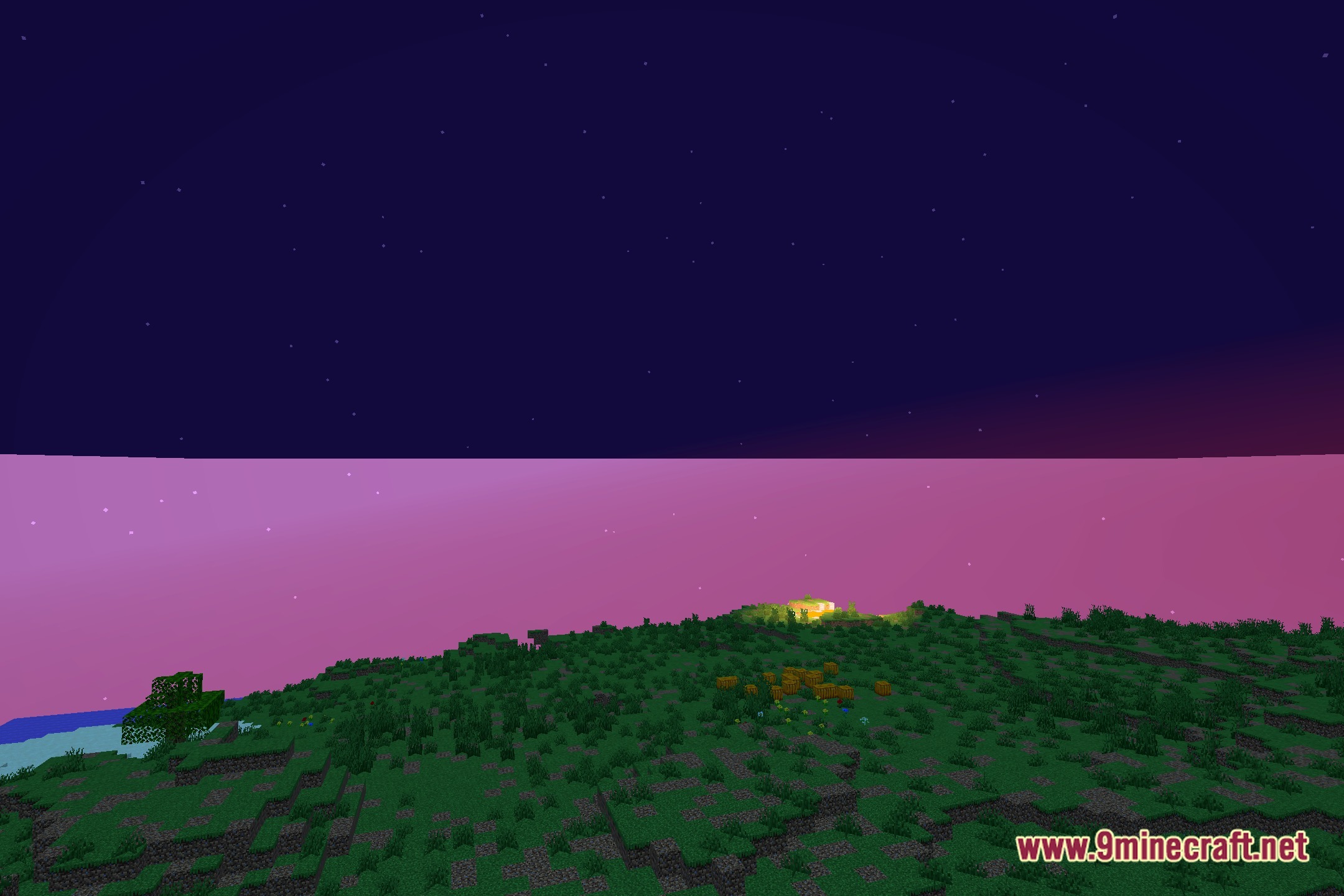
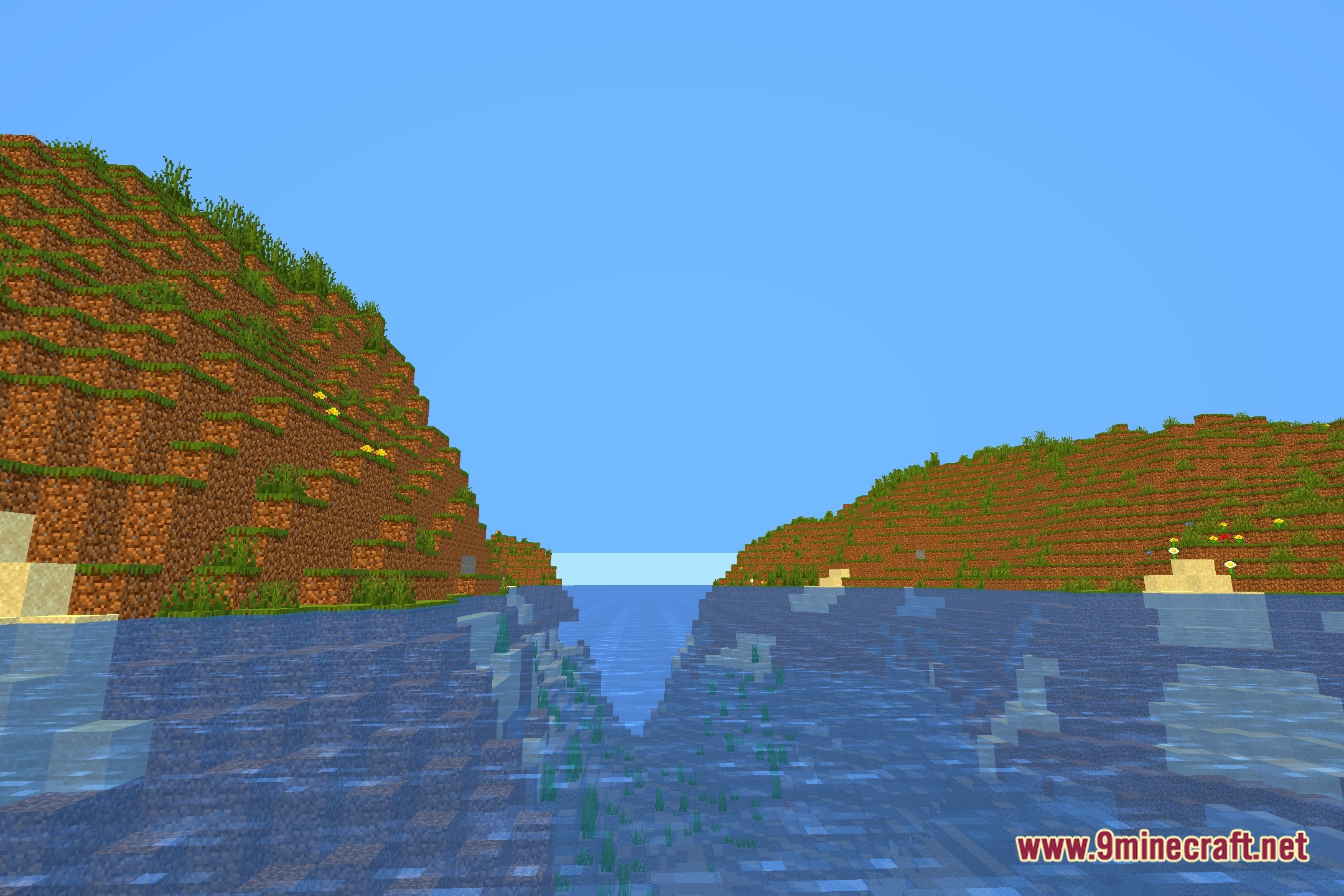
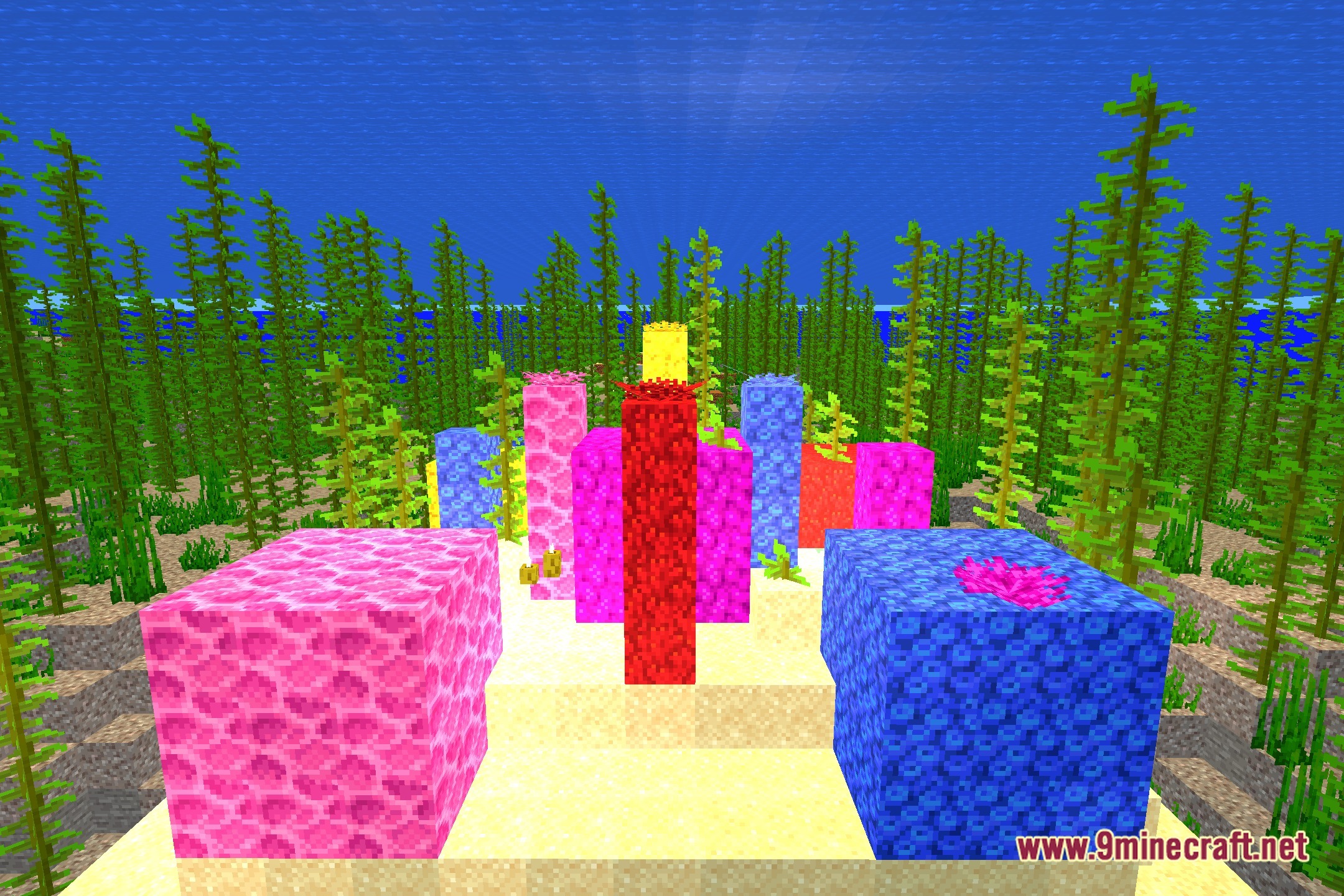
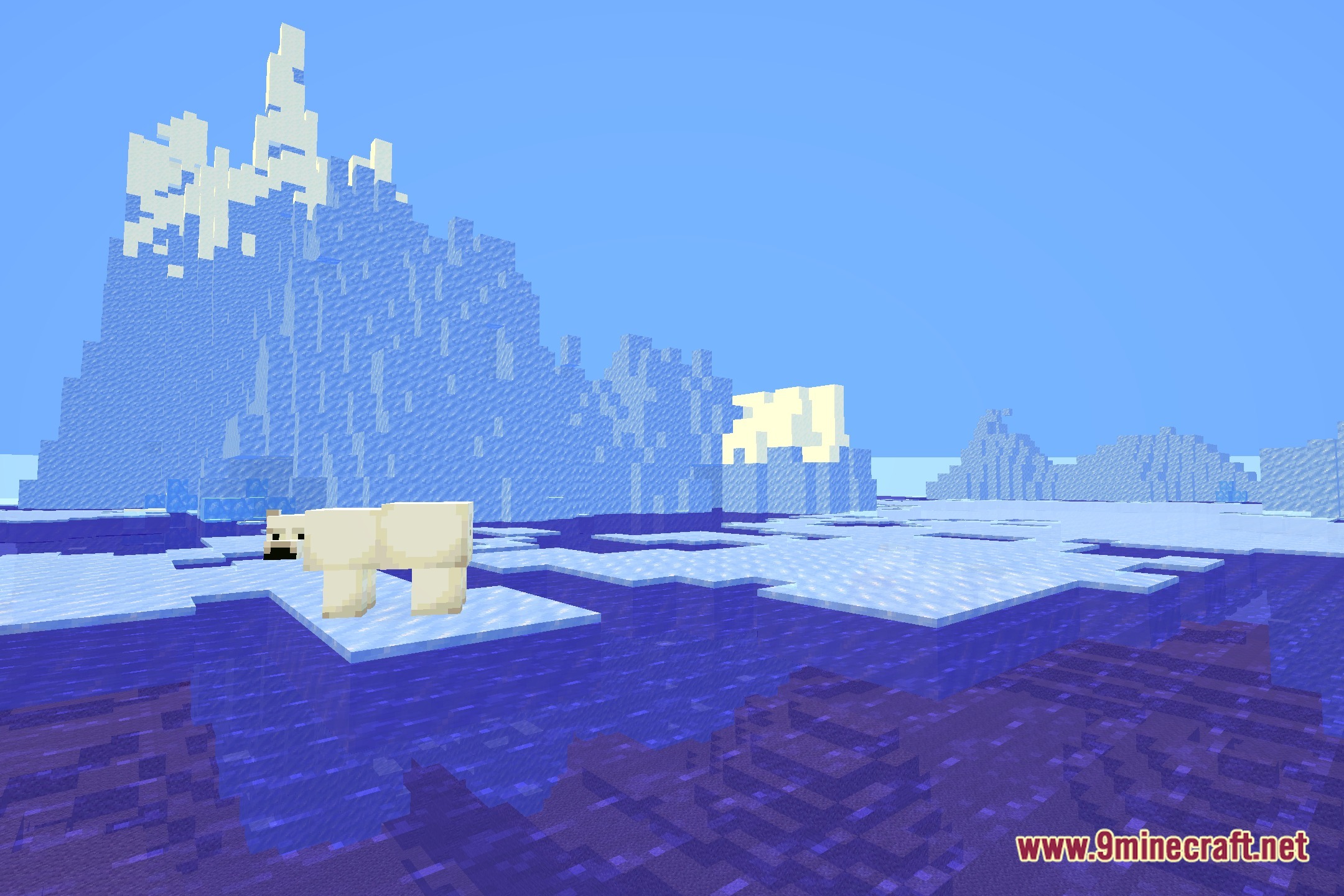
12 images from the Uls Shaders page.
You May Also Like
Wikis that share the most with this one
Wikis on the same theme: light
More shader wikis on the site
 Ugly High Contrast Shaders
 Toon Shades Shaders
The most downloaded mods that have a wiki here