

Guides
Step-by-step, in-game.
Adjust Shadow Intensity to Match Your PreferenceAccess Shader Settings Open your shader options menu while in-game. This is typically found in Video Settings >…Enhance Sunbeams and Lighting in Your WorldLocate Lighting Enhancement Settings Open Shader Options and find controls for volumetric lighting, god rays, or…Make Water Look Clearer Without Changing MechanicsUnderstand Water Rendering BVS Best Shaders enhances water clarity through improved transparency and lighting, not by…Optimize Performance on Lower-End ComputersCheck Current Performance Load into a world and observe your frame rate using F3 (Java Edition) or your launcher's…
Frequently asked questions
How do I enable the shader after installing it?
Open your video settings in-game, find the Shaders option, and select BVS Best Shaders from the list. The changes apply immediately, though you may need to reload your world to see all effects.
Will this shader pack make my game lag?
BVS Best Shaders is designed to run smoothly on older computers by avoiding heavy lighting effects, but performance depends on your hardware and render distance. If you experience lag, try lowering your render distance or disabling the shader temporarily to identify the cause.
Can I adjust how dark the shadows are?
Yes, most shader packs including this one have shadow intensity settings in the shader options menu. Look for shadow-related sliders in your video settings to customize the darkness to your preference.
Does this shader change how water physics work?
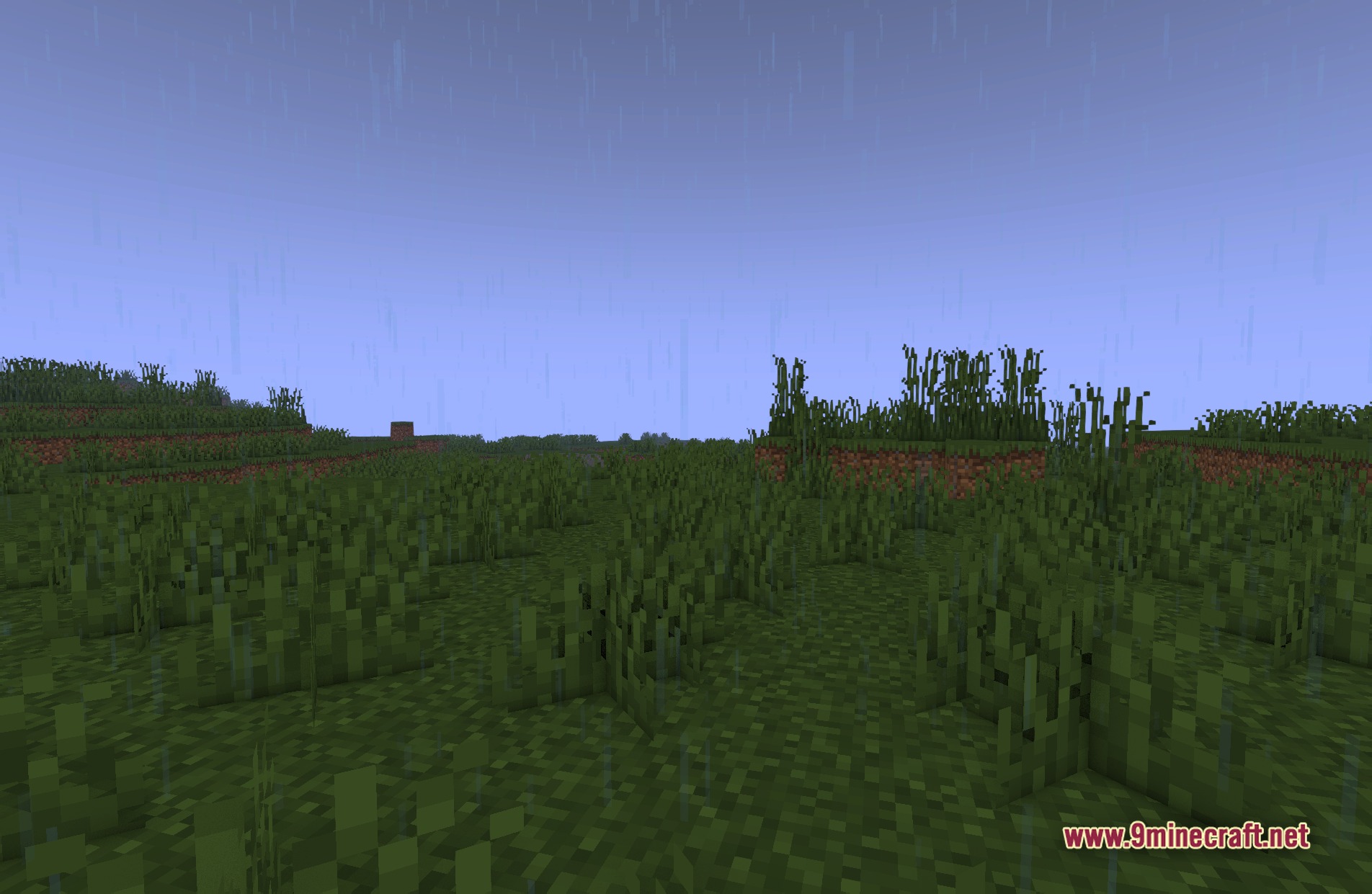
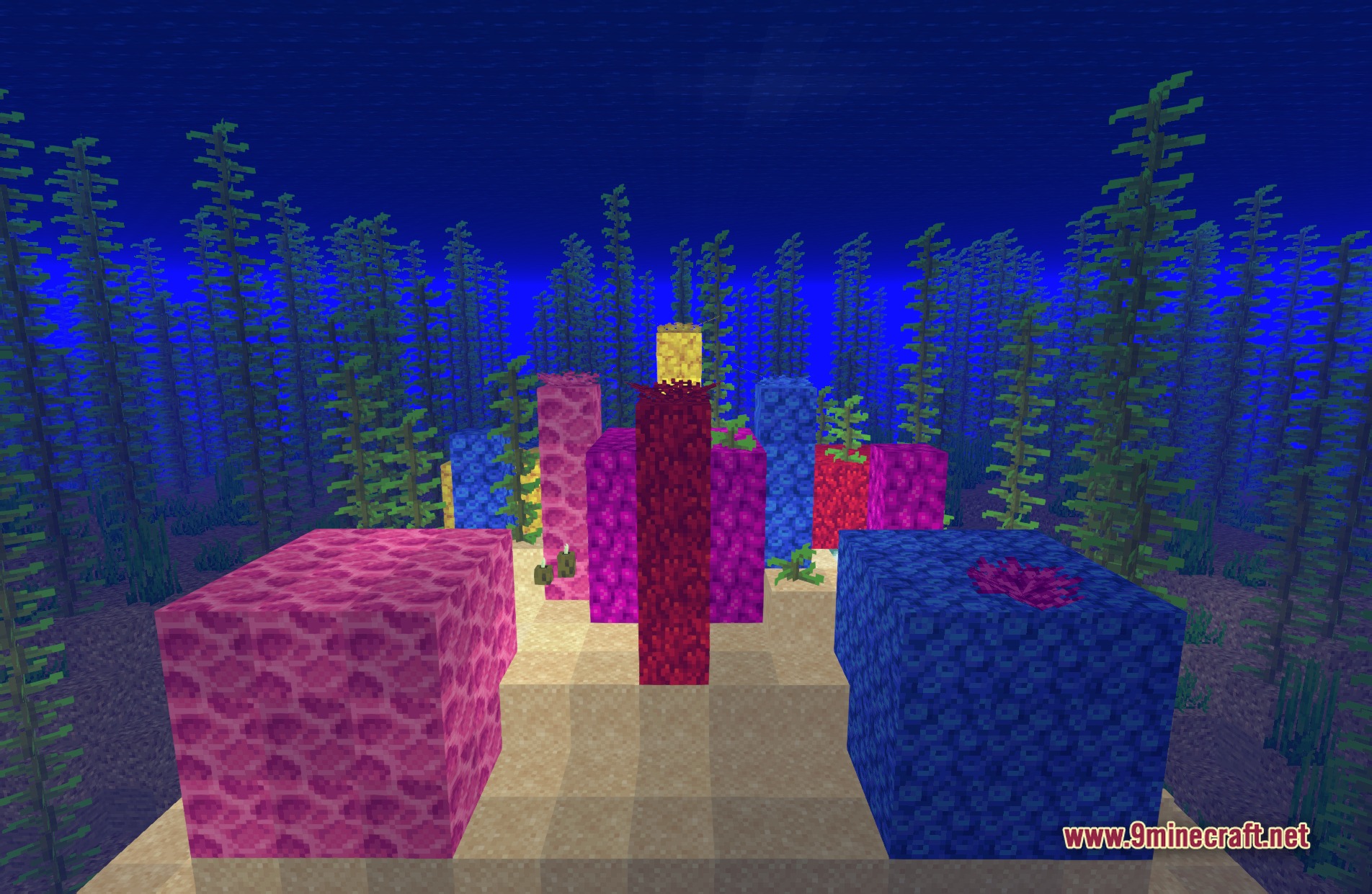
No, BVS Best Shaders only improves the visual appearance of water to make it look clearer—it does not affect how water behaves or interacts with blocks and mobs.
See all 10 BVS Best Shaders questions ›
Gallery
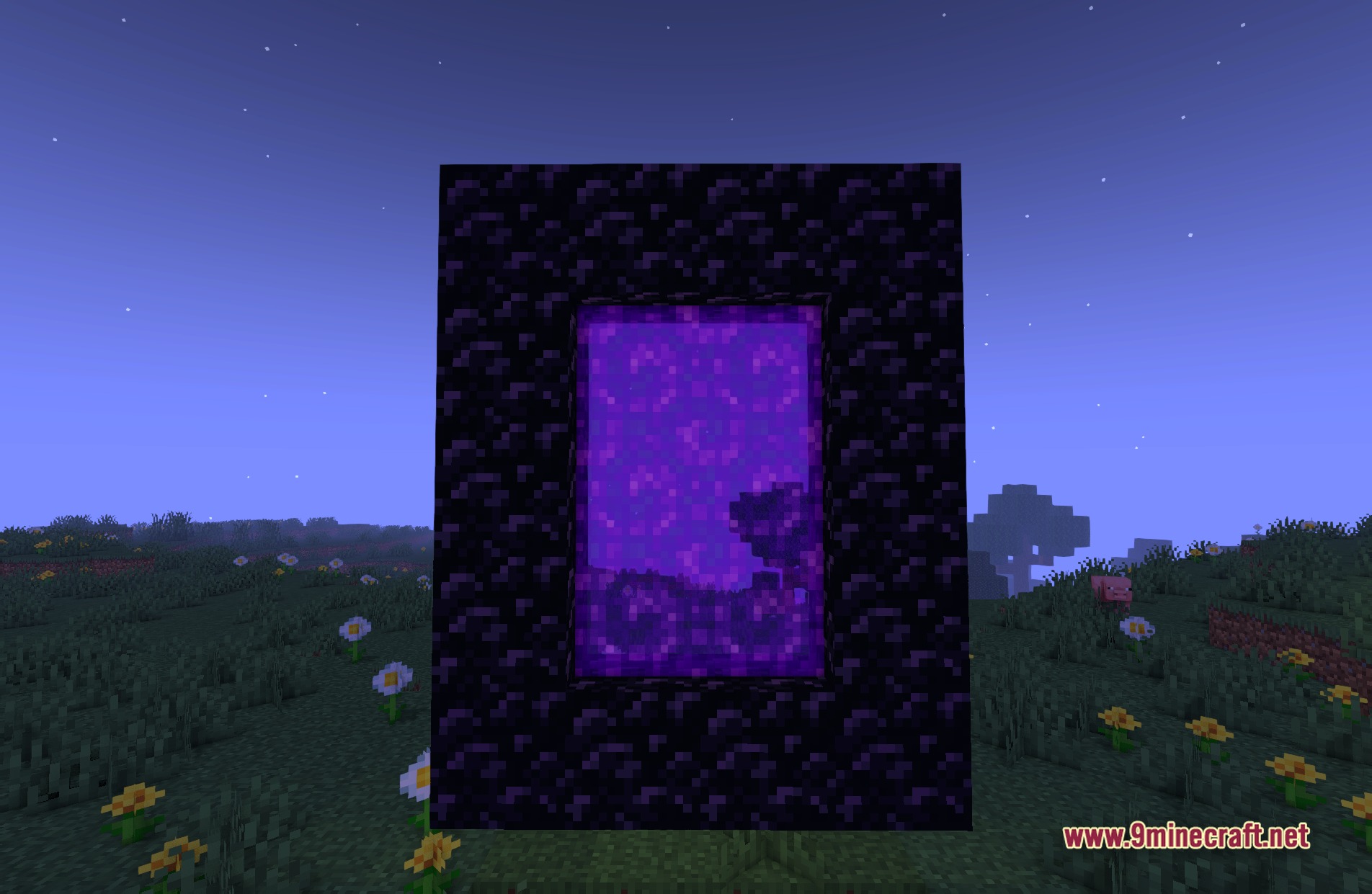
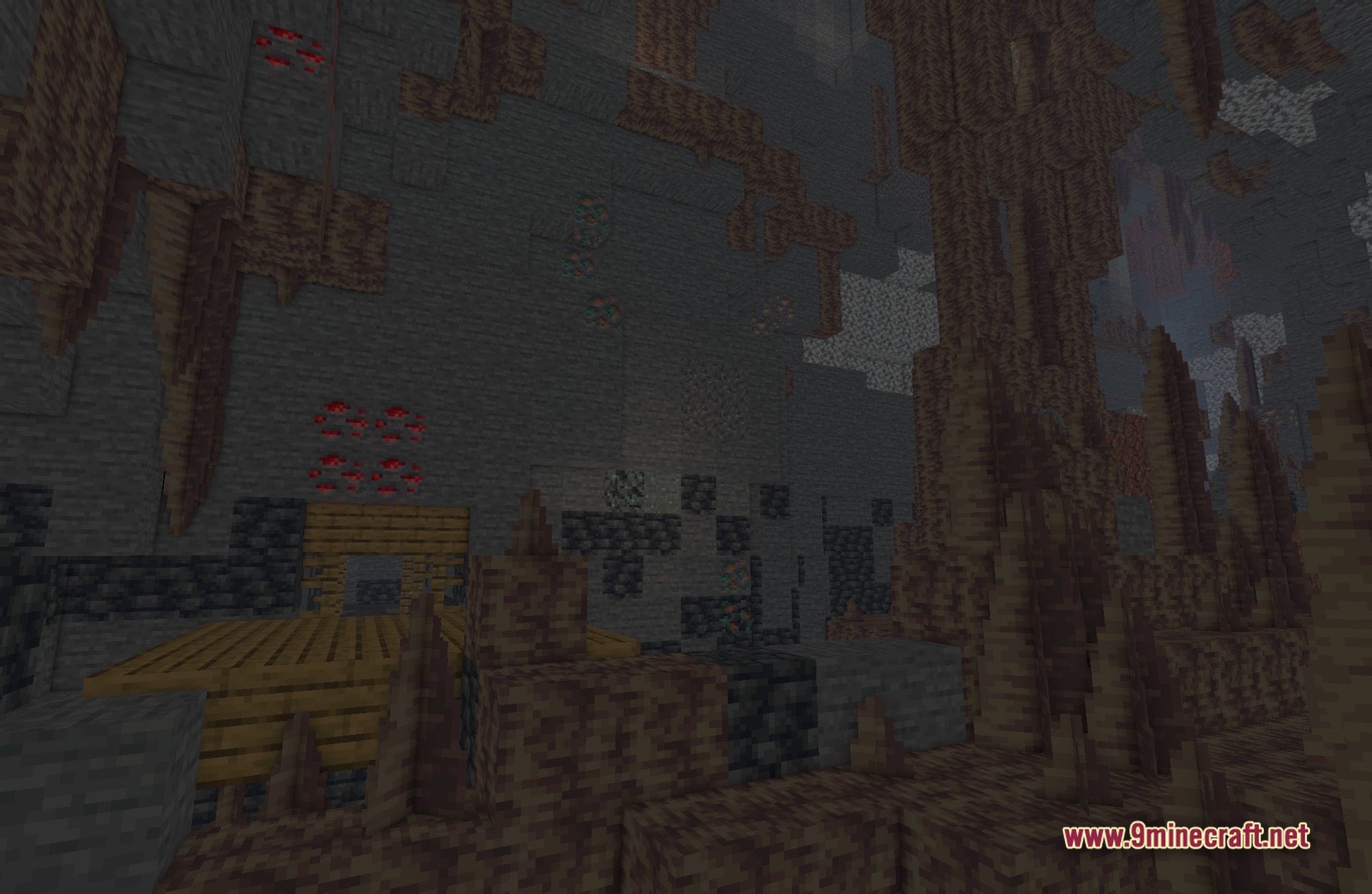
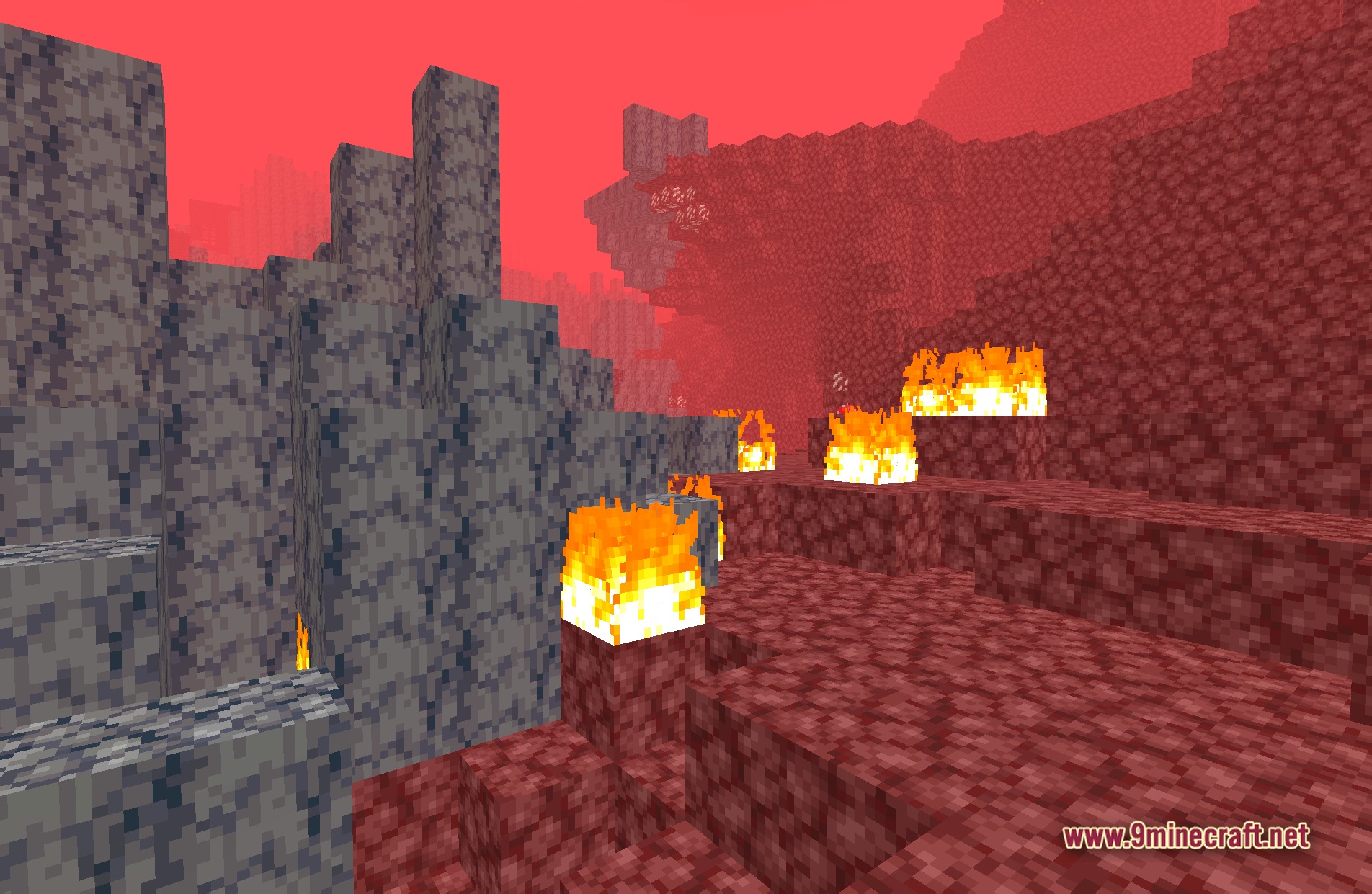
11 images from the Bvs Best Shaders page.
You May Also Like
Wikis that share the most with this one
Wikis on the same theme: end
More shader wikis on the site
 Boxeh Shaders
The most downloaded mods that have a wiki here