

 DownloadButter Shaders
Get the files on 9Minecraft
Guides
Step-by-step, in-game.
Adjust Shadow Quality and SoftnessAccess Shader Settings Open the shader options menu by pressing the key bound to shader settings (usually accessed…Control Bloom and Light Glow IntensityFind Bloom Settings Access the shader configuration menu and search for bloom, glow, or luminance options. These…Optimize Shader Performance on Low-End HardwareIdentify Performance Bottlenecks Monitor your frame rate in different environments. Note whether performance drops…Optimize Water Appearance and ReflectionsLocate Water Settings In the shader options menu, find water-related controls. These typically include water clarity,…
Frequently asked questions
How do I turn on Butter Shaders after installing it?
Open the Options menu in-game, go to Video Settings, then select Shaders. Find Butter Shaders in the list and click it to activate. You'll see the shader effects apply immediately to your world.
Why do my shadows look too dark or too soft?
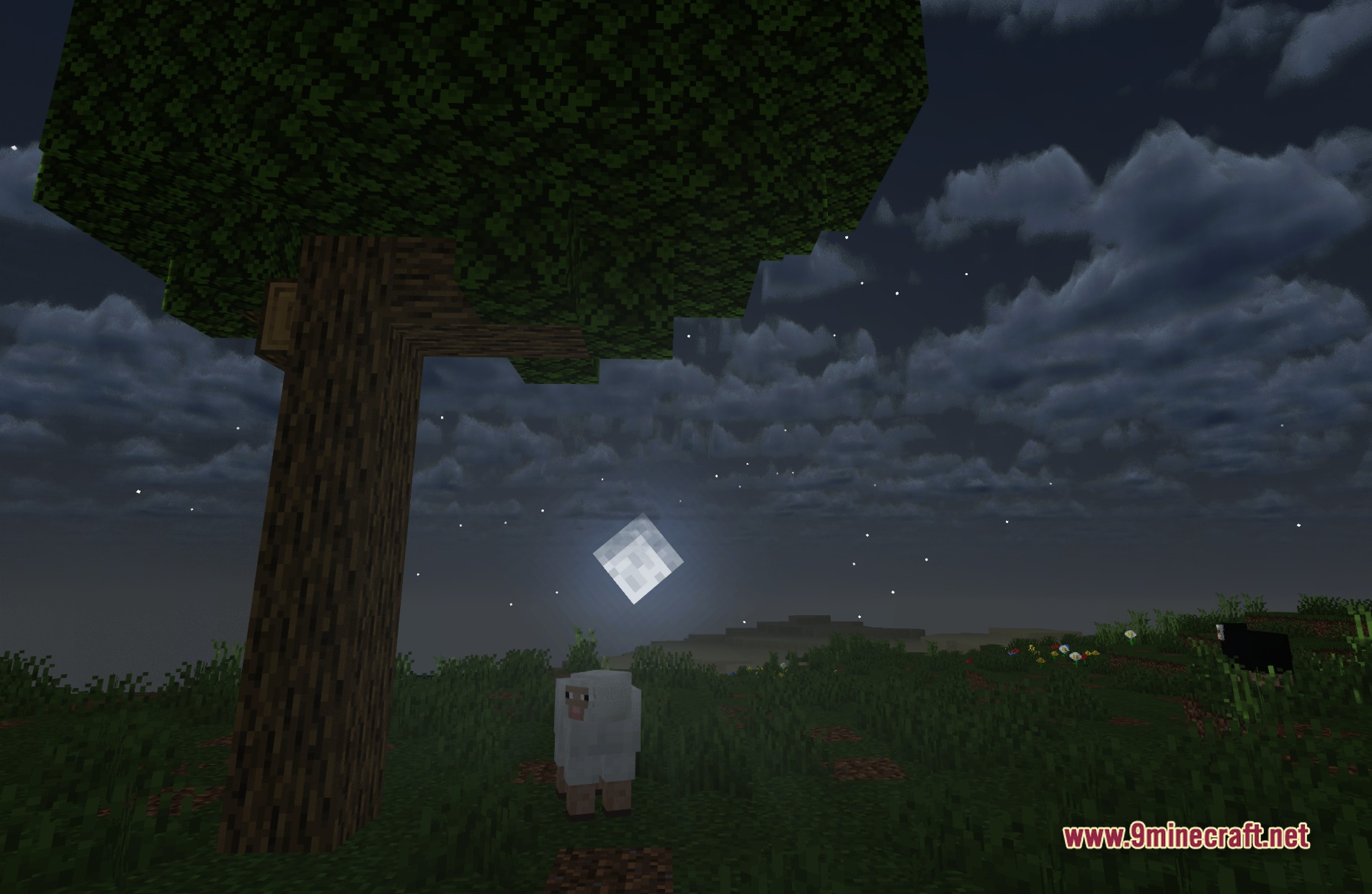
Open the shader settings by clicking the Settings button next to the shader name in Video Settings. Look for shadow-related options to adjust both the darkness and softness of shadows until they match your preference.
Can I make the glow effect less intense?
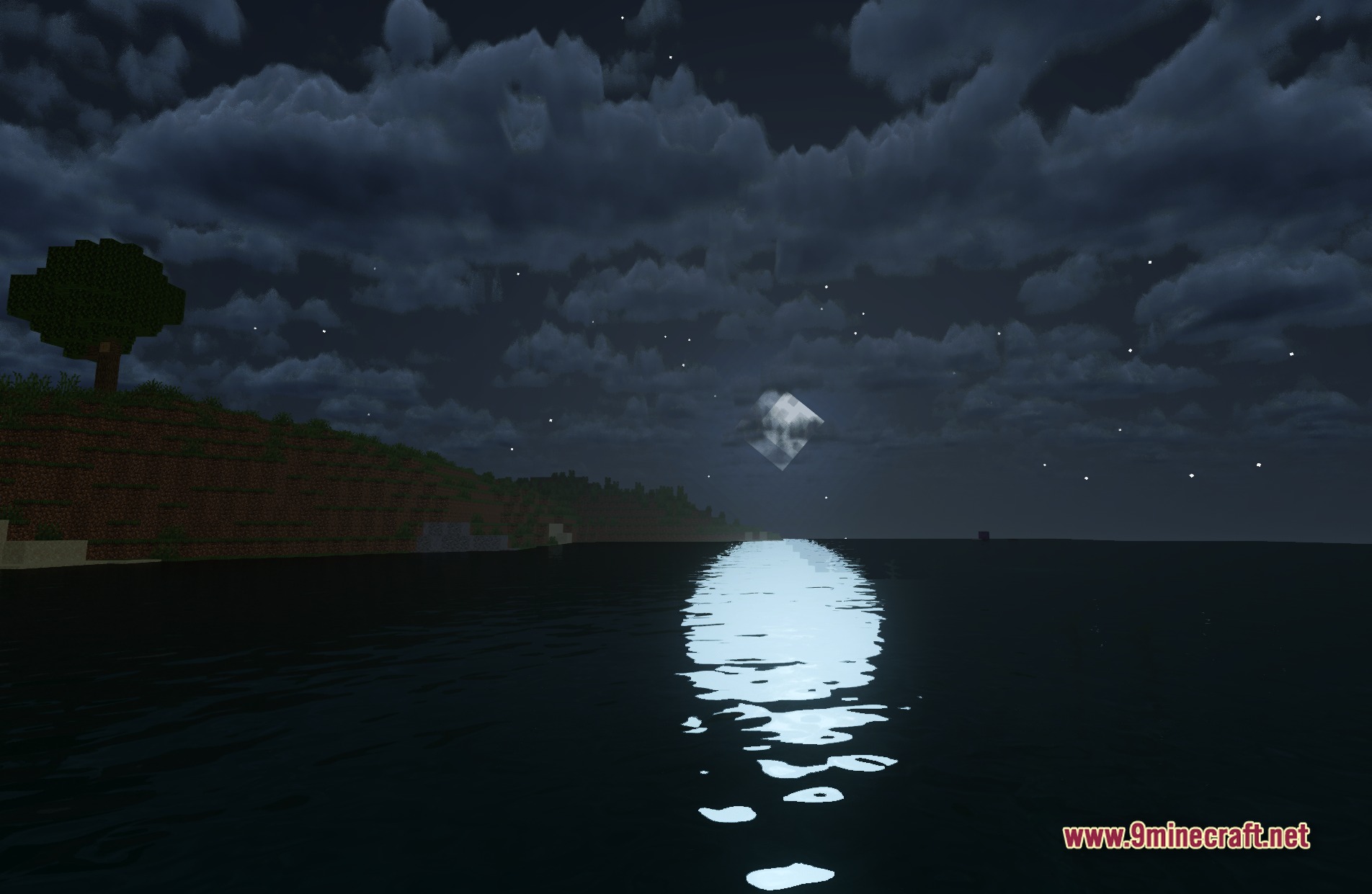
Yes, access the shader settings and find the bloom or glow intensity slider. Reduce it to tone down the bright glow around light sources and glowing blocks.
The water looks weird or too reflective—how do I fix it?
Check the shader settings for water-specific options like reflection strength or water clarity. Adjust these sliders to find a balance between realistic reflections and visibility of the underwater terrain.
See all 10 Butter Shaders questions ›
Gallery
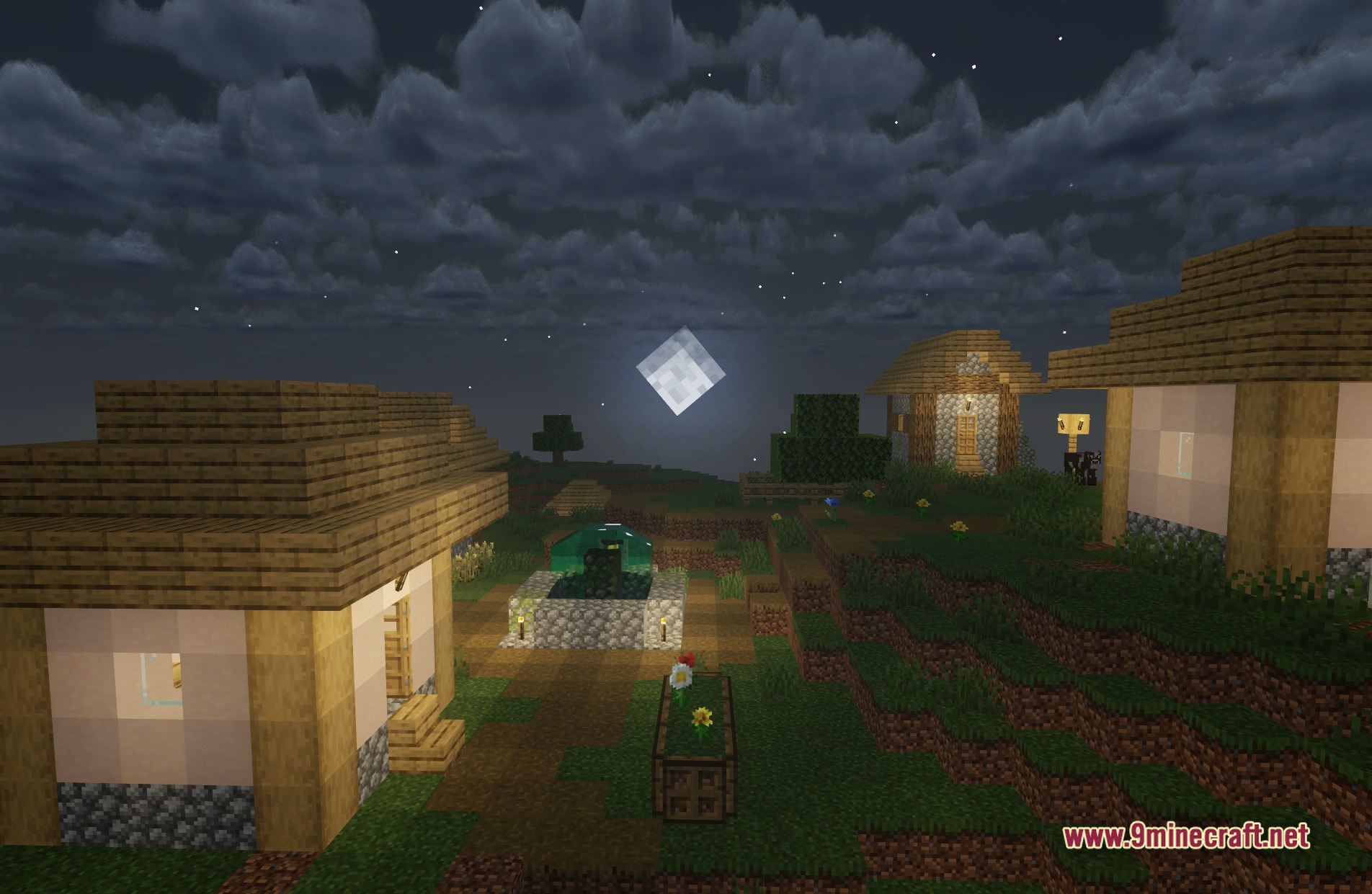
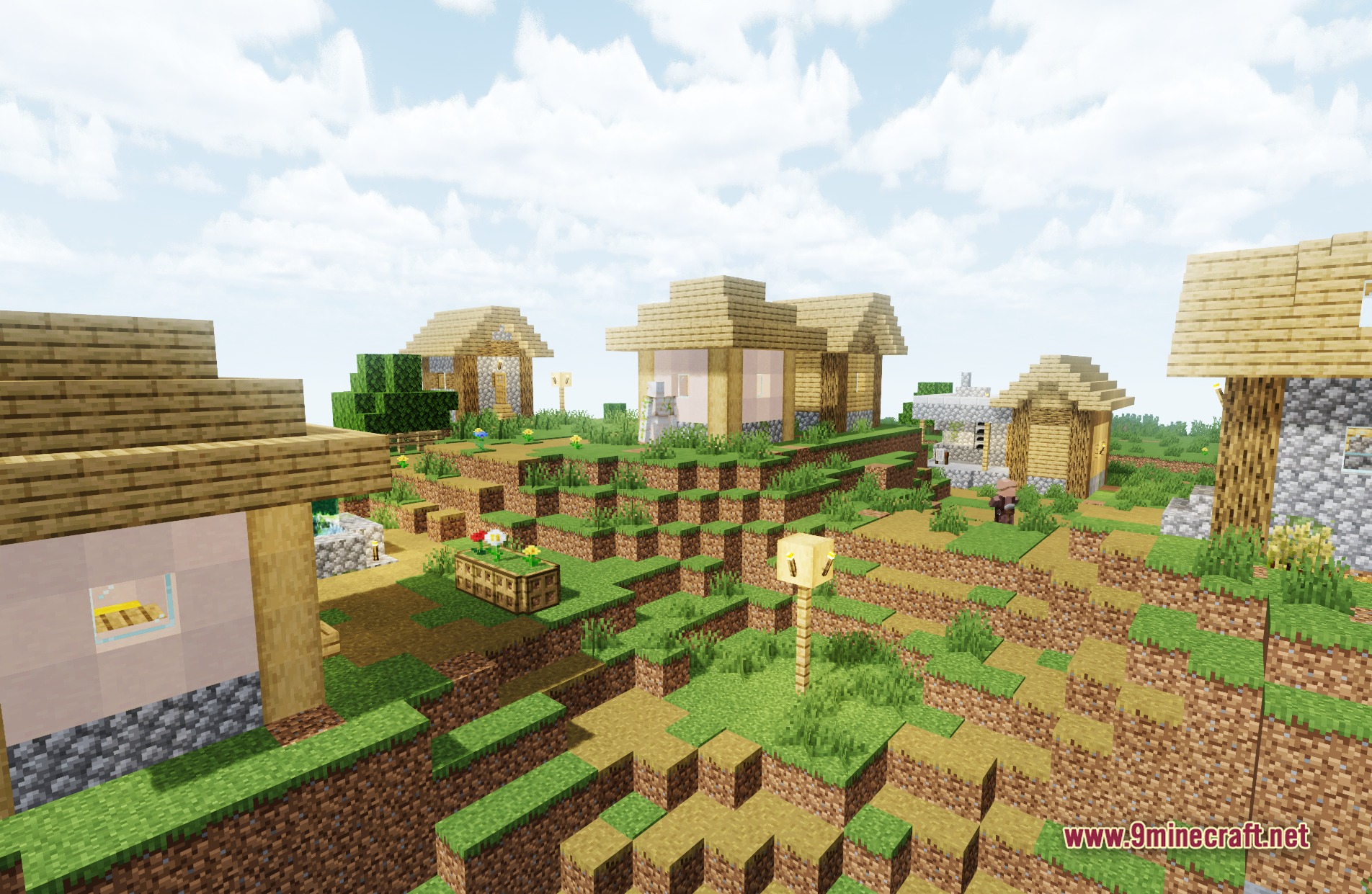
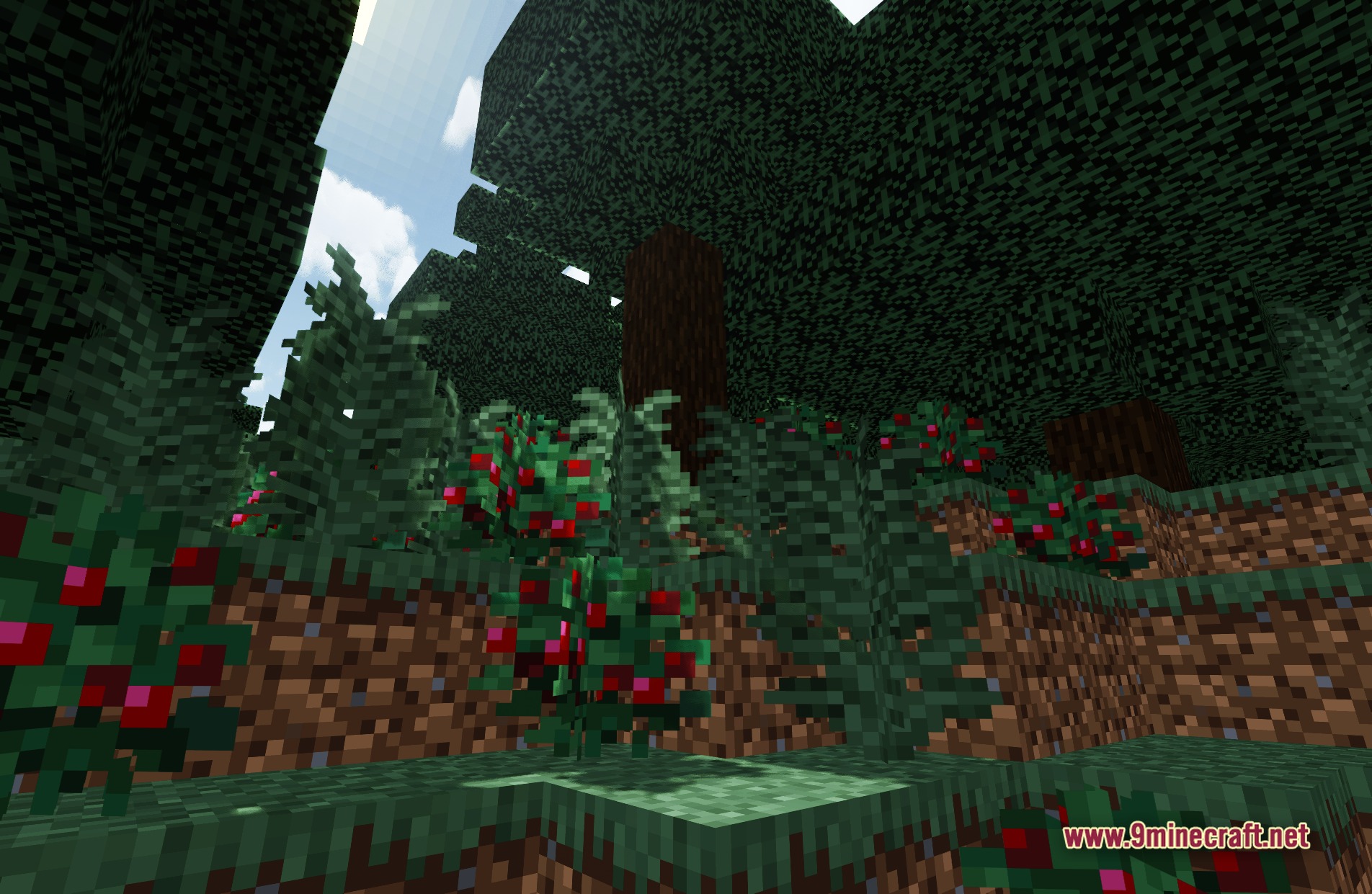
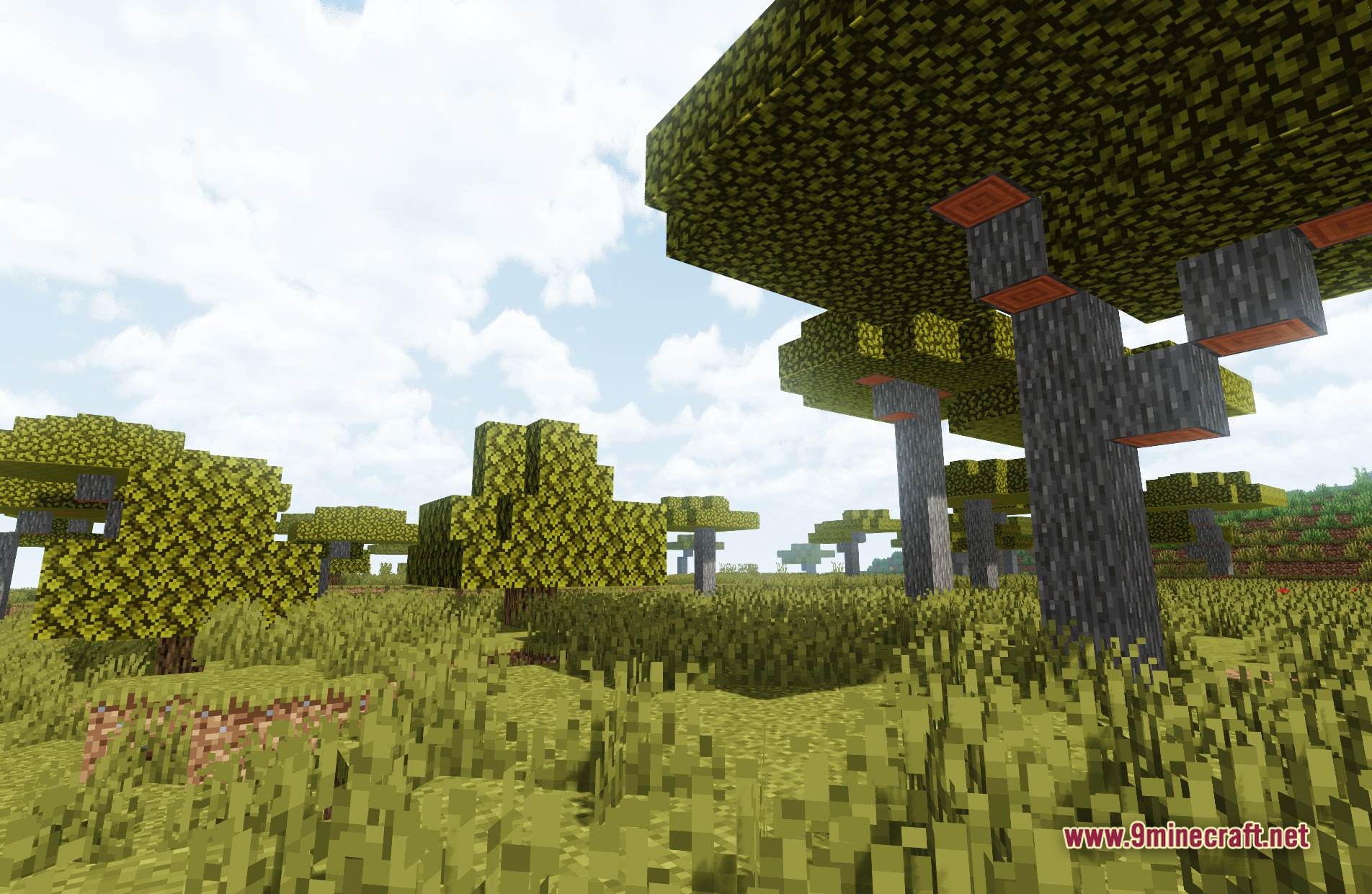
11 images from the Butter Shaders page.
You May Also Like
Wikis that share the most with this one
Wikis on the same theme: light
More shader wikis on the site
 Boxeh Shaders
The most downloaded mods that have a wiki here