

 DownloadBVSF Shaders
Get the files on 9Minecraft
Guides
Step-by-step, in-game.
Adjust Shader Settings for Your PC PerformanceAccess the Shader Menu Press the key to open the shader options menu while in-game. This is typically a dedicated…Enable Colored Lighting from Light SourcesUnderstand Colored Lighting Colored lighting makes torches, lava, glowing blocks, and other light sources cast their…Improve Screenshot Quality with Shader SettingsChoose High-Quality Settings For the best-looking screenshots, switch to the highest shader profile your PC can…Troubleshoot Dark or Dim LightingCheck Shader Settings are Enabled Open your shader menu and confirm the shader pack is active. If it appears off or…
Frequently asked questions
How do I turn on the shader after installing it?
Launch Minecraft, go to Options > Video Settings > Shaders, then select BVSF Shaders from the list and apply. You should see the effect immediately in your world.
Which profile should I use on my old computer?
Start with the lowest profile available and test your frame rate; if it runs smoothly, try the next level up until you find the balance between visuals and performance that works for your machine.
Why does my world look too dark with the shader on?
Check the Troubleshoot Dark or Dim Lighting guide, but common fixes include adjusting brightness in shader options, ensuring light sources like torches are placed in your scene, or switching to a higher-performance profile that may have different lighting defaults.
Can I use this shader with other mods?
BVSF Shaders works with most mods, but it may conflict with other shader packs or mods that heavily modify lighting and rendering—use only one shader pack at a time.
See all 10 BVSF Shaders questions ›
Gallery
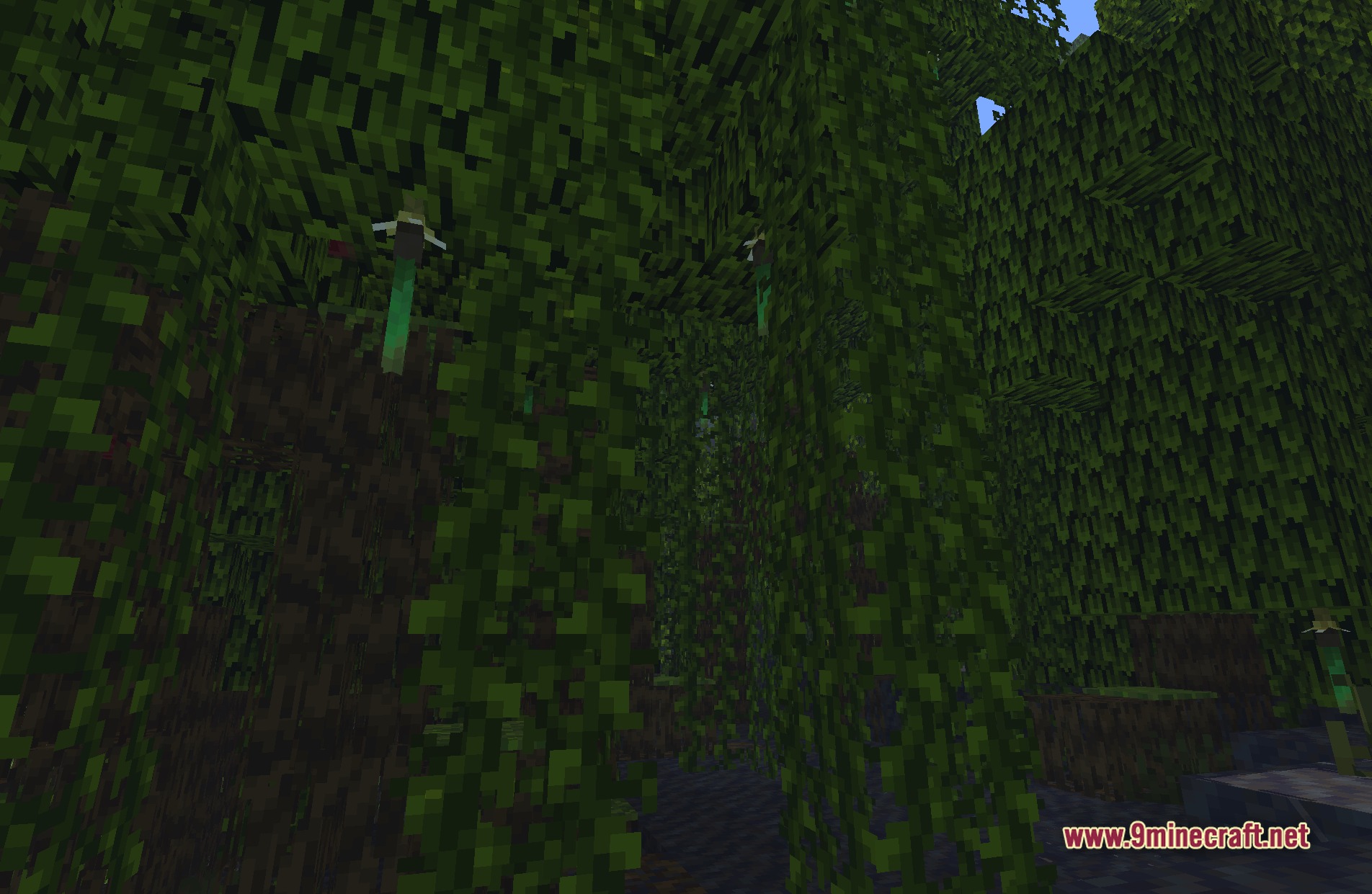
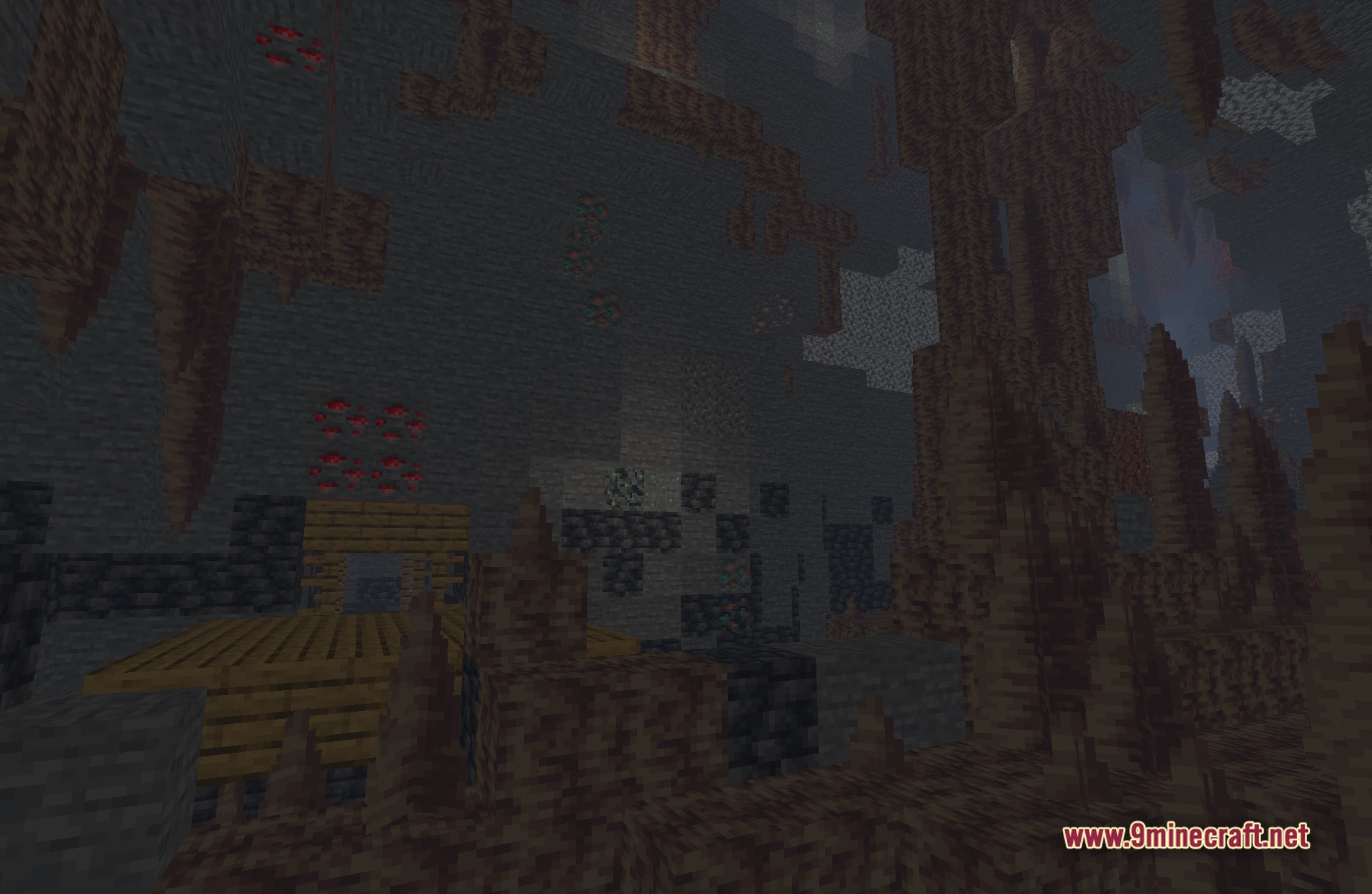
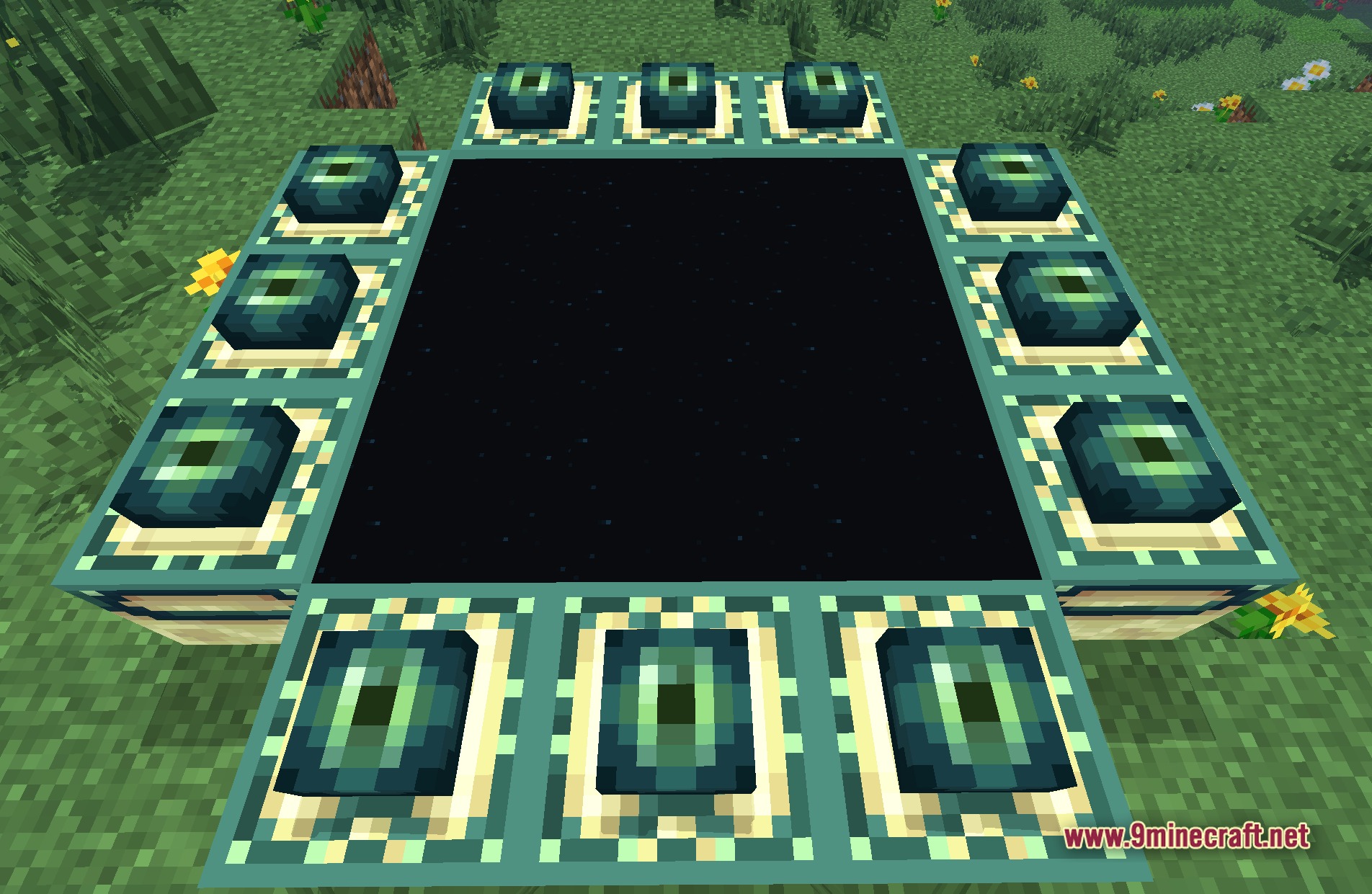
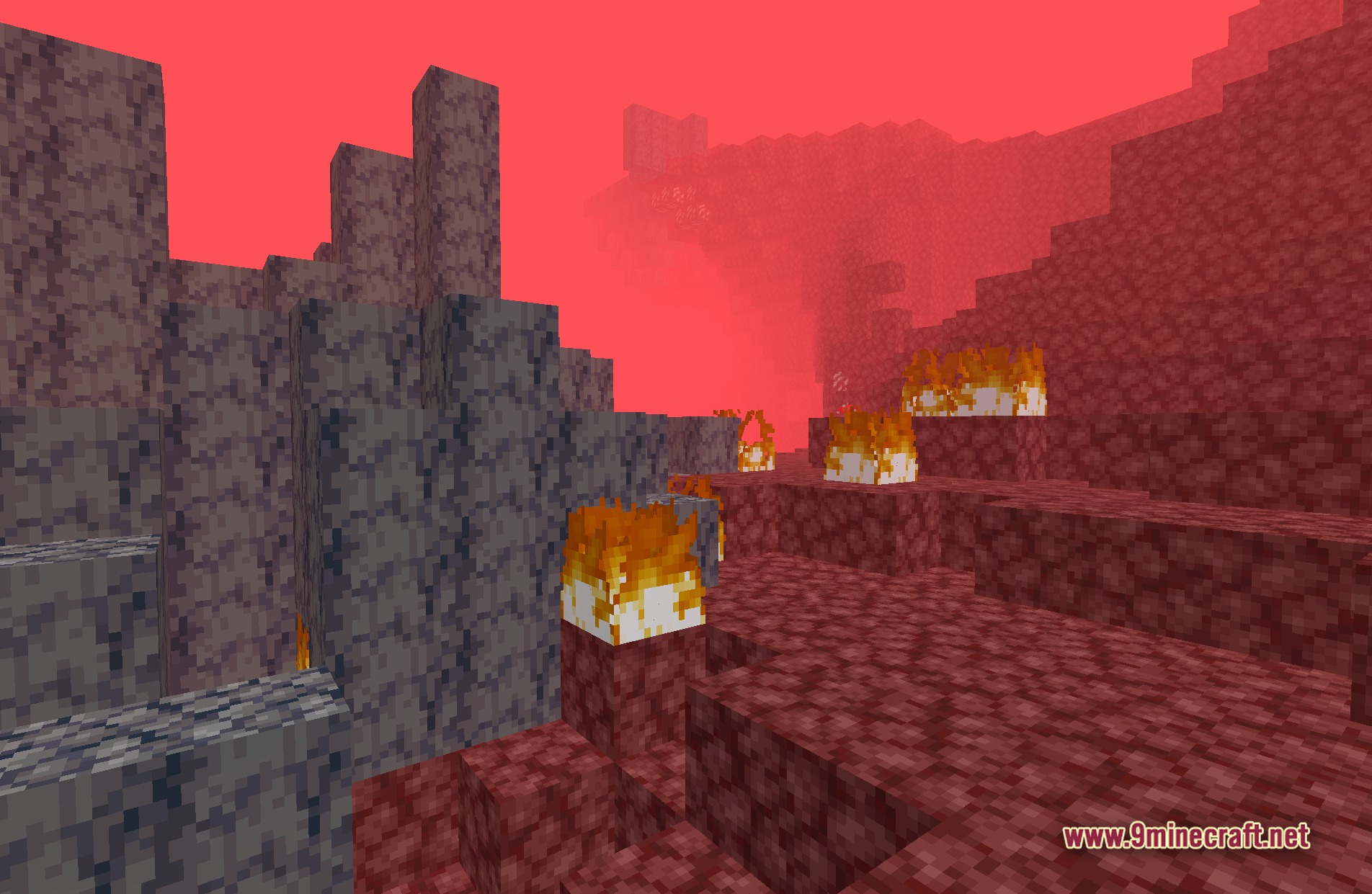
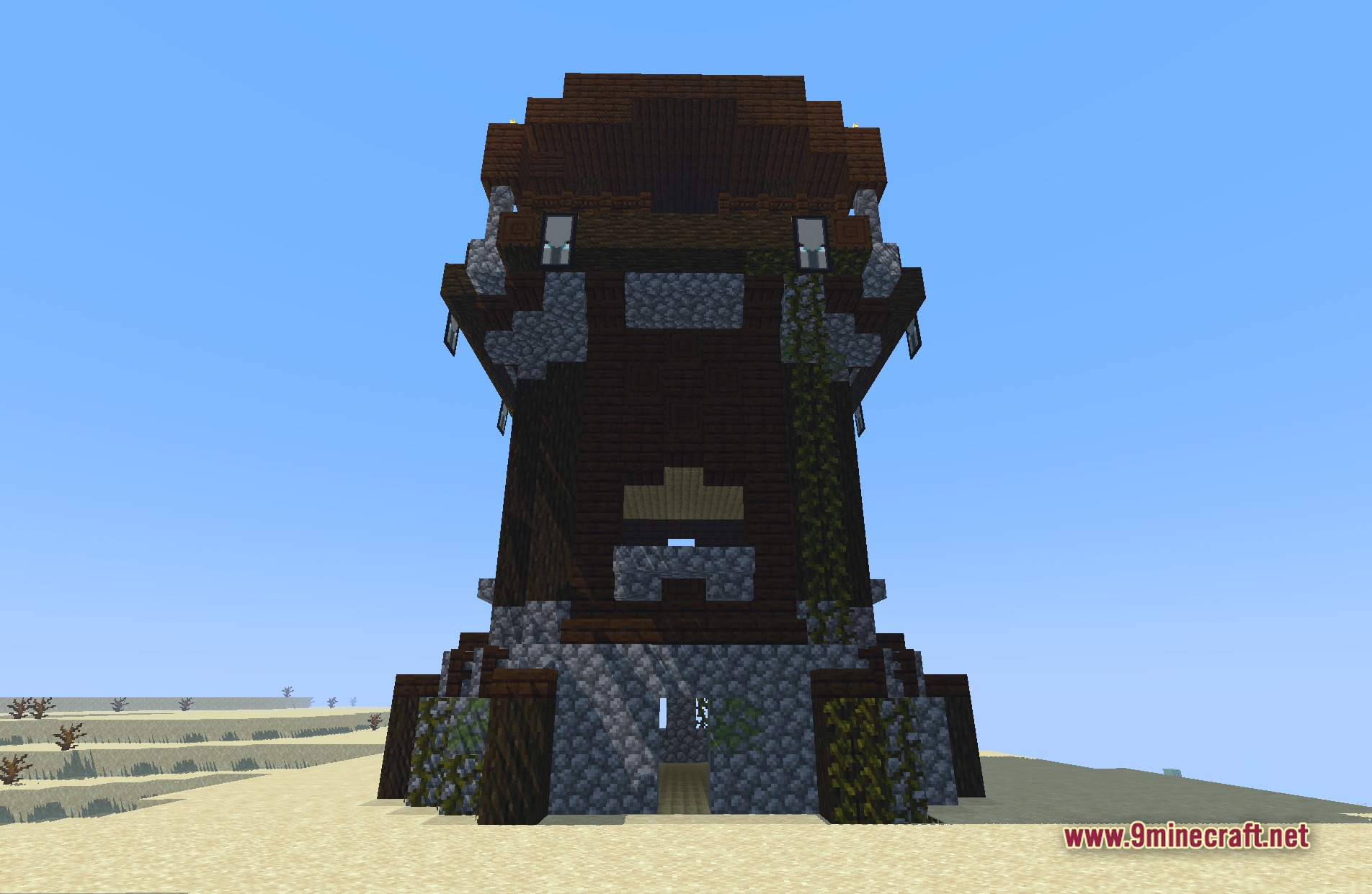
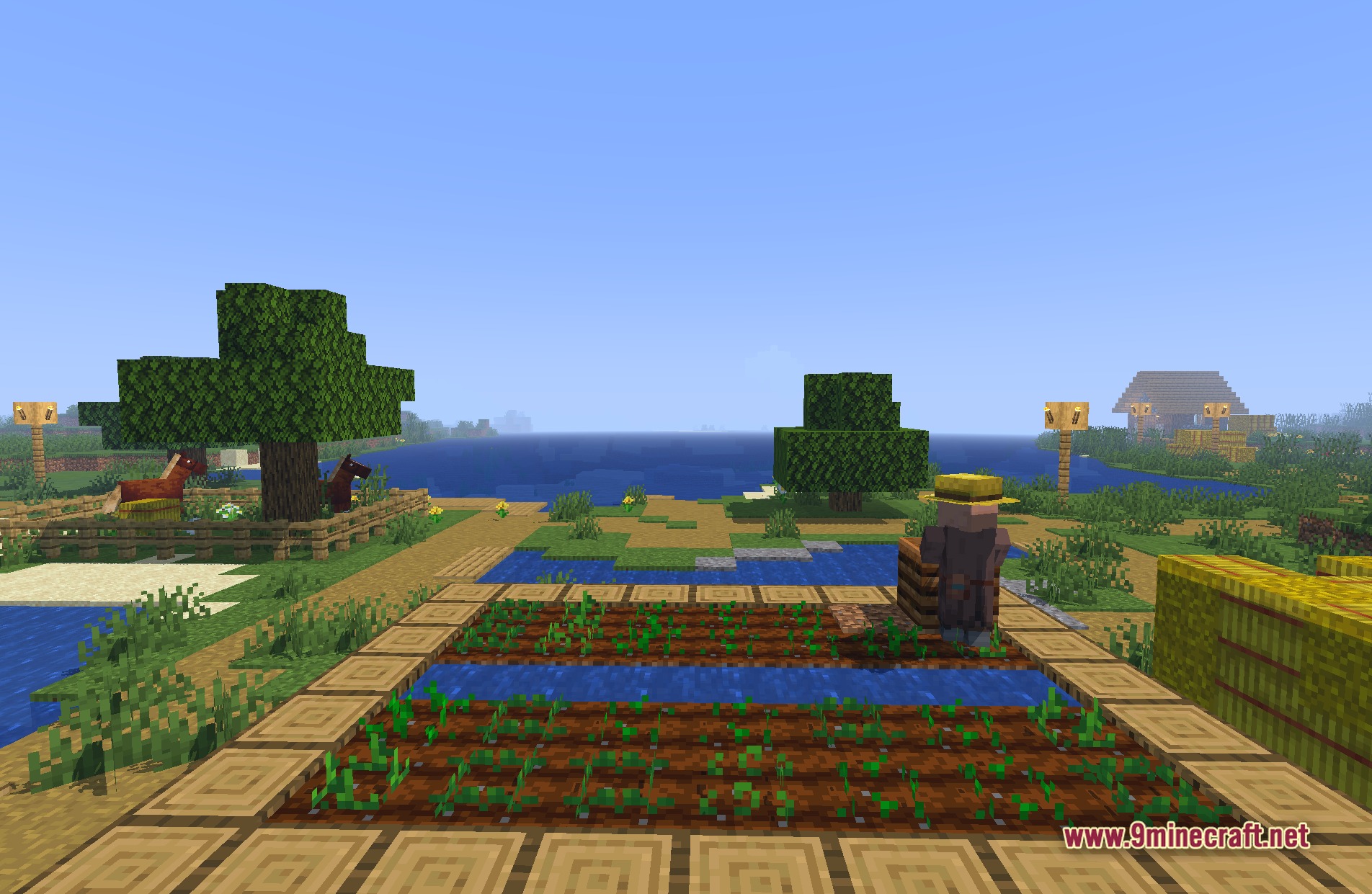
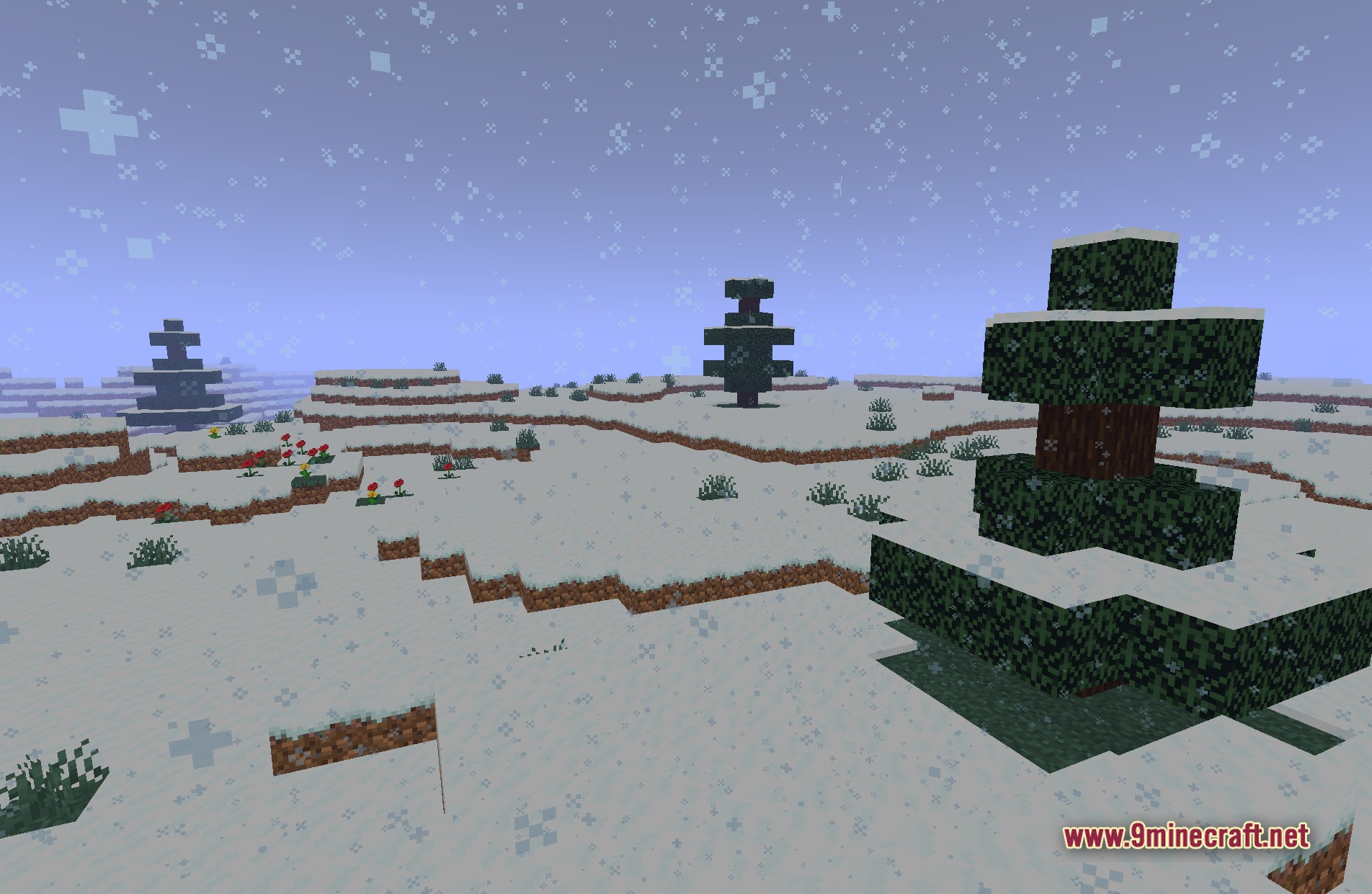
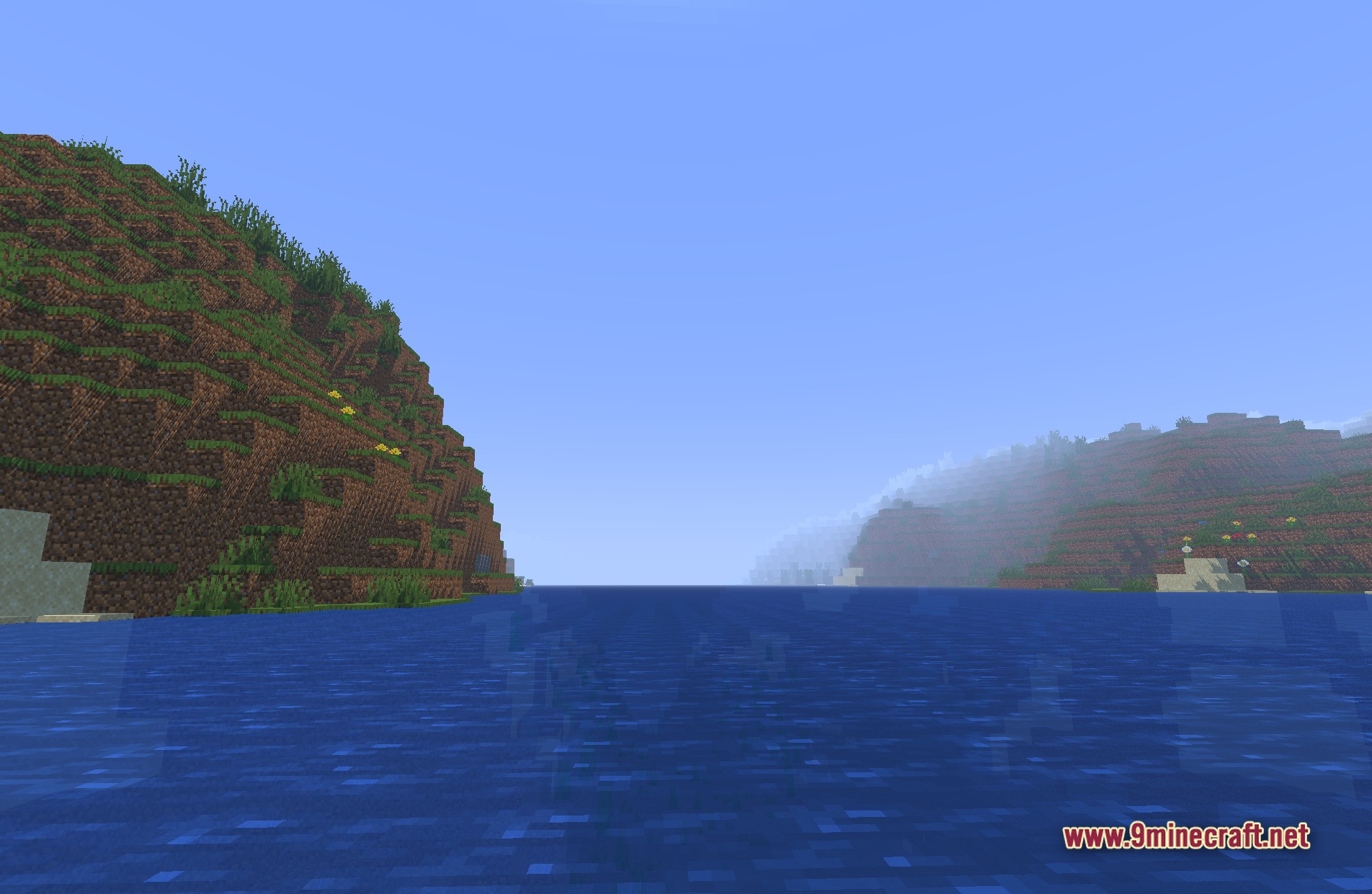
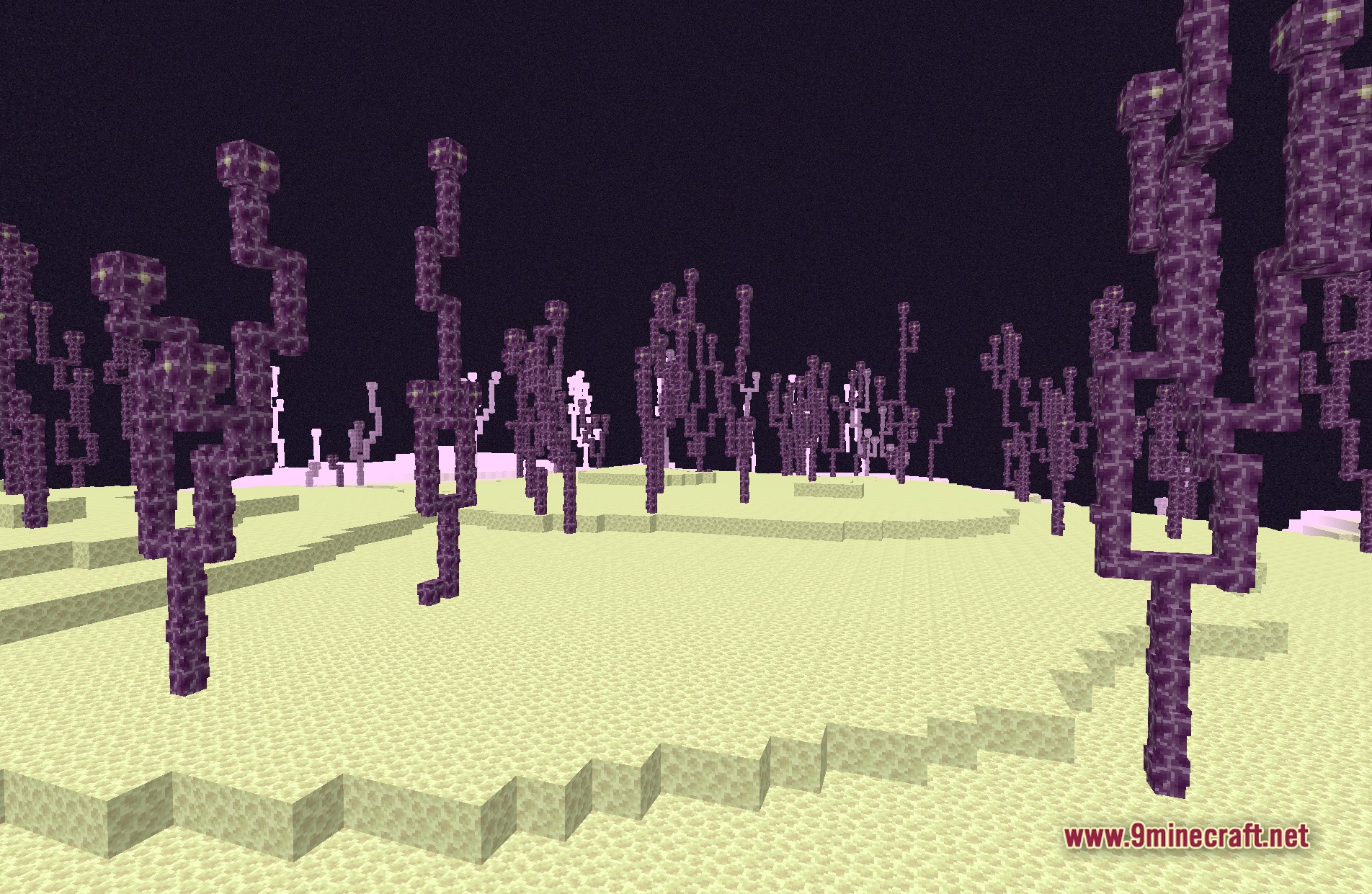
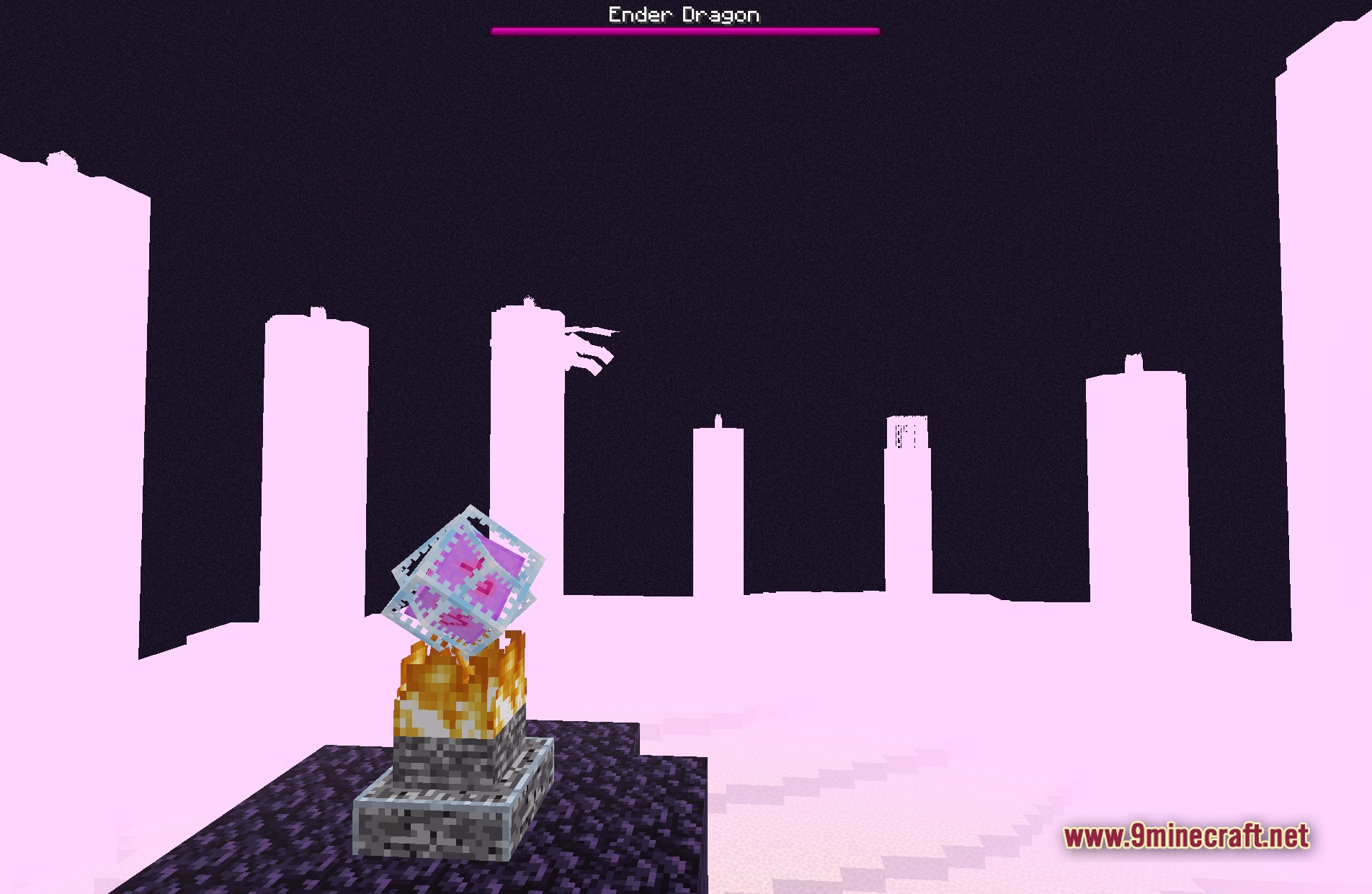
11 images from the Bvsf Shaders page.
You May Also Like
Wikis that share the most with this one
More shader wikis on the site
 Boxeh Shaders
The most downloaded mods that have a wiki here