

 DownloadBVS Best Vanilla Shaders
Get the files on 9Minecraft
Guides
Step-by-step, in-game.
Adjust Shader Settings for Your Computer's PerformanceAccess the Shader Menu Press the key to open the shader options menu (usually accessed through your mod menu or by…Enable PBR Textures to Make Blocks Look More RealisticUnderstand PBR Support PBR (Physically Based Rendering) textures add depth and realism to blocks by defining how they…Fix Colored Lighting Not Appearing CorrectlyVerify Colored Lighting is Enabled Open your shader settings menu and confirm that colored lighting is toggled on.…Take Better Screenshots with Improved LightingPosition Yourself for Optimal Lighting The shader's colored lighting system casts vibrant colors from light sources…
Frequently asked questions
How do I turn on the shader after installing it?
Open your Options menu, go to Video Settings, then select Shaders. Find BVS Best Vanilla Shaders in the list and click it to activate. You'll see the effects apply immediately to your world.
My game is running slowly with this shader. What should I do?
Open the shader settings (usually by clicking the Settings button in the Shaders menu) and switch to a lower performance profile like Medium or Potato mode. These profiles reduce shadow quality and lighting complexity while keeping the vanilla look.
Why don't my colored lights from light sources show up?
Make sure Colored Lighting is enabled in the shader settings—it's sometimes off by default. Also check that you're not using a very low performance profile, as some profiles disable this feature to save performance.
Do I need special texture packs for this shader to work?
No, the shader works with vanilla textures out of the box. However, if you use a texture pack that includes PBR materials (special texture files for reflections and bumps), you can enable PBR support in the settings to see those effects.
See all 10 BVS Best Vanilla Shaders questions ›
Gallery
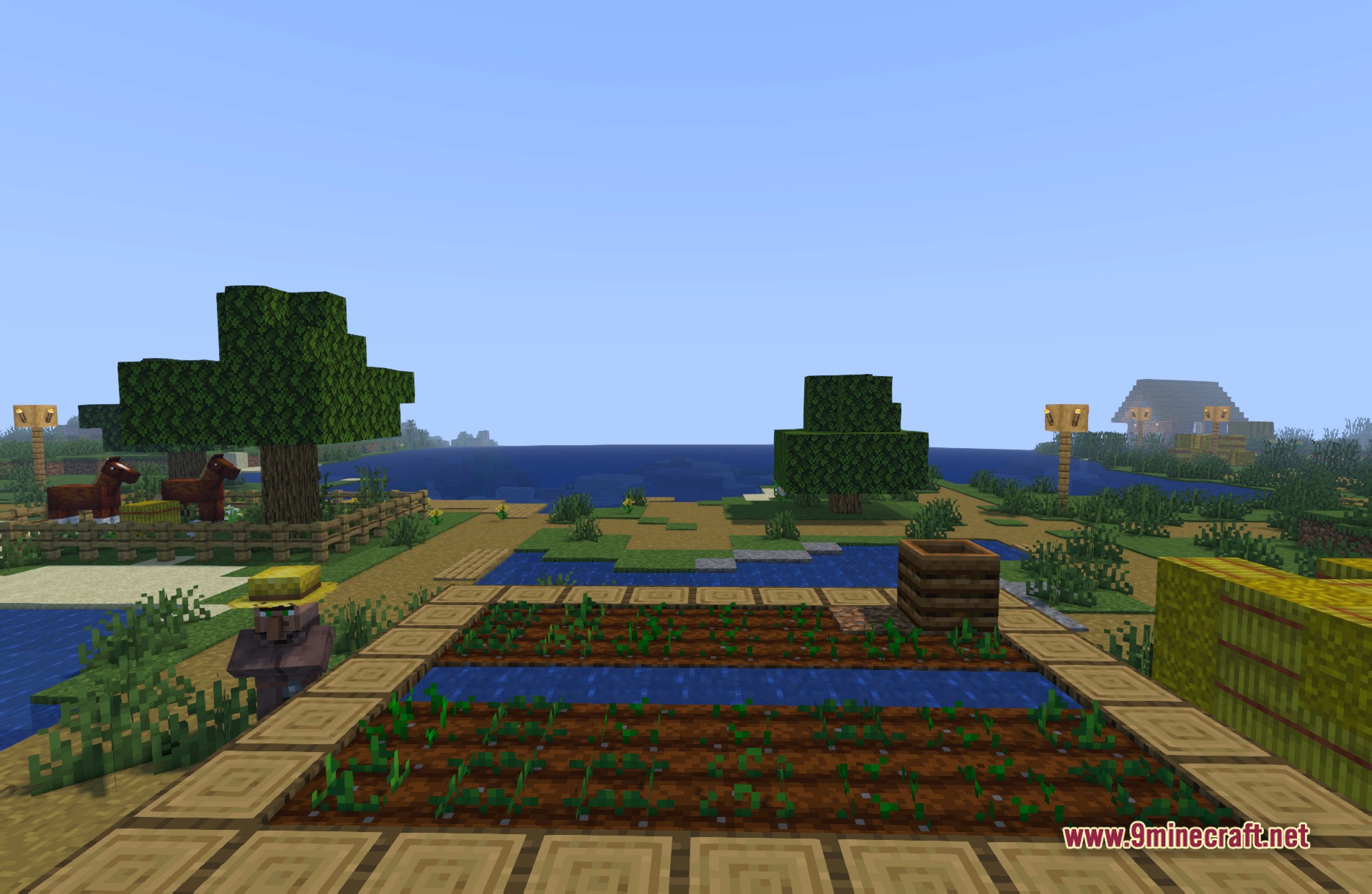
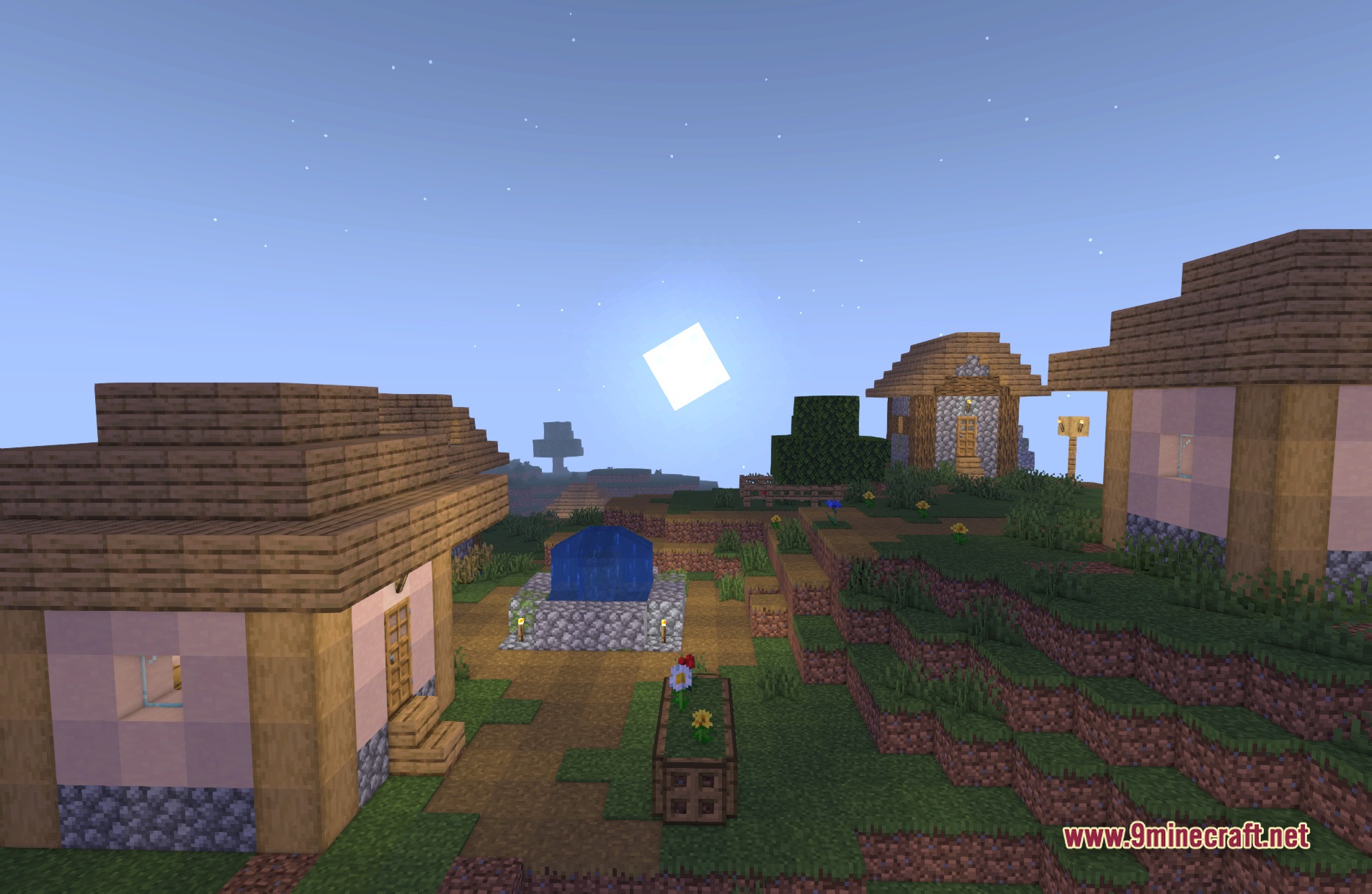
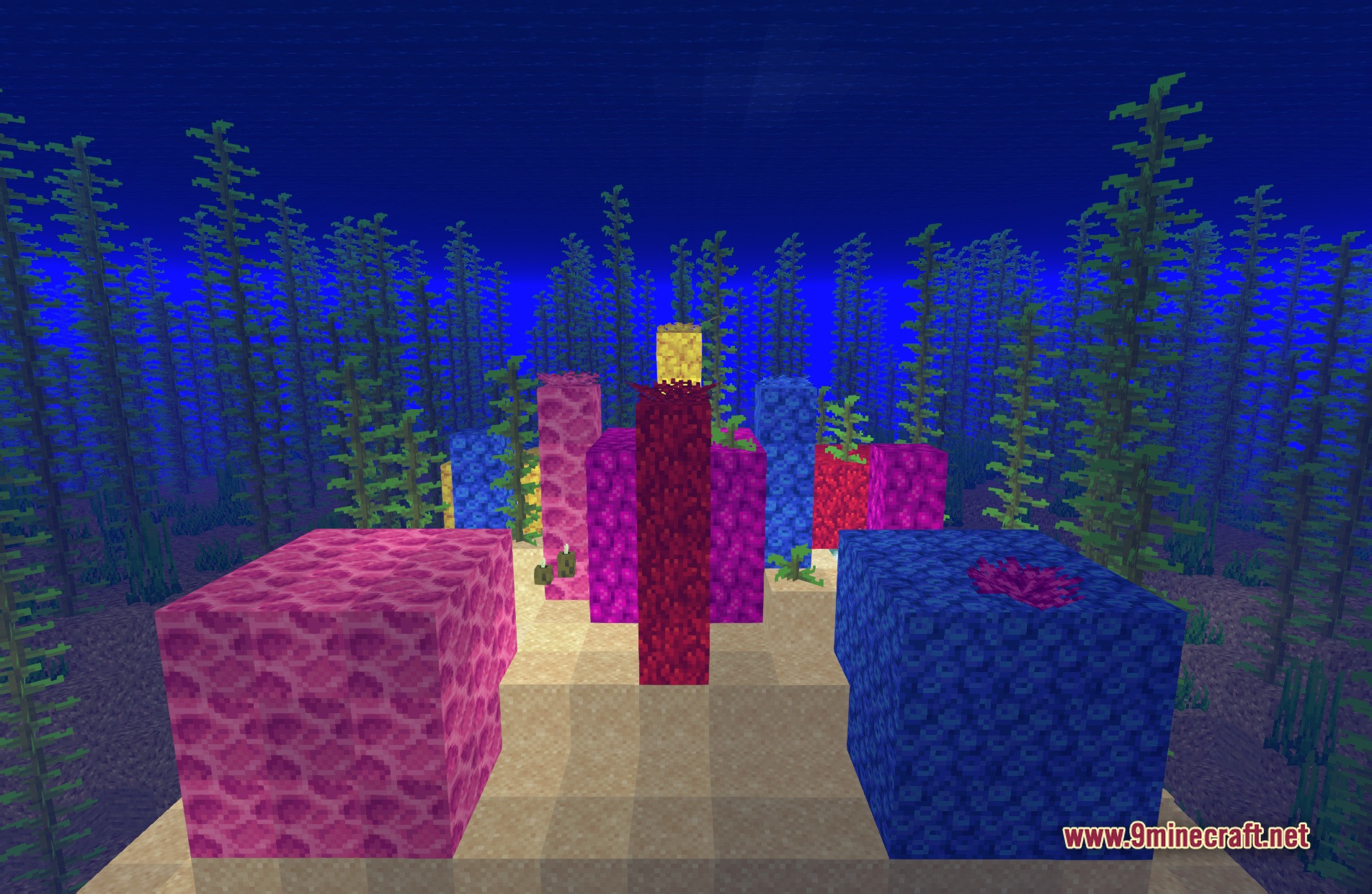
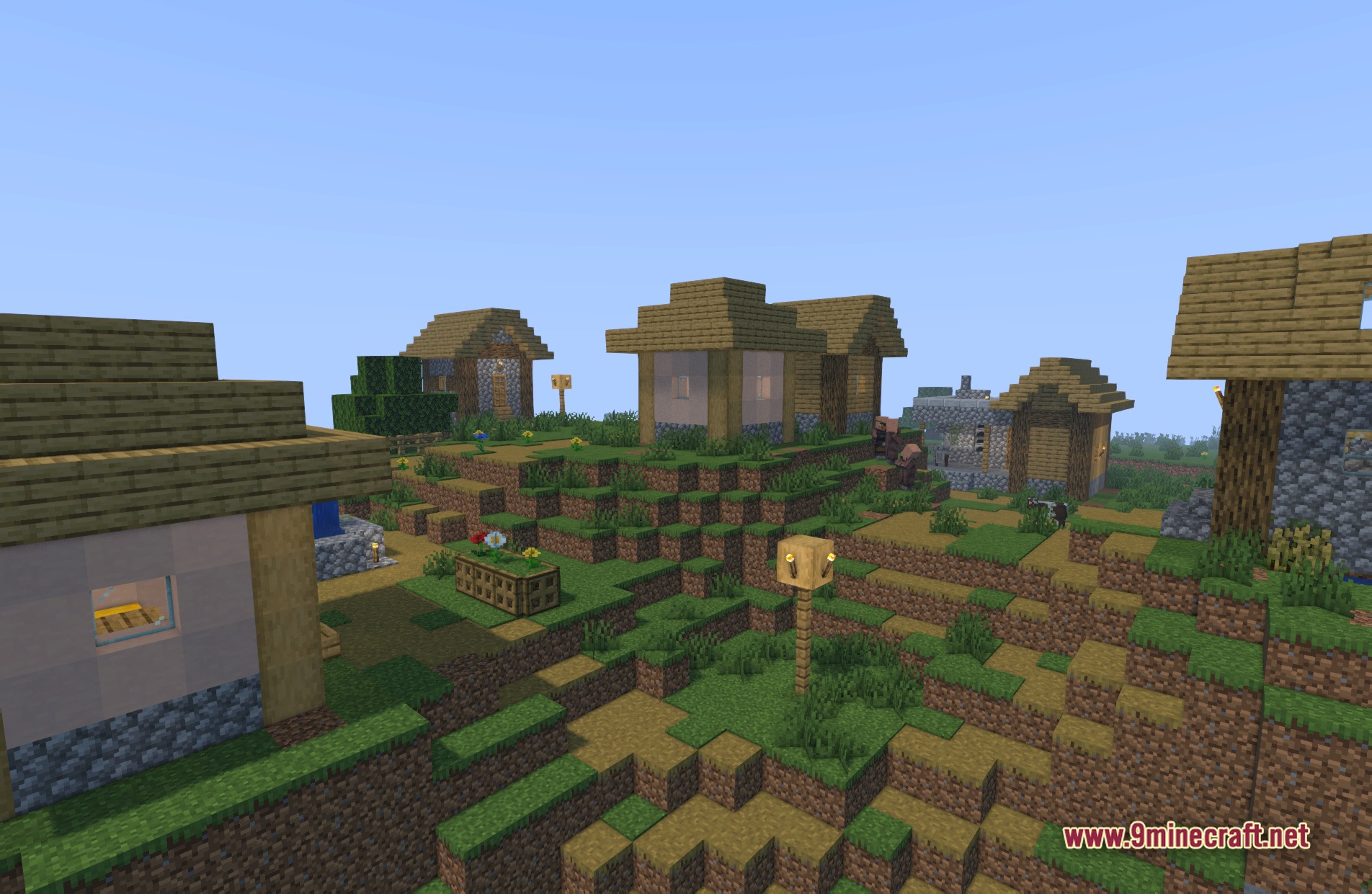
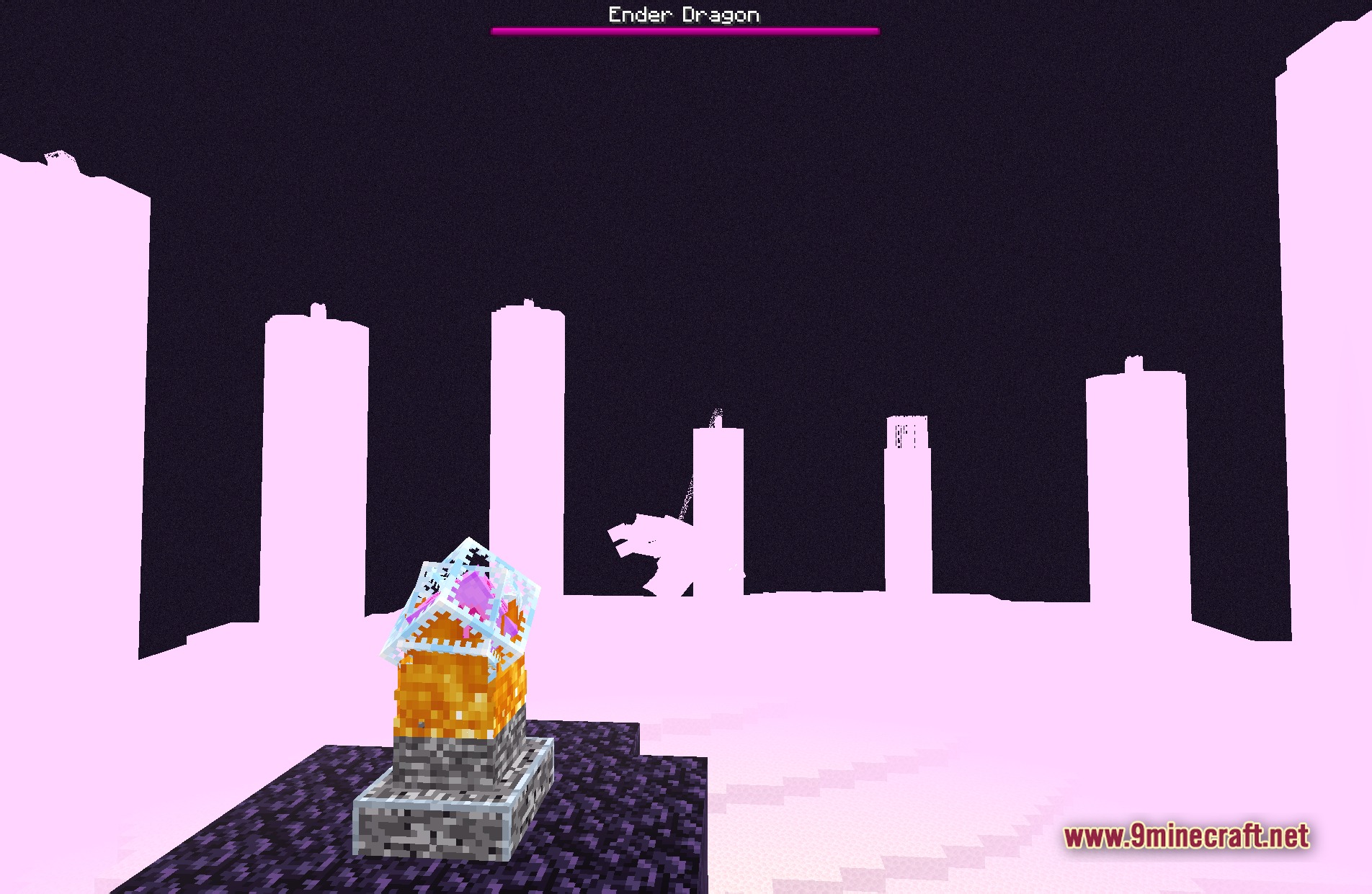
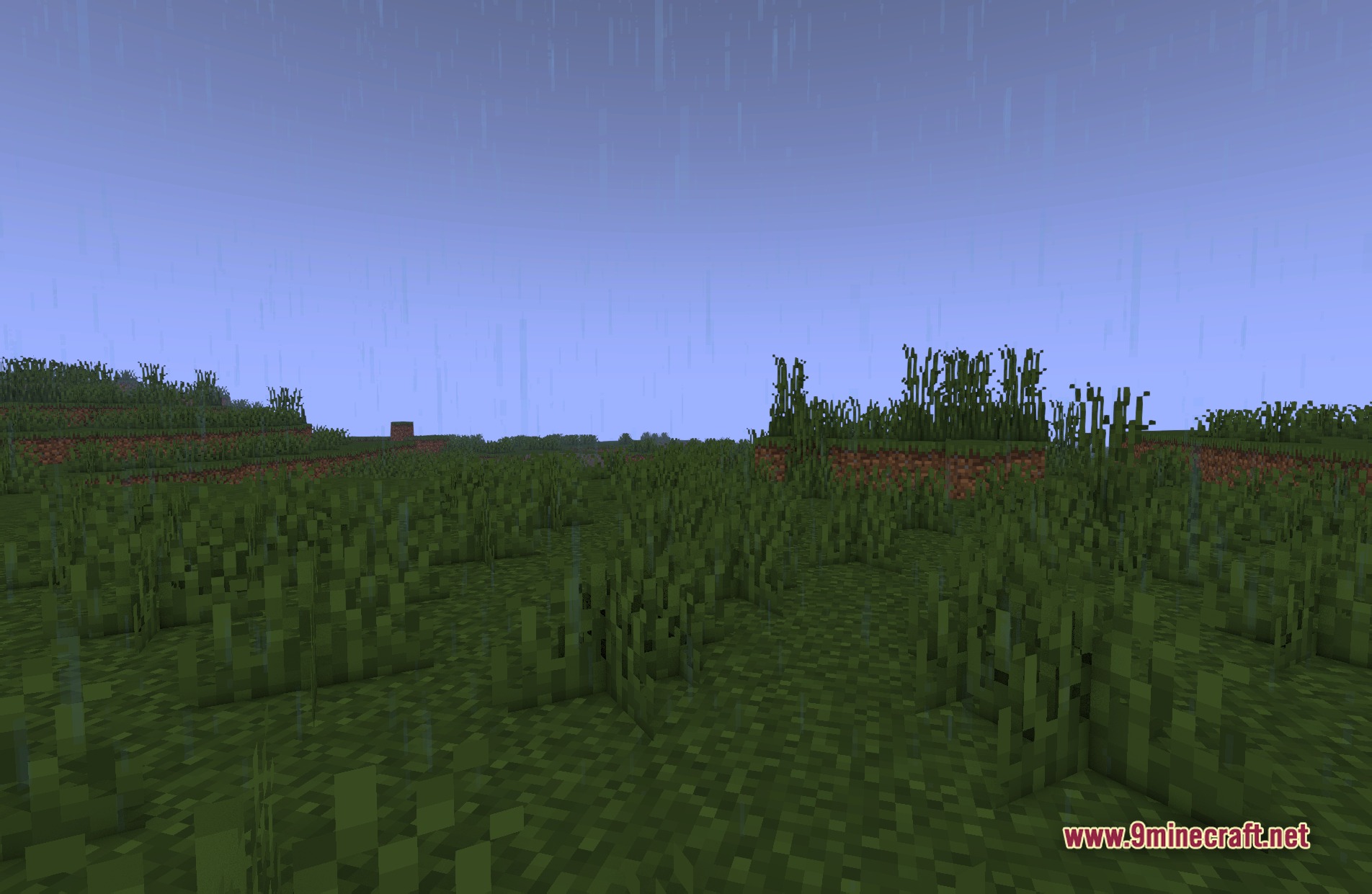
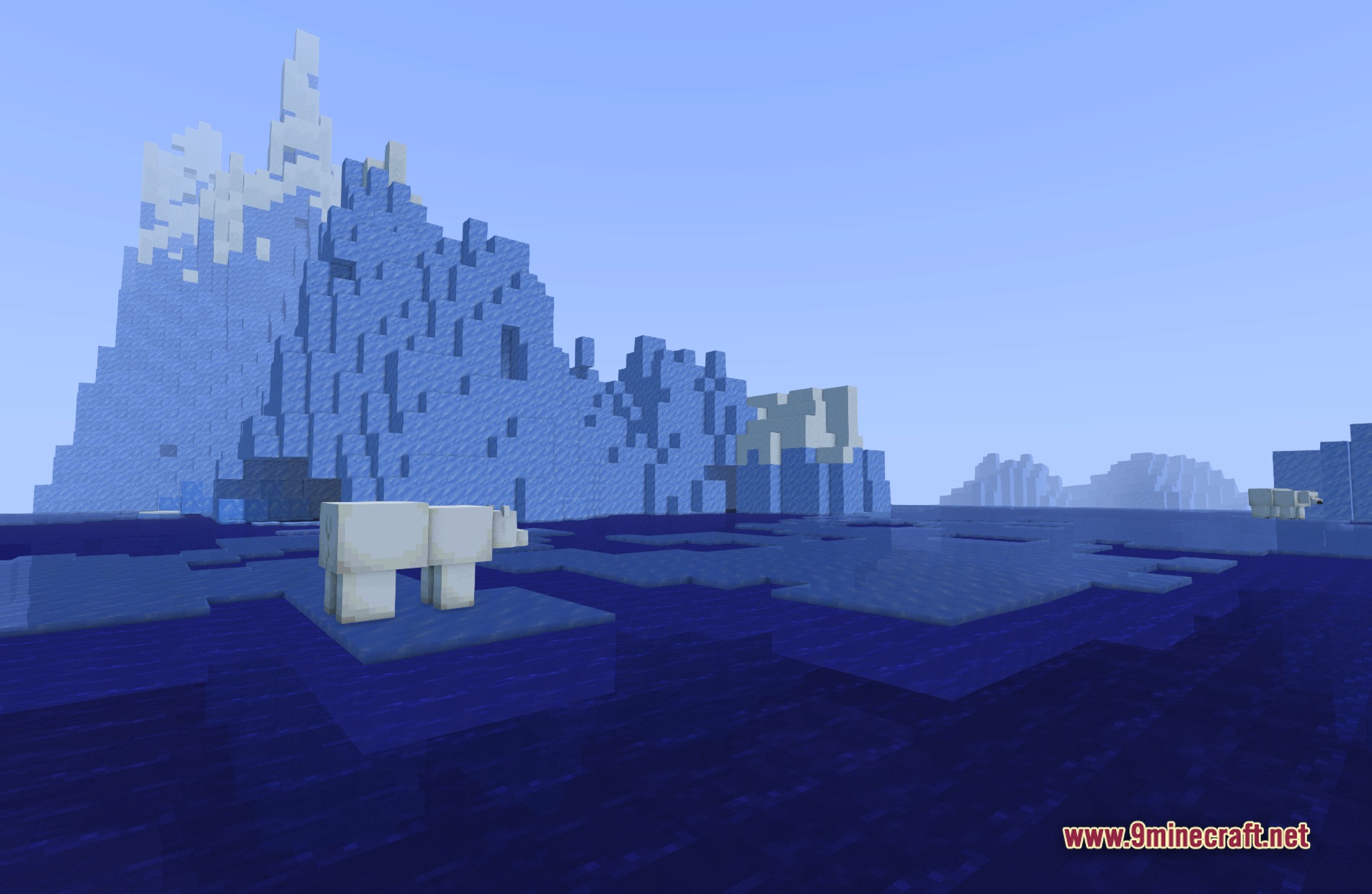
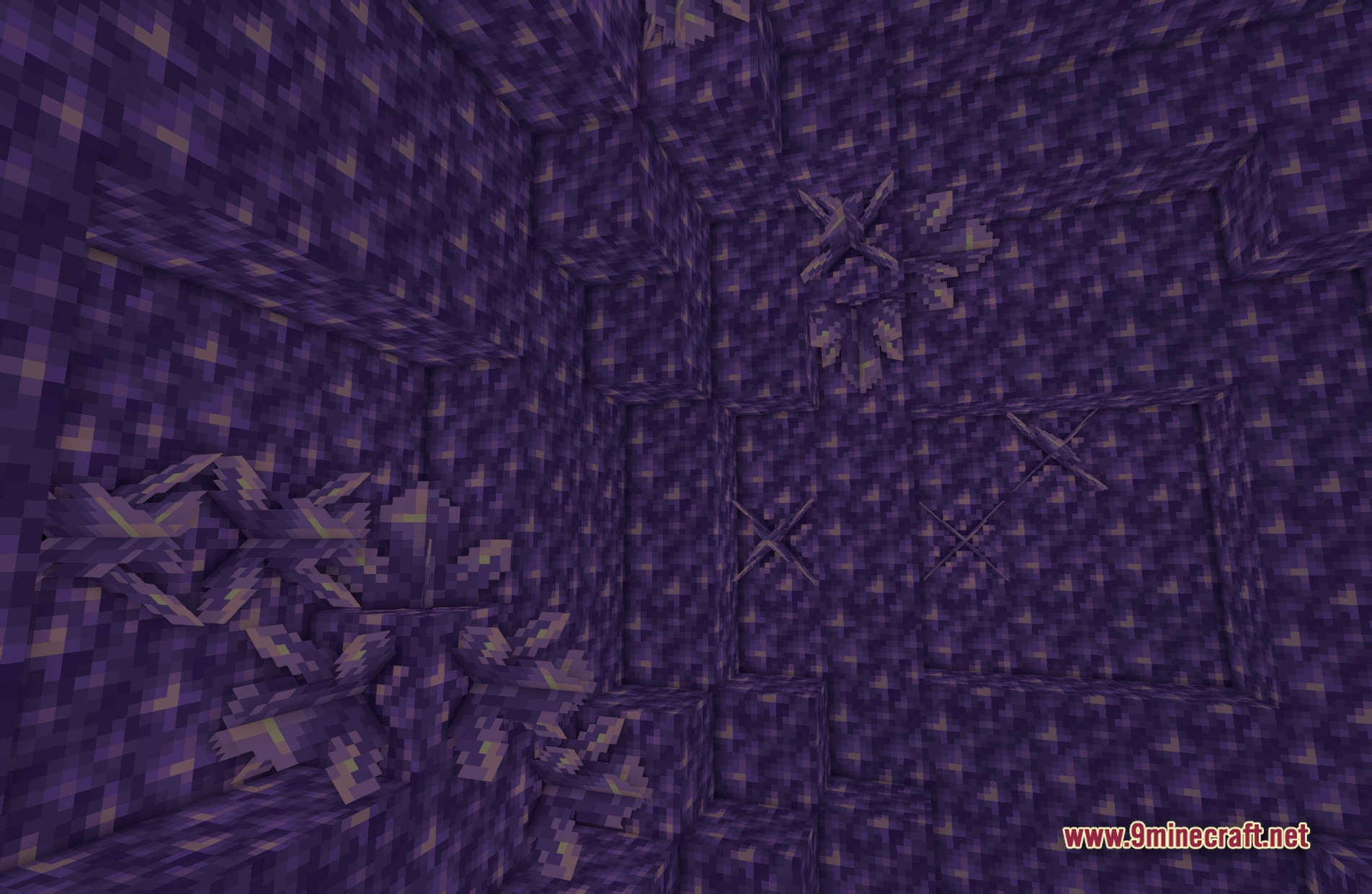
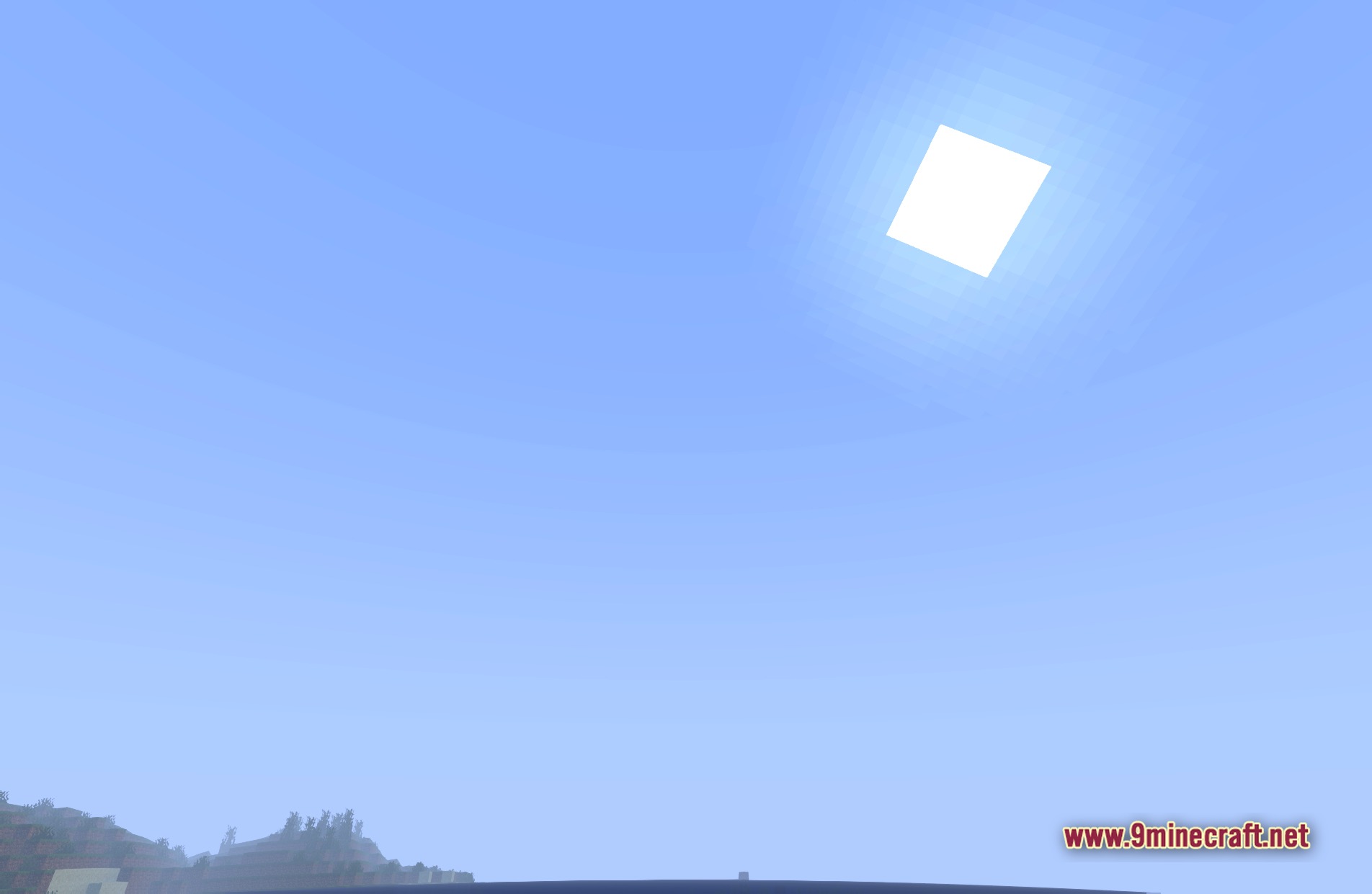
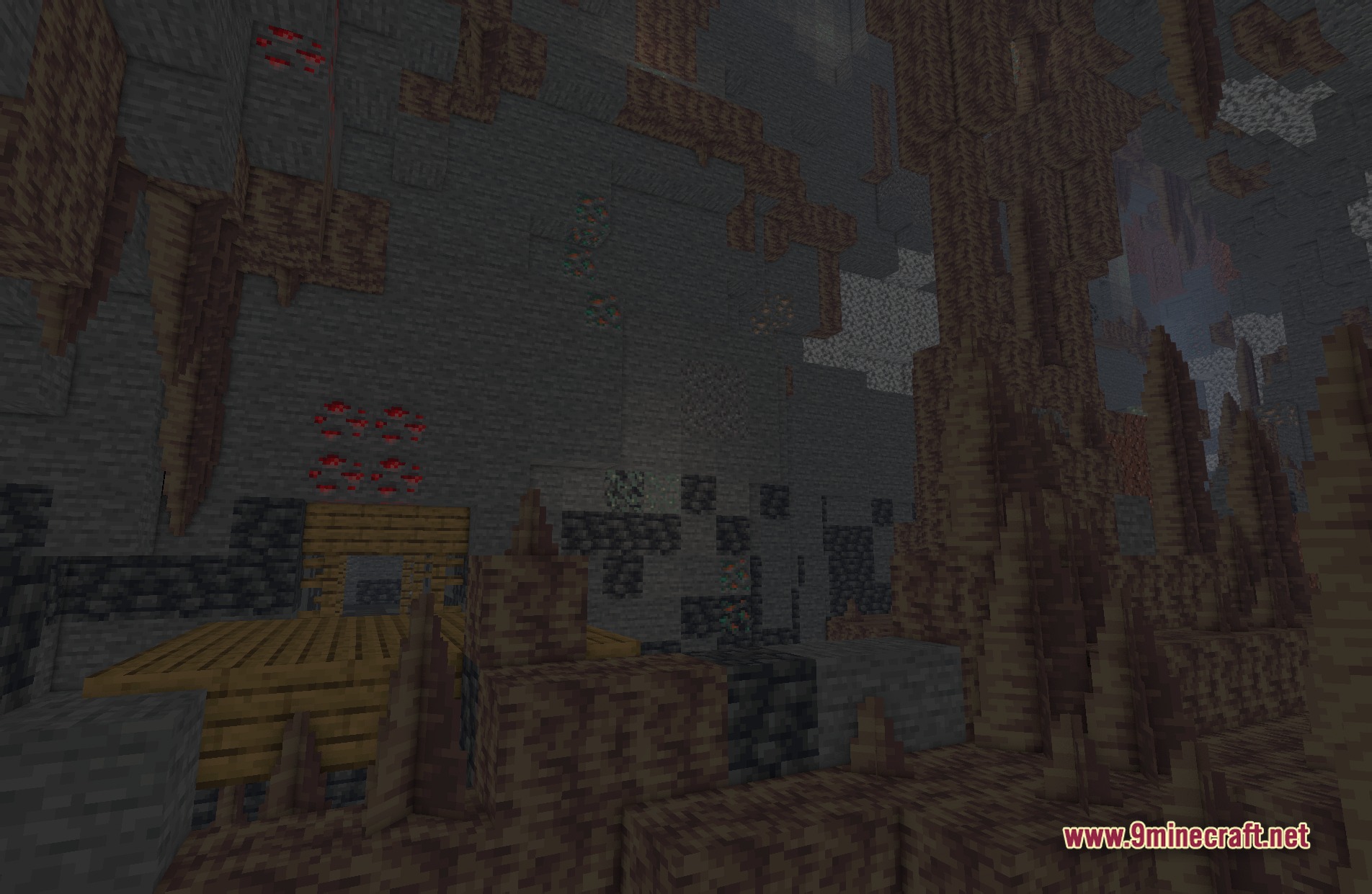
11 images from the Bvs Best Vanilla Shaders page.
You May Also Like
Wikis that share the most with this one
Wikis on the same theme: craft
 Lenscraft Shaders
More shader wikis on the site
 Boxeh Shaders
The most downloaded mods that have a wiki here