

 DownloadBright Flow Lite Shaders
Get the files on 9Minecraft
Guides
Step-by-step, in-game.
Adjust Lighting Brightness and WarmthAccess Shader Settings Press the shader settings key (usually O by default, or check your controls) while in-game to…Make Torches and Light Sources Look BetterUnderstand Colored Light Behavior Bright Flow Lite automatically assigns warm colors to torches, lanterns, and other…Optimize Performance on Low-End HardwareReduce Shadow Quality Open shader settings and locate shadow-related options. Lowering shadow distance or resolution…Troubleshoot Visual Glitches and ArtifactsCheck for Banding or Color Stepping If you notice visible color bands or unnatural transitions in lit areas, this…
Frequently asked questions
How do I turn on the shader after installing it?
Open your Video Settings in-game, find the Shaders option, and select Bright Flow Lite from the list. You'll see the colored lighting take effect immediately in your world.
Why do my torches look the same as before?
Make sure the shader is actually enabled in Video Settings. If it's on but torches still look vanilla, try adjusting the Lighting Brightness setting in the shader options to increase the colored glow effect.
Can I use this with other mods?
Bright Flow Lite works with most mods, but custom light-emitting blocks from other mods may not receive the colored lighting effect. Vanilla and common modded light sources should work fine.
My FPS dropped a lot after enabling the shader. How do I fix it?
Check the Performance Optimization guide for your hardware tier, or lower the Lighting Quality setting in shader options. Disabling shadow effects or reducing render distance can also help older computers maintain playable frame rates.
See all 10 Bright Flow Lite Shaders questions ›
Gallery
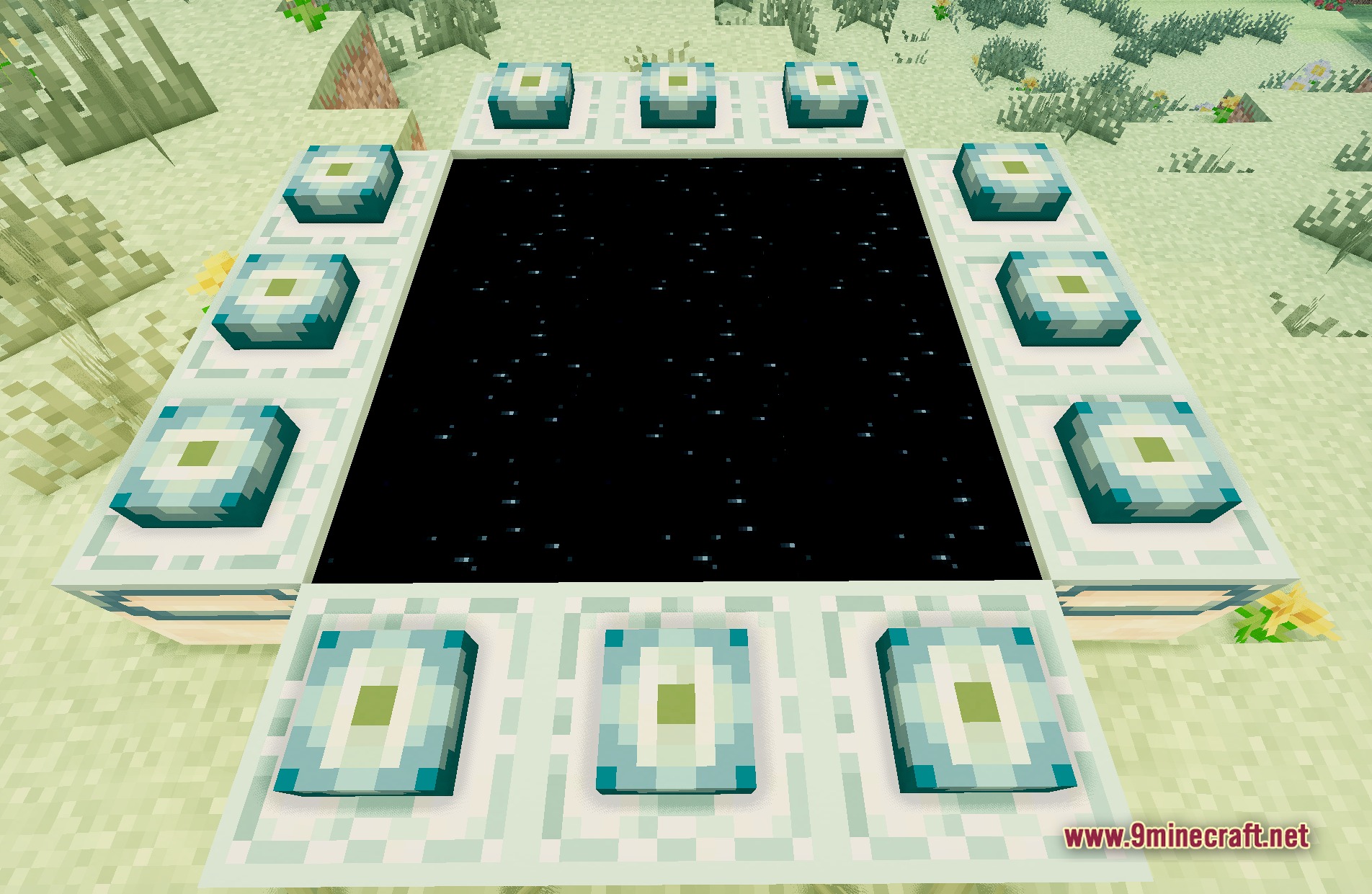
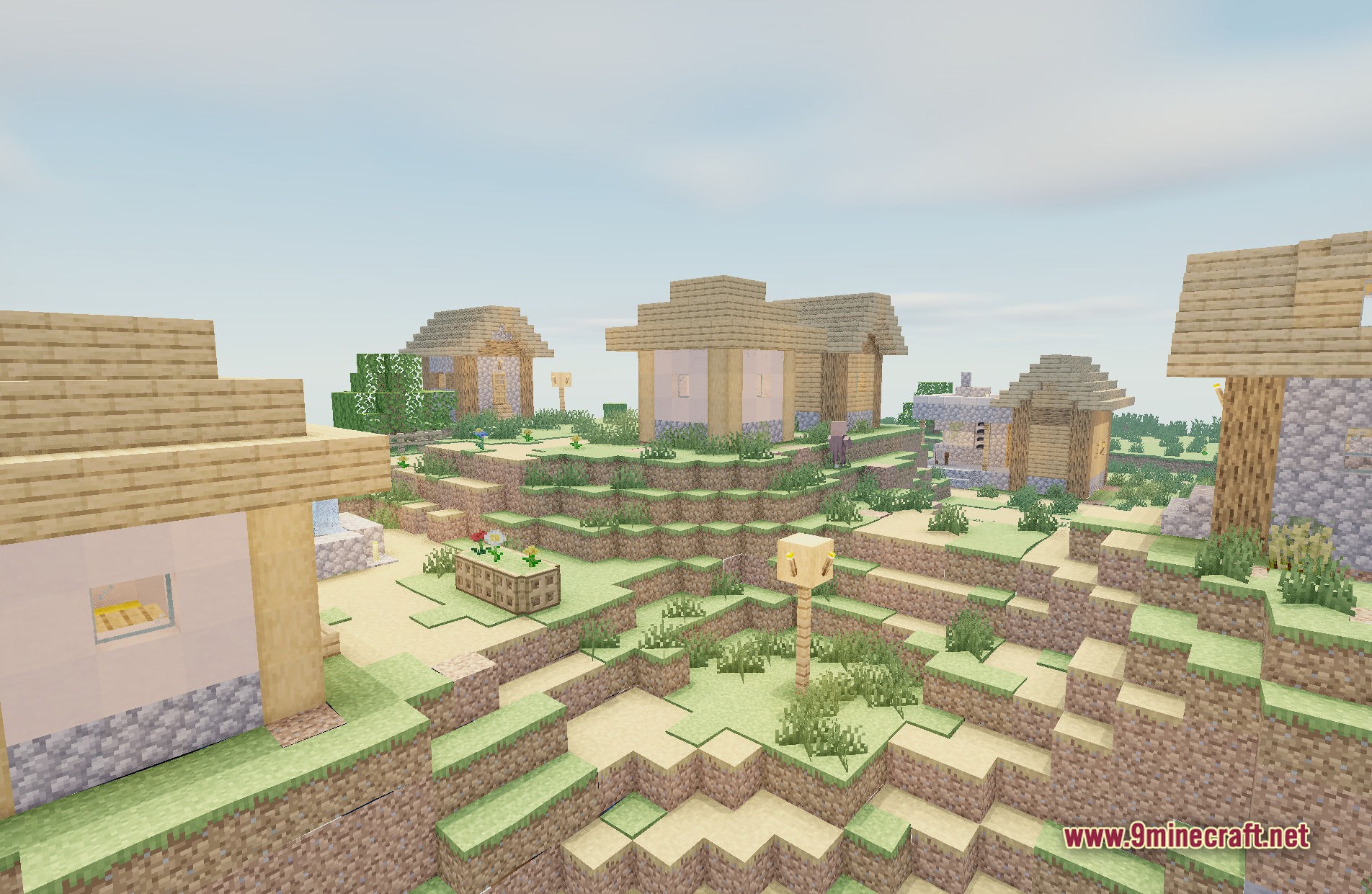
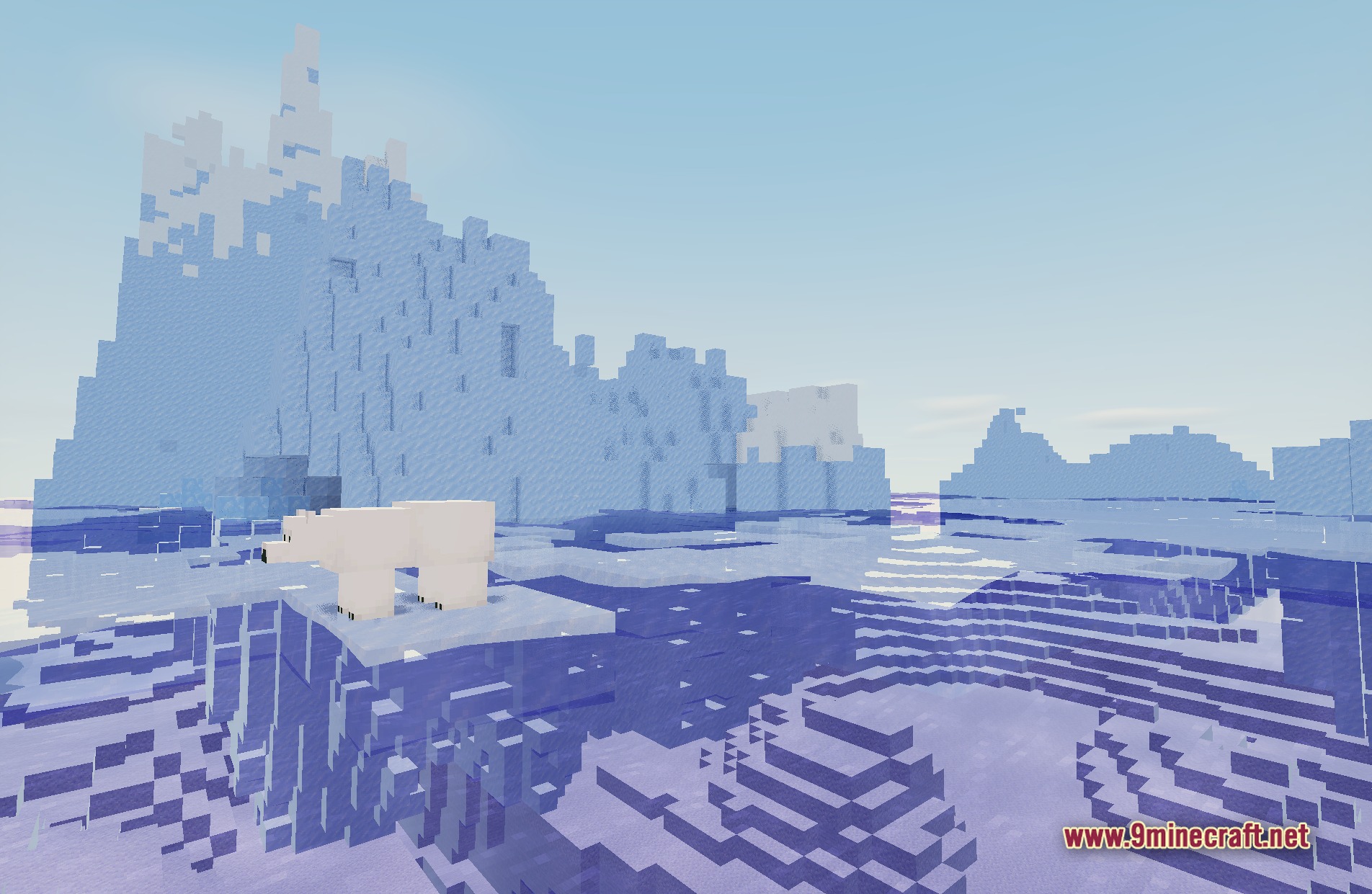
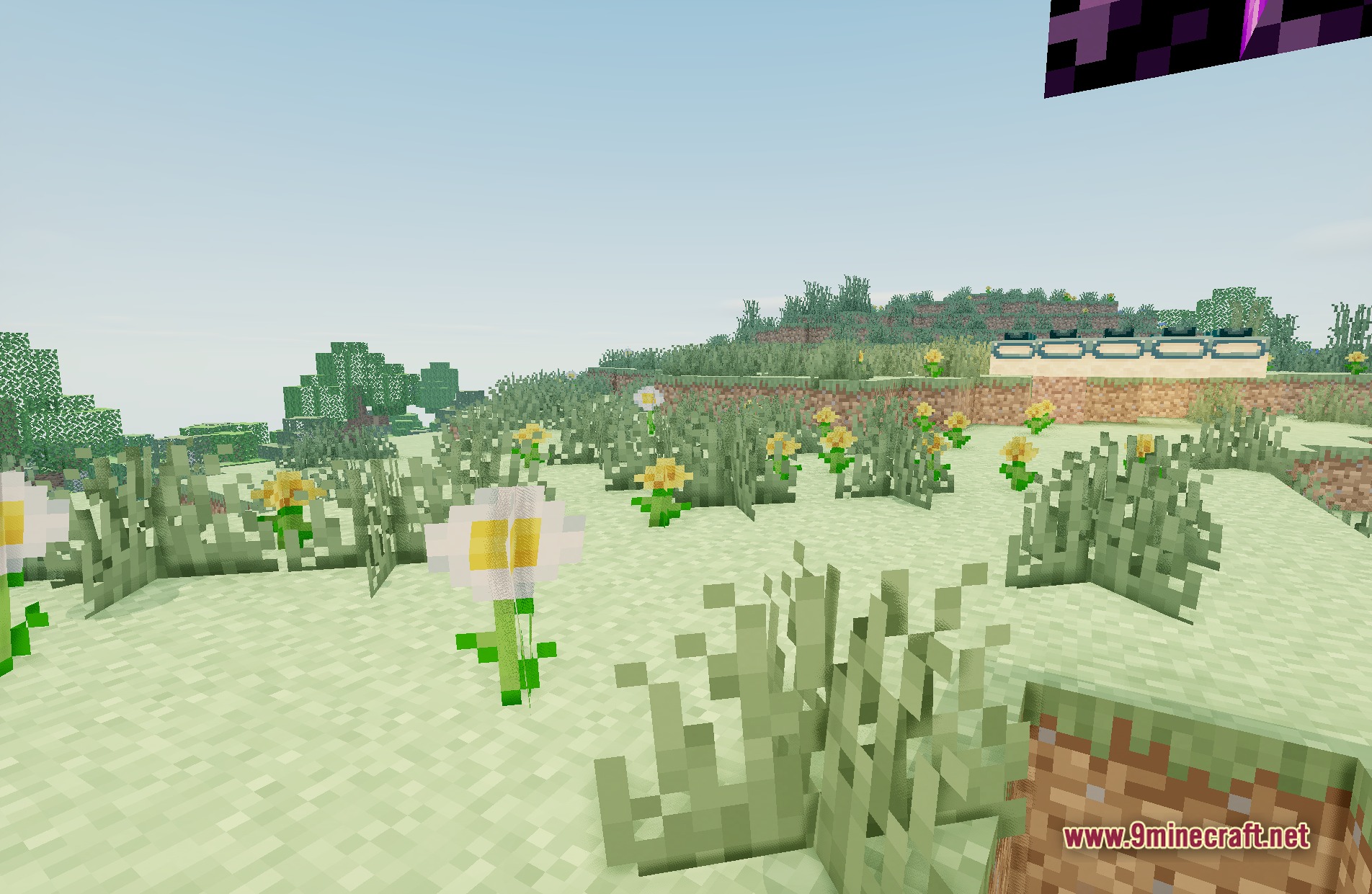
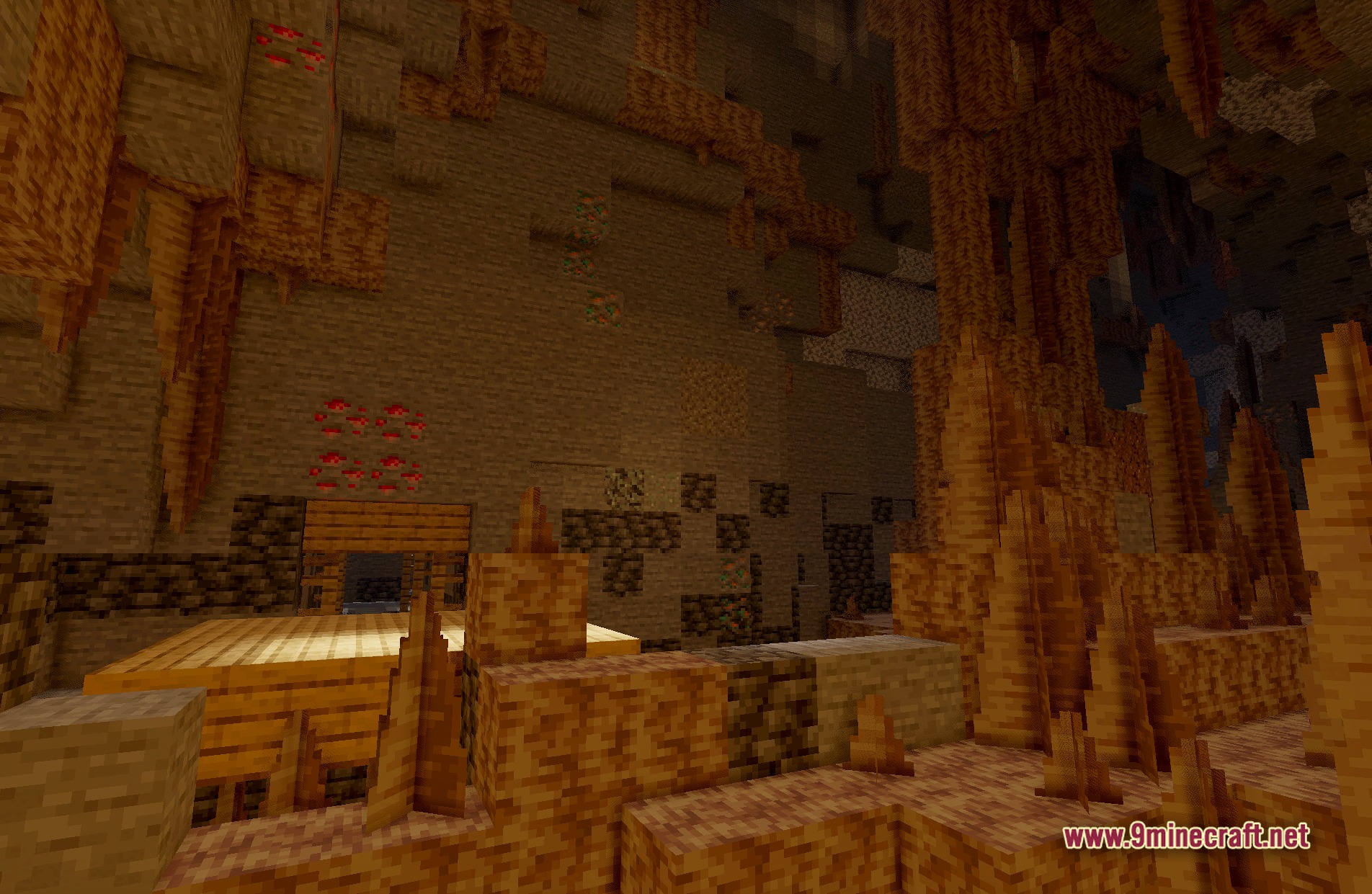
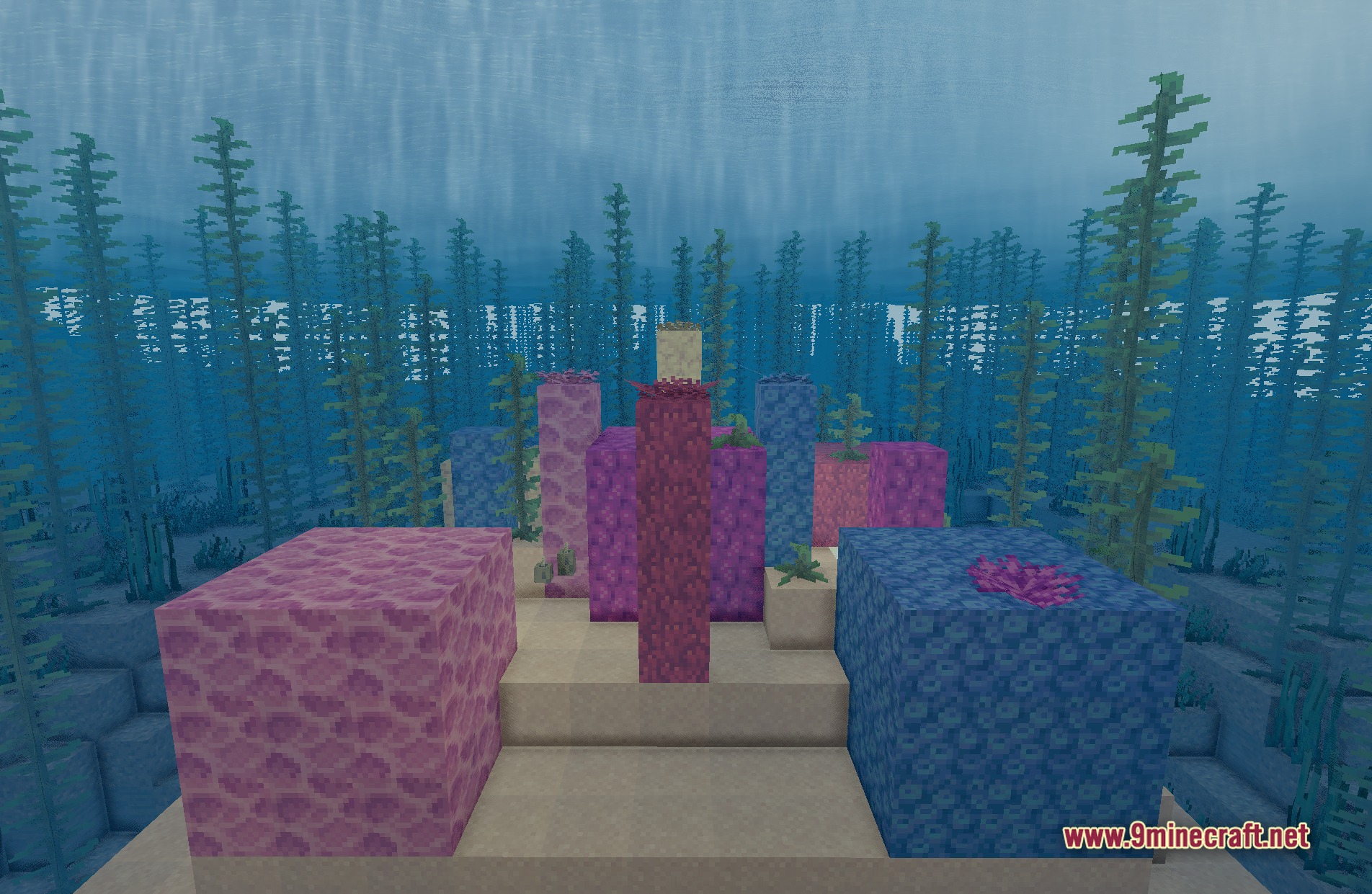
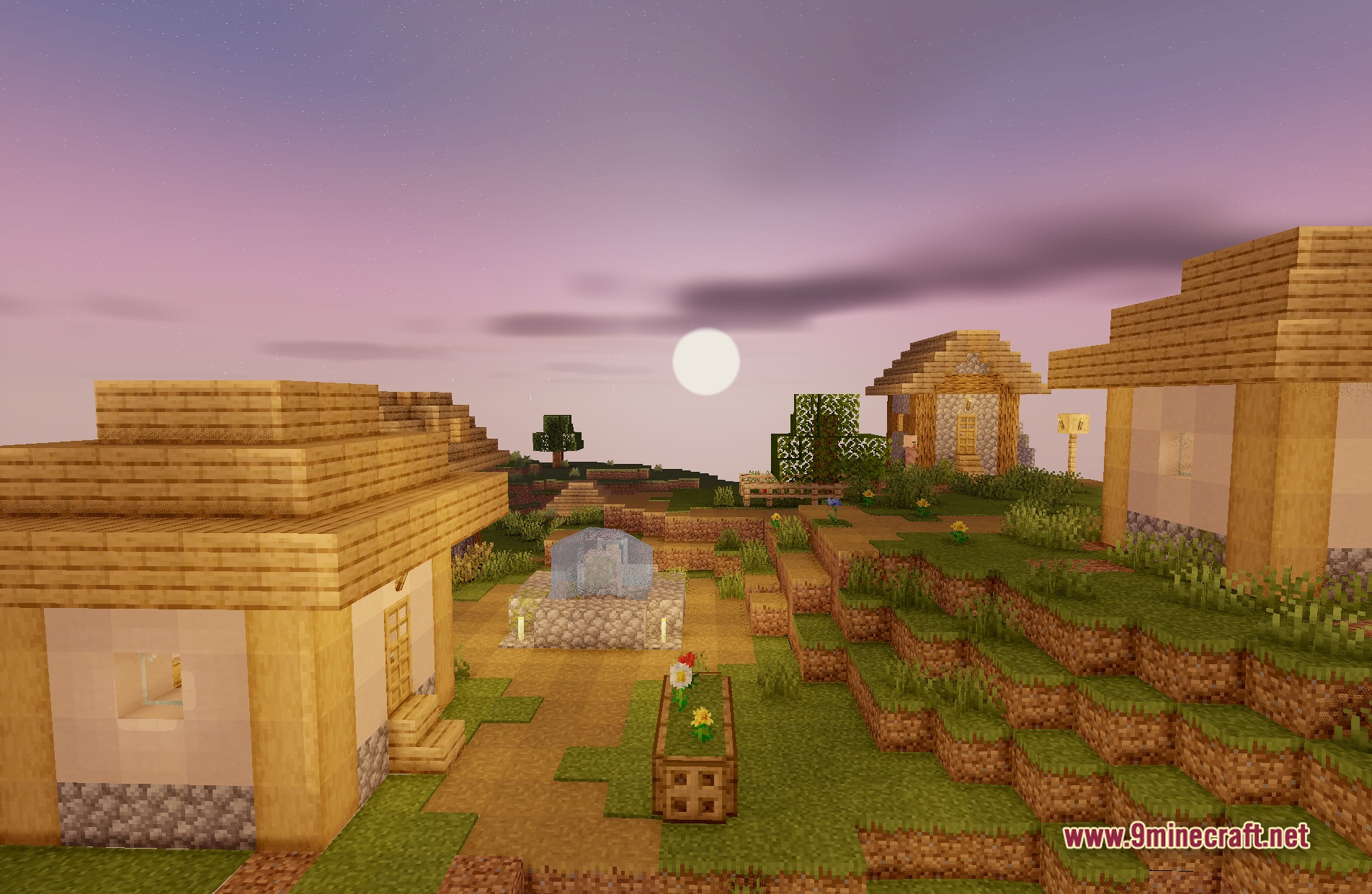
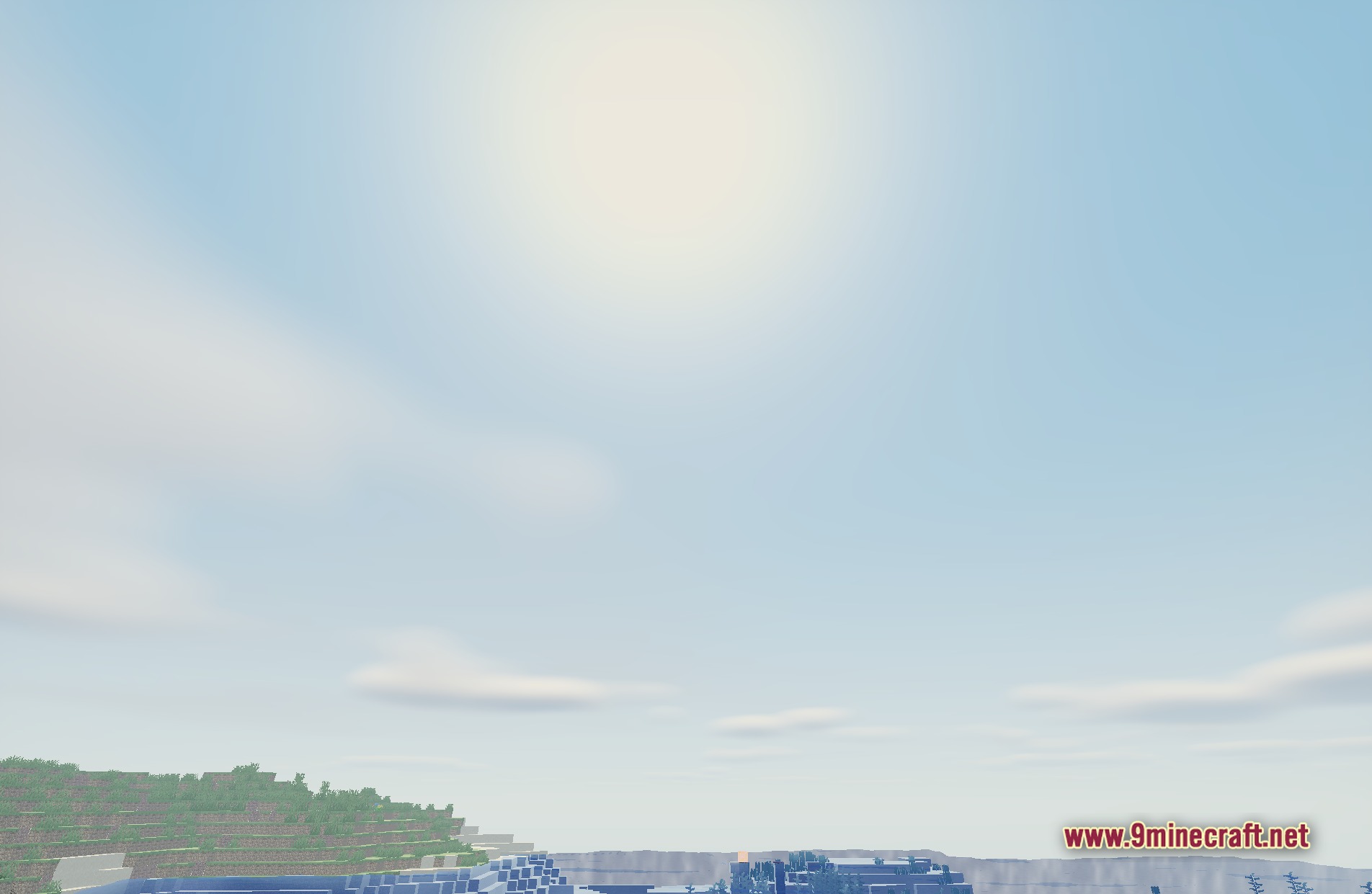
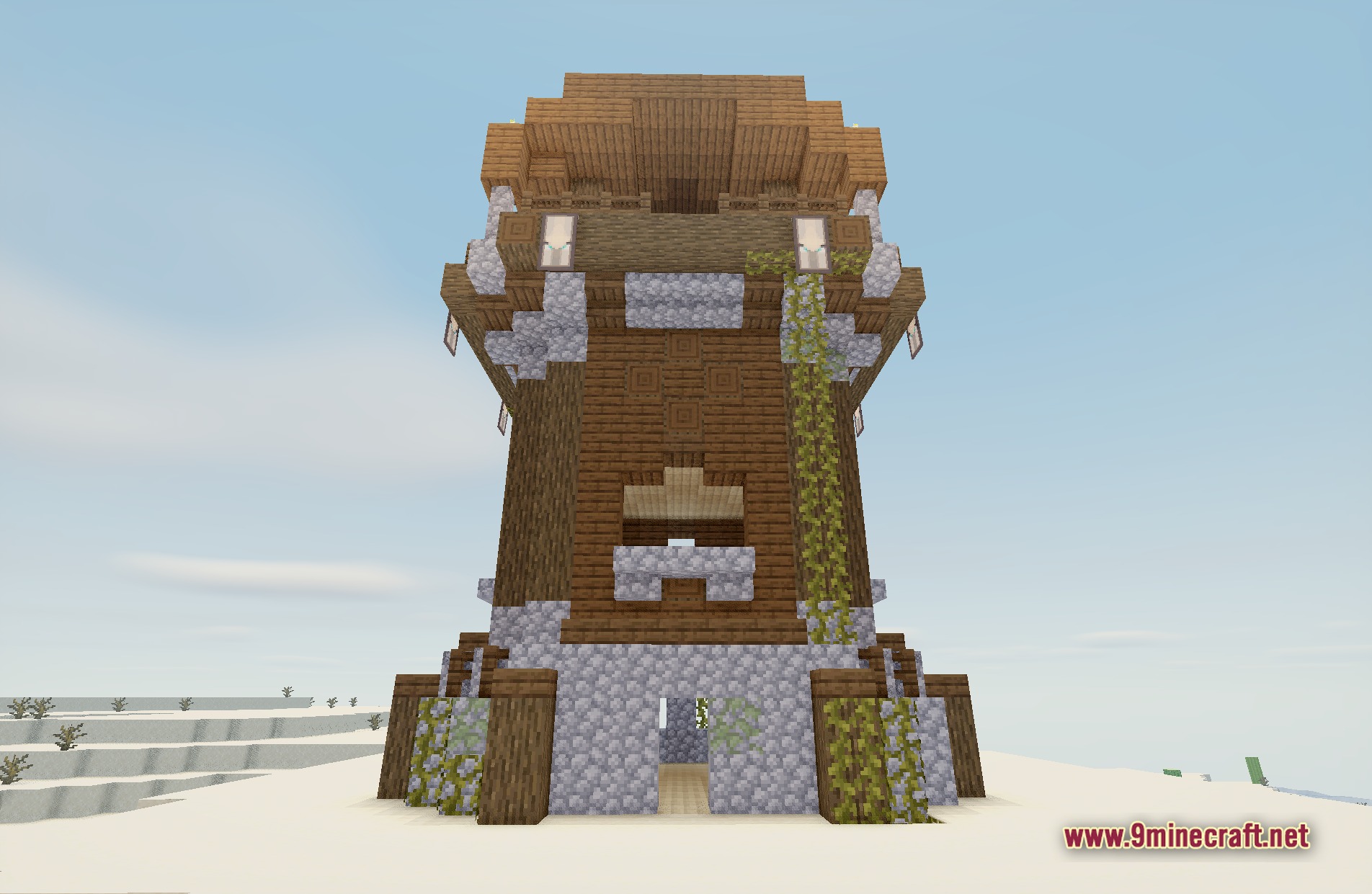
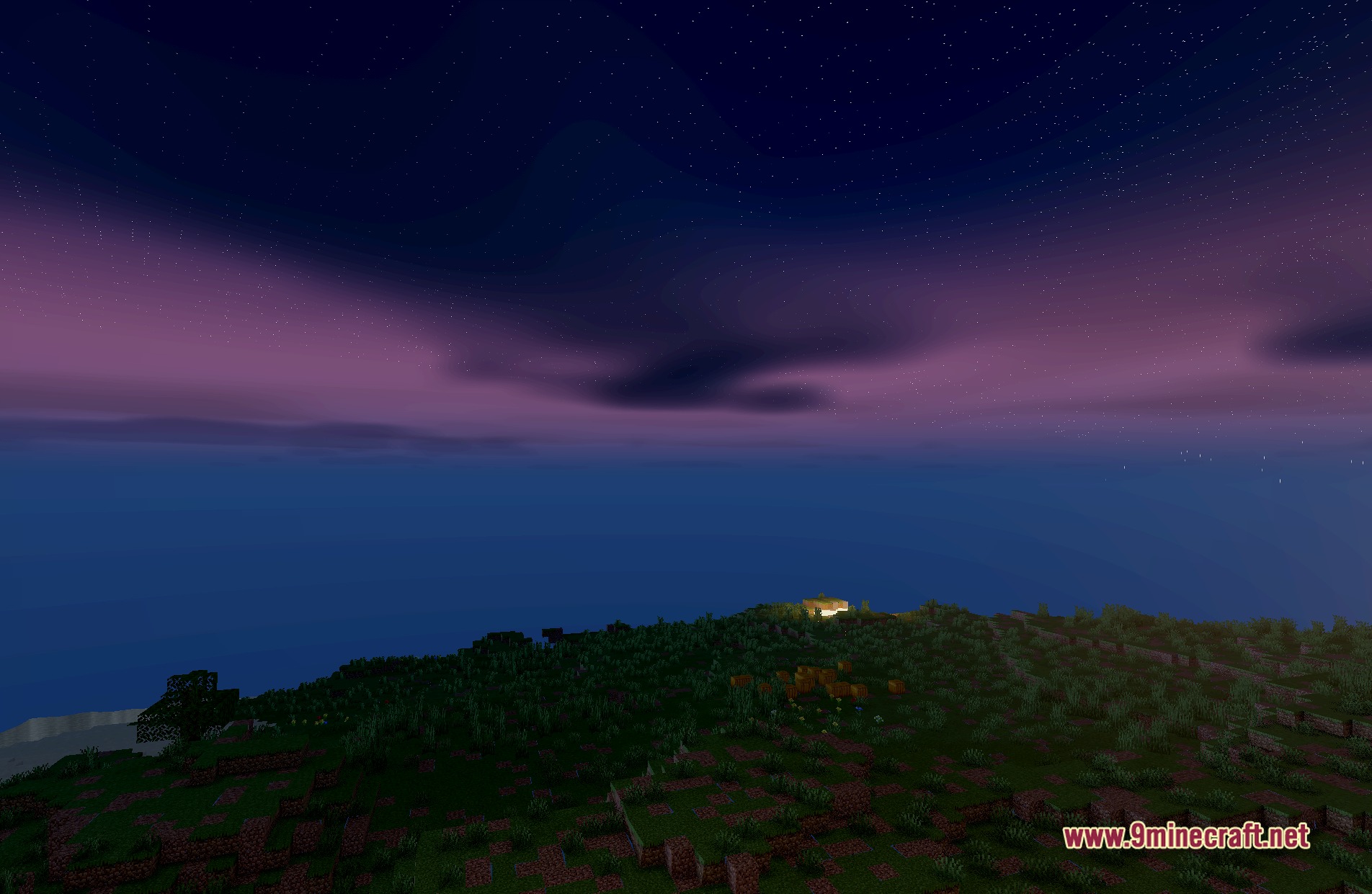
11 images from the Bright Flow Lite Shaders page.
You May Also Like
Wikis that share the most with this one
More shader wikis on the site
 Boxeh Shaders
 BloxShade Shaders
The most downloaded mods that have a wiki here