

 DownloadHSN Shaders
Get the files on 9Minecraft
Guides
Step-by-step, in-game.
Adjust Bloom Intensity Around Light SourcesAccess Shader Settings Open the shader options menu while in-game by pressing the designated shader menu key…Customize Colored Lighting in Dark SpacesUnderstand Colored Lighting HSN Shaders applies colored light from blocks like redstone lamps, glowstone, and colored…Enable or Disable Water ReflectionsOpen Shader Configuration Access the shader options menu in-game and navigate to HSN Shaders settings. Locate…Reduce Lag on Low-End ComputersCheck Current Performance Note your current frame rate using the debug screen (F3 on most setups). Identify areas…
Frequently asked questions
How do I turn on HSN Shaders after installing it?
Open your Options menu in-game, go to Video Settings, then select Shaders. Find HSN Shaders in the list and click it to activate. You'll see the shader effects apply immediately to your world.
Why do my shadows look weird or disappear?
Shadows depend on your light source position and time of day. If shadows seem broken, try adjusting your render distance or checking if a shader setting is disabled in the shader options menu (accessible from Video Settings).
Can I use HSN Shaders with other mods?
HSN Shaders works with most mods, but mods that heavily change lighting or add custom blocks may cause visual conflicts. Test your mod combination in a test world first to check for issues.
How do I make the bloom effect stronger or weaker?
Open the shader options menu from Video Settings and look for bloom or glow intensity settings. Adjust the slider to increase or decrease how bright the glows around light sources appear.
See all 10 HSN Shaders questions ›
Gallery
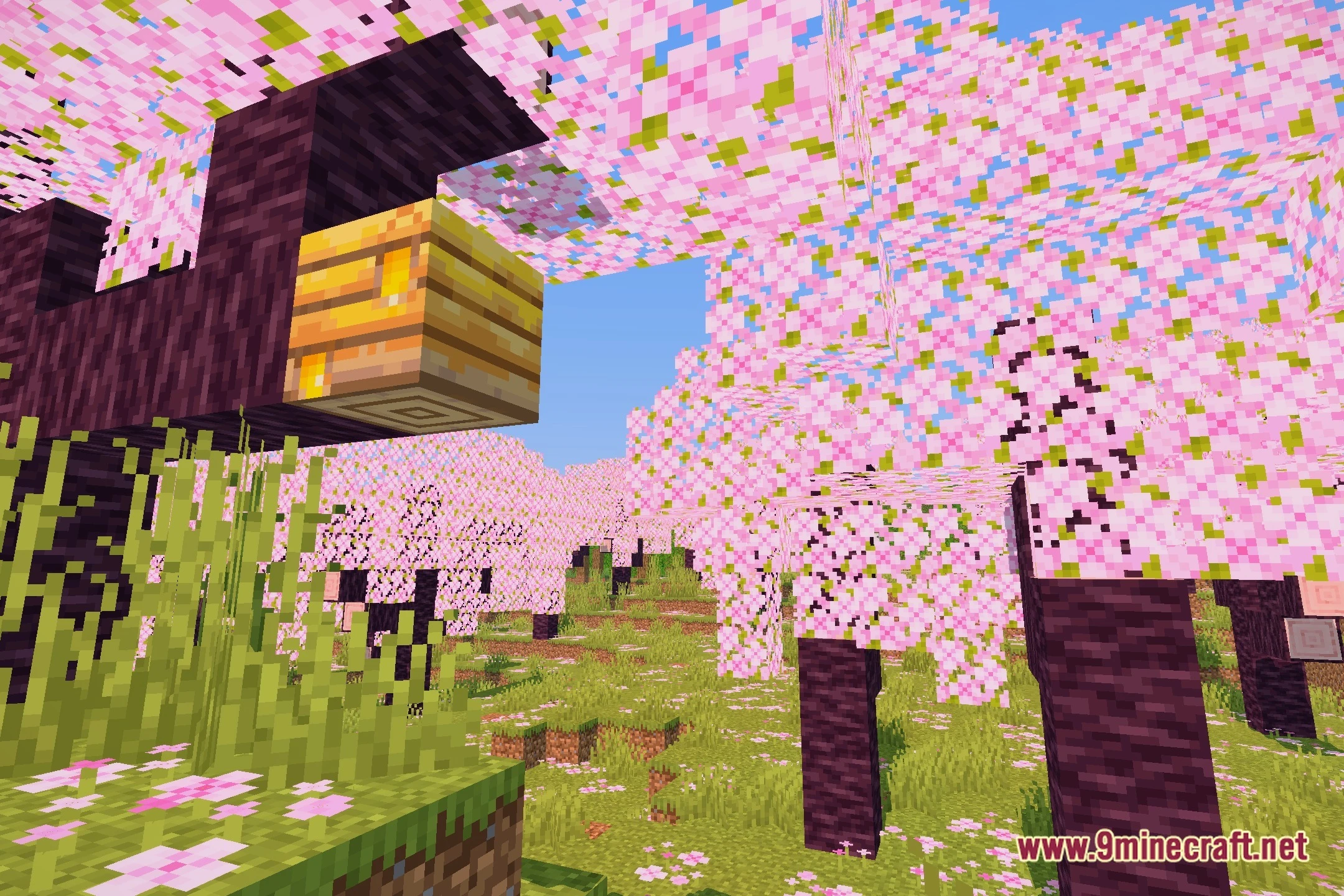
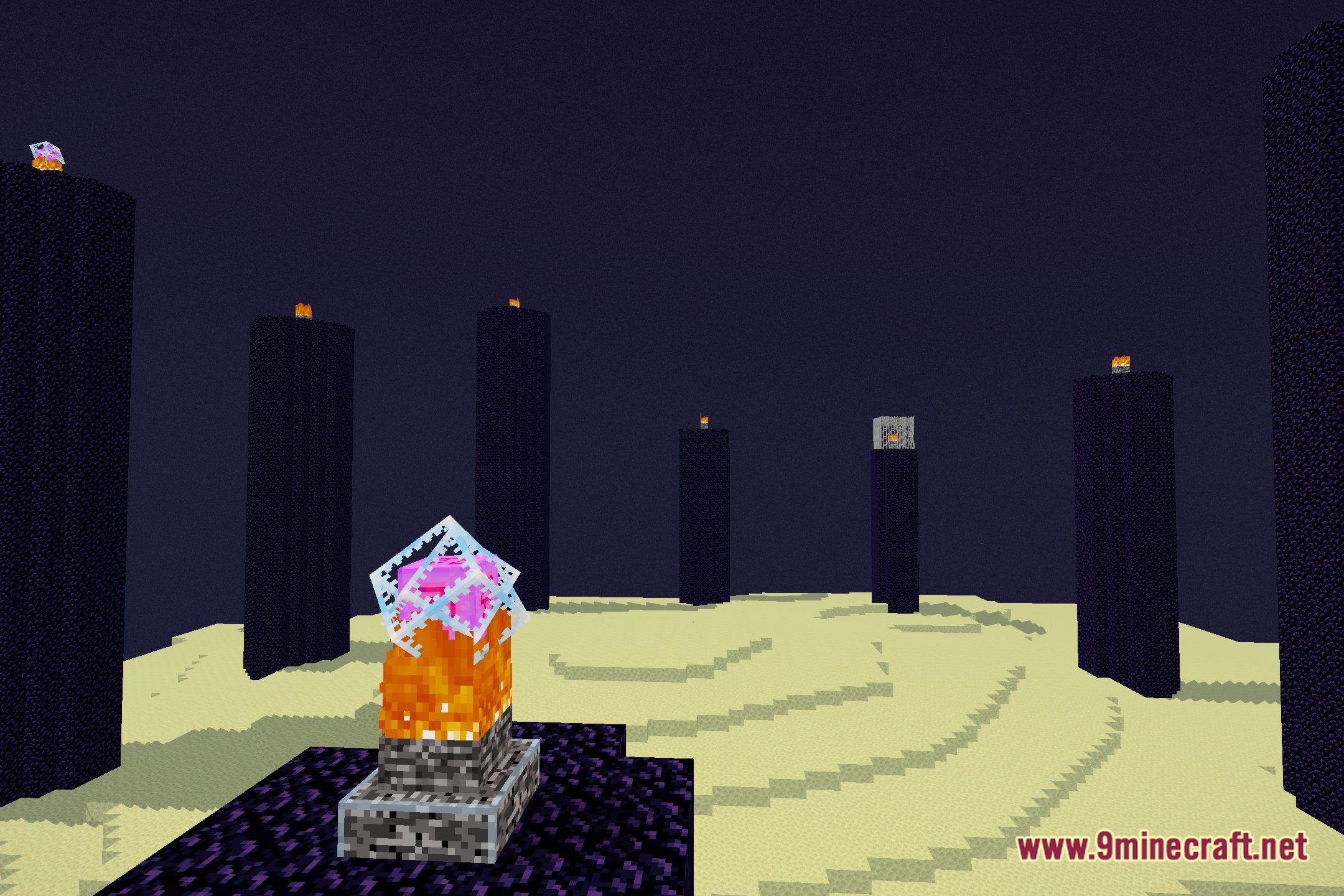
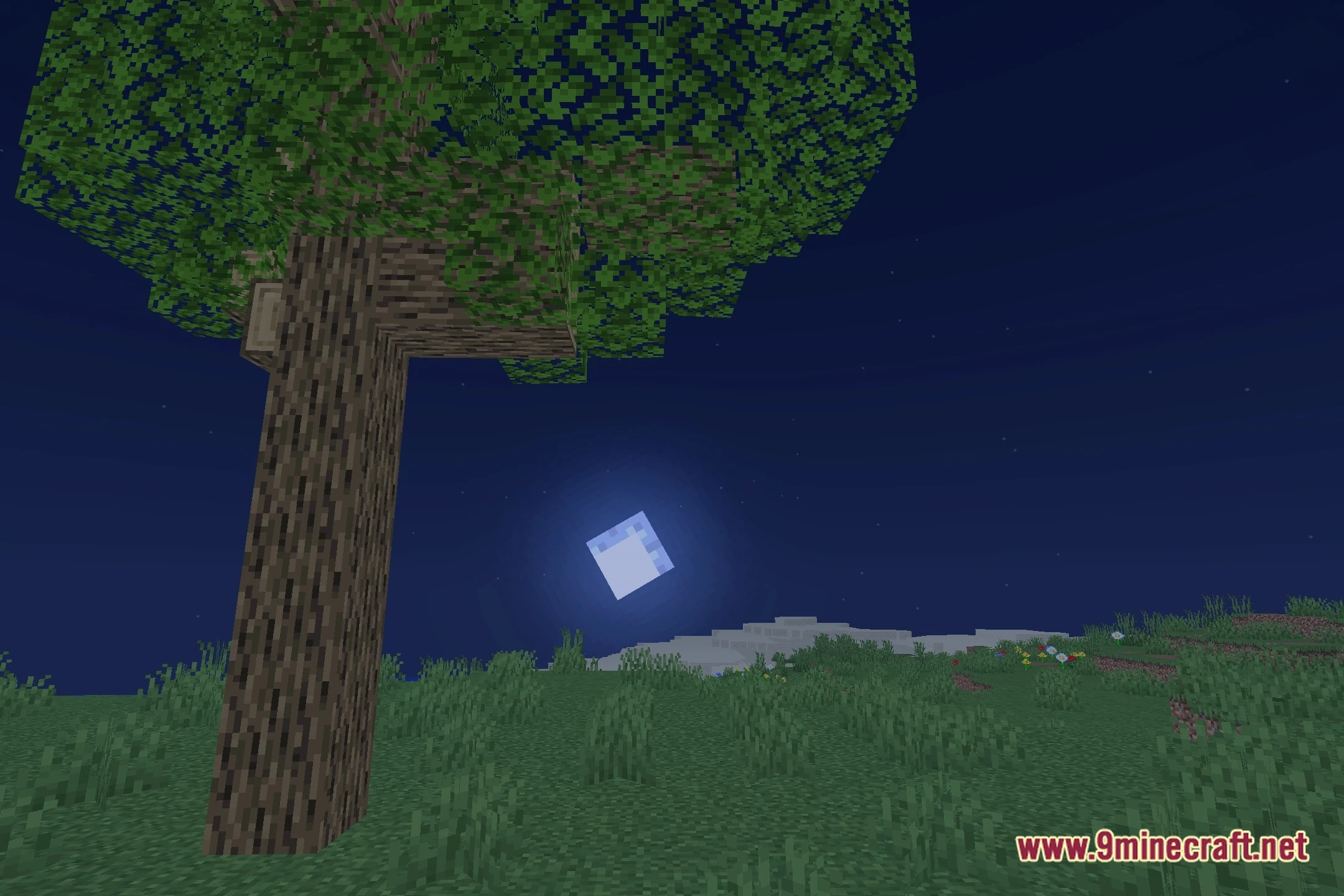
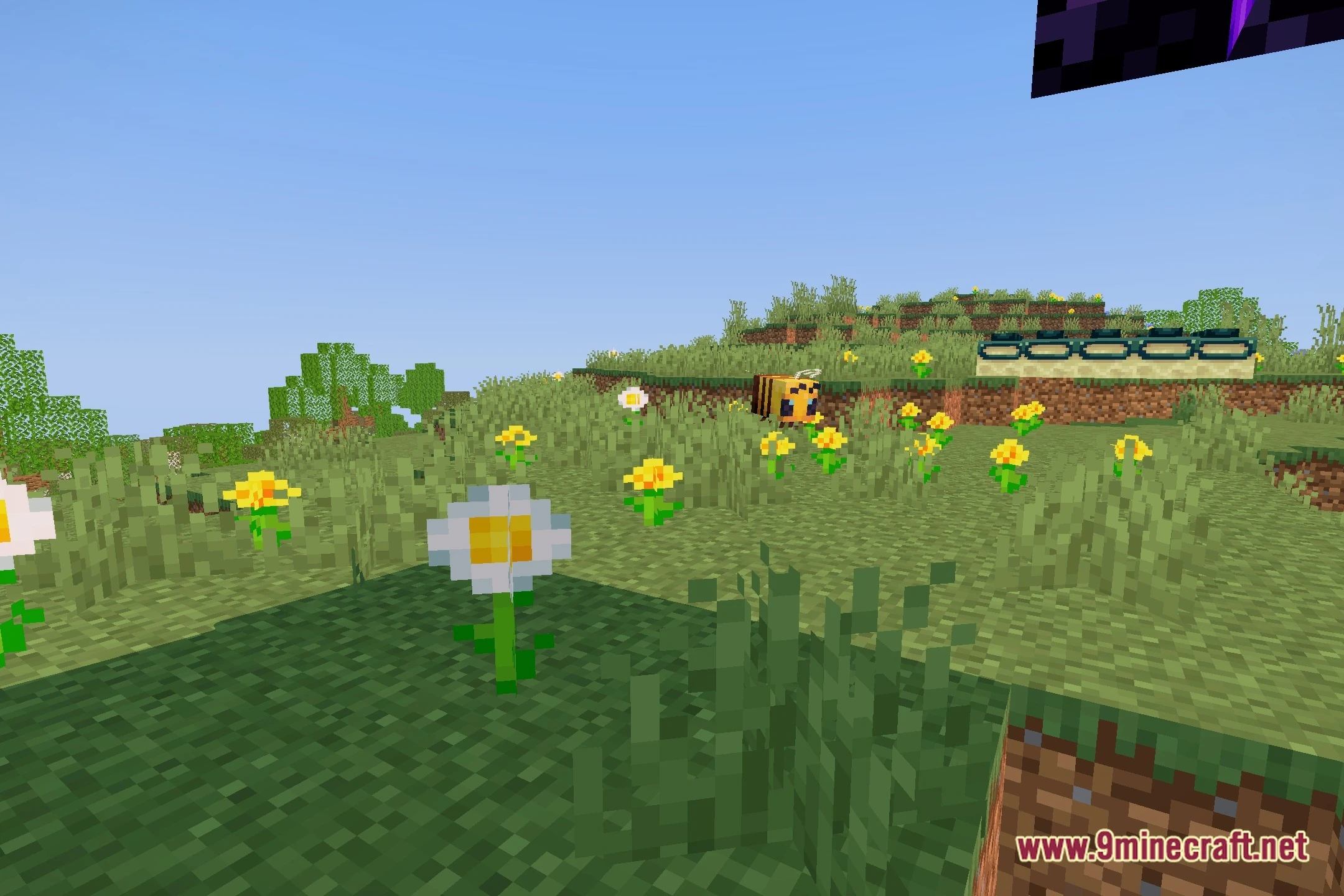
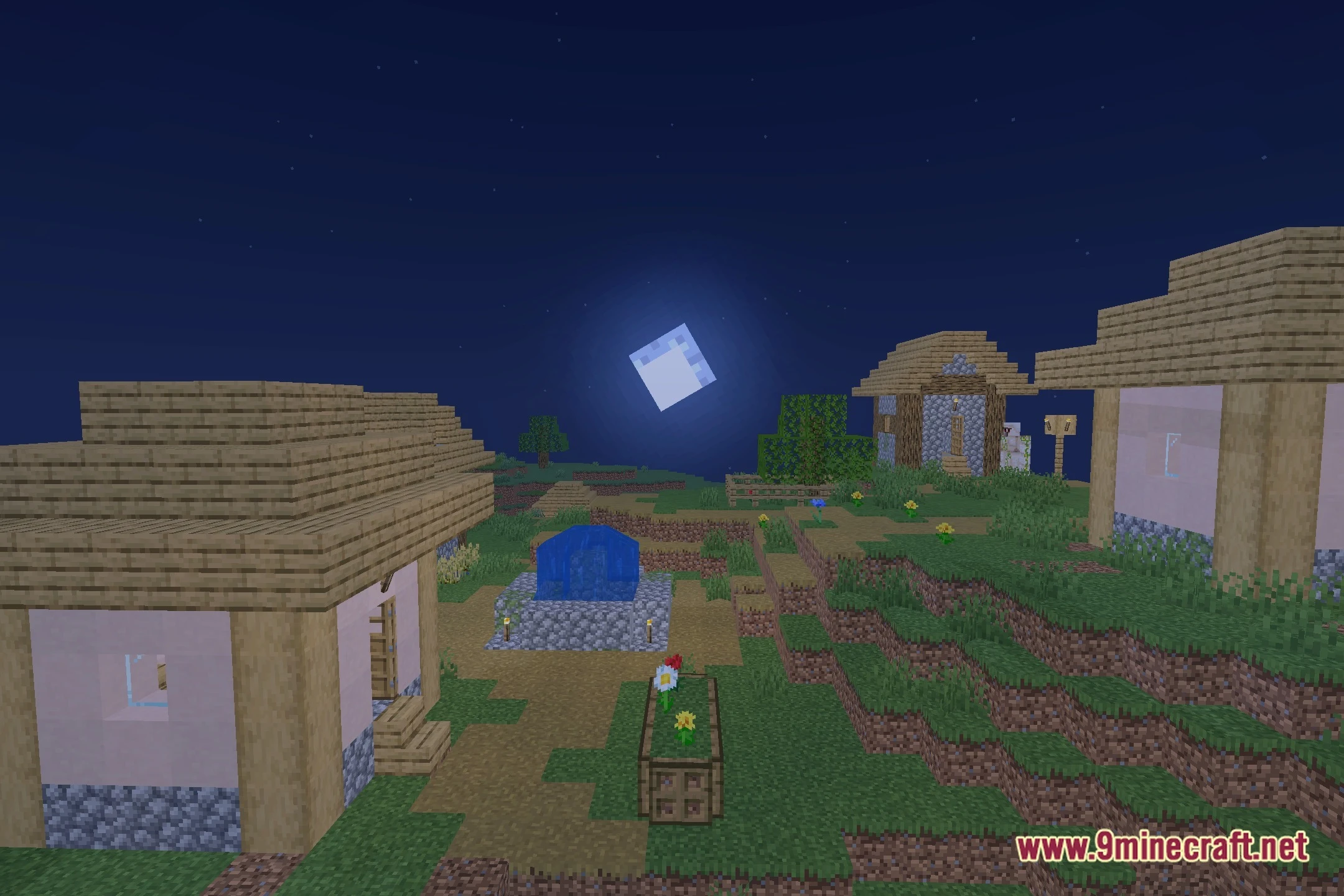
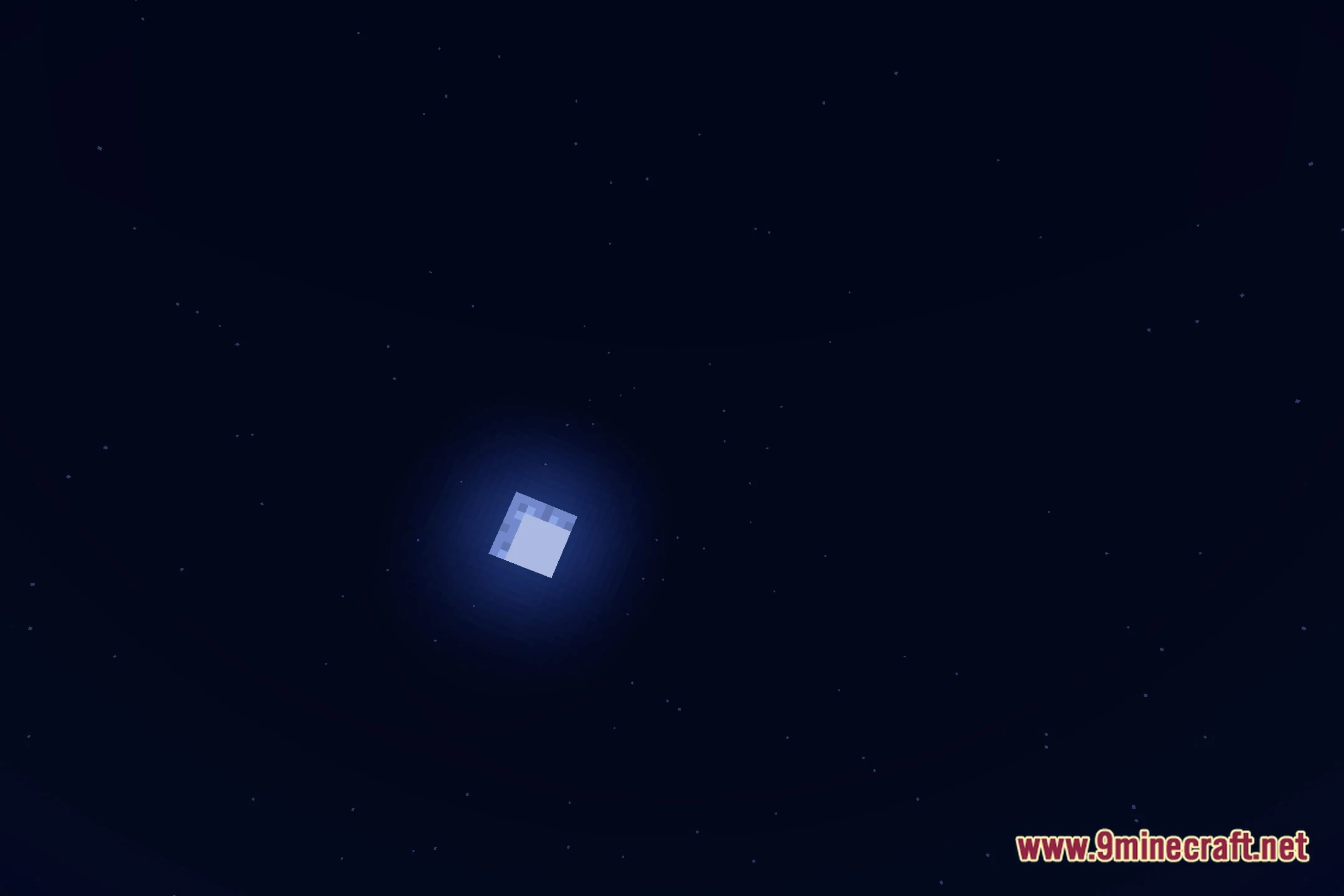
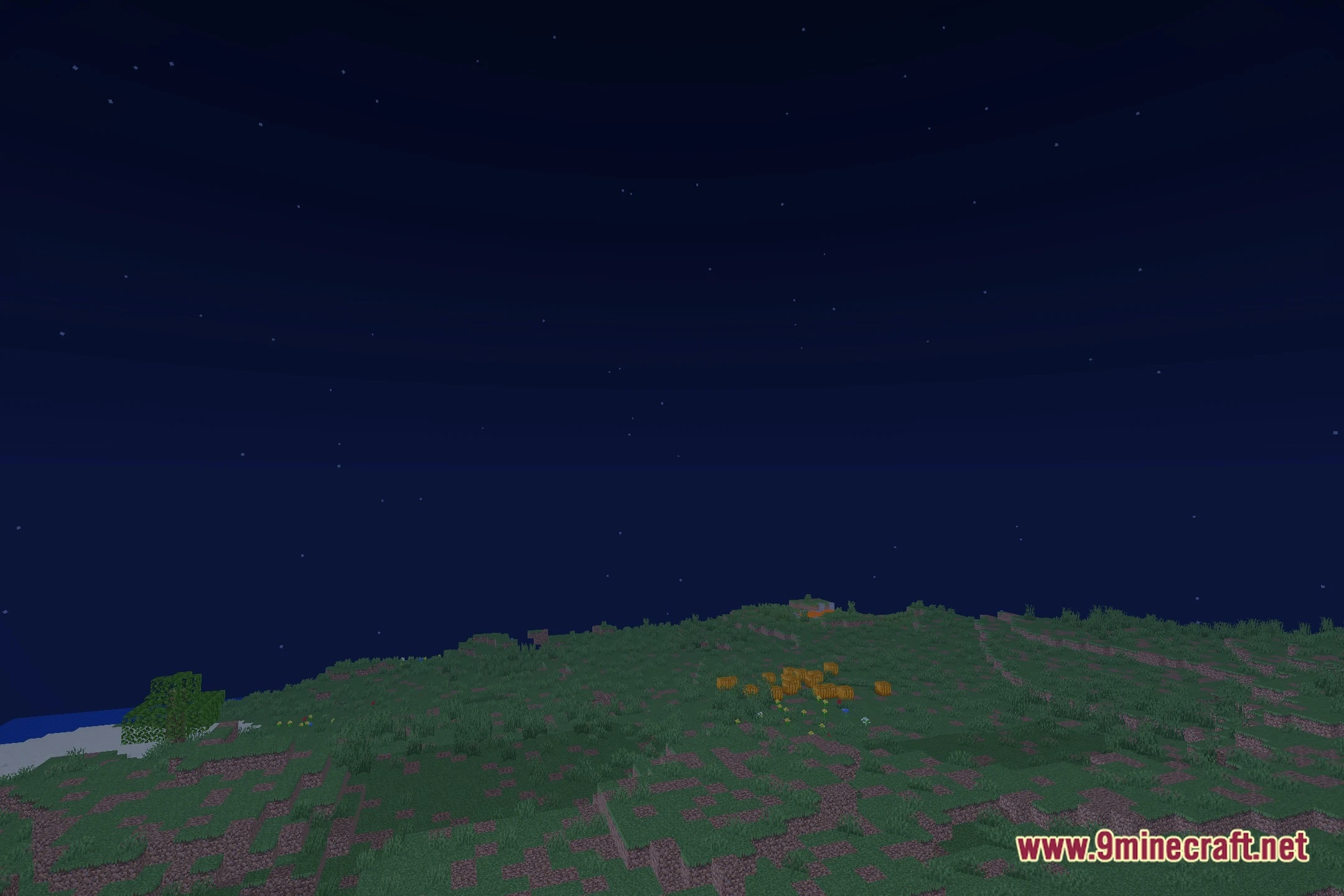
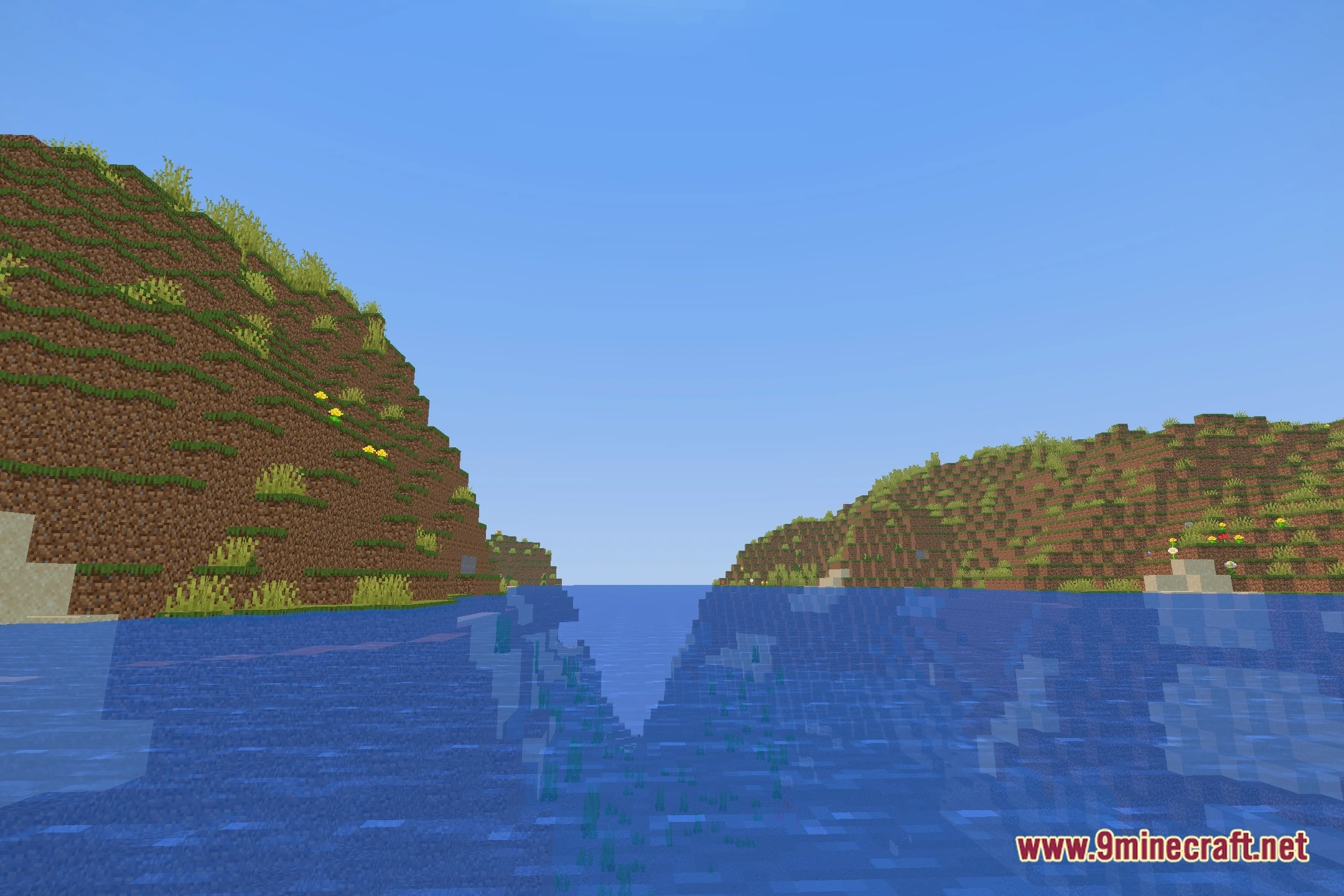
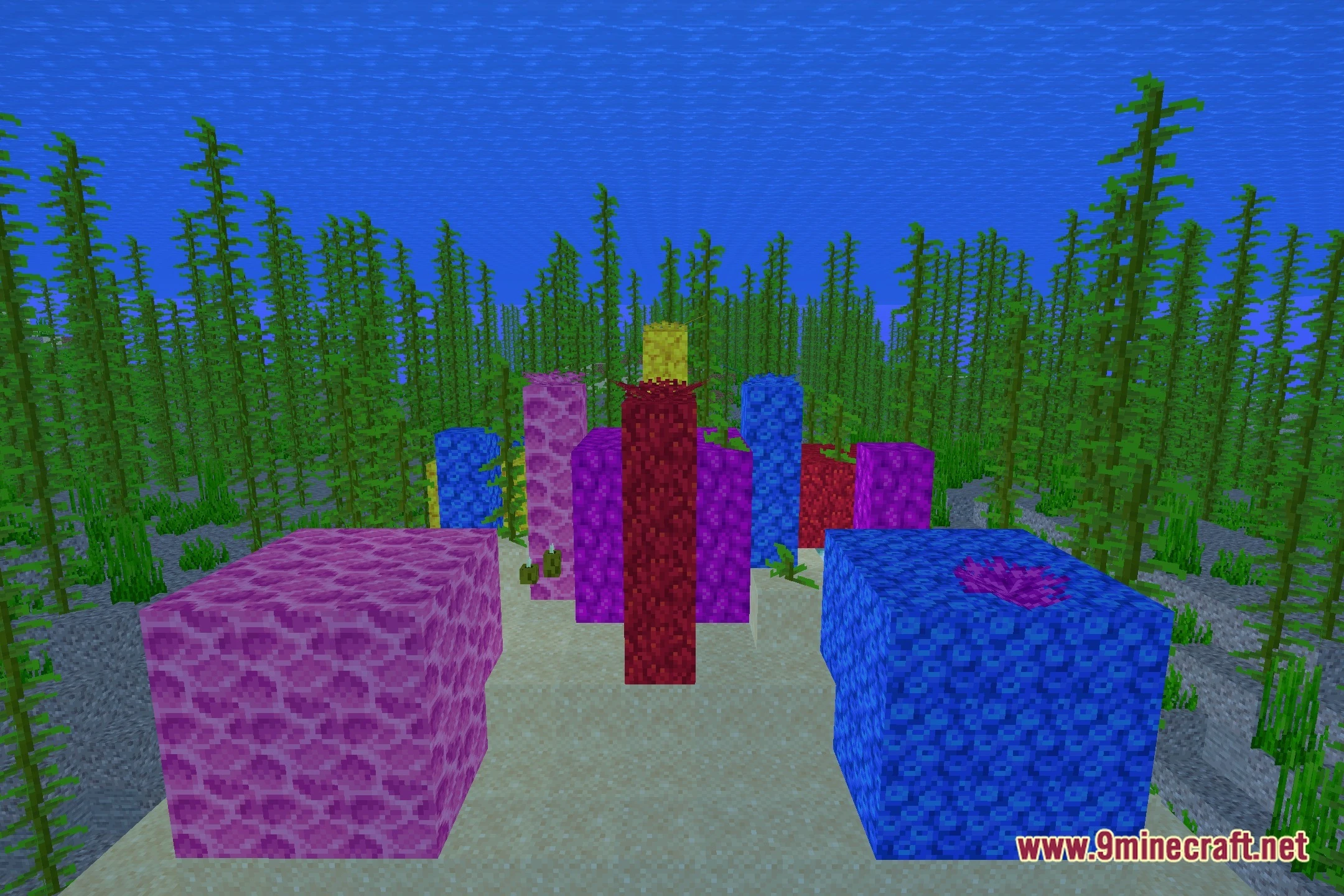
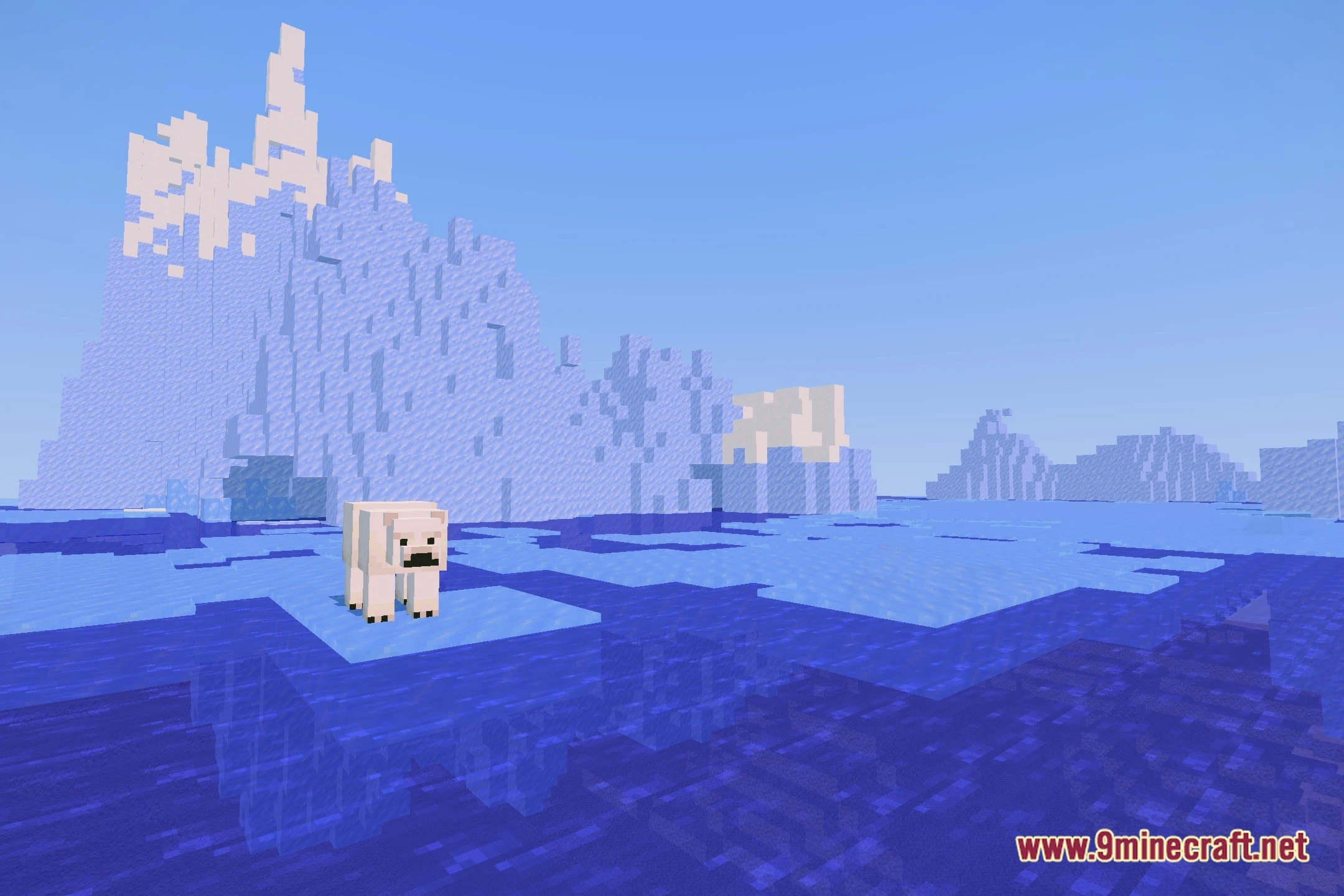
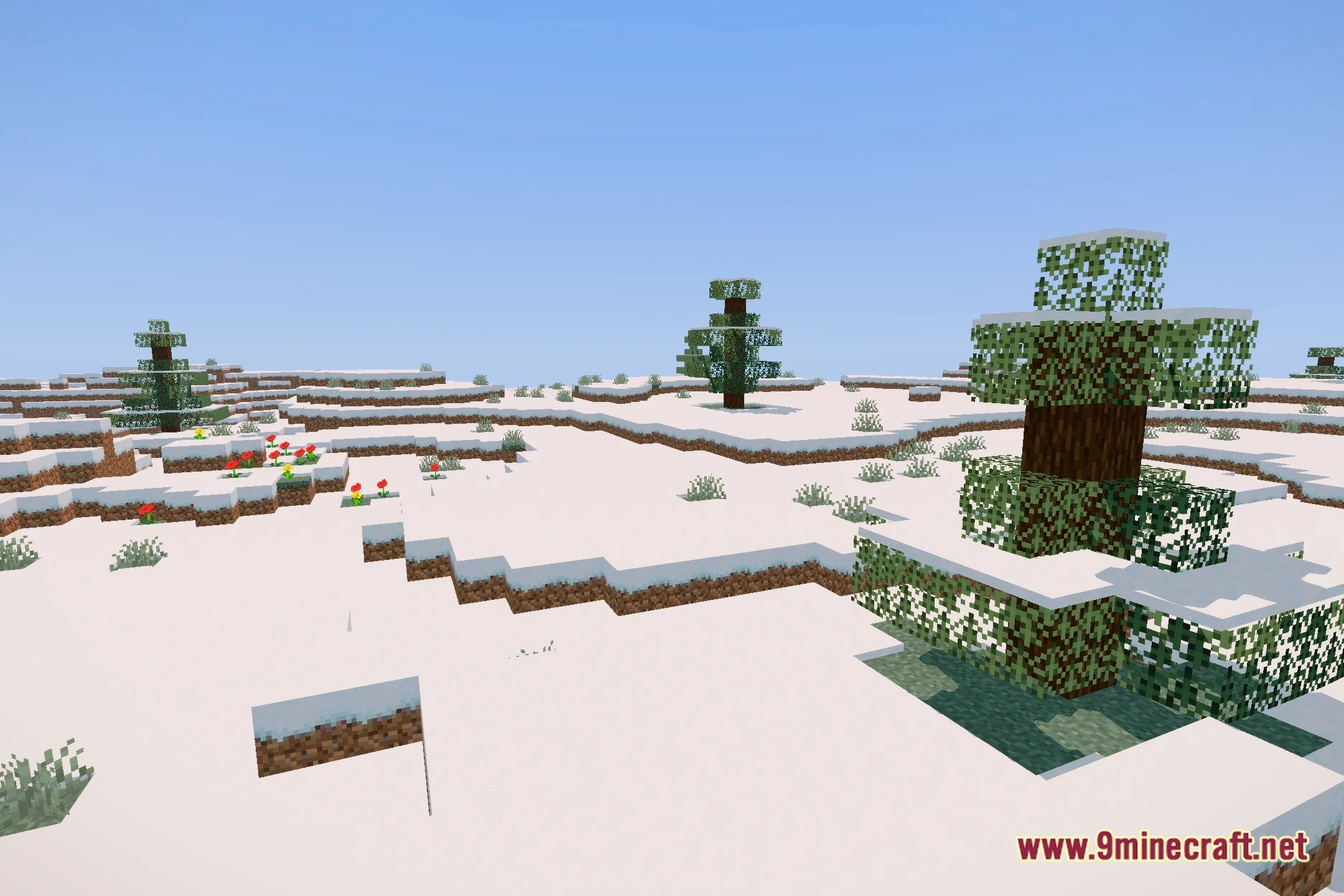
12 images from the Hsn Shaders page.

You May Also Like
Wikis that share the most with this one
Wikis on the same theme: light
More shader wikis on the site
The most downloaded mods that have a wiki here