

 DownloadBTB Back to Basics Shaders
Get the files on 9Minecraft
Guides
Step-by-step, in-game.
Adjusting Shader Settings for Better PerformanceAccess Shader Options Open your pause menu and navigate to Options → Video Settings → Shaders . From here you can…Getting the Best Visual Results with BTB ShadersOptimize Your World for the Retro Look BTB Back to Basics shaders shine when you understand how they interact with…Troubleshooting Common Visual IssuesIdentifying Shader Problems If your world looks wrong under BTB Back to Basics, the issue usually stems from…Using BTB Shaders with Resource PacksCompatibility Basics BTB Back to Basics works with most resource packs, but some combinations create visual…
Frequently asked questions
How do I enable BTB shaders after installing?
Open your Video Settings in-game, go to Shaders, and select BTB Back to Basics from the list. The shader will apply immediately to your world.
Why do my textures look blurry or stretched with this shader?
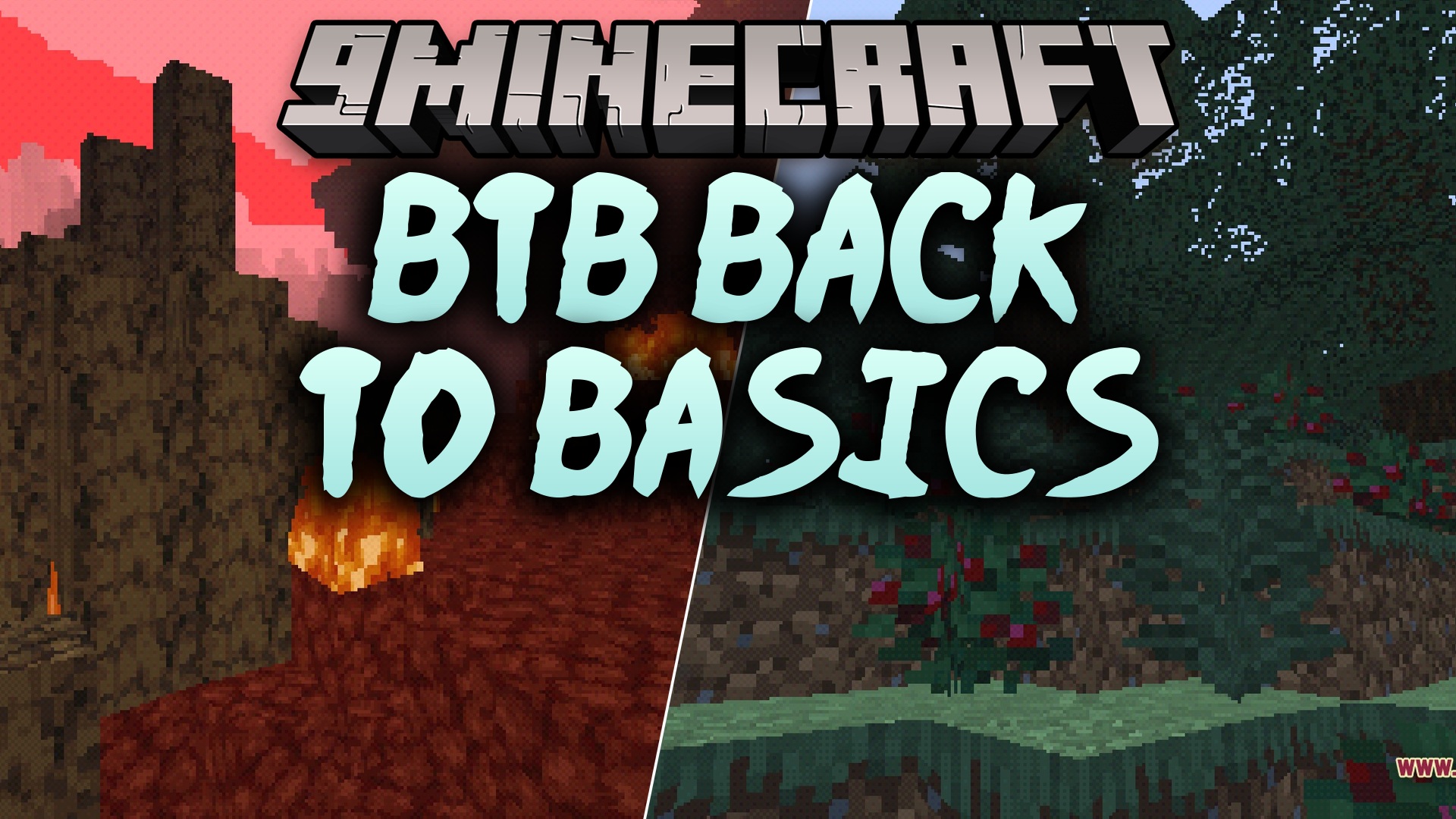
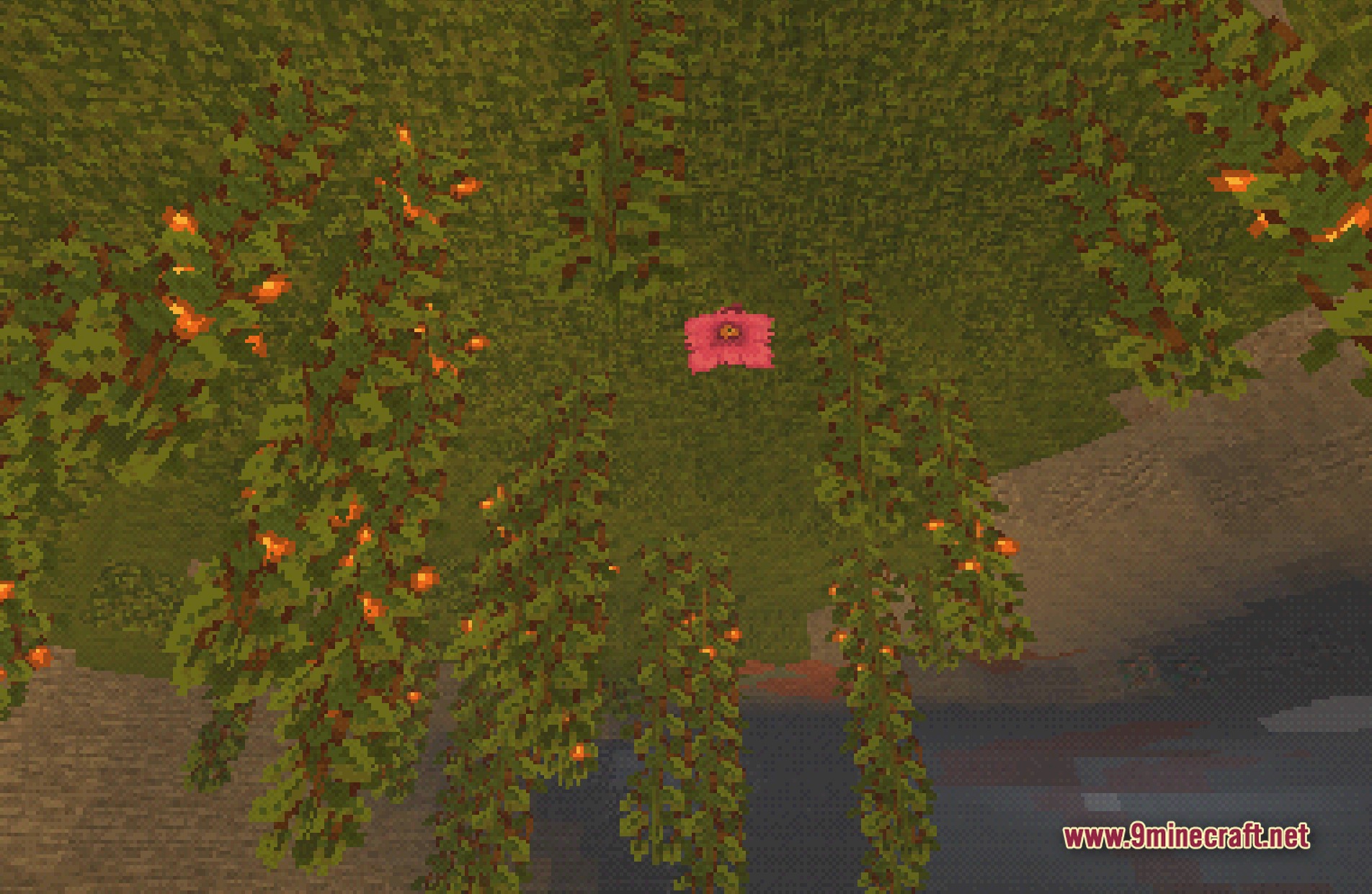
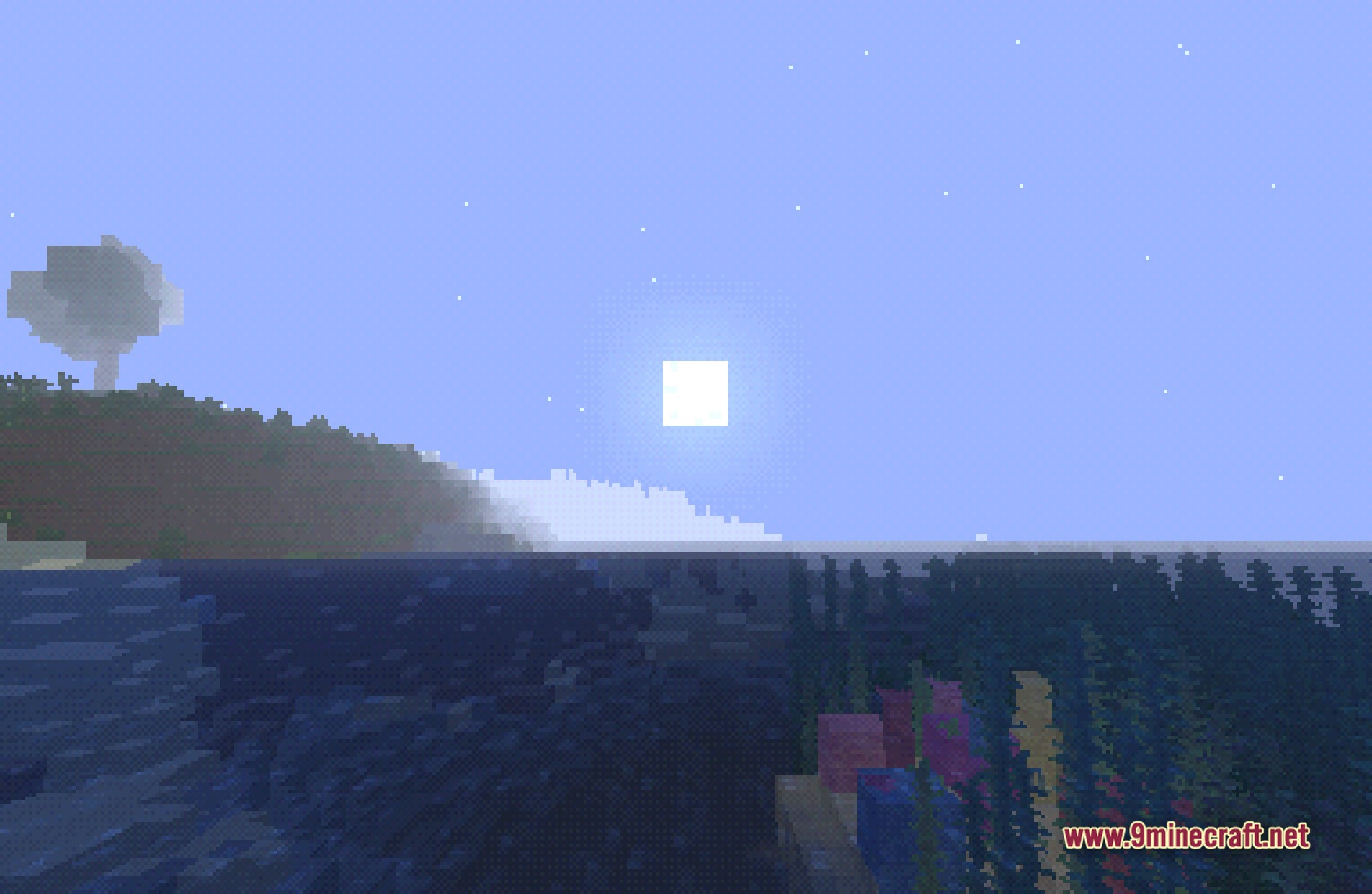
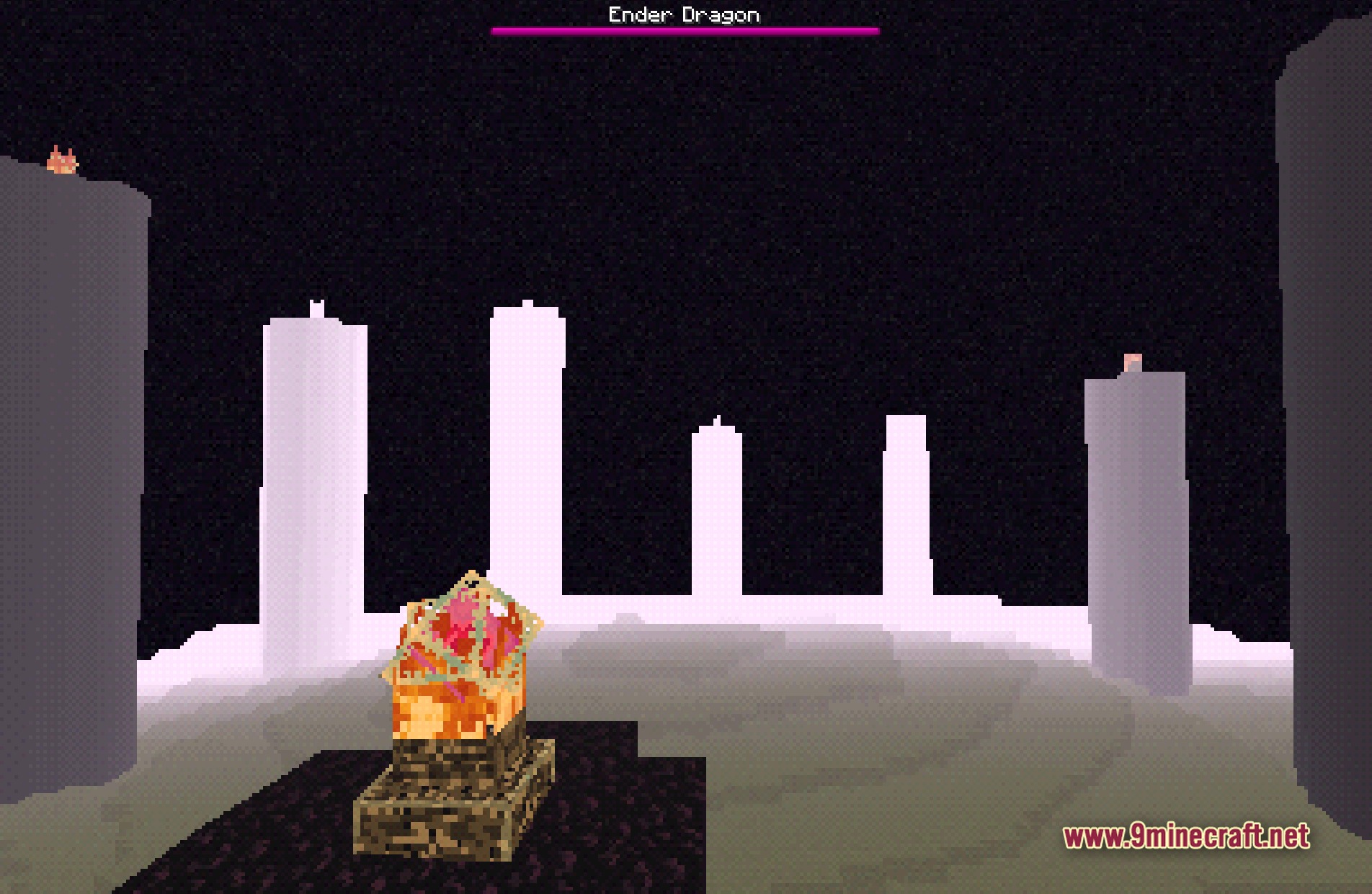
This is the intended PS1-style effect, but you can reduce it by adjusting the shader settings—lower the pixelation or polygon distortion values in the shader options menu to make textures sharper.
Can I use BTB shaders with my resource pack?
Yes, BTB shaders work with most resource packs, but simpler packs designed for vanilla Minecraft work best; highly detailed packs may clash with the retro aesthetic or cause performance issues.
My game is lagging with BTB shaders on. How do I fix it?
Lower your render distance, disable advanced lighting options in the shader settings, or reduce shadow quality—BTB is designed to be lightweight, so lag usually means other settings are too high for your hardware.
See all 10 BTB Back to Basics Shaders questions ›
Gallery
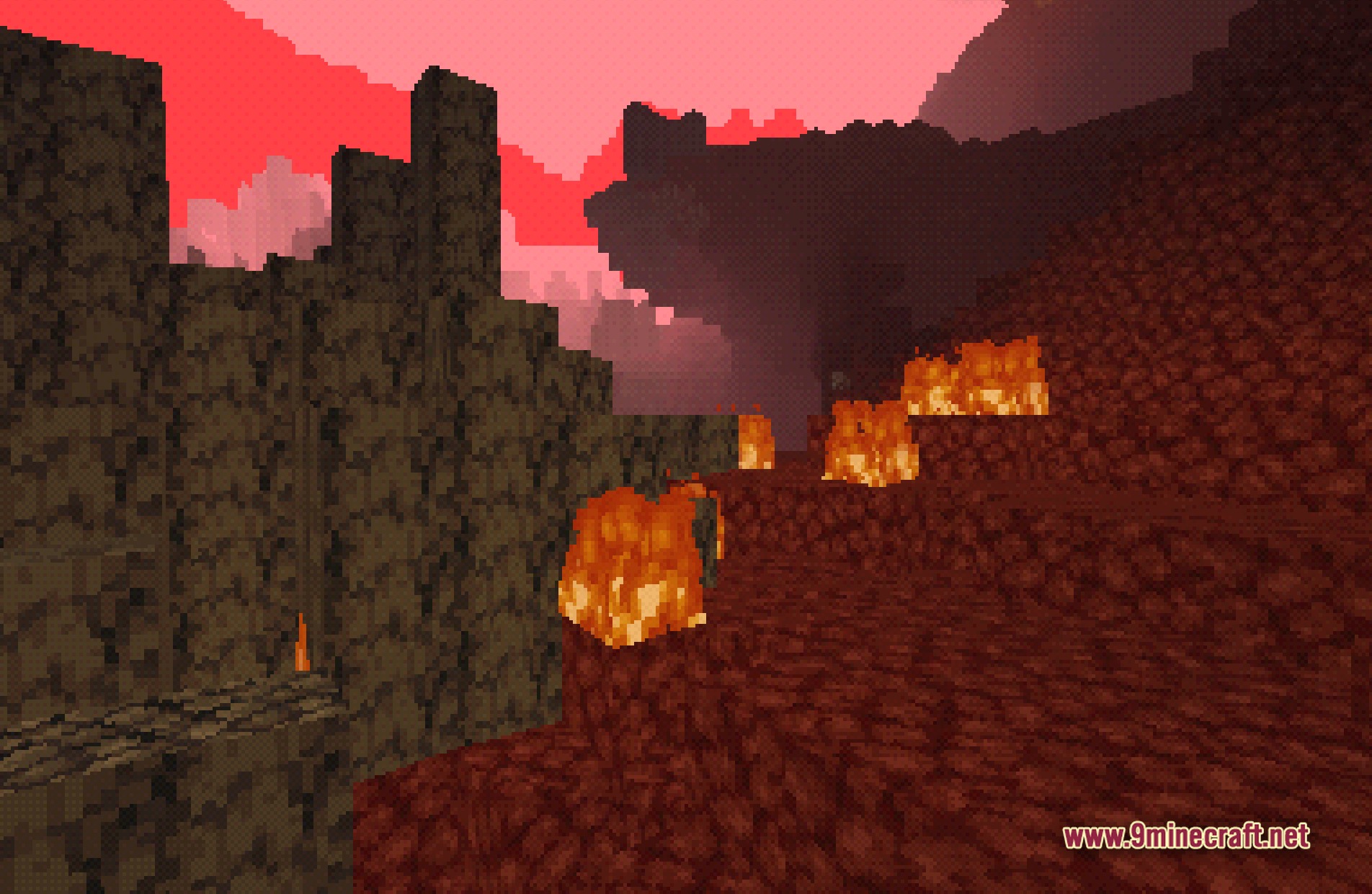
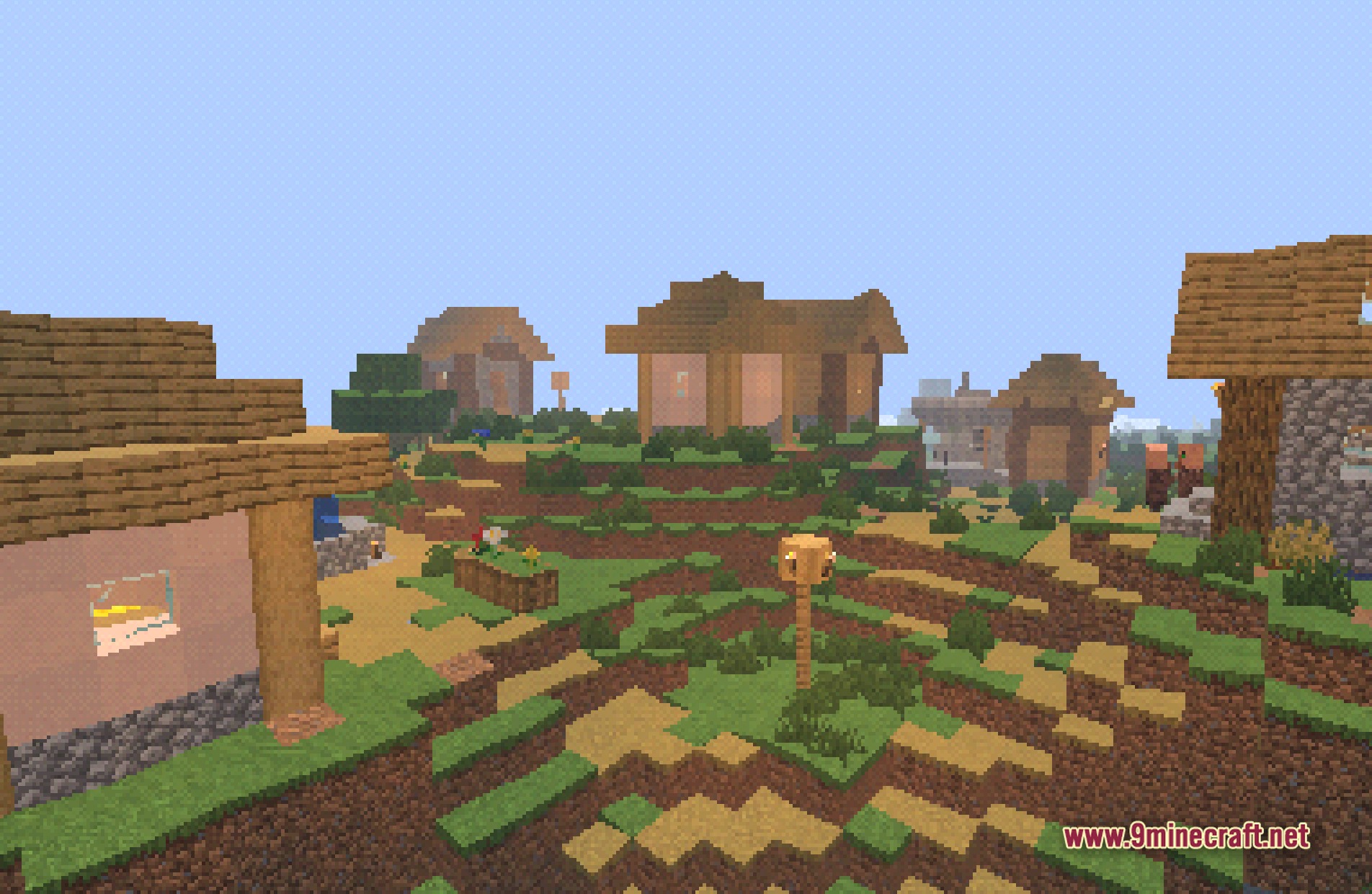
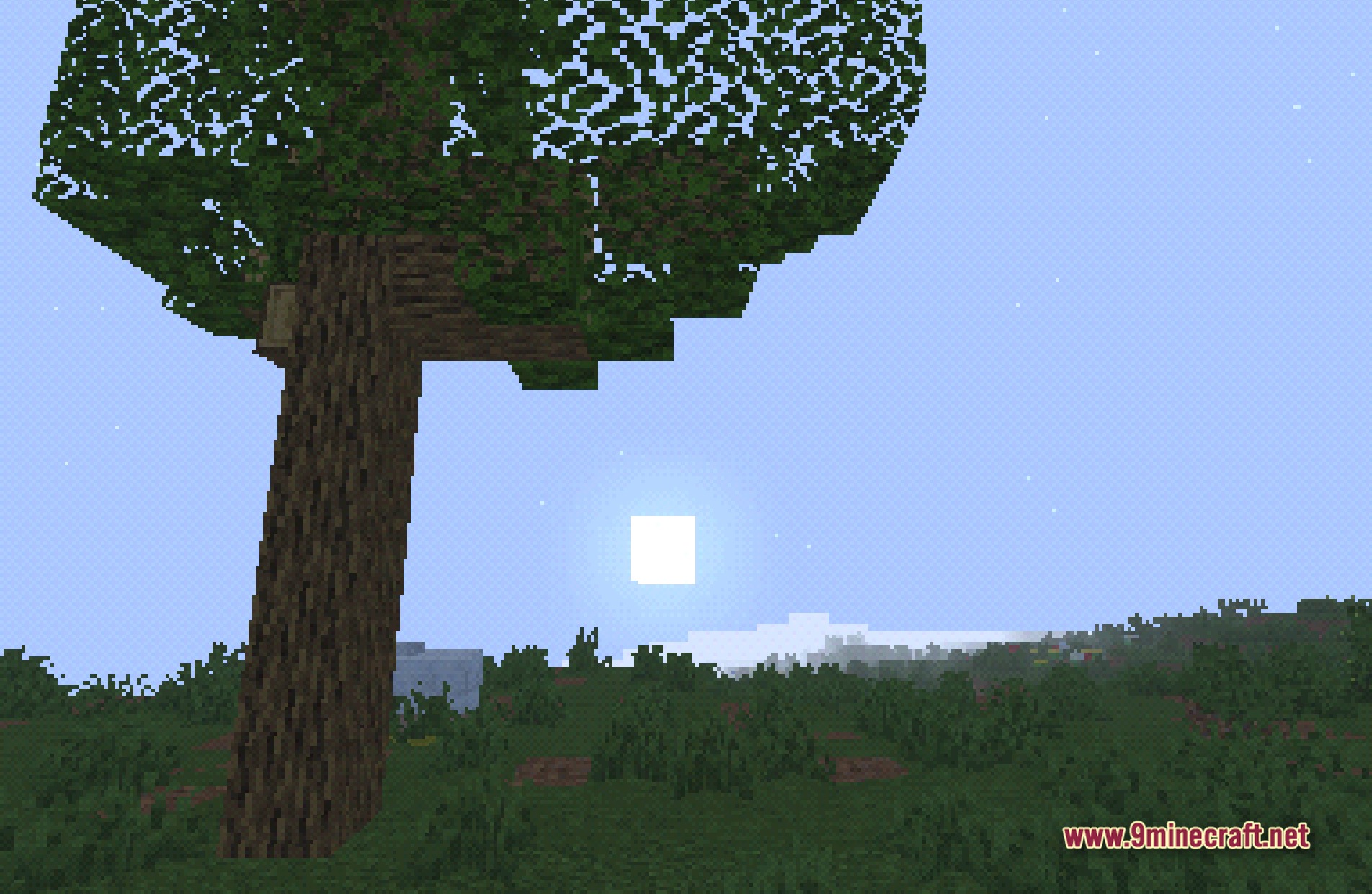
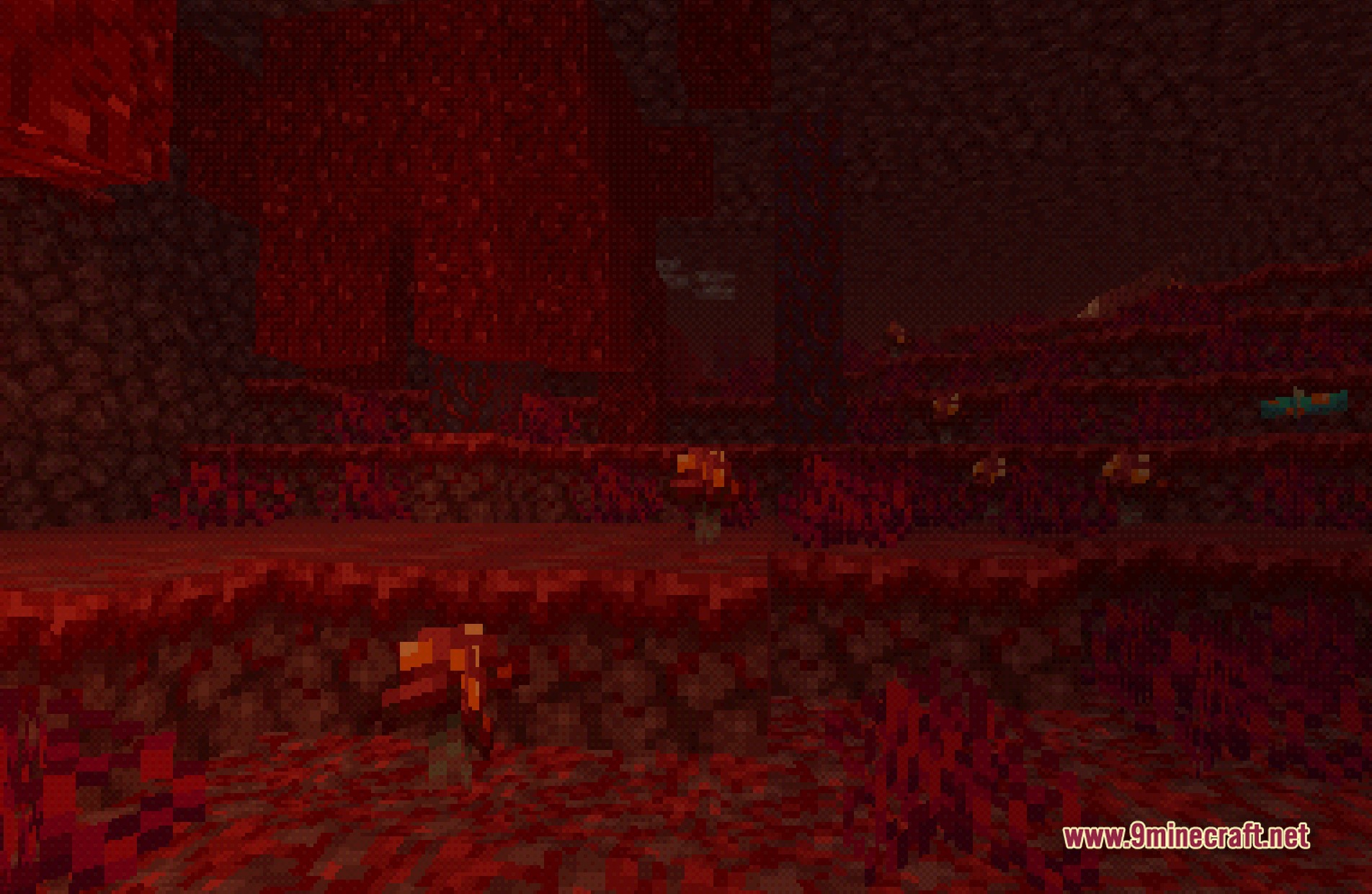
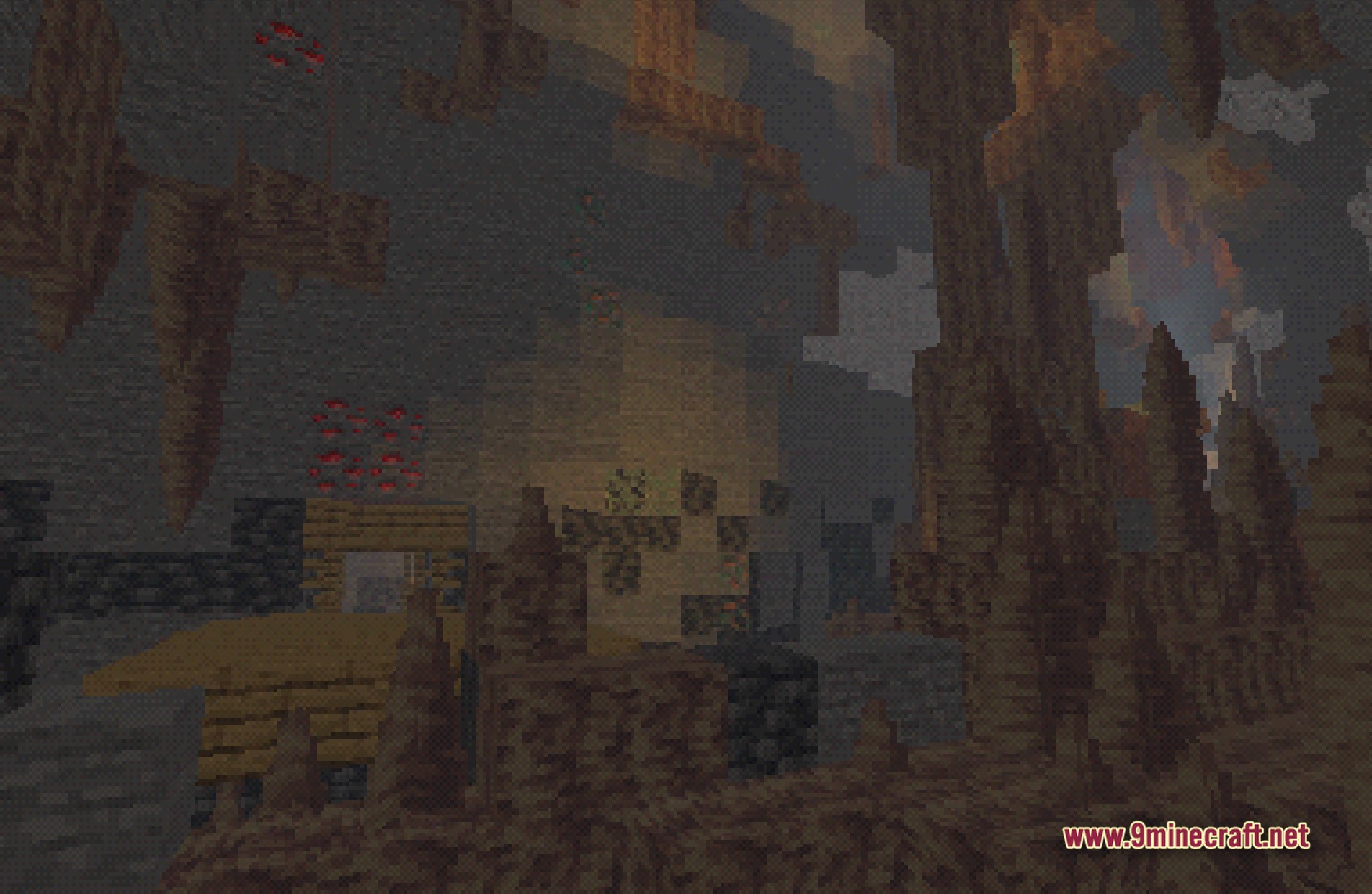
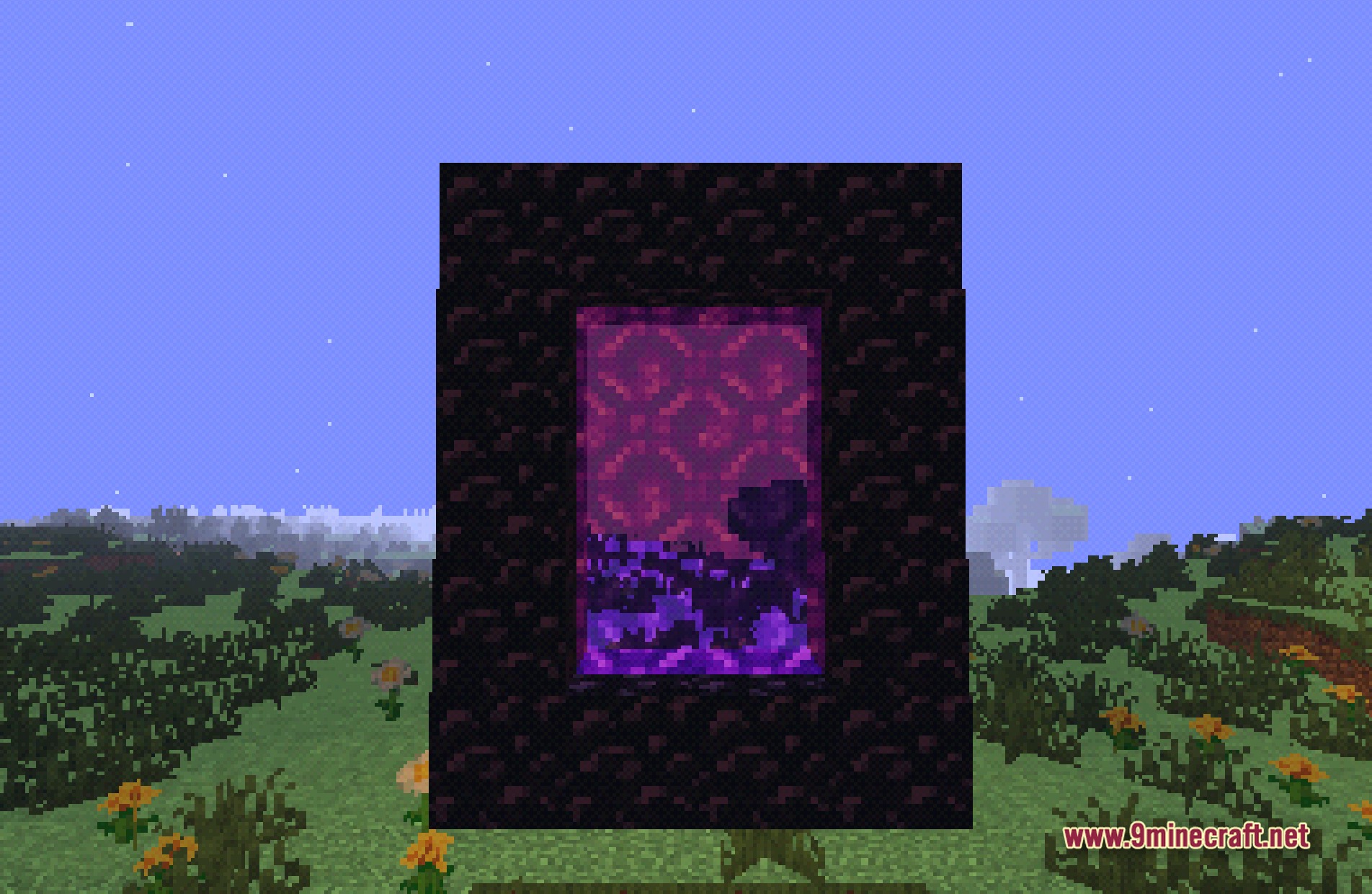
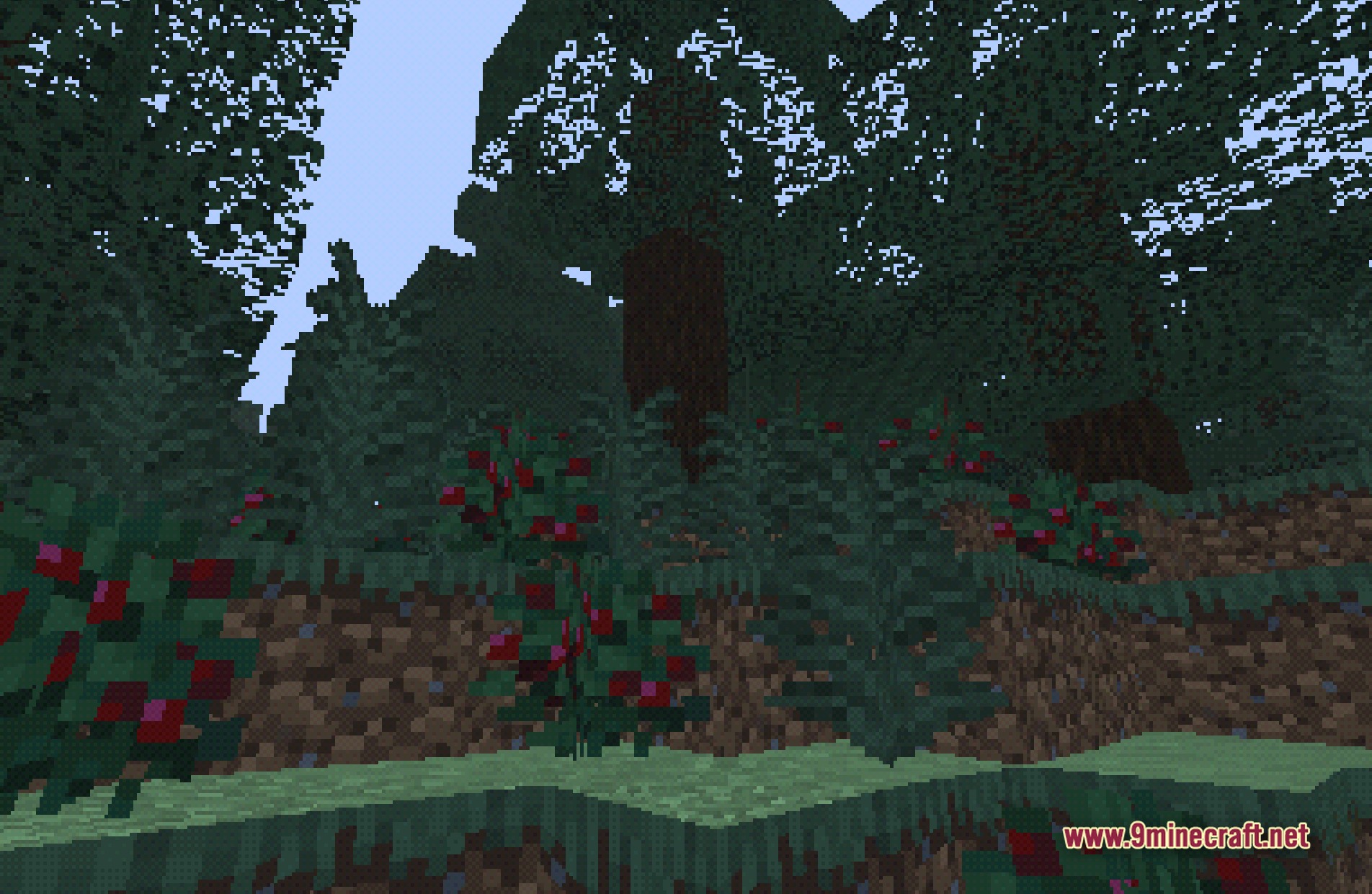
11 images from the Btb Back To Basics Shaders page.
You May Also Like
Wikis that share the most with this one
More shader wikis on the site
 Boxeh Shaders
The most downloaded mods that have a wiki here