

 DownloadTB Shaders
Get the files on 9Minecraft
Guides
Step-by-step, in-game.
Adjust Lighting Intensity and Color BalanceAccess Shader Settings Open the shader options menu by pressing the designated shader settings key (usually accessed…Enhance Water Appearance and ReflectionsEnable Water Reflection Features Open the TB Shaders settings and locate the water reflection option. Ensure it's…Maintain Vanilla Aesthetics While Using ShadersUnderstand TB Shaders' Design Philosophy TB Shaders is built to enhance vanilla Minecraft without drastically…Optimize Performance on Low-End HardwareIdentify Performance Bottlenecks Check your current frame rate using the debug screen (F3 key). If you're…
Frequently asked questions
How do I turn on TB Shaders after installing it?
Launch Minecraft, go to Options > Video Settings > Shaders, then select TB Shaders from the list and apply. You'll see the shader take effect immediately in your world.
Why do my torches and light sources look dim?
Check your Lighting Intensity setting in the shader options—you may need to increase it to make colored light from torches more vibrant. The default balance is conservative to preserve vanilla feel, so adjusting this slider will make light sources pop more.
Can I use TB Shaders on my old laptop?
Yes, TB Shaders is designed for low-end hardware and potato computers. If you experience lag, lower your render distance or disable water reflections in the shader settings to improve frame rate further.
How do I make water look better with this shader?
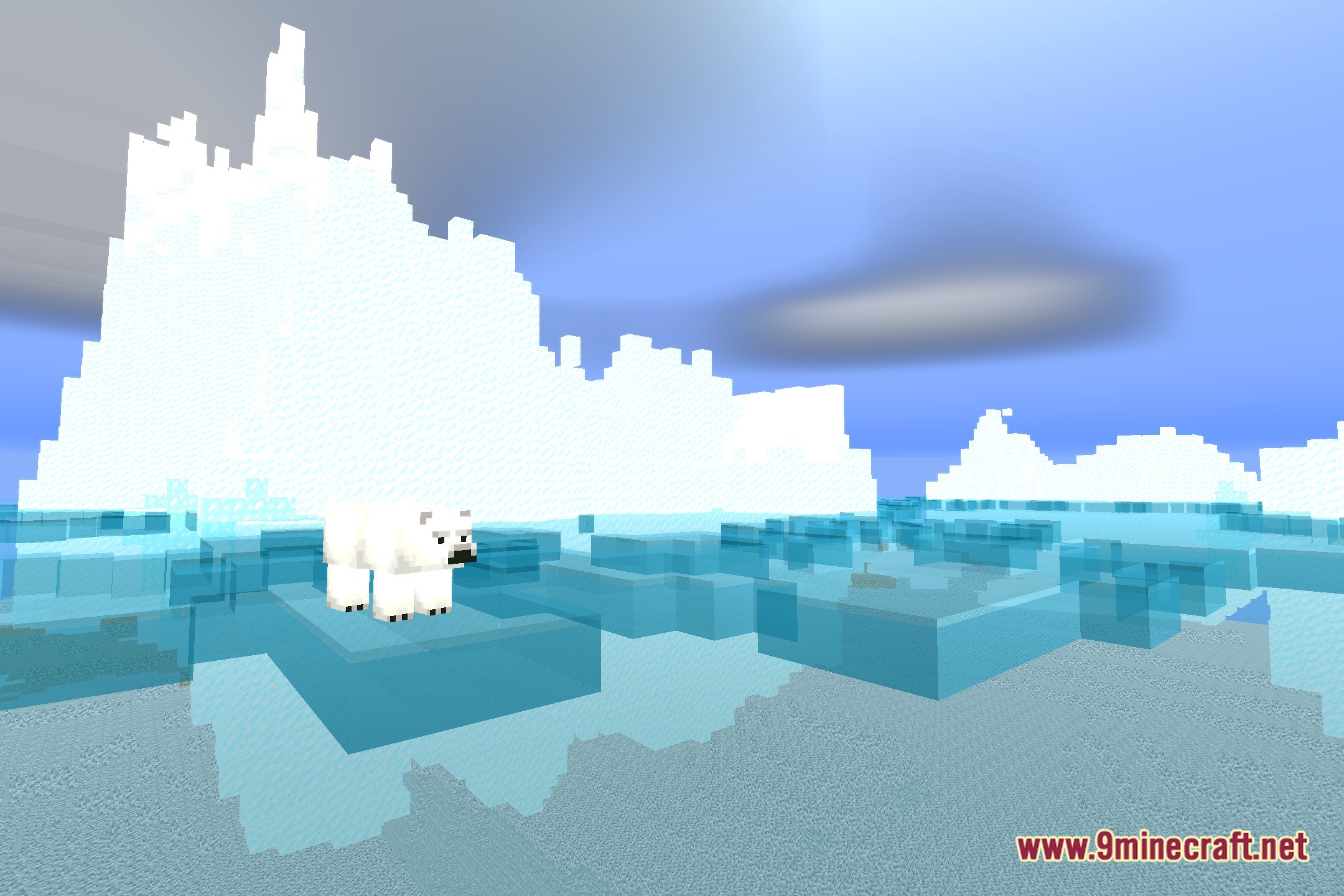
Water reflections are enabled by default in TB Shaders. If reflections look weak or you want them stronger, check the Water Reflections or Reflection Intensity option in your shader settings to adjust the effect.
See all 10 TB Shaders questions ›
Gallery
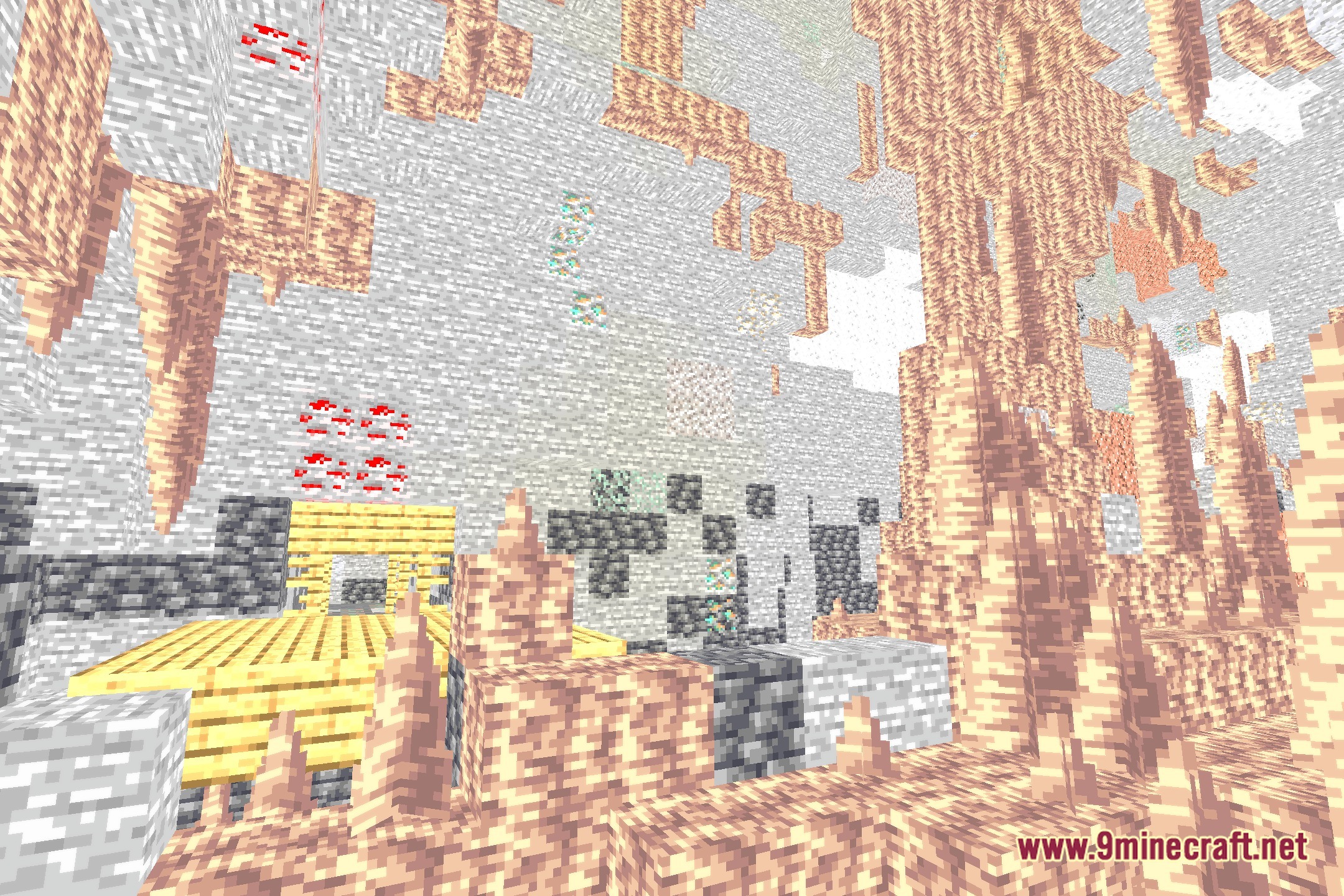
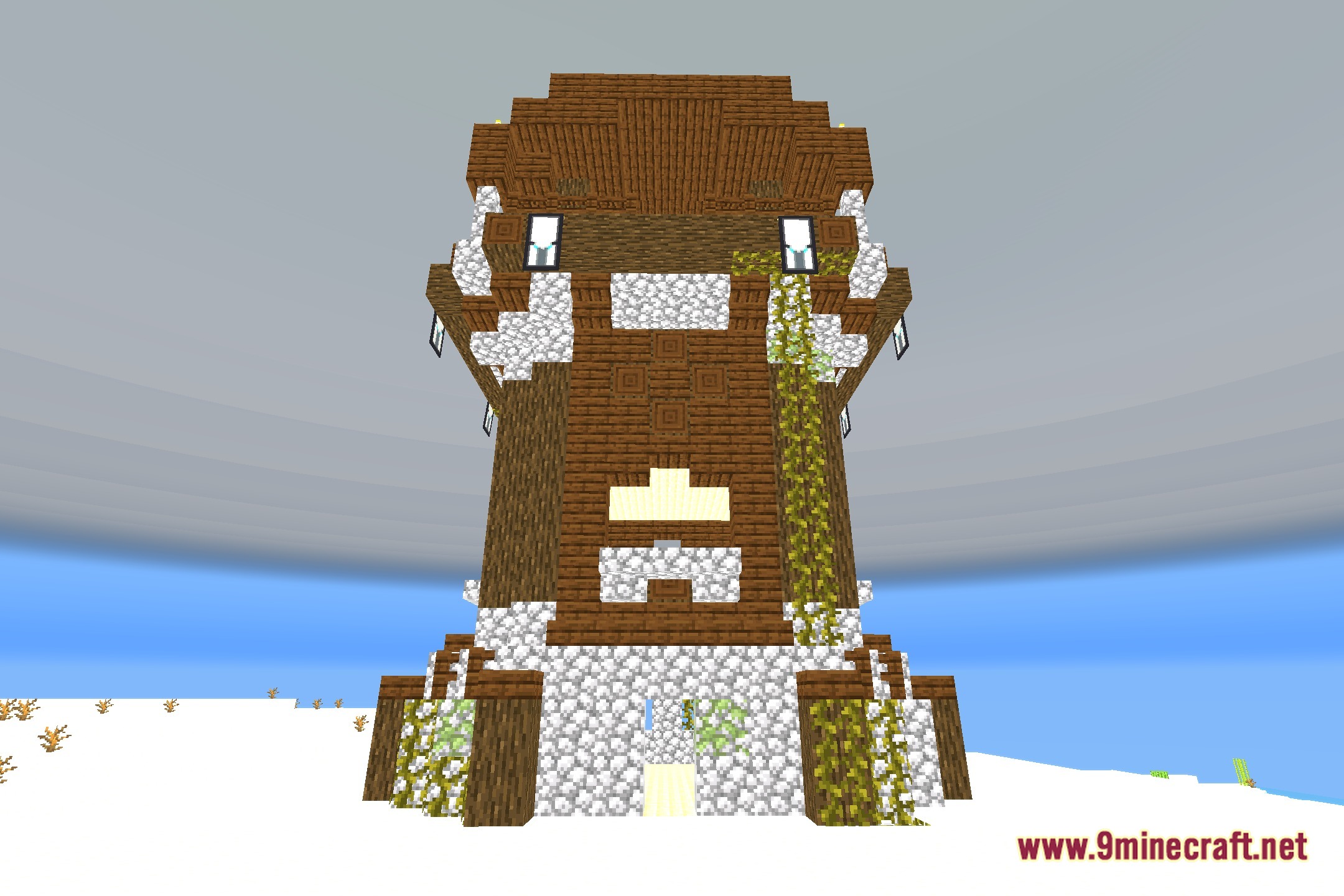
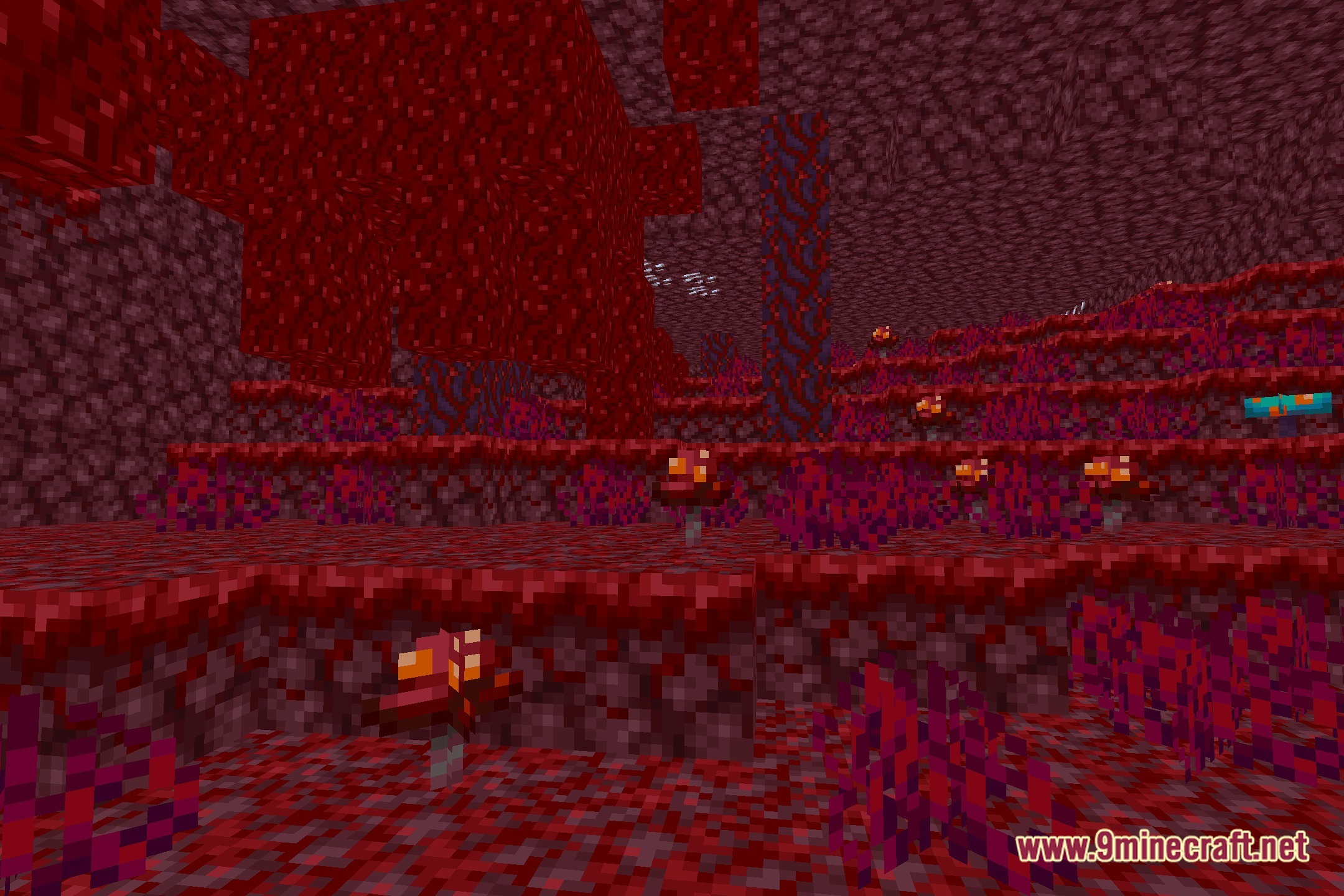
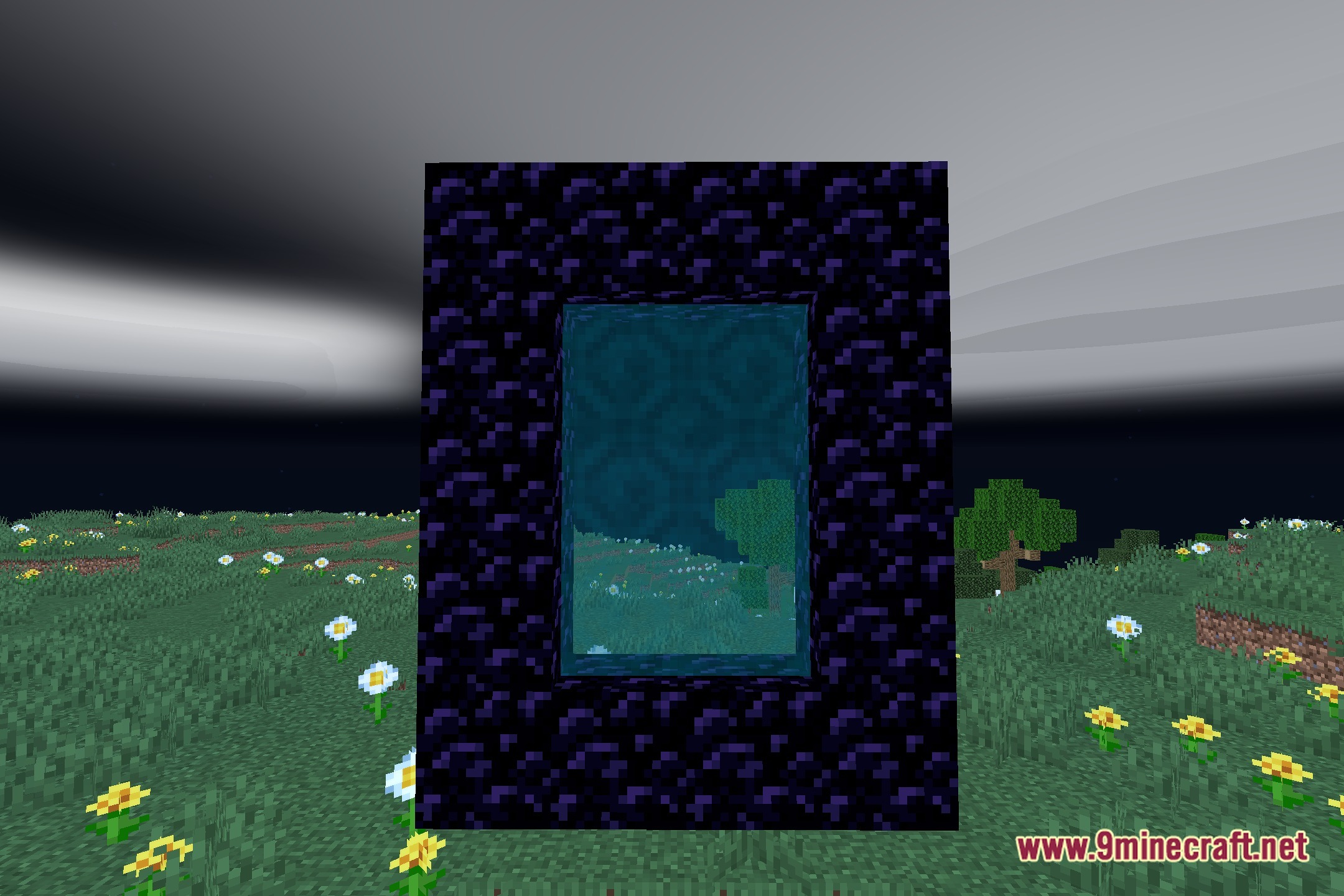
12 images from the Tb Shaders page.
You May Also Like
Wikis that share the most with this one
Wikis on the same theme: light
More shader wikis on the site
 Sursum Corda Renewed Shaders
The most downloaded mods that have a wiki here