

 DownloadBuilder’s QOL Shaders
Get the files on 9Minecraft
Guides
Step-by-step, in-game.
Adjust Lighting to Reduce Eye Strain While BuildingAccess Shader Settings Open your pause menu and navigate to Options → Video Settings → Shaders . Look for the shader…Enable or Disable Specific Visual EffectsOpen Shader Configuration Pause your game and go to Options → Video Settings → Shaders . Click the settings icon next…Improve Block Visibility for Precise BuildingEnhance Block Definition Open Options → Video Settings → Shaders and access the Builder's QOL configuration. Look for…Maintain High Frame Rate While Using ShadersCheck Current Performance Press F3 to open the debug overlay and note your current FPS. This is your baseline. Then…
Frequently asked questions
How do I turn on the shader after installing it?
Open your Video Settings, go to Shaders, and select Builder's QOL from the list. The shader activates immediately—you'll see the lighting changes right away.
Why do my blocks look washed out or too bright?
This usually means your brightness or gamma settings are too high. Lower your in-game brightness slider and adjust your monitor's brightness instead for better contrast and block visibility.
Can I use this shader with other mods?
Yes, Builder's QOL works with most mods. Avoid using it with other shader packs at the same time, and be cautious with mods that heavily modify lighting or block rendering.
My frame rate dropped after enabling the shader. How do I fix it?
Open the shader settings and disable or reduce visual effects like shadows or ambient occlusion. You can also lower your render distance or turn off fancy graphics in Video Settings.
See all 10 Builder’s QOL Shaders questions ›
Gallery
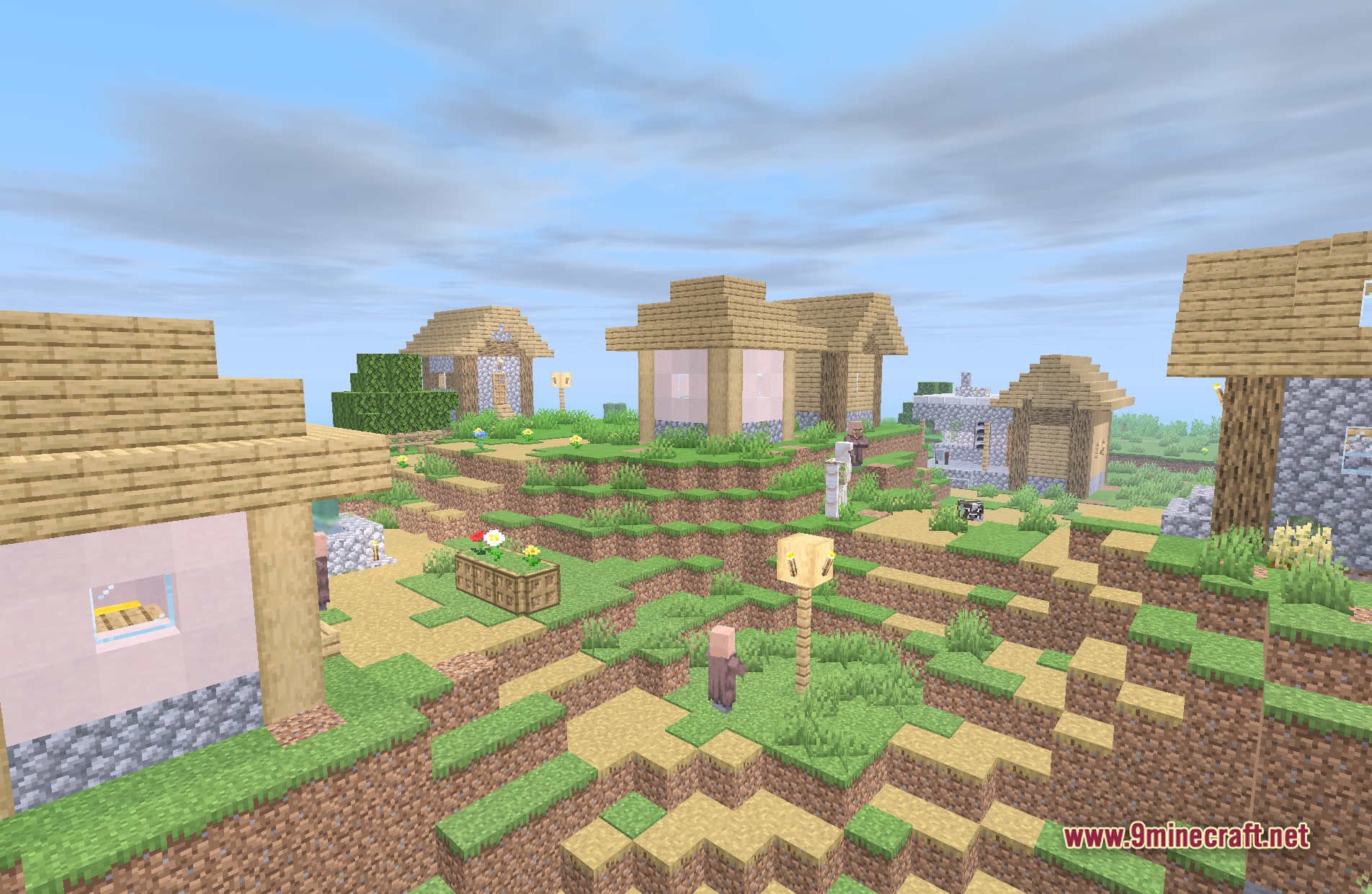
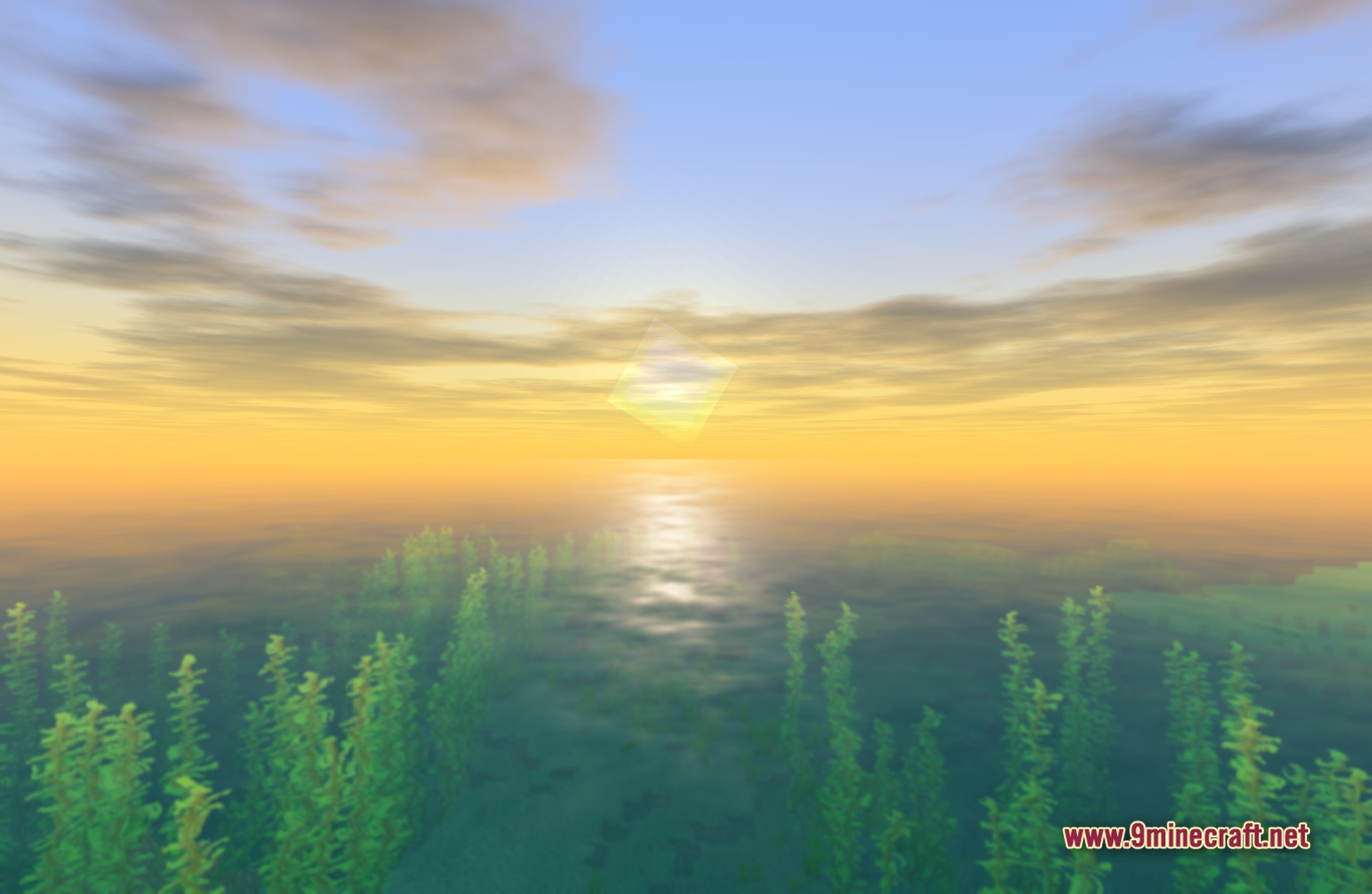
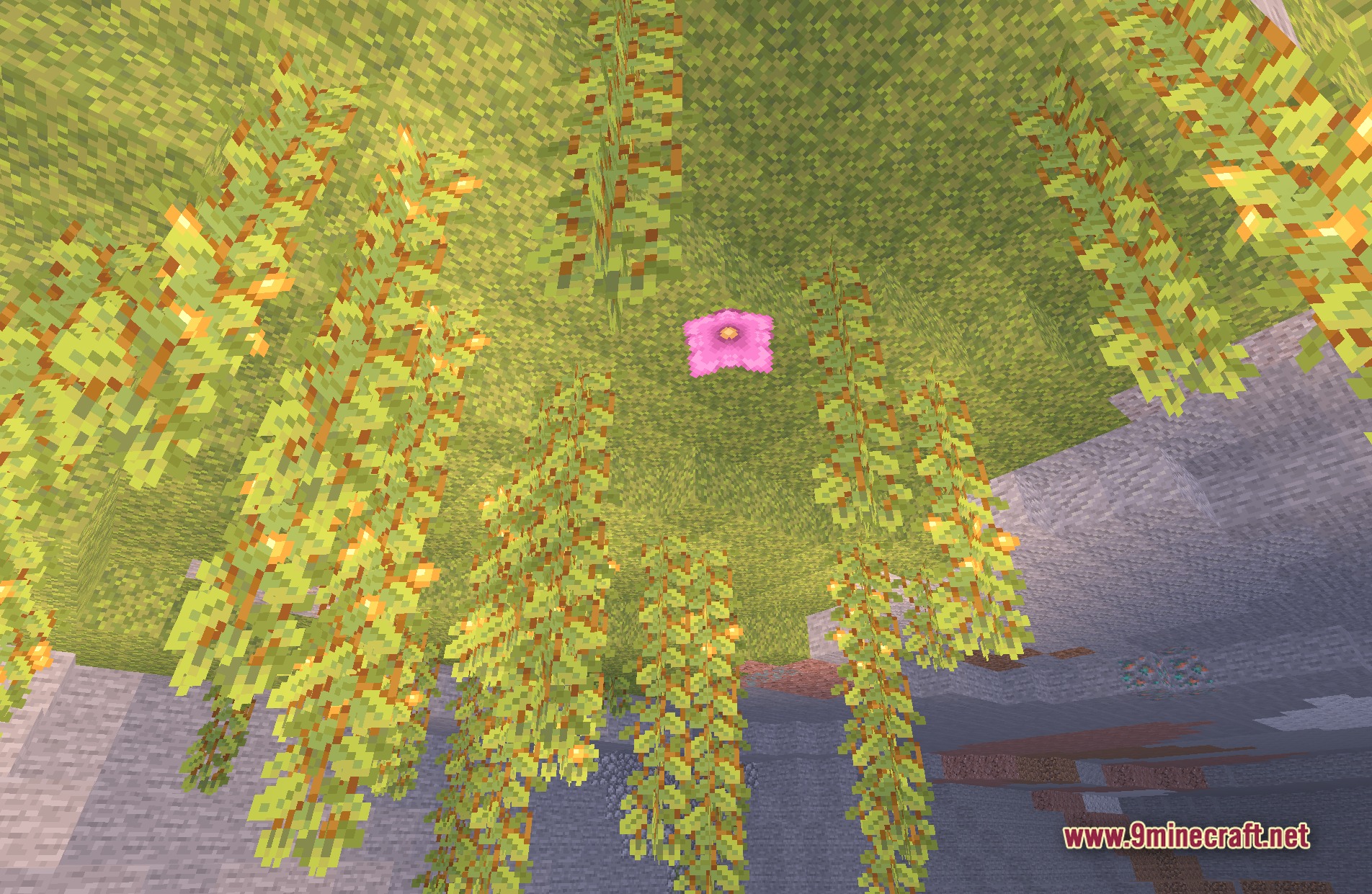
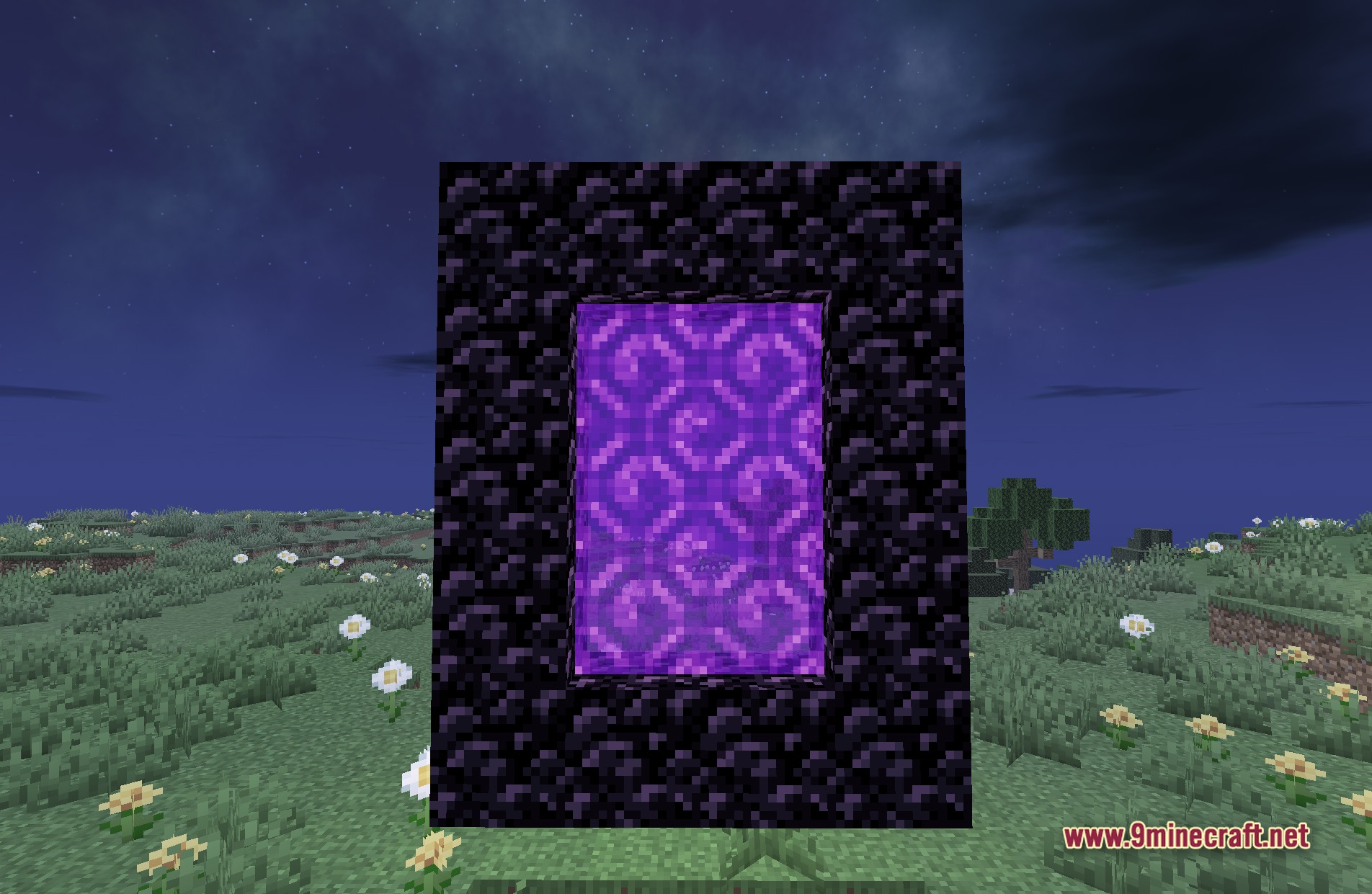
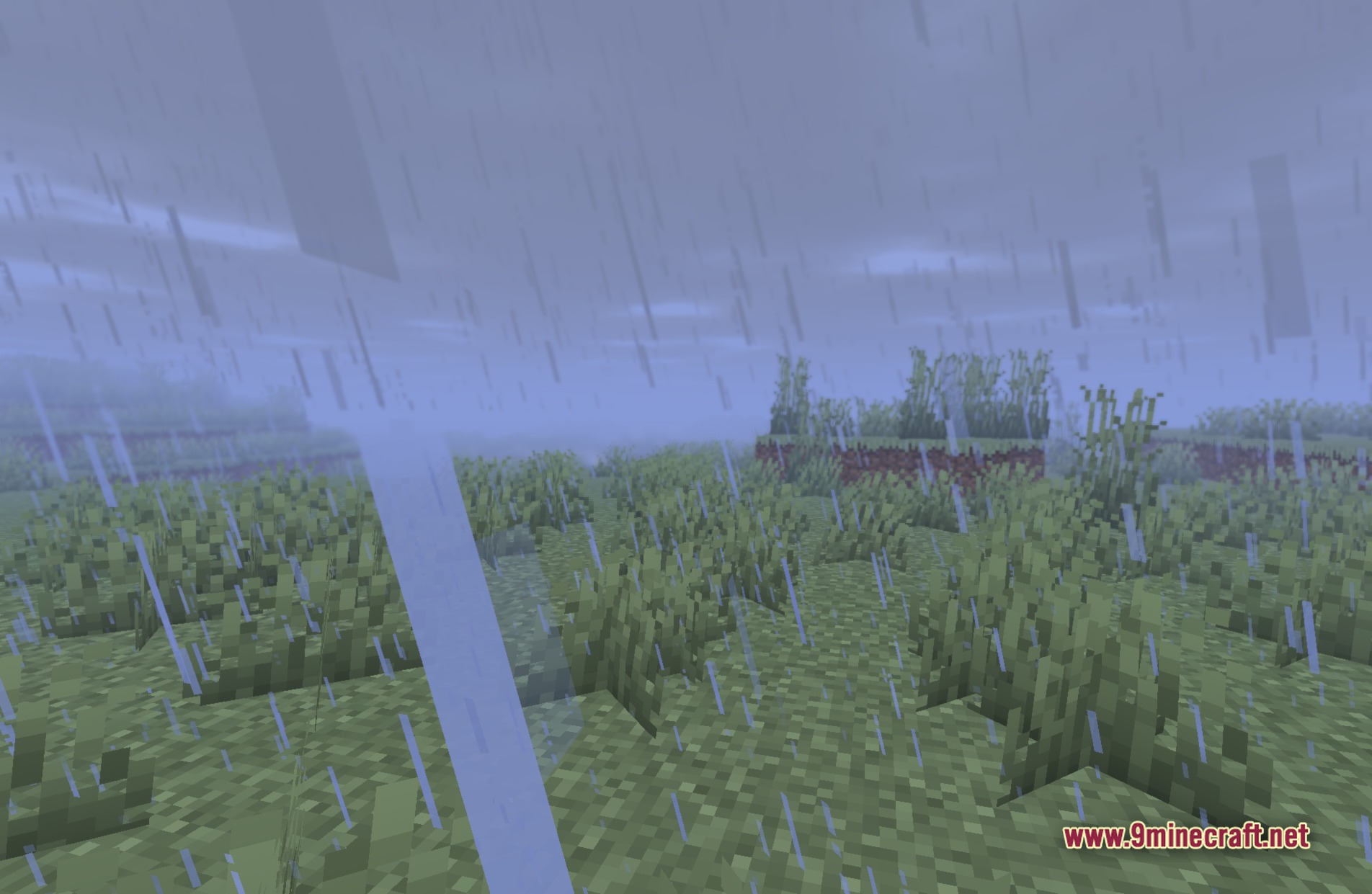
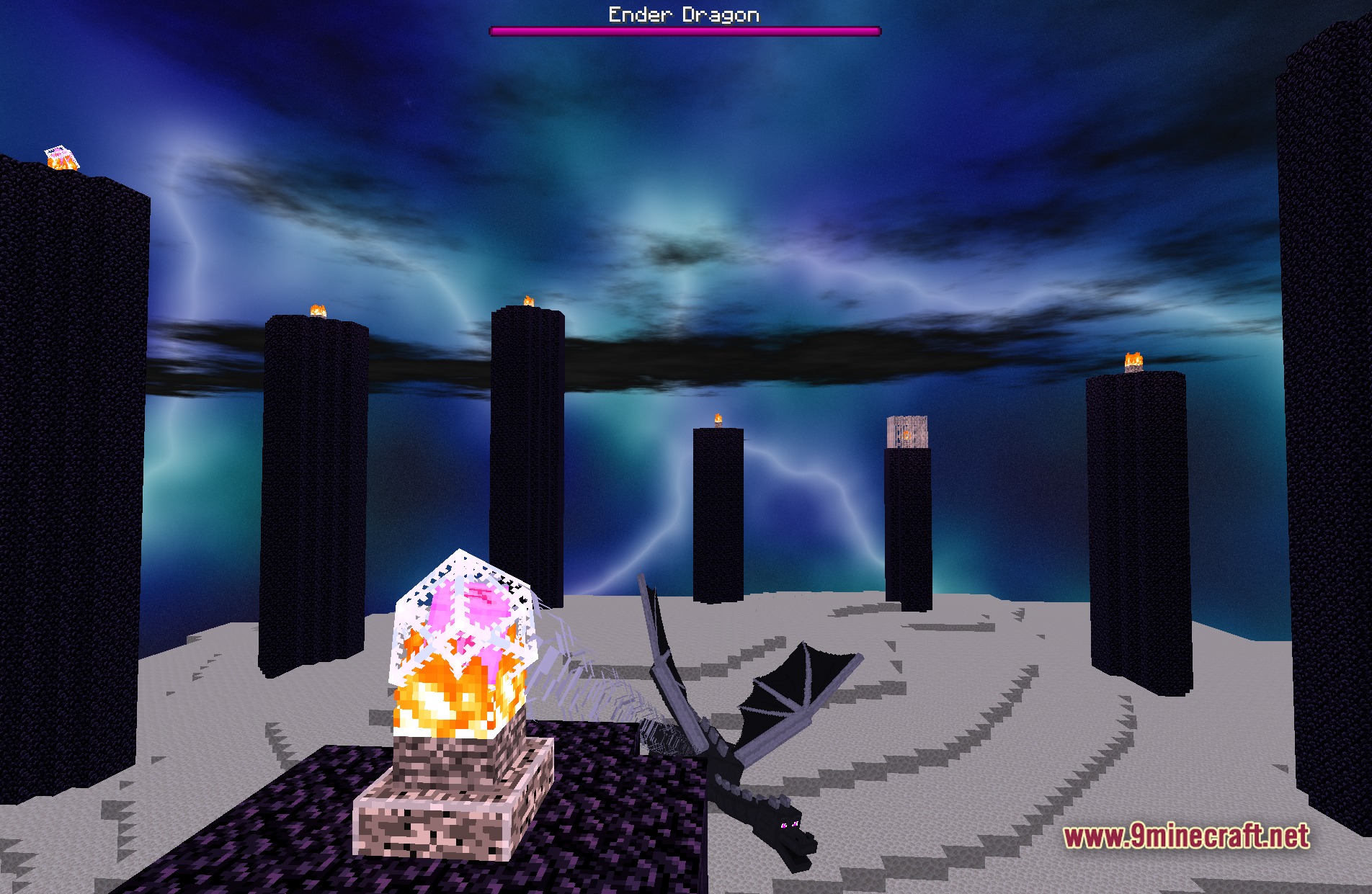
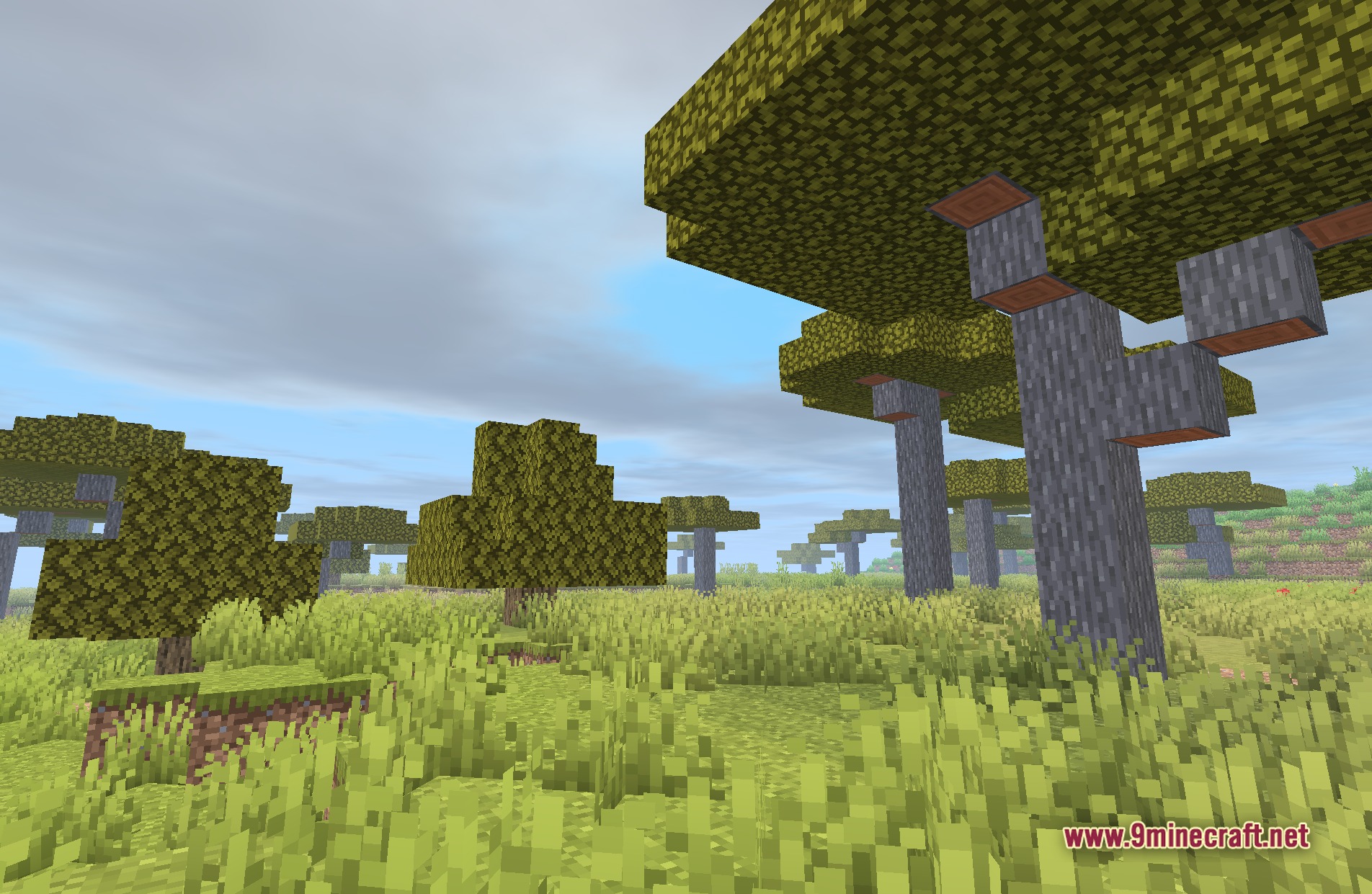
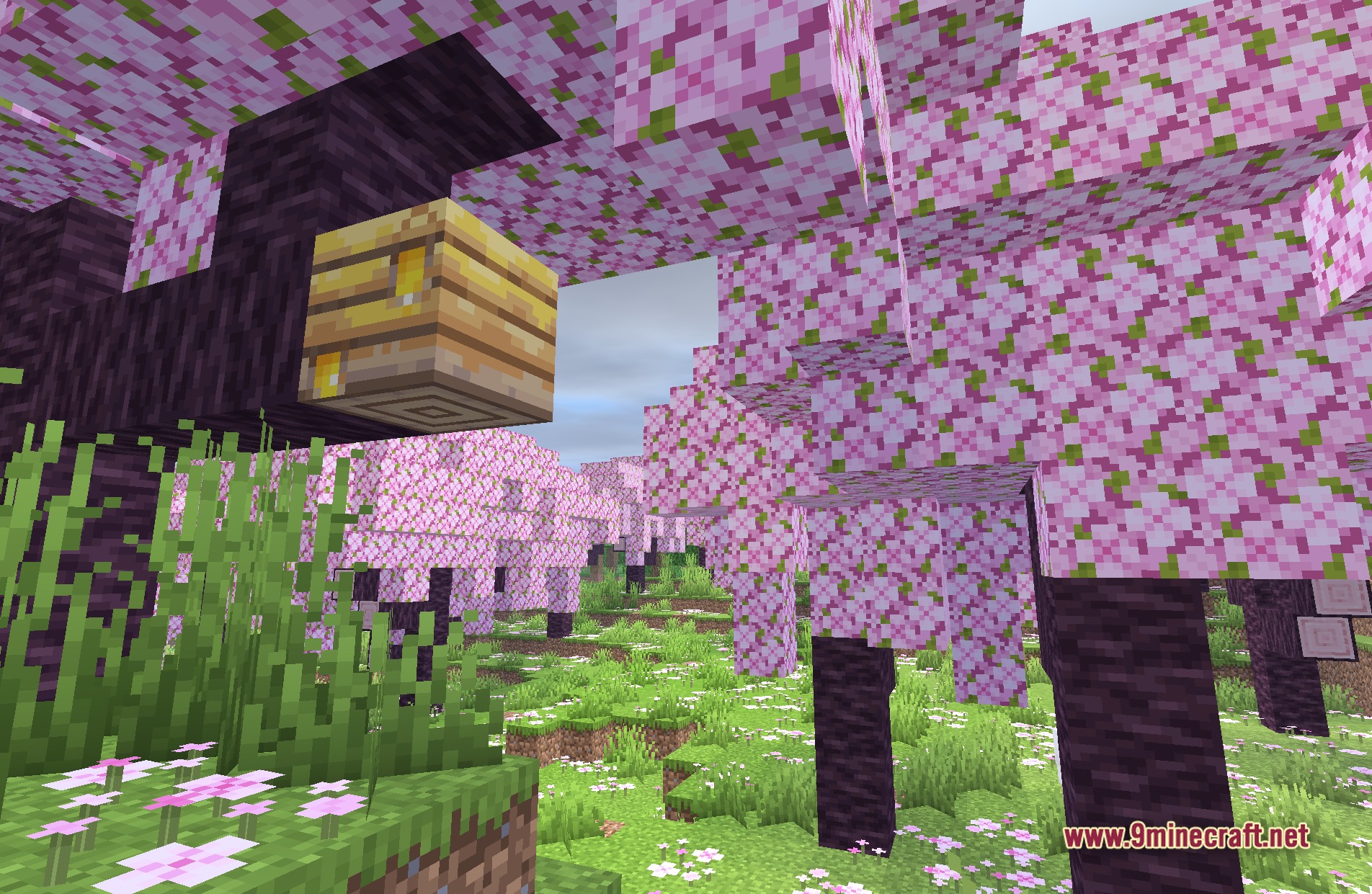
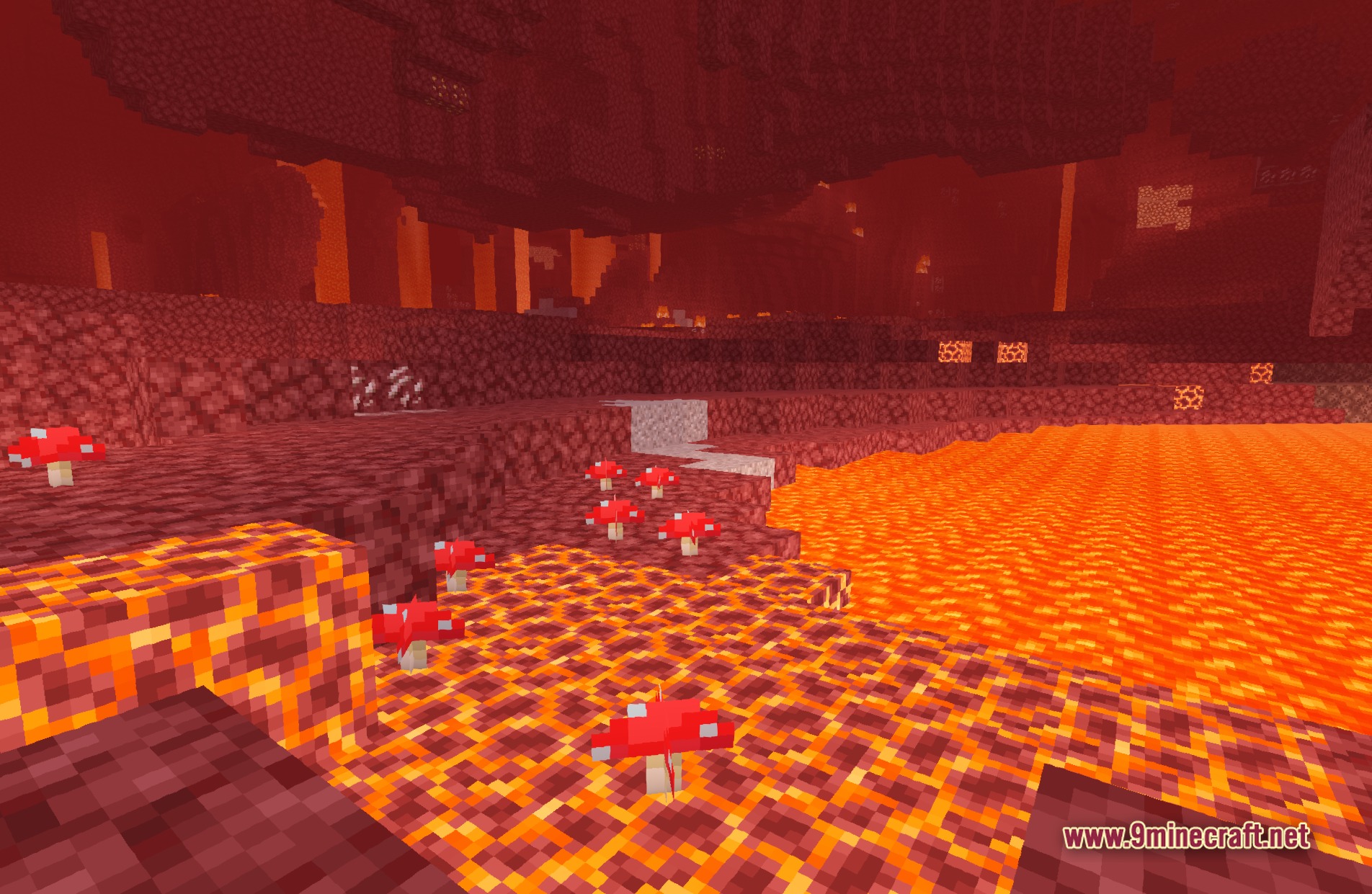
11 images from the Builders Qol Shaders page.

You May Also Like
Wikis that share the most with this one
Wikis on the same theme: build
More shader wikis on the site
 Boxeh Shaders
The most downloaded mods that have a wiki here