

 DownloadPotatoGlow Shaders
Get the files on 9Minecraft
Guides
Step-by-step, in-game.
Adjust Colored Lighting Intensity for Your Build StyleAccess Shader Settings Open the shader options menu while in-game by pressing the designated shader menu key…Create Atmospheric Lighting for Night Builds and CavesUse Colored Light Sources Strategically PotatoGlow's colored lighting shines in dark environments. Place torches,…Make Water Reflections Look Better in Your BuildsUnderstand Reflection Limitations PotatoGlow Shaders includes simple reflections on water surfaces that reflect the…Reduce Lag and Improve Frame Rate on Low-End HardwareCheck Current Performance Settings Open the PotatoGlow Shaders configuration menu and review the active quality…
Frequently asked questions
How do I turn on PotatoGlow Shaders after installing it?
Open your Video Settings in-game, find the Shaders option, and select PotatoGlow Shaders from the list. The shader will activate immediately and you'll see colored lighting and reflections take effect.
Why do my torches and light sources look dim or not colorful enough?
Can I use PotatoGlow Shaders with other mods?
Yes, PotatoGlow Shaders is compatible with most mods that don't conflict with rendering. Mods that add custom blocks or items will display normally, though custom light sources may not cast colored light unless specifically supported.
My frame rate dropped after enabling shaders. How do I fix it?
Try disabling or reducing water reflections in the shader settings, lowering shadow quality, or reducing render distance. PotatoGlow is designed for low-end hardware, but these adjustments will help older computers maintain playable frame rates.
See all 10 PotatoGlow Shaders questions ›
Gallery
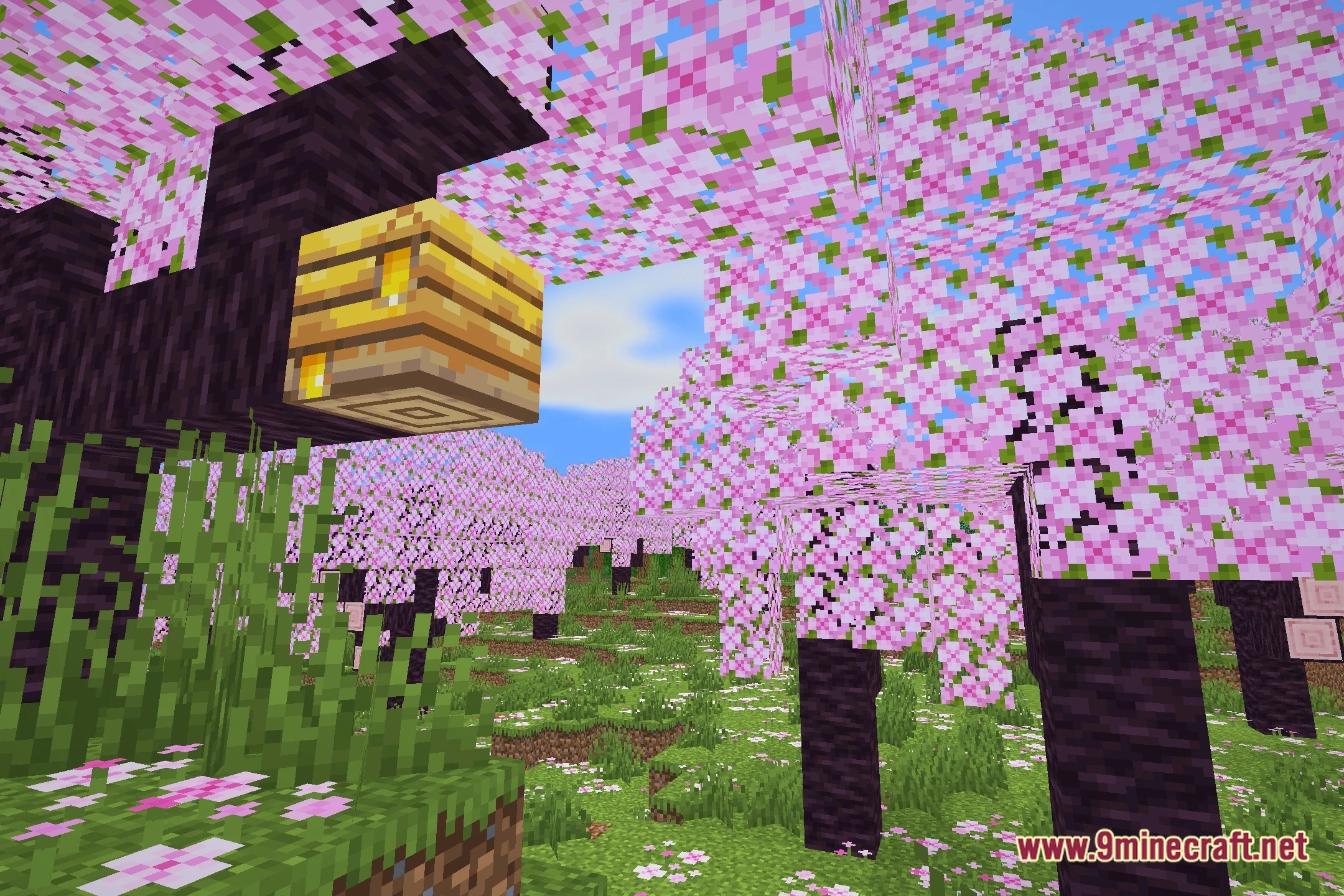
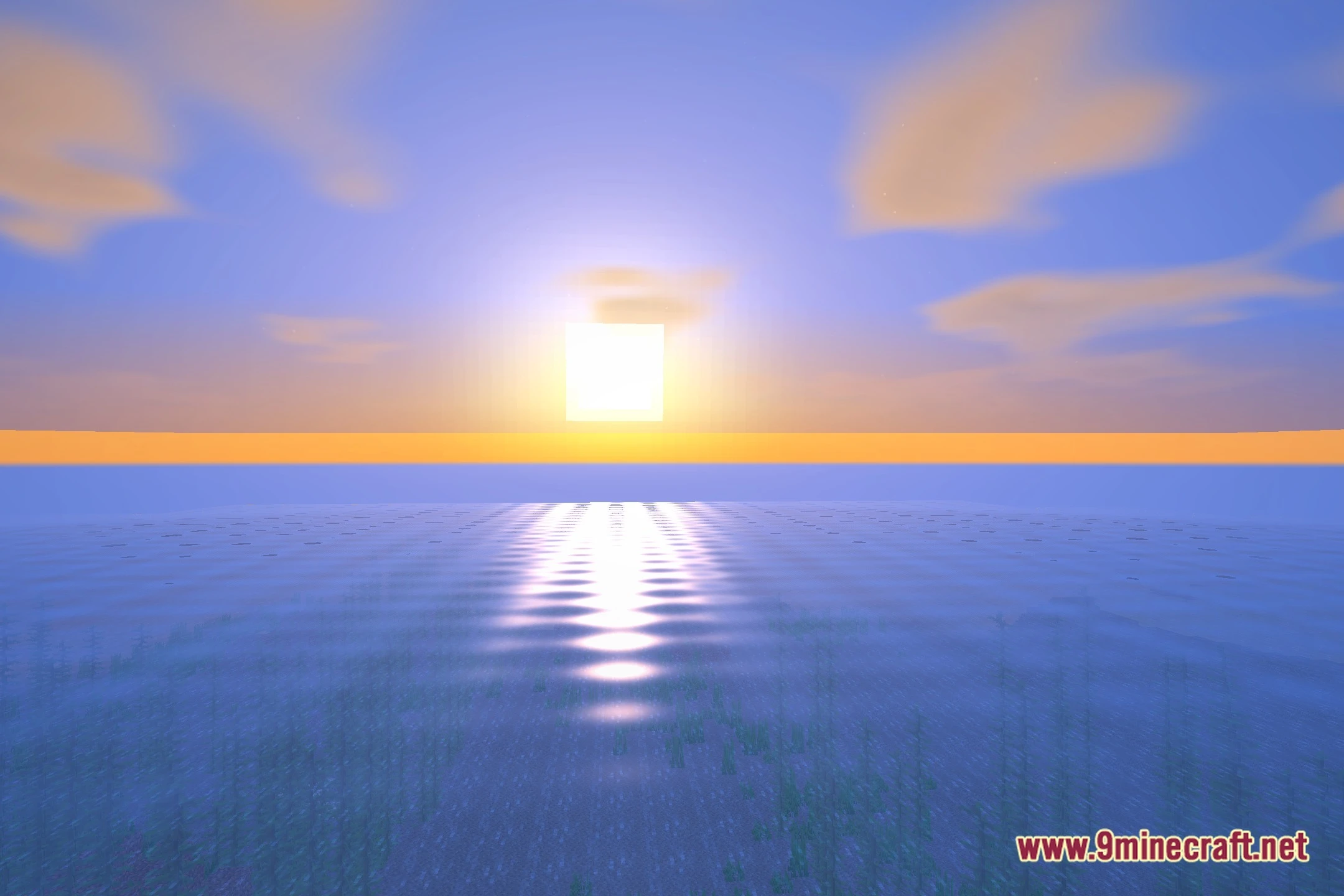
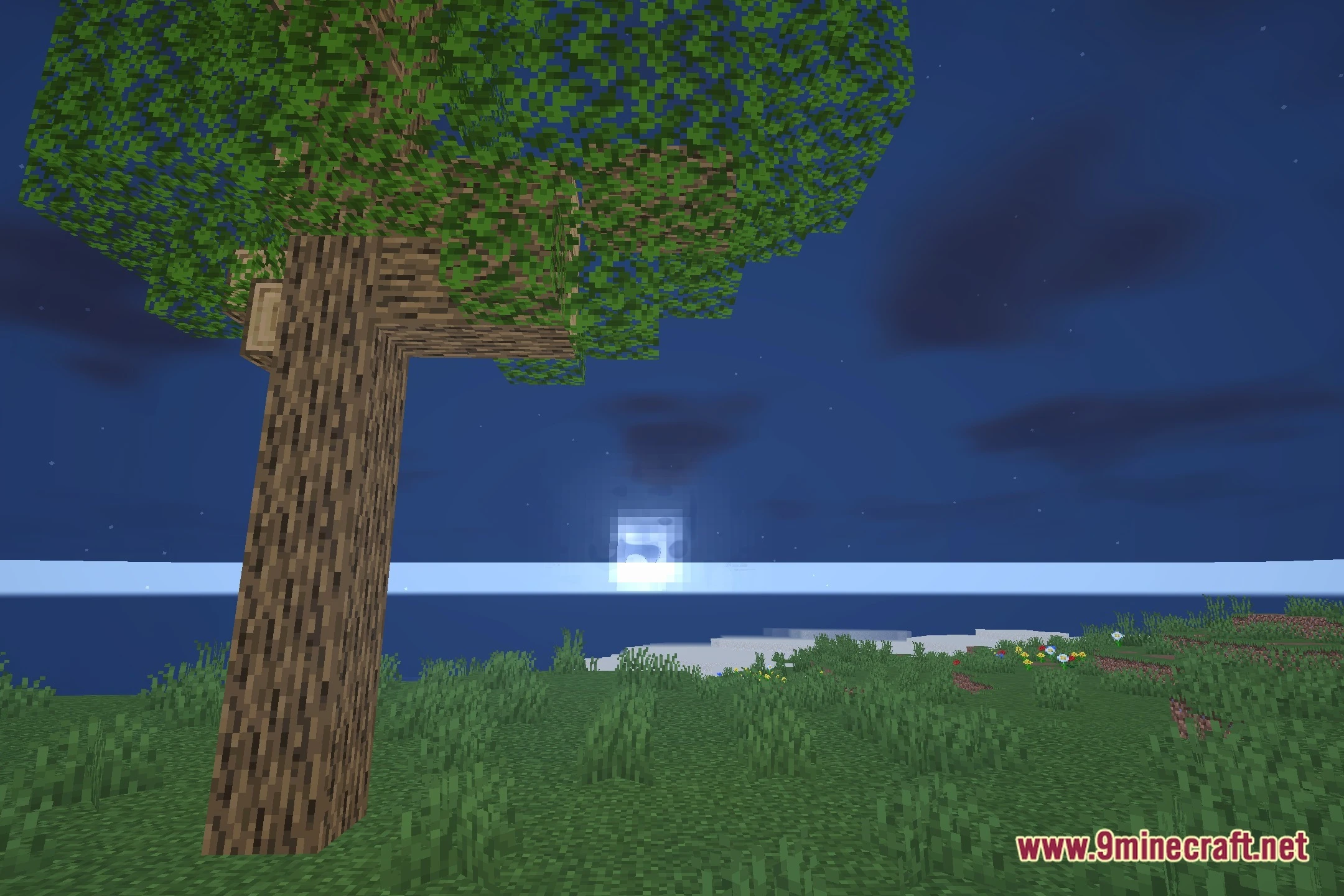
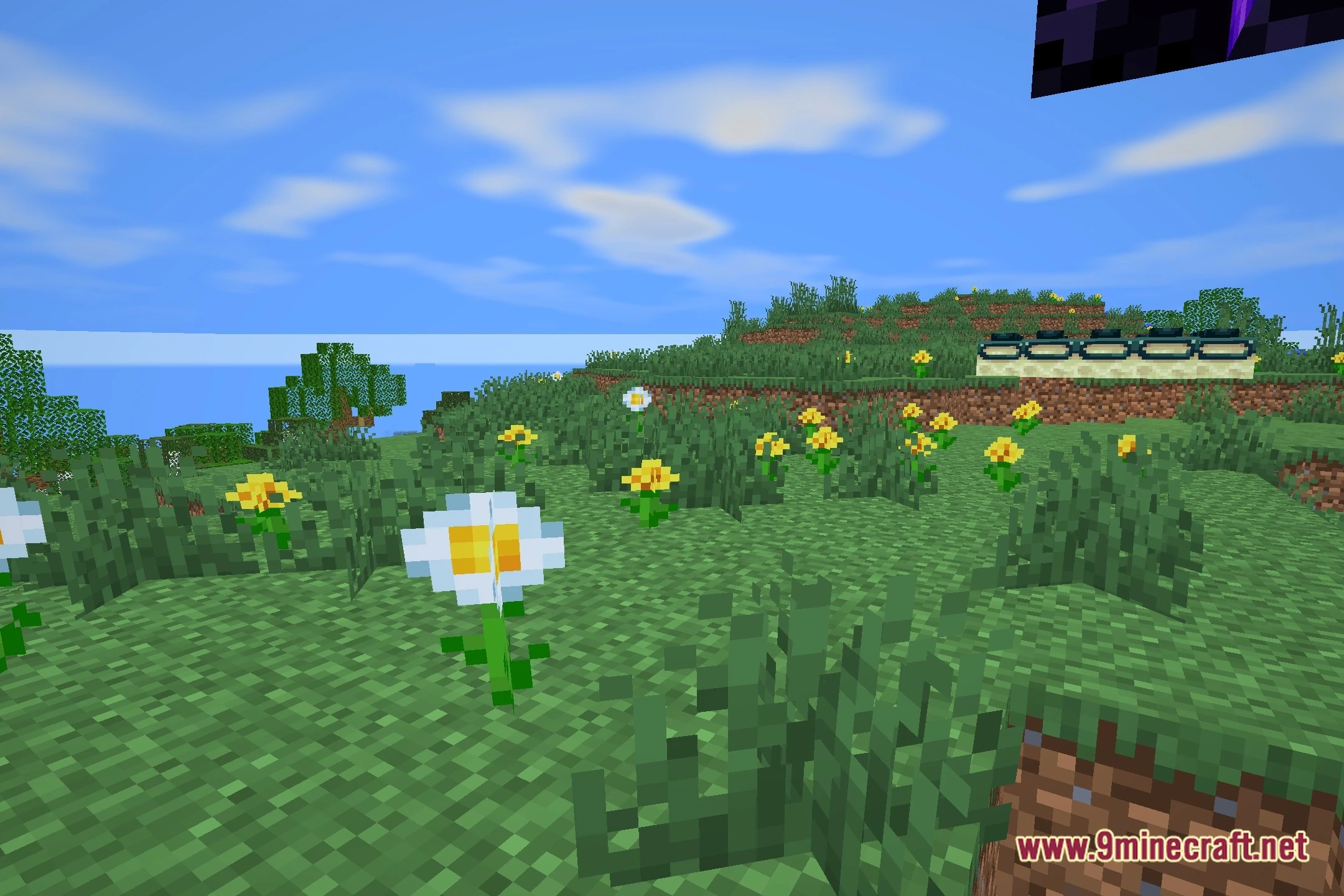
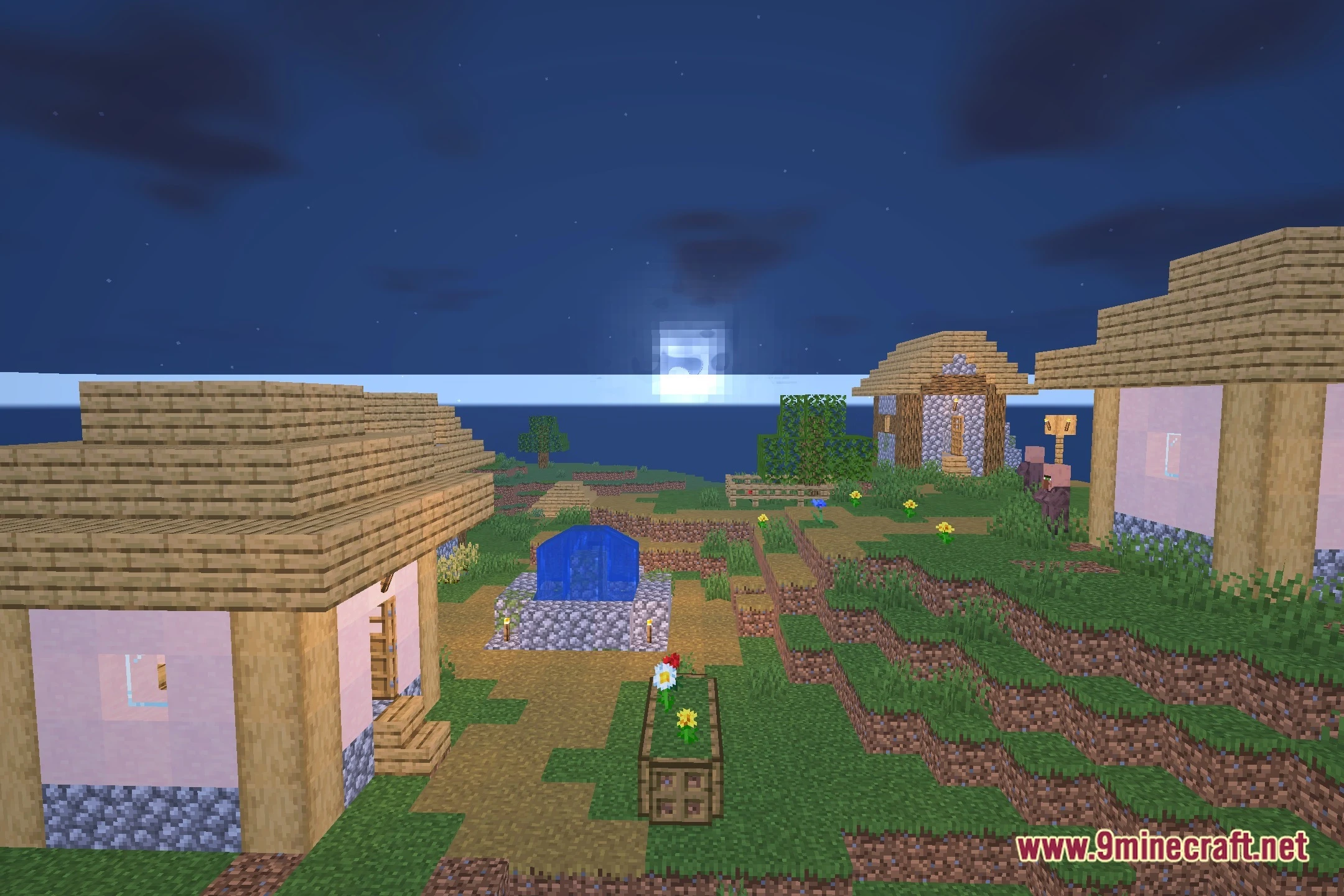
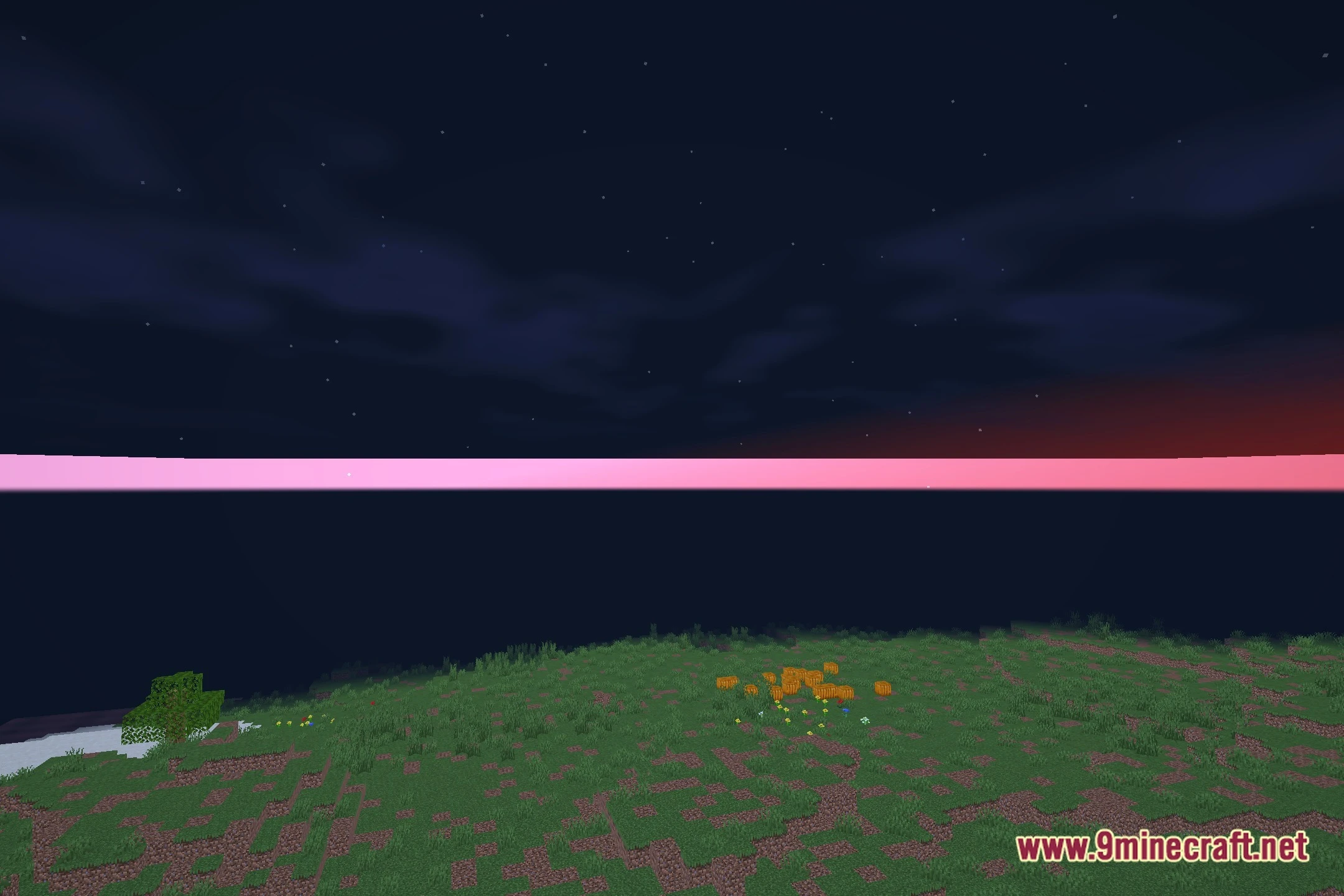
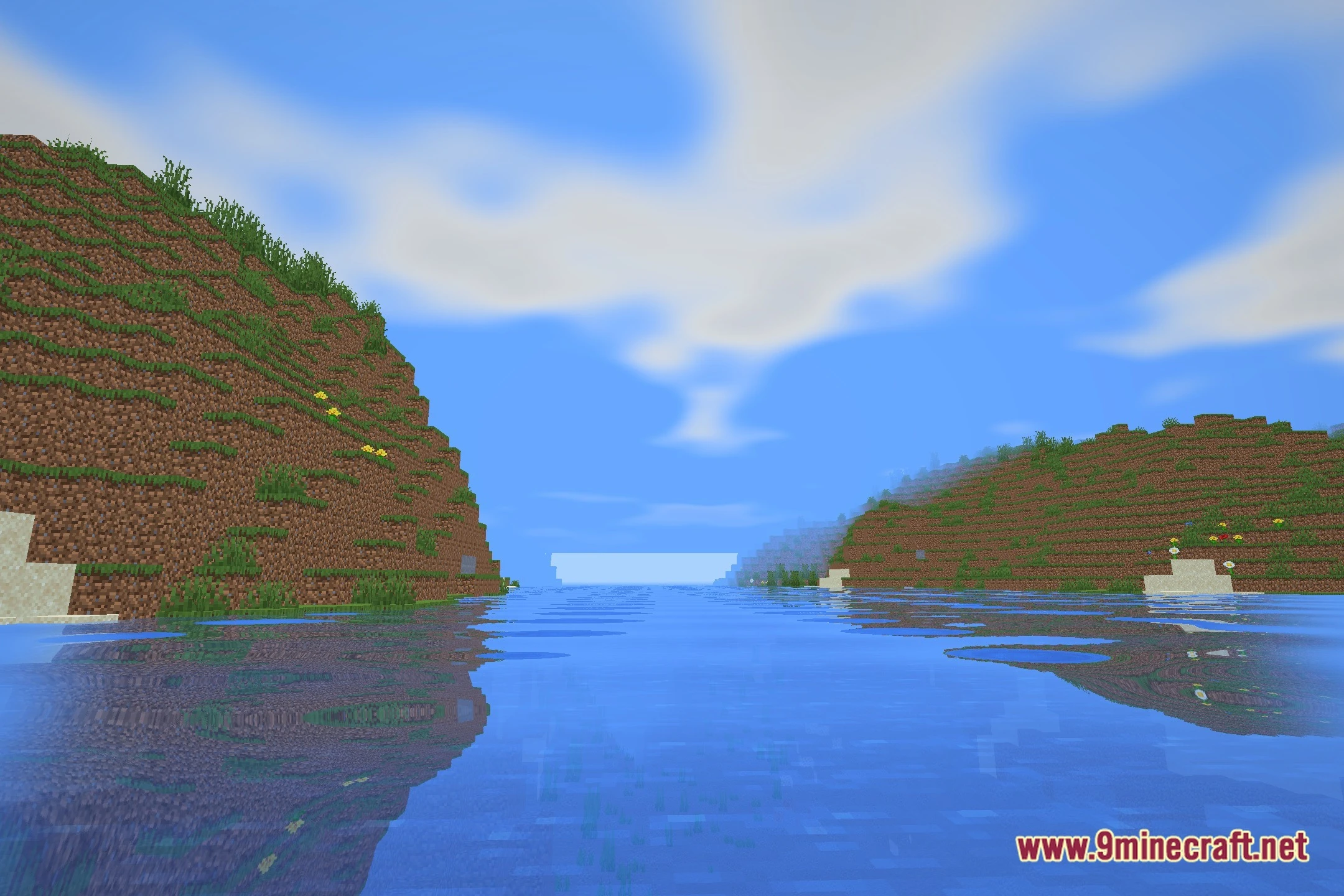
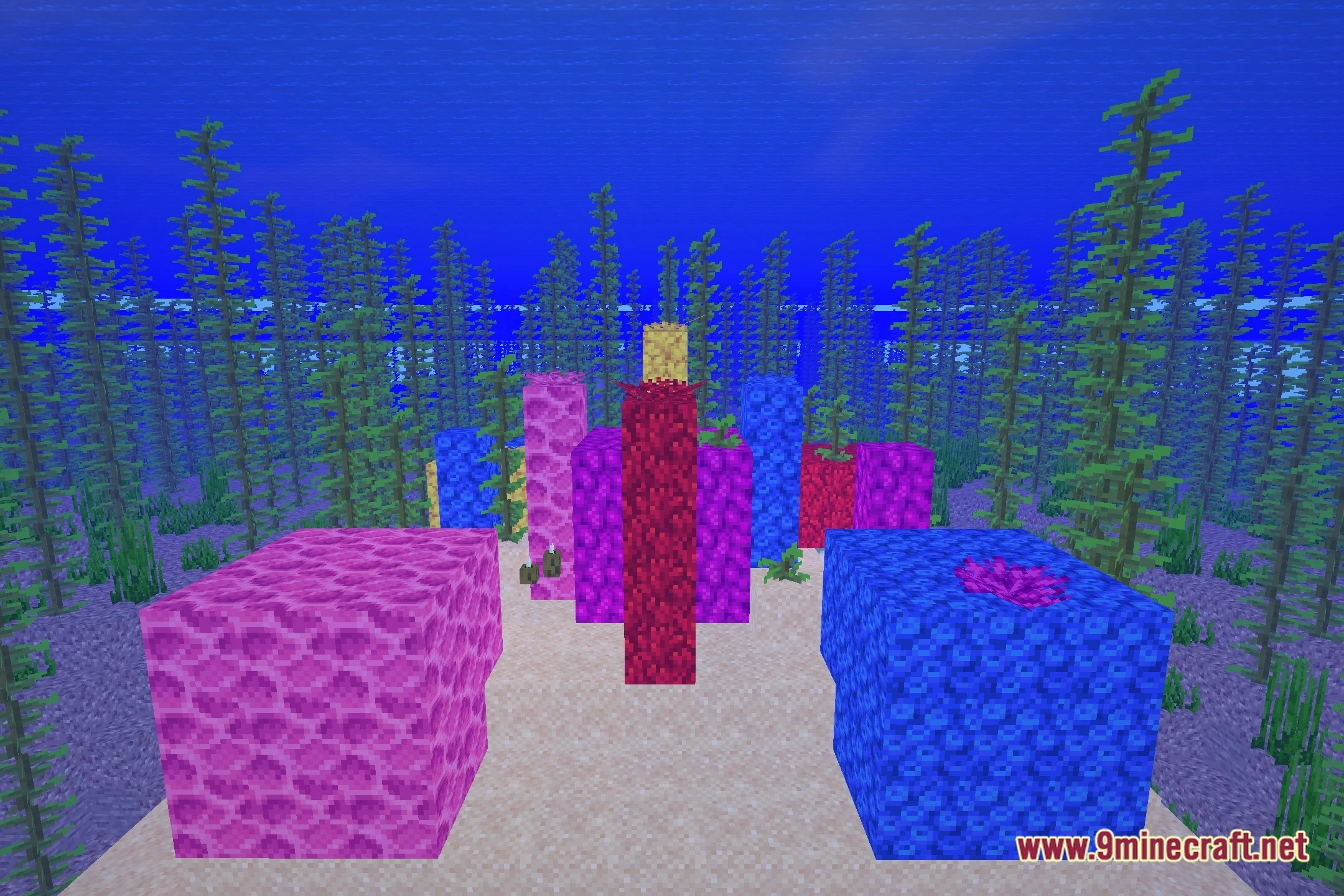
12 images from the Potatoglow Shaders page.



You May Also Like
Wikis that share the most with this one
Wikis on the same theme: light
More shader wikis on the site
The most downloaded mods that have a wiki here