

 DownloadMakeUp Dead Days Shaders
Get the files on 9Minecraft
Guides
Step-by-step, in-game.
Adjust Shadow Intensity and SoftnessAccess Shader Settings Press the shader configuration key (default: right-click the shader name in your shader menu,…Customize Colored Lighting from BlocksAccess Color Lighting Options Open the shader settings and find controls for colored light or block light tinting.…Enhance Bloom Effects Around Light SourcesLocate Bloom Settings Open the shader configuration menu and search for bloom, glow, or luminance options. MakeUp…Reduce Desaturation for a Brighter, More Colorful LookFind Color Grading Controls Open shader settings and locate saturation, color correction, or color grading options.…
Frequently asked questions
How do I turn on the shader after installing it?
Open Options > Video Settings > Shaders, then locate MakeUp Dead Days in the shader list and click it to activate. You'll see the visual changes take effect immediately in your world.
Why do my shadows look too harsh or too soft?
Open the shader settings menu (usually by clicking the Settings button in the Shaders screen) and adjust the Shadow Intensity and Shadow Softness sliders to your preference; lower intensity makes shadows fainter, while higher softness creates more gradual shadow edges.
Can I make the world less dark and more colorful?
Yes—in the shader settings, reduce the Desaturation slider to bring back more color, and increase Brightness or Ambient Light to lighten the overall scene without losing the shader's mood.
The bloom around torches and lanterns is too bright. How do I tone it down?
Find the Bloom Intensity or Bloom Strength setting in the shader options and lower it; you can also adjust the Bloom Radius to control how far the glow spreads from light sources.
See all 10 MakeUp Dead Days Shaders questions ›
Gallery
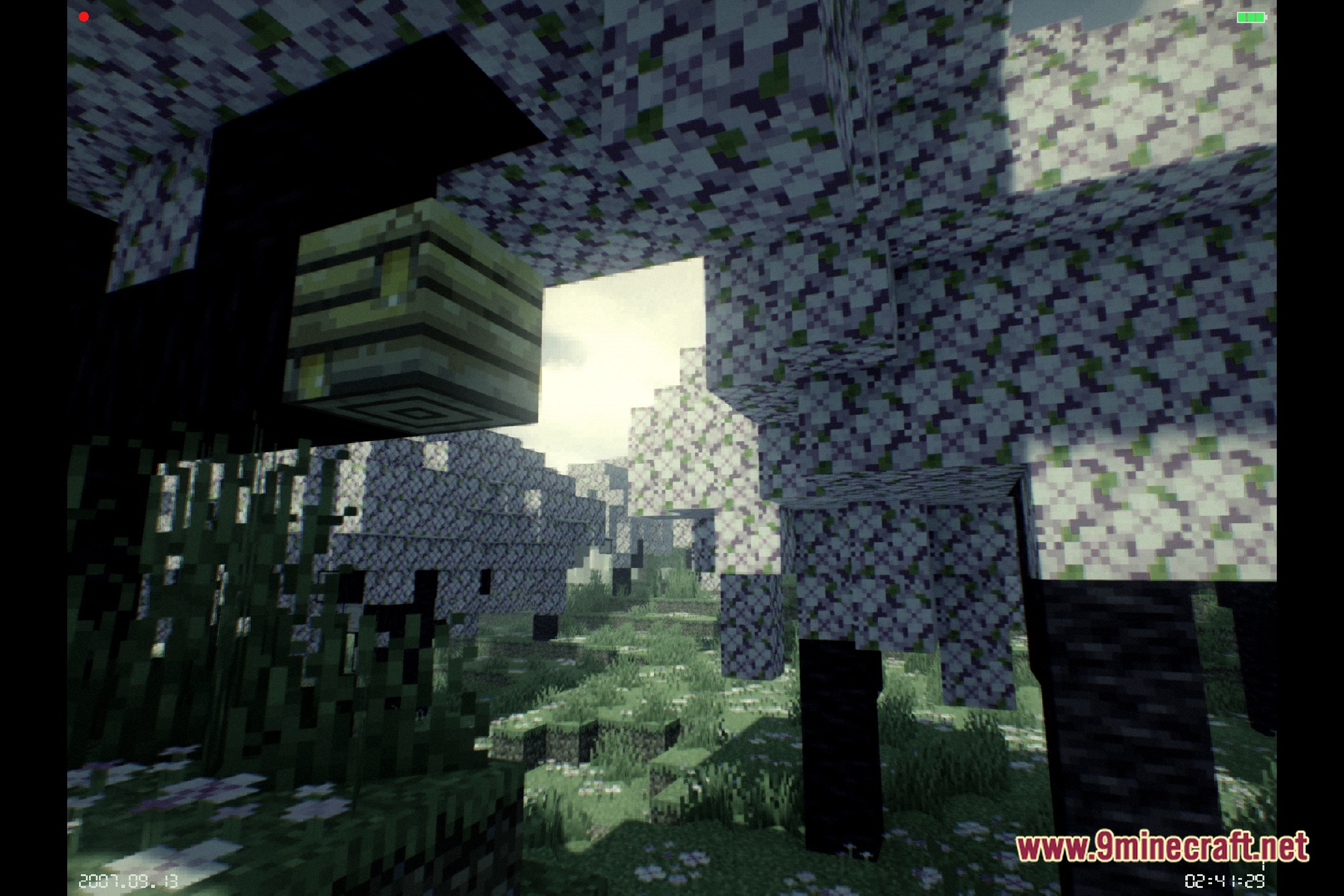
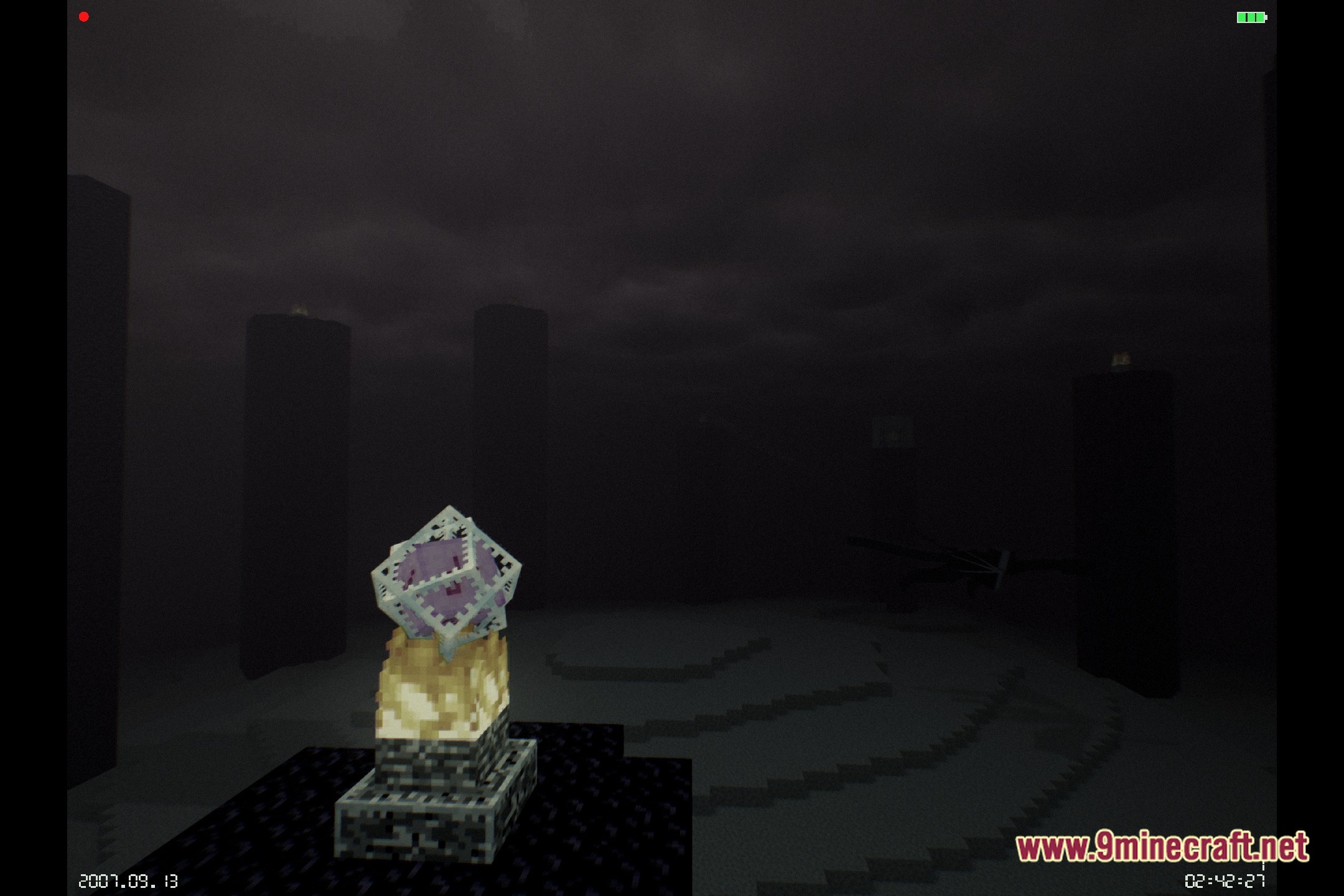
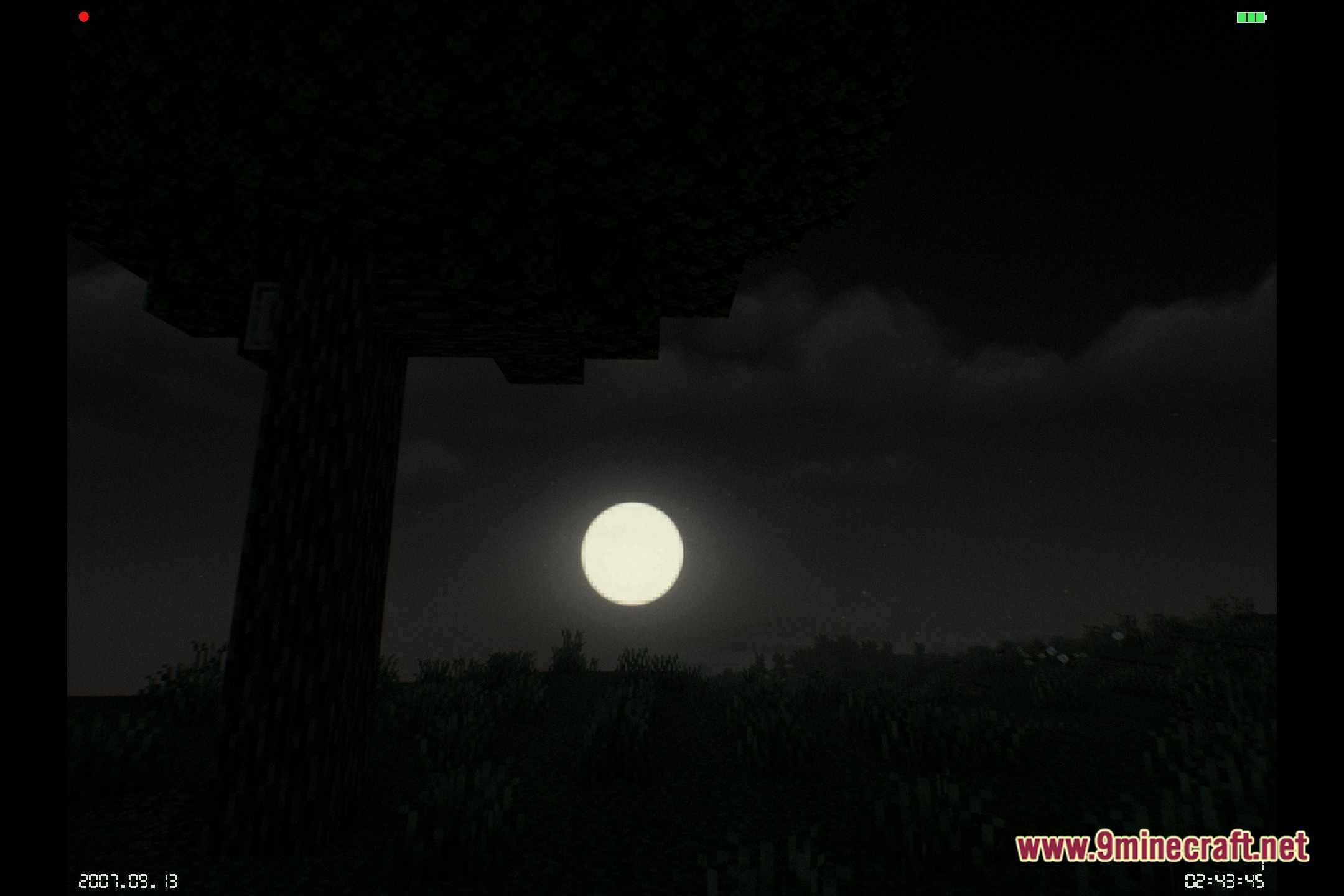
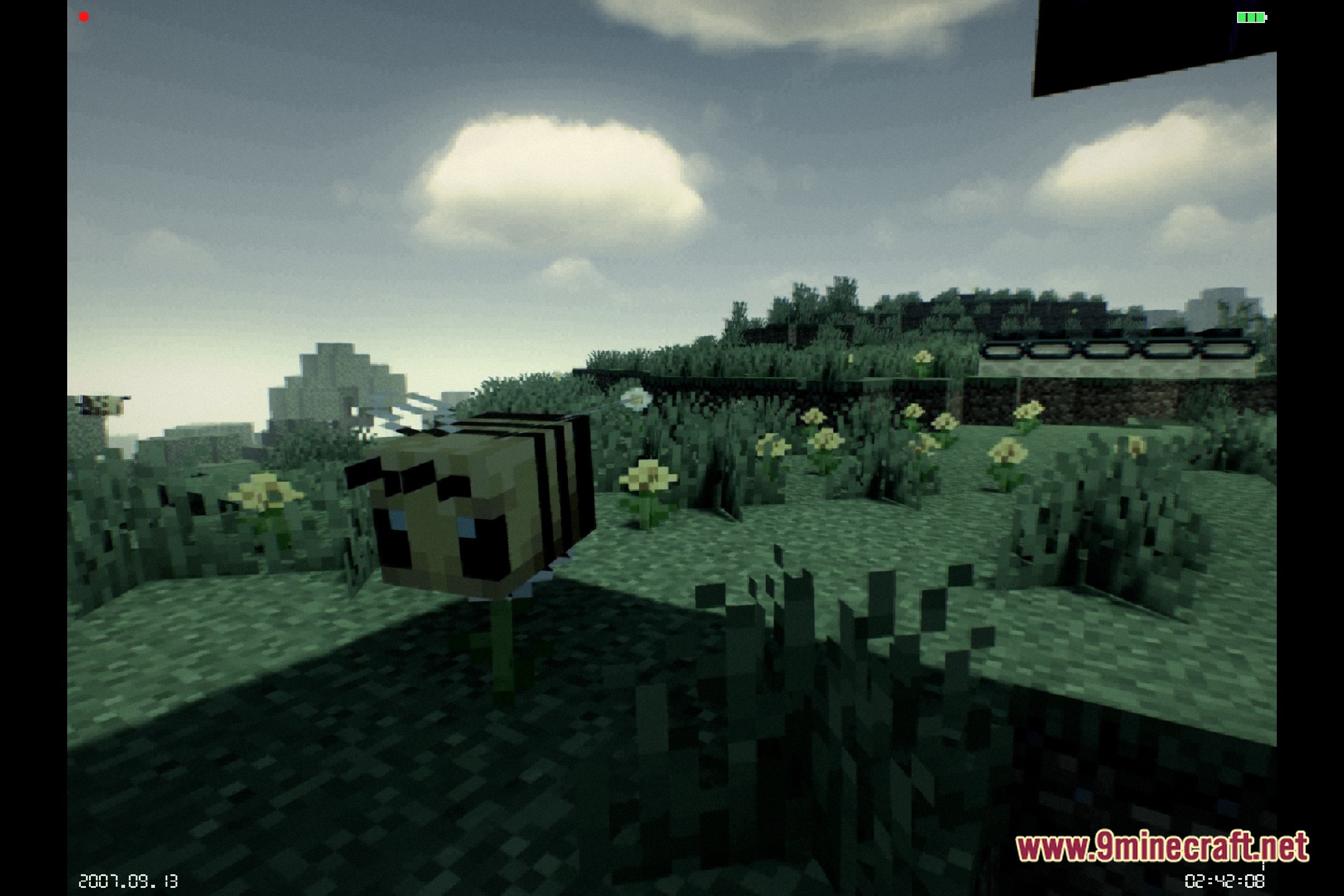
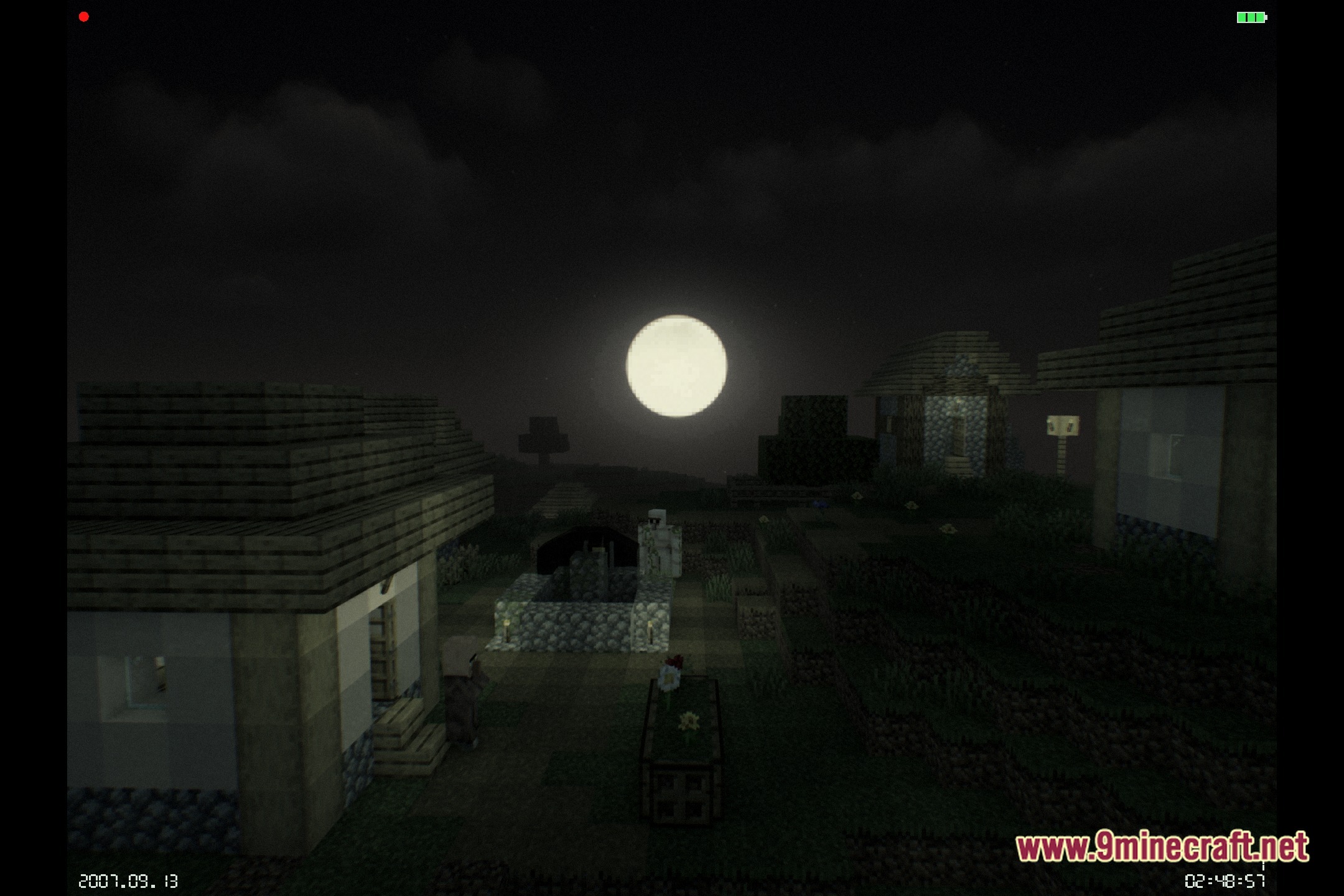
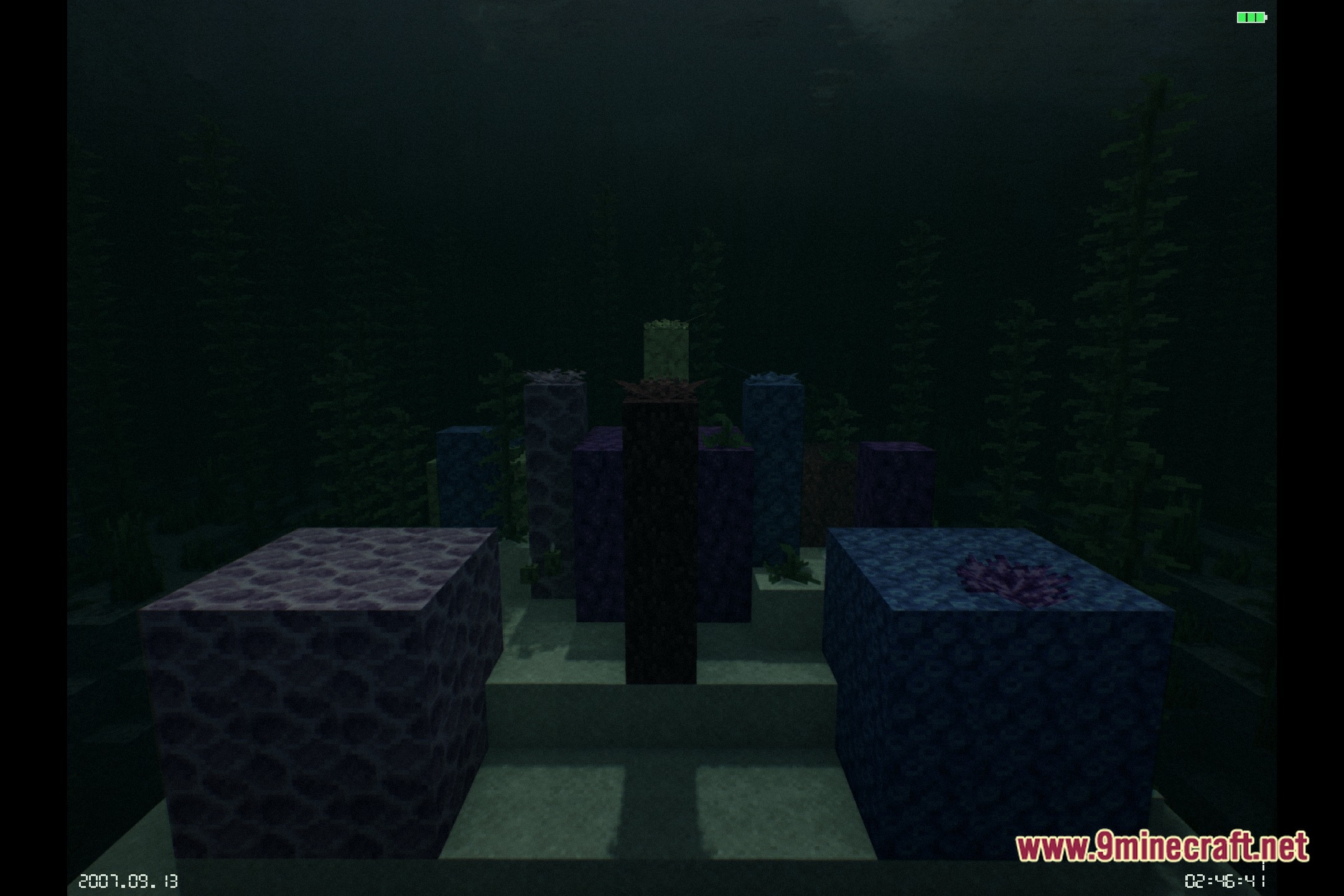
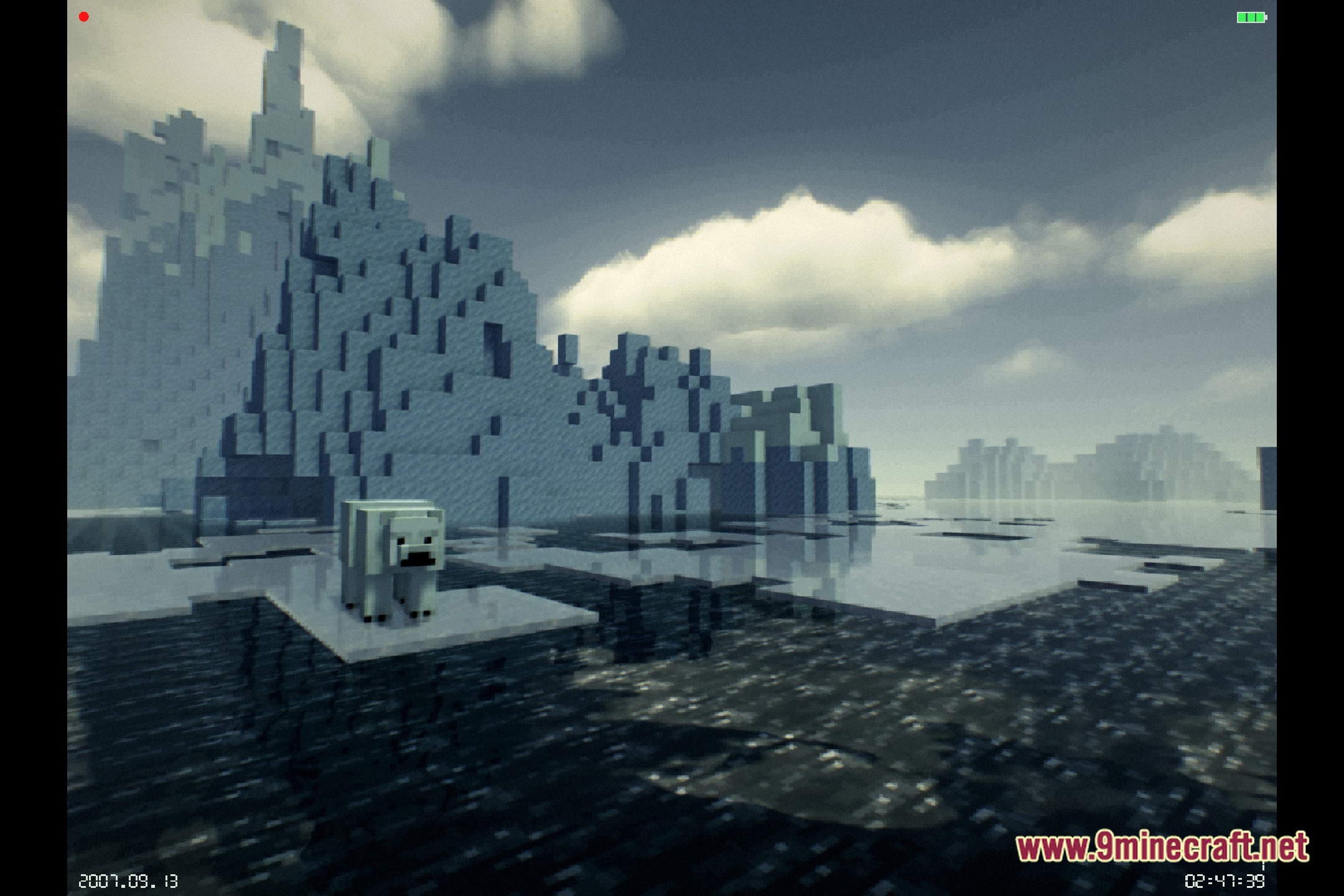
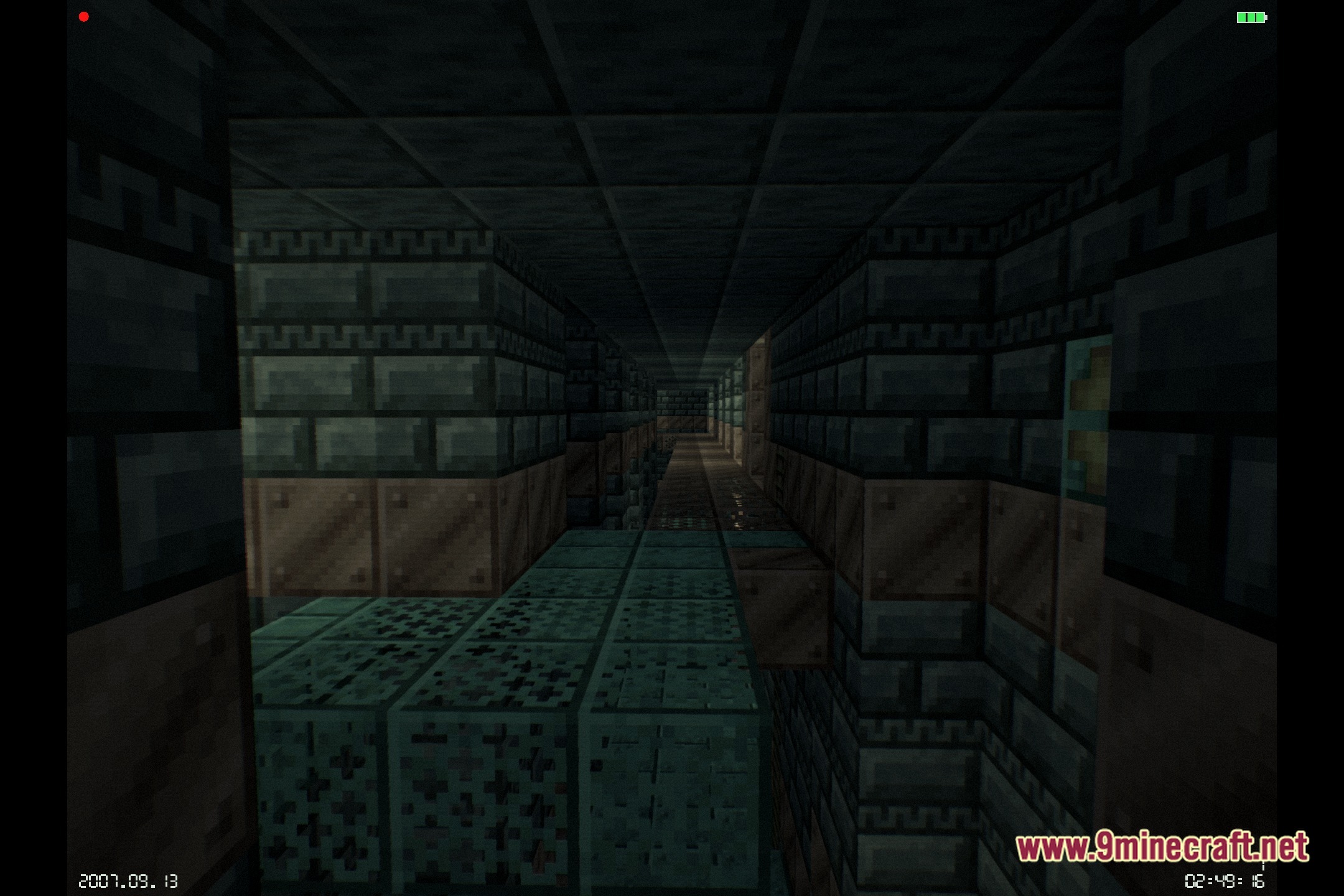
12 images from the Makeup Dead Days Shaders page.




You May Also Like
Wikis that share the most with this one
More shader wikis on the site
The most downloaded mods that have a wiki here