

 DownloadLyrae Shaders
Get the files on 9Minecraft
Guides
Step-by-step, in-game.
Capture Reflections and Shadows EffectivelyUnderstanding Reflections Lyrae Shaders adds true reflections to water, glass, and polished metal surfaces. These…Optimize Performance for Smoother GameplayUnderstanding the Performance Cost Lyrae Shaders performs complex light-bouncing calculations every frame. Path…Set Up PBR Textures for Realistic MaterialsFinding Compatible Resource Packs Lyrae Shaders works best with resource packs that include PBR (physically-based…Use Colored Lighting to Enhance Your BuildHow Colored Lighting Works Lyrae Shaders casts light with the actual color of its source. A redstone lamp emits red…
Frequently asked questions
How do I enable Lyrae Shaders after installing it?
Open your Video Settings in-game, go to Shaders, and select Lyrae Shaders from the list. You may need to restart your world for all effects to fully load.
Why does my game lag so much with this shader?
Lyrae Shaders uses path tracing, which is very demanding on your GPU. Lower your render distance, disable or reduce shadow quality in shader settings, and ensure your graphics drivers are up to date.
Do I need a special resource pack for this to work?
No, Lyrae Shaders works with vanilla Minecraft, but it looks best with PBR resource packs that include roughness and metallic texture maps. Without them, you'll still see improved lighting and shadows.
Why don't my colored lights from torches and lamps show up?
Make sure colored lighting is enabled in the shader settings menu. Also check that your light sources are placed where they can actually cast light—some blocks may be too far away or blocked by terrain.
See all 10 Lyrae Shaders questions ›
Gallery
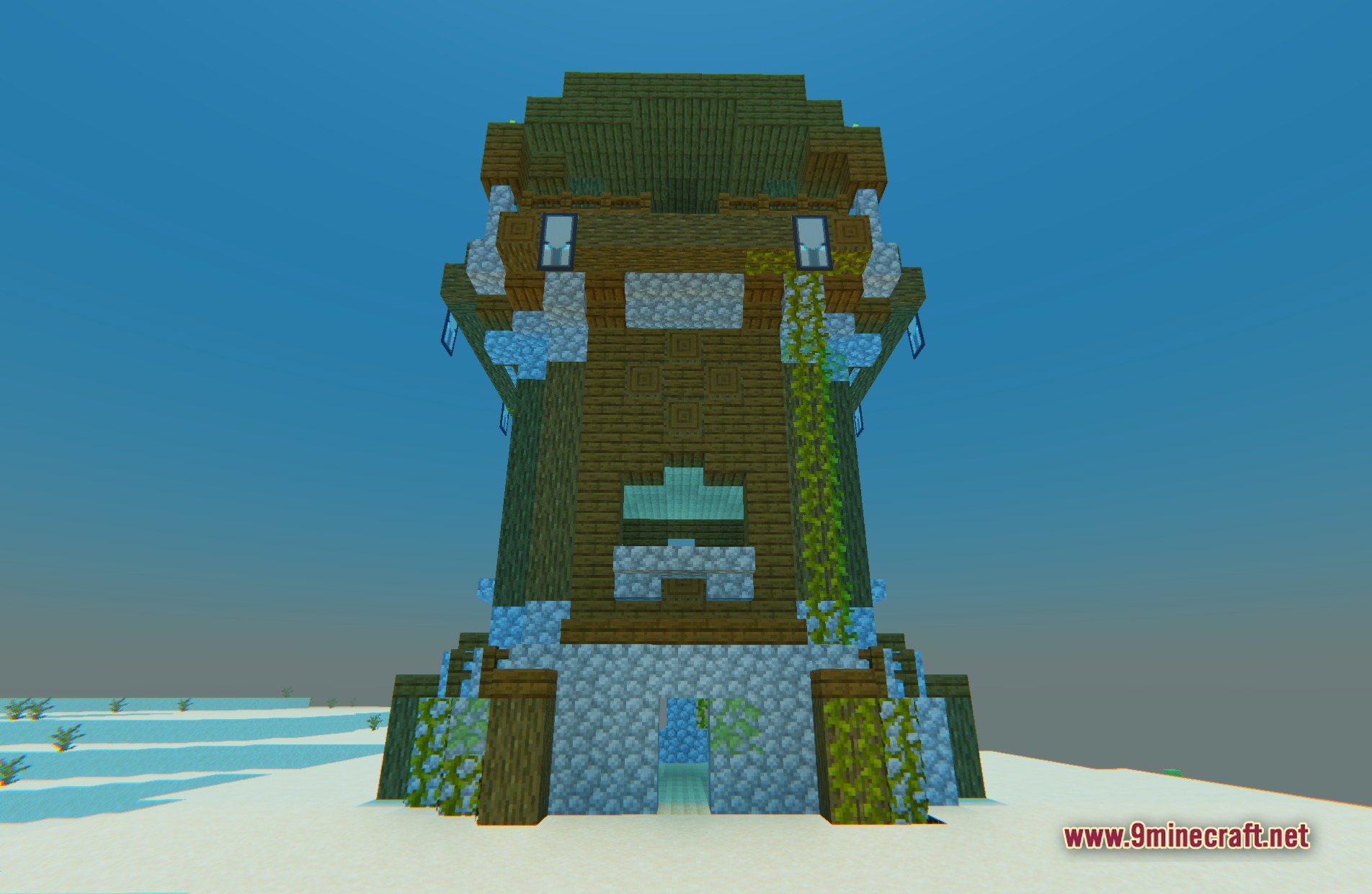
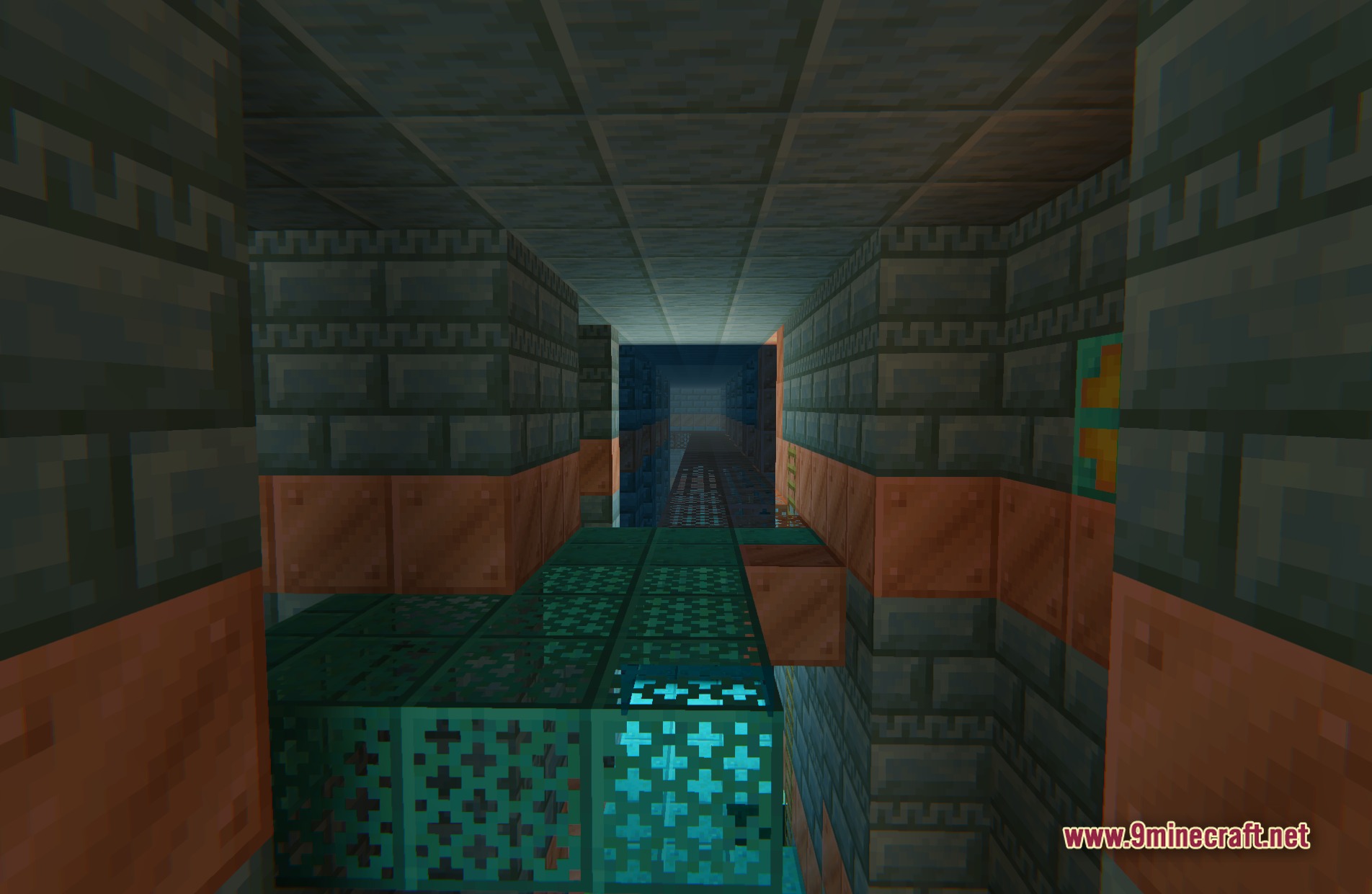
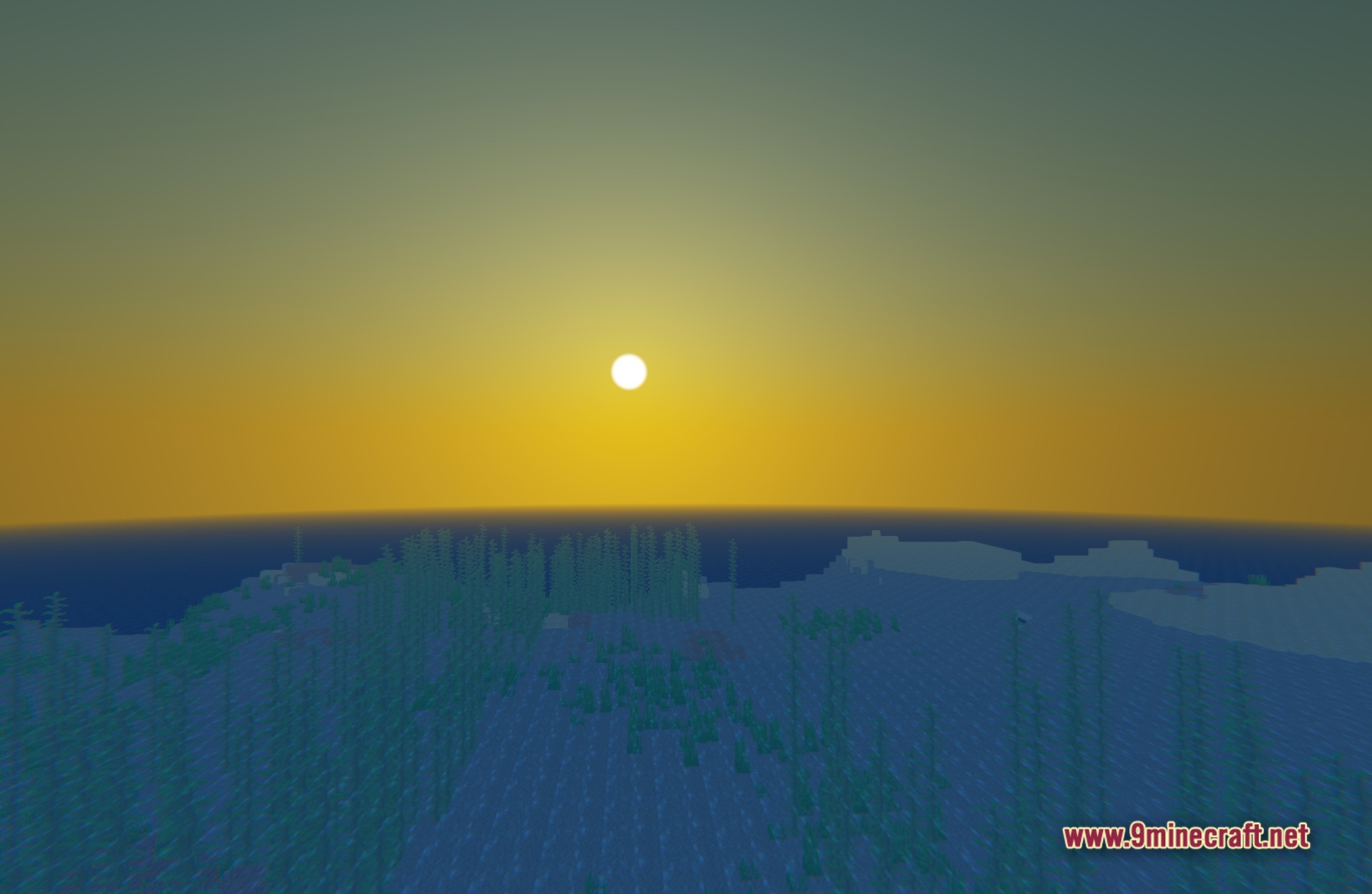
11 images from the Lyrae Shaders page.
You May Also Like
Wikis that share the most with this one
Wikis on the same theme: light
More shader wikis on the site
The most downloaded mods that have a wiki here