

 DownloadMajestico Pro Shaders
Get the files on 9Minecraft
Guides
Step-by-step, in-game.
Adjusting Bloom Intensity Around Light SourcesAccess Shader Settings Open the shader options menu while in-game by pressing the designated shader menu key…Configuring Water and Shadow QualityAccess Water Settings Open your shader configuration menu and navigate to the Water or Reflections section. This…Experiencing Aurora and Eclipse EventsUnderstanding Event Frequency Auroras appear naturally during night cycles, while solar eclipses occur during daytime…Maximizing Ore Visibility in Deep CavesUnderstand Ore Glow Mechanics Majestico Pro Shaders automatically highlights ore blocks in dark underground…
Frequently asked questions
How do I turn on the shader pack after installing it?
Open Options > Video Settings > Shaders, then locate Majestico Pro Shaders in the list and select it. The shader will activate immediately, though you may need to restart your world to see all effects fully applied.
Why do my ores barely glow in caves?
Ore glow intensity is tied to your bloom settings—check Video Settings > Shaders > Shader Options and increase the bloom or glow slider. Make sure you're in a dark enough cave; ore glow is most visible when surrounding light is low.
Can I adjust how bright the bloom around torches is?
Yes, open Shader Options and look for bloom intensity or light bloom settings. Lower values reduce the glow halo around light sources, while higher values make them more prominent.
Do auroras and eclipses happen on a schedule or randomly?
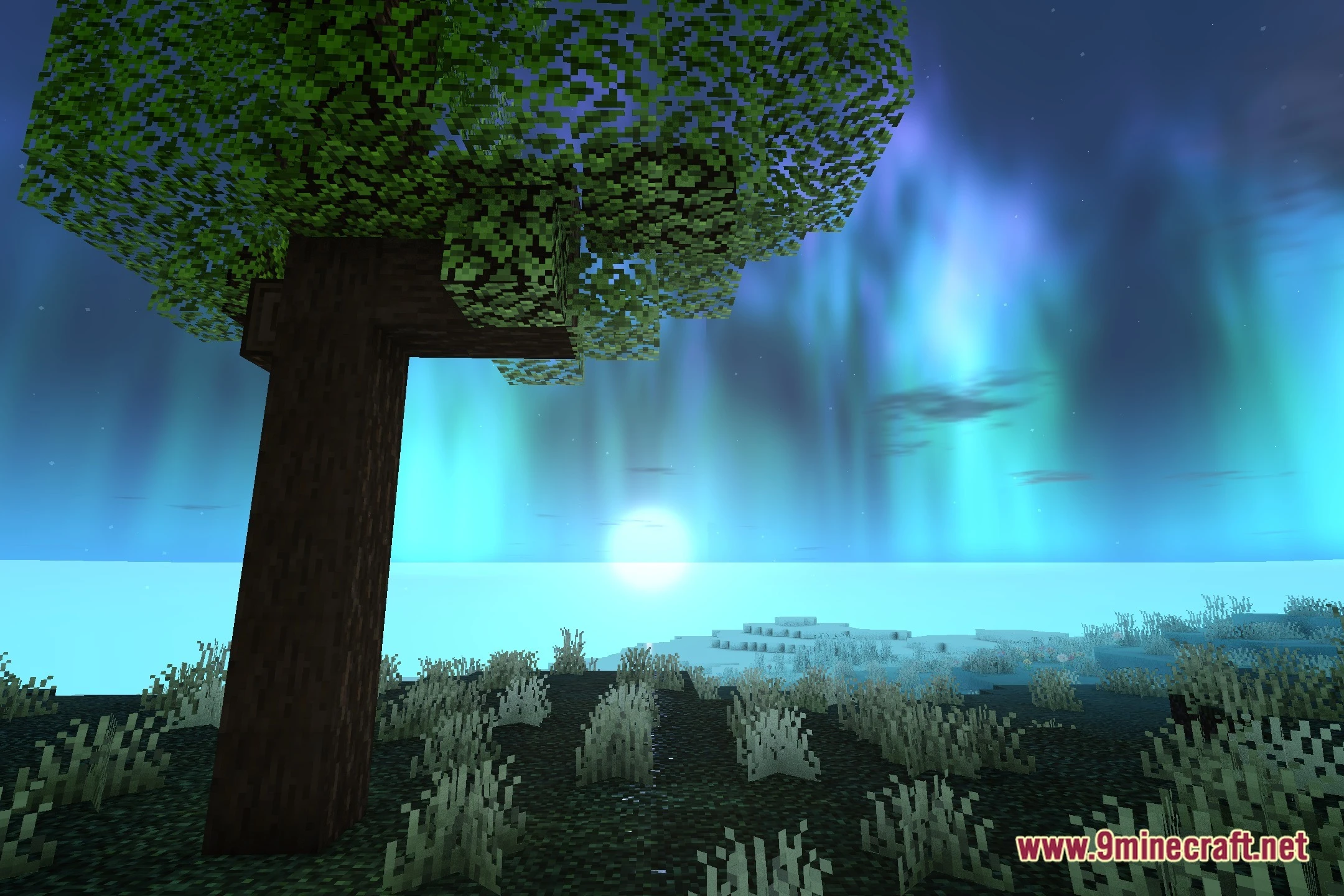
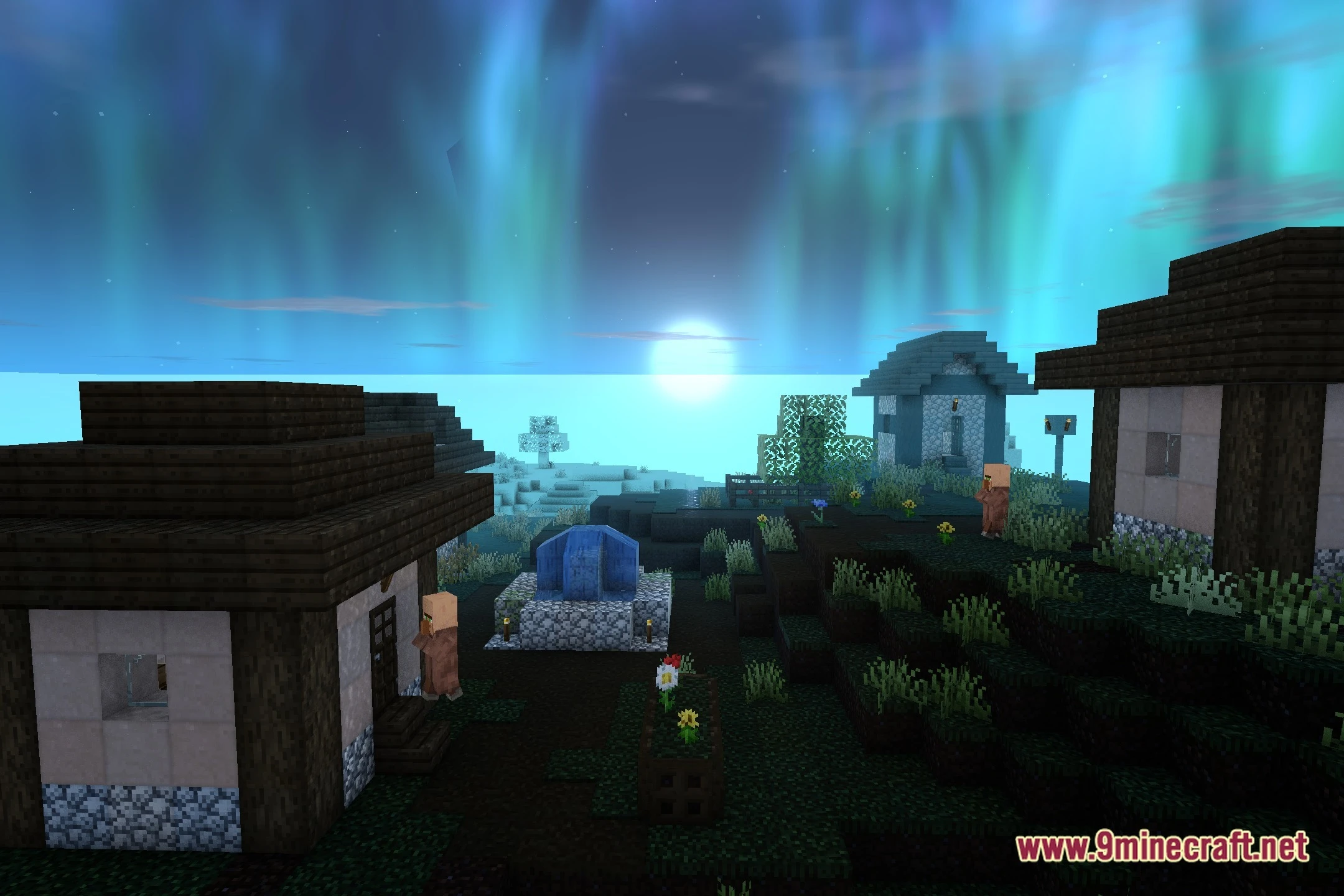
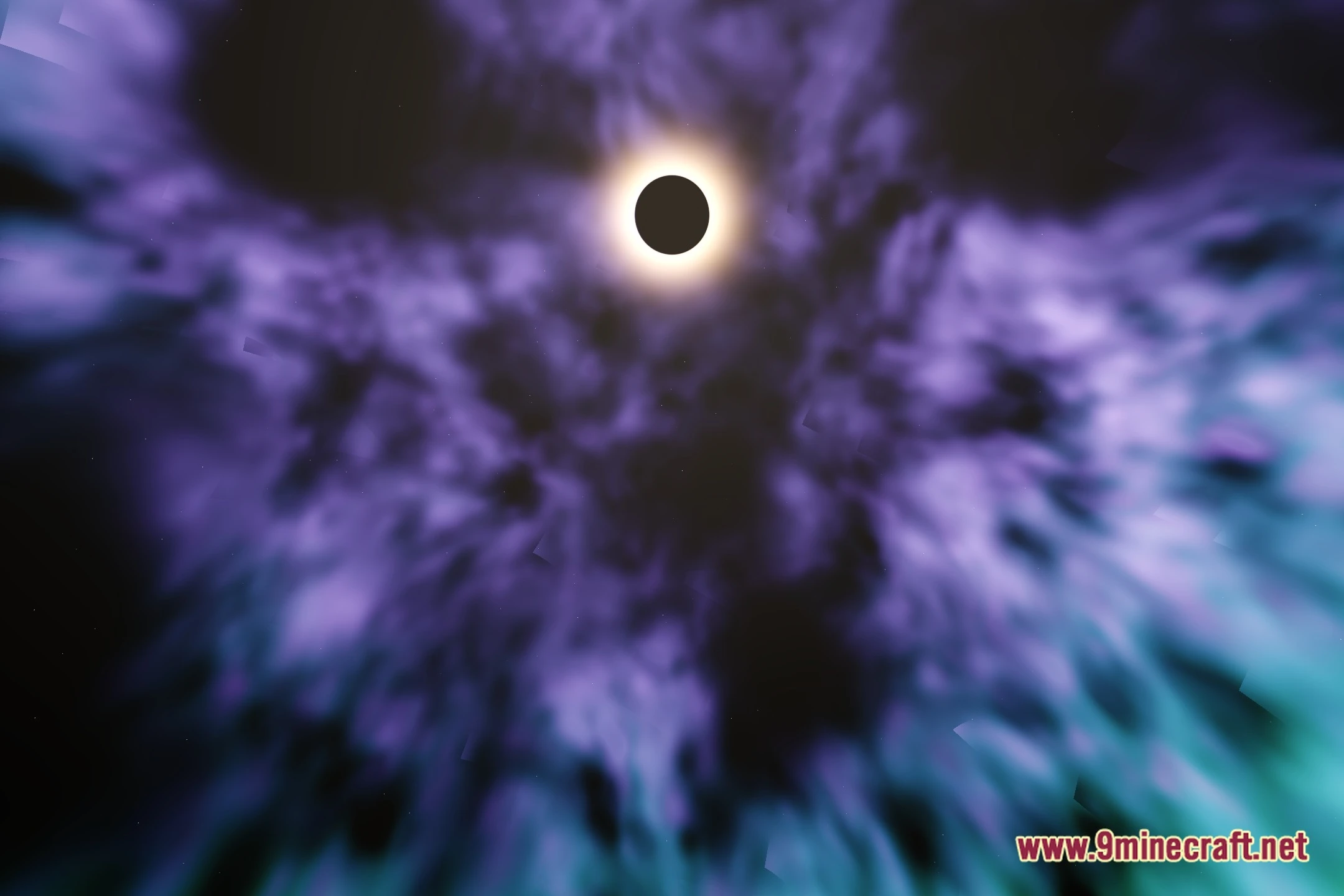
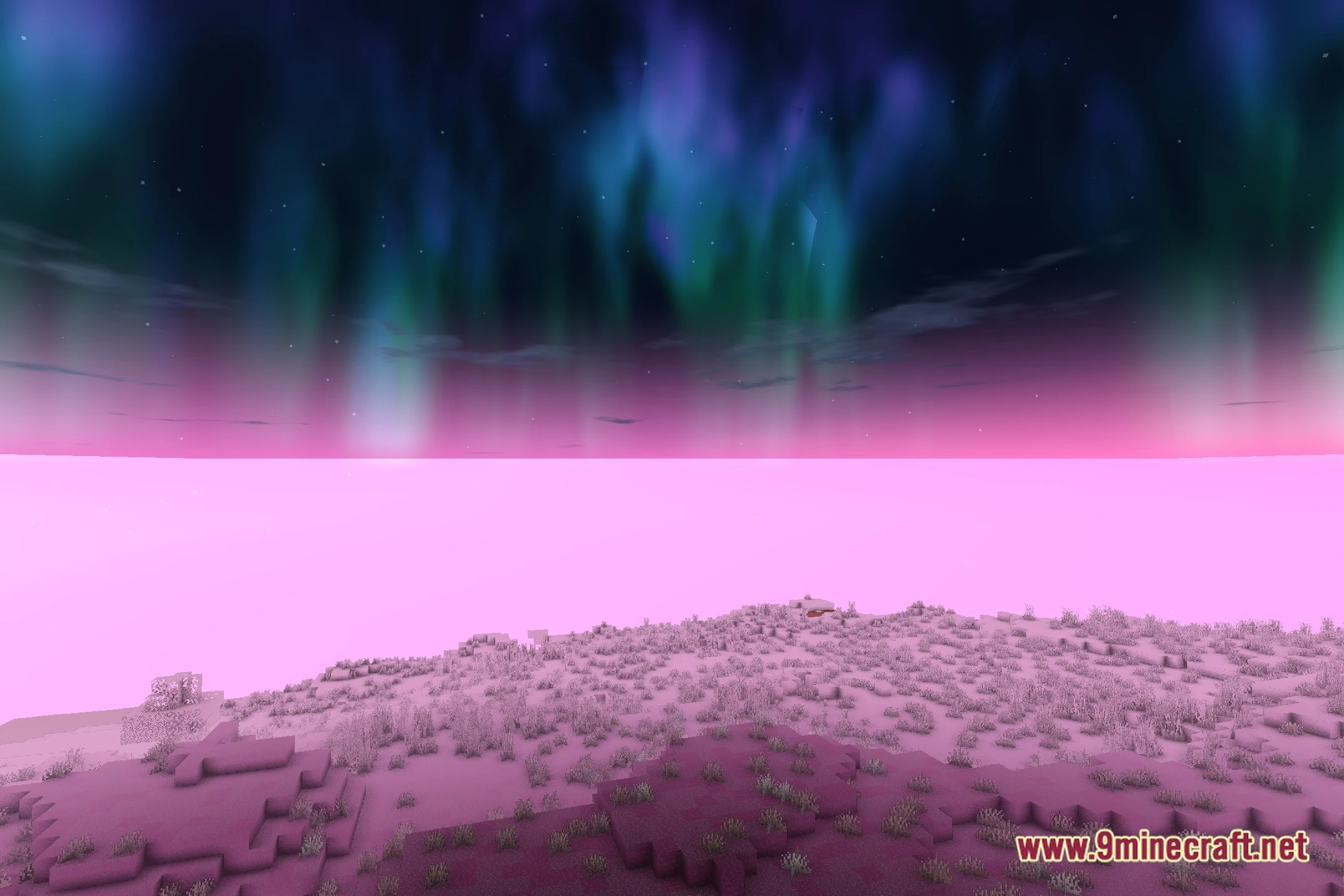
Both events occur naturally over time as you play—you don't need to trigger them manually. They're rare enough that you may not see an eclipse frequently, but auroras should appear regularly during night cycles.
See all 10 Majestico Pro Shaders questions ›
Gallery
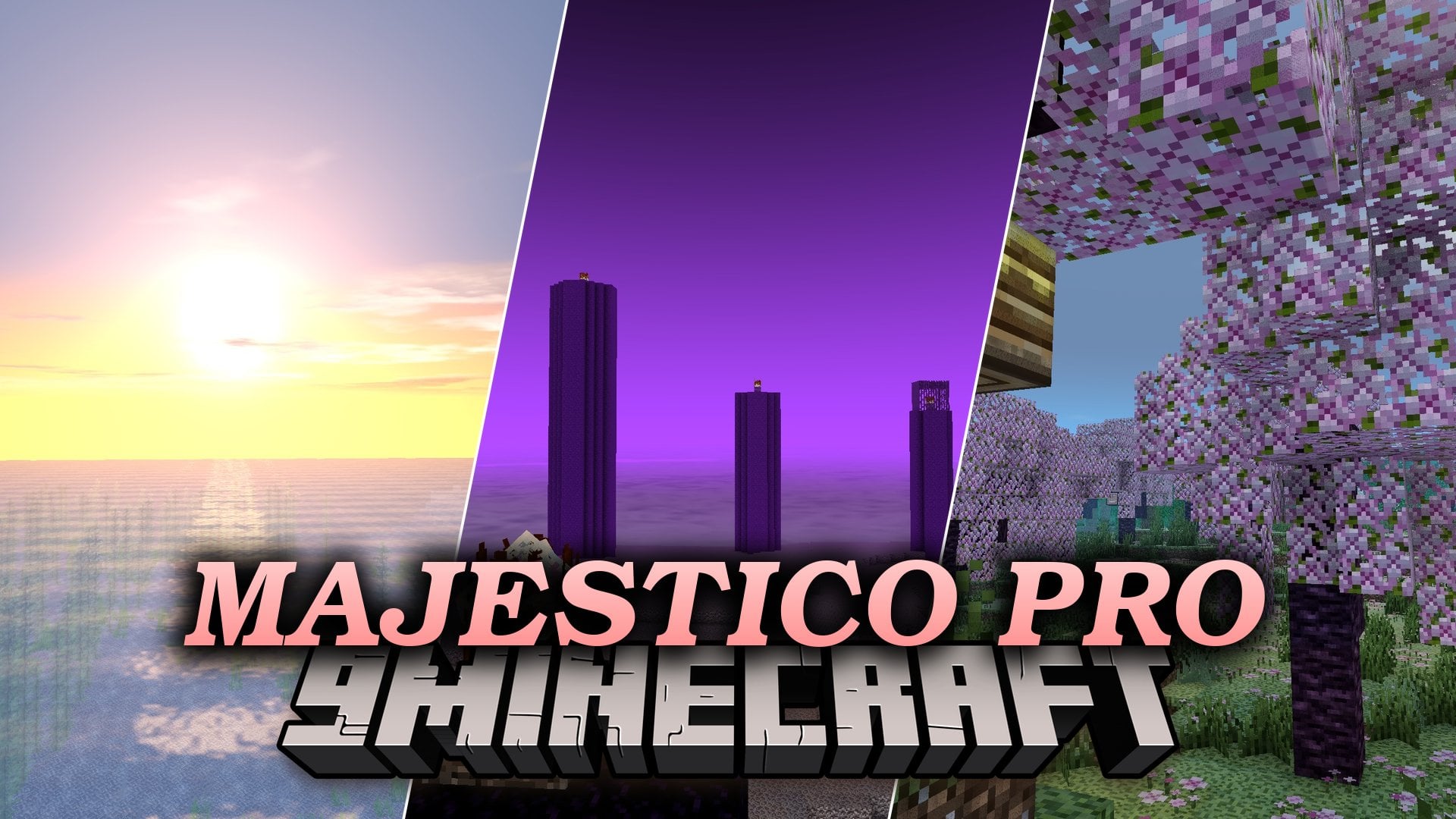
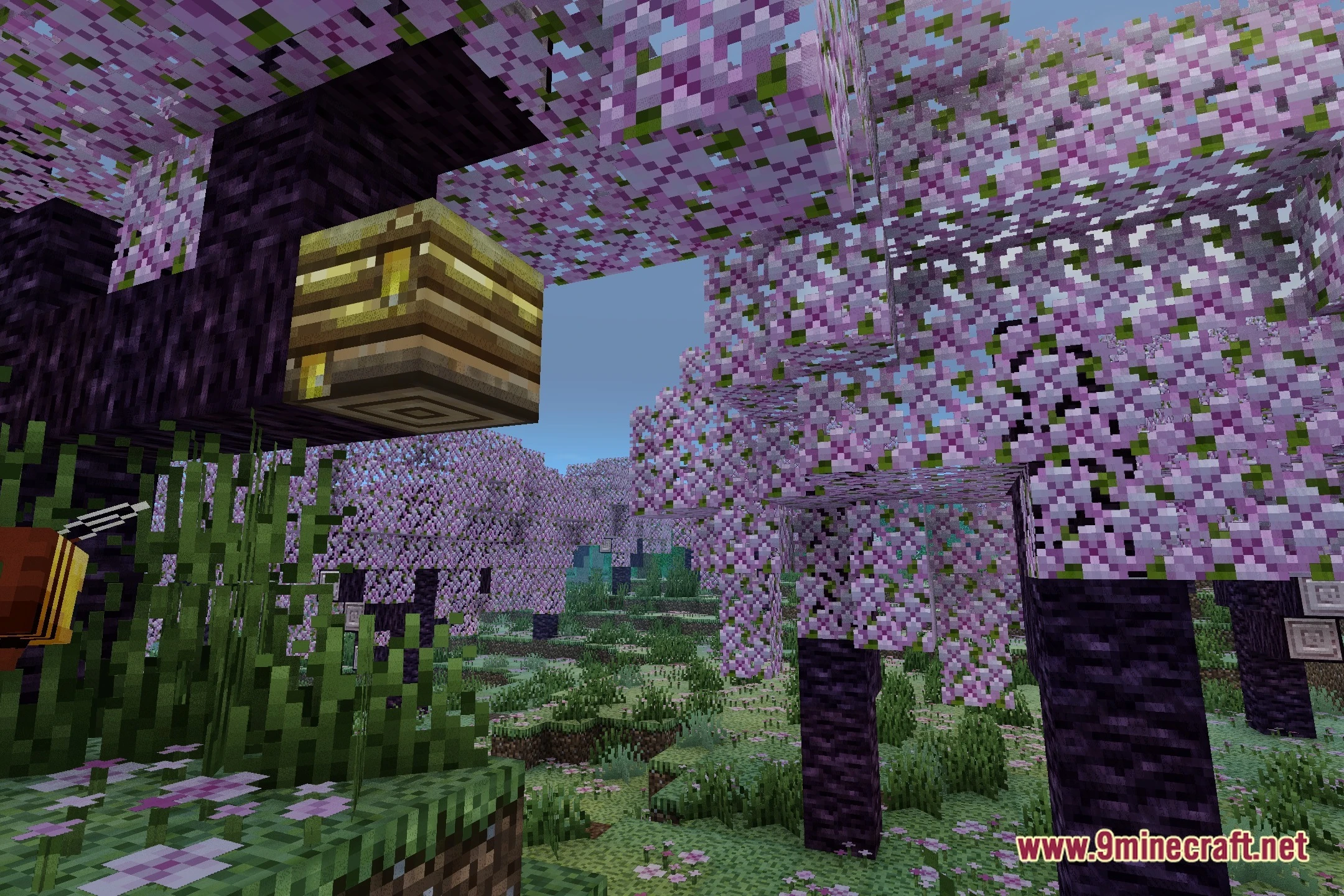
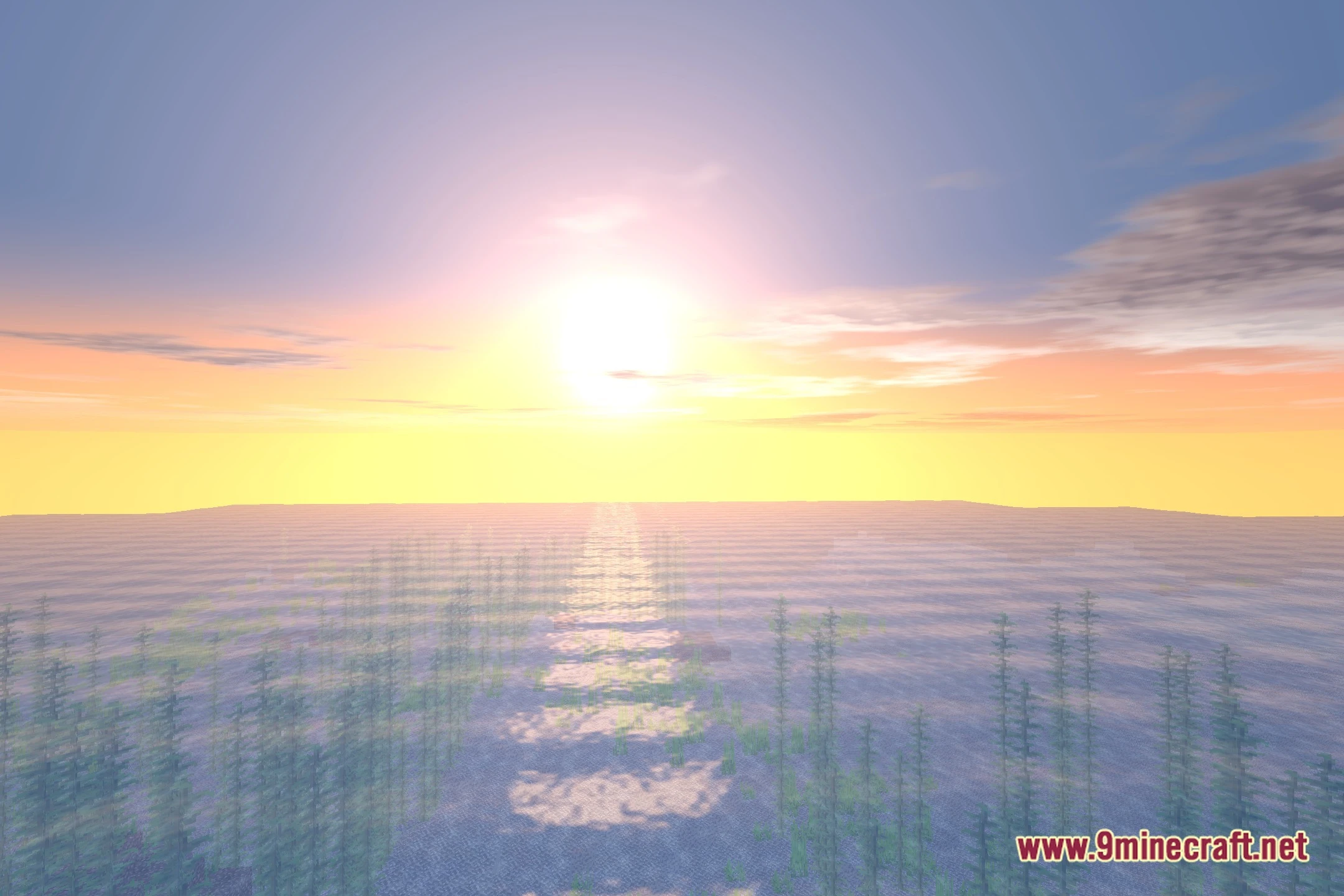
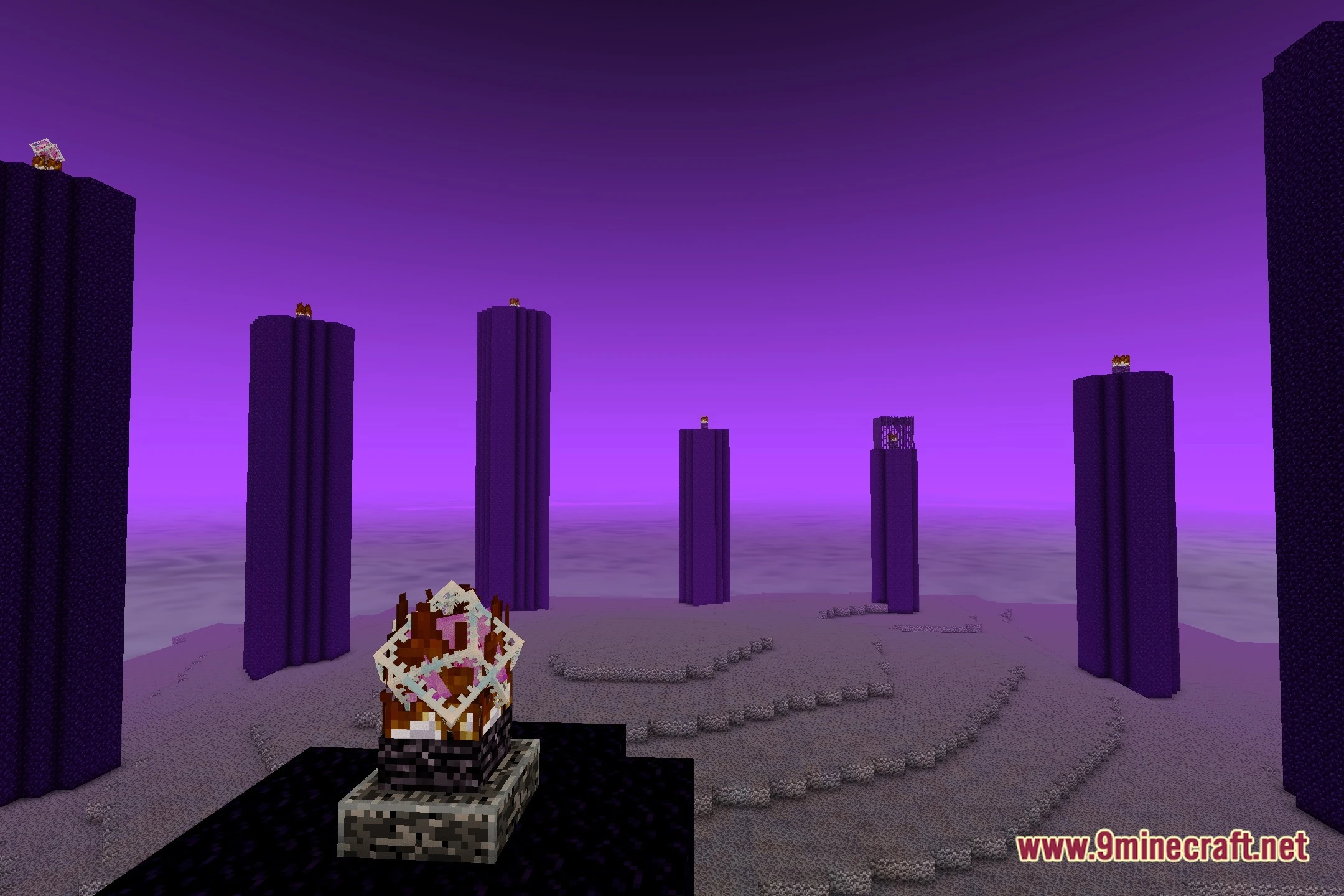
12 images from the Majestico Pro Shaders page.
You May Also Like
Wikis that share the most with this one
Wikis on the same theme: light
More shader wikis on the site
The most downloaded mods that have a wiki here