

 DownloadHolex Shader Reimaged
Get the files on 9Minecraft
Guides
Step-by-step, in-game.
Adjust Water Reflections and ClarityAccess Shader Settings Open the shader options menu while in-game by pressing the designated key (usually found in…Customize Shadow Behavior and DarknessFind Shadow Settings In the shader options, locate the shadow or lighting section. This shader allows you to control…Enhance Sunbeams and Volumetric LightingLocate Lighting Options Open the shader settings menu and find the section for volumetric effects, god rays, or…Optimize Shader Performance for Your HardwareIdentify Performance Bottlenecks Enable the frame rate counter (usually F3 key or shader menu option) to monitor your…
Frequently asked questions
How do I turn on the shader after installing it?
Open Options > Video Settings > Shaders, then locate Holex Shader Reimaged in your shader folder and select it. The shader will activate immediately, though you may need to restart your world to see all effects fully applied.
Why does my game lag after enabling this shader?
Shader packs are GPU-intensive; try lowering your render distance, disabling advanced lighting features in the shader settings, or reducing your graphics card's render scale. Check the Optimize Shader Performance for Your Hardware guide for detailed tuning steps.
Can I use this shader with resource packs?
Yes, Holex Shader Reimaged works alongside most resource packs, though some texture packs may conflict with the shader's lighting calculations. Load your resource pack above the shader in your options to see how they interact.
How do I make the water look more reflective?
Access the shader options menu (usually by pressing a key like Right Shift while in-game, depending on your launcher) and look for water reflection or clarity settings. See the Adjust Water Reflections and Clarity guide for specific slider recommendations.
See all 10 Holex Shader Reimaged questions ›
Gallery
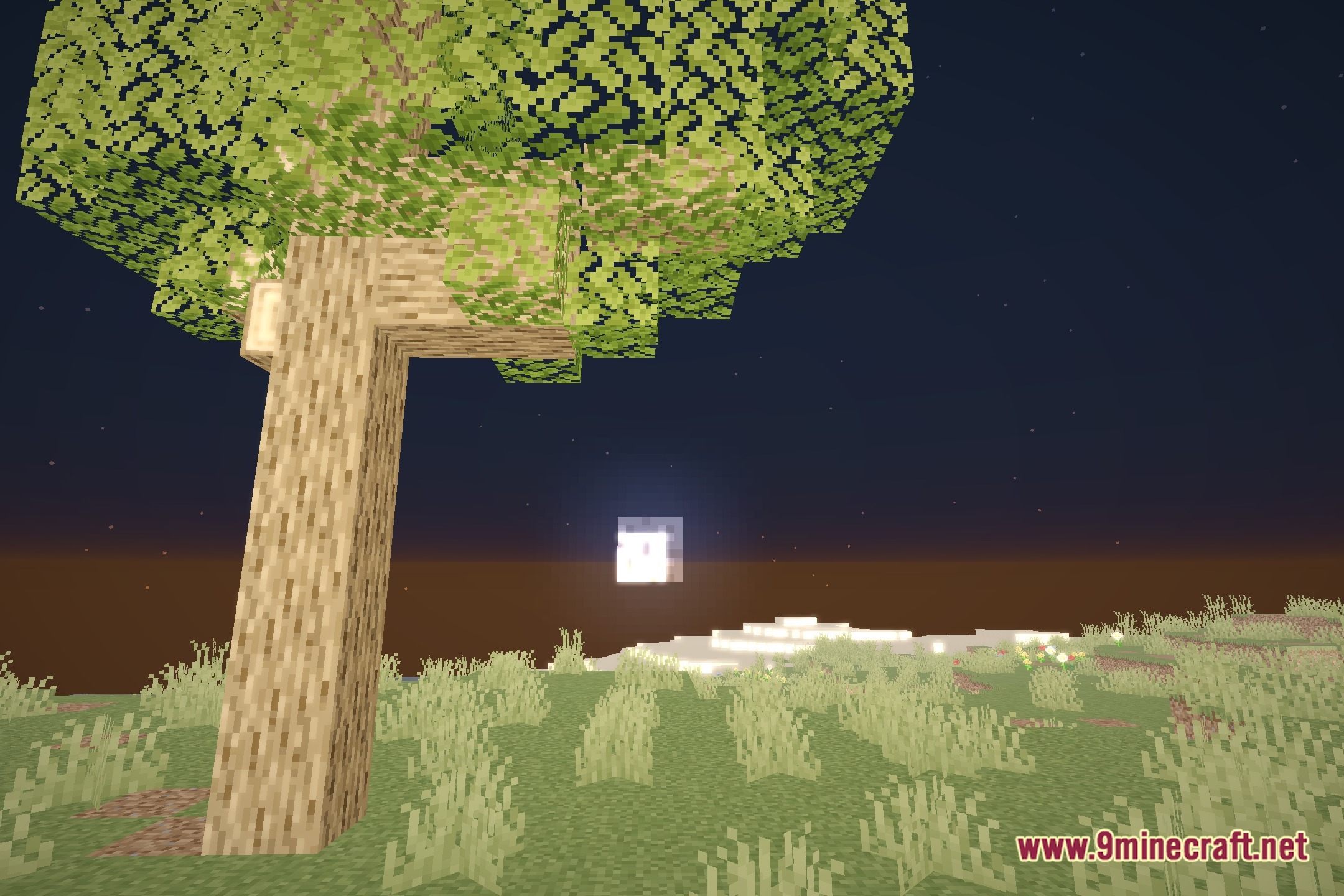
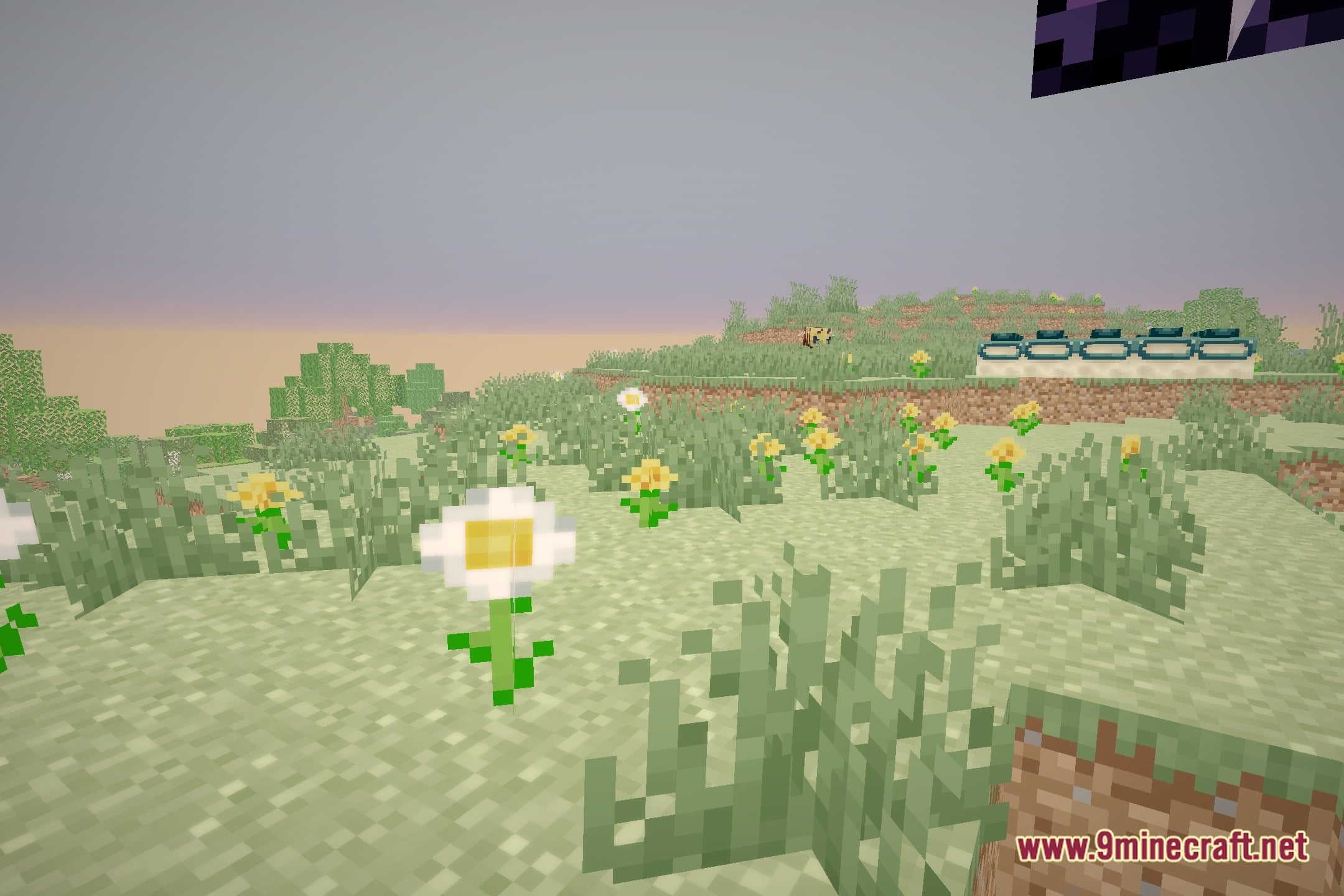
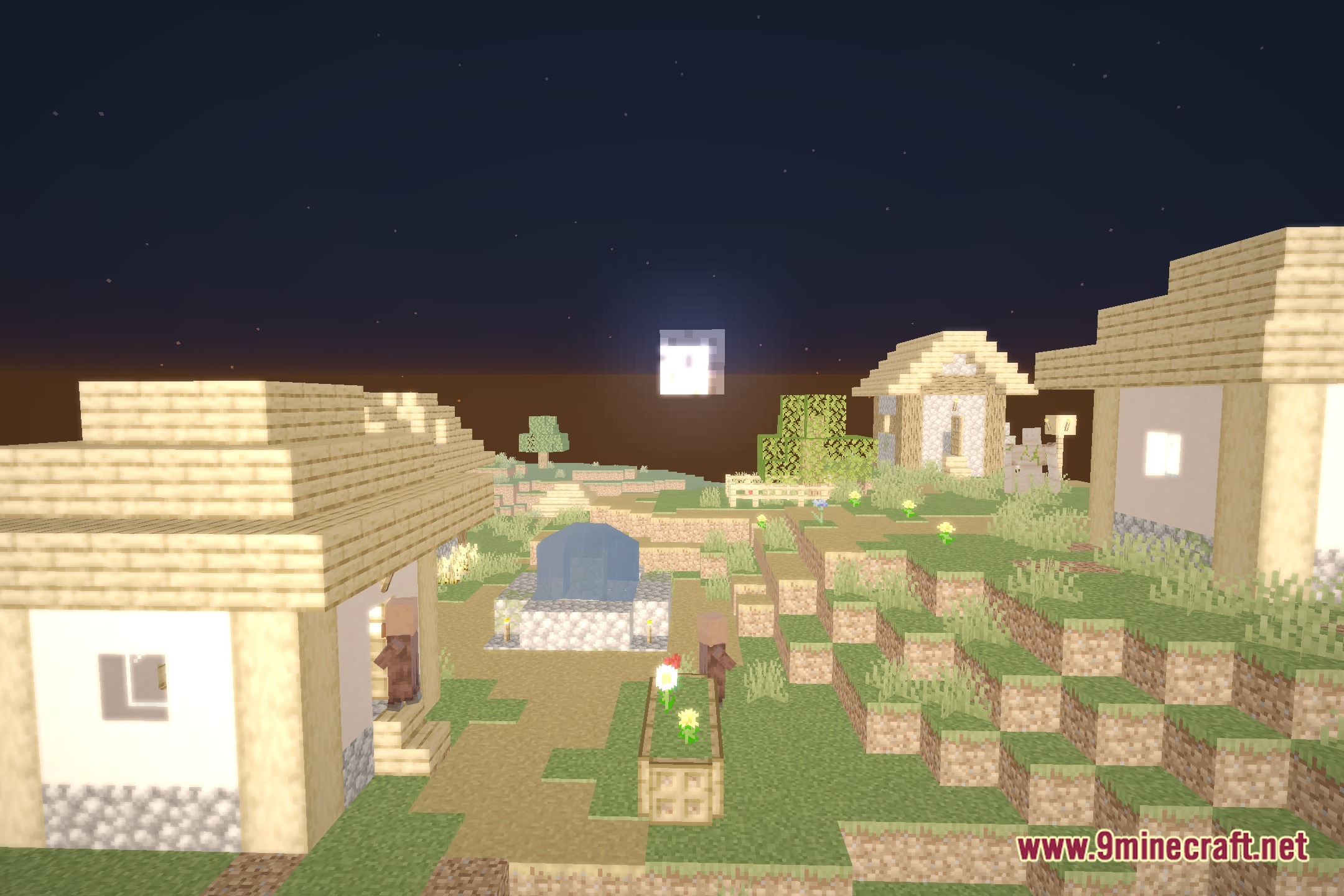
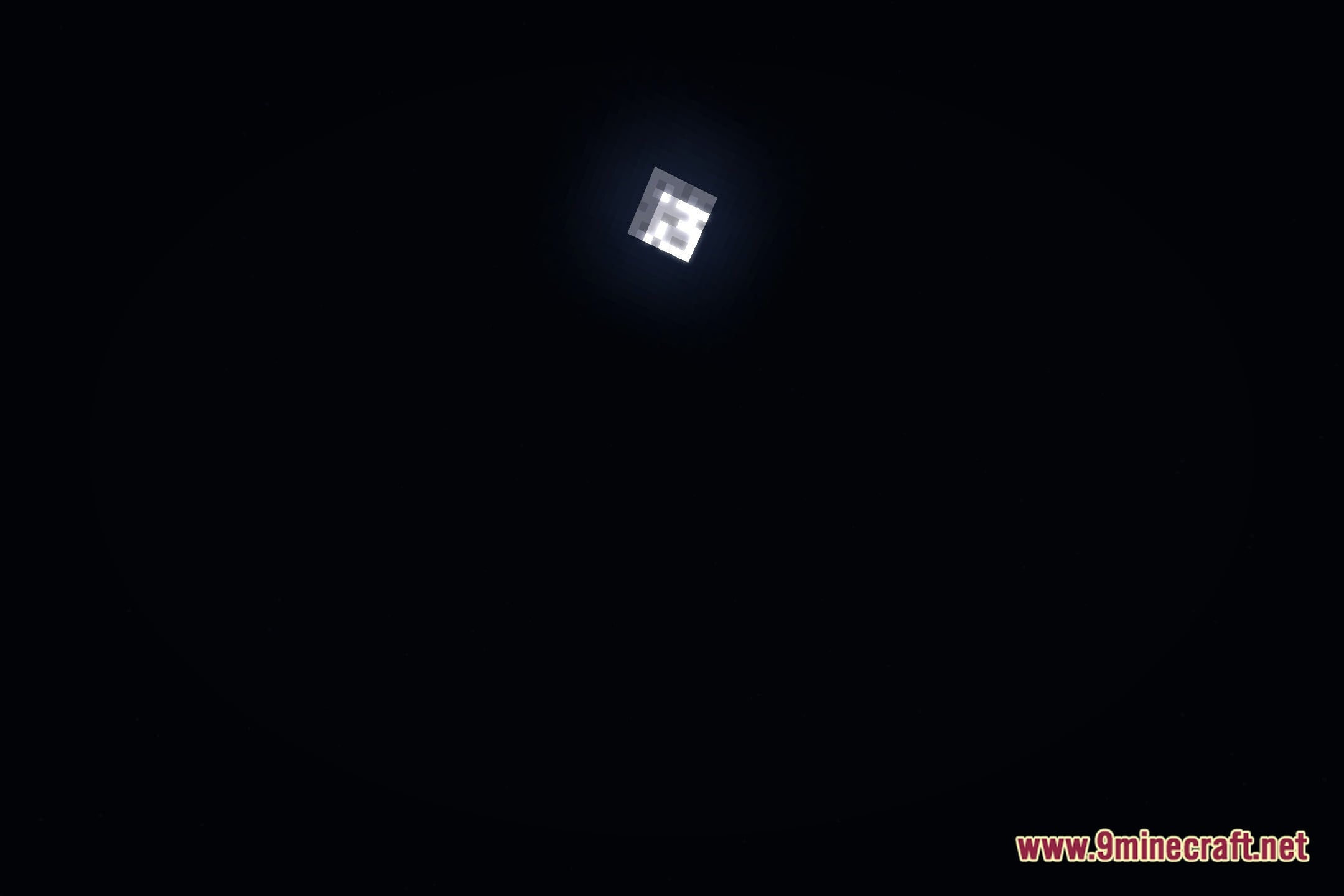
12 images from the Holexshader Reimaged Shaders page.
You May Also Like
Wikis that share the most with this one
Wikis on the same theme: light
More shader wikis on the site
The most downloaded mods that have a wiki here