

 DownloadHelian MMCO Sundial Lite Edit Shaders
Get the files on 9Minecraft
Guides
Step-by-step, in-game.
Adjust Lighting and Shadow IntensityAccess the Shader Settings Open your shader options menu while in-game. Press the key bound to open Optifine or Iris…Change Water and Sky ColorsOpen Shader Options Access your shader settings through Video Settings > Shaders > Shader Options. Make sure you're…Enhance Underwater VisualsAccess Water and Underwater Settings Open Shader Options and look for controls related to water rendering, caustics,…Optimize Shader Performance on Older HardwareCheck Your Optifine Version Ensure you're running Optifine released after December 2019, as this shader requires a…
Frequently asked questions
How do I open the shader settings menu?
Press the key that opens your shader options (usually Shift + O in Optifine or the Iris settings button). You'll see the Helian MMCO Sundial Lite Edit customization panel where all color and lighting controls are located.
What's the difference between this and regular Sundial Lite?
This version adds extra color adjustment sliders and customization tools on top of the original Sundial Lite shader, letting you fine-tune lighting, water color, sky appearance, and other visual elements that the base pack doesn't expose.
Can I use this with Optifine?
Yes, this shader works with Optifine versions released after December 2019. Make sure your Optifine installation is up to date for the best compatibility.
Does this work with Iris instead of Optifine?
Yes, this shader is compatible with Iris. The newest version of Iris is recommended to avoid bugs and get the best performance.
See all 10 Helian MMCO Sundial Lite Edit Shaders questions ›
Gallery
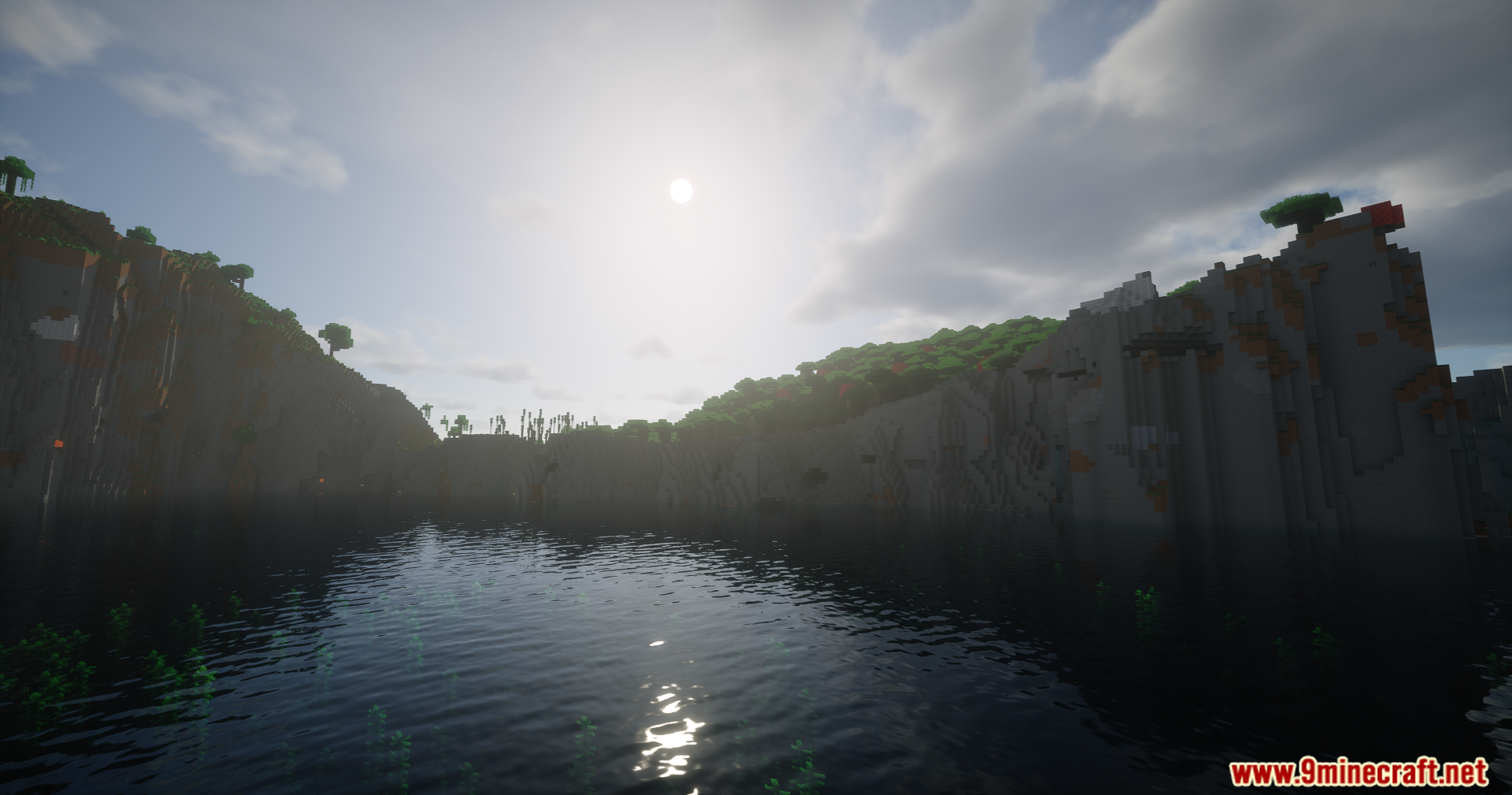
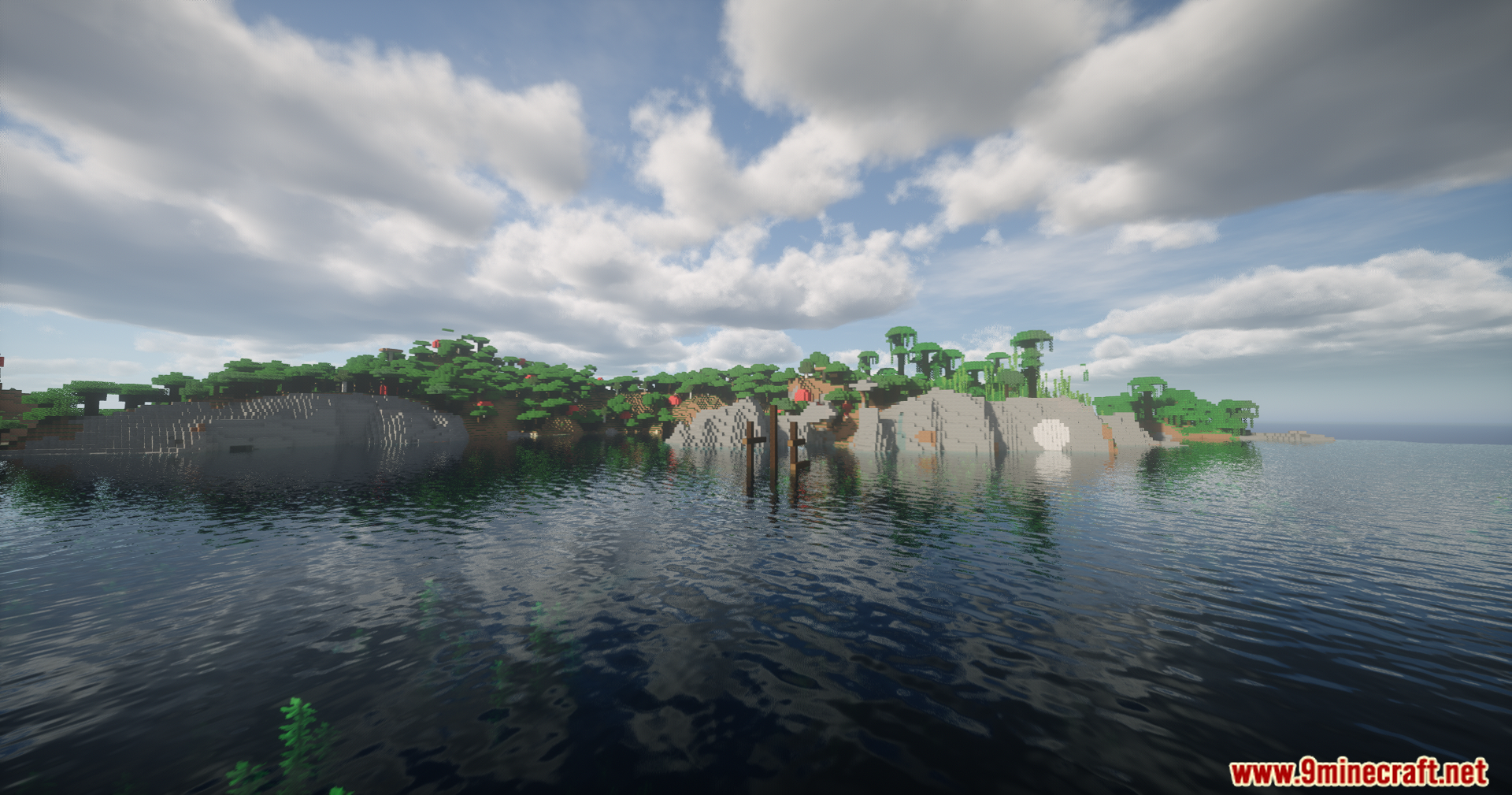
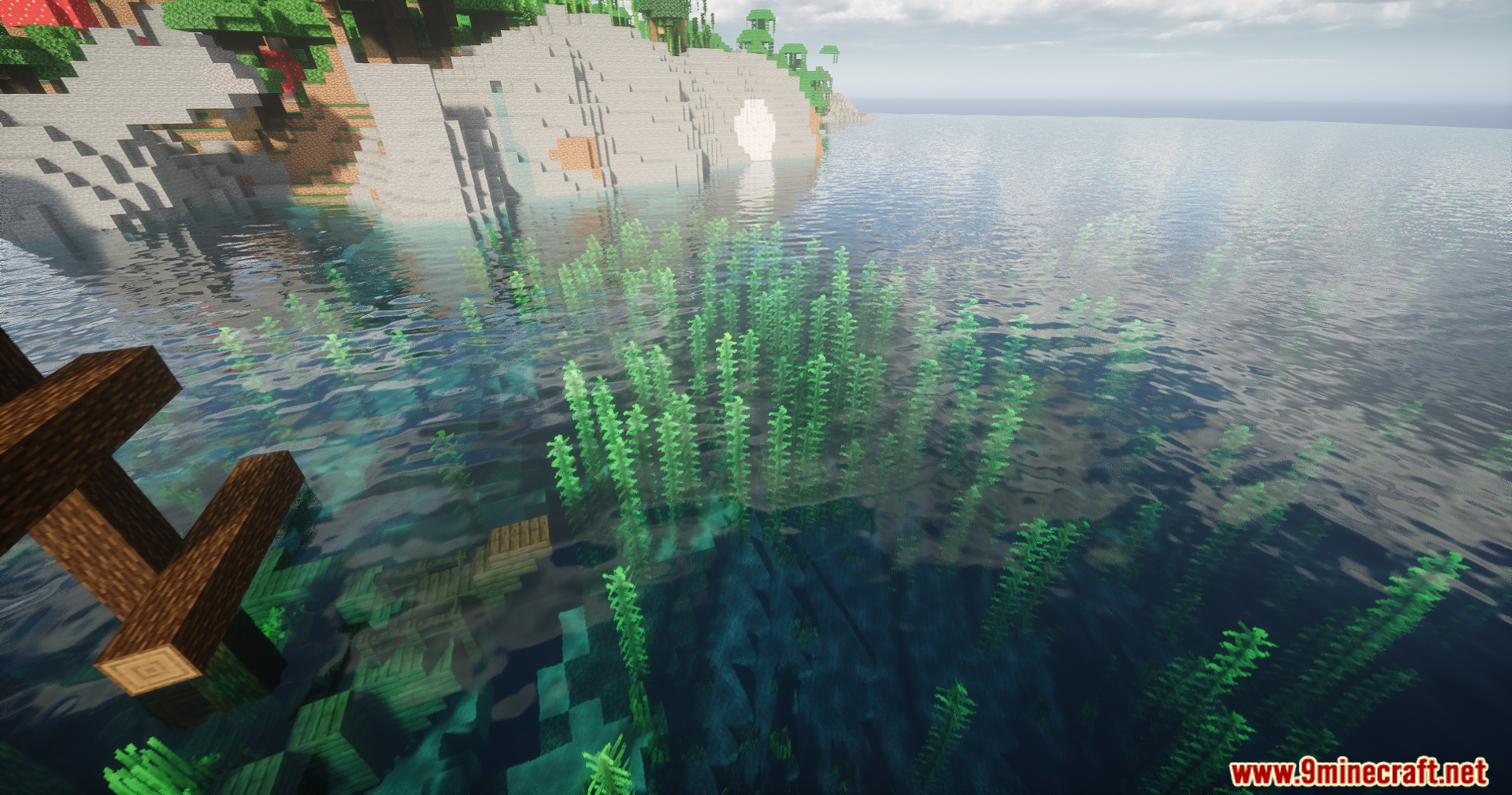
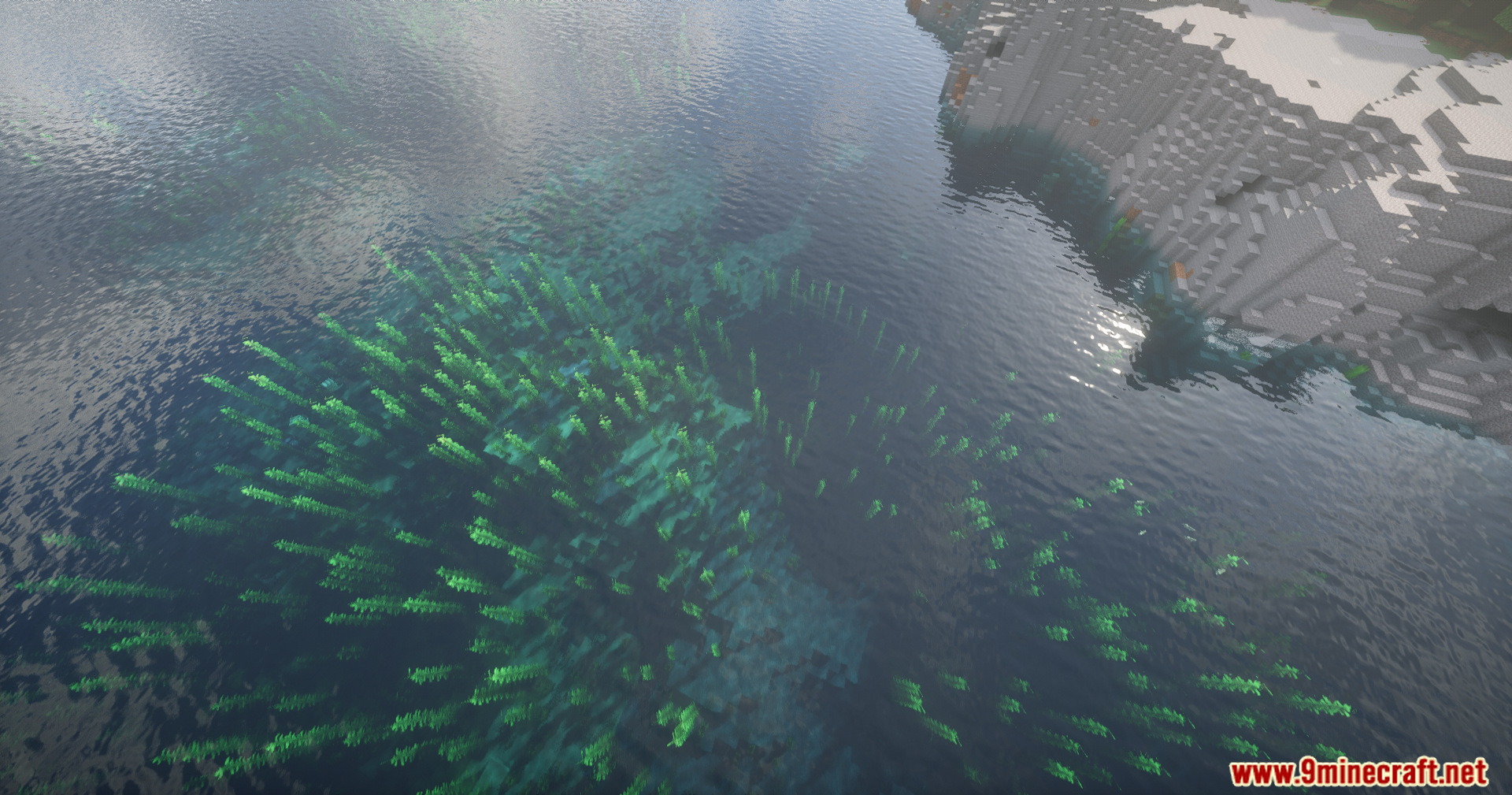
12 images from the Helian Mmco Sundial Lite Edit Shaders page.








You May Also Like
Wikis that share the most with this one
Wikis on the same theme: cat
 Lost Signal VHS Shaders
 Demonic Possession Shaders
More shader wikis on the site
 Hallucination Shader
 HalcyonDrift Shaders
The most downloaded mods that have a wiki here