

 DownloadHazy Industrial Glow Shaders
Get the files on 9Minecraft
Guides
Step-by-step, in-game.
Adjust Smog Density and Visibility DistanceFinding the Shader Settings Open the shader options menu while in-game by pressing the key bound to shader settings…Create a Post-Apocalyptic Atmosphere with Skybox ChangesHow the Shader Modifies Your Sky Hazy Industrial Glow automatically replaces your world's skybox and horizon fog with…Enhance Glow Effects on Light SourcesLocating Glow Settings In the shader options, find settings related to bloom, glow, or light emission. Hazy…Switch Between Performance PresetsUnderstanding the Preset Tiers Hazy Industrial Glow includes multiple performance profiles: potato (minimal impact,…
Frequently asked questions
How do I turn on the shader after installing it?
Open your shader settings menu in-game, navigate to the shader pack list, and select Hazy Industrial Glow from the available options. The smog effect will apply immediately to your world.
What's the difference between the performance presets?
The presets range from Potato (minimal effects, lowest performance cost) through Low, Medium, and High, with each tier adding more detailed smog layering, glow effects, and particle density. Choose based on your system's frame rate—lower presets reduce visual complexity while keeping the core industrial aesthetic.
Can I make the smog thicker or thinner?
Yes, access the shader options menu and look for smog density or visibility distance settings, which let you adjust how thick the haze appears and how far you can see through it. Increasing density makes the atmosphere more oppressive; decreasing it reveals more of the landscape.
Why do my torches and lanterns look weird?
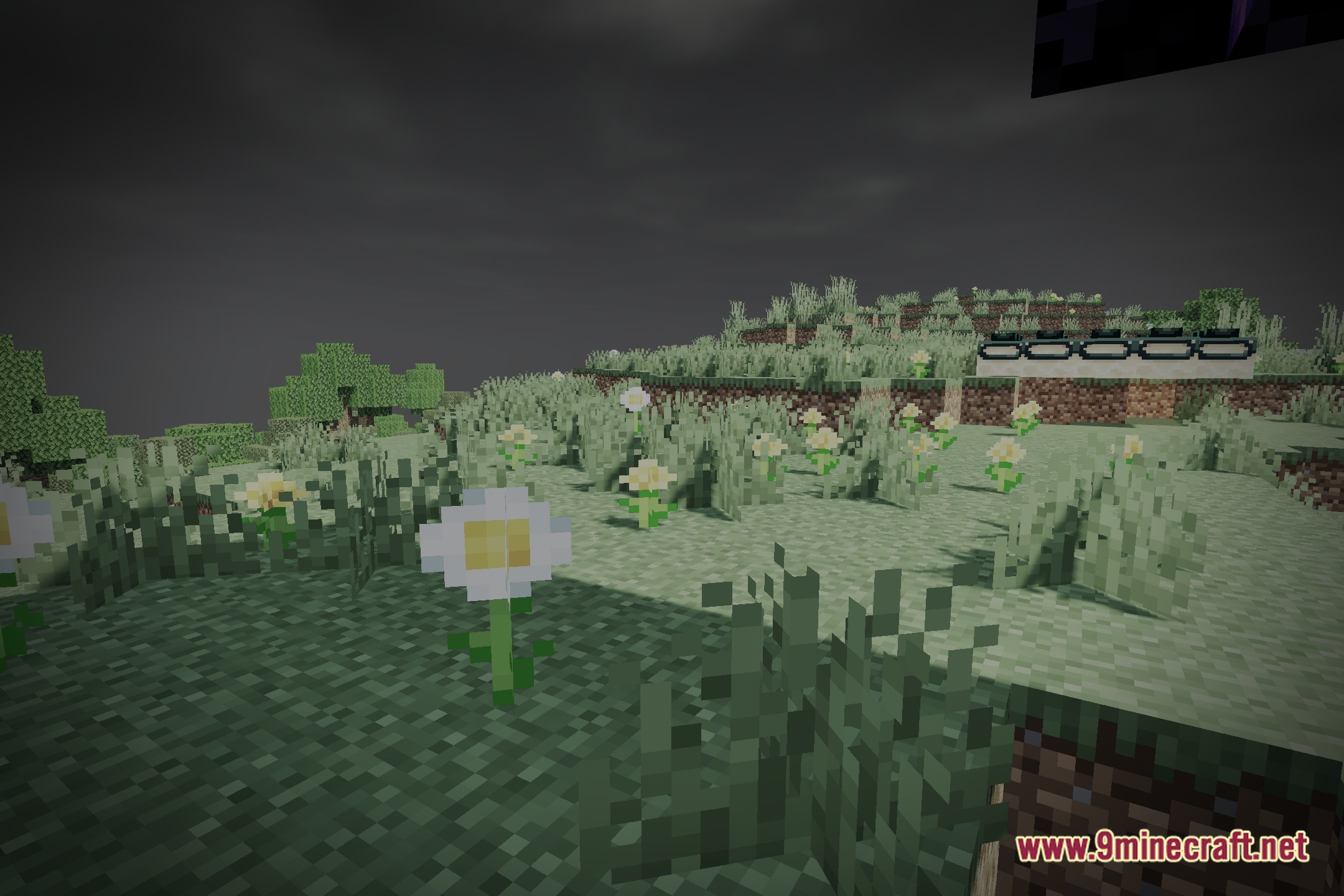
The shader intentionally softens and diffuses light sources to create a polluted glow effect—this is the intended behavior. If the glow is too strong or too weak, you can fine-tune it in the Enhance Glow Effects settings.
See all 10 Hazy Industrial Glow Shaders questions ›
Gallery
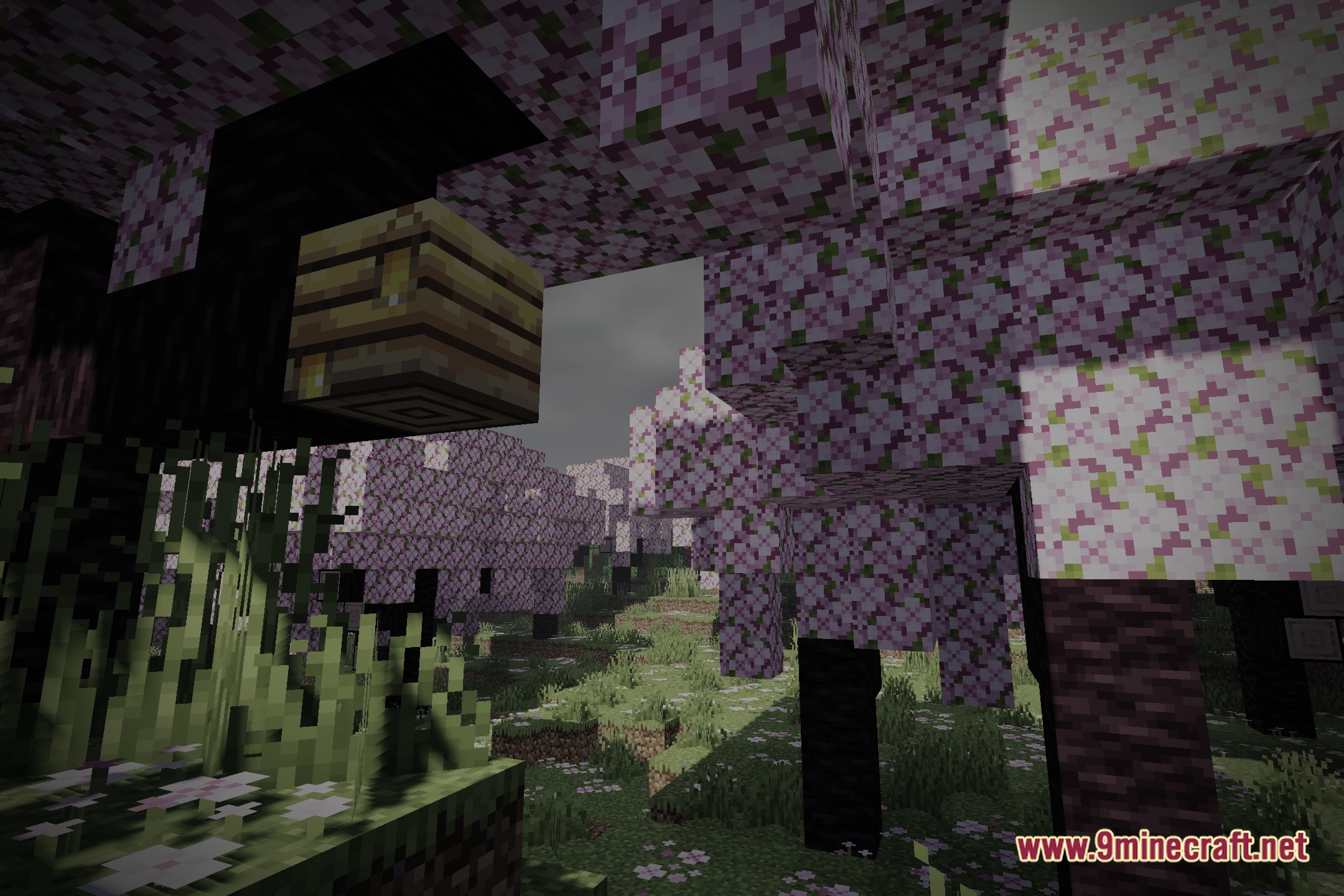
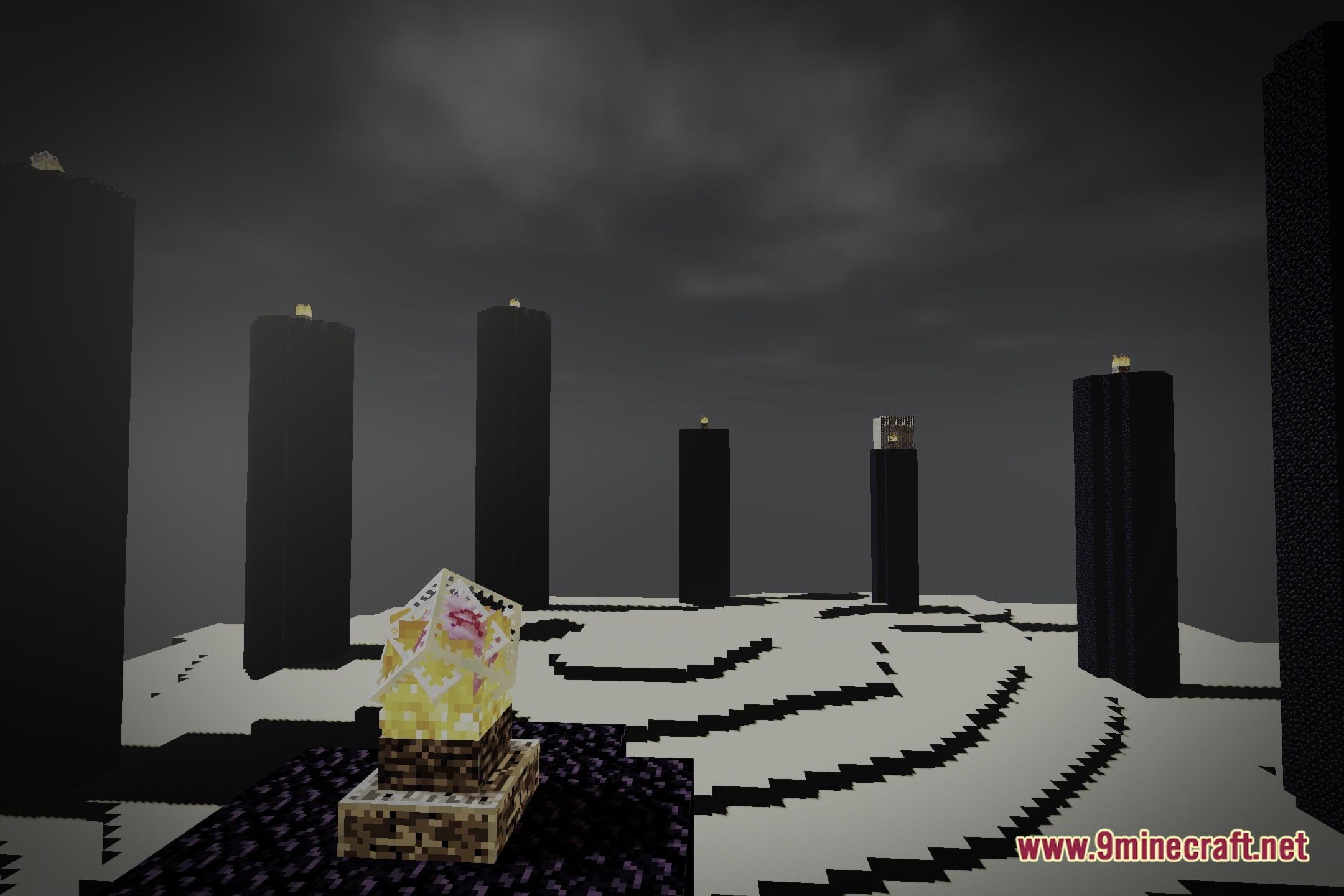
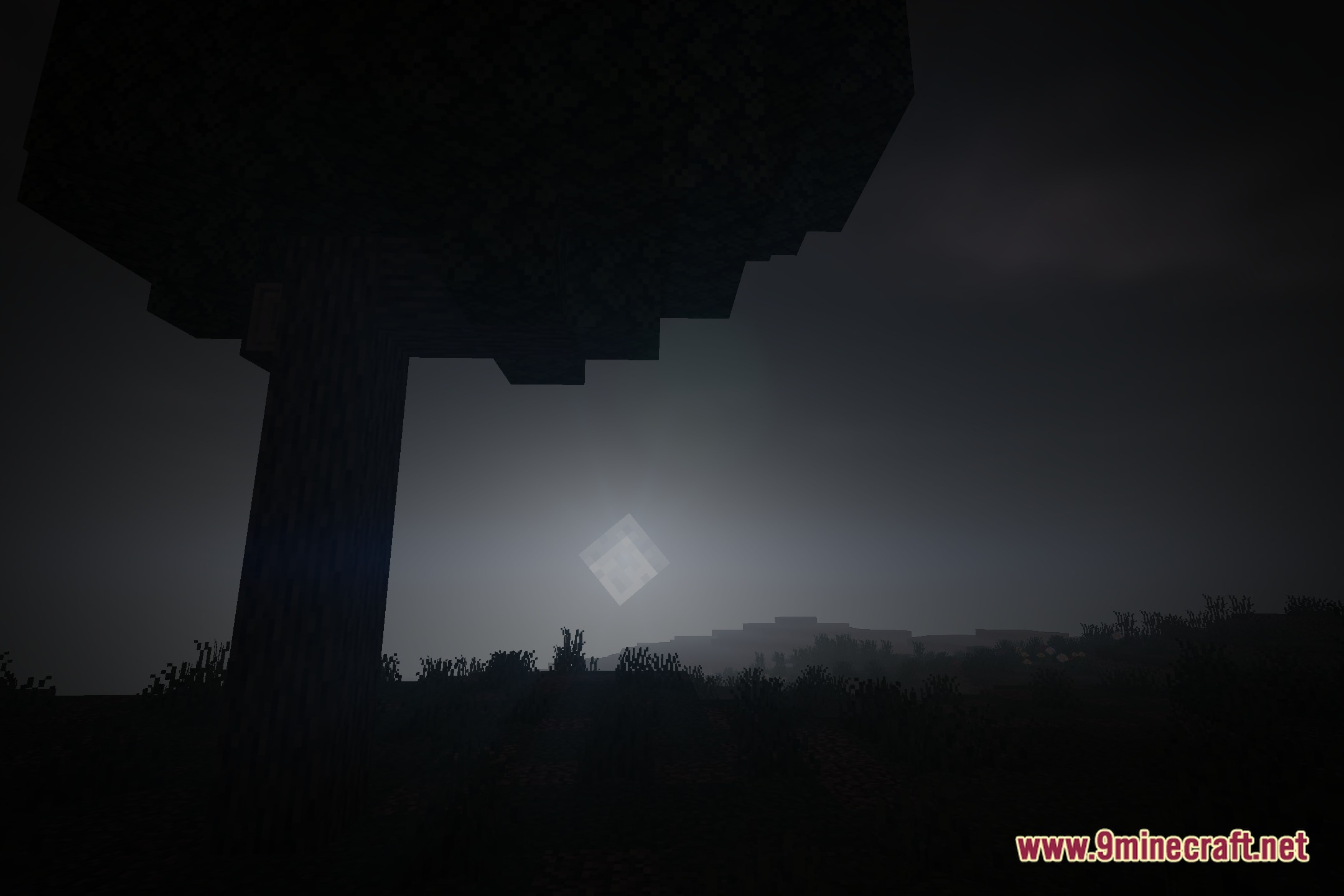
10 images from the Hazy Industrial Glow Shaders page.
You May Also Like
Wikis that share the most with this one
Wikis on the same theme: iron
 Cealith Shaders
More shader wikis on the site
 Hallucination Shader
 HalcyonDrift Shaders
The most downloaded mods that have a wiki here