

 DownloadHex’s Default Rewrite Shaders
Get the files on 9Minecraft
Guides
Step-by-step, in-game.
Adjust Shadow Intensity for Your Build StyleFinding the Shadow Settings Shader settings are accessed through the Shader Options menu. Open this by pressing the…Optimize Performance While Keeping Visual QualityIdentifying Performance Bottlenecks Open the shader options menu and look for settings labeled as high-impact: shadow…Set Up Ideal Lighting for Screenshot SessionsPositioning for Best Light The shader's lighting is most dramatic during sunrise and sunset. Use the /time set…Troubleshoot Unusual Visual Artifacts or Color ShiftsIdentifying the Problem The mod is known for adding a slightly unusual visual vibe. Before troubleshooting, confirm…
Frequently asked questions
How do I turn on the shader after installing it?
Open your Video Settings, go to Shaders, and select Hex's Default Rewrite from the list. The shader will apply immediately to your world.
Why do my shadows look too dark or too light?
Use the shader's settings menu (usually accessible by pressing a hotkey or through Video Settings) to adjust shadow intensity until the contrast matches your preference. The guide 'Adjust Shadow Intensity for Your Build Style' covers this in detail.
Can I use this shader with other mods?
Yes, Hex's Default Rewrite works with most mods, but mods that heavily alter lighting or add custom blocks may cause visual conflicts. Test your mod combination and check community forums if you see unusual colors or artifacts.
My FPS dropped a lot after enabling the shader. How do I fix it?
Lower the shader's visual quality settings or reduce your render distance—see the 'Optimize Performance While Keeping Visual Quality' guide for step-by-step adjustments that balance looks and frame rate.
See all 10 Hex’s Default Rewrite Shaders questions ›
Gallery
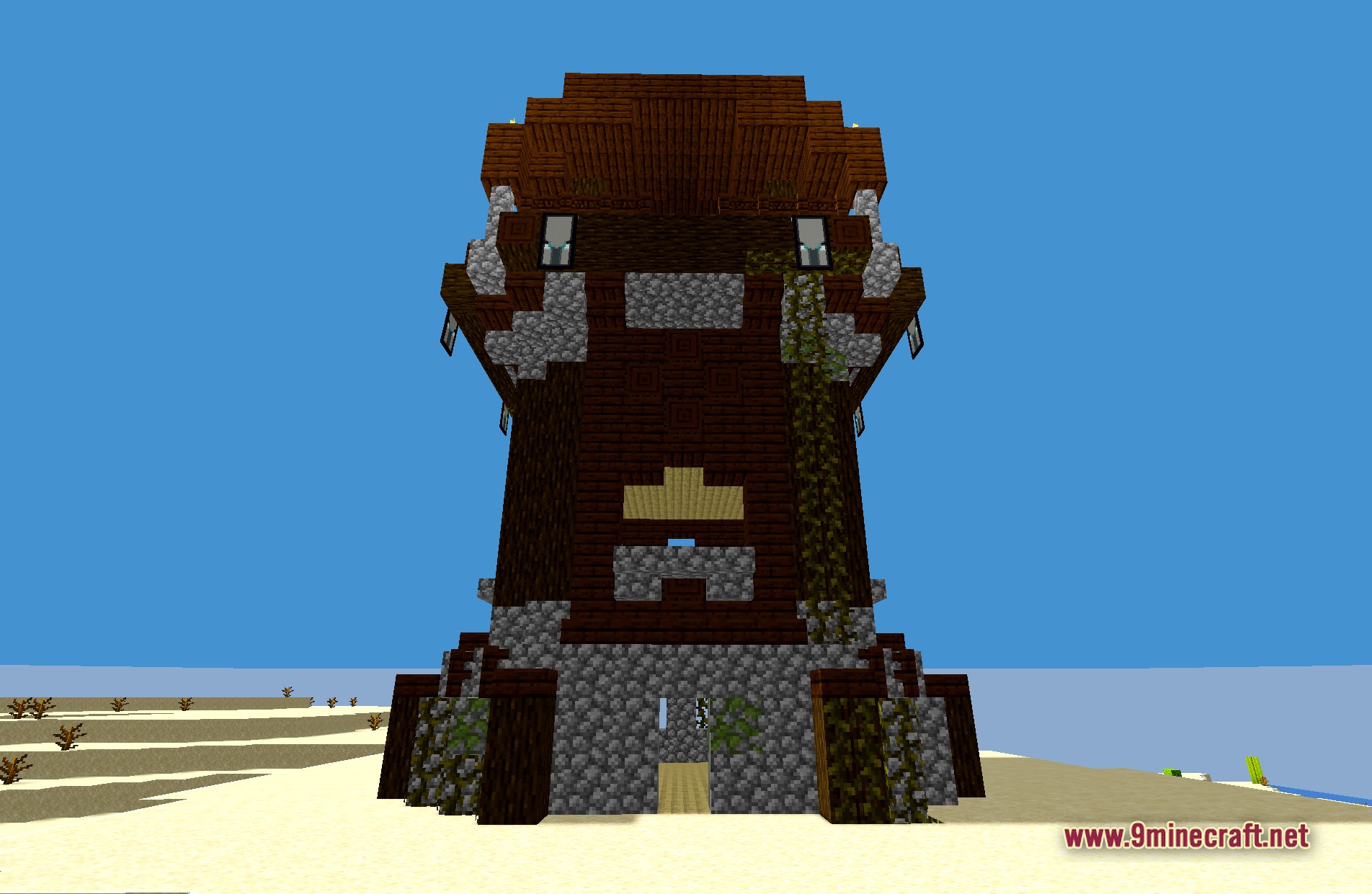
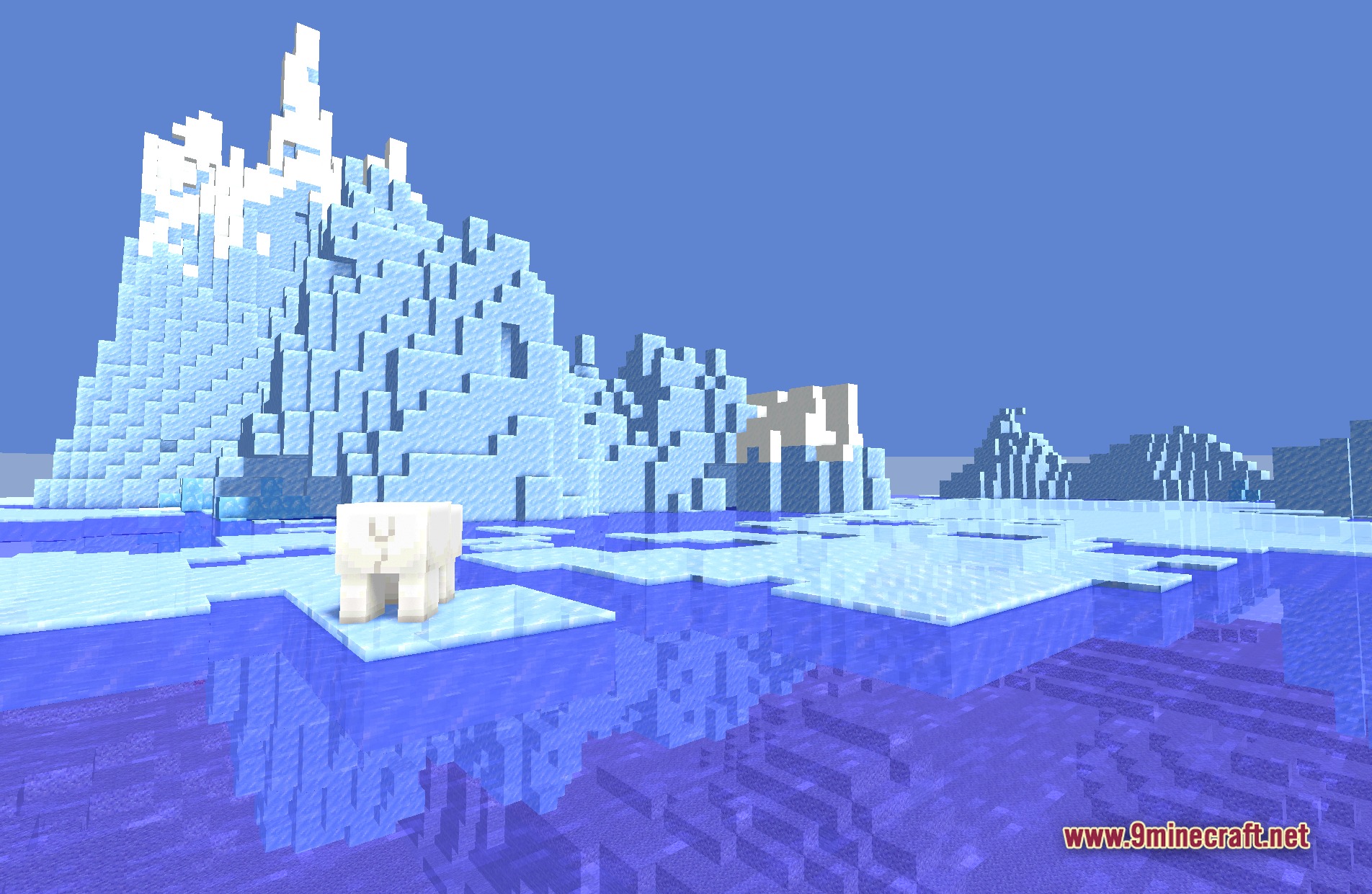
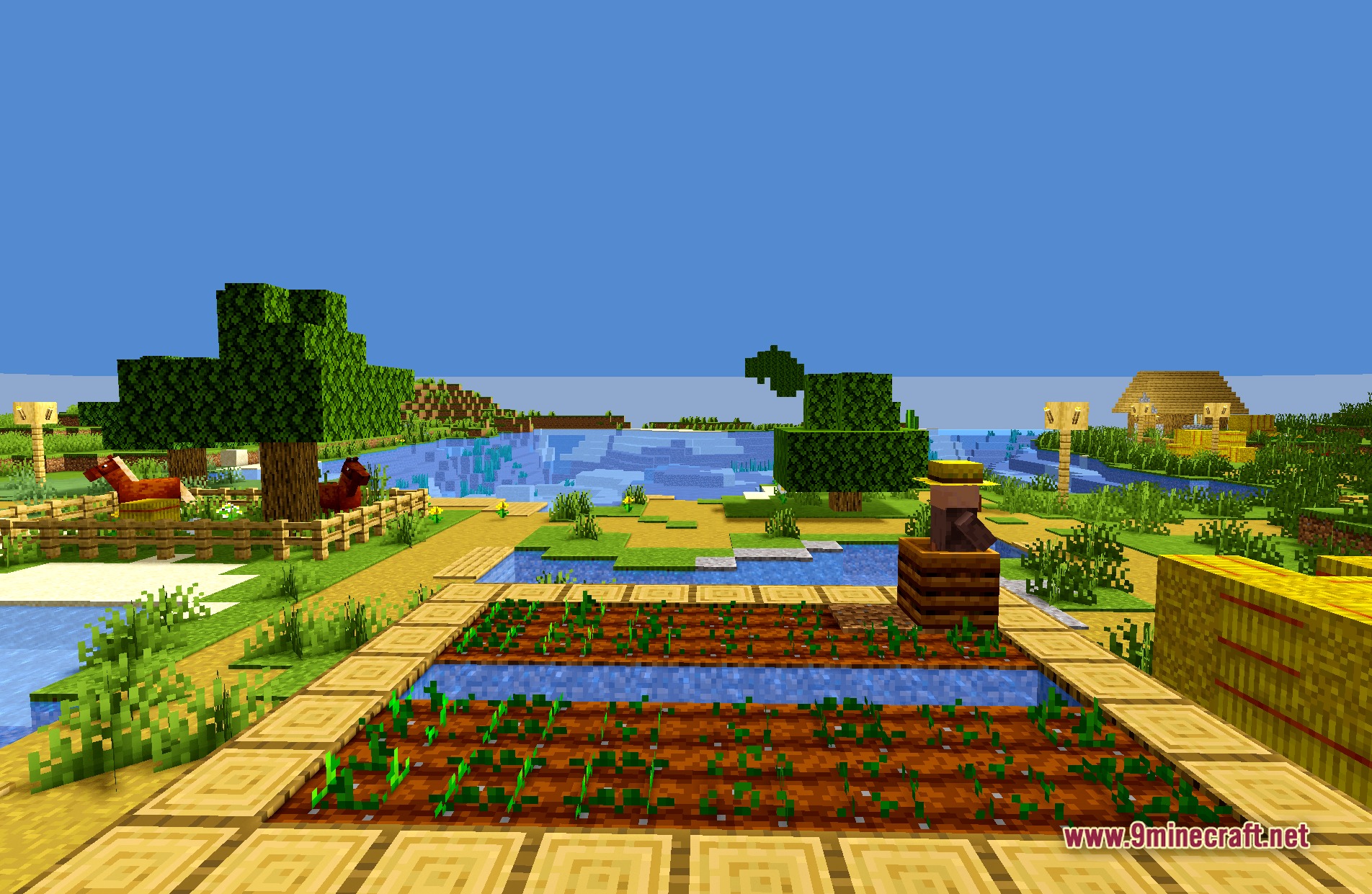
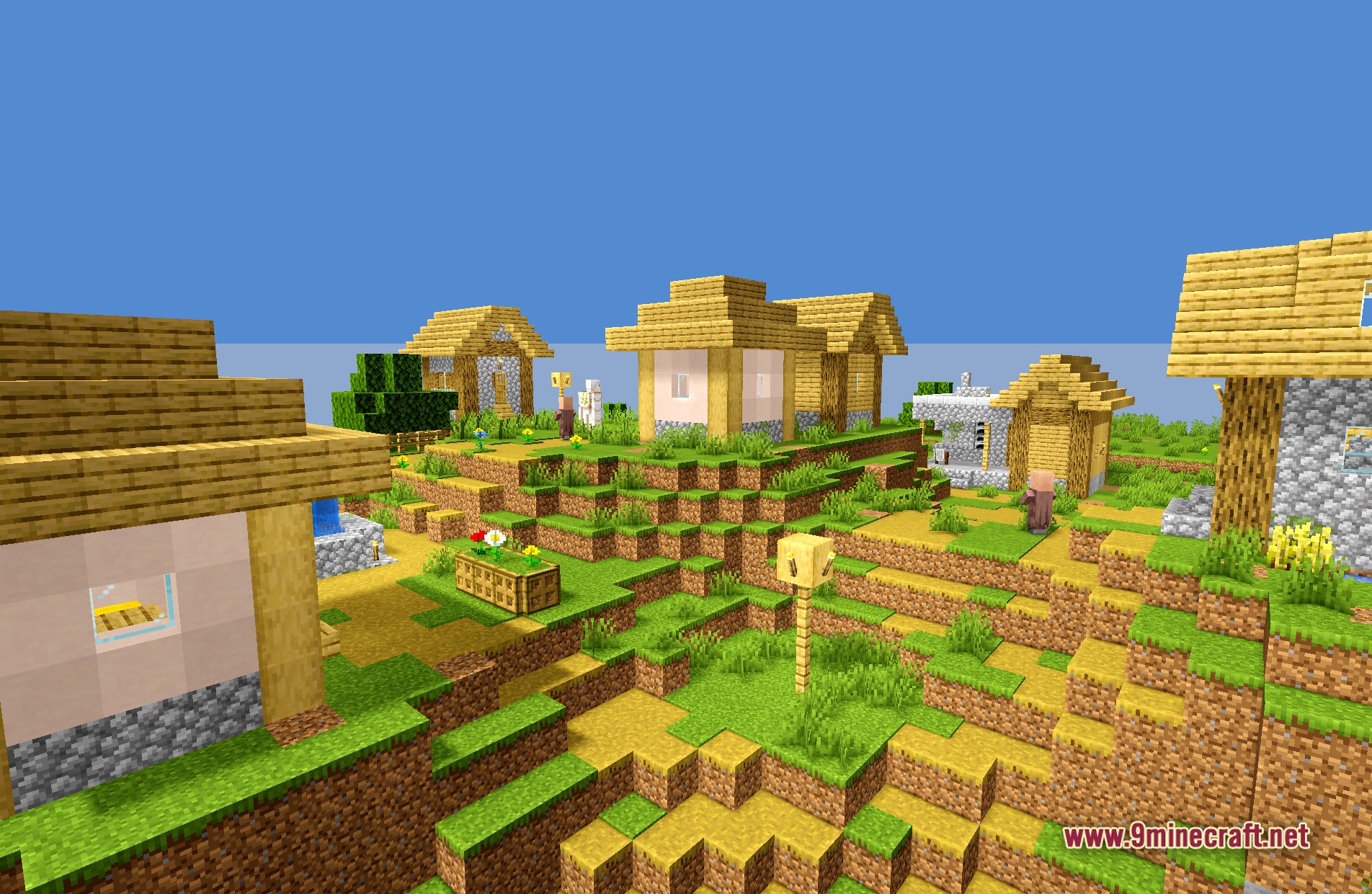
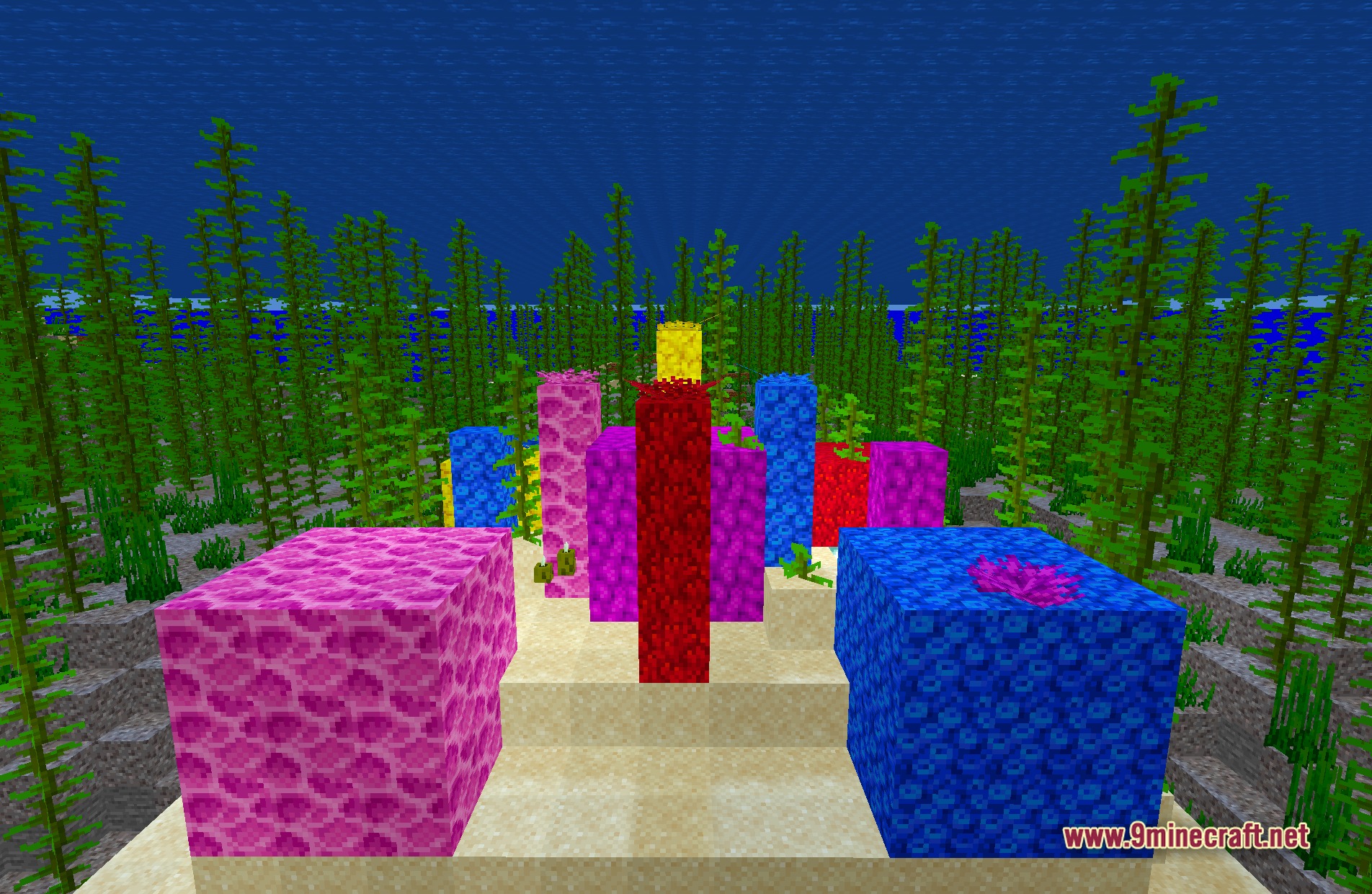
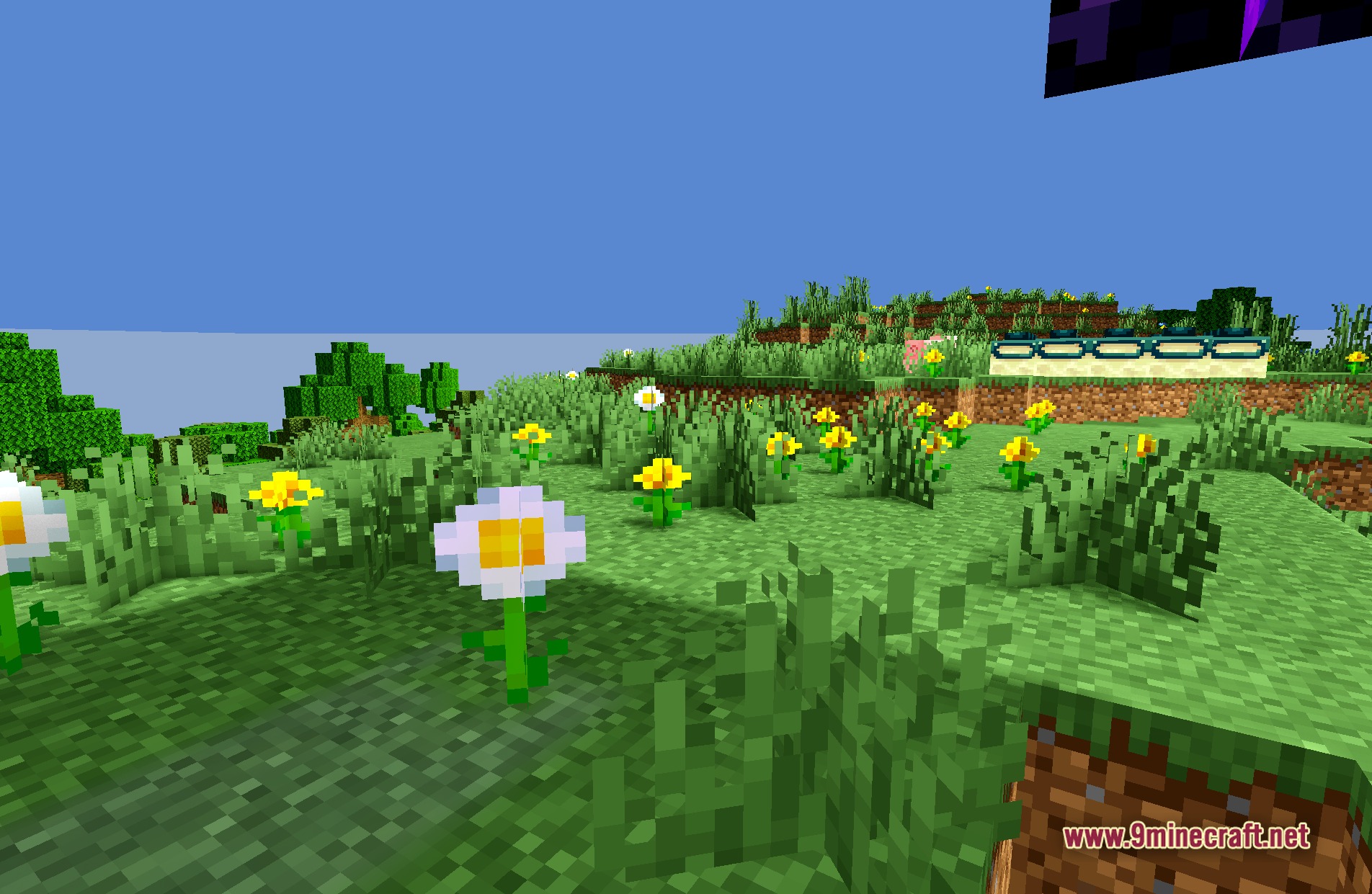
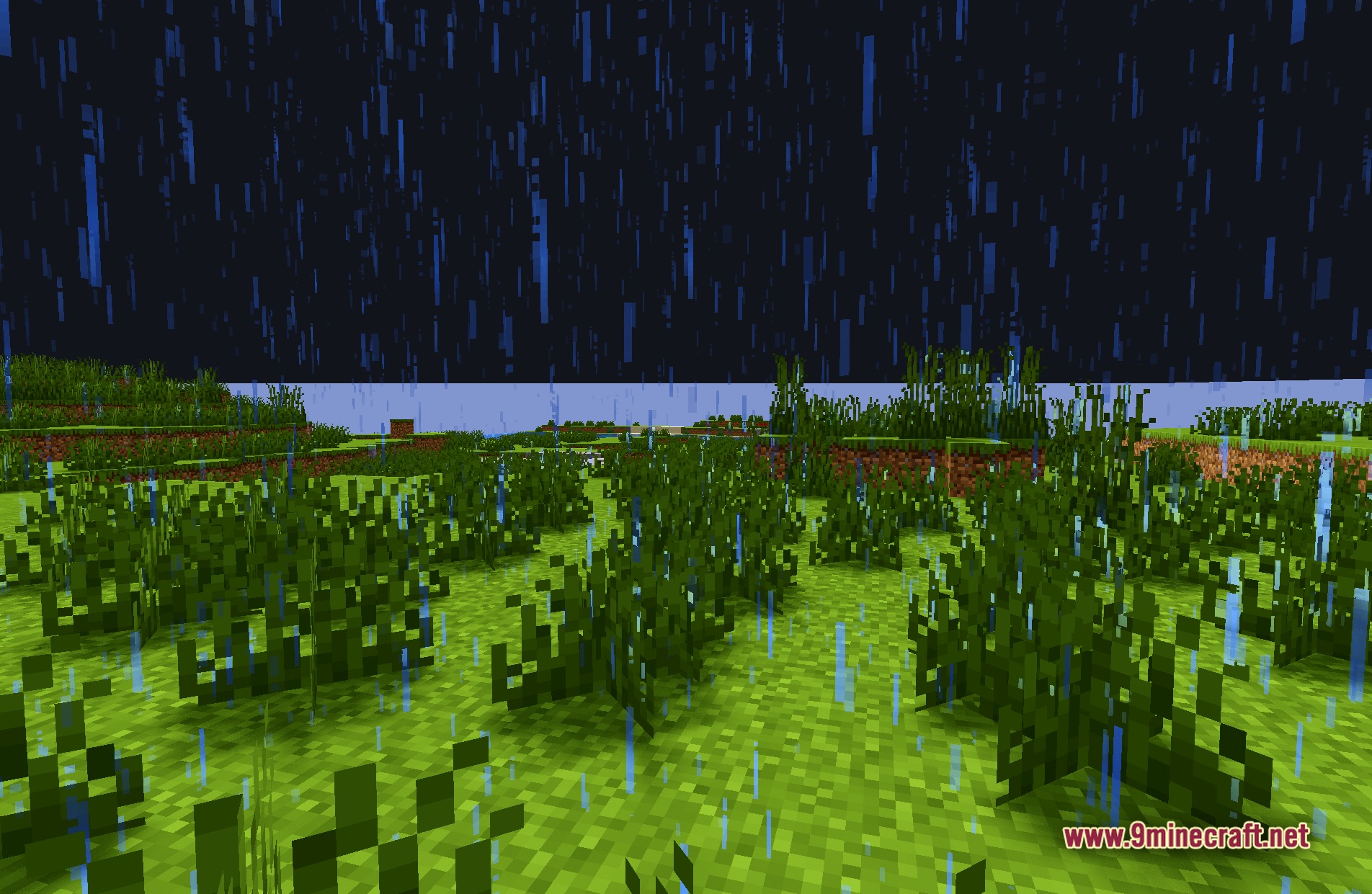
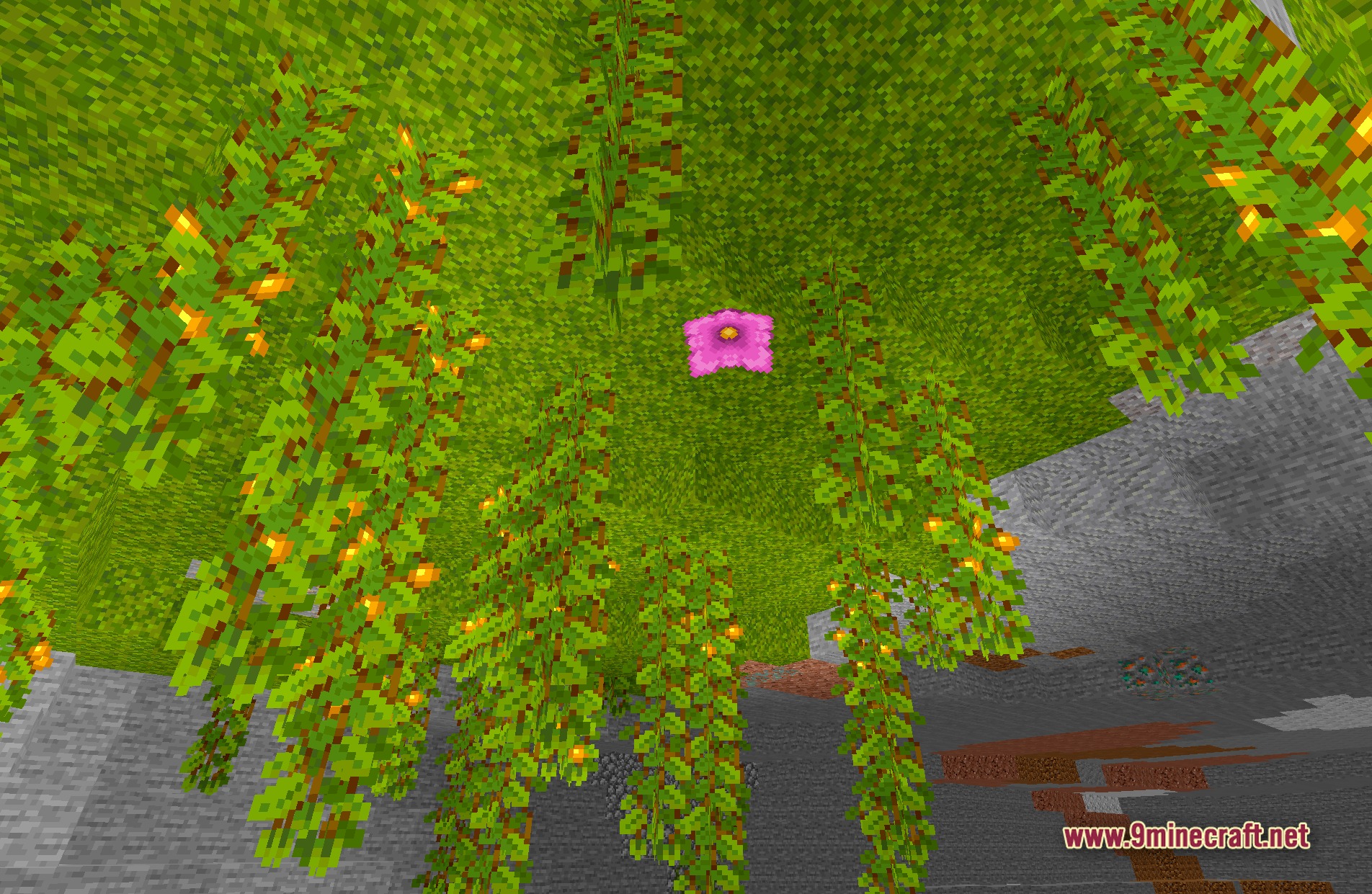
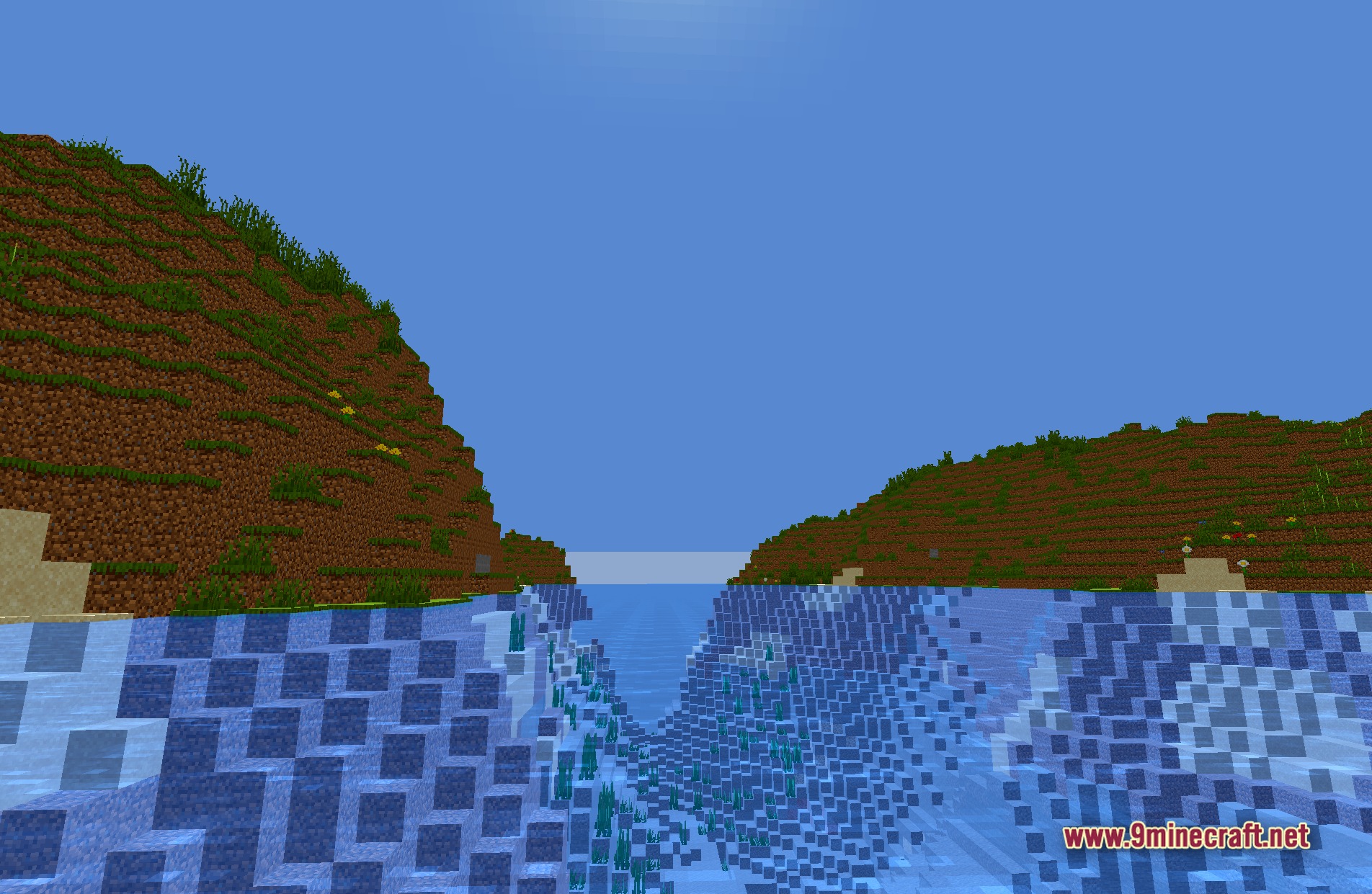
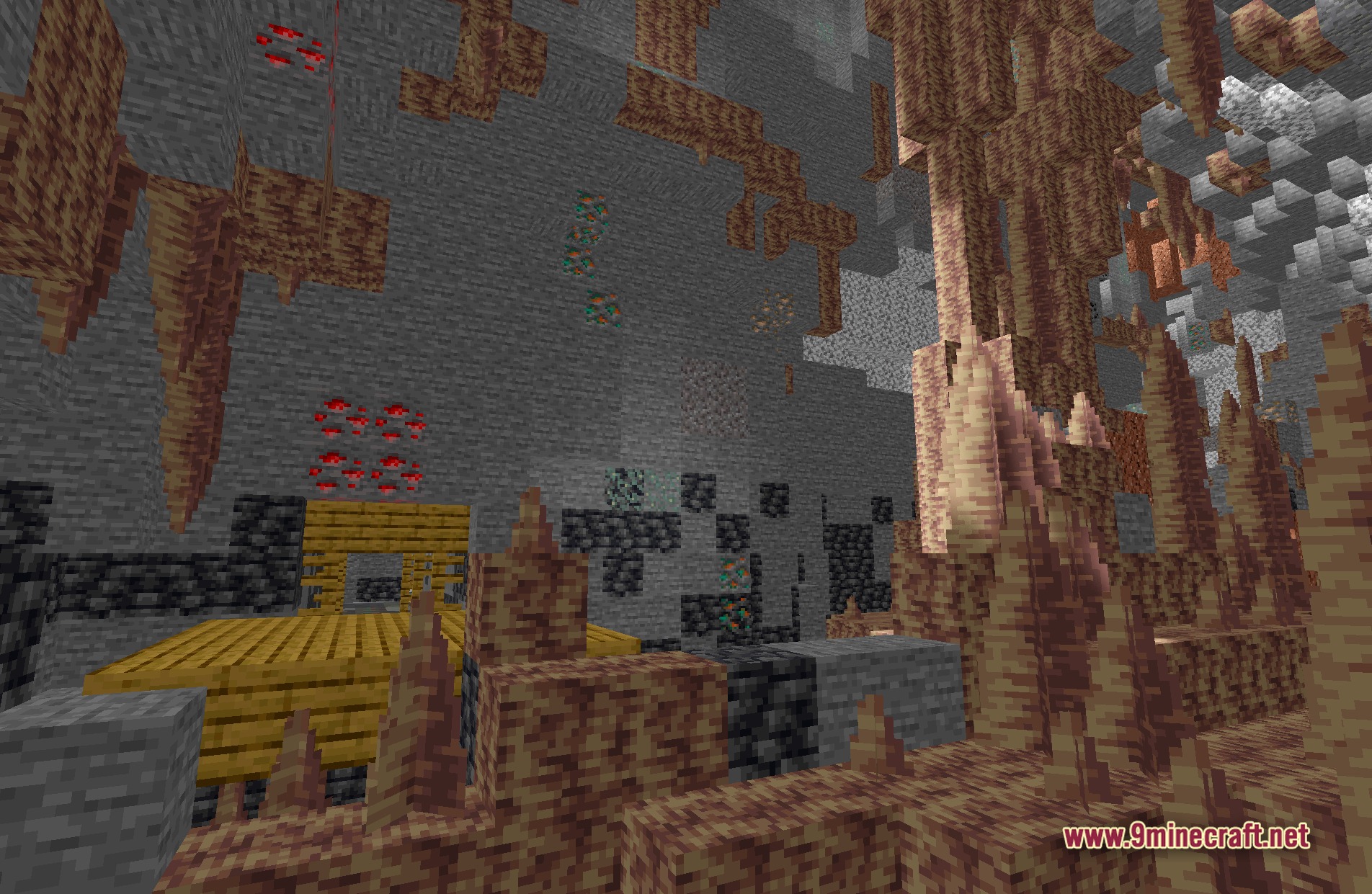
11 images from the Hexs Default Shaders Rewrite Shaders page.
You May Also Like
Wikis that share the most with this one
Wikis on the same theme: end
More shader wikis on the site
The most downloaded mods that have a wiki here