

 DownloadDefault Hd 64X Resource Pack
Get the files on 9Minecraft
Guides
Step-by-step, in-game.
Customize Texture Appearance for Your PlaystyleAccess Resource Pack Options In the Resource Packs menu, select Default HD 64x and click the gear icon (⚙) to open…Get the Best Look at Block Details and TexturesUse Third-Person Camera for Close Inspection Switch to third-person view (F5 key) and position your camera near…Maximize Visual Quality While Maintaining Frame RateEnable the Resource Pack Without Shader Mods Default HD 64x is designed to deliver enhanced visuals independently.…Troubleshoot Texture Inconsistencies or Missing DetailsVerify the Resource Pack is Active and Ranked First Open Resource Packs menu and confirm Default HD 64x appears in…
Blocks
A
 Acacia Leaves
 Acacia Log
 Acacia Planks
 Acacia Sapling
 Acacia Trapdoor
 Activator Rail
 Allium
 Andesite
 Anvil
B
 Beacon
 Bedrock
 Birch Door
 Birch Leaves
 Birch Log
 Birch Planks
 Birch Sapling
 Birch Trapdoor
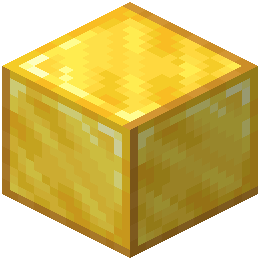 Block of Gold
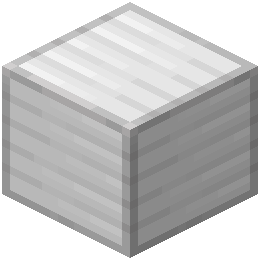 Block of Iron
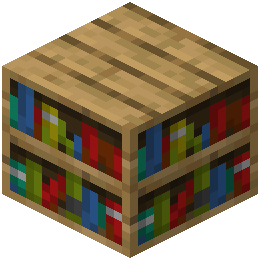 Bookshelf
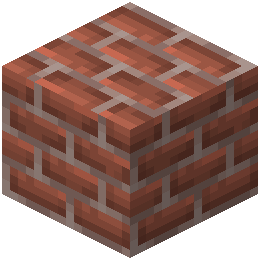 Bricks
C
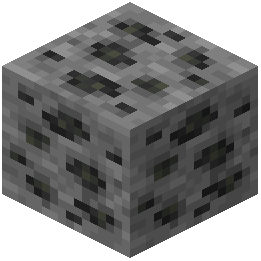 Coal Ore
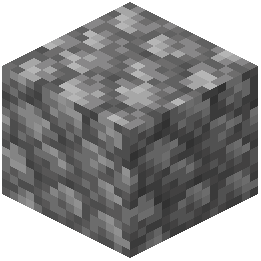 Cobblestone
D
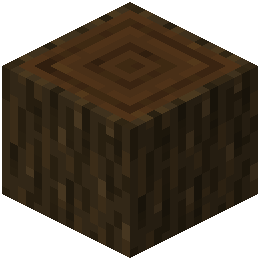 Dark Oak Log
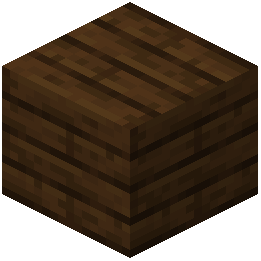 Dark Oak Planks
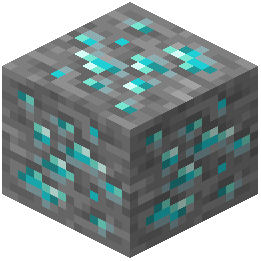 Diamond Ore
E
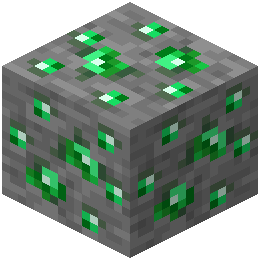 Emerald Ore
G
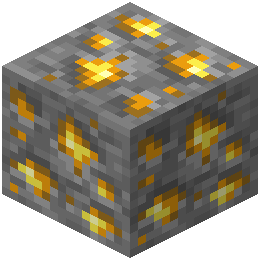 Gold Ore
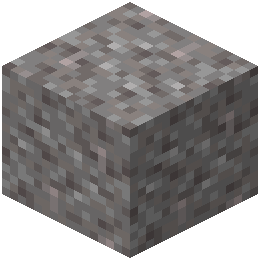 Gravel
I
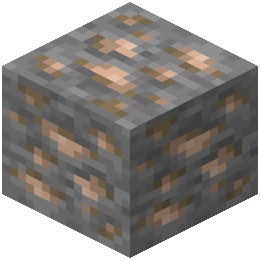 Iron Ore
J
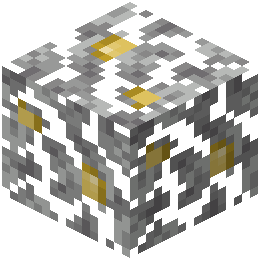 Jungle Leaves
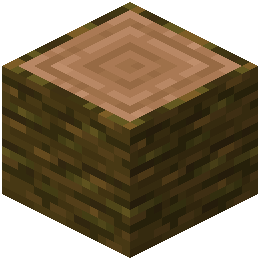 Jungle Log
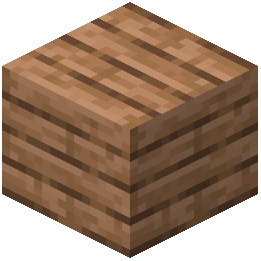 Jungle Planks
L
 Ladder
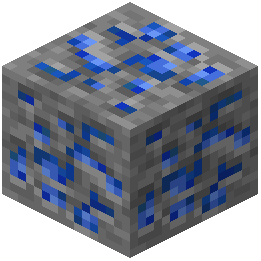 Lapis Lazuli Ore
N
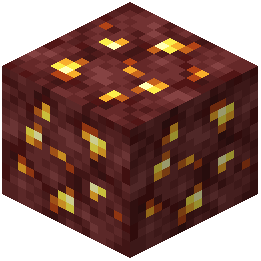 Nether Gold Ore
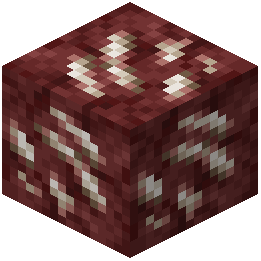 Nether Quartz Ore
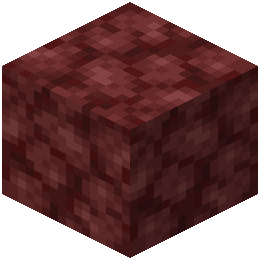 Netherrack
O
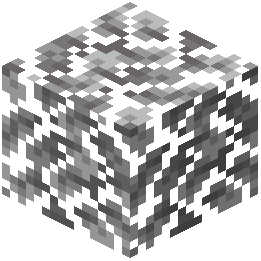 Oak Leaves
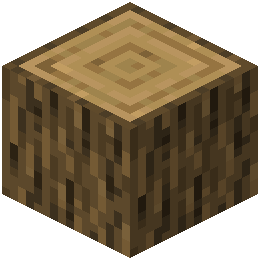 Oak Log
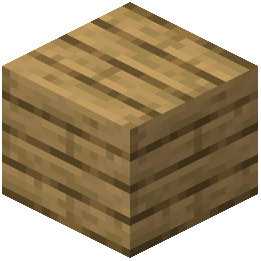 Oak Planks
R
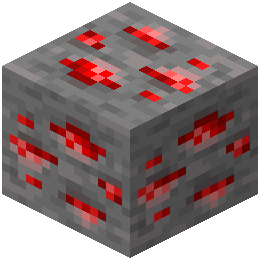 Redstone Ore
S
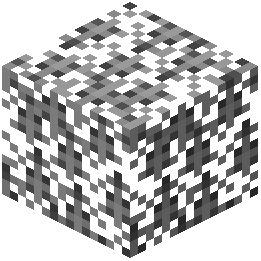 Spruce Leaves
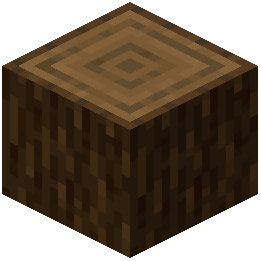 Spruce Log
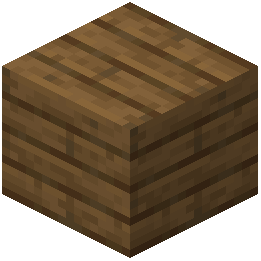 Spruce Planks
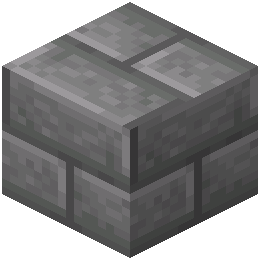 Stone Bricks
What this pack changes
Every texture group the pack replaces, counted from the pack itself.
| Area | Textures replaced |
|---|---|
| Blocks | 138 |
Pack format 15–1000 (Minecraft 1.20–1.21.9)138 texture files in total
Frequently asked questions
How do I enable this resource pack in my world?
Open your world, go to Settings > Resource Packs, then select Default HD 64x from the available packs list and move it to the active side. The textures will load immediately when you return to your world.
Will this pack work with shaders?
Yes, but it's designed to look great on its own without shaders since it already includes built-in soft shading and PBR mapping. If you use shaders anyway, you may see doubled lighting effects, so test both options to see which you prefer.
Why do some blocks look blurry or pixelated?
Check that your texture filtering is set to Nearest in Video Settings, not Linear—this preserves the sharp pixel art style the pack is designed for. Also ensure you're using the latest version of the pack, as older versions may have incomplete texture updates.
Does this pack cause lag or frame drops?
The pack is optimized to run smoothly on most systems without the heavy performance cost of shader mods, though very old hardware may see minor impact from the higher resolution textures. If you experience drops, lower your render distance or disable PBR reflections in your video settings.
Can I use this with other resource packs?
You can stack multiple packs by adding them to your resource pack list, but Default HD 64x should be positioned above other packs so its textures take priority. Mixing packs may create visual inconsistencies where textures don't match in style or shading.
Why do water and glass look different than before?
The pack includes custom shading and reflections for transparent blocks to add depth without shaders, which changes their appearance from vanilla. This is intentional and part of the realistic lighting touches, but you can revert to vanilla water/glass textures by editing the pack if you prefer.
Do custom blocks from other mods get the 64x treatment?
No, only vanilla Minecraft blocks are included in this pack. Mod blocks will use their default textures unless the mod author has created a separate compatibility patch.
How do I get the best detail view of the textures?
Set your render distance to at least 12 chunks, enable smooth lighting in Video Settings, and use a high zoom level or get close to blocks to see the 64x resolution and shading details. Natural daylight or well-lit areas show the texture quality better than dark caves.
Will this pack update when Minecraft adds new blocks?
The pack should receive updates for new blocks in major Minecraft versions, but there may be a delay. Check the pack's update status if you're playing on a newer version and notice untextured blocks.
Can I edit or customize textures in this pack?
Yes, you can unzip the pack file and edit individual texture files, then rezip it—just make sure to preserve the folder structure and file names. Keep backups of the original pack in case you want to revert changes.
You May Also Like
Wikis that share the most with this one
Wikis on the same theme: build
More resource pack wikis on the site
Default Dark Mode: Expansion Resource PackDeez Fps Resource PackDeep Origins Overlays Resource PackDeceased Craft Screen Tweak Resource PackDeath Knights PT BR Translation Resource PackDarkmode Resource PackDark Transparent GUI Resource PackDark Smooth GUI Resource PackDark Red GUI Resource PackDark OreUI Recreation Resource PackDark Mode Skyblock Resource PackDark Grass Resource Pack
The most downloaded mods that have a wiki here
A few wikis from each of the other kinds
Gallery
11 images from the Default Hd 64X Resource Pack page.


