
 DownloadDefault Dark Mode
Get the files on 9Minecraft
Contents (6)
Guides
Step-by-step, in-game.
How to Combine Default Dark Mode With Other Resource PacksDefault Dark Mode plays well with most packs, but ordering matters because resource packs stack from the bottom up —…How to Fix Default Dark Mode Not Applying or Looking WrongIf the interface still looks bright after enabling the pack, work through these checks in order. Verify the Pack Is…How to Make Default Dark Mode Work on a Server or With FriendsDefault Dark Mode is a client-side resource pack, so it only changes what *you* see. Other players won't see a darker…How to Toggle or Remove Default Dark Mode Without UninstallingYou don't need to delete anything to turn the dark interface on or off — resource packs can be enabled and disabled…
What this pack changes
Every texture group the pack replaces, counted from the pack itself.
| Area | Textures replaced |
|---|---|
| GUI & menus | 471 |
| Guis | 40 |
| Items | 36 |
| Jei | 19 |
| Widget | 12 |
| Slot | 11 |
| Tabbed Item Group | 3 |
| Wtlib | 2 |
Pack format 93–97 (Minecraft 1.21.9)597 texture files in total
Extra features
Custom shaders
Reworked GUI
Frequently asked questions
What does Default Dark Mode actually change?
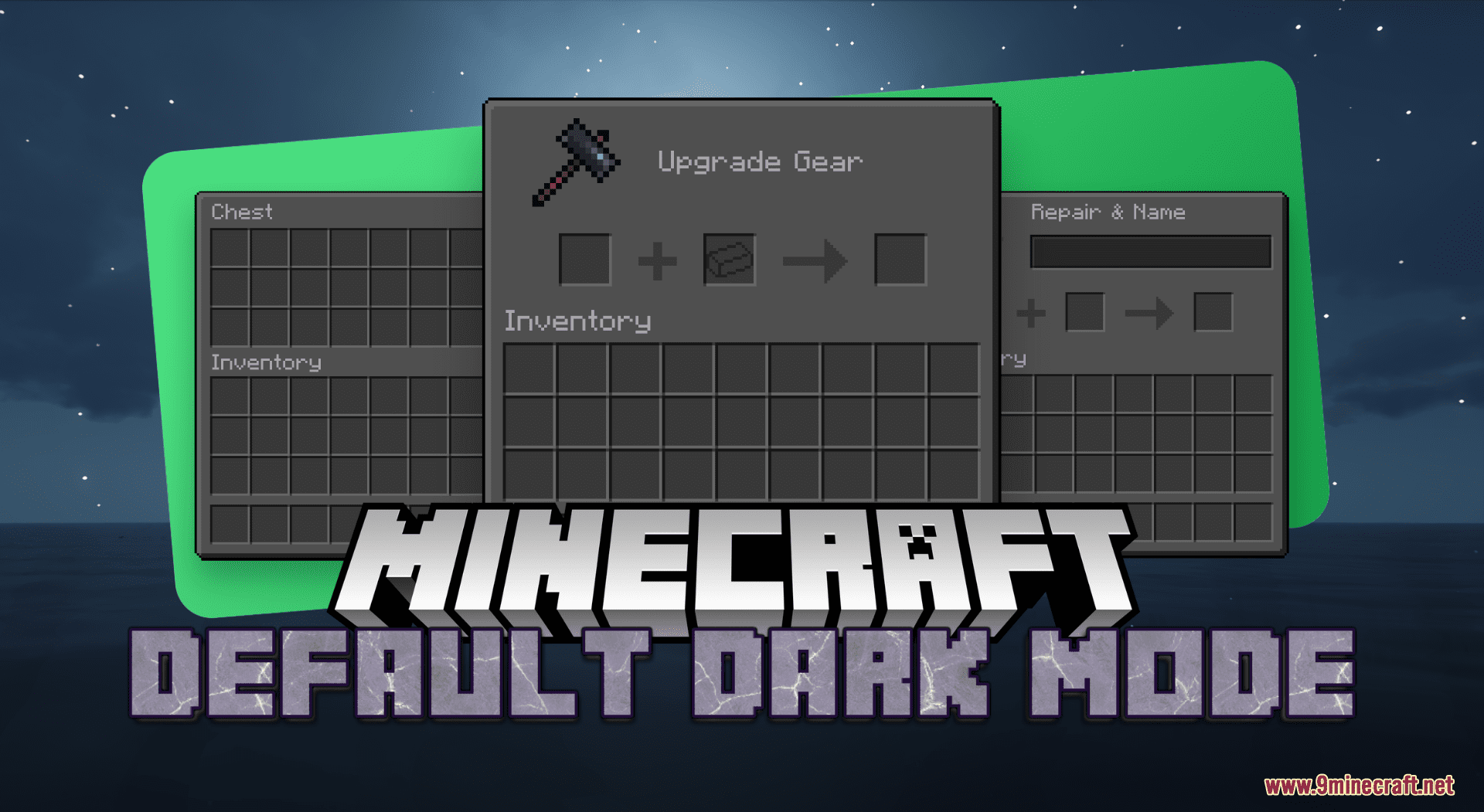
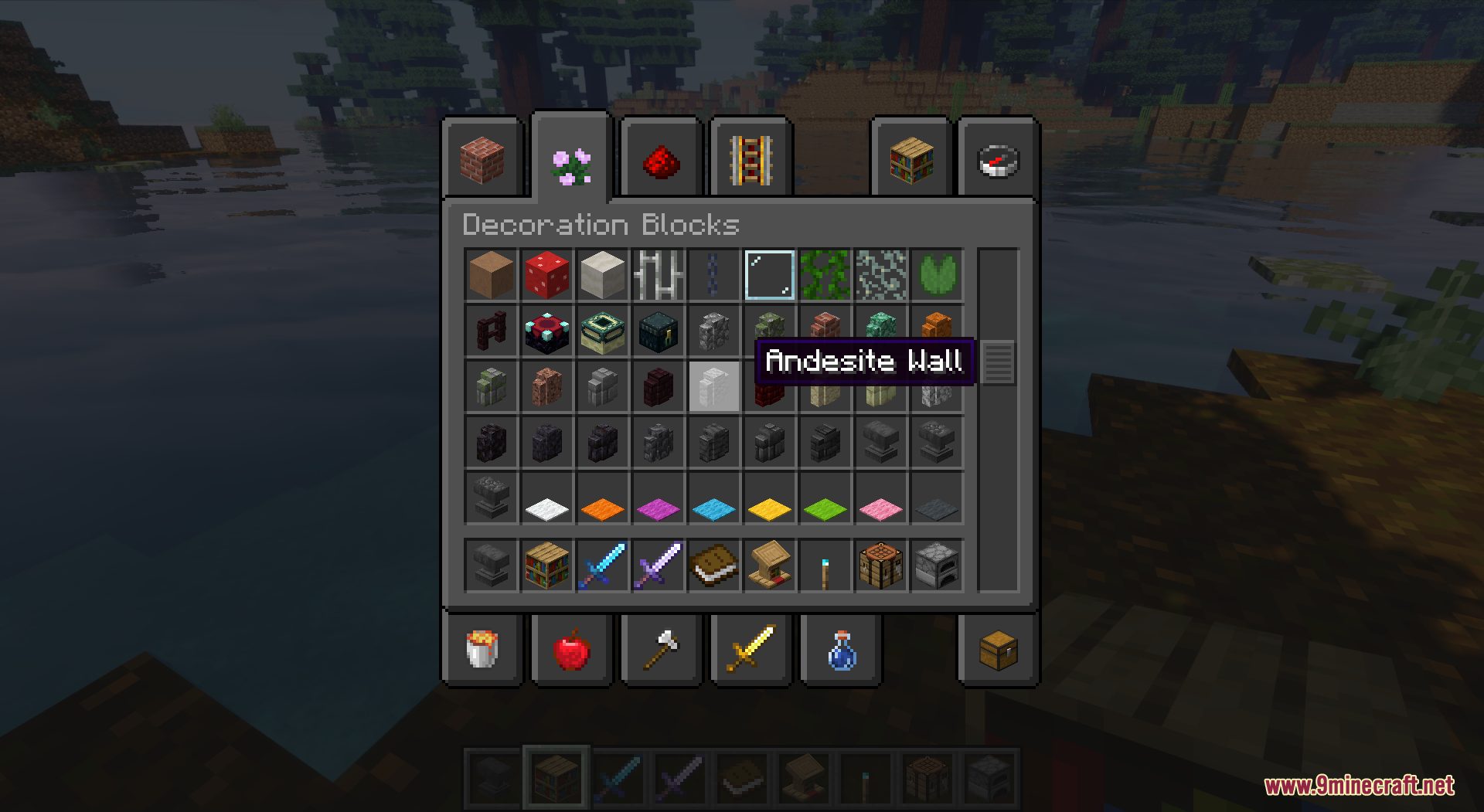
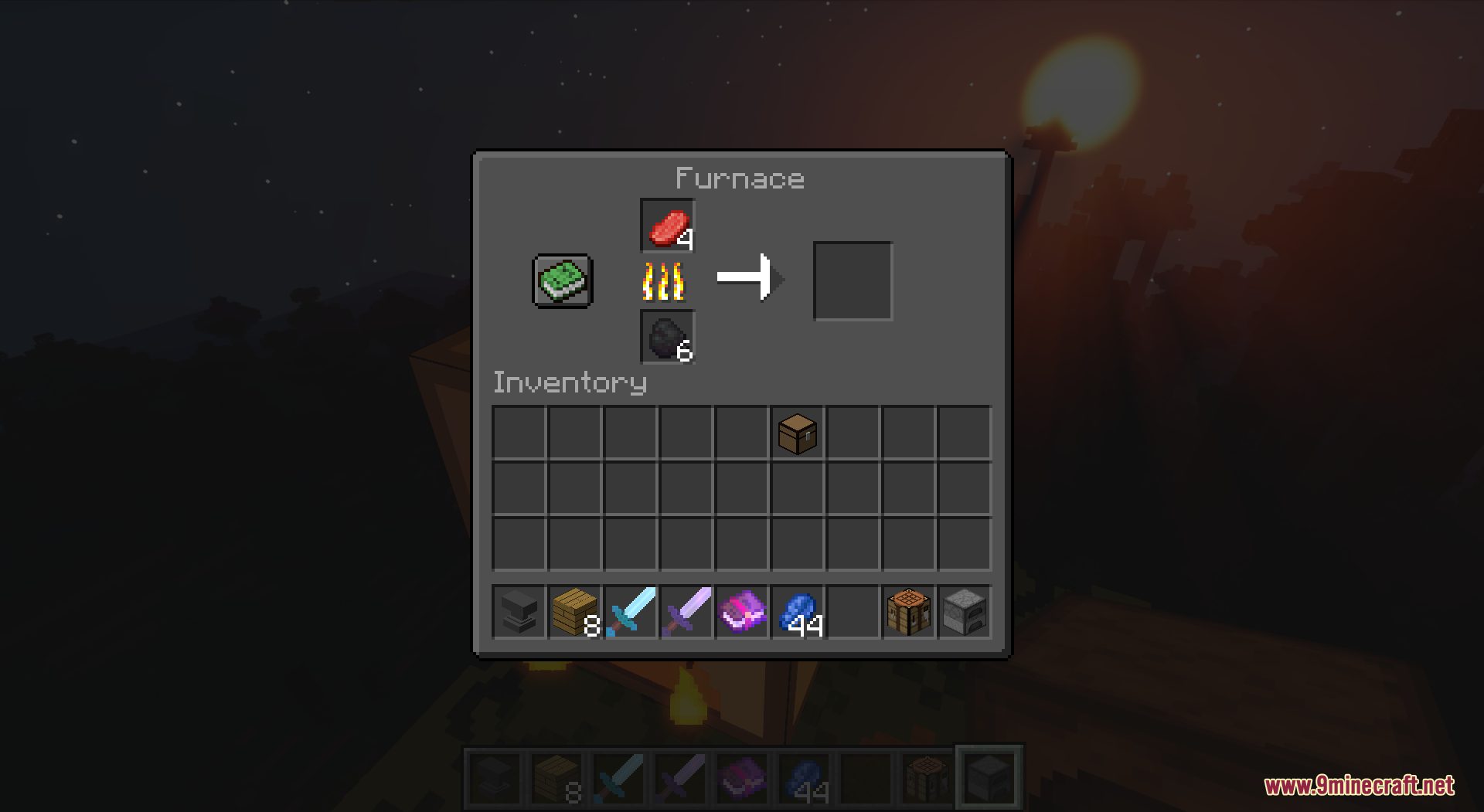
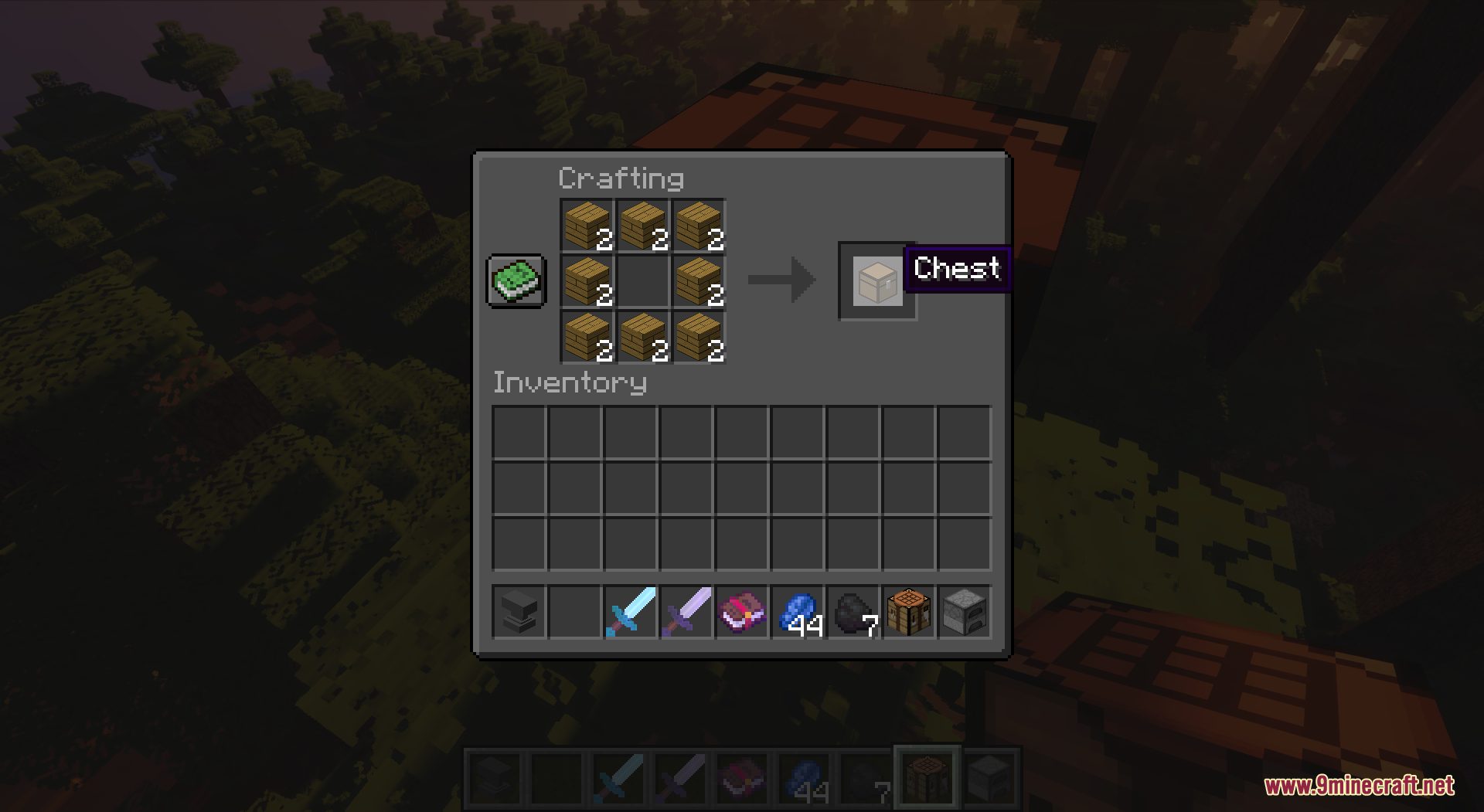
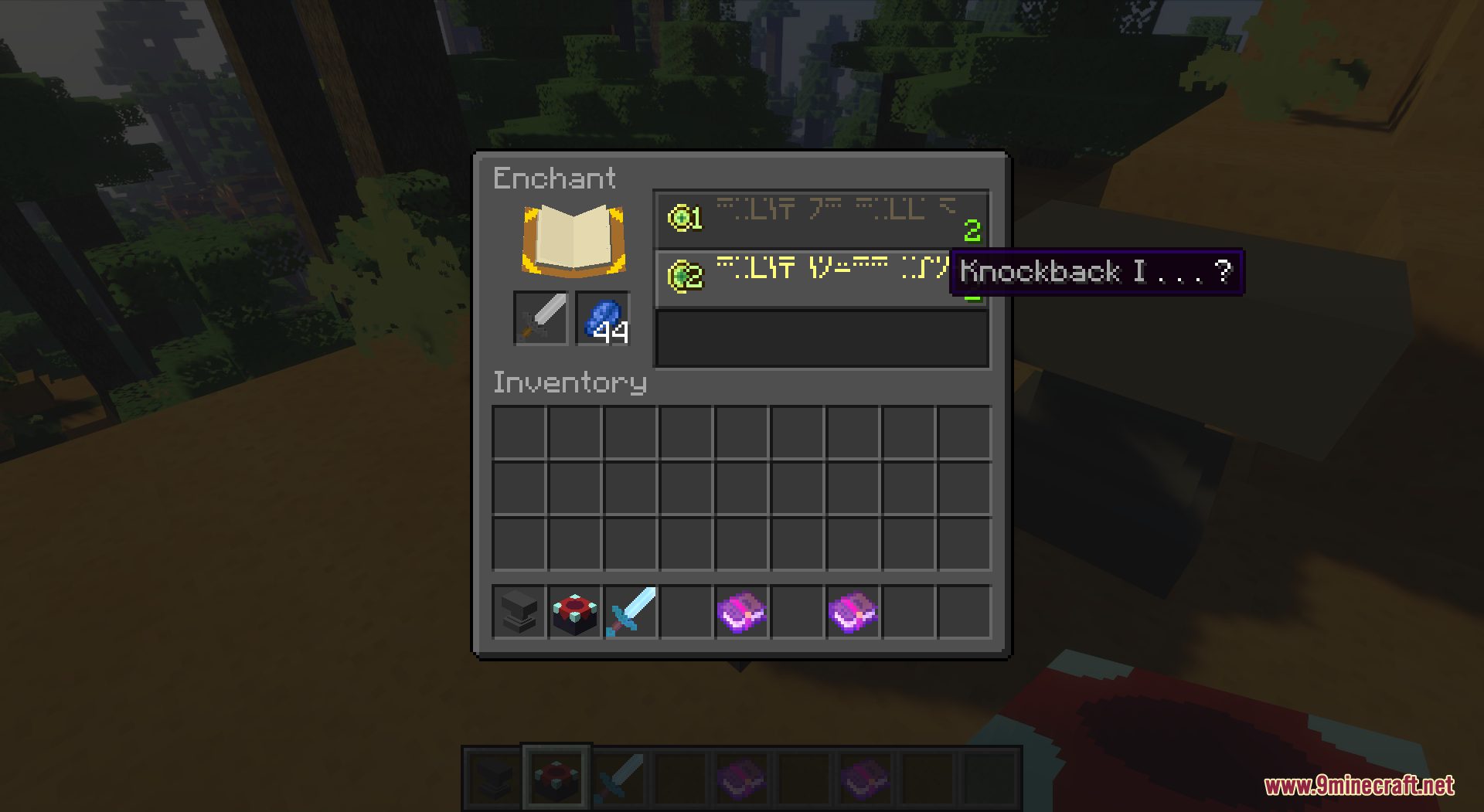
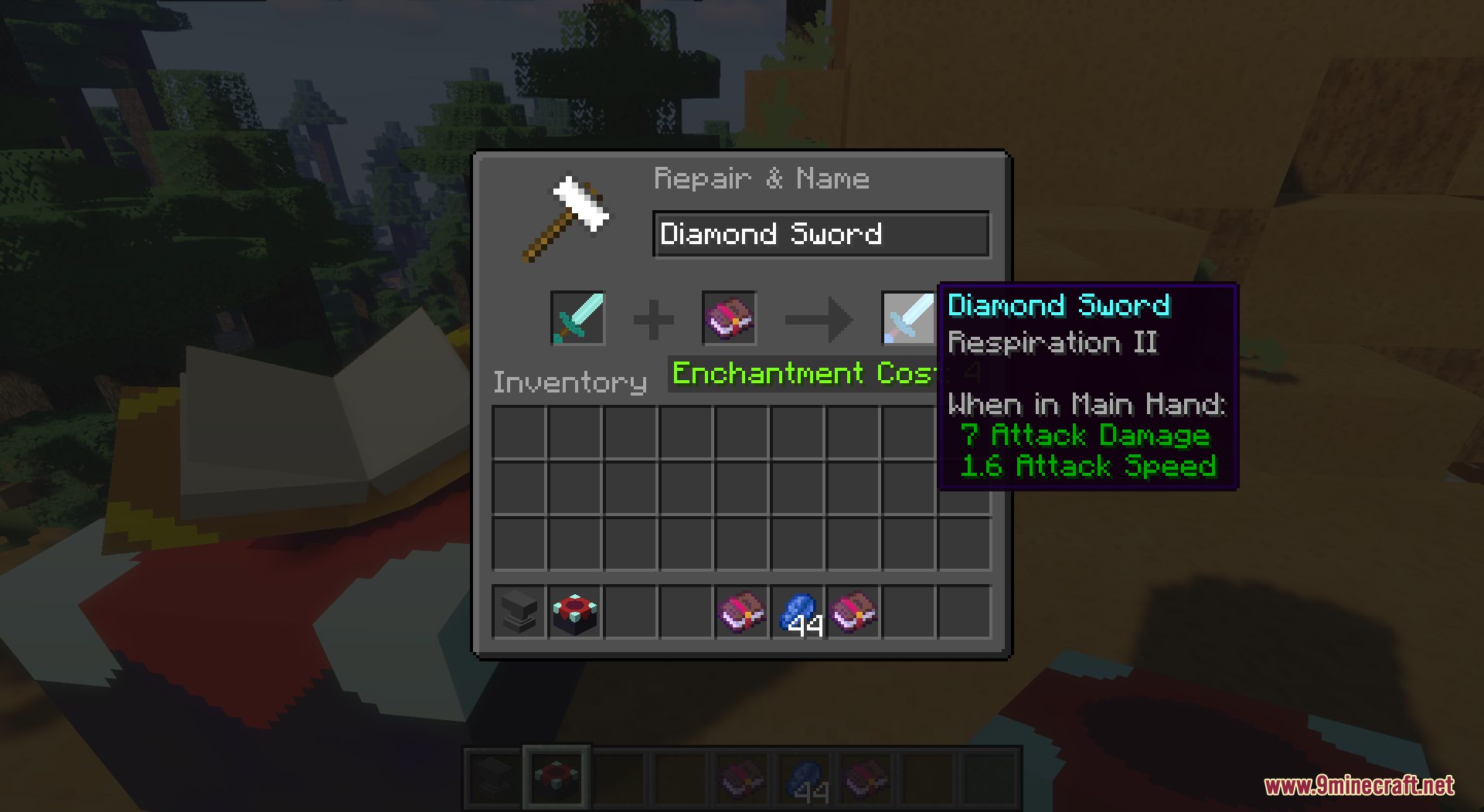
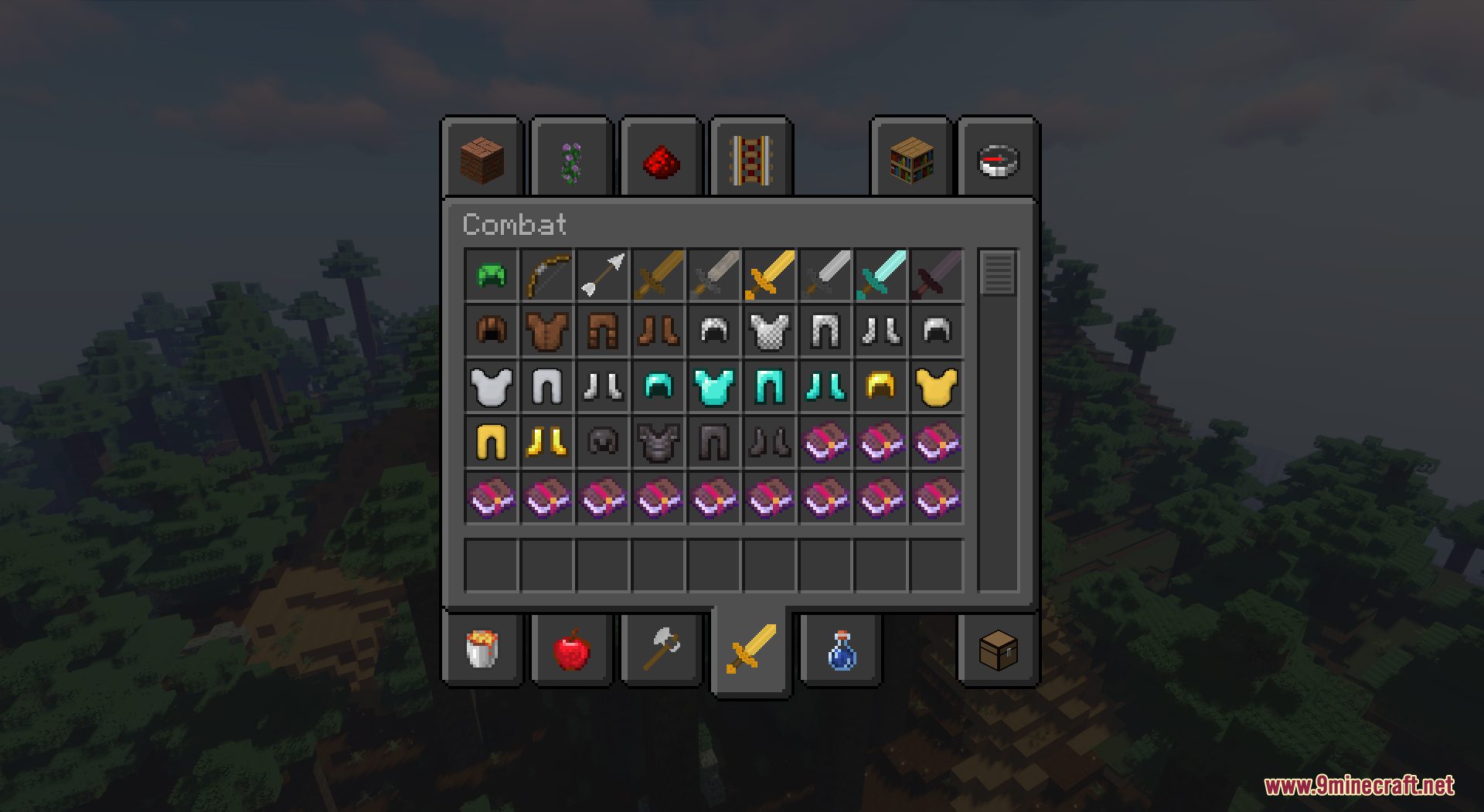
It darkens the vanilla interface, including menus, inventory screens, buttons, and HUD elements, while keeping the default layout and style. It does not add new textures or change gameplay, only the colors of existing UI.
How do I turn on Default Dark Mode after installing it?
Open Options, then Resource Packs, and move Default Dark Mode from the Available list to the Selected list. Apply the change and the dark interface should appear immediately without restarting the game.
Why is only part of my UI dark?
Another resource pack loaded above Default Dark Mode is likely overriding those textures. Move Default Dark Mode to the top of the Selected list so its files take priority.
Does Default Dark Mode work with other resource packs?
 sounds
See all 19 Default Dark Mode questions ›
Gallery
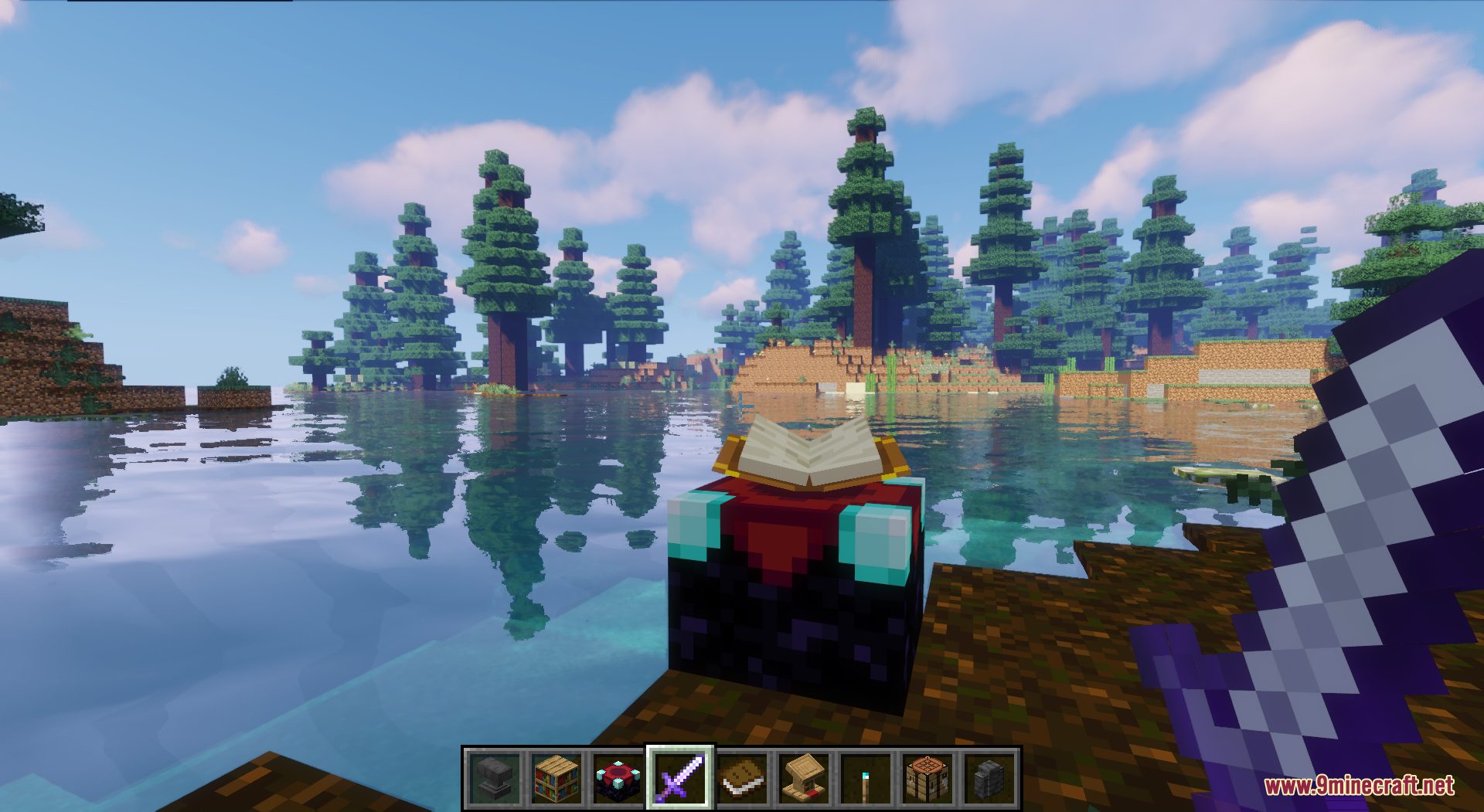
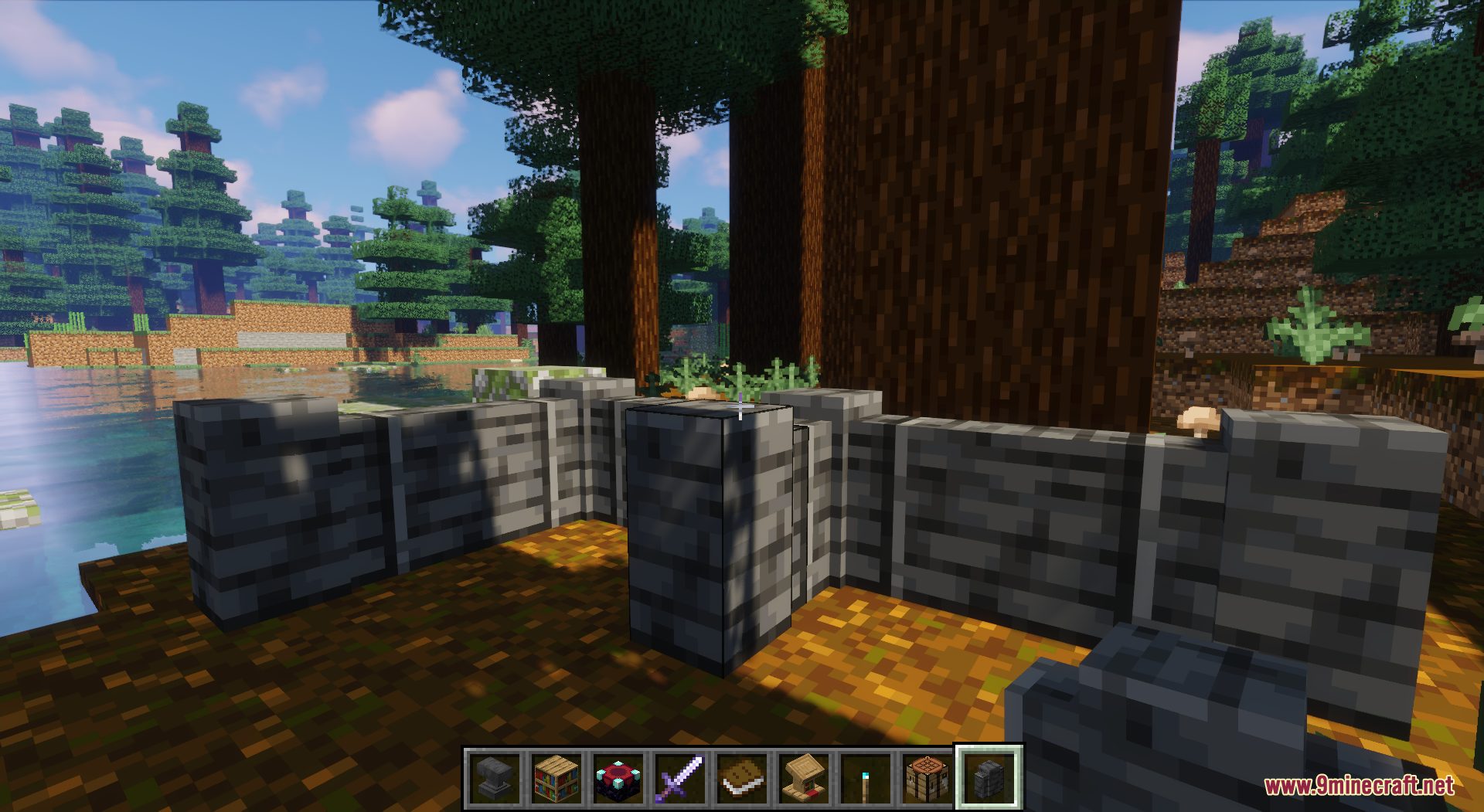
11 images from the Default Dark Mode Resource Pack page.
You May Also Like
Wikis that share the most with this one
More resource pack wikis on the site
Default Beta Resource PackDeez Fps Resource PackDeep Origins Overlays Resource PackDeceased Craft Screen Tweak Resource PackDeath Knights PT BR Translation Resource PackDarkmode Resource PackDark Transparent GUI Resource PackDark Smooth GUI Resource PackDark Red GUI Resource PackDark OreUI Recreation Resource PackDark Grass Resource PackDark Coffee GUI Resource Pack
The most downloaded mods that have a wiki here
A few wikis from each of the other kinds