

 DownloadBDS Better Default Shaders
Get the files on 9Minecraft
Guides
Step-by-step, in-game.
Adjust Shadow Quality and DistanceAccess Shader Settings Open your in-game options menu and locate the Shader Options or Video Settings panel. Better…Make Shadows Look More RealisticIncrease Shadow Quality Settings In shader options, raise the shadow quality slider to improve shadow edge definition…Reduce Lag While Using ShadersLower Shadow Rendering Distance In shader options, reduce the shadow distance value. This limits how far shadows…Troubleshoot Visual Glitches or ArtifactsIdentify the Problem Common issues include shadow banding (visible lines in shadows), flickering shadows, or…
Frequently asked questions
How do I enable the shader after installing it?
Open your graphics settings in-game, find the Shaders option, and select BDS Better Default Shaders from the list. The shaders will apply immediately to your world.
Will this shader pack work on my old laptop?
Yes, BDS is specifically designed for lower-end hardware and potato PCs. It uses optimized rendering to avoid lag spikes that heavier shader packs cause.
Why do my shadows look blocky or pixelated?
This is usually caused by shadow distance being set too low. Increase the shadow distance in your shader settings to make shadows render at higher detail, though this may impact performance slightly.
Can I use this with other mods?
BDS works with most mods since it only affects rendering and lighting. However, mods that heavily modify lighting or block rendering may conflict—test in-game to be sure.
See all 10 BDS Better Default Shaders questions ›
Gallery
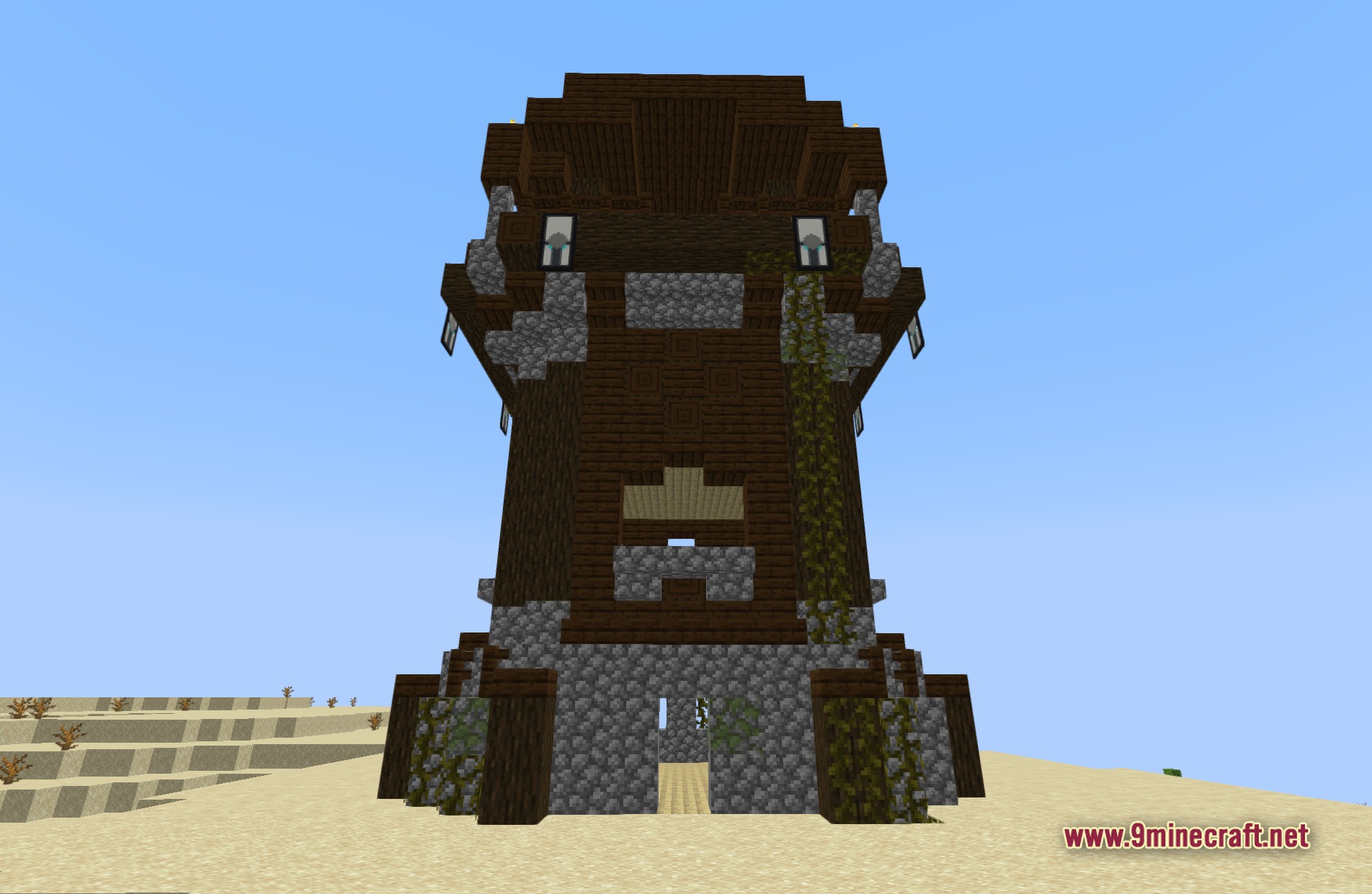
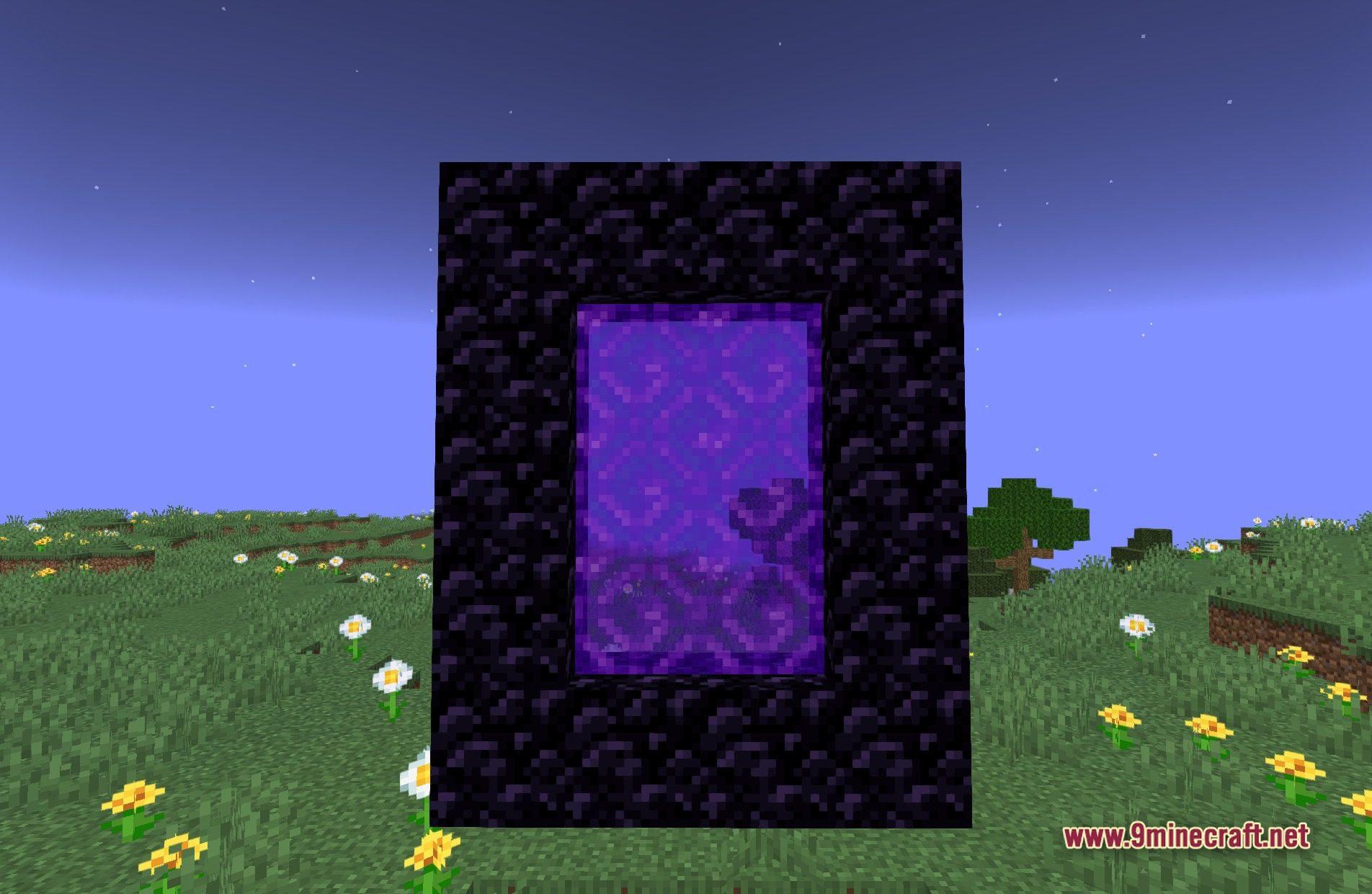
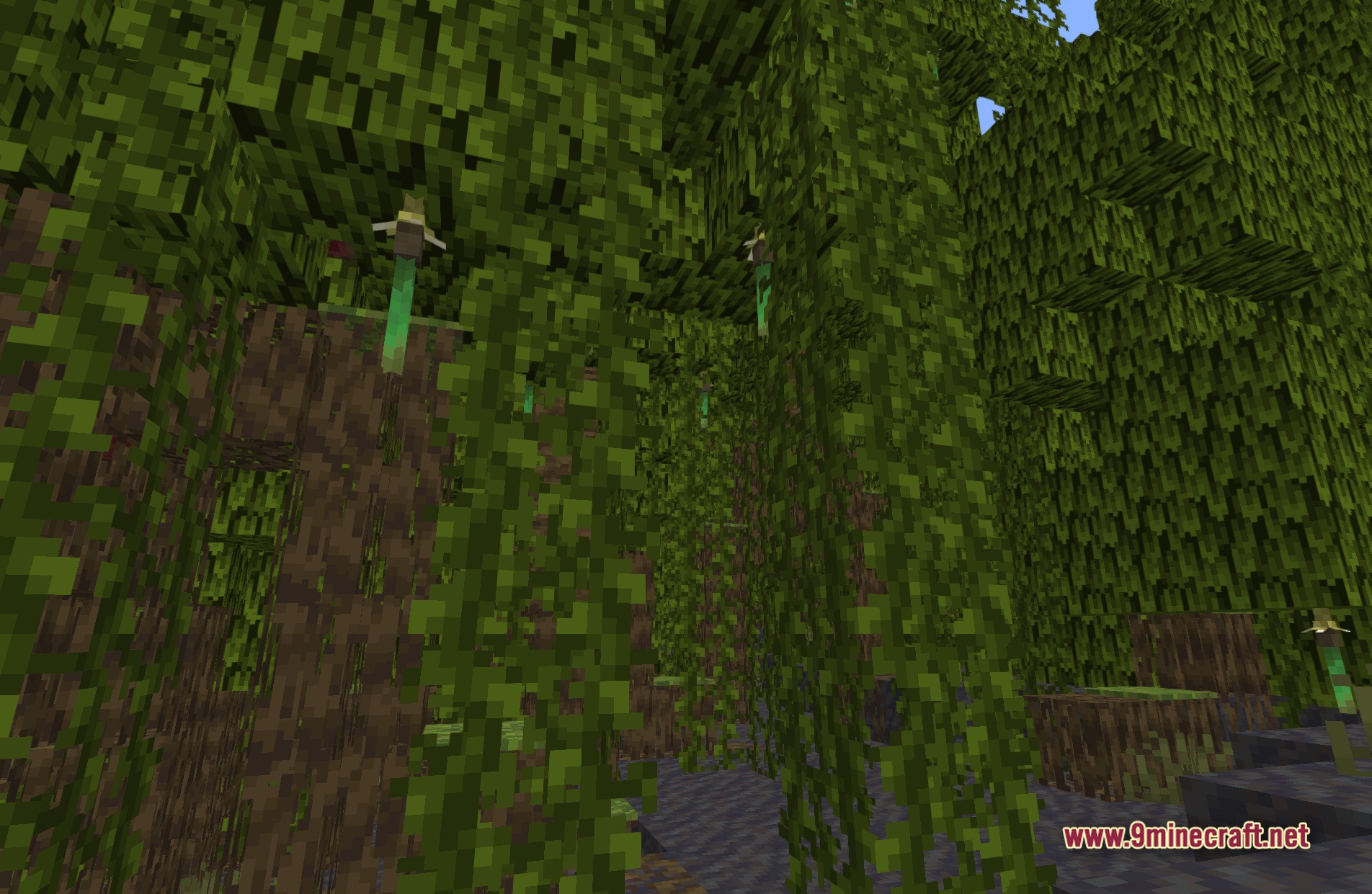
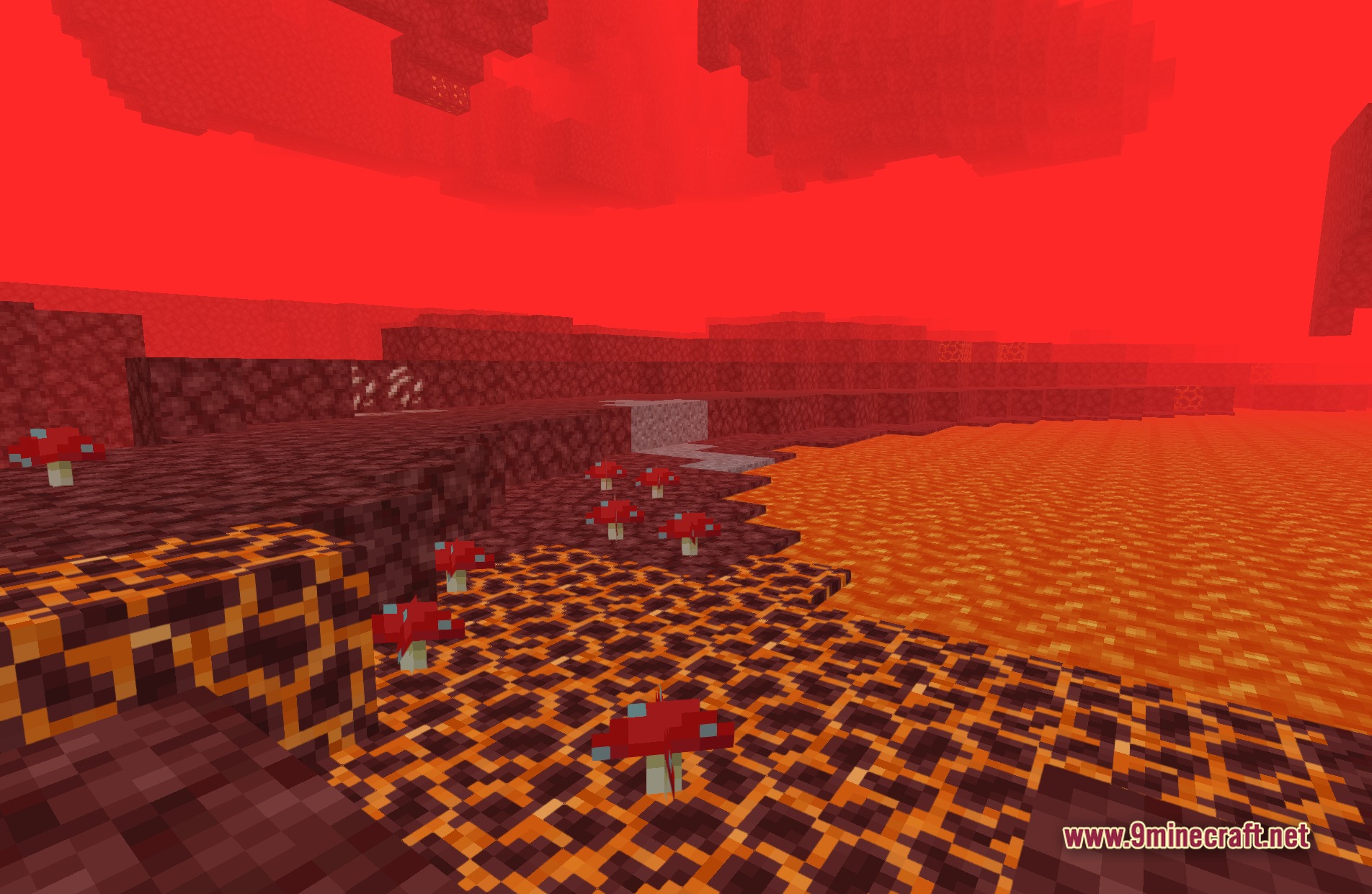
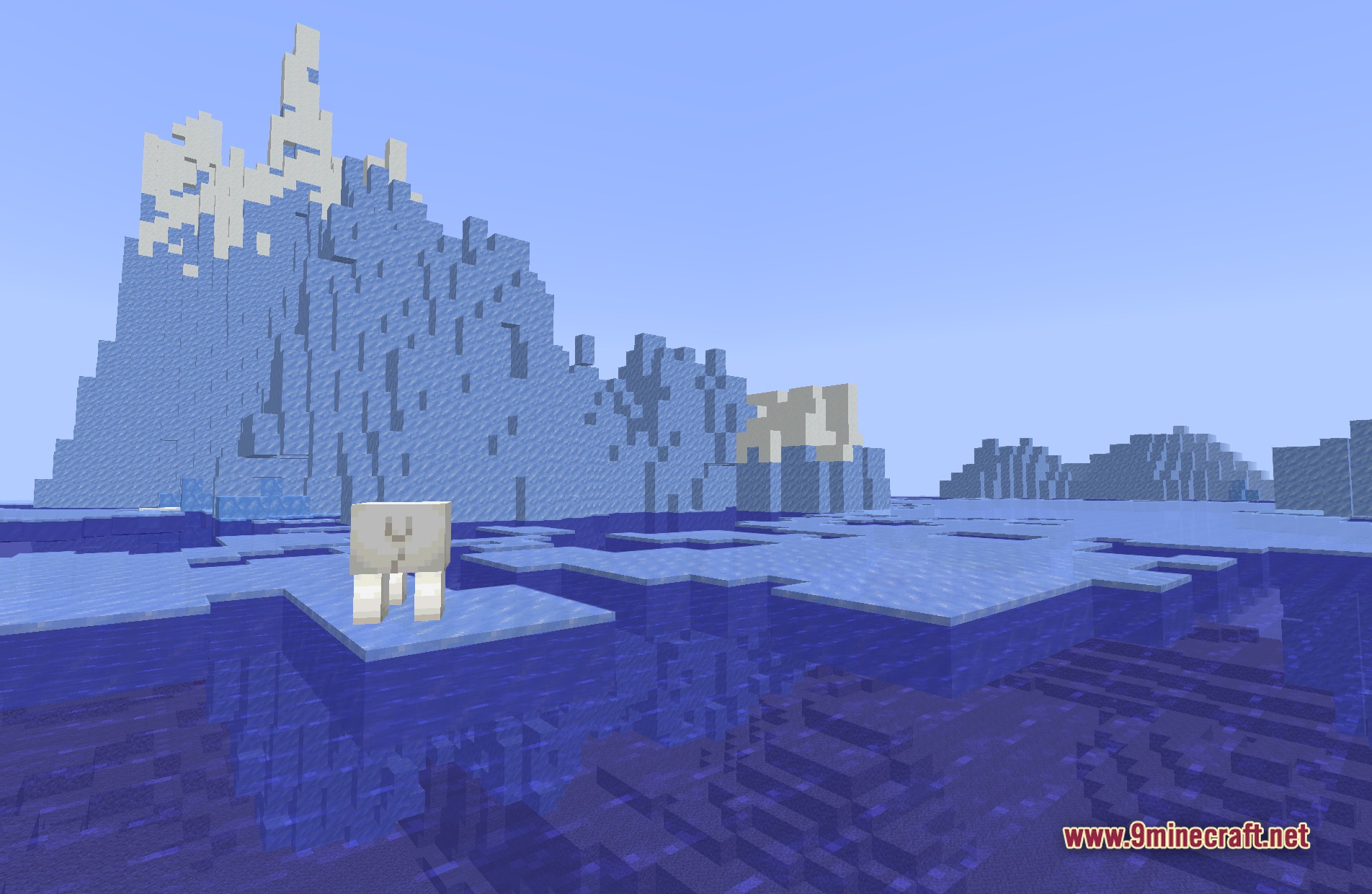
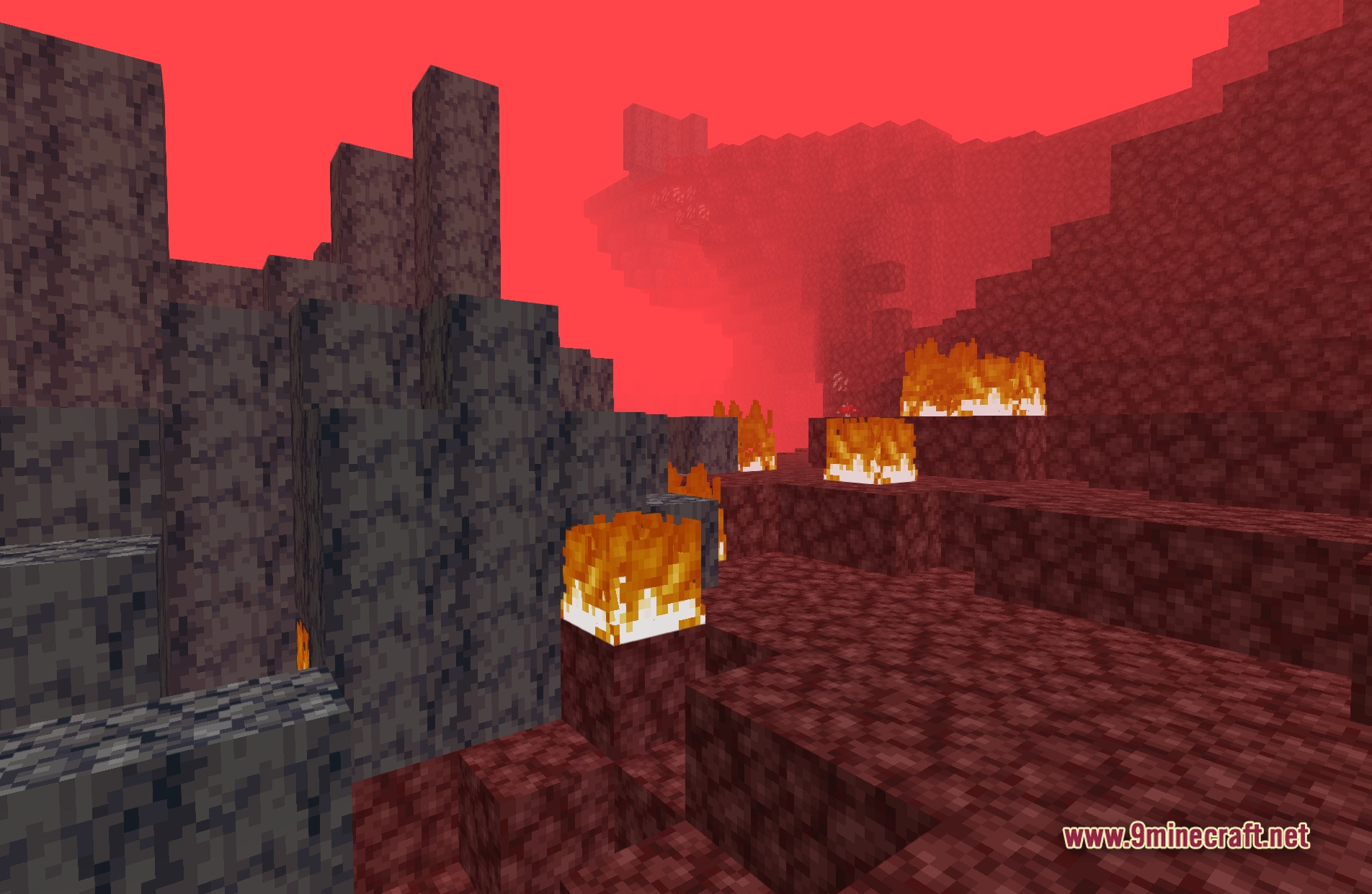
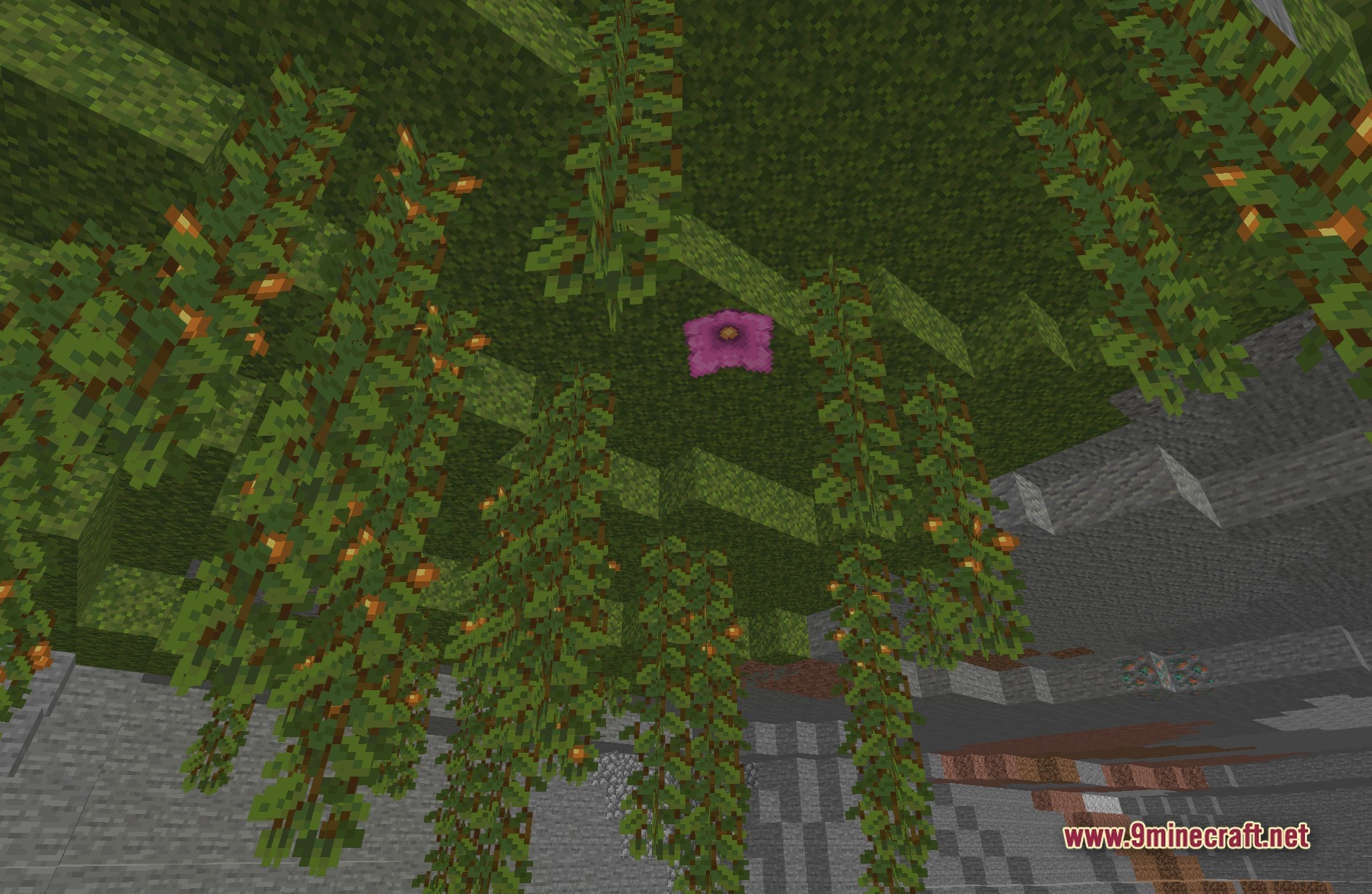
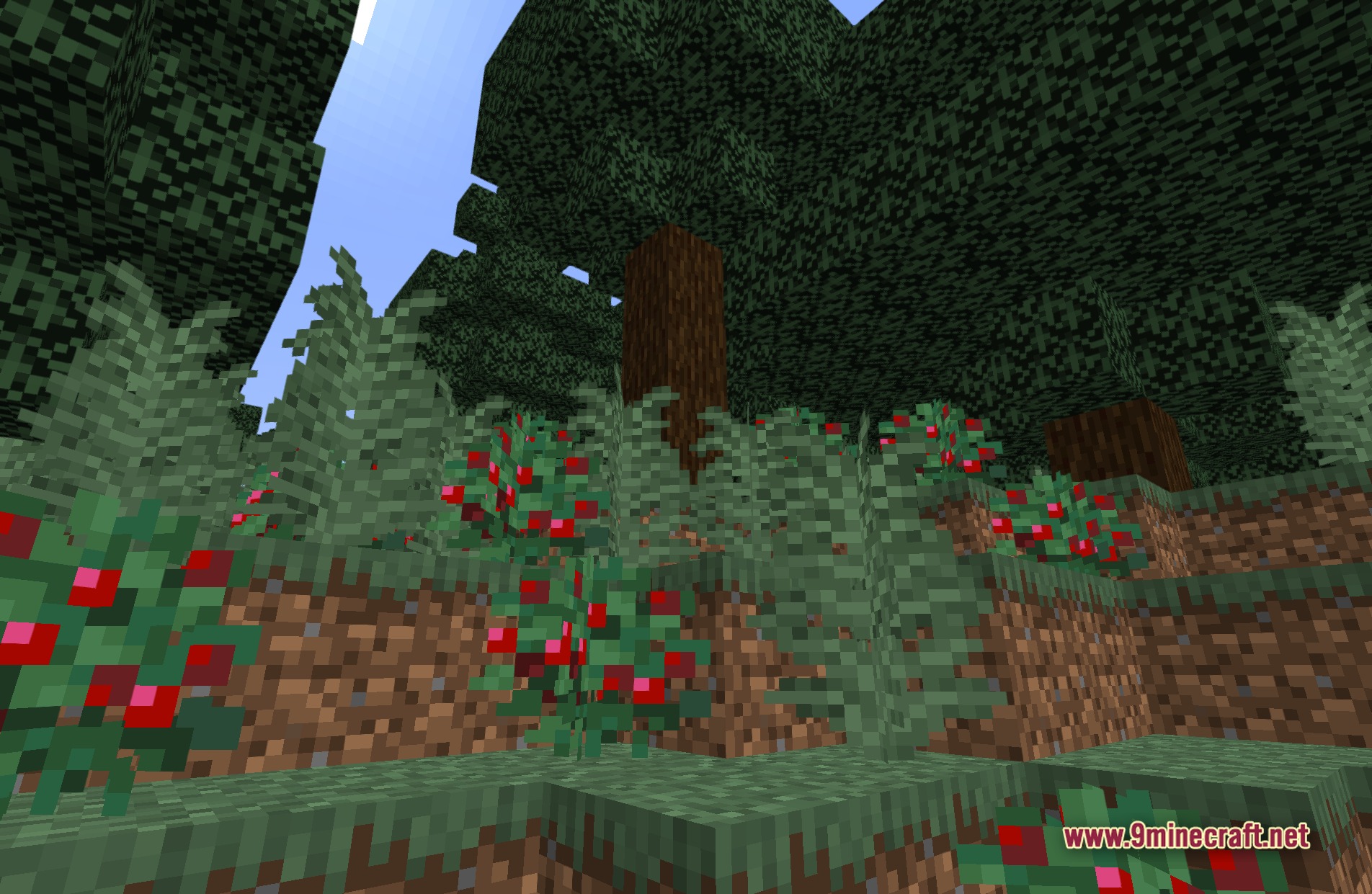
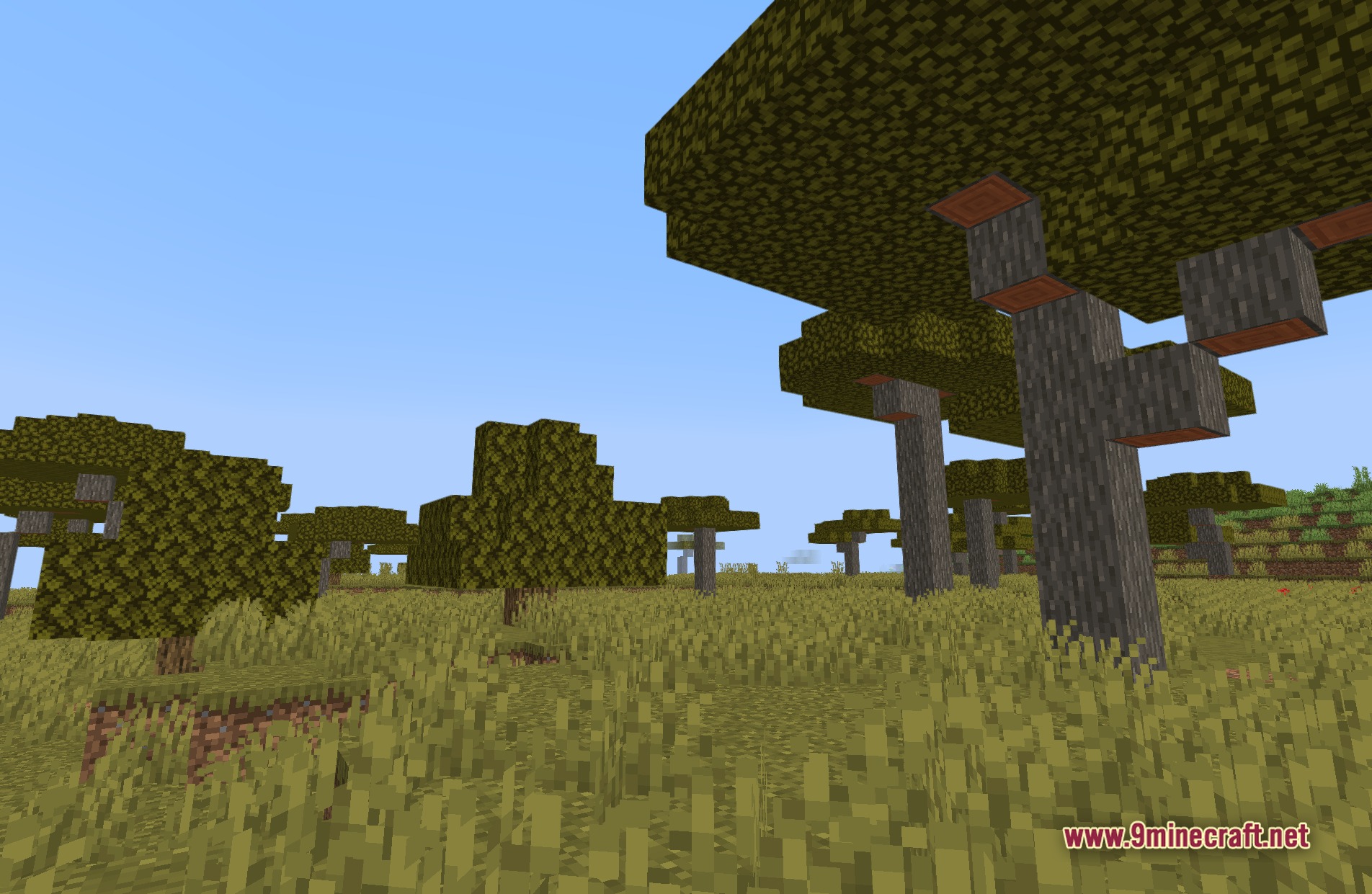
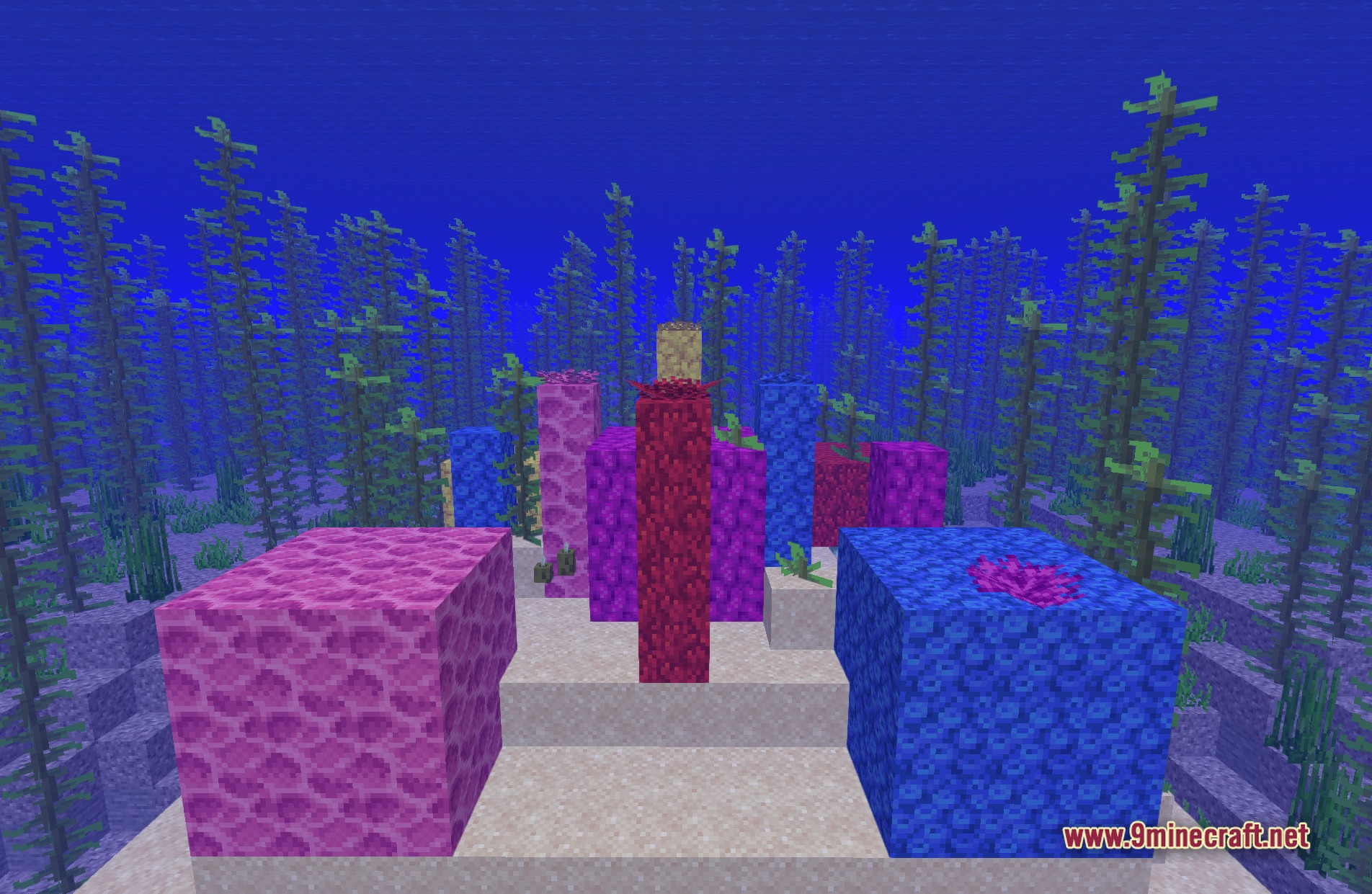
11 images from the Bds Better Default Shaders page.
You May Also Like
Wikis that share the most with this one
Wikis on the same theme: light
More shader wikis on the site
 Bad PC Shaders
The most downloaded mods that have a wiki here