

 DownloadEverune Shaders
Get the files on 9Minecraft
Guides
Step-by-step, in-game.
Adjust Water Reflection IntensityAccess Shader Settings Open the shader options menu while in-game by pressing the designated shader menu key (usually…Configure Water Appearance for Different BiomesUnderstand Shader Water Mechanics Everune Shaders applies water visuals globally, but you can adjust how water…Enhance Lighting in Dark Caves and IndoorsLocate Lighting Adjustment Options Open the Everune Shaders settings menu and find the ambient lighting or global…Optimize Shader Performance on Lower-End SystemsIdentify Performance Bottlenecks Enable the FPS counter and monitor frame rates in different environments.…
Frequently asked questions
How do I enable the shader after installing it?
Open Options > Video Settings > Shaders, then locate Everune Shaders in your shader folder and select it. The shader will activate immediately, though you may need to restart your world for all effects to fully load.
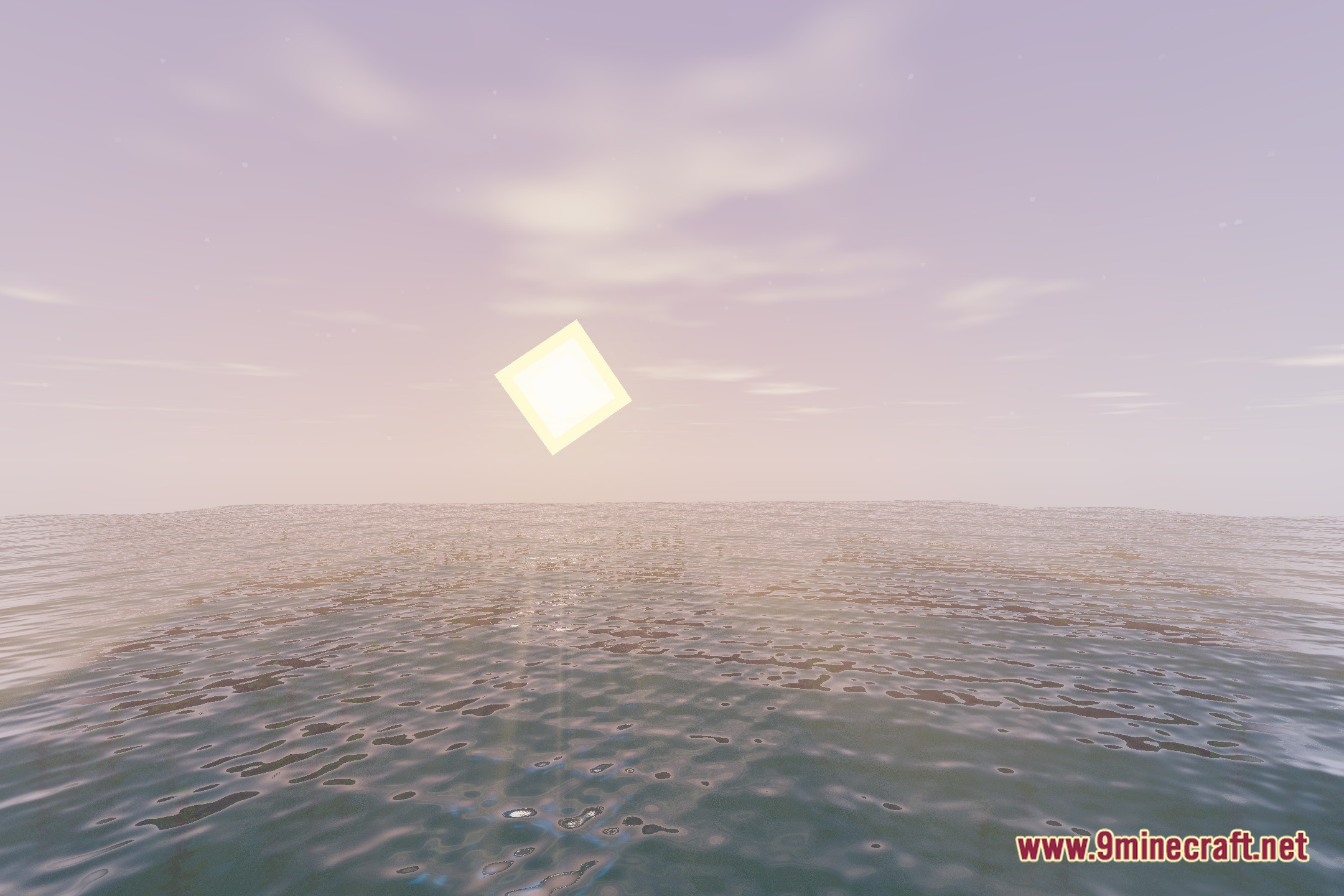
Why does my water look flat or unrealistic?
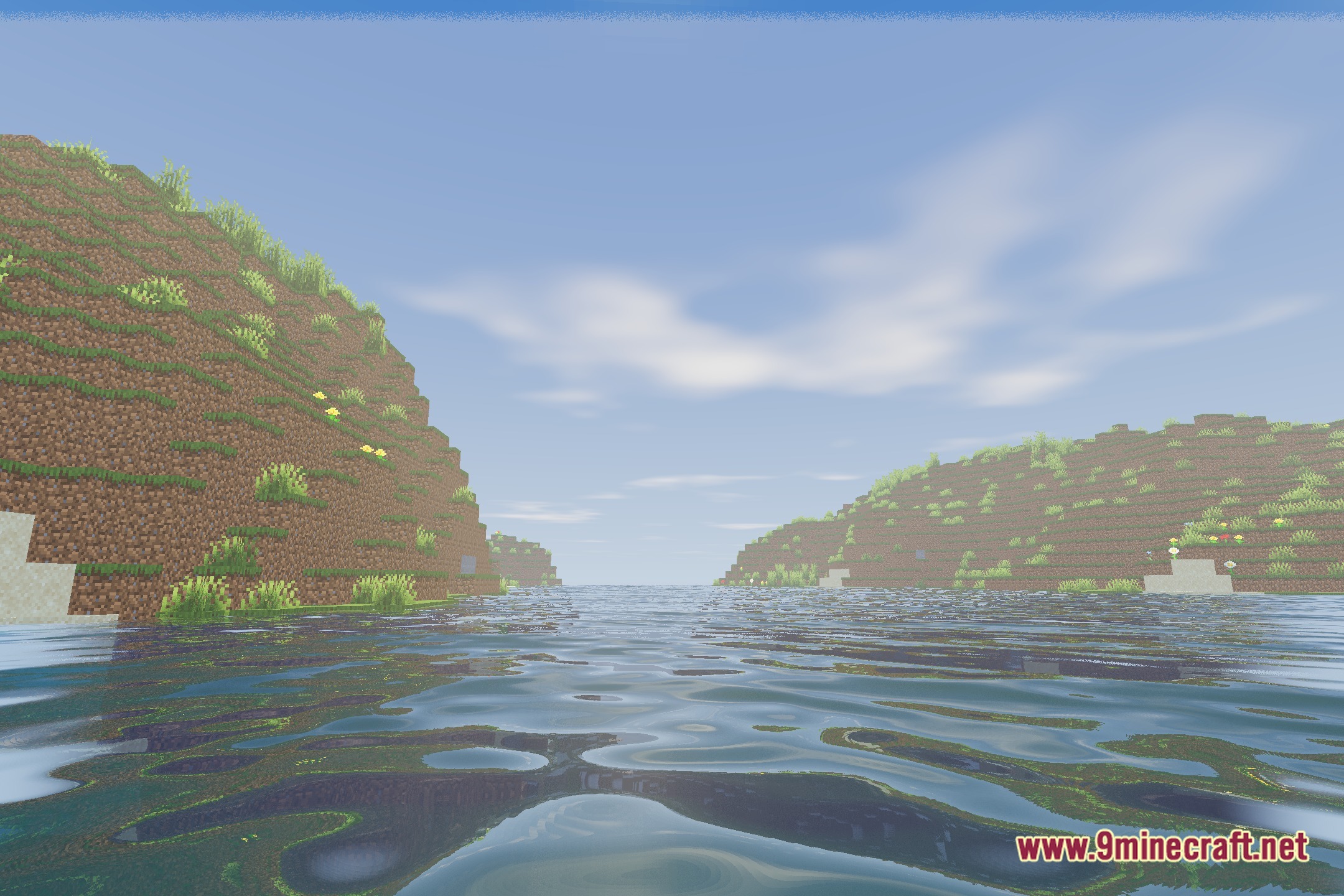
Check that water reflections are enabled in your shader settings—look for reflection or water quality options in the shader configuration menu. If reflections are on but still look dull, try increasing the water reflection intensity through the shader's in-game settings.
Can I use this shader with other mods?
Everune Shaders works with most mods, but mods that heavily modify lighting, water rendering, or add custom blocks may cause visual conflicts or performance drops. Test compatibility by enabling the shader with your mod list and checking for obvious visual glitches.
My game is stuttering or lagging with the shader on. What do I do?
Lower your render distance, disable or reduce water reflection intensity, and turn off any advanced lighting features in the shader settings. If performance is still poor, check that your graphics driver is up to date and that no other demanding programs are running.
See all 10 Everune Shaders questions ›
Gallery
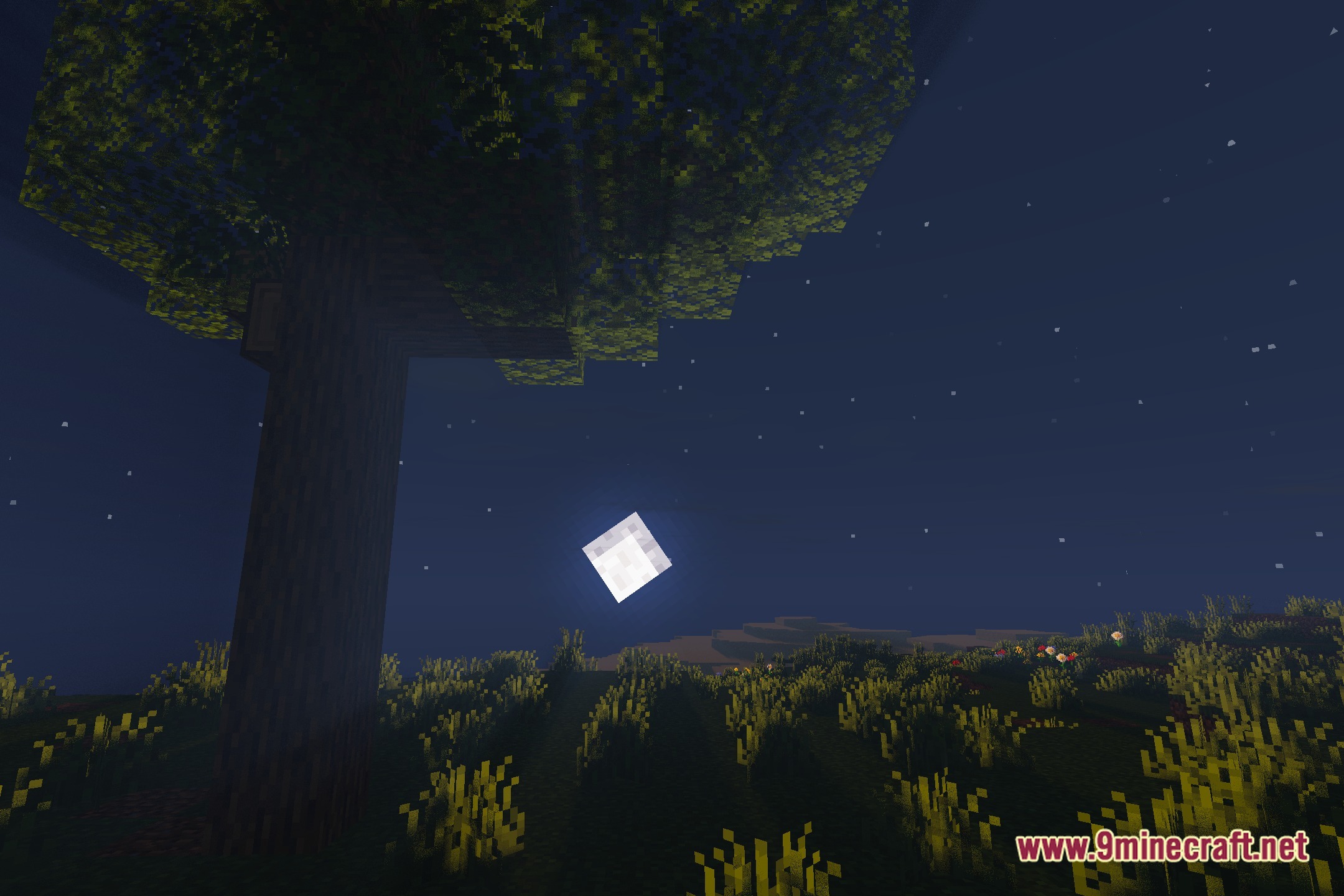
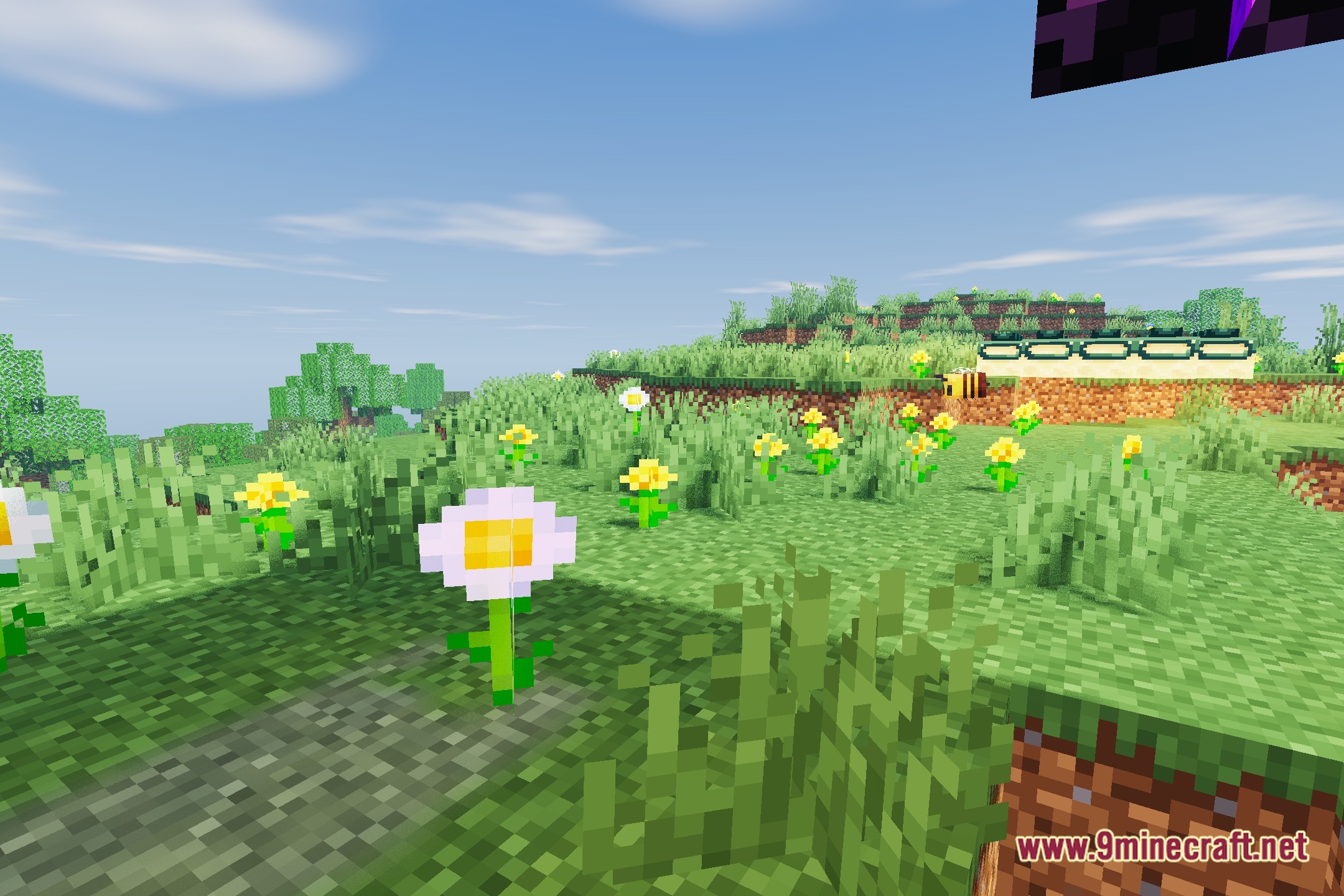
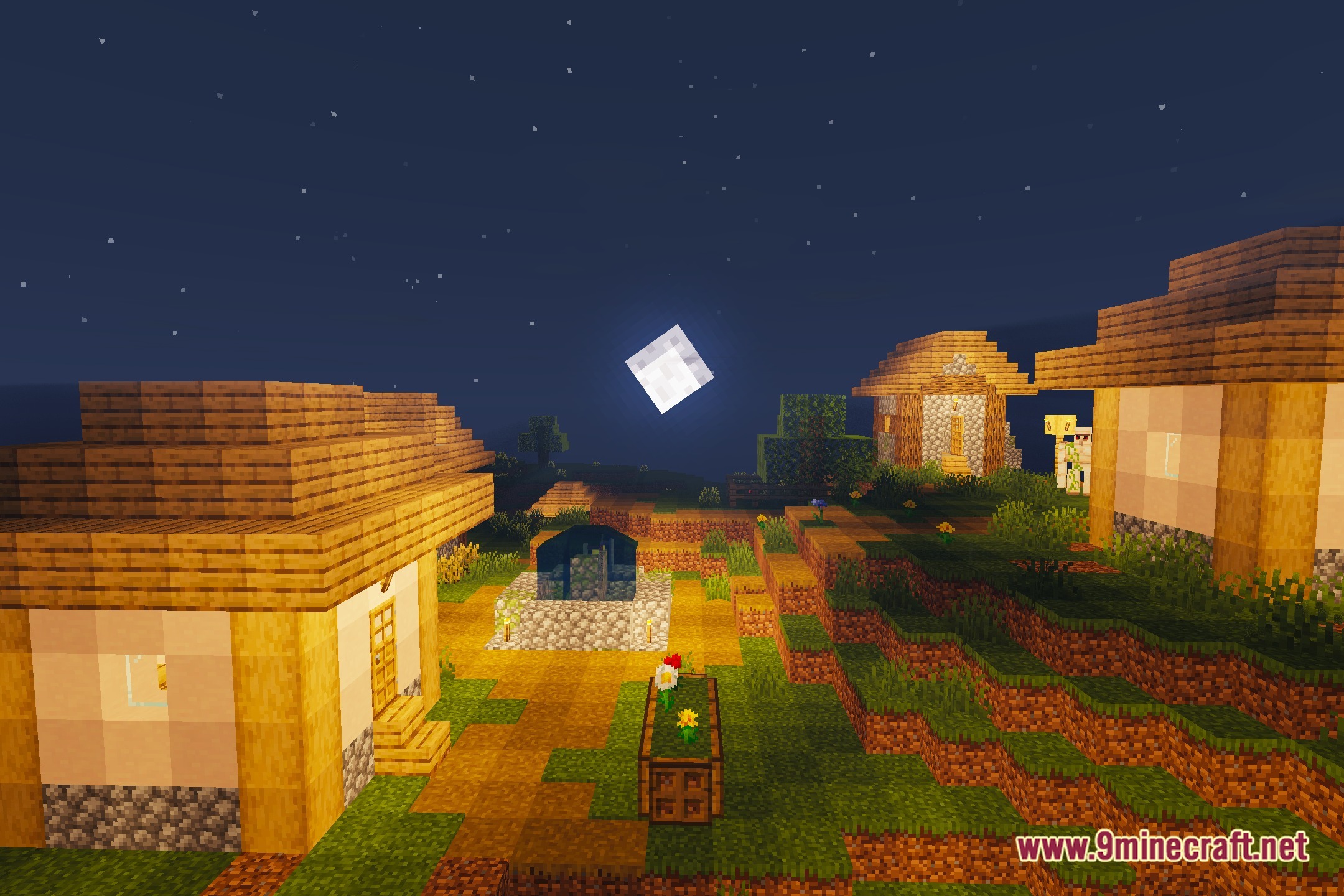
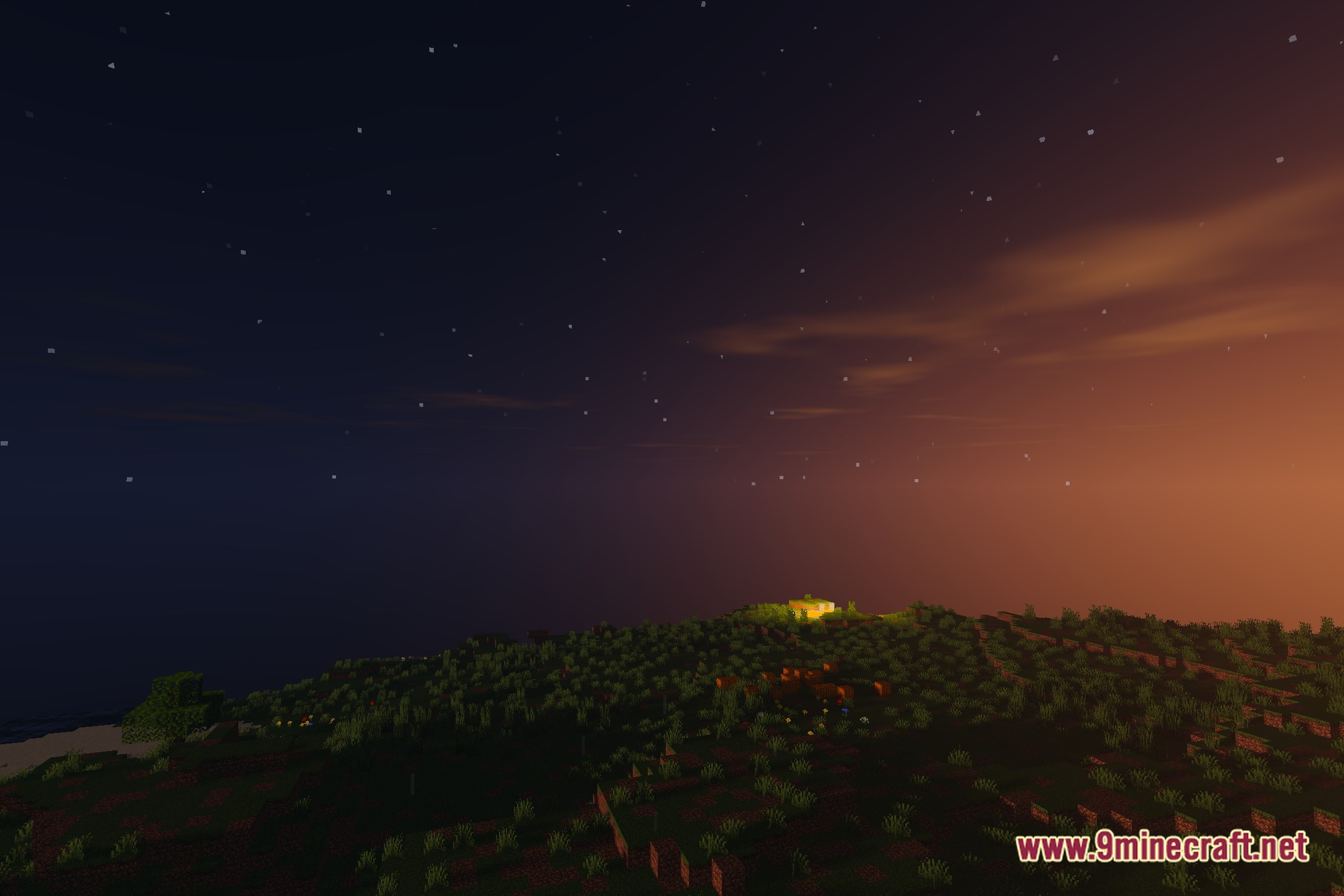
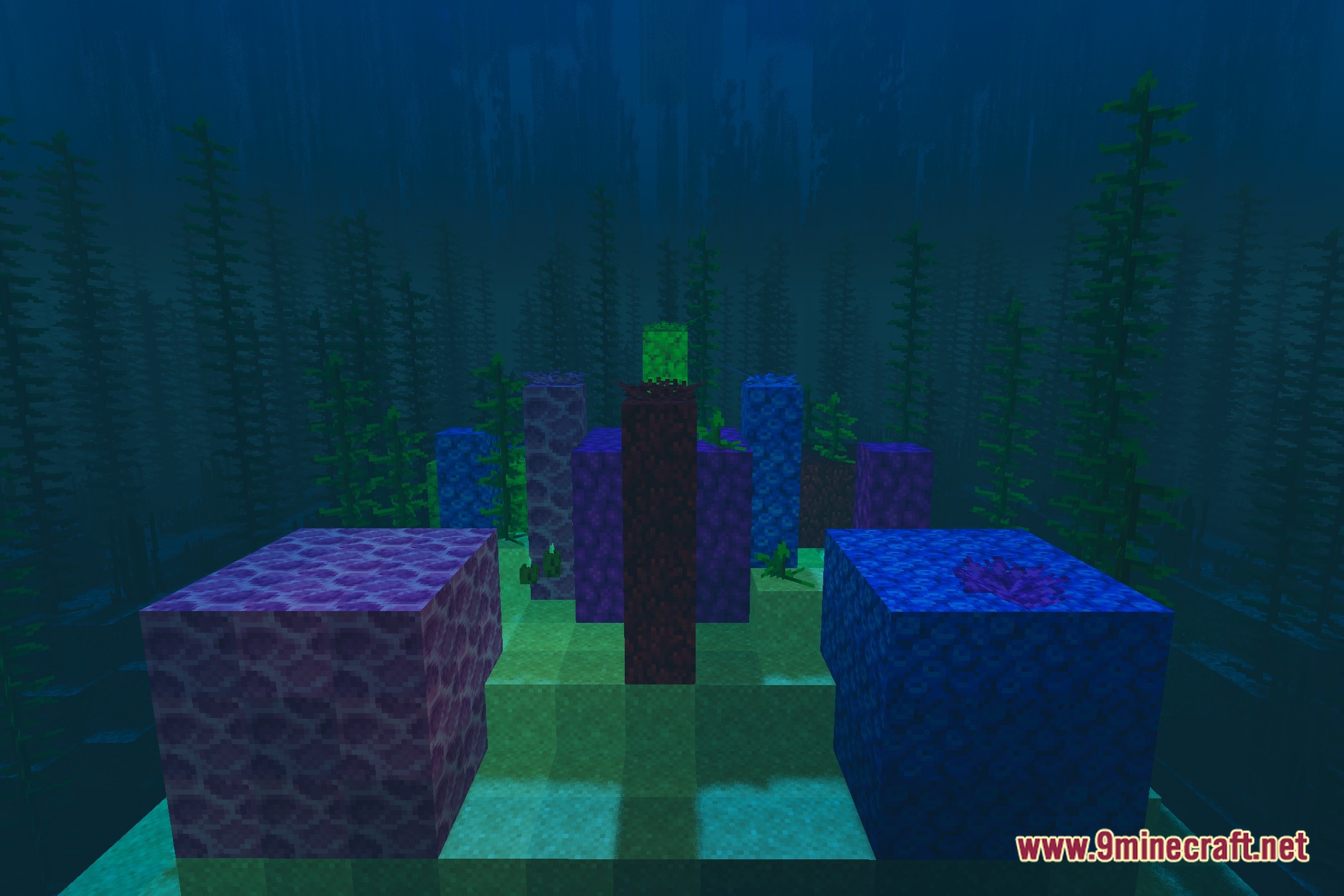
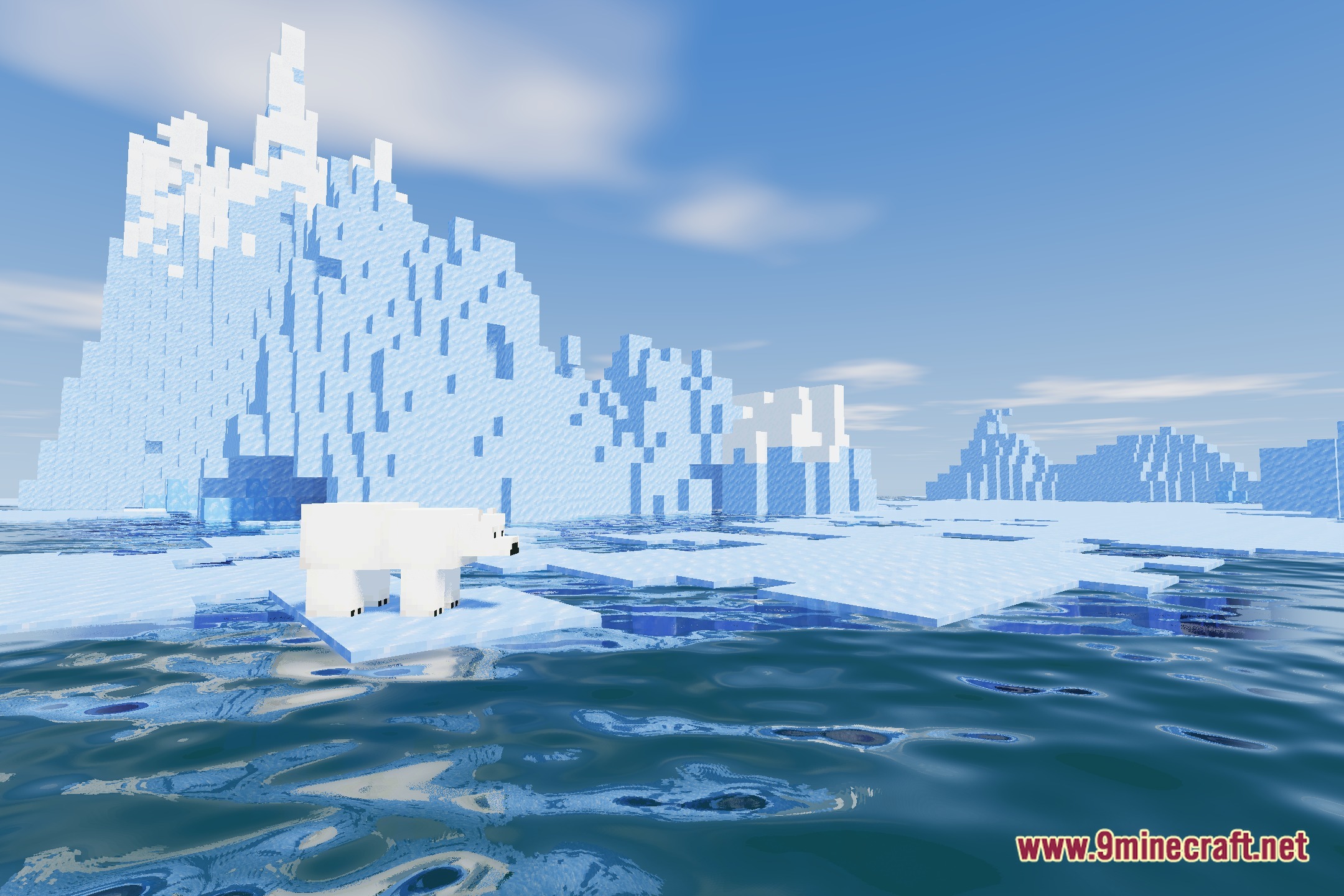
12 images from the Everune Shaders page.
You May Also Like
Wikis that share the most with this one
Wikis on the same theme: light
More shader wikis on the site
The most downloaded mods that have a wiki here