

 DownloadEventide Shaders
Get the files on 9Minecraft
Guides
Step-by-step, in-game.
Adjust Water Reflection IntensityAccess Shader Settings Press the shader configuration key (default: Right Shift + R) while in-game to open the…Customize Sunset and Sky ColorsAccess Sky and Atmosphere Settings Open the shader menu and look for Sky , Atmosphere , Horizon , or Color Grading…Enhance Volumetric Light Shafts Through TreesLocate Volumetric Lighting Options Open the shader menu (Right Shift + R) and find the Volumetric Lighting , God Rays…Optimize Shadow Smoothness and PerformanceOpen Shadow Settings Access the shader configuration menu and navigate to the Shadows section. You'll find options…
Frequently asked questions
How do I enable Eventide Shaders after installing it?
Launch Minecraft with Iris installed, go to Options > Video Settings > Shaders, then locate and select Eventide Shaders from your shader pack folder. The shaders will activate immediately.
Why do my volumetric light shafts look weak or barely visible?
Light shafts are most prominent during sunrise and sunset when the sun is low on the horizon; they're subtle at midday. Check that your render distance isn't set too low, as this can reduce the visible depth of light beams through trees.
Can I use Eventide Shaders with other mods like OptiFine or Sodium?
Eventide Shaders requires Iris and works best without OptiFine, as they conflict. Sodium is compatible with Iris, so you can use Eventide Shaders alongside Sodium for better performance.
My water reflections look too bright or washed out—how do I fix this?
Open the shader settings menu (usually Shift + R by default) and look for water reflection or water intensity options to dial the effect down to your preference.
See all 10 Eventide Shaders questions ›
Gallery
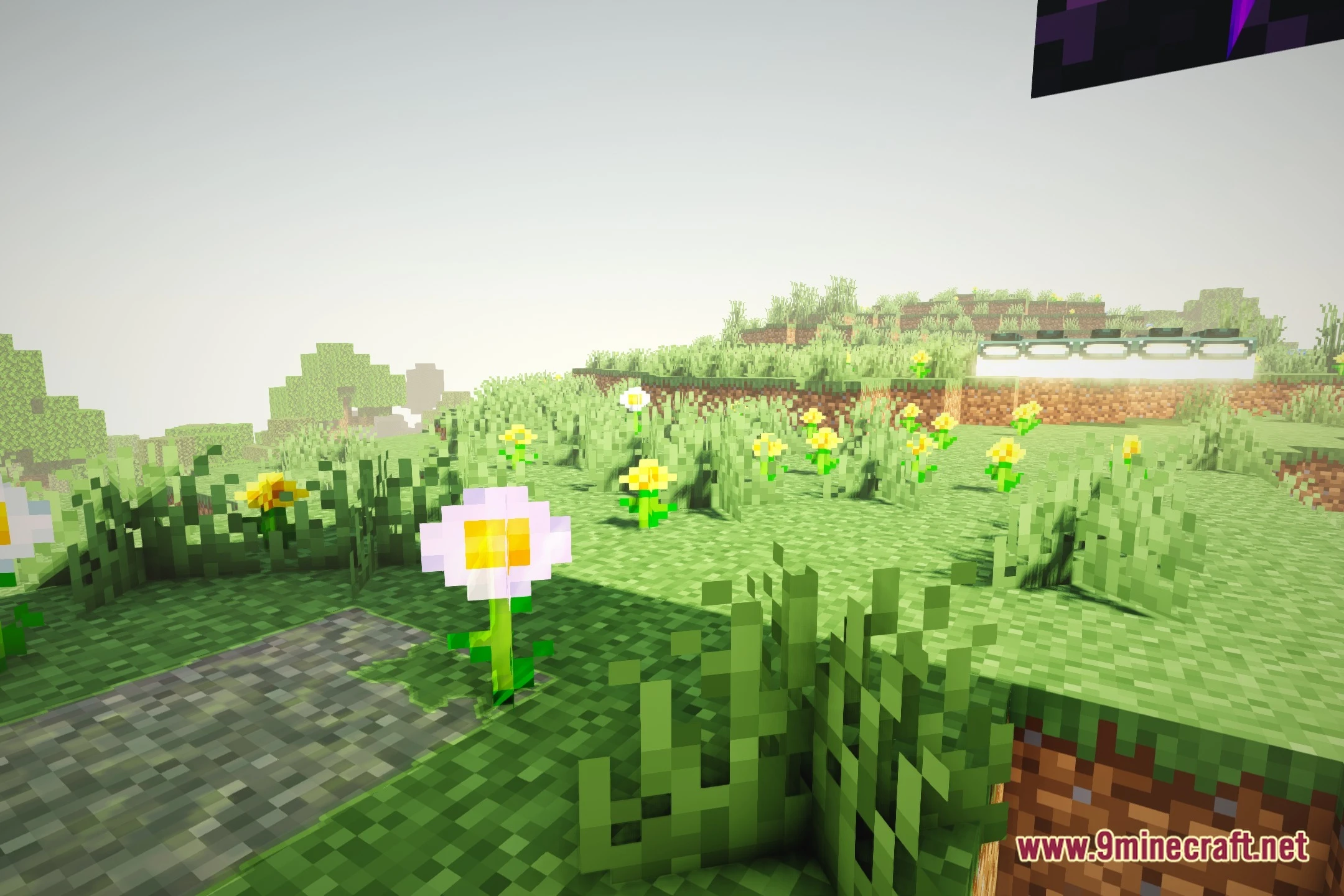
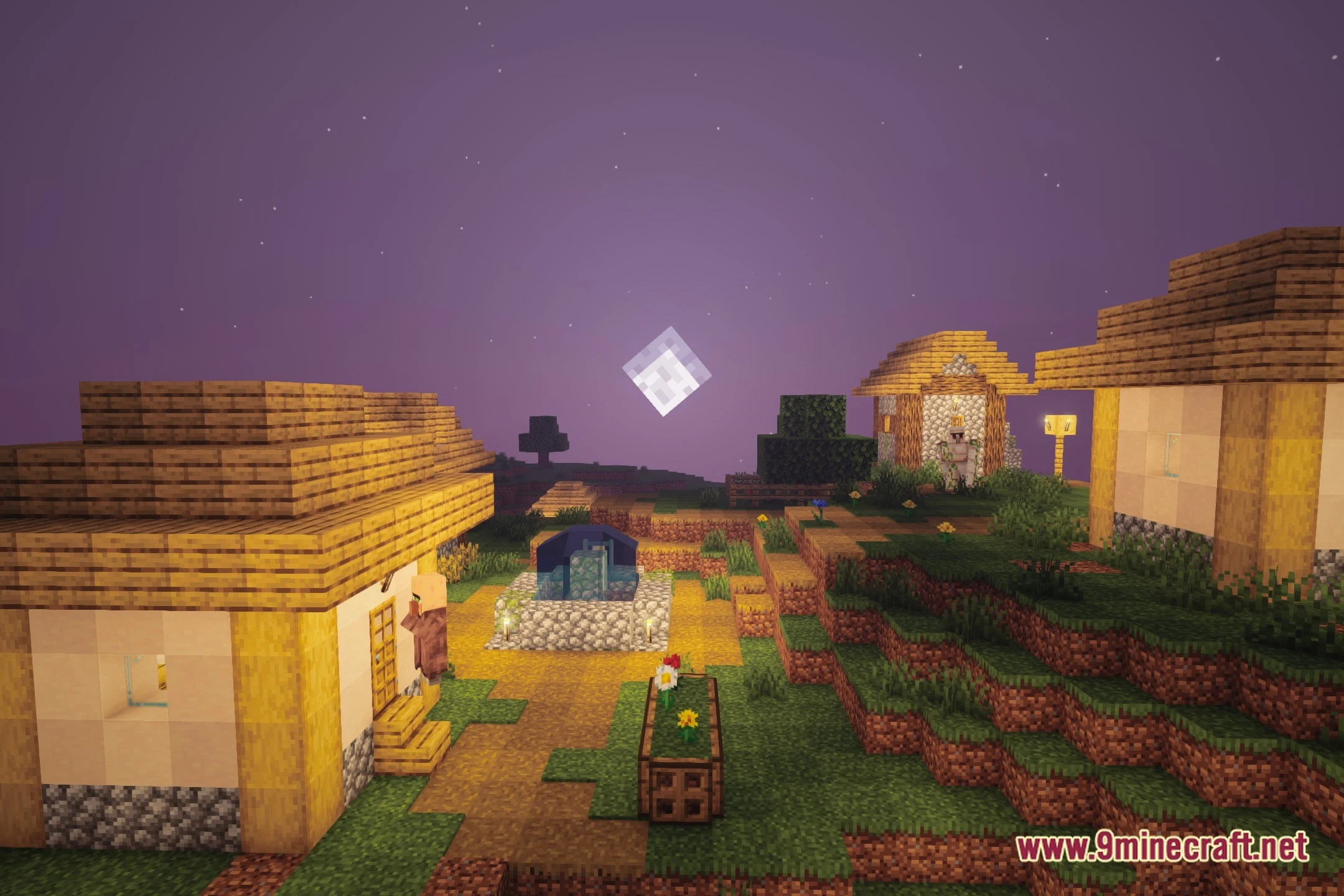
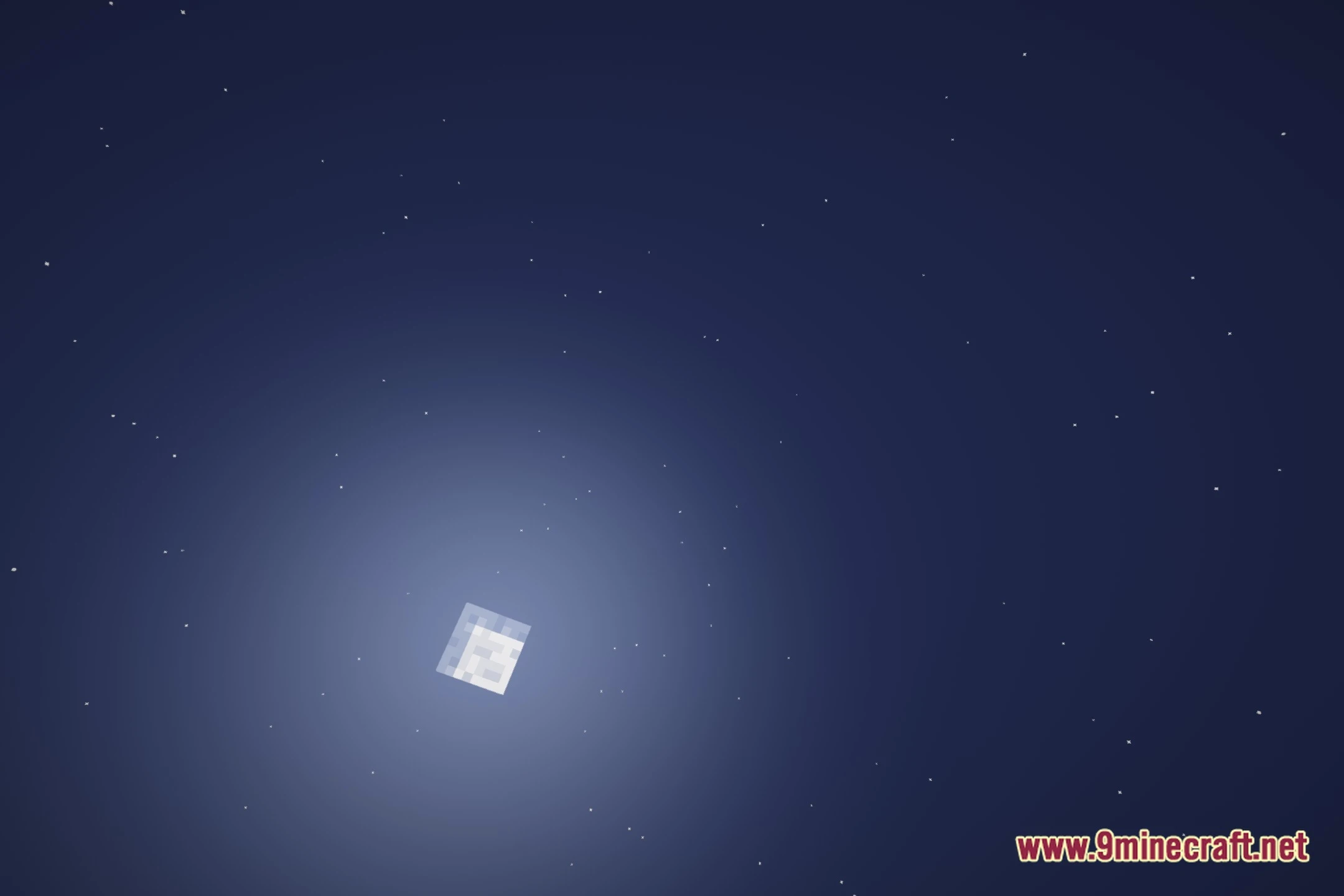
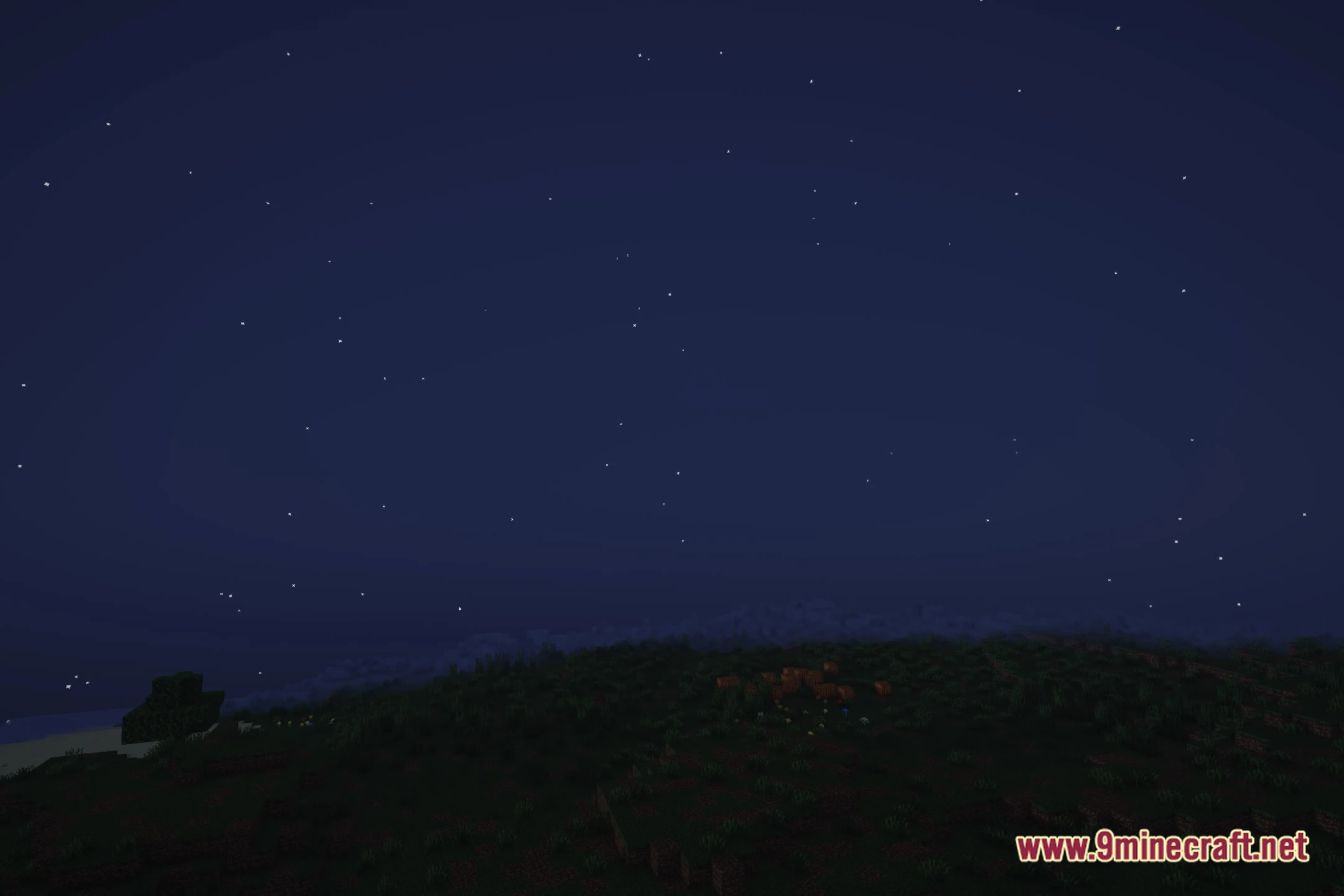
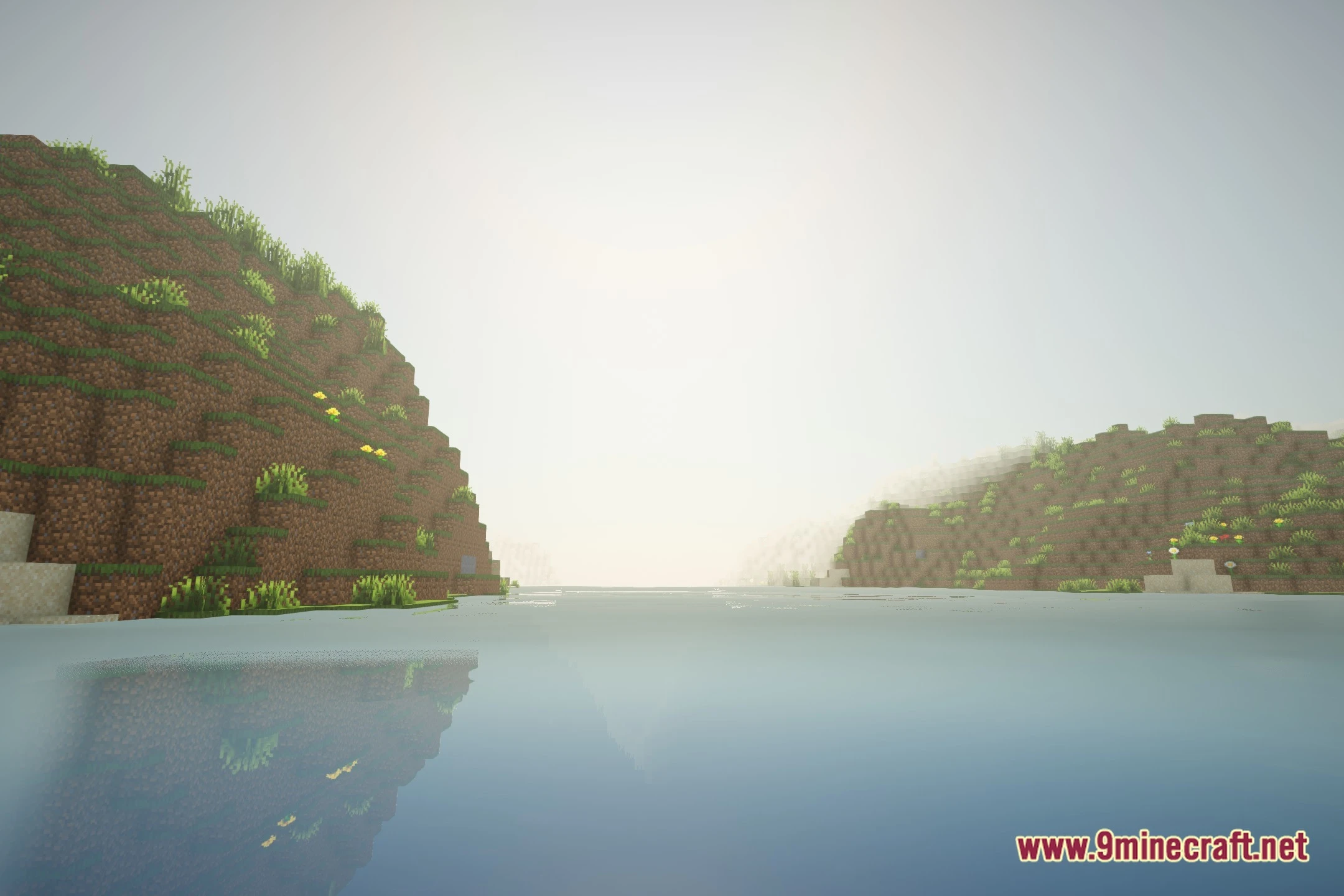
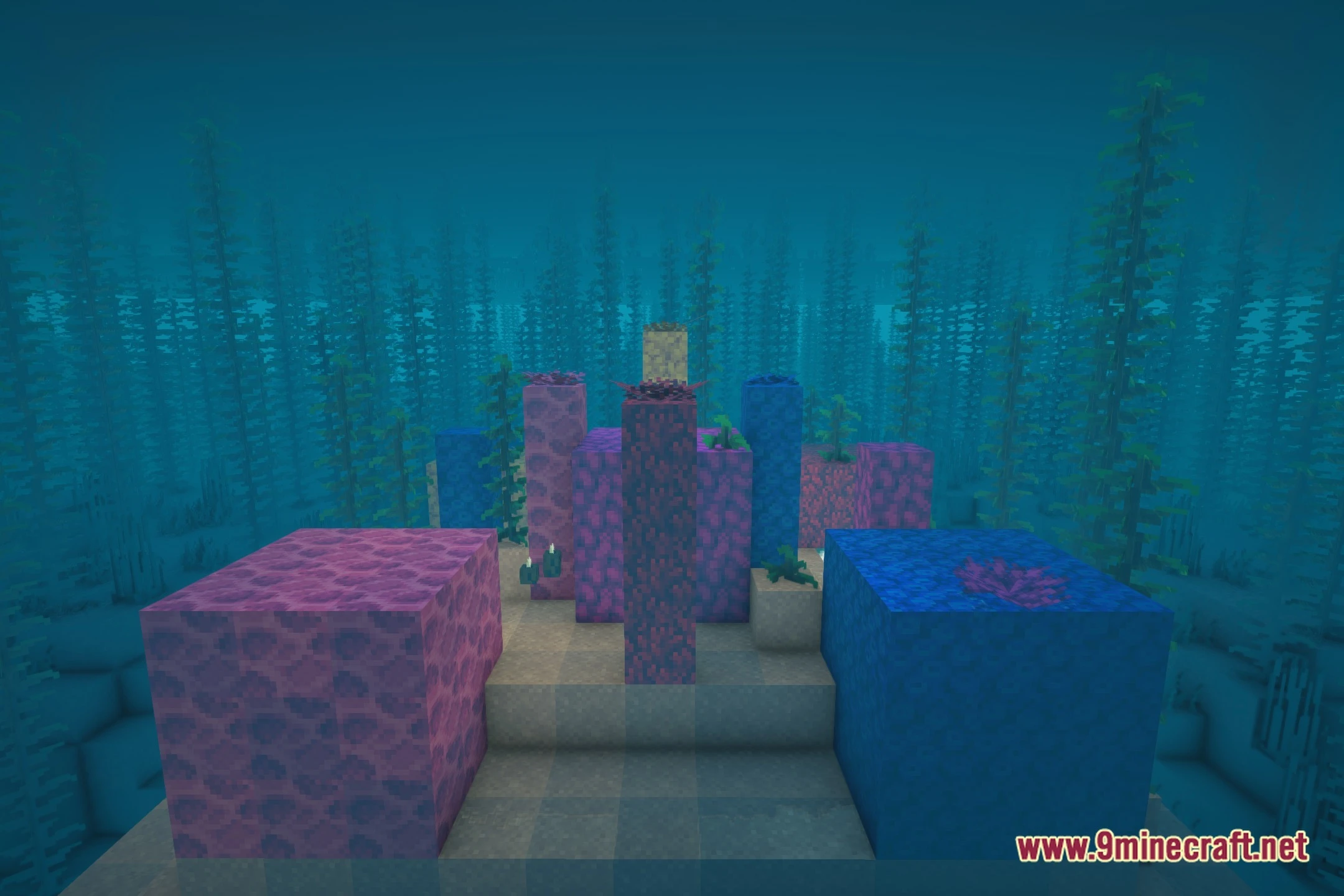
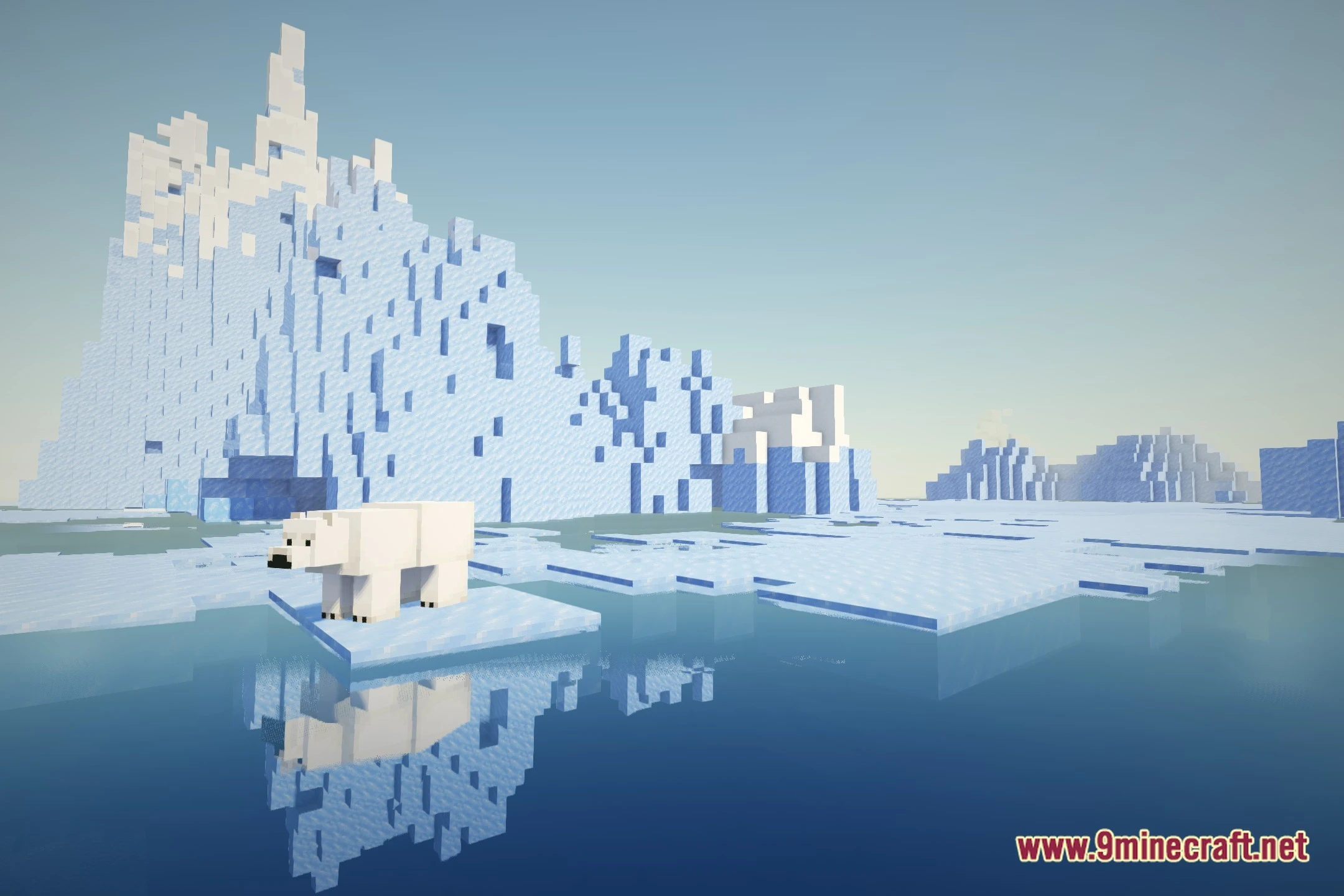
12 images from the Eventide Shaders page.

You May Also Like
Wikis that share the most with this one
Wikis on the same theme: light
More shader wikis on the site
The most downloaded mods that have a wiki here