

 DownloadSmooth Scrolling Mod
Get the files on 9Minecraft
Guides
Step-by-step, in-game.
Fixing Smooth Scrolling That Feels Too Slow or Too FastDiagnose which direction you need Before touching anything, decide what is actually wrong. If the list keeps gliding…How to Change the Smooth Scrolling Animation SpeedFinding the setting Once Smooth Scrolling is installed, its options live in the mod list rather than in vanilla's own…How to Disable Smooth Scrolling and Restore Vanilla ScrollingWhy you might want to turn it off Smooth scrolling is a motion effect, and some players find the eased animation…Smooth Scrolling Mod GuideHow Smooth Scrolling Works Smooth Scrolling Mod changes how scrolling behaves in Minecraft's menus and lists. Instead…Which Screens Are Affected by Smooth ScrollingThe short answer The mod hooks into Minecraft's scrolling list and container widgets, so anywhere the game uses a…
Configuration
Every setting in the mod config file, with what it changes.
| Option | What it does |
|---|---|
2 | 0 % means animation off (no smoothness) and bigger values mean slower animation speed (high smoothness). |
auto | Auto |
chat | Chat |
creative_screen | Creative Screen |
cursor_margin | Cursor Margin |
custom_cursor_update | Custom Cursor Update |
custom_cursor_update | Disable this if you're having problems when you move the cursor with arrows |
enable_mask_debug | Enable mask debug |
entry_list | Entry List |
exit | Exit without saving |
format | Format |
hotbar | Hotbar |
inertia_decelerationInertia Deceleration | How slowly does the inertia slow down |
inertia_startInertia Start Threshold | How much scroll amount is needed in order to apply inertia |
inertia_stopInertia Stop Threshold | When inertia reaches this value, it abruptly stops |
misc | Misc |
hotbar_static_selector | Moves the whole hotbar instead of the selector. This is experimental and the feature can be removed if it is hard to por |
no_scrolling | No Scrolling |
notes | Notes |
off | Off |
opening_smoothness | Opening Smoothness |
compat_modePack Compatibility Mode | Improves compatibility with some resource packs at the cost of some small visual corruption. |
3 | Press F3+T in a world to update the config. |
rollover | Rollover |
Frequently asked questions
What does the Smooth Scrolling Mod do?
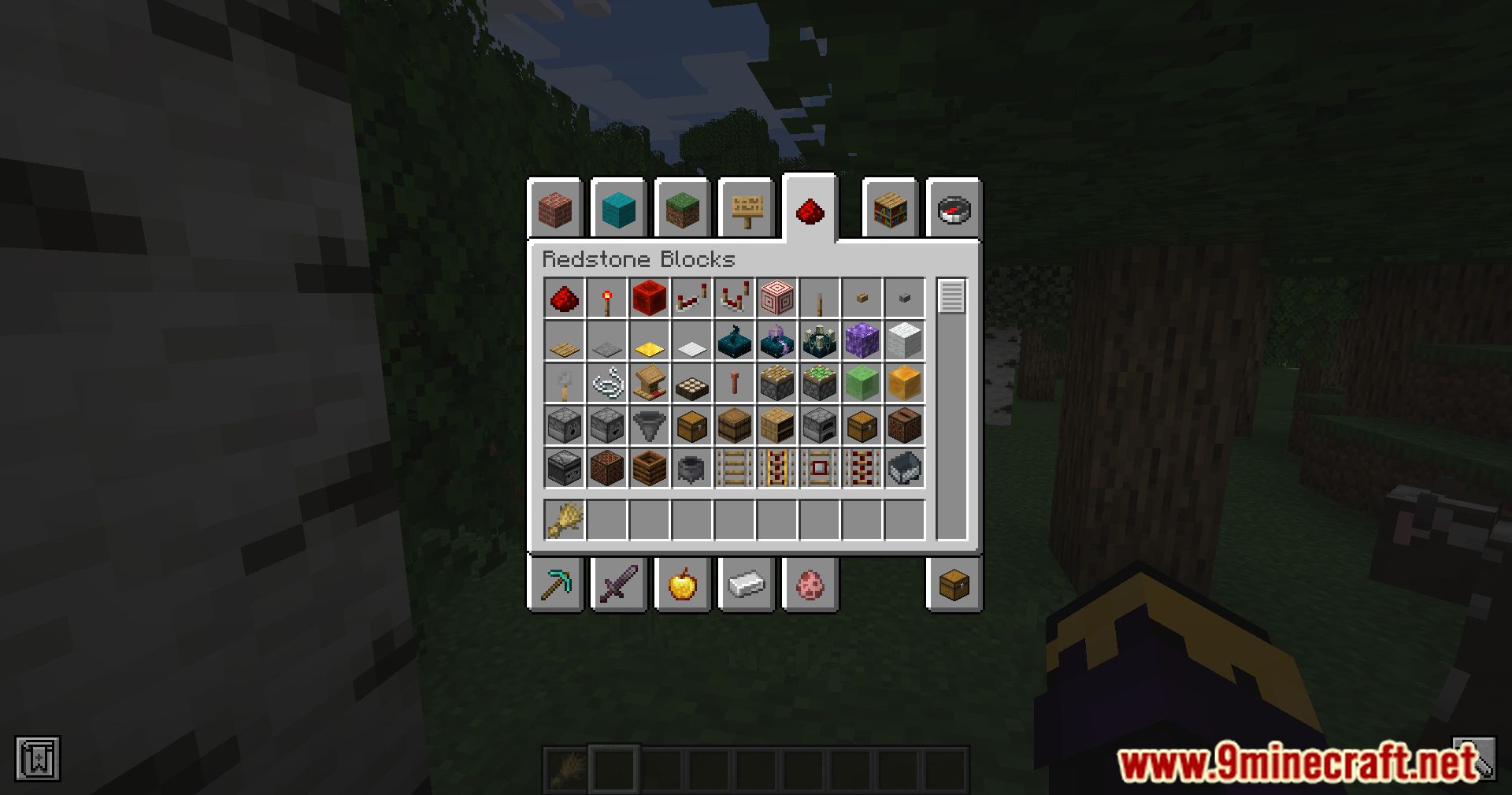
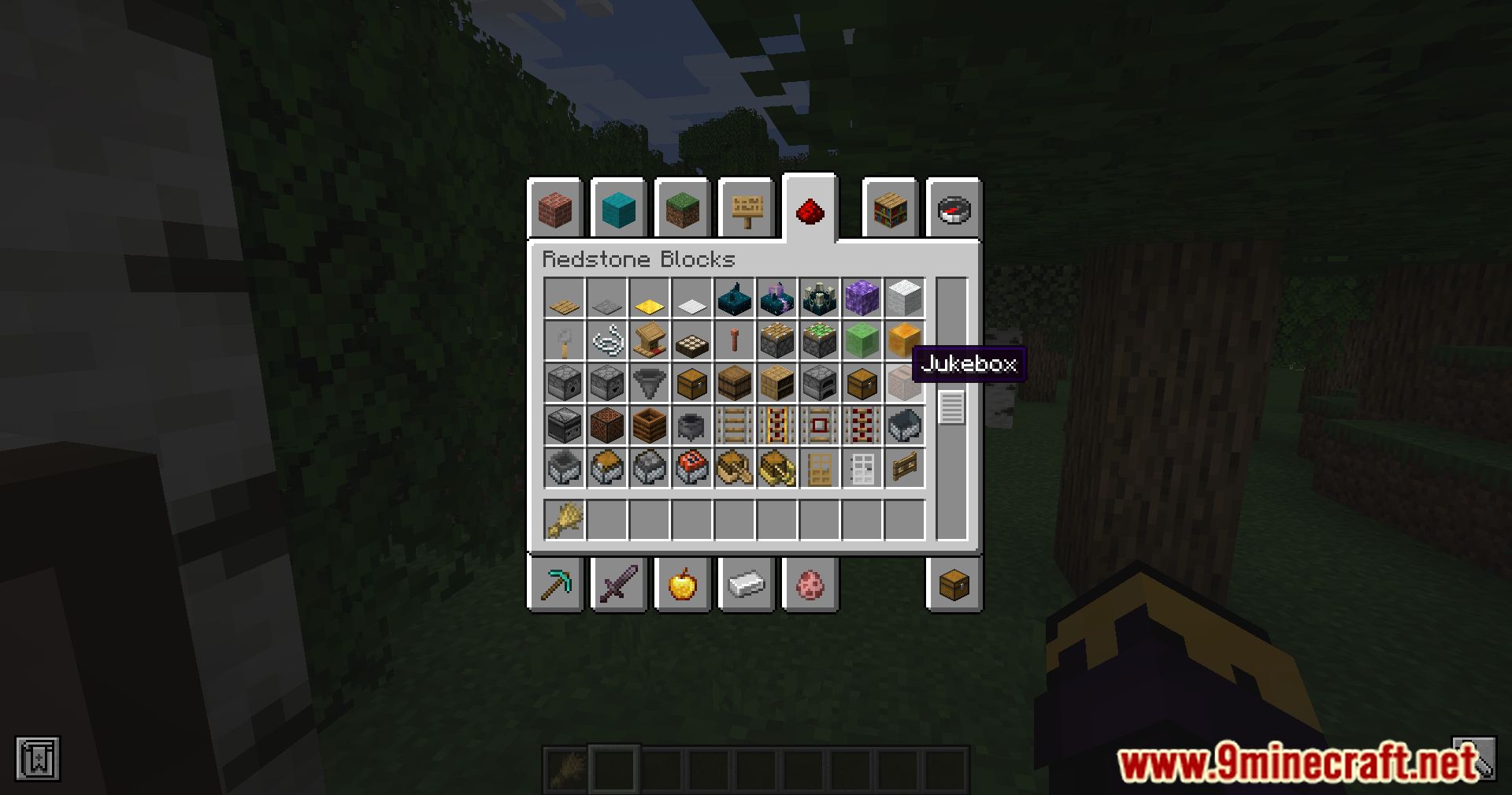
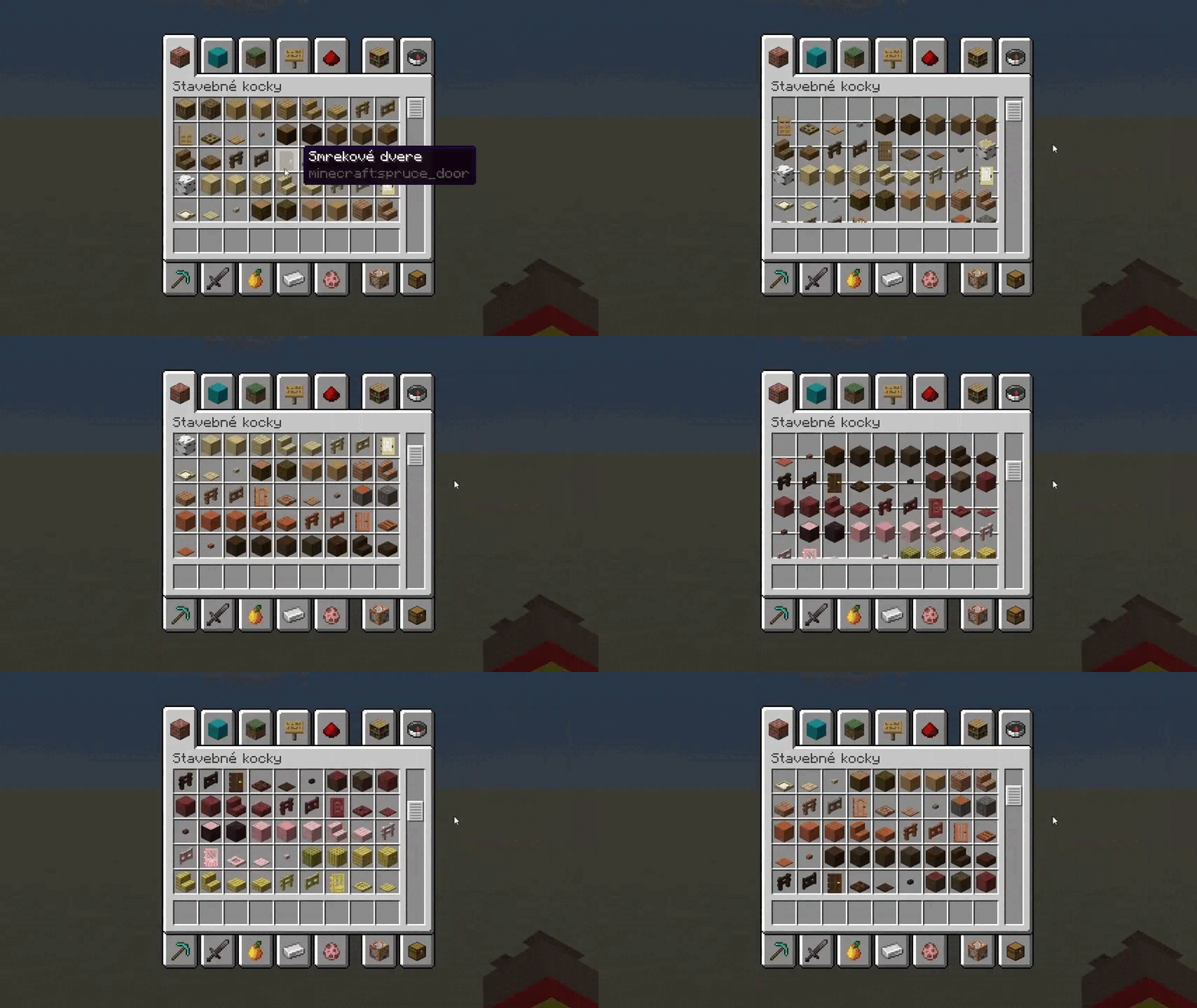
It adds smooth scrolling to various screens in Minecraft, making scrolling through lists and menus a fluid motion instead of a jarring one. It improves the fluidity of interactions with screens such as chat, hotbar, and inventory.
Do I need to configure the mod after installing it?
No, once installed it simply works in the background. You can optionally adjust the animation speed or disable it entirely.
Can I turn off the smooth scrolling effect?
Yes, you can disable it completely if you prefer the old way of scrolling. You can also just adjust the animation speed to your liking.
What is the range of safe values for the animation speed config?
Safe values are 0 to 1. A value of 0 means instant scrolling, while 1 means no visible scrolling.
See all 6 Smooth Scrolling questions ›
Gallery
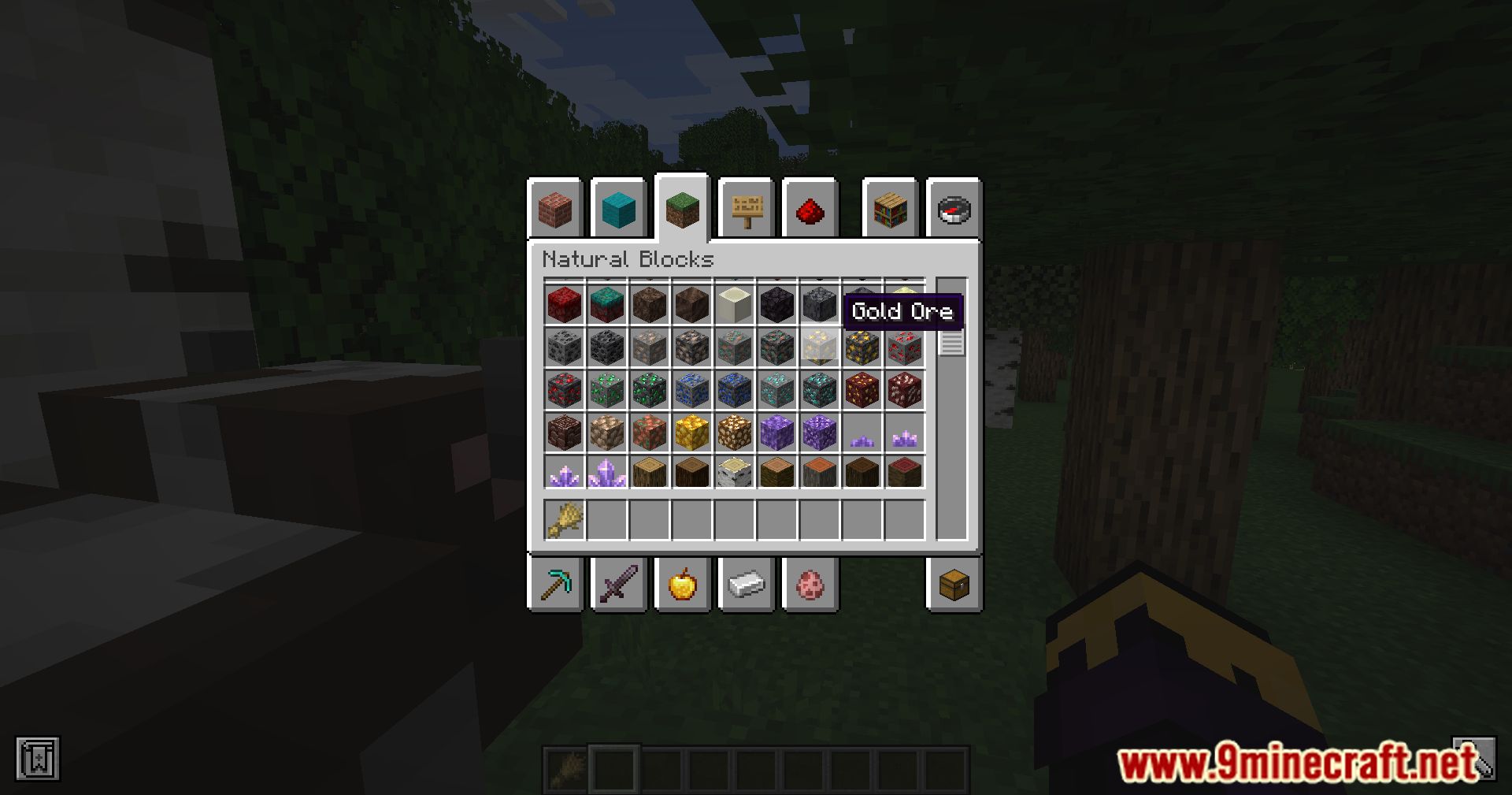
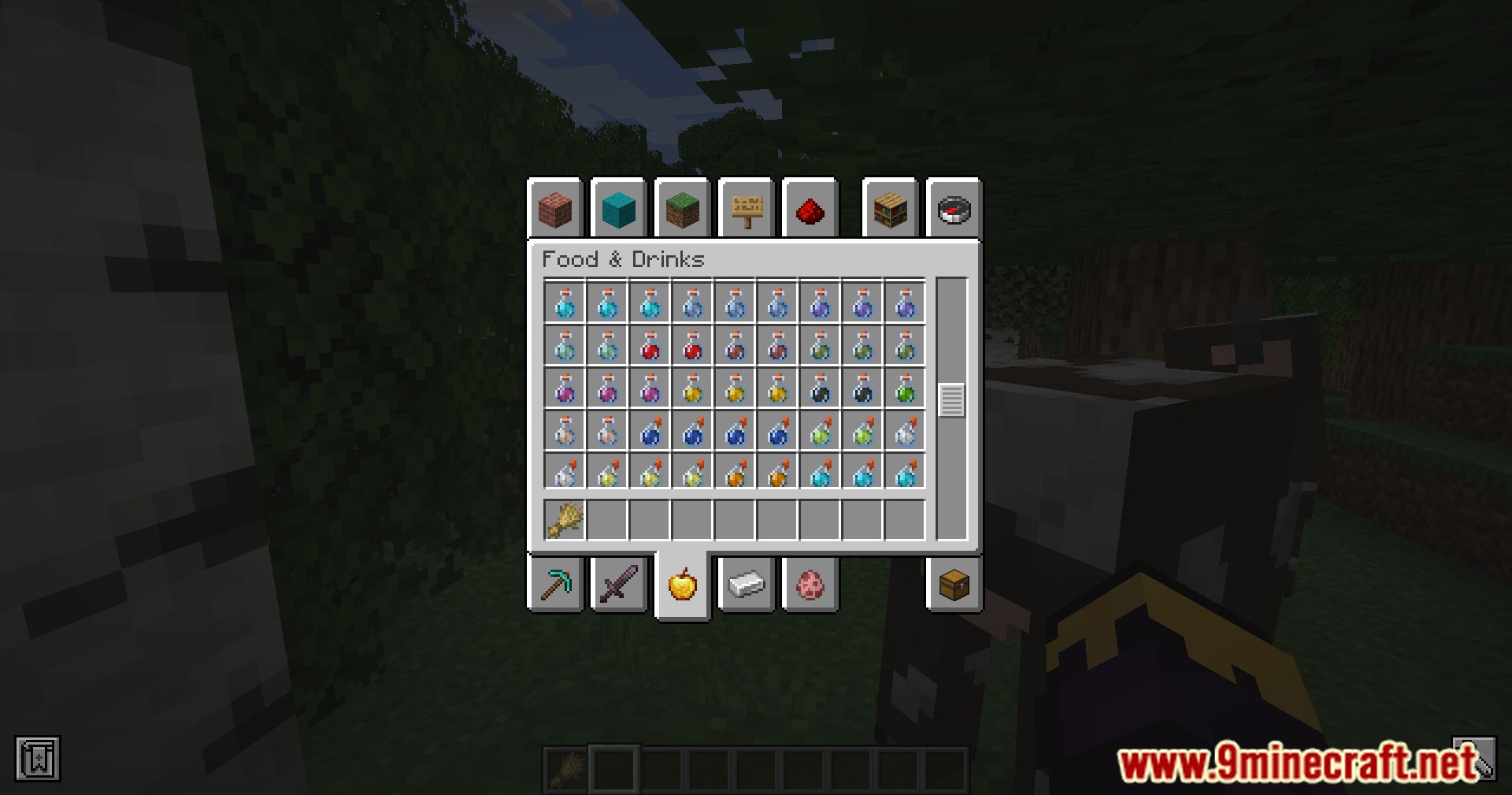
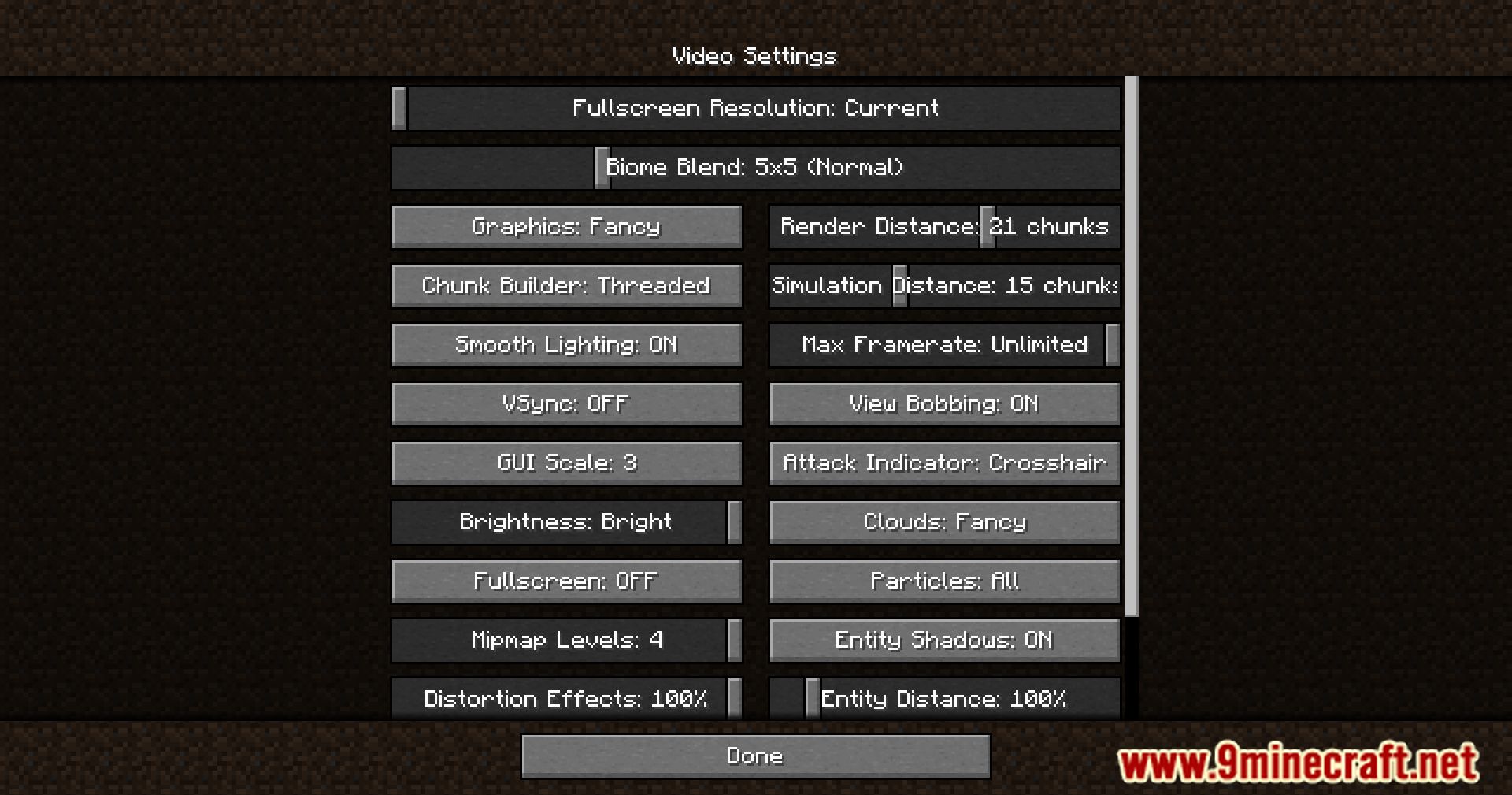
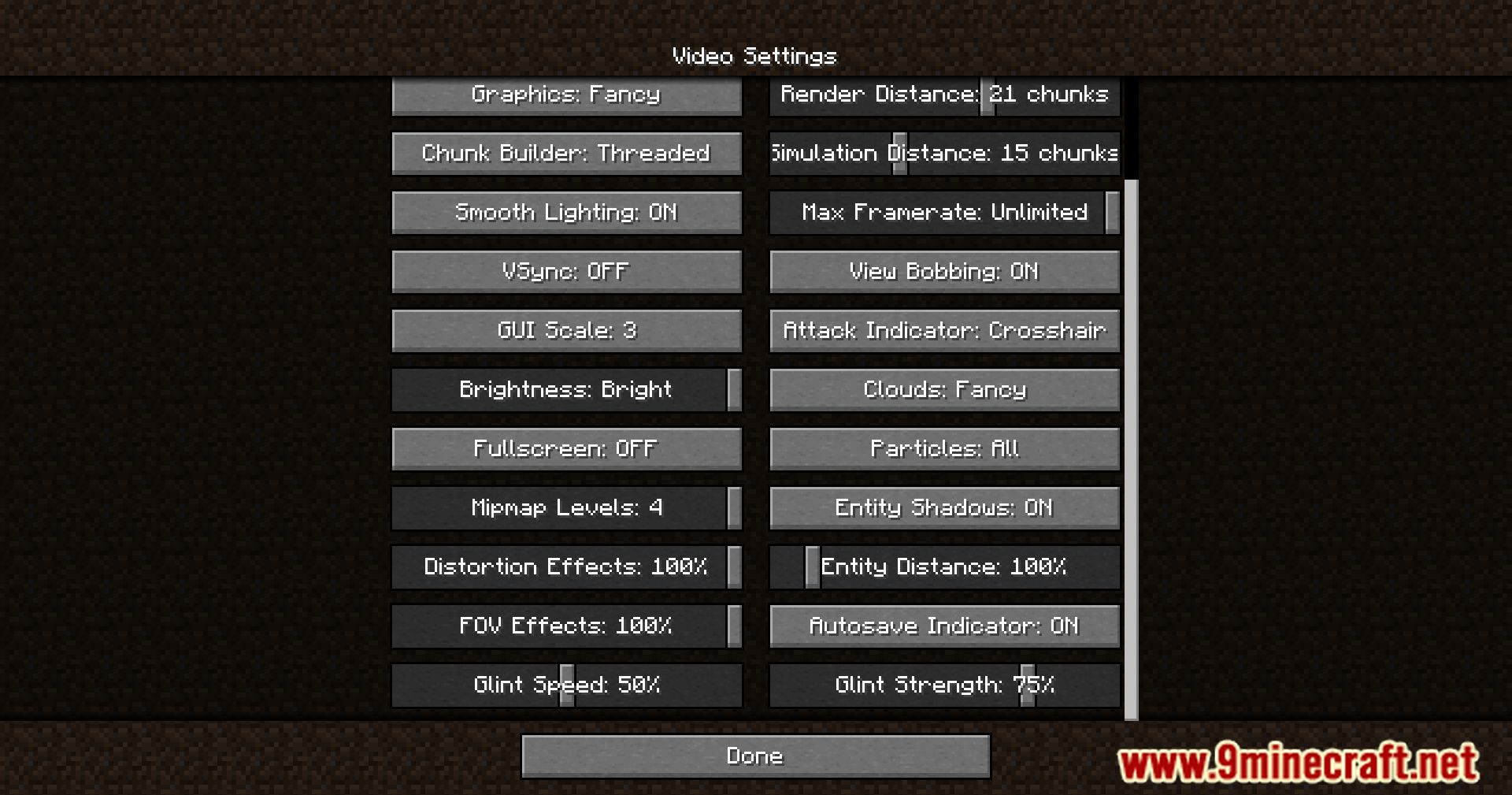
11 images from the Smooth Scrolling Mod page.
You May Also Like
Wikis that share the most with this one
 Smooth Font
More mod wikis on the site
The most downloaded mods that have a wiki here
A few wikis from each of the other kinds