

 DownloadZoomX Smooth Mod
Get the files on 9Minecraft
Guides
Step-by-step, in-game.
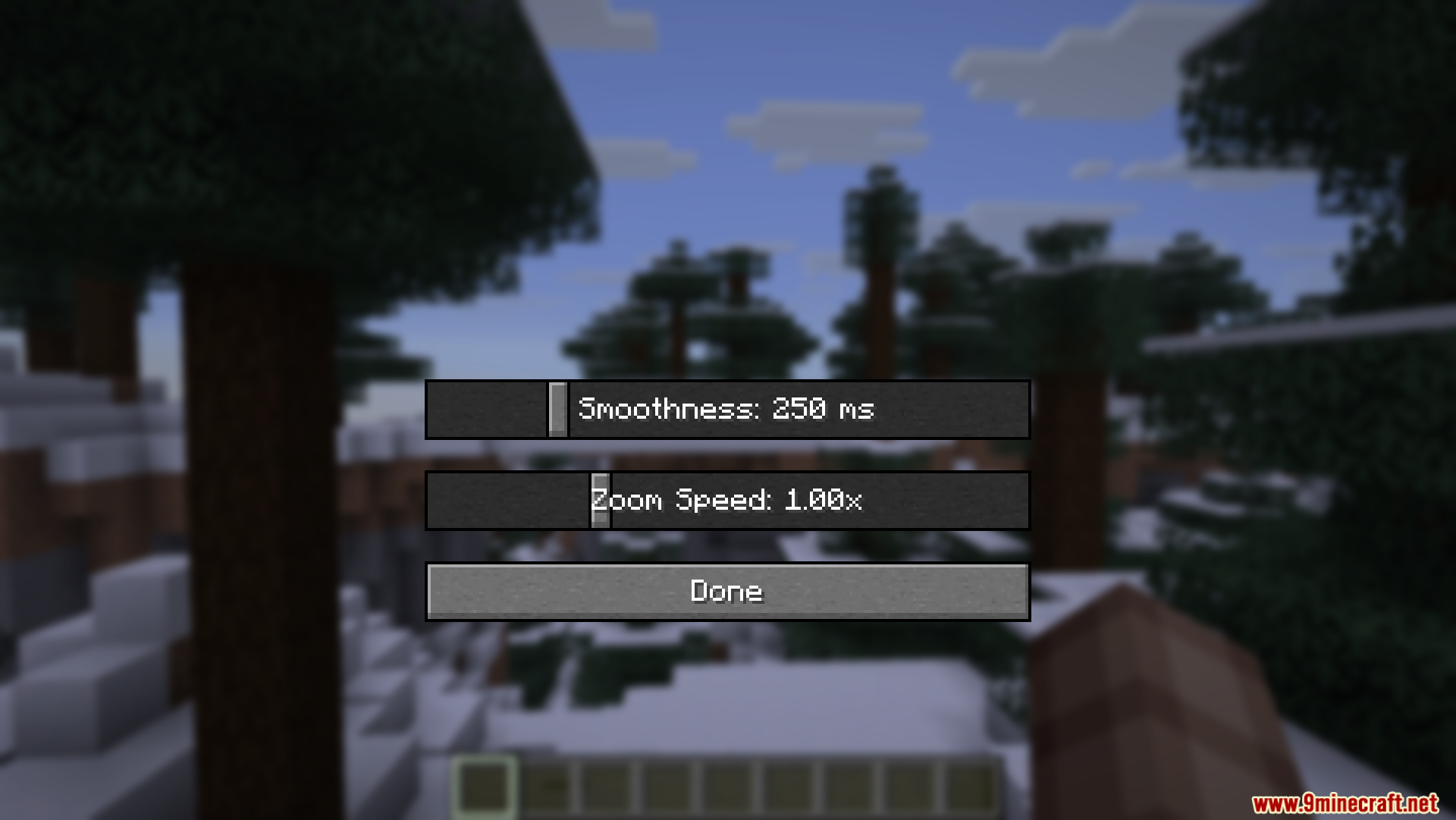
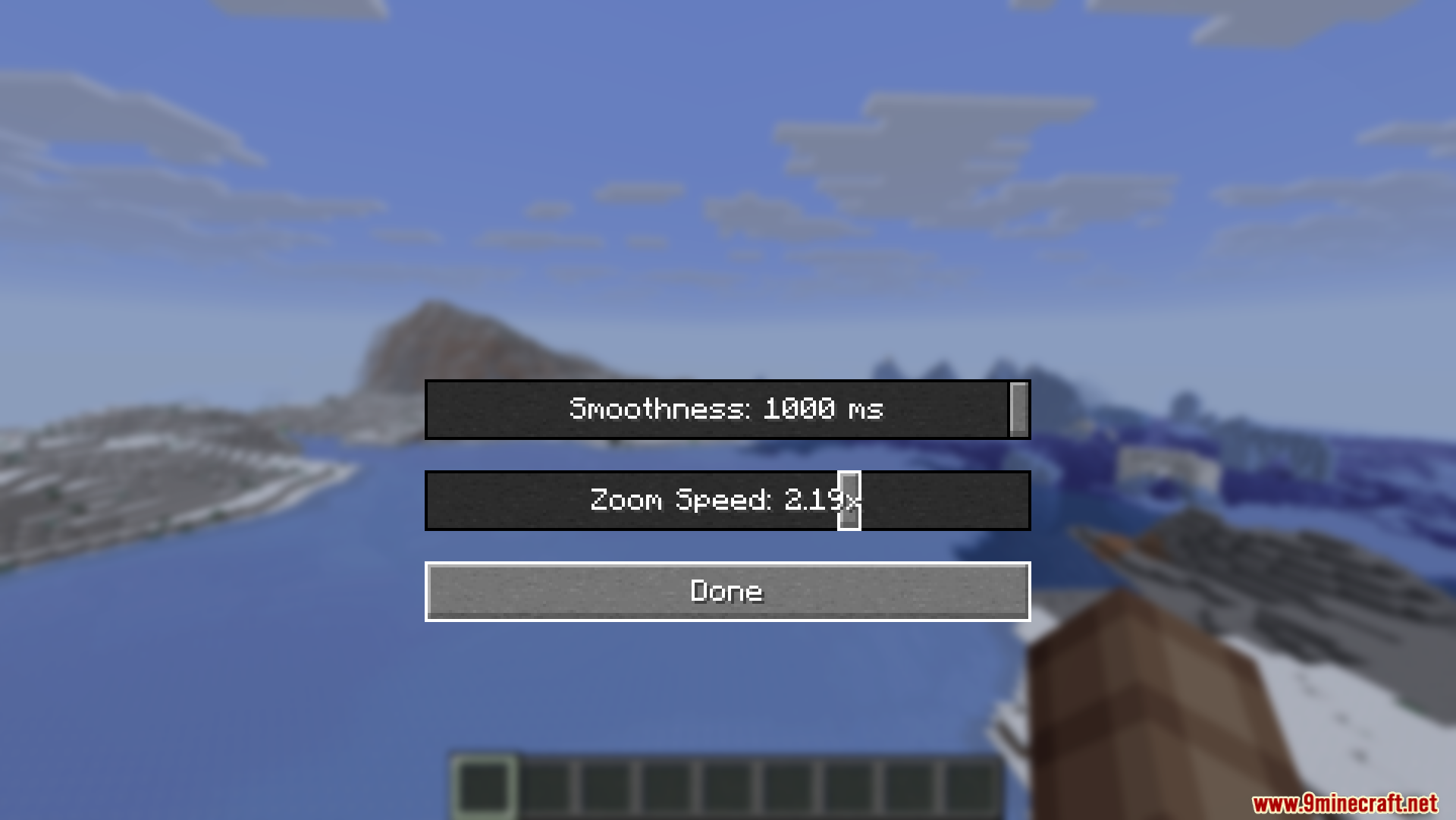
Adjust Camera Zoom Smoothness for Cinematic MovementOpen the Settings Menu Press B while in-game to open the ZoomX Smooth Mod settings panel. This menu appears as an…Combine Smoothness and Speed for Your Ideal Zoom FeelUnderstand the Two Settings ZoomX Smooth Mod provides two independent controls: Smoothness (how the camera eases into…Control How Fast Your Camera Zooms In and OutAccess the Zoom Speed Control Press B to open the ZoomX Smooth Mod settings menu while playing. Locate and Adjust the…Troubleshoot Zoom That Feels Laggy or UnresponsiveCheck Your Smoothness Setting Press B to open the settings menu. If zoom feels sluggish or delayed, your Smoothness…
Frequently asked questions
How do I open the zoom settings menu?
Press the B key while in-game to open the ZoomX Smooth Mod settings menu. If B is already bound to another action, you can rebind the menu key in your controls settings.
What does the Smoothness slider actually do?
The Smoothness slider controls how gradually your camera moves when zooming—slide it left for snappy, instant zoom or right for slow, cinematic camera movement that feels like a movie.
What's the difference between Smoothness and Zoom Speed?
Smoothness controls how gradually the camera transitions, while Zoom Speed controls how fast that transition happens overall. You can have smooth, slow zoom or smooth, fast zoom depending on both settings.
Does this mod work with Sodium?
Yes, ZoomX Smooth Mod is fully compatible with Sodium and other performance mods. It won't cause frame rate drops because the code is lightweight.
See all 10 ZoomX Smooth questions ›
Gallery
12 images from the Zoomx Smooth Mod page.
You May Also Like
Wikis that share the most with this one
 Smooth Font
More mod wikis on the site
The most downloaded mods that have a wiki here
A few wikis from each of the other kinds