

 DownloadAVALux Reimagined Shaders
Get the files on 9Minecraft
Guides
Step-by-step, in-game.
Adjust Shader Settings for Your Computer's PerformanceAccess the Shader Menu Press the shader settings key (default: right-click on the shader name in your video settings,…Enhance Your Night Gameplay with Shader LightingLeverage Moonlight and Ambient Lighting AVALux Reimagined improves night-time visibility through enhanced moon phases…Maximize Colored Lighting Effects in Your BuildUnderstand Colored Light Sources AVALux Reimagined assigns specific colors to different light-emitting blocks.…Optimize Shadow Quality Without Losing FramesUnderstand Shadow Distance Trade-offs Soft shadows in AVALux Reimagined are computationally expensive. The shader…
Frequently asked questions
How do I turn on the shader after installing it?
Open Options > Video Settings > Shaders, then select AVALux Reimagined from the list. You'll see the shader activate immediately in your world.
Why are my shadows flickering or looking weird?
Flickering shadows often happen when shadow distance is set too high for your hardware. Lower the shadow quality in the shader settings menu, or switch to a lower performance profile that matches your computer.
Can I use this shader with other mods?
Yes, AVALux Reimagined works with most mods, but mods that heavily alter lighting or add custom blocks may cause visual conflicts. Test your mod combination in a test world first.
How do I make colored lighting brighter or dimmer?
Open the shader options menu (usually by pressing a key in-game or through Video Settings) and adjust the colored lighting intensity slider. You can also tweak individual light source colors if the shader supports it.
See all 10 AVALux Reimagined Shaders questions ›
Gallery
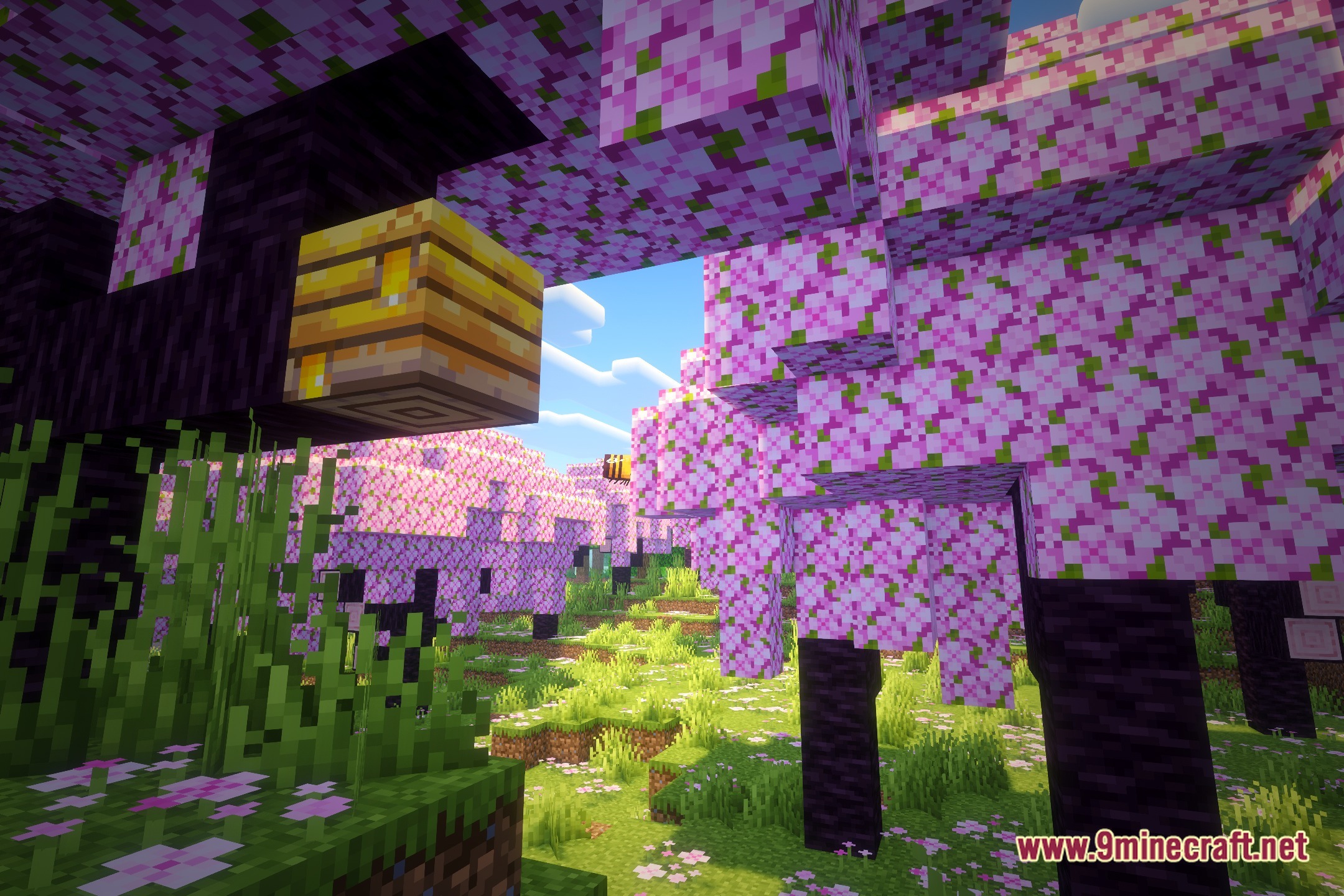
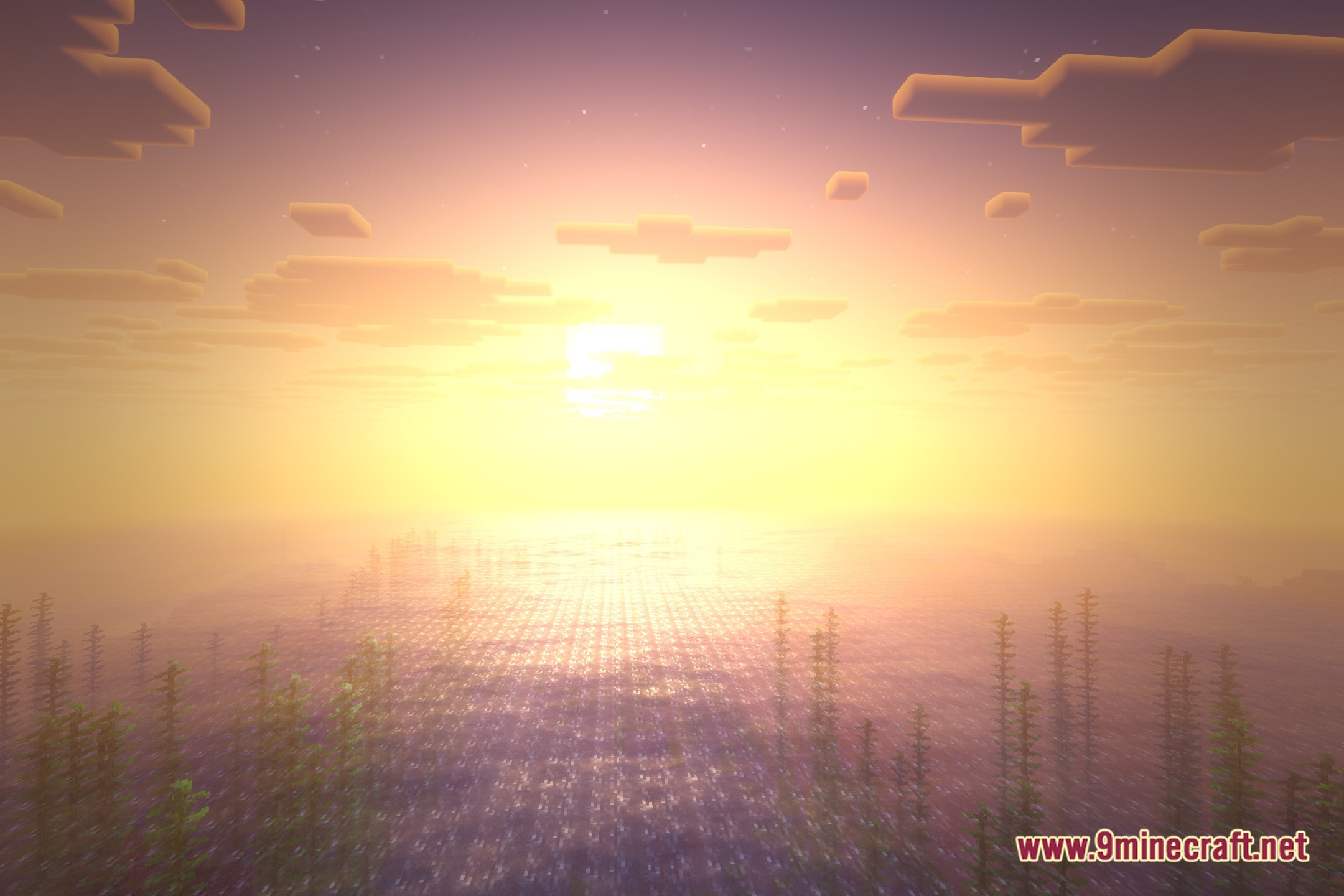
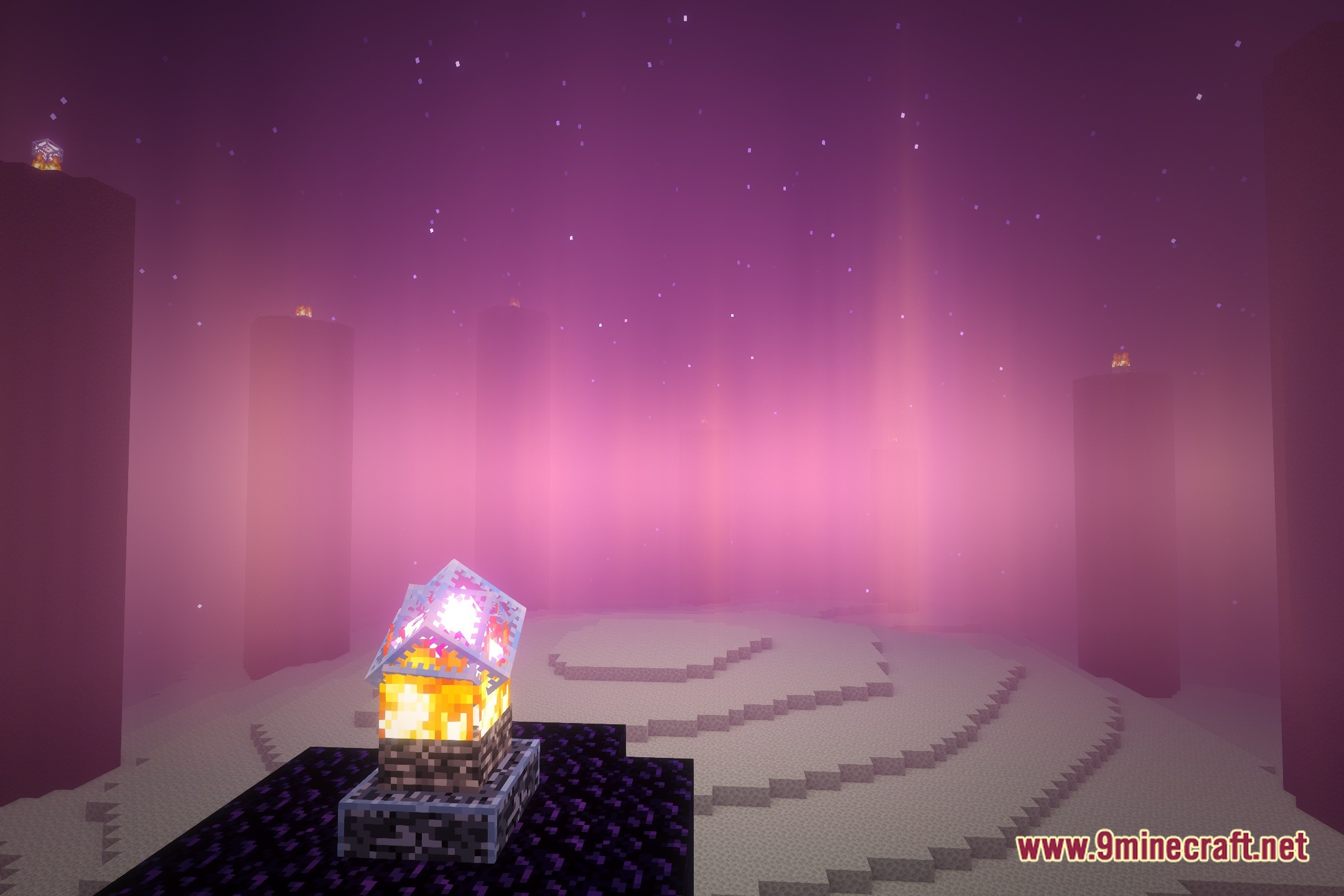
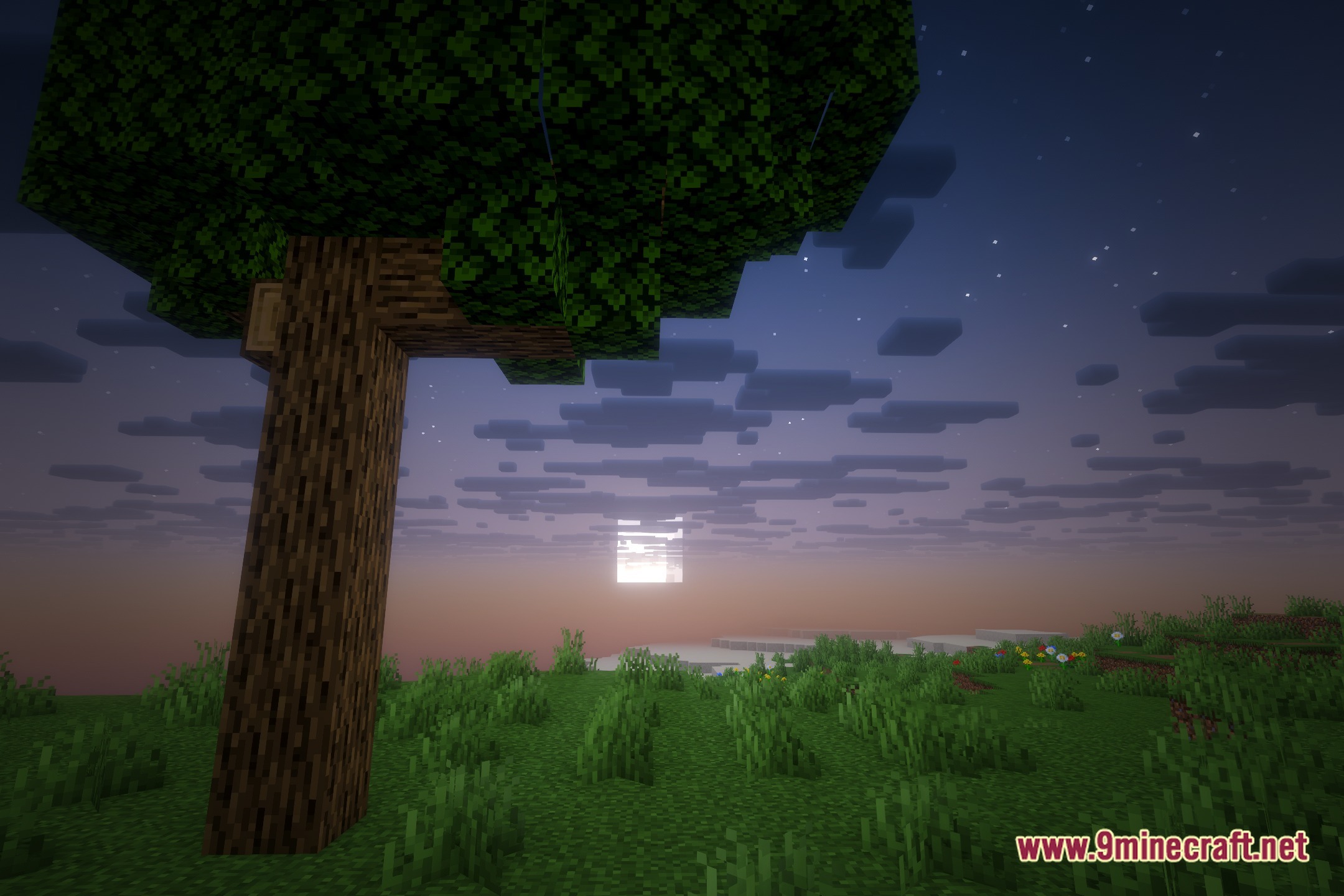
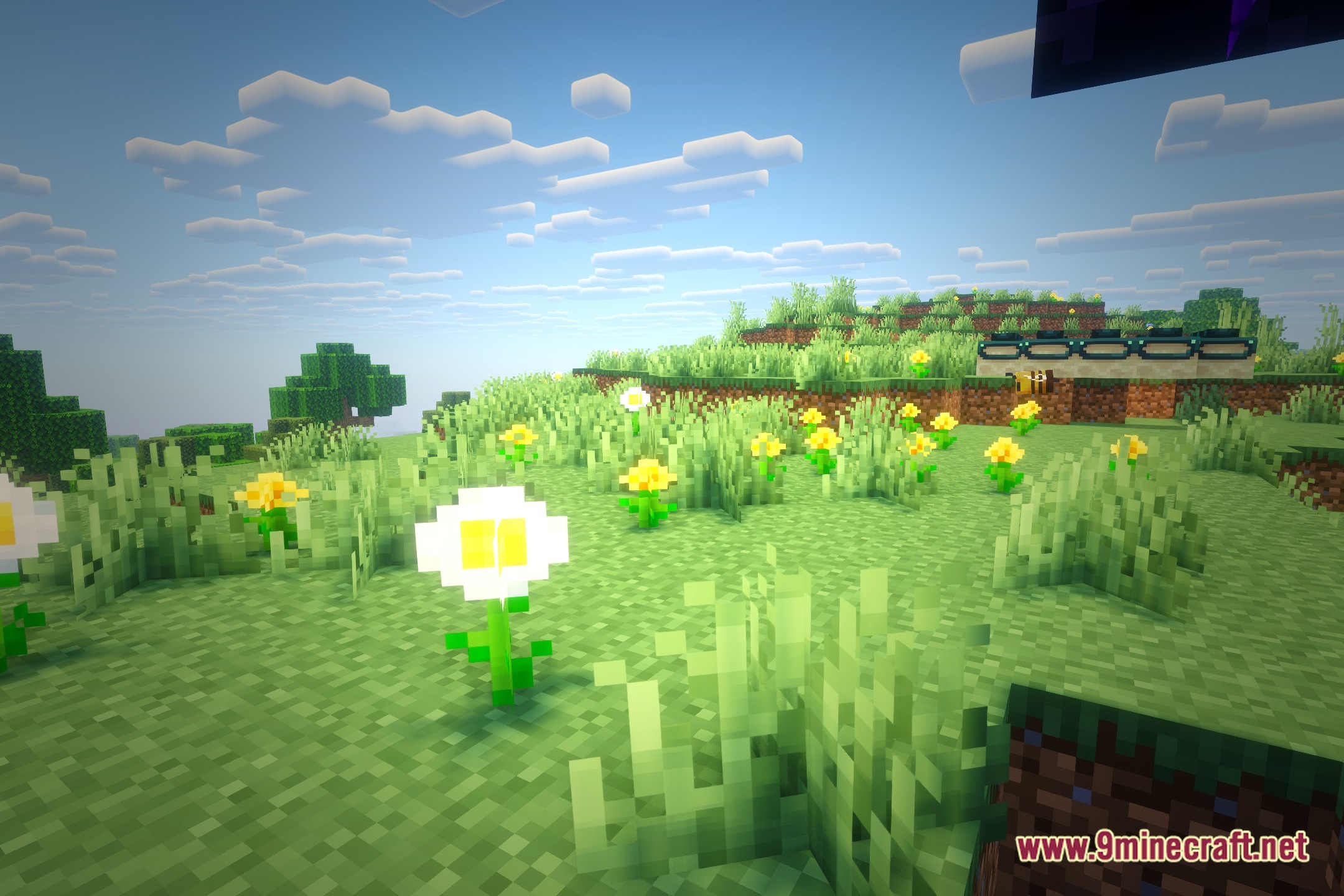
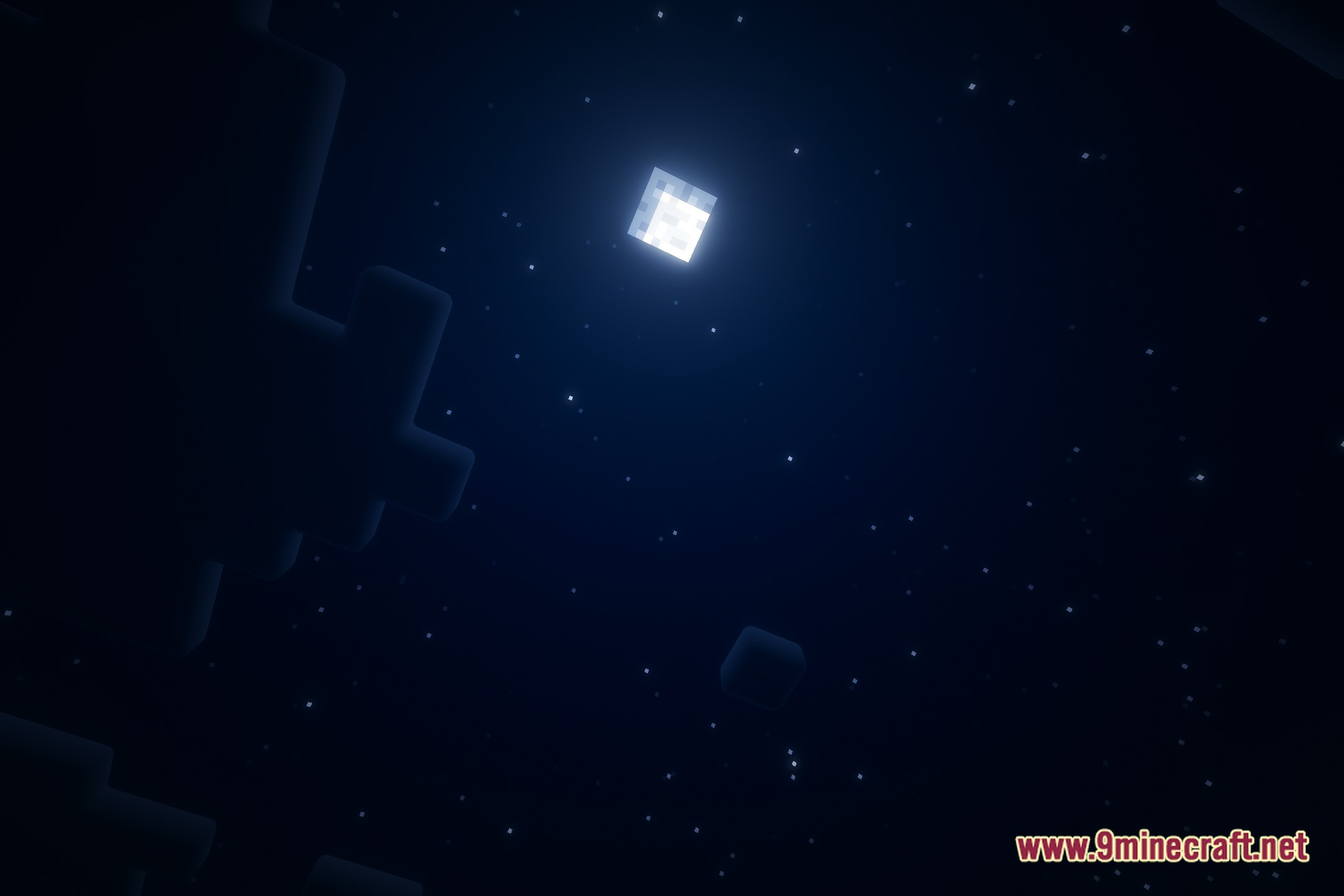
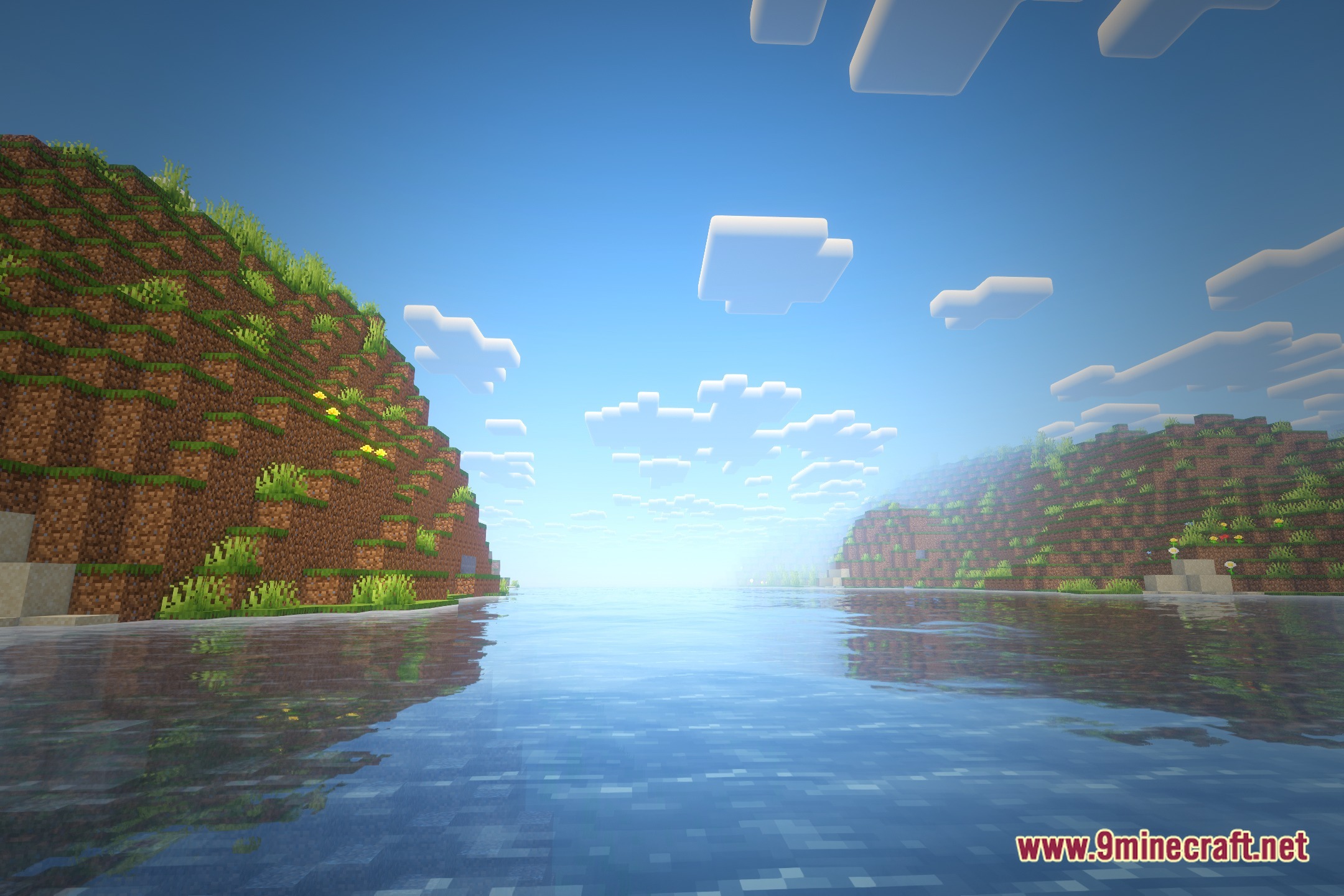
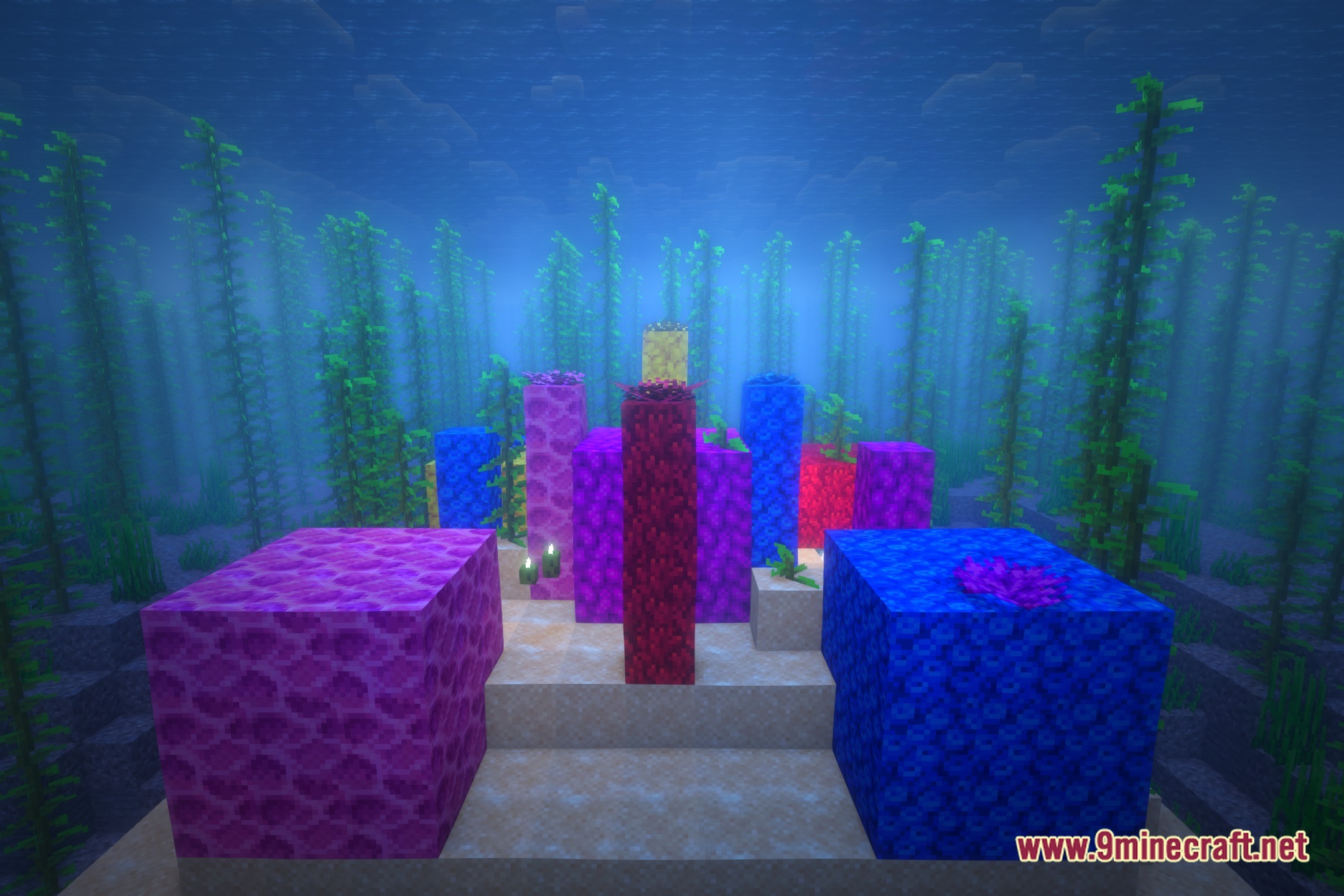
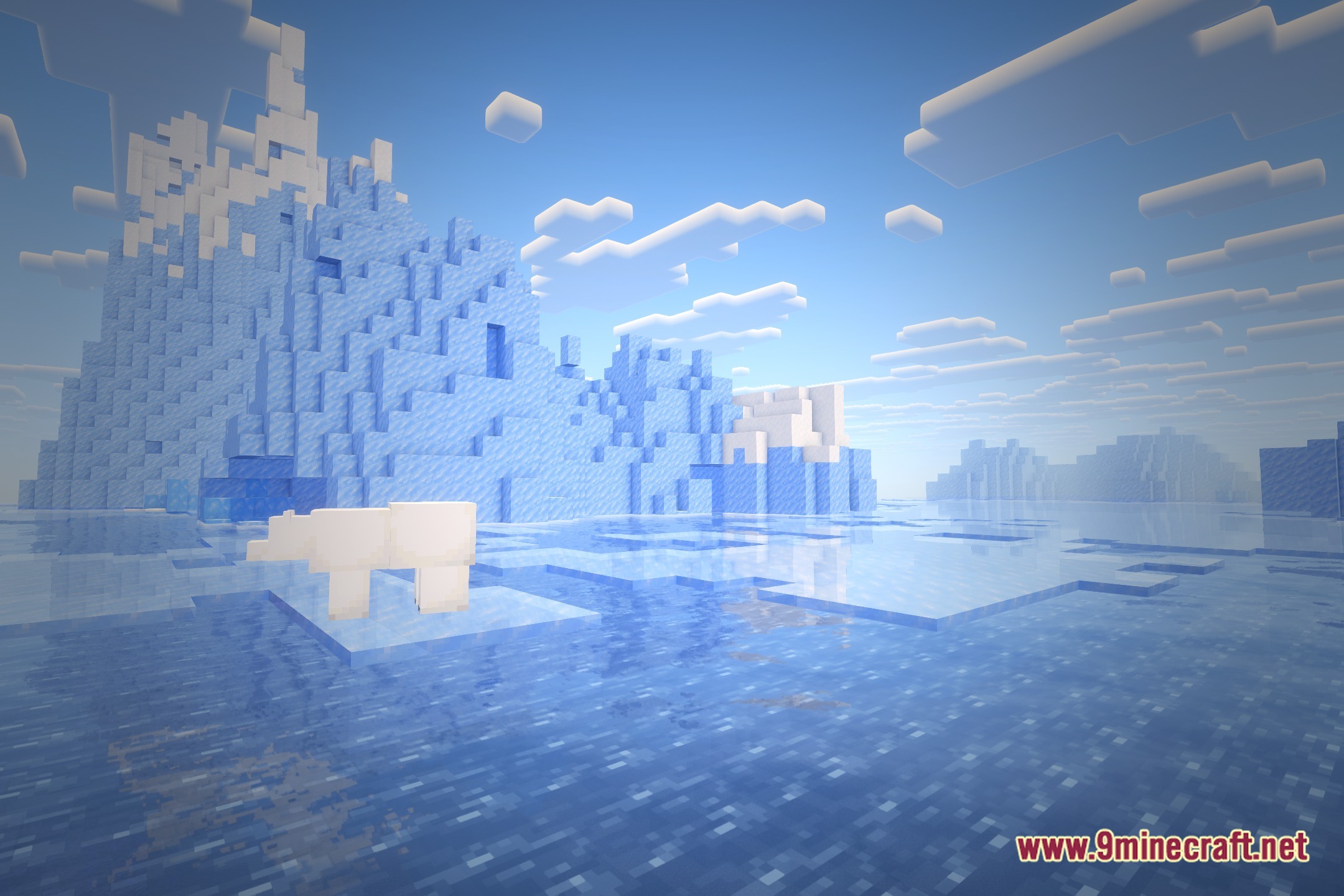
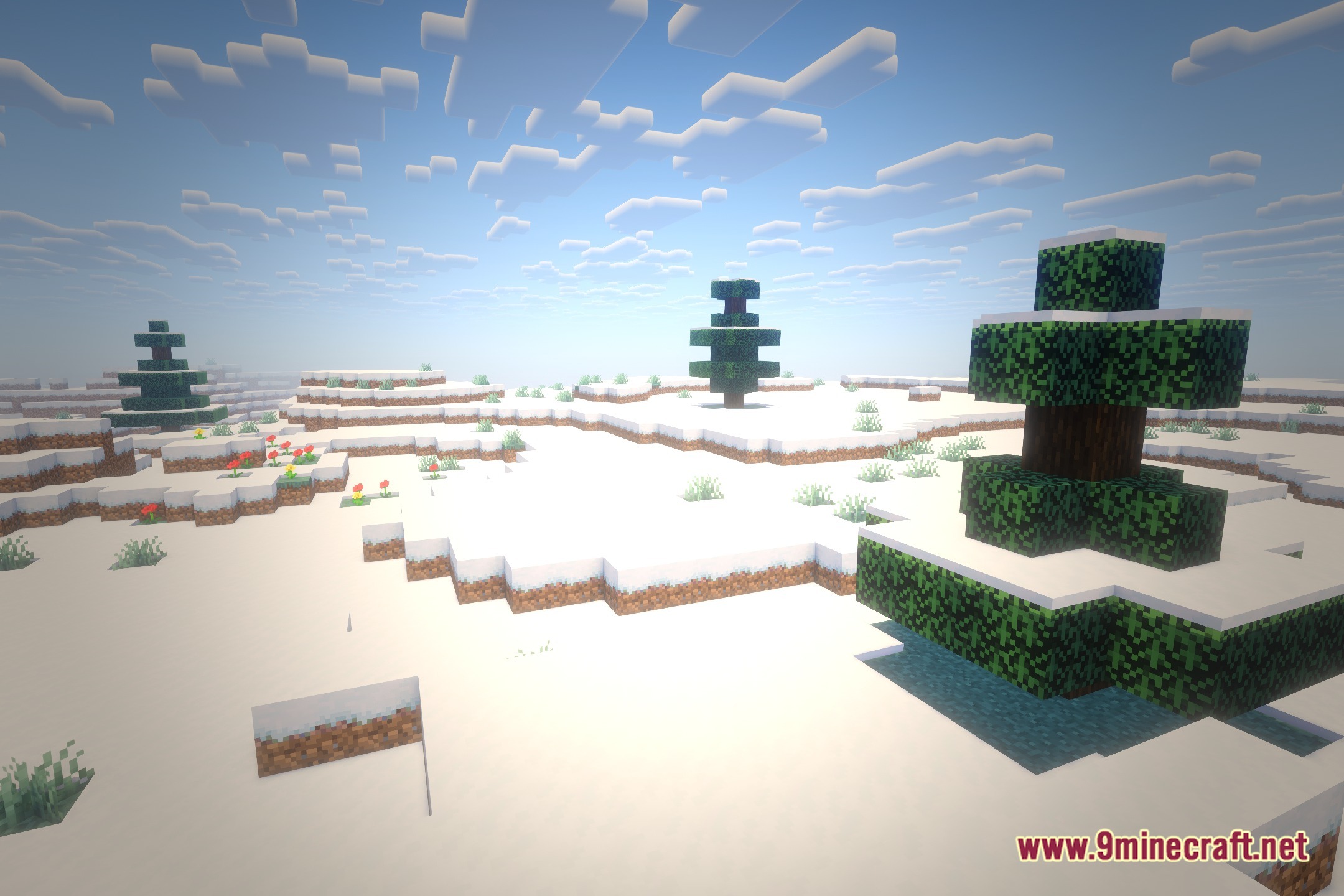
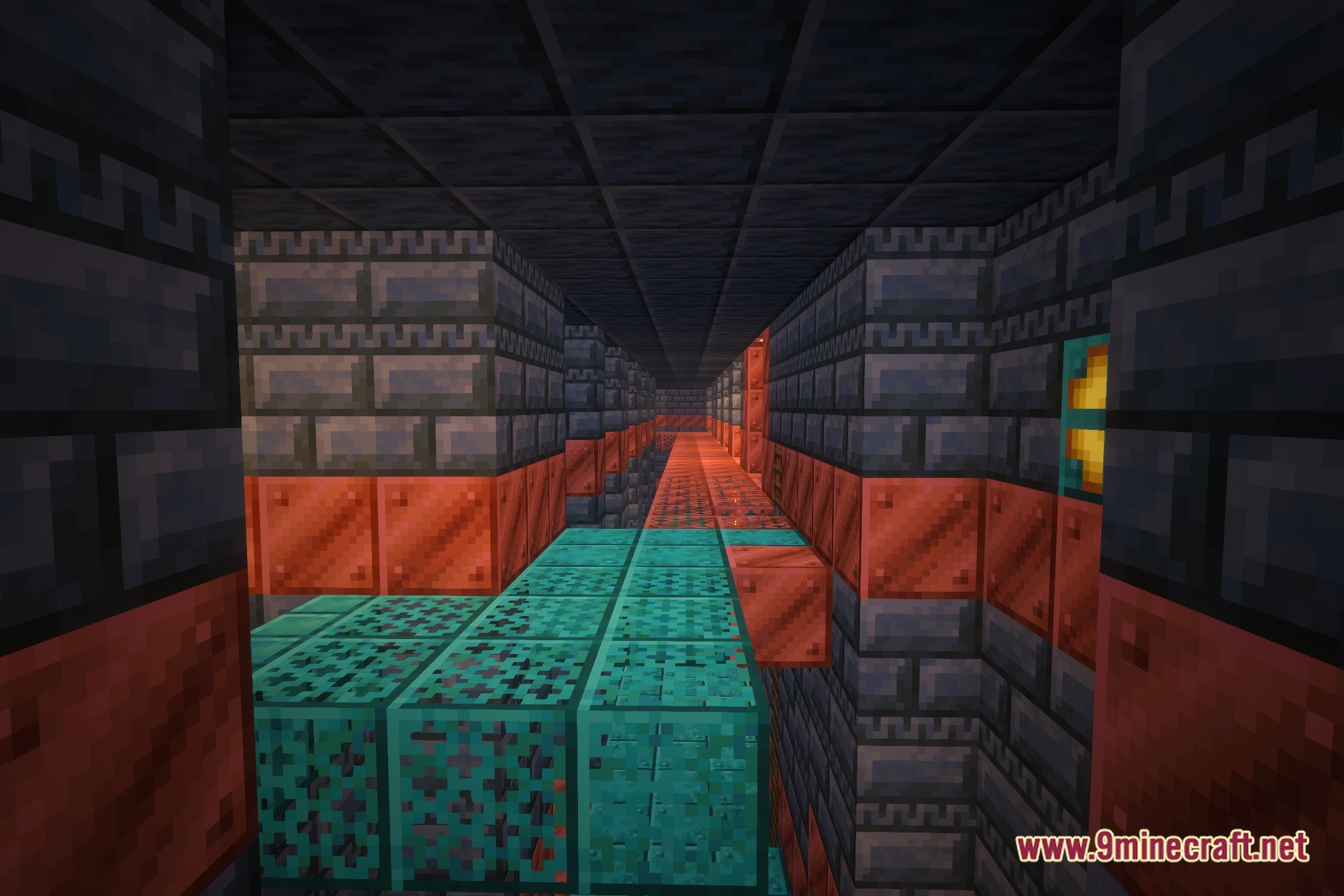
12 images from the Avalux Reimagined Shaders page.
You May Also Like
Wikis that share the most with this one
 Flow Reimagined Shaders
Wikis on the same theme: end
More shader wikis on the site
The most downloaded mods that have a wiki here