

 DownloadAuthor87668’s LIGHT Shaders
Get the files on 9Minecraft
Guides
Step-by-step, in-game.
Adjust Shader Intensity and Visual StyleAccess Shader Settings Open your pause menu and look for shader options. Most shader packs integrate with the…Get the Best Look in Different Lighting ConditionsUnderstand How Time of Day Affects Appearance This shader excels at both daylight and night. During sunrise and…Optimize Performance While Keeping Quality HighIdentify Performance Bottlenecks Check your FPS in different environments — caves, forests, and open sky. If you're…Troubleshoot Visual Glitches or Unexpected BehaviorCommon Issues and Quick Fixes If you see flickering, banding, or strange colors: Restart your game — shaders…
Frequently asked questions
How do I turn on the shader after installing it?
Open your Video Settings in-game, find the Shaders option, and select Author87668's LIGHT from the list. The shader will apply immediately to your world.
Why does my world look washed out or too bright?
Check the Shader Intensity setting in the shader options menu—lower it if the image feels overexposed. You may also need to adjust your monitor's brightness or gamma settings for the best appearance.
Can I use this shader with other mods?
Yes, LIGHT Shaders is compatible with most mods, but mods that heavily modify rendering (like other shaders or certain visual enhancement mods) may conflict. Test your mod combination in a test world first.
My FPS dropped after enabling the shader. How do I fix it?
Open the shader settings and lower the quality preset or reduce shadow distance and reflection quality. You can also lower your render distance in Video Settings to regain performance without disabling the shader entirely.
See all 10 Author87668’s LIGHT Shaders questions ›
Gallery
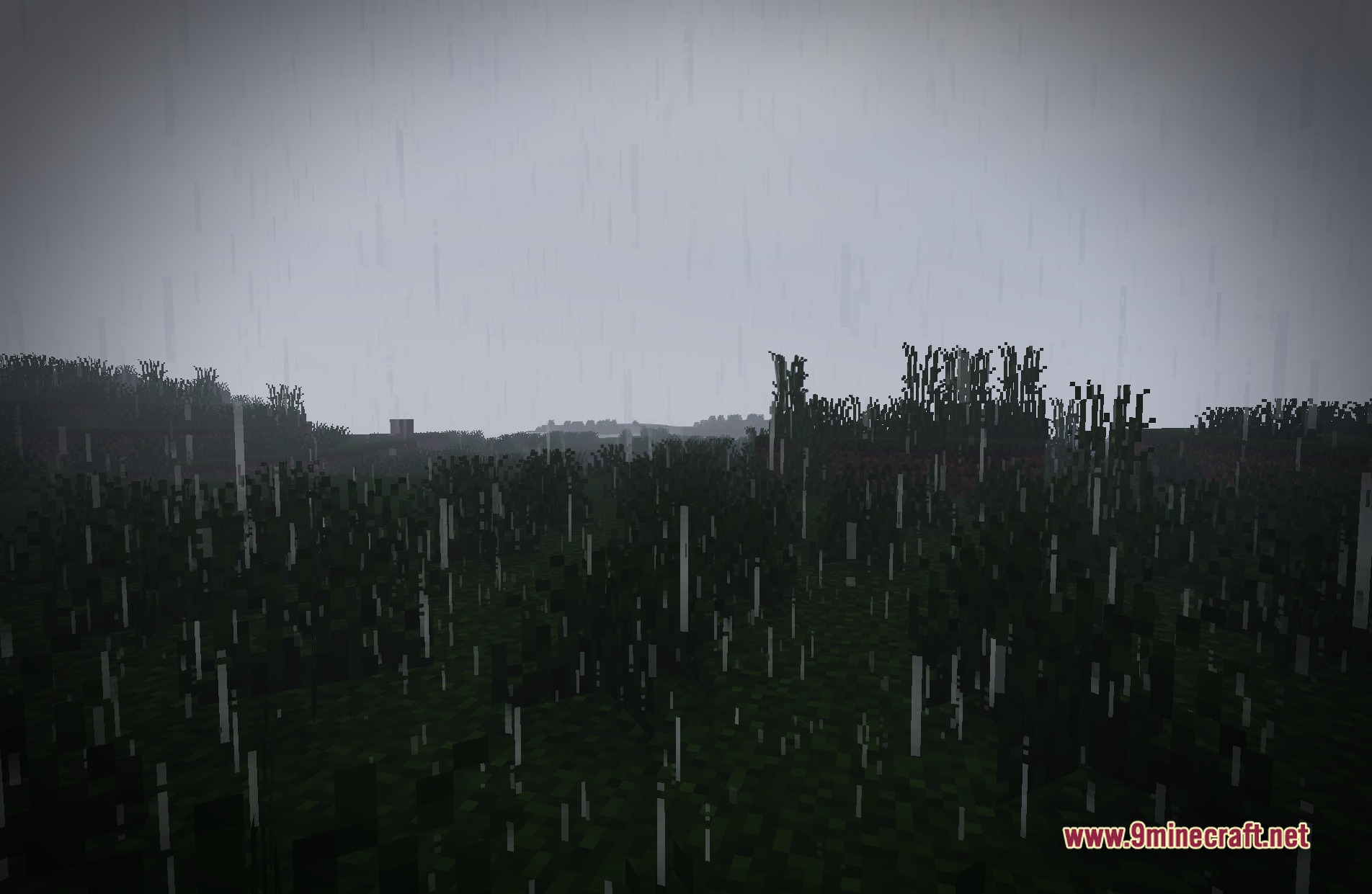
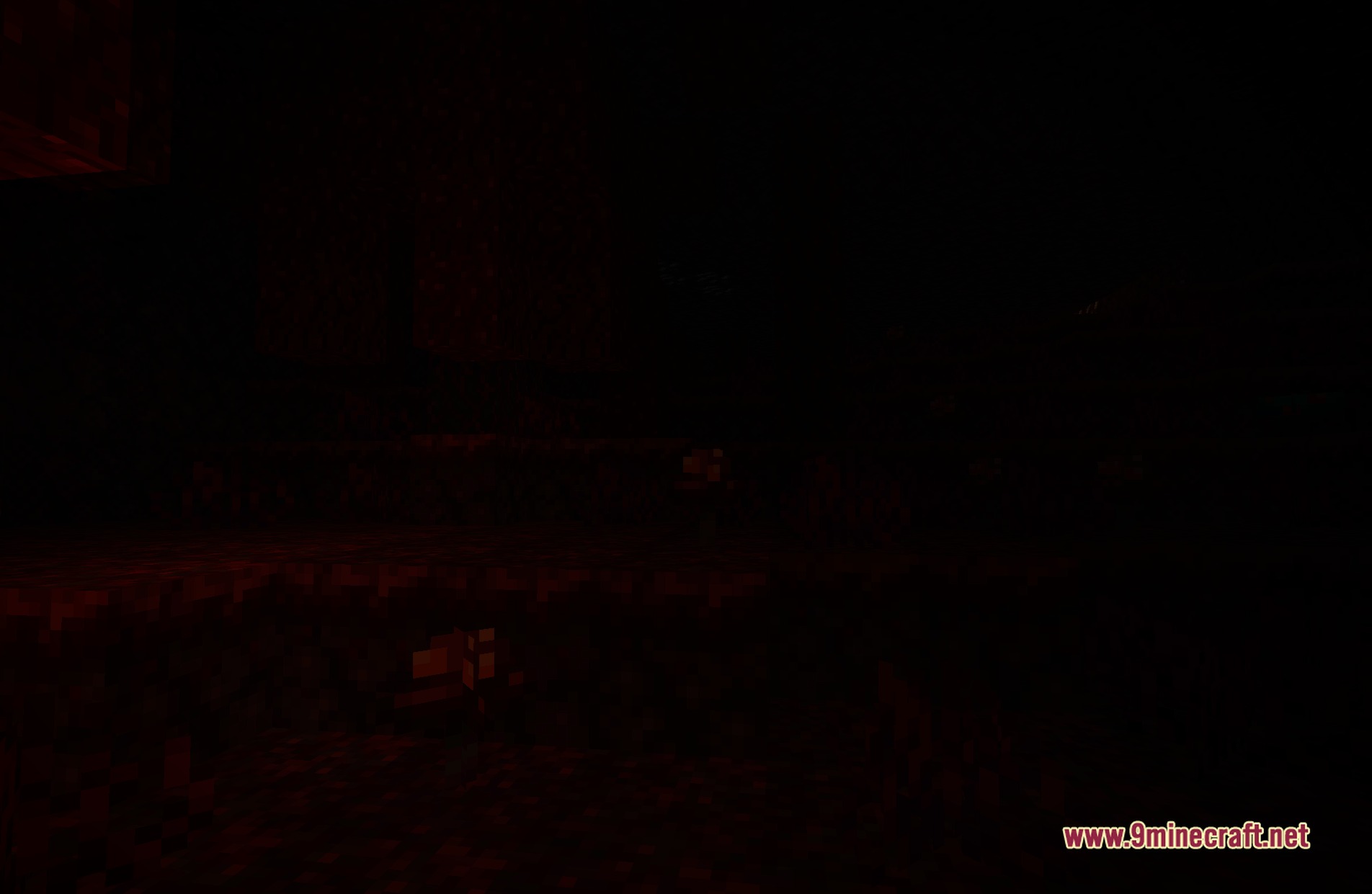
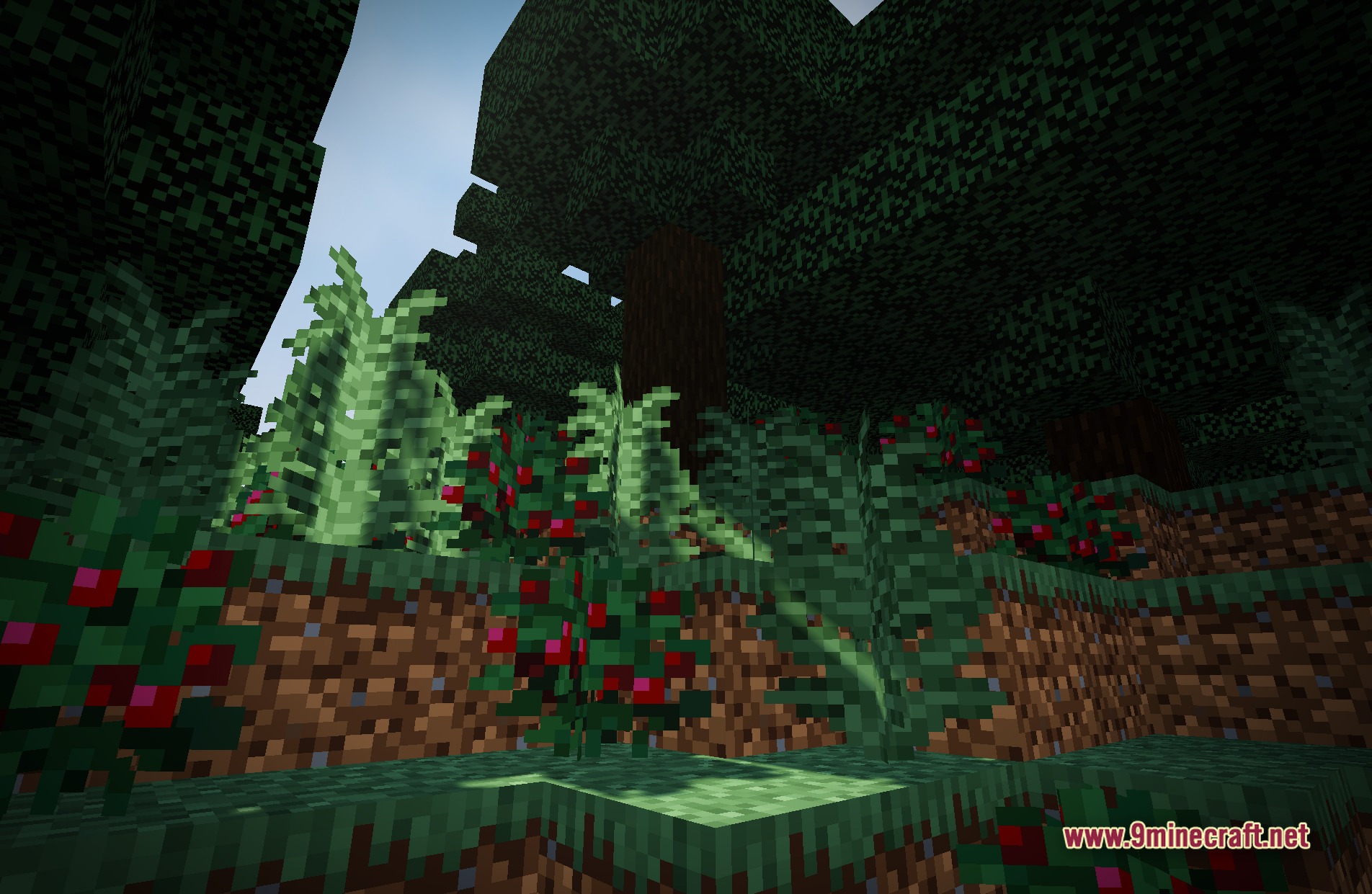
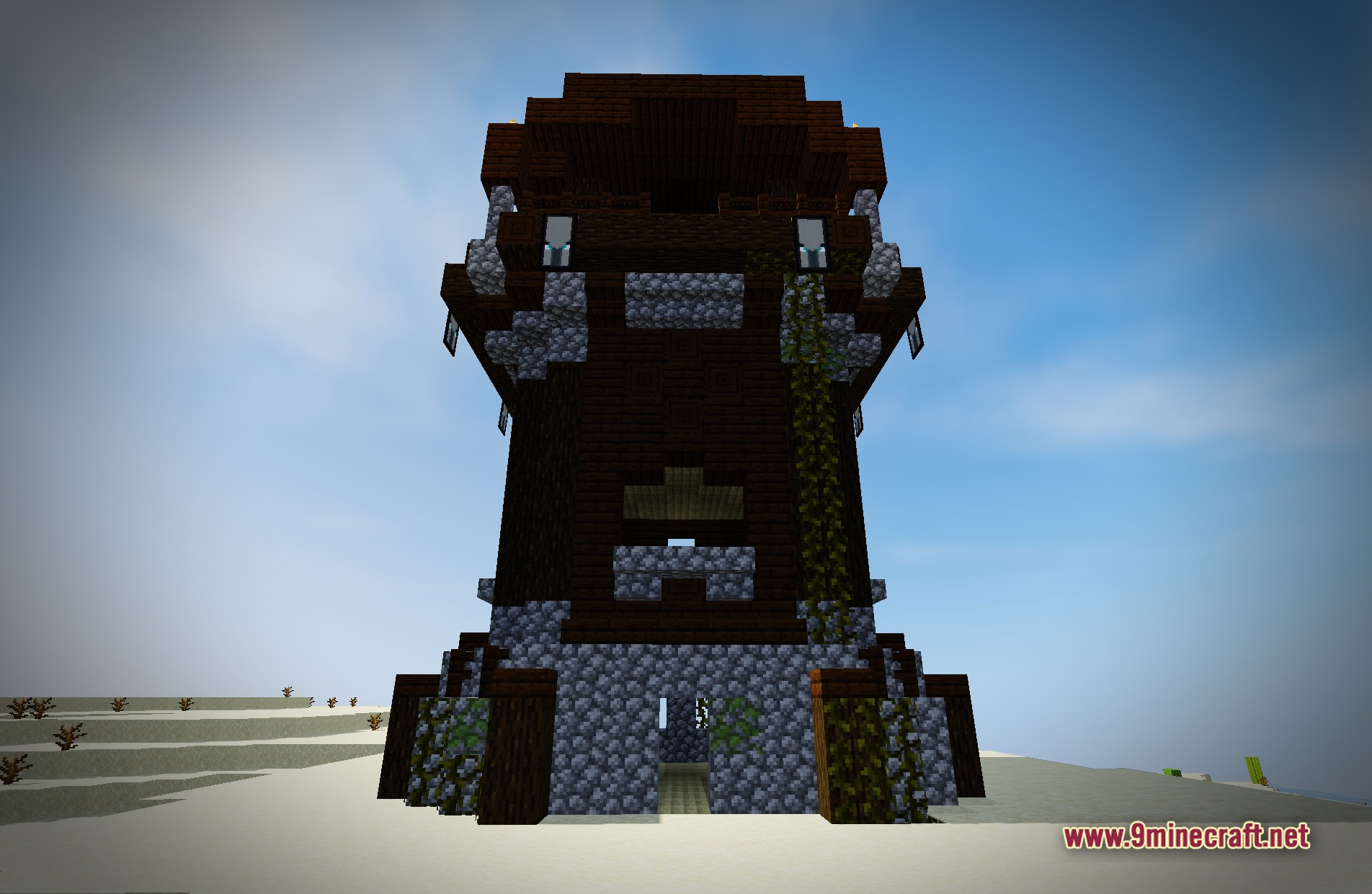
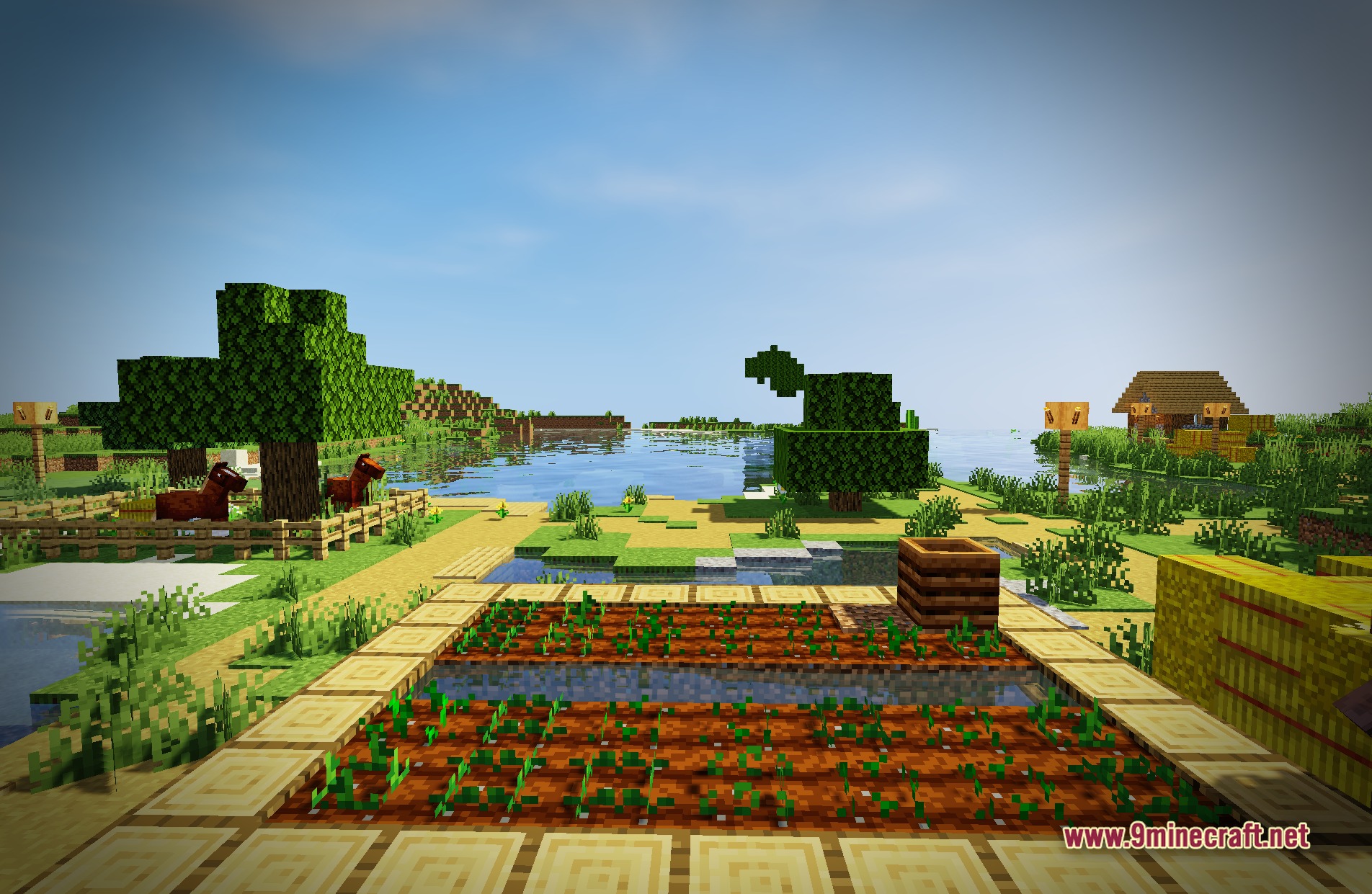
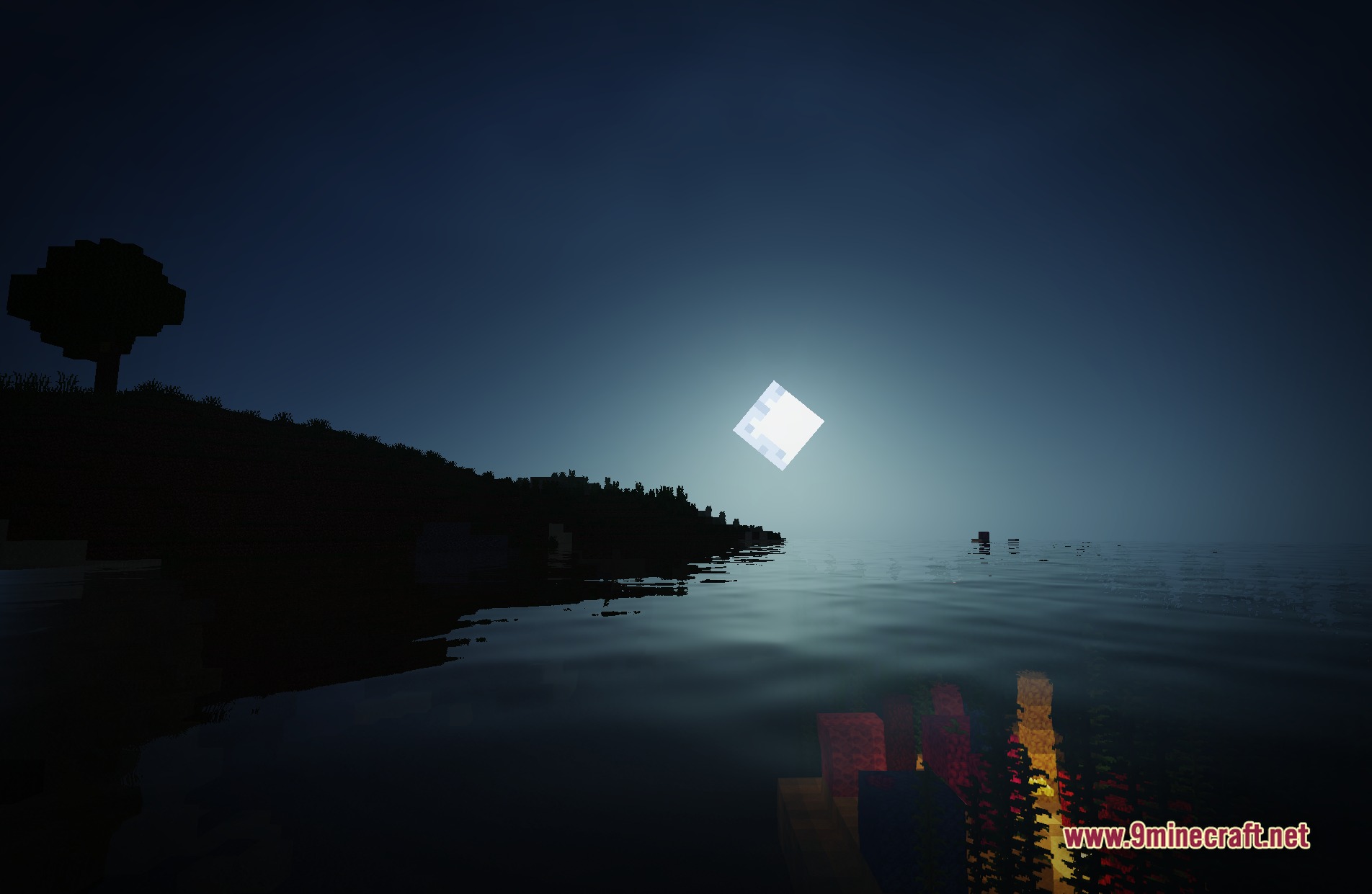
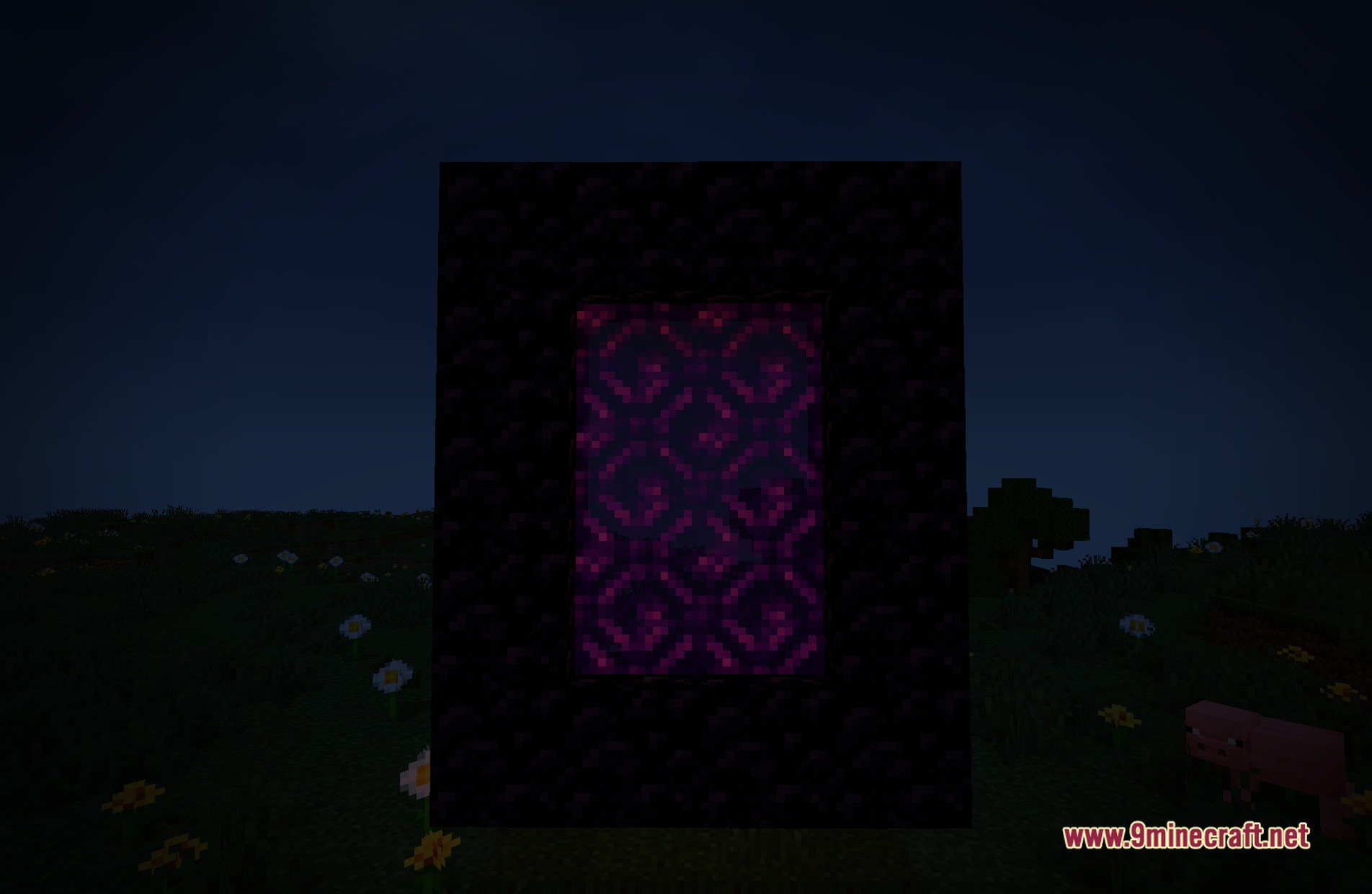
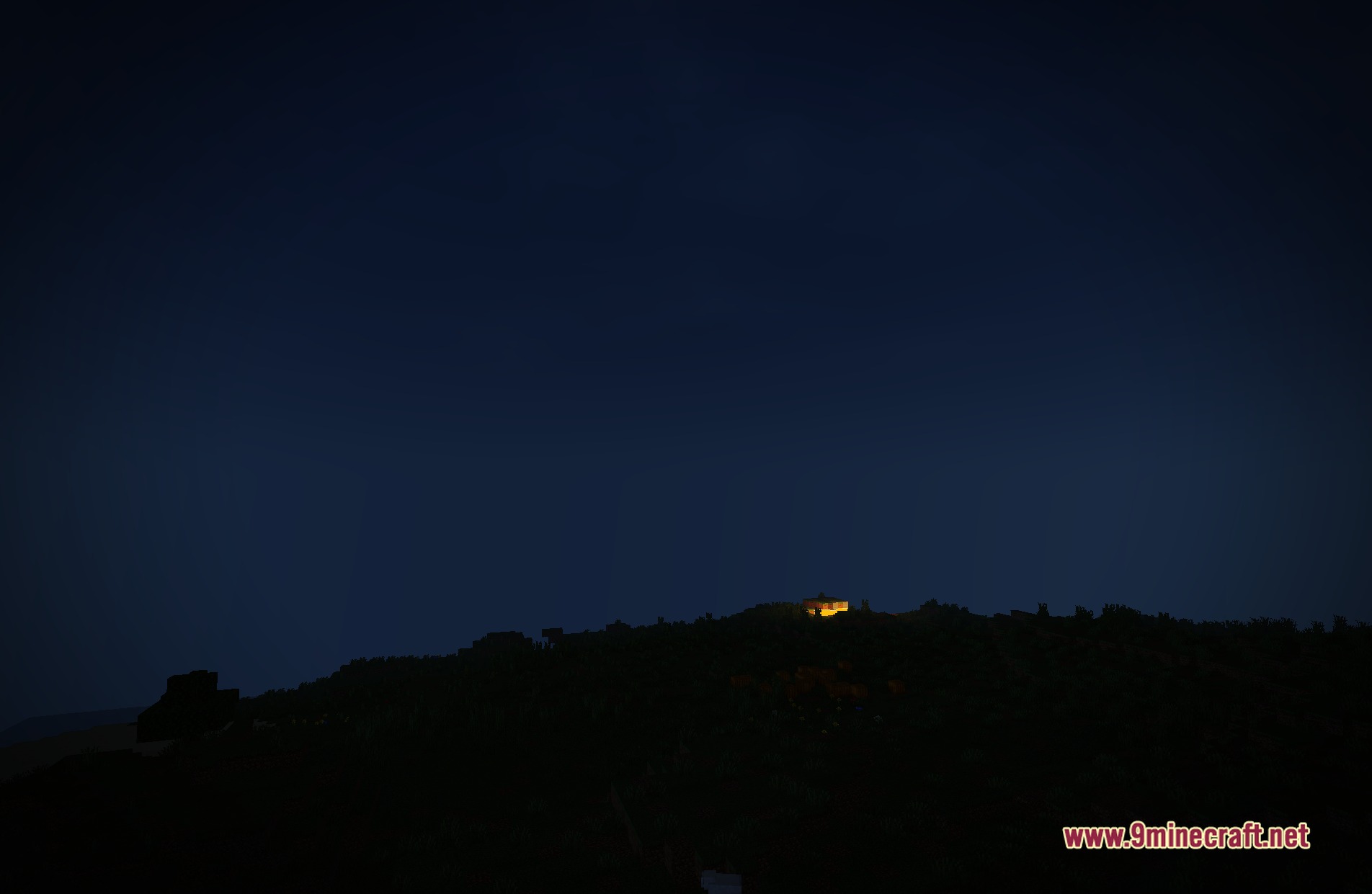
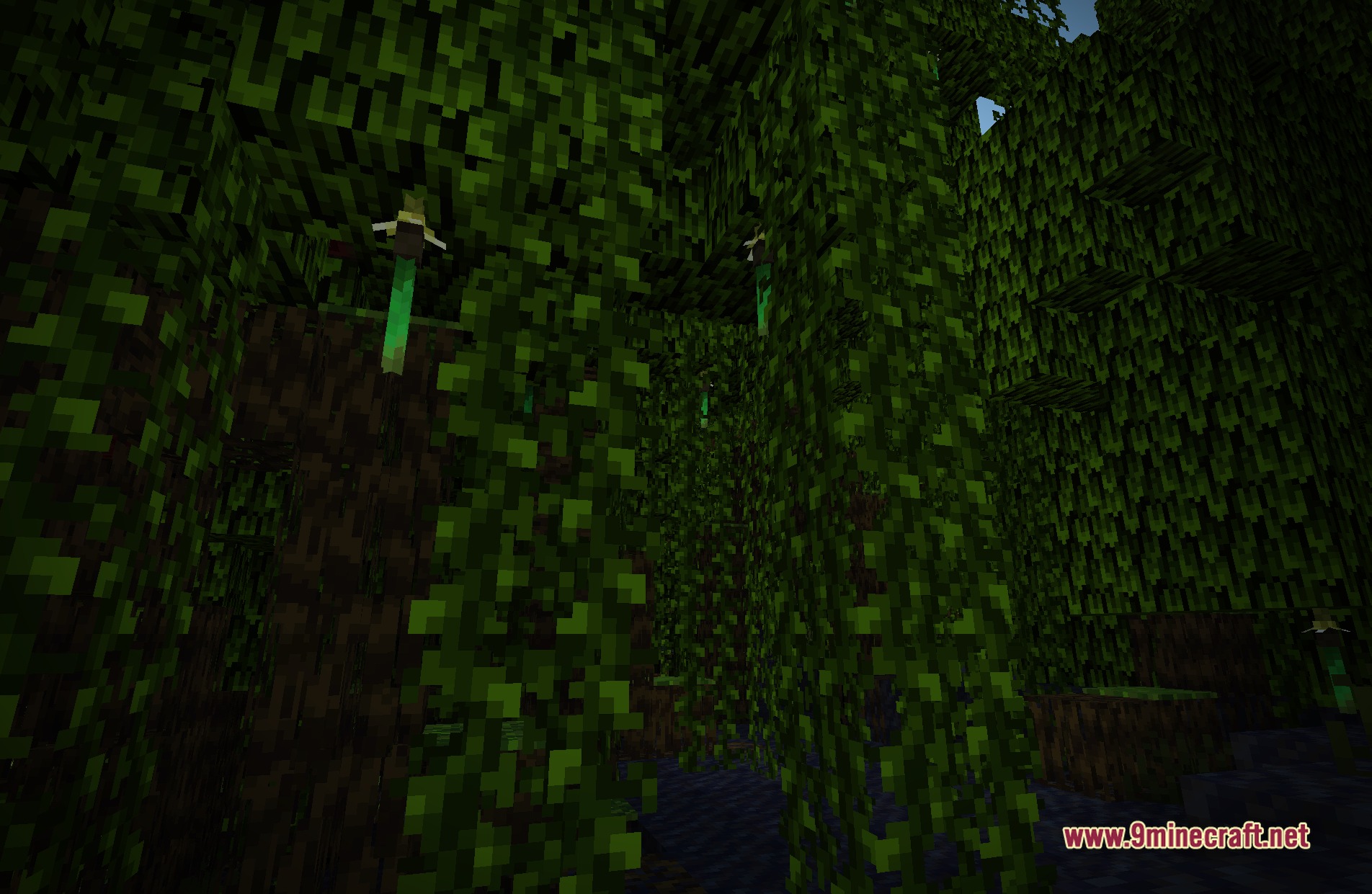
11 images from the Author87668S Light Shaders page.
You May Also Like
Wikis that share the most with this one
Wikis on the same theme: light
More shader wikis on the site
The most downloaded mods that have a wiki here